
Dark Fantasy Cliffside Outpost
This prompt generates a moody dark-fantasy landscape painting of a ruined encampment on a cliff, ideal for worldbuilding art, RPG settings, or ominous book-cover style scenes.
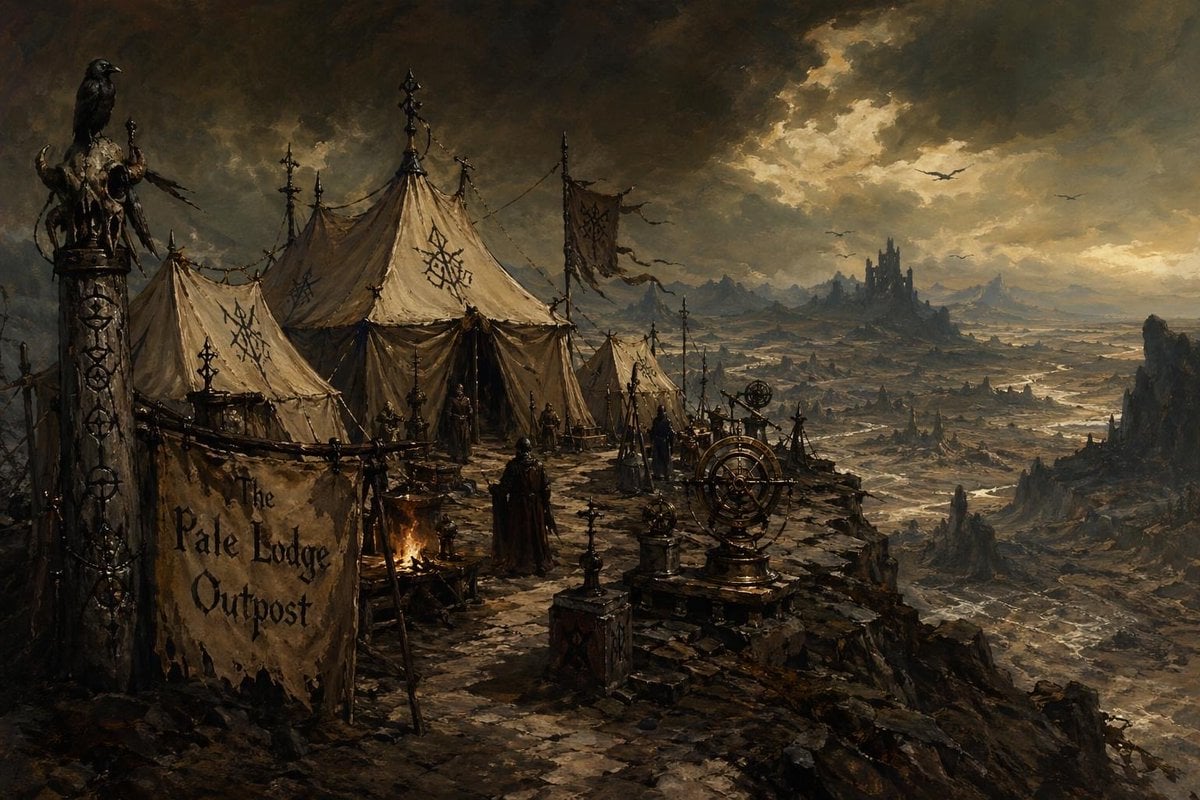
- Prompt included
- Model and format preset
- Free template
The prompt behind this image
Copy the exact prompt behind Dark Fantasy Cliffside Outpost, or open it in the studio and make it yours.
A dark fantasy matte painting of a bleak hilltop encampment overlooking a vast cursed wasteland at dusk. In the left foreground, a ragged hanging banner reads "The Pale Lodge Outpost" in large black hand-painted letters, attached to wooden poles and weathered by wind. Beside it stands a tall carved totem post topped with a black raven and draped with bones, skulls, and tattered ornaments. The camp itself contains 4 visible canvas tents: 2 large central tents, 1 medium tent on the left, and 1 smaller tent on the right, all in dirty beige fabric with black occult sigils painted on them, held by ropes, spikes, and crooked poles. Around the tents are 5 hooded human figures in dark robes, standing still like sentries or cultists. Near the center-left is a small campfire casting a faint orange glow. In the right foreground sit 2 brass-and-iron astronomical or ritual instruments on stone pedestals, resembling armillary spheres or astrolabes. The ground is uneven black rock at the edge of a cliff, with scattered stakes, lanterns, banners, and ritual posts. Beyond the outpost stretches a desolate valley of ash-colored plains, winding pale waterways, jagged rock spires, and distant mountain silhouettes. On the horizon, slightly right of center, a sinister dark castle rises from a lone hill. The sky is filled with enormous turbulent storm clouds, with 3 flying creatures or birds silhouetted in the distance and a break in the clouds casting cold, sickly light across the landscape. Use a grim, painterly, highly detailed style with muted sepia, charcoal, umber, and gray tones, dramatic atmospheric perspective, cinematic composition, and the mood of a foreboding fantasy frontier outpost at the edge of a dead world.
How to use Dark Fantasy Cliffside Outpost in 3 steps
- 1Upload ImagePNG, JPG or paste
Add your photo
Upload the photo the template builds on. The prompt, model and format are already set.
- 2…a portrait of your subject in softgolden-hour light, 85mm…
Personalize
Edit the subject and creative details for your destination.
- 3Generate
Generate
Press Generate — your image is created in PicX Studio, so you can compare it with the original and refine one variable at a time.
More like this
Templates with the same subject, style or setup. Open one to see its prompt.

Anime Fantasy Celestial Movie Poster
Anime Fantasy Celestial Movie Poster

Selective Color Monochrome Football Poster

Minecraft Fantasy Kingdom Voxel Landscape

Unfinished Sketch Comes Alive Portrait

Open Travel Journal Overhead Still Life

Tiny Woman Miniature Fantasy Macro Scene

Night Sports Car Portrait — Cinematic Moody

Cinematic Eye Light Portraits — 3 Nano Banana Prompts

Horror Cinematic Portrait
JSON Seedance - Fairy Macro Flight
Videogame Cinematic Trailer - Seedance 2.0
Make it yours
Dark Fantasy Cliffside Outpost works as-is. These are the safest ways to change it without losing the look.
Change one field
Copy a single group, rewrite it, and generate again so you can see what that field is doing.
Keep the frame, change the subject
Hold the composition and light of Dark Fantasy Cliffside Outpost, then swap wardrobe, props or the person for a new take.
| If the result… | Why | Fix |
|---|---|---|
| The result drifts from the preview | Too many fields changed at once. | Reuse Dark Fantasy Cliffside Outpost as-is first, then change one group — subject, light, or setting. |
| The model over-stylizes the scene | The prose prompt leaves finish and camera underspecified. | Add one camera or lighting sentence and stay on GPT Image 2. |
More GPT Image 2 templates
Other prompts made for GPT Image 2.

Six VTuber Japanese Logo Sheet

Realistic Portrait of Woman and Deer

The Vista Modular Condo Poster

AI Model Routing Comparison Infographic

2.5D Anime Art Board

Isometric Productivity Desk Scene

New York Double Exposure Poster

Four-Panel AI Landscape Comparison

Japanese Tatami Lifestyle Magazine Cover

NESCAFÉ Coffee Map Poster
More image prompts
Fresh picks from across the catalog.
Cinematic Close-up Portrait with Smoke
High-Concept 3D Diorama Prompt for Movies and Games
Emerald Dark Sorceress Ritual
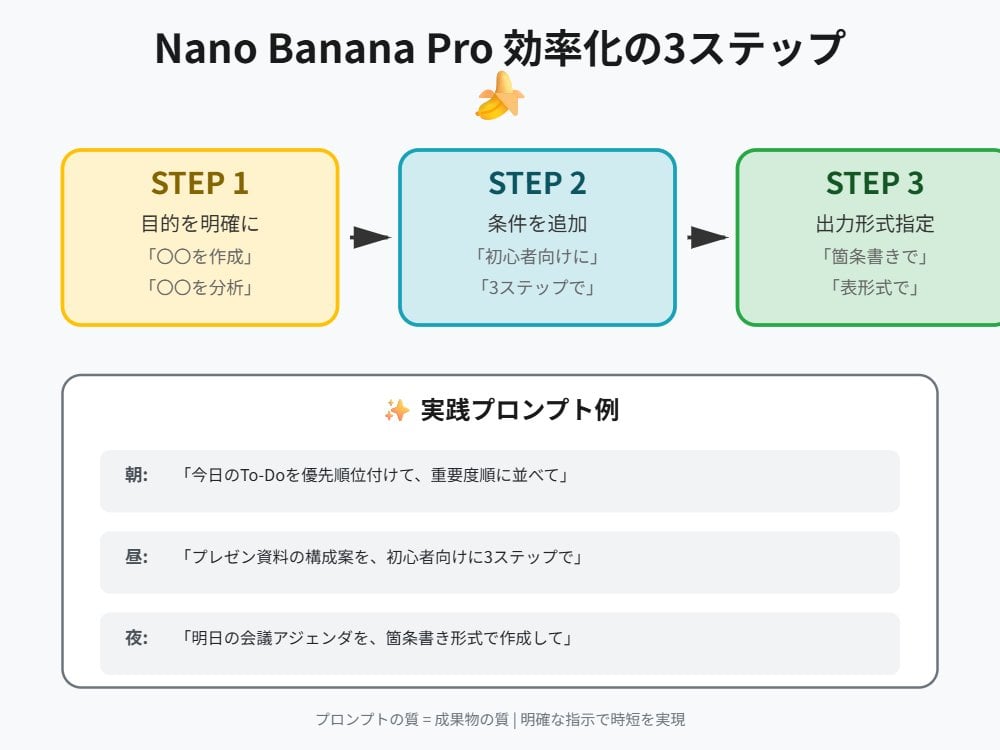
Tip for Using Nano Banana Pro: Adding Examples for Better Understanding
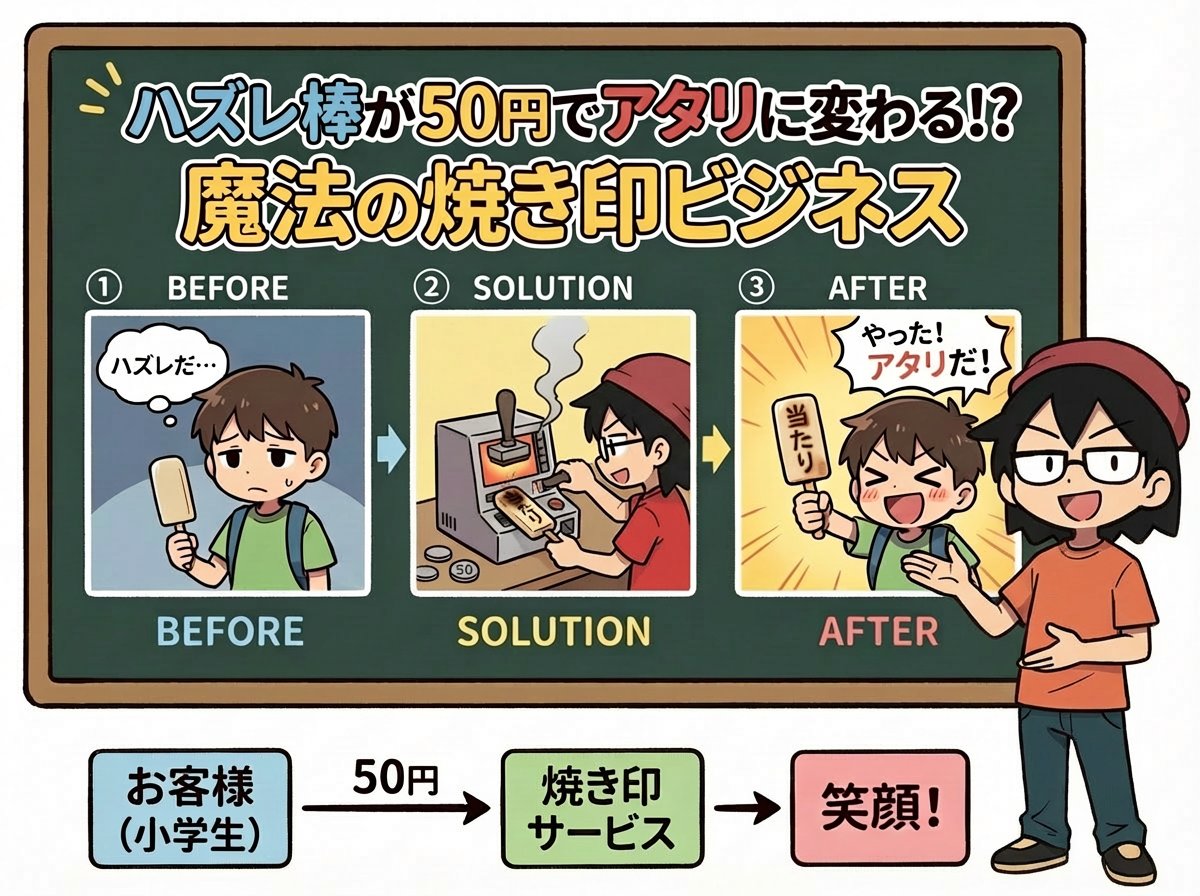
Nano Banana Pro Prompt for Fictional Business Idea
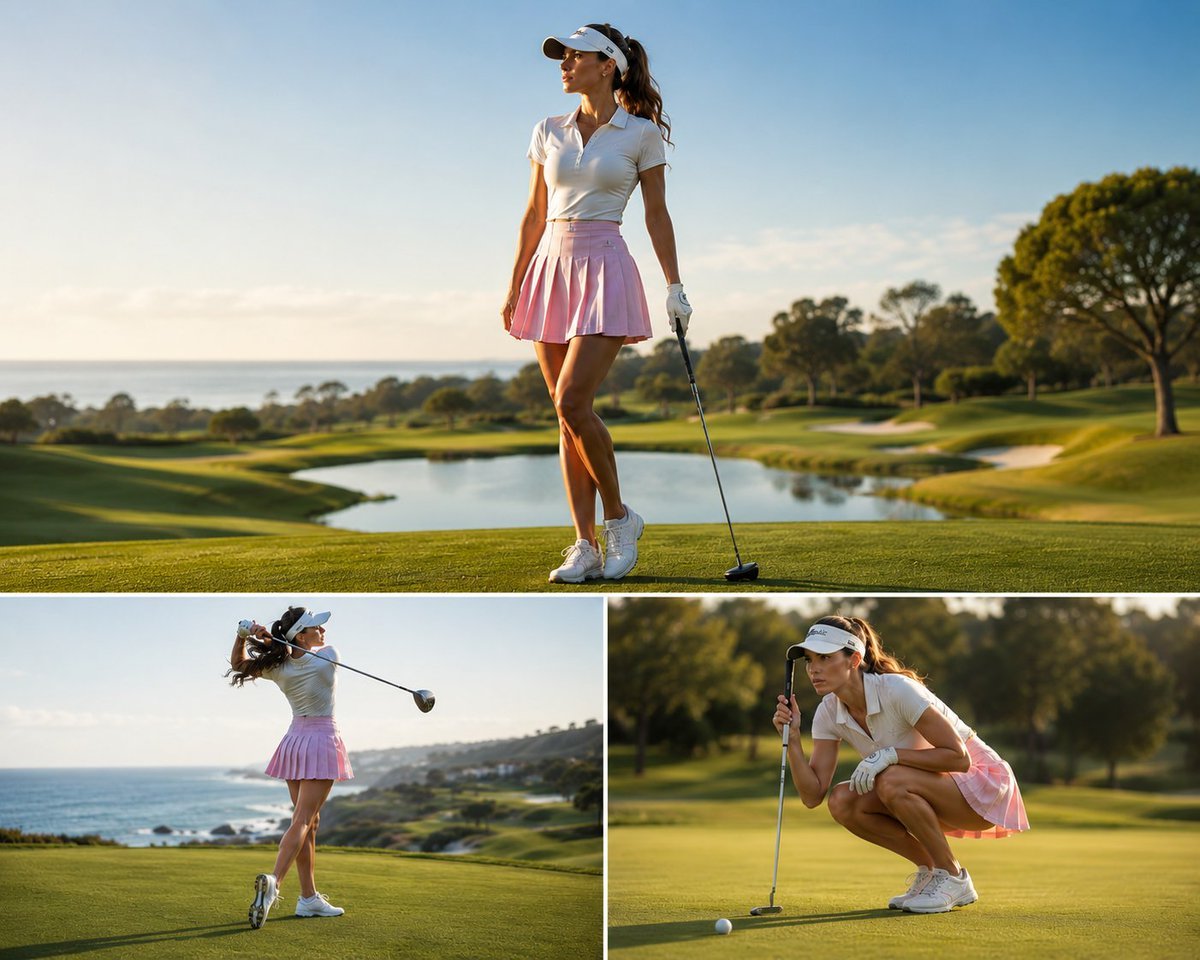
Luxury Golf Sports Editorial Collage
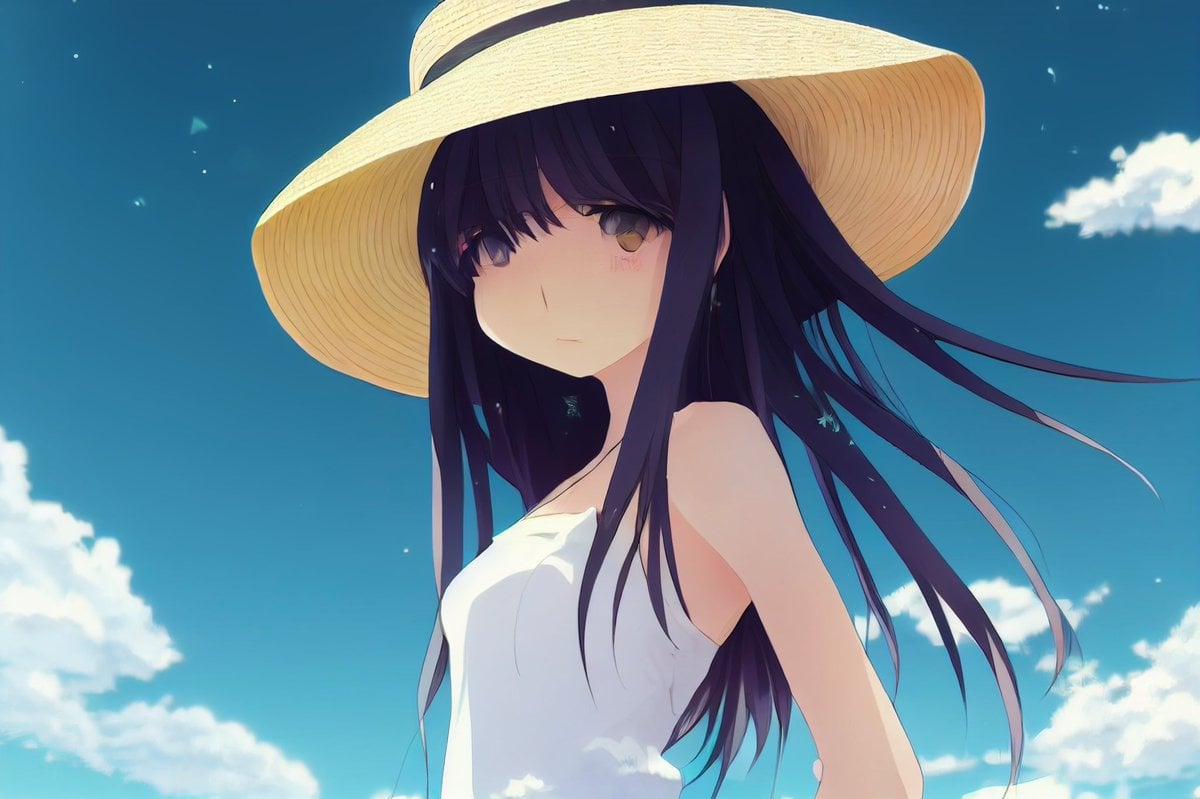
Anime Girl in Straw Hat Under Blue Sky
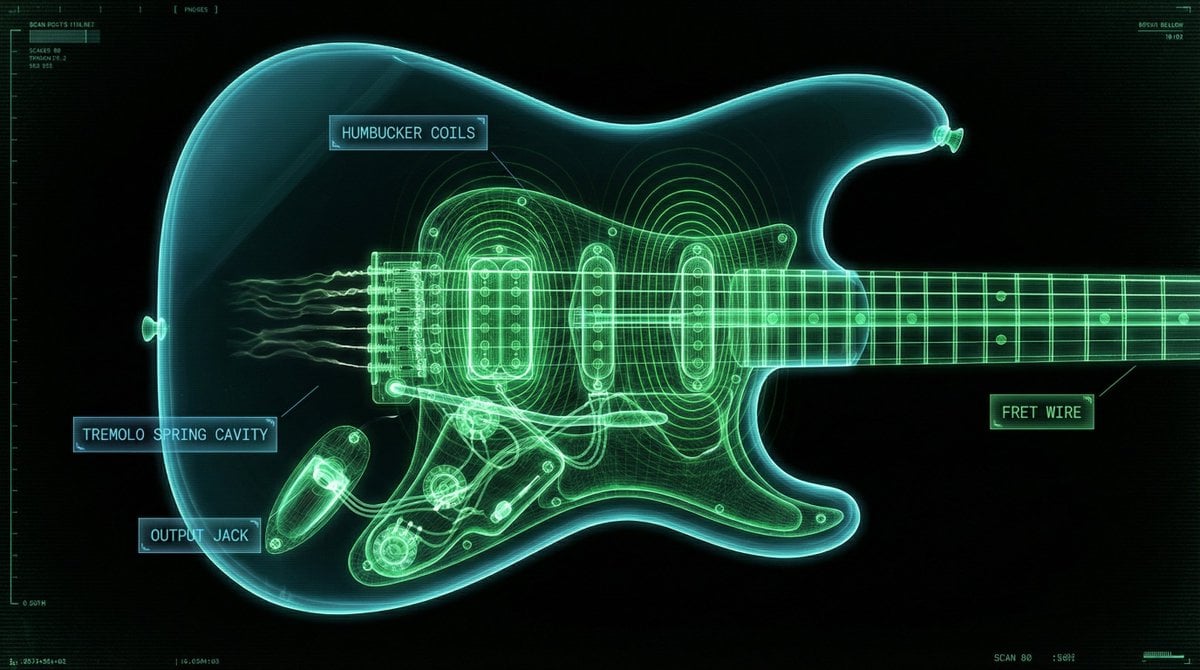
Neon X-Ray Photorealistic Scan
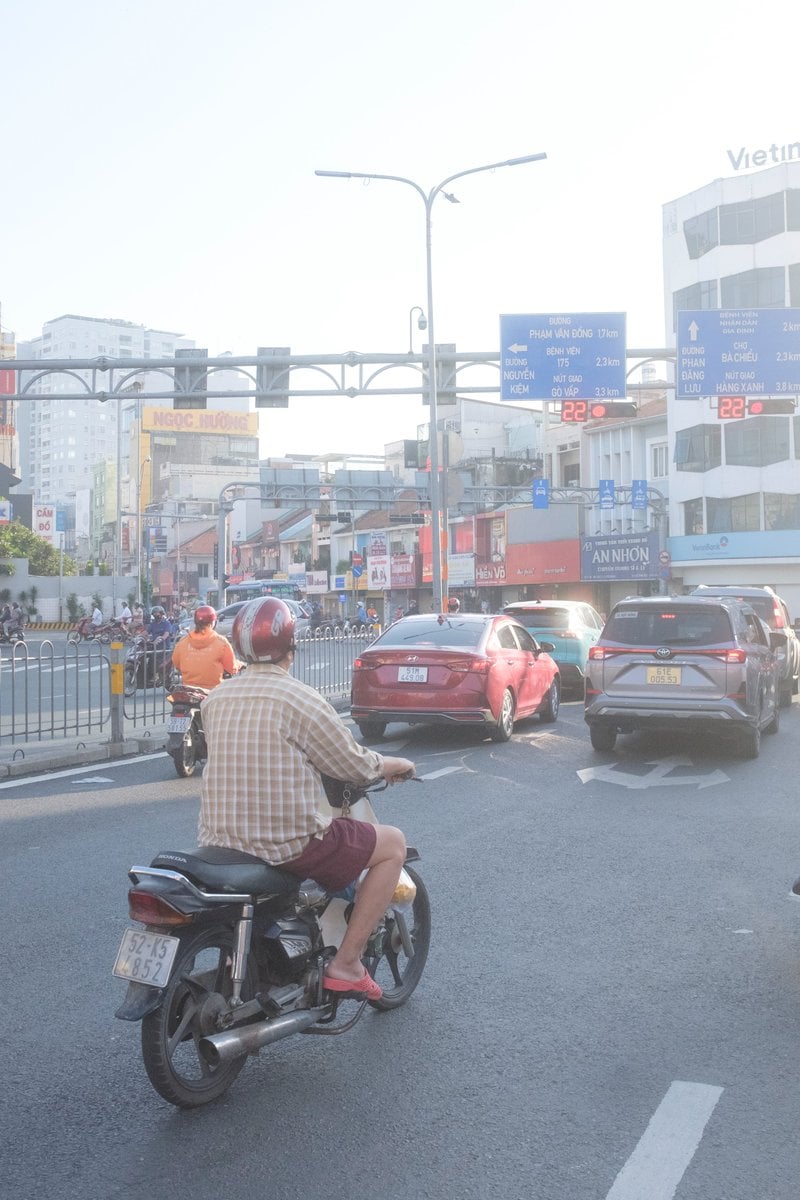
Edit city photo into rainy scene with Vietnamese bikers
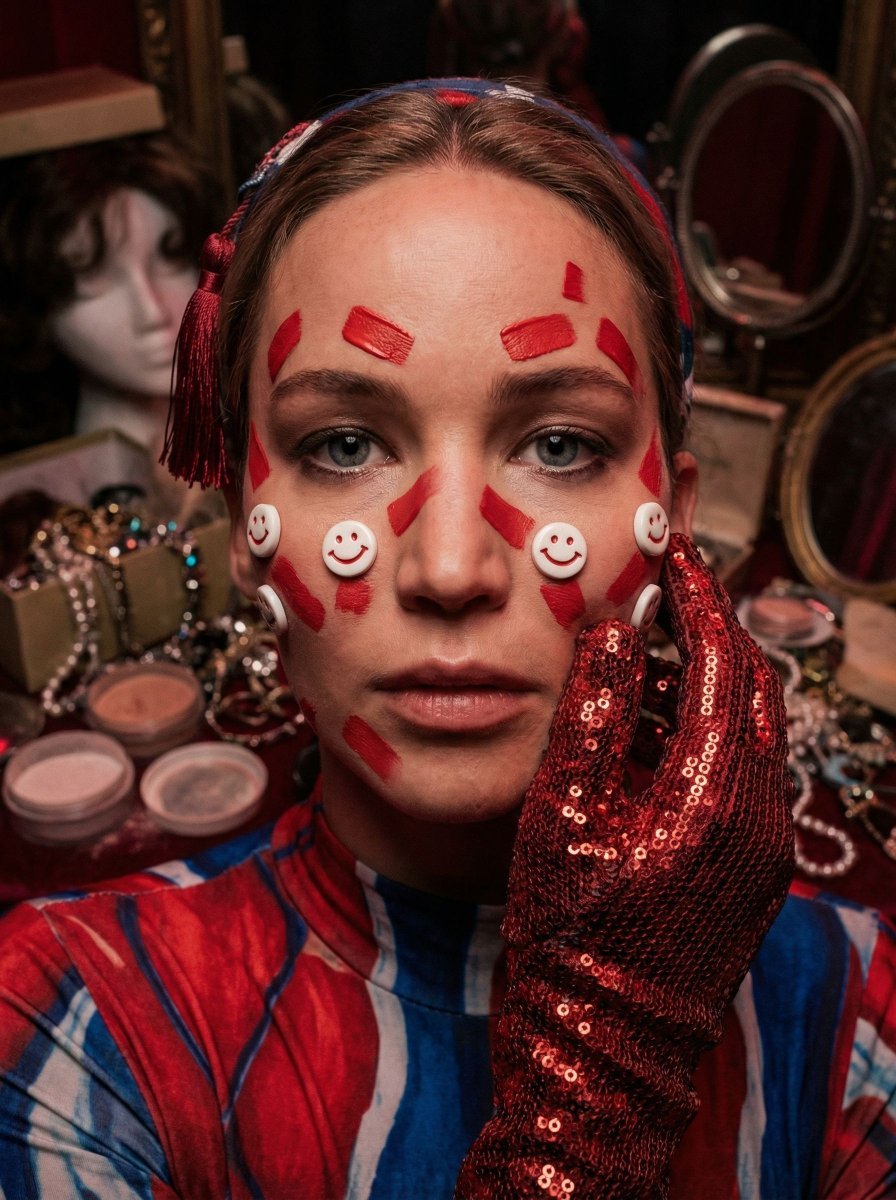
Hyper-Realistic Surrealist Portrait with Crimson Lighting
Browse template categories
Dark Fantasy Cliffside Outpost questions
How do I use the Dark Fantasy Cliffside Outpost template?
Add your photo if the template asks for one, edit the prompt if you like — the template's model and format are already selected — and press Generate. Your version opens in PicX Studio.
Can I customize the Dark Fantasy Cliffside Outpost template?
Yes. You can change the subject, setting, lighting, mood, format, and available model controls before creating your image.
Is the Dark Fantasy Cliffside Outpost template free?
Opening and editing this template is free. Generating uses credits, shown on the Generate button when you are signed in.
Which AI model should I use?
Start with GPT Image 2, which is the model associated with this template. You can compare another compatible model for a different finish.
Looking for something else? Browse all templates.

Your photo, any look
Thousands of ready templates for every top image and video model, from one credit balance.