
Desert Military Outpost
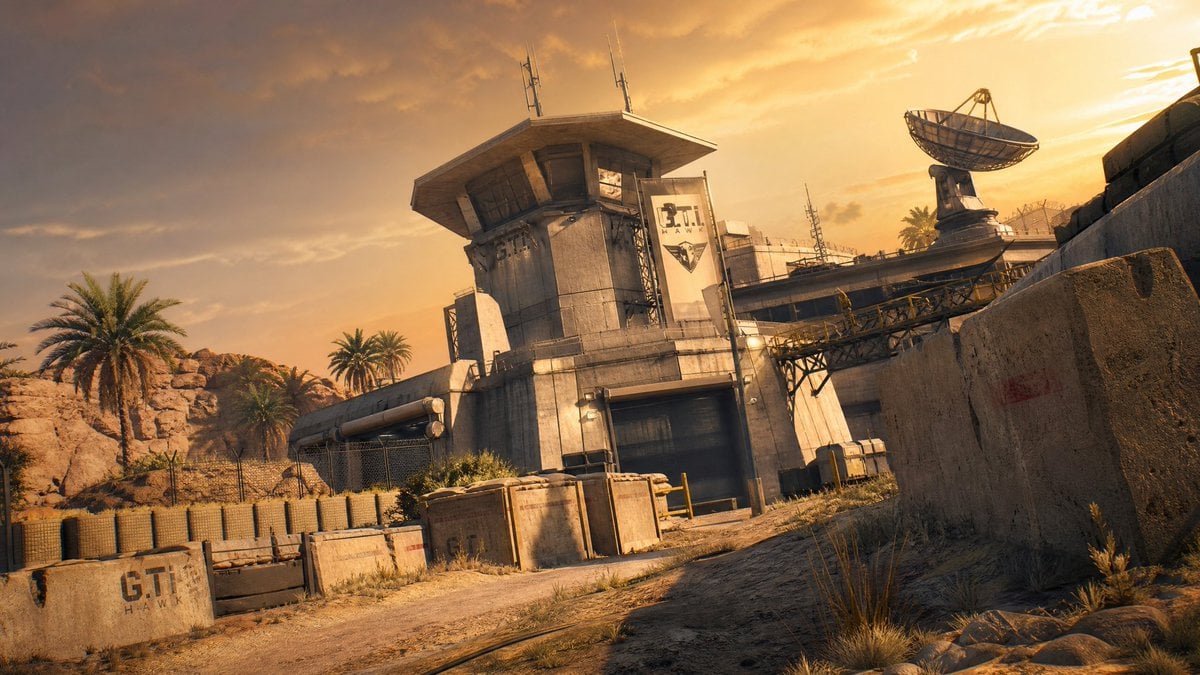
A cinematic prompt for generating a photorealistic golden-hour desert communications base or tactical game environment.
- Prompt included
- Model and format preset
- Free template
The prompt behind this image
Copy the exact prompt behind Desert Military Outpost, or open it in the studio and make it yours.
Create a cinematic photorealistic wide-angle scene of a fortified desert military communications outpost at golden hour, inspired by a modern tactical video game environment. The camera is low to the ground and slightly Dutch-tilted, looking up a dusty dirt road toward a concrete checkpoint compound with a central watchtower/control building, an open dark garage door, stacked concrete barriers, sand-filled blast walls, chain-link fencing, metal catwalks, pipes, antennas, and a large parabolic satellite dish on the roof to the right. Add exactly 2 visible text markings: a concrete barrier in the lower left reading “{argument name="barrier text" default="G.T.I HAWK"}” and a vertical banner on the tower reading “{argument name="banner text" default="G.T.I HAWK"}” with a simple hawk-like emblem. Surround the base with arid desert details: rocky cliffs on the left, several palm trees, scrub grass, dry weeds, scattered crates and utility boxes, worn road tracks, and tan stone walls framing the foreground. Use warm orange sunset light, dramatic partly cloudy sky, long shadows, dusty atmospheric haze, realistic weathered concrete and metal textures, high dynamic range, sharp environmental detail, no people, no vehicles, no UI, no watermark. Overall mood: tense, abandoned, tactical, sun-baked desert base in {argument name="setting" default="Middle Eastern desert"}.
How to use Desert Military Outpost in 3 steps
- 1Upload ImagePNG, JPG or paste
Add your photo
Upload the photo the template builds on. The prompt, model and format are already set.
- 2…a portrait of your subject in softgolden-hour light, 85mm…
Personalize
Edit the subject and creative details for your destination.
- 3Generate
Generate
Press Generate — your image is created in PicX Studio, so you can compare it with the original and refine one variable at a time.
More like this
Templates with the same subject, style or setup. Open one to see its prompt.

Saudi Arabia Paper Cut Travel Poster
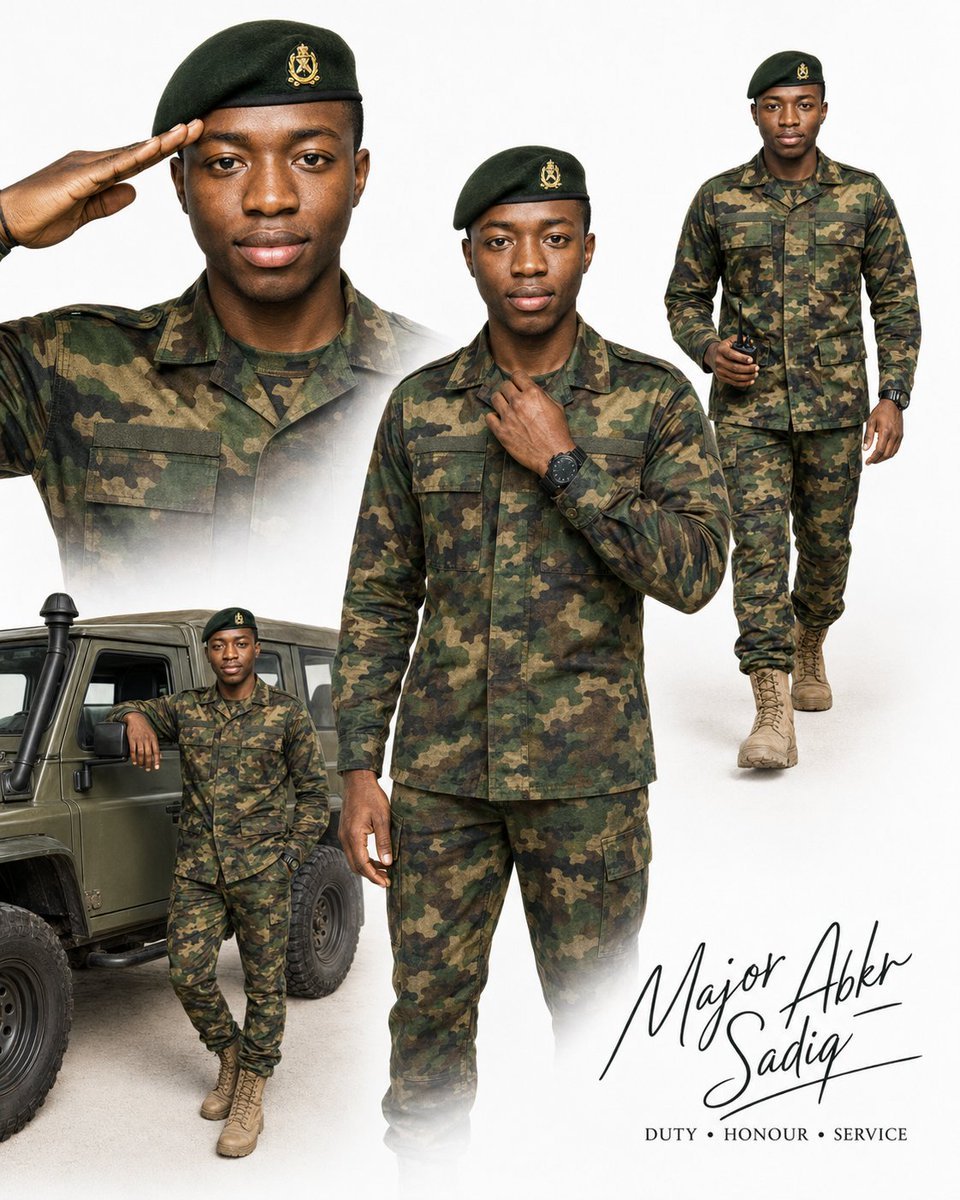
Military Editorial Portrait Collage
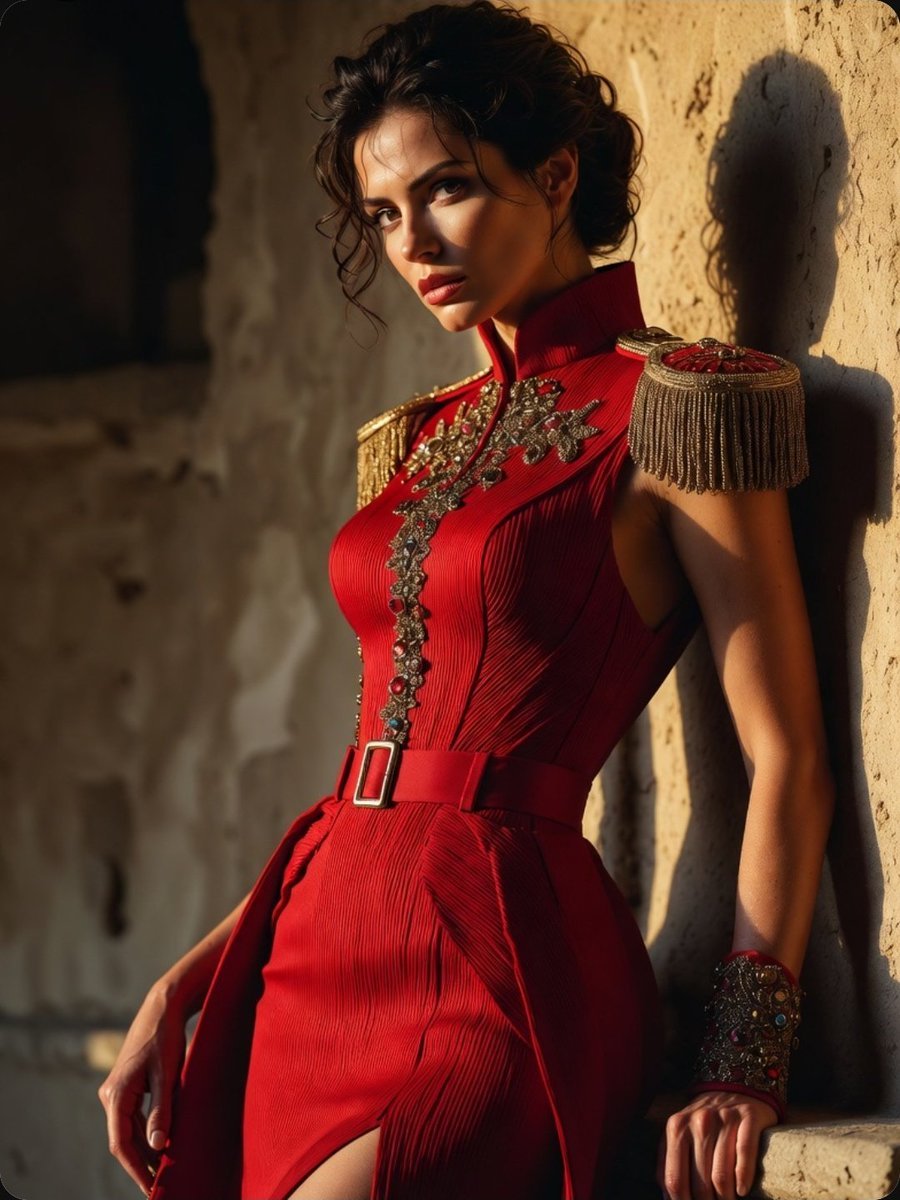
Regal Military-Inspired Fashion Model
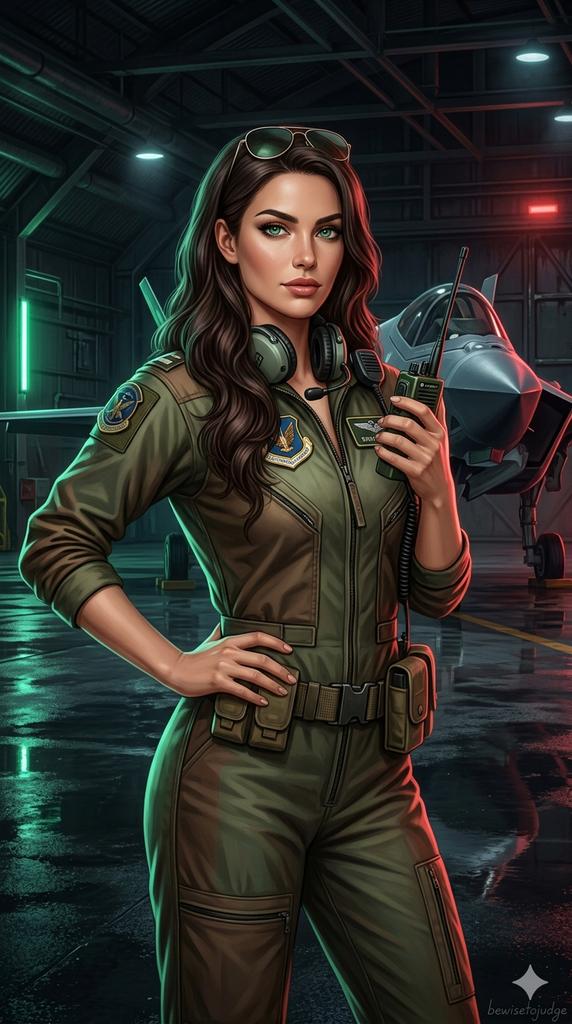
Military Flight Jumpsuit Portrait
Cinematic Military Woman Portrait
Futuristic Military Watchtower
Dark Fantasy Cliffside Outpost
Annotated Isometric Mining Outpost
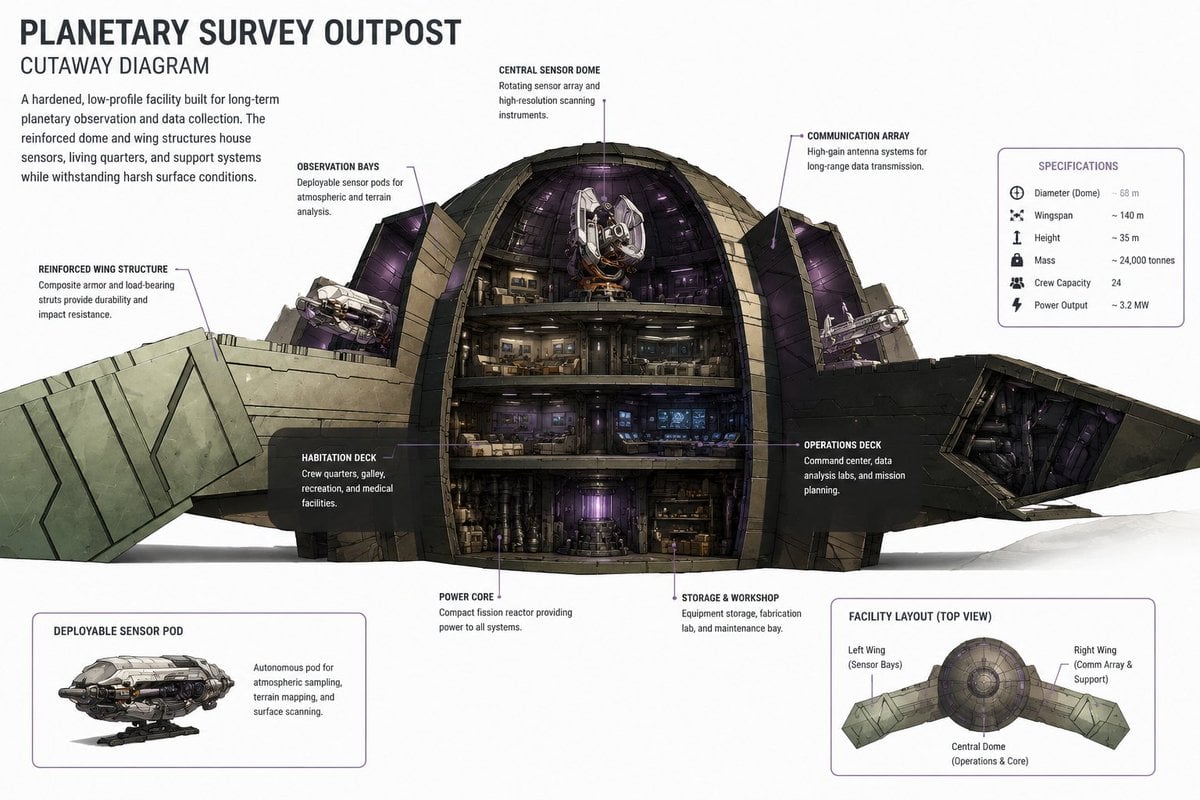
Planetary Survey Outpost Cutaway
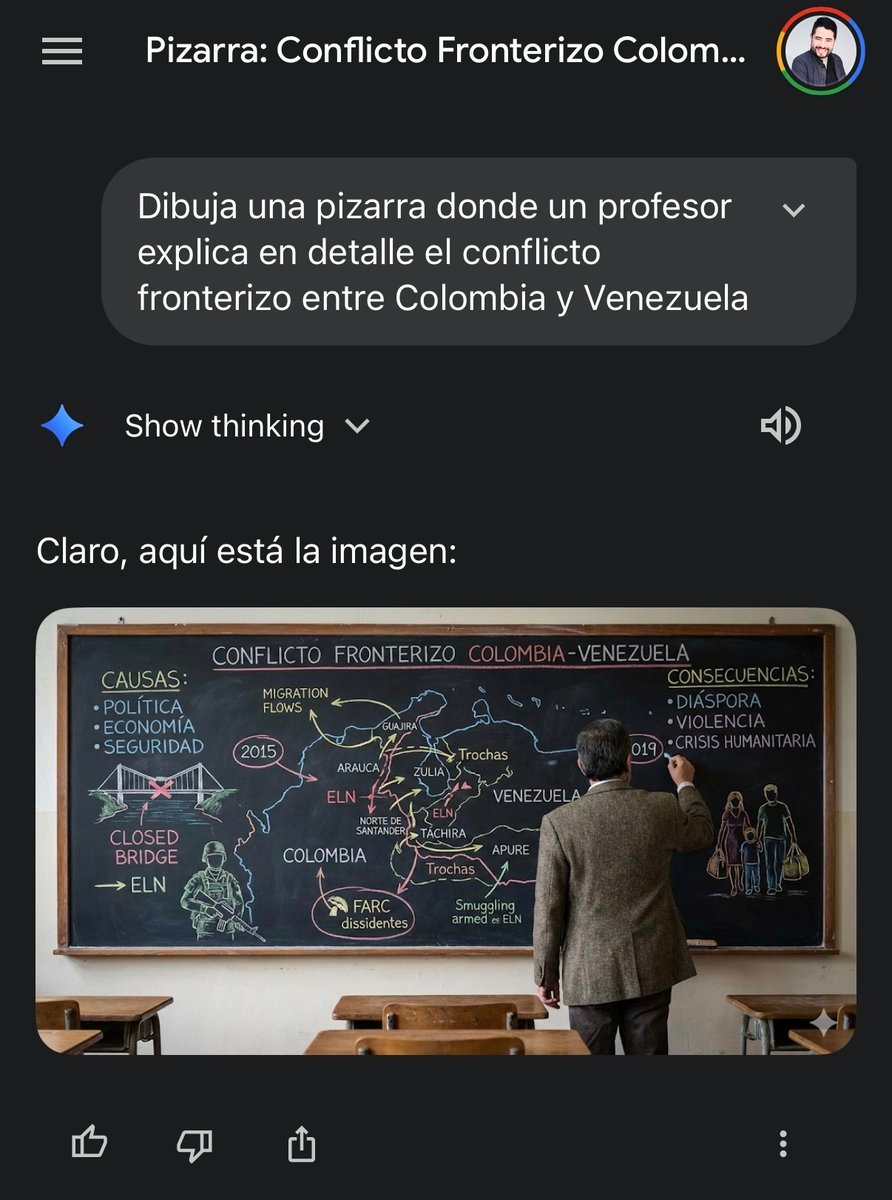
Military briefing on Caribbean tensions
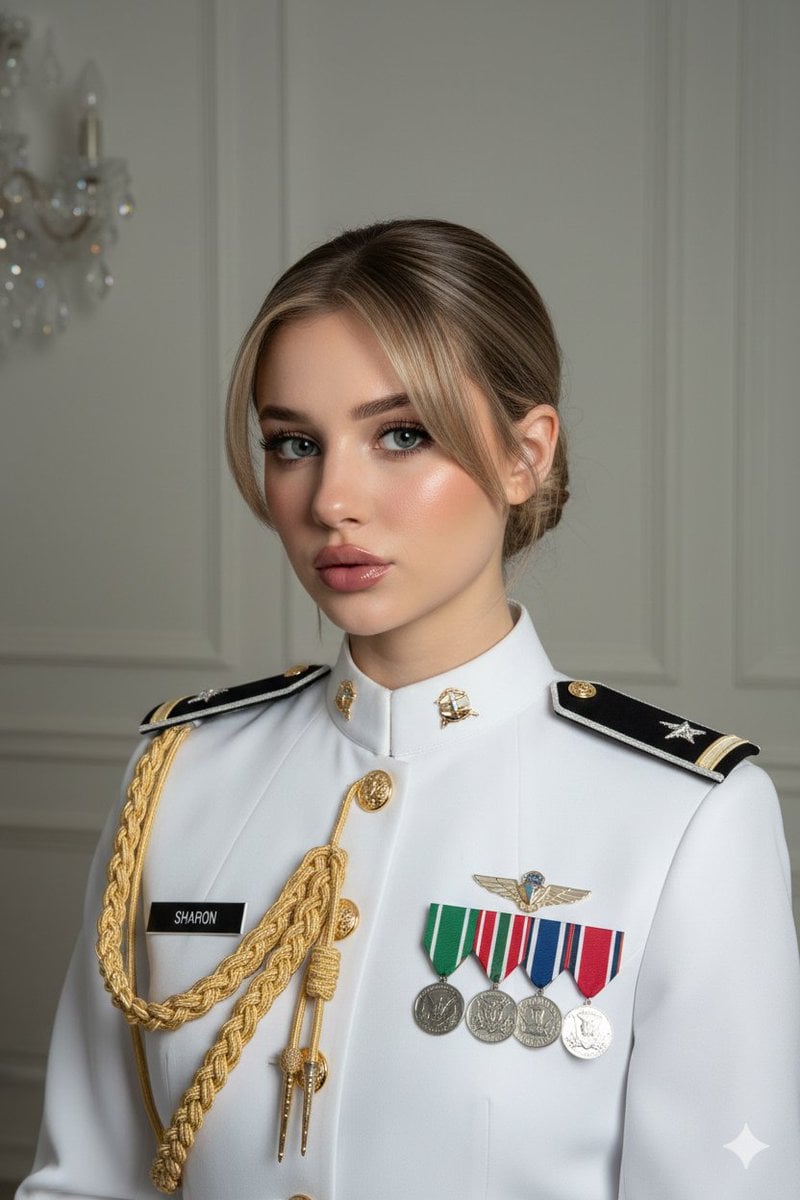
Formal Military Portrait with Identity Lock and Insignia
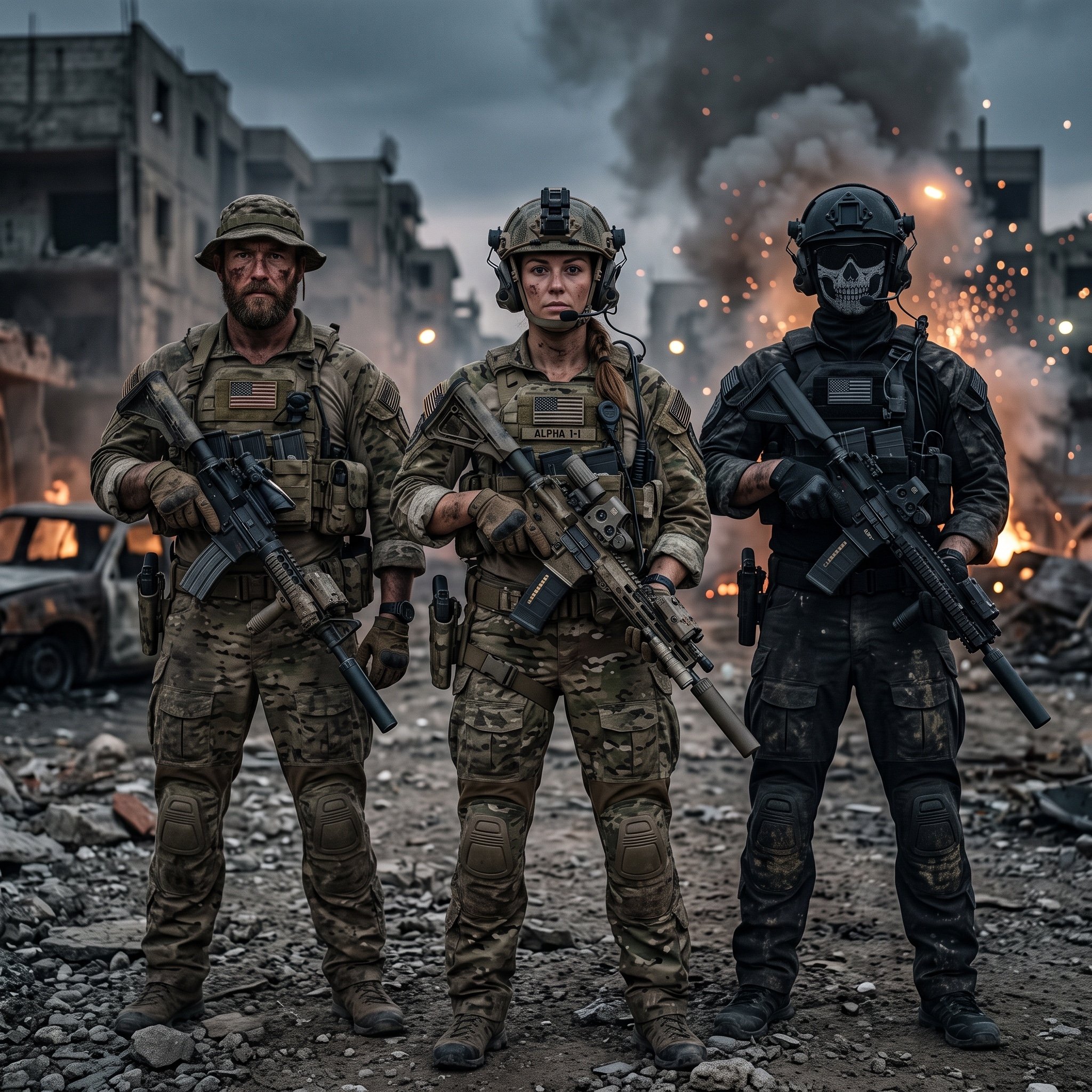
Hyper-Realistic Military Squad Portrait
Make it yours
Desert Military Outpost works as-is. These are the safest ways to change it without losing the look.
Change one field
Copy a single group, rewrite it, and generate again so you can see what that field is doing.
Keep the frame, change the subject
Hold the composition and light of Desert Military Outpost, then swap wardrobe, props or the person for a new take.
| If the result… | Why | Fix |
|---|---|---|
| The result drifts from the preview | Too many fields changed at once. | Reuse Desert Military Outpost as-is first, then change one group — subject, light, or setting. |
| The model over-stylizes the scene | The prose prompt leaves finish and camera underspecified. | Add one camera or lighting sentence and stay on GPT Image 2. |
More GPT Image 2 templates
Other prompts made for GPT Image 2.

Six VTuber Japanese Logo Sheet

Realistic Portrait of Woman and Deer

The Vista Modular Condo Poster

AI Model Routing Comparison Infographic

2.5D Anime Art Board

Isometric Productivity Desk Scene

New York Double Exposure Poster

Four-Panel AI Landscape Comparison

Japanese Tatami Lifestyle Magazine Cover

NESCAFÉ Coffee Map Poster
More image prompts
Fresh picks from across the catalog.
Cheerful Botanical Courtyard Portrait
Photo-to-LEGO Minifigure Transformation
Japanese Idol Reflection Aesthetic
Golden Hour Fashion Editorial Portrait
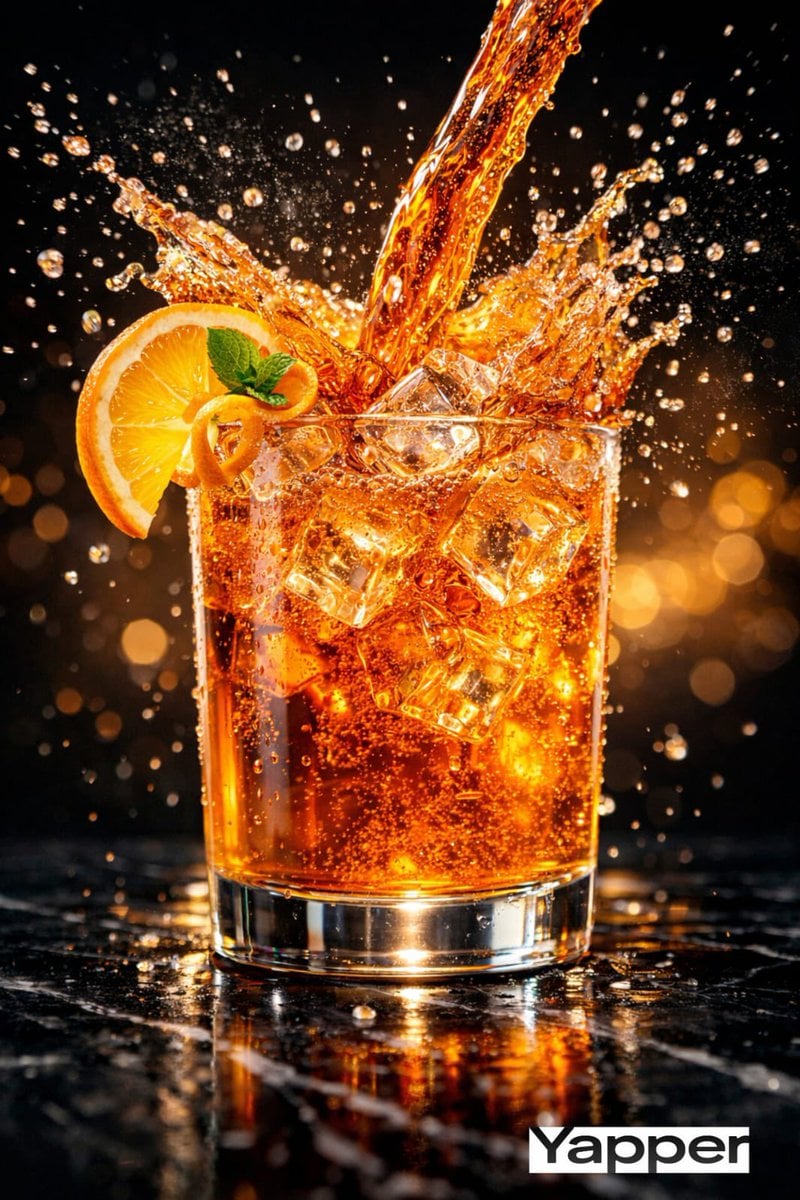
High-Speed Cinematic Luxury Cold Drink Photography Prompt (Cola Splash)
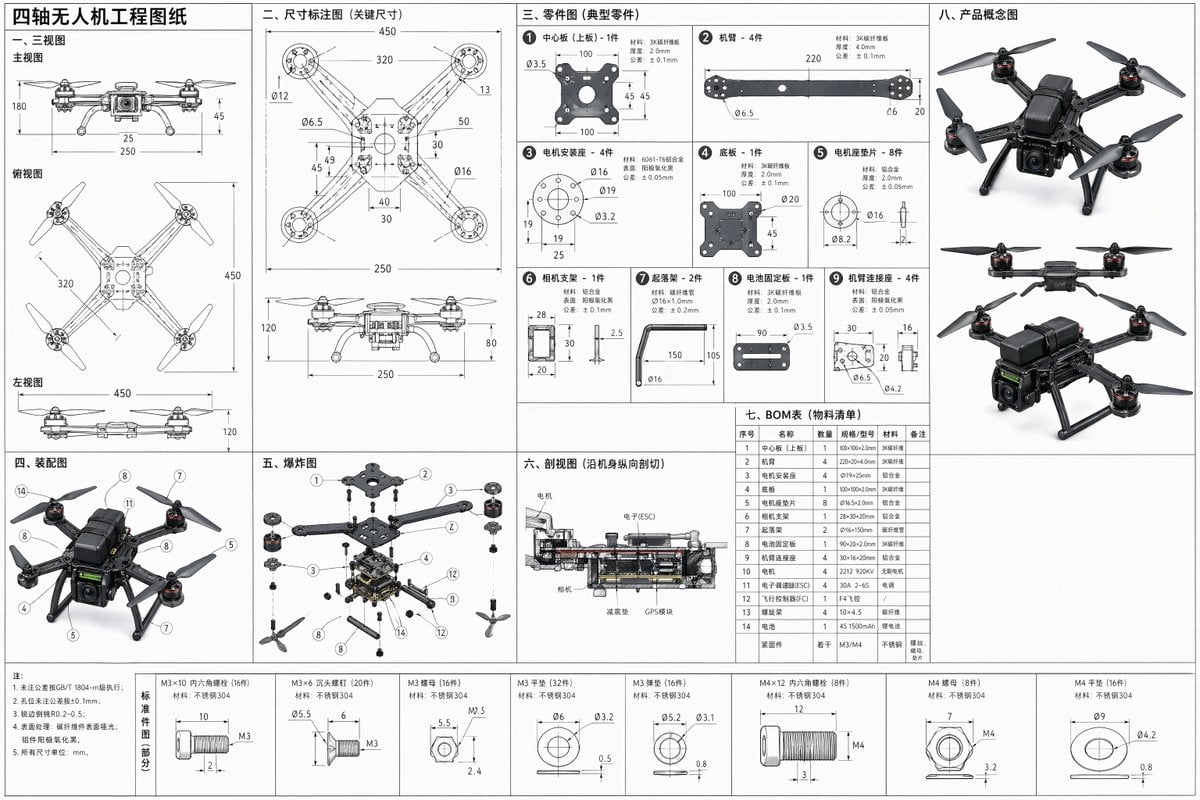
Technical Drone Engineering Blueprint
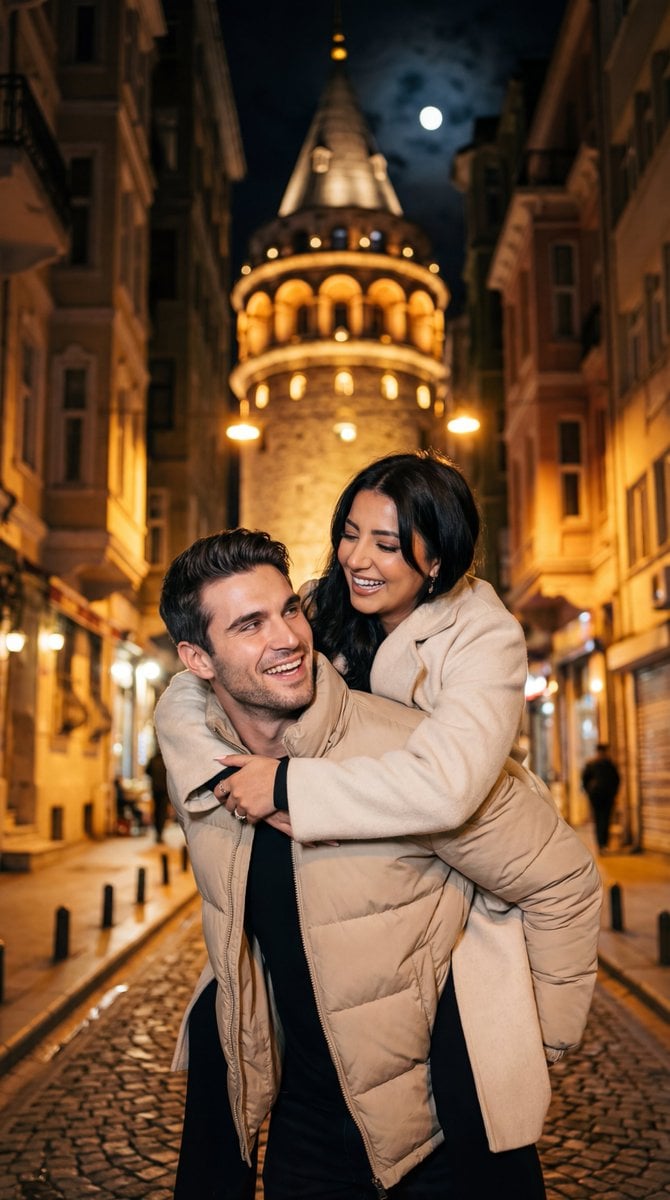
Romantic Nighttime Piggyback in front of Galata Tower
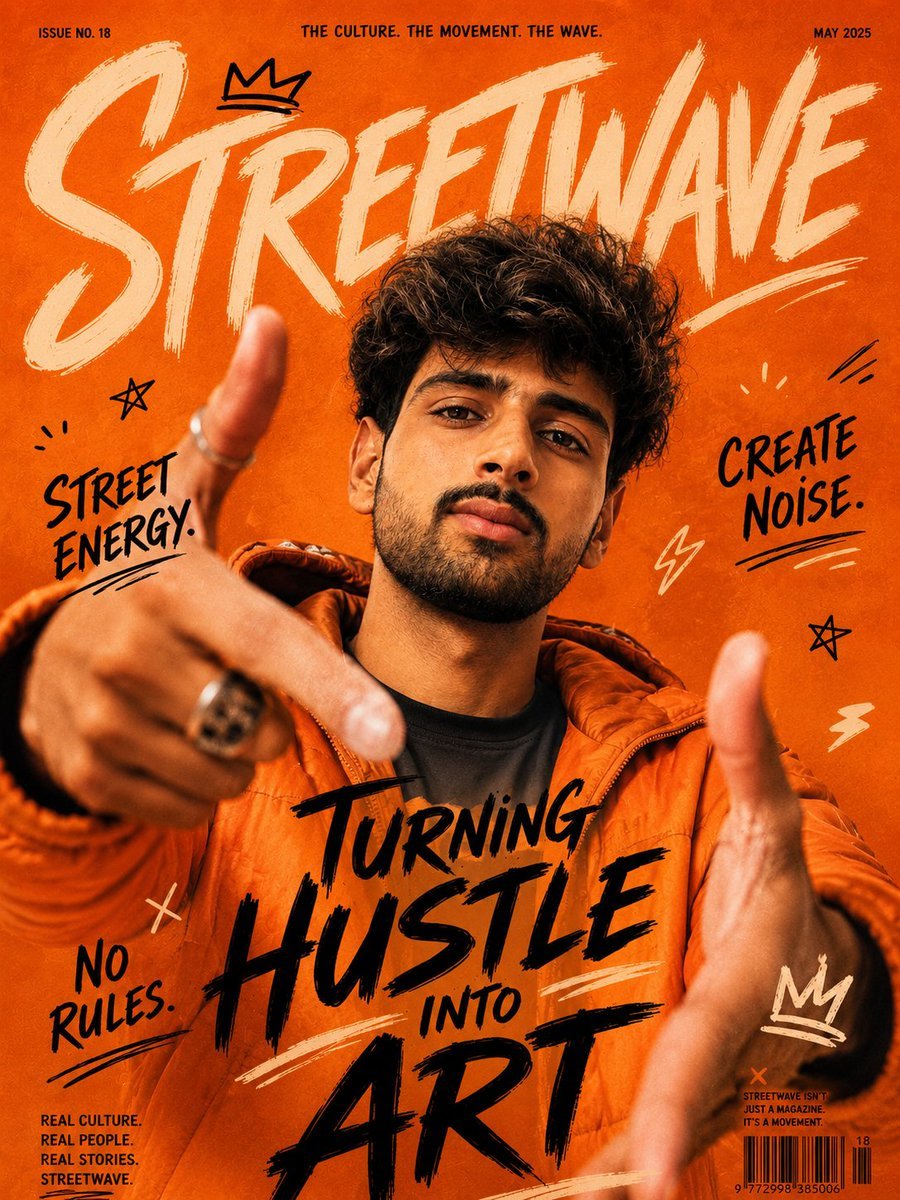
Urban Streetwave Magazine Cover
Golden Morning Kitchen Portrait
Triptych Sports Ad Poster
Browse template categories
Desert Military Outpost questions
How do I use the Desert Military Outpost template?
Add your photo if the template asks for one, edit the prompt if you like — the template's model and format are already selected — and press Generate. Your version opens in PicX Studio.
Can I customize the Desert Military Outpost template?
Yes. You can change the subject, setting, lighting, mood, format, and available model controls before creating your image.
Is the Desert Military Outpost template free?
Opening and editing this template is free. Generating uses credits, shown on the Generate button when you are signed in.
Which AI model should I use?
Start with GPT Image 2, which is the model associated with this template. You can compare another compatible model for a different finish.
Looking for something else? Browse all templates.

Your photo, any look
Thousands of ready templates for every top image and video model, from one credit balance.