
Military Editorial Portrait Collage
Generates a polished four-pose military editorial collage of one man in camouflage uniform with a jeep and signature-style title text.
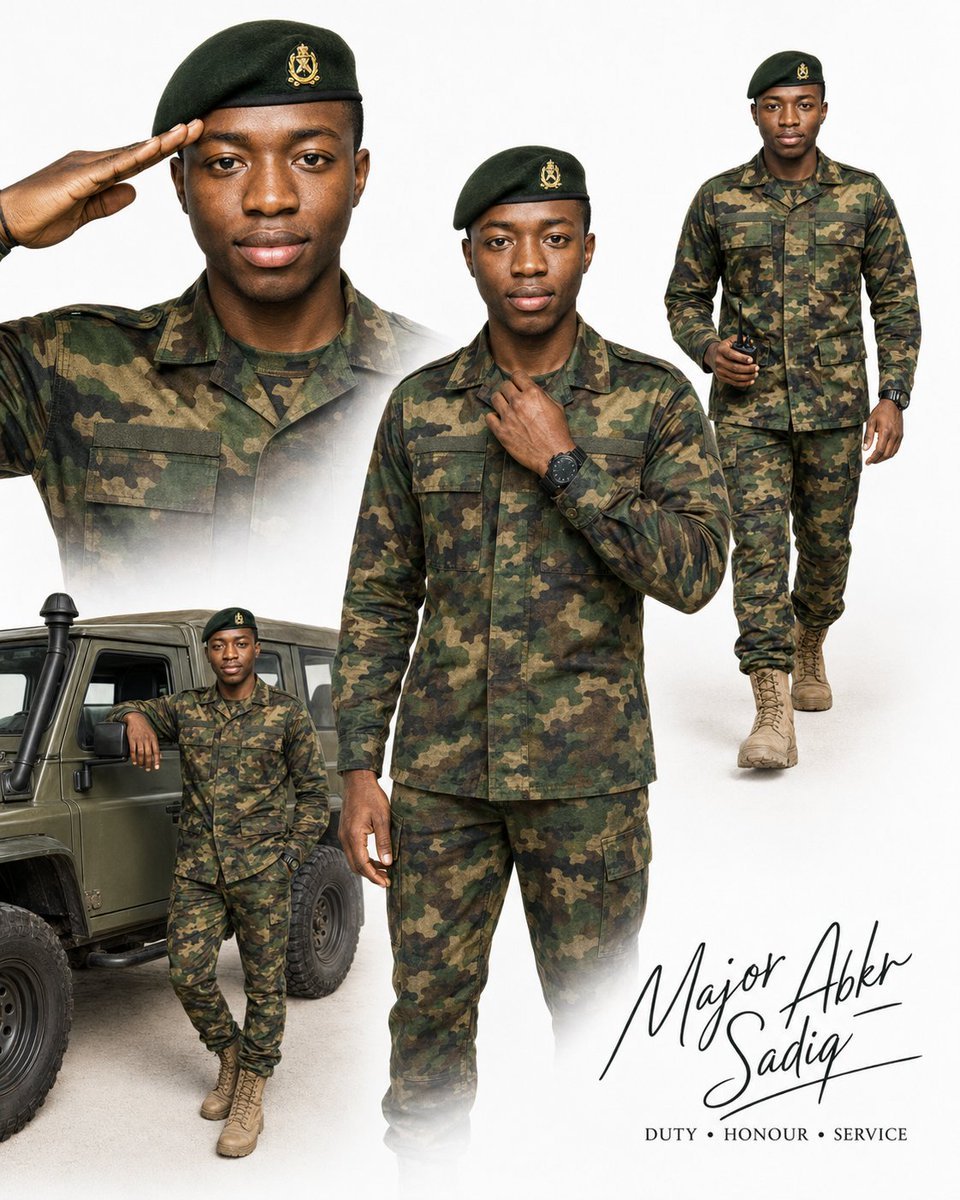
- Prompt included
- Model and format preset
- Free template
The prompt behind this image
Copy the exact prompt behind Military Editorial Portrait Collage, or open it in the studio and make it yours.
Goal: Create an ultra-realistic professional military editorial collage featuring {argument name="character name" default="Major Abkr Sadiq"}, the same adult Black man consistently across exactly four portraits, with identical facial identity, natural medium-dark skin tone, clean-shaven face, short black hair mostly covered by a beret, calm confident expression, and polished magazine-cover styling. Canvas: Vertical 4:5 portrait poster on a clean white studio background with soft gray shadows and subtle misty fade effects around the lower edges of each cutout. Use high-end editorial photography, crisp detail, natural skin texture, realistic fabric, and professional studio lighting. Layout: Arrange exactly four portraits of the same man in a seamless collage. Portrait 1 is a large close-up bust on the upper left, wearing camouflage uniform and dark green beret, right hand raised in a salute near his temple, looking directly at camera. Portrait 2 is the largest central figure, three-quarter to nearly full-body, standing front-facing in camouflage uniform, adjusting his collar with one hand, wearing a black wristwatch, looking calm and authoritative. Portrait 3 is on the upper right, a full-body walking pose in the same camouflage uniform, tan combat boots, dark green beret, holding sunglasses in one hand, stepping forward toward camera. Portrait 4 is on the lower left, a smaller full-body portrait leaning casually beside an olive military jeep, one arm resting on the vehicle, wearing the same uniform, beret, and tan combat boots. Subject details: Use a modern green woodland camouflage military uniform with long-sleeve jacket, matching trousers, chest pockets, shoulder epaulettes, dark green undershirt, tan lace-up combat boots, dark green beret with a small gold military-style crest centered on the front, and a black tactical wristwatch. The man should appear dignified, composed, athletic, and professional, not aggressive. Props and background elements: Include exactly one olive-green military off-road jeep in the lower-left area, partially cropped, with visible front wheel, side door, window, hood edge, and rugged tire details. Keep the rest of the background minimal white, with soft collage blending and no battlefield scenery. Text content: Add a handwritten black signature-style name at the lower right reading {argument name="signature text" default="Major Abkr Sadiq"}. Beneath it, add a small uppercase serif motto reading {argument name="motto text" default="DUTY • HONOUR • SERVICE"}. Text should be elegant, black, and placed with ample white space. Visual style: Hyper-realistic military fashion editorial, premium recruitment-poster aesthetic, clean composite photography, sharp face detail, realistic camouflage texture, balanced contrast, soft studio highlights, subtle shadows, and tasteful white fade transitions between portraits. Constraints: Use exactly four portraits of the same man and exactly one jeep. Do not add extra soldiers, weapons, flags, medals, helmets, explosions, buildings, or clutter. Avoid cartoon, CGI, painterly, or overly dramatic war imagery. Maintain consistent face, uniform, beret crest, skin tone, and body proportions across all four portraits.
How to use Military Editorial Portrait Collage in 3 steps
- 1Upload ImagePNG, JPG or paste
Add your photo
Upload the photo the template builds on. The prompt, model and format are already set.
- 2…a portrait of your subject in softgolden-hour light, 85mm…
Personalize
Edit the subject and creative details for your destination.
- 3Generate
Generate
Press Generate — your image is created in PicX Studio, so you can compare it with the original and refine one variable at a time.
More like this
Templates with the same subject, style or setup. Open one to see its prompt.

untitled

Gpt Image 2 Fashion Portrait

Caution Tape Fashion — Industrial Editorial

Couture Fashion Editorial Woman and Drag

Nano Banana 2 Editorial Fashion Portrait

Found Photograph: Us, 1970

80s Couple Studio Portrait

80s Bollywood Star

80s Golden Hour Cinema

Me in 1985

1985 Studio Portrait

Hyper-Realistic Minecraft POV Portrait
Make it yours
Military Editorial Portrait Collage works as-is. These are the safest ways to change it without losing the look.
Change one field
Copy a single group, rewrite it, and generate again so you can see what that field is doing.
Keep the frame, change the subject
Hold the composition and light of Military Editorial Portrait Collage, then swap wardrobe, props or the person for a new take.
| If the result… | Why | Fix |
|---|---|---|
| The result drifts from the preview | Too many fields changed at once. | Reuse Military Editorial Portrait Collage as-is first, then change one group — subject, light, or setting. |
| The model over-stylizes the scene | The prose prompt leaves finish and camera underspecified. | Add one camera or lighting sentence and stay on GPT Image 2. |
More GPT Image 2 templates
Other prompts made for GPT Image 2.

Six VTuber Japanese Logo Sheet

Realistic Portrait of Woman and Deer

The Vista Modular Condo Poster

AI Model Routing Comparison Infographic

2.5D Anime Art Board

Isometric Productivity Desk Scene

New York Double Exposure Poster

Four-Panel AI Landscape Comparison

Japanese Tatami Lifestyle Magazine Cover

NESCAFÉ Coffee Map Poster
More image prompts
Fresh picks from across the catalog.
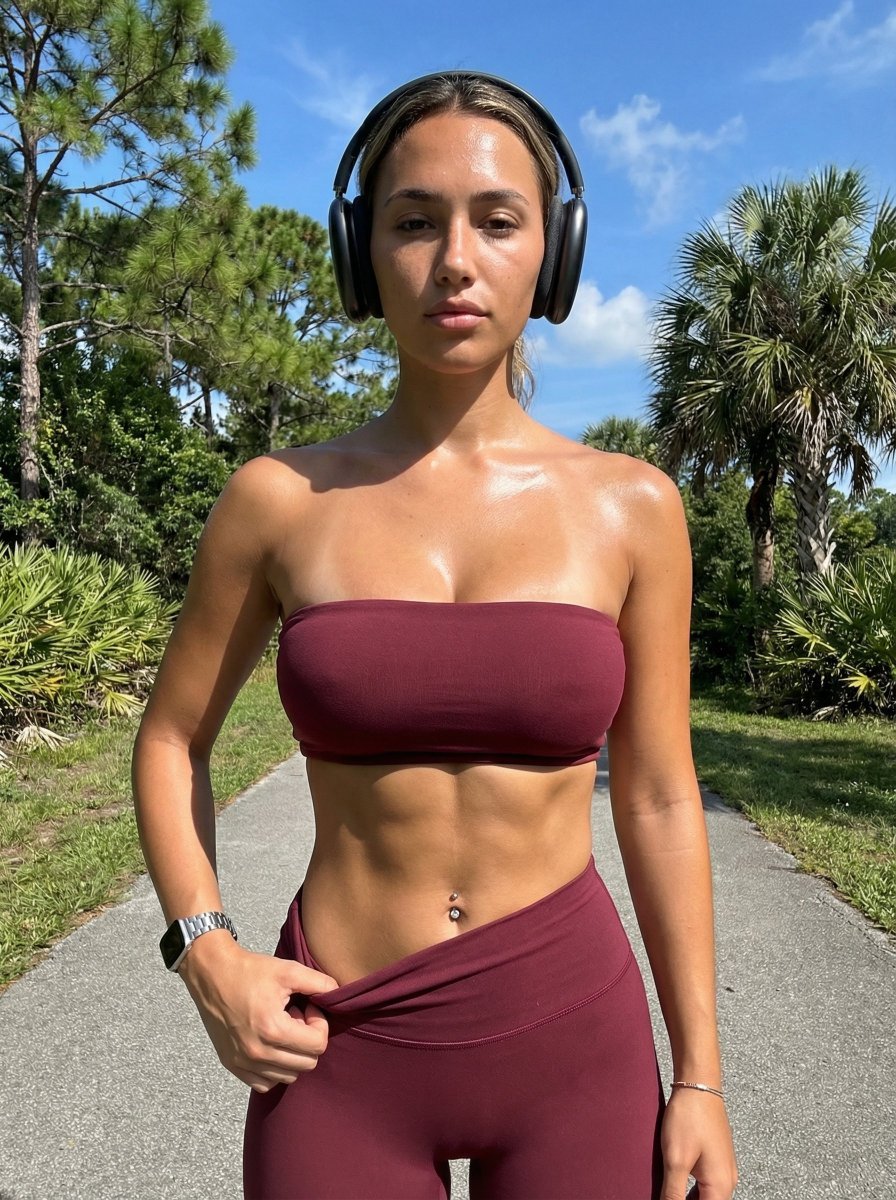
Ultra-Realistic Glistening Athletic Portrait

LLM Instruction to Prohibit Nano Banana Generation
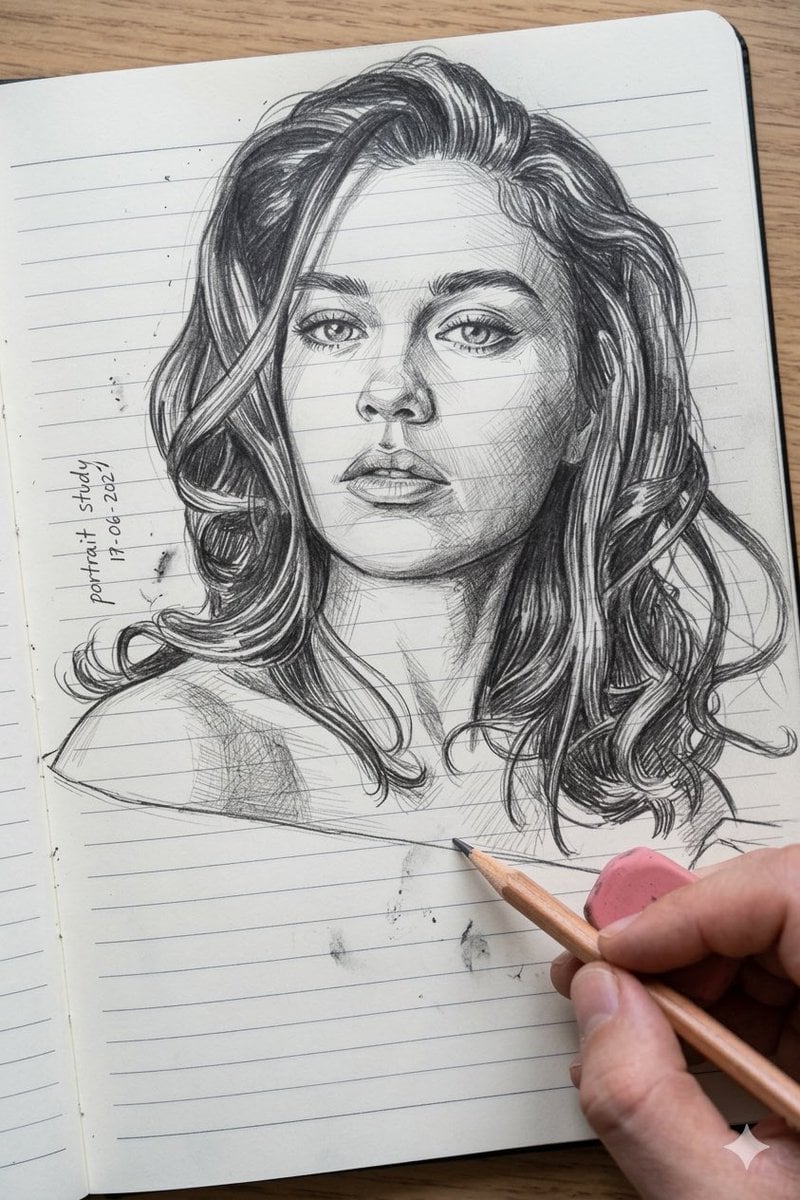
Photo to Pencil Sketch Transformation
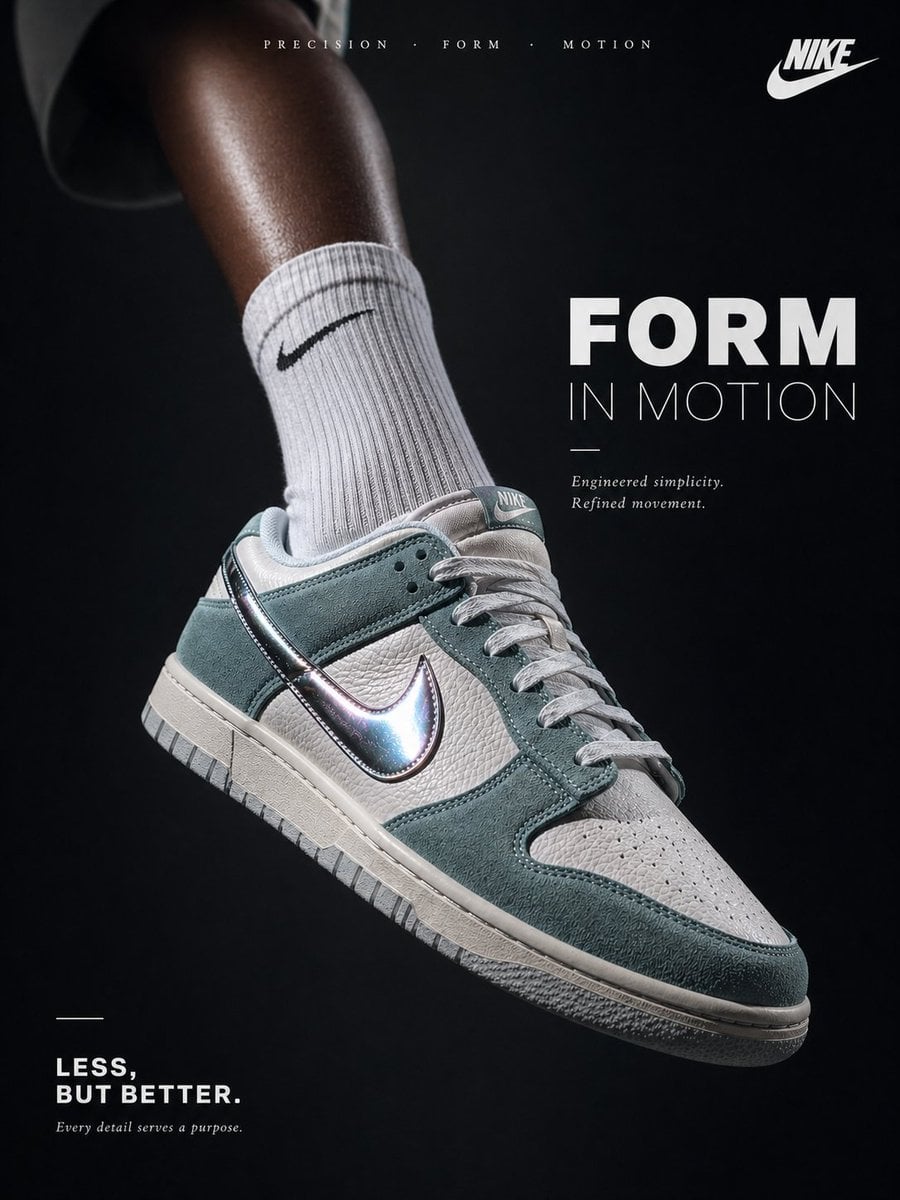
Luxury Minimalist Footwear Ad
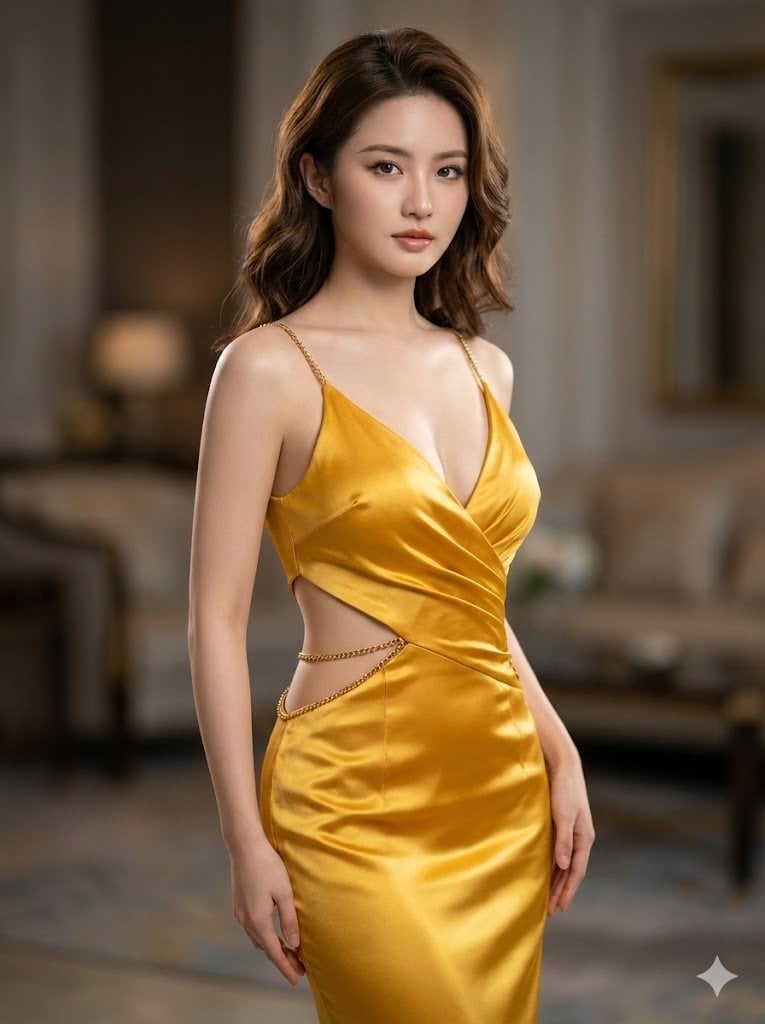
Ultra-Realistic Cinematic Portrait in Golden Silk Satin Gown
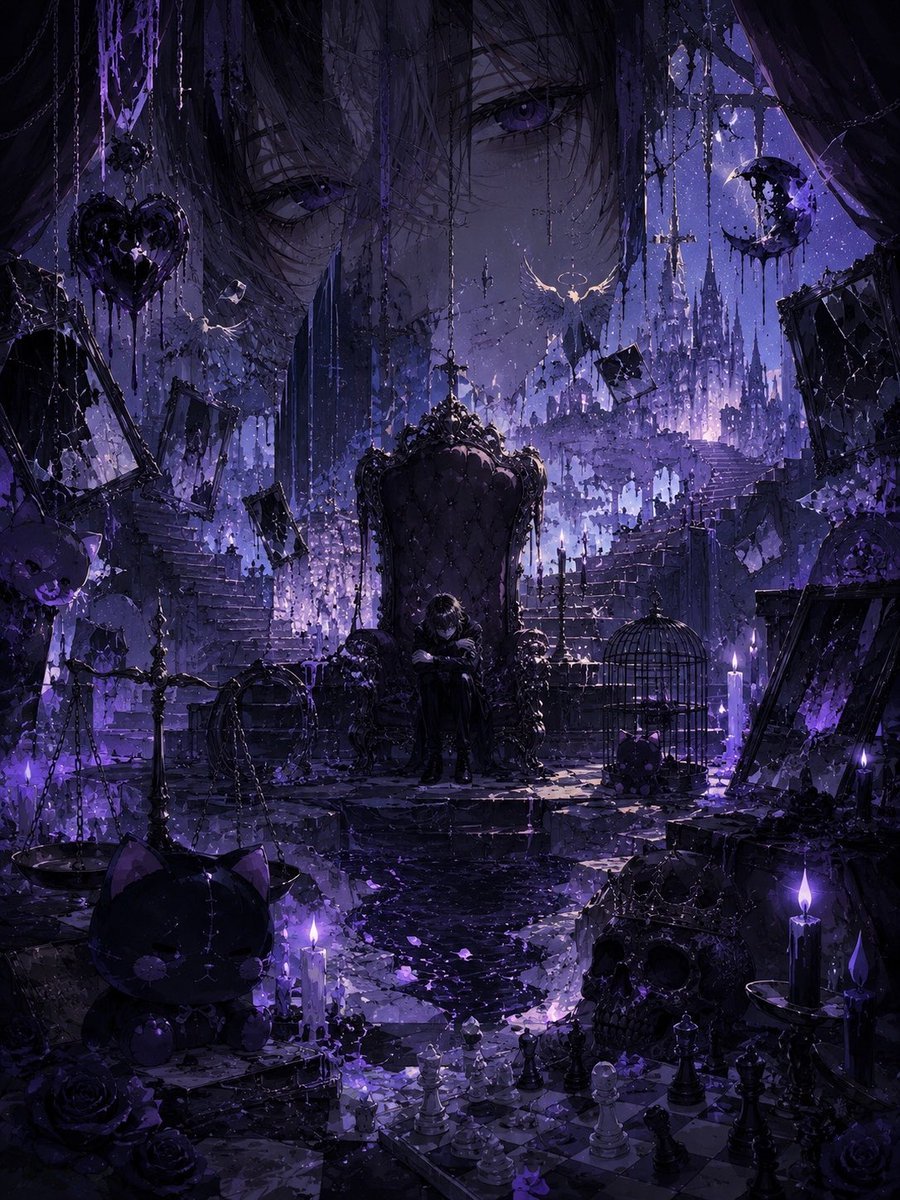
Gothic Violet Throne Fantasy
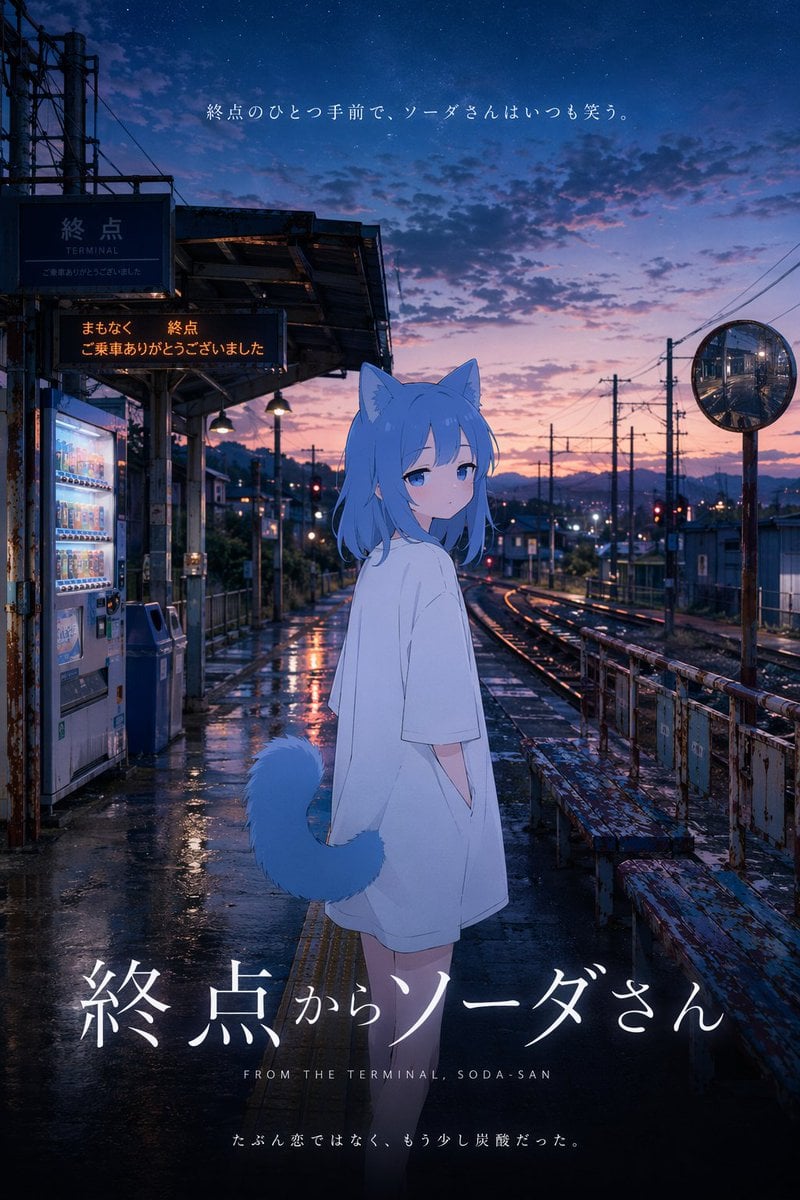
Anime Movie Poster at Twilight Station
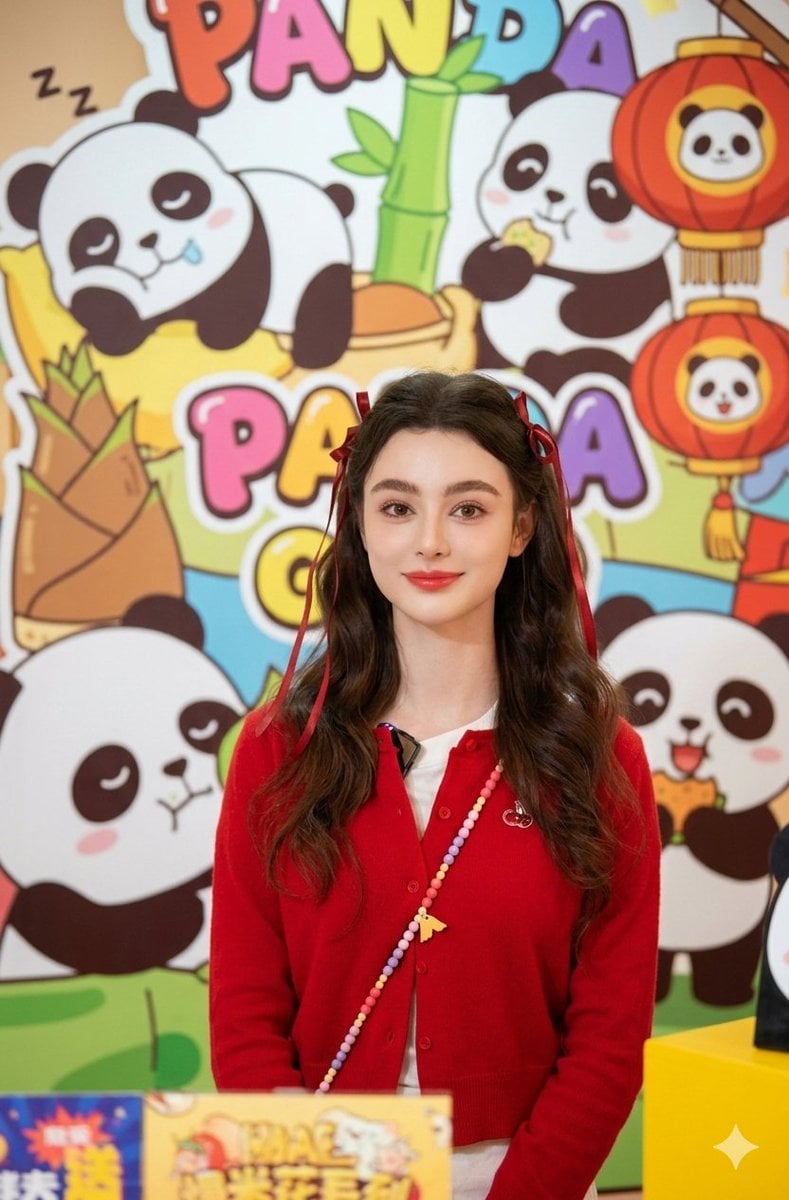
Portrait of Dasha Taran in Kawaii Fashion
Anime Portrait of South Asian Woman
Macro Beef Burger Food Photography Prompt
Browse template categories
Military Editorial Portrait Collage questions
How do I use the Military Editorial Portrait Collage template?
Add your photo if the template asks for one, edit the prompt if you like — the template's model and format are already selected — and press Generate. Your version opens in PicX Studio.
Can I customize the Military Editorial Portrait Collage template?
Yes. You can change the subject, setting, lighting, mood, format, and available model controls before creating your image.
Is the Military Editorial Portrait Collage template free?
Opening and editing this template is free. Generating uses credits, shown on the Generate button when you are signed in.
Which AI model should I use?
Start with GPT Image 2, which is the model associated with this template. You can compare another compatible model for a different finish.
Looking for something else? Browse all templates.

Your photo, any look
Thousands of ready templates for every top image and video model, from one credit balance.