
Annotated IKEA Kids Bedroom Design
Creates a photorealistic children’s bedroom concept with labeled IKEA furniture for interior planning or shopping inspiration.
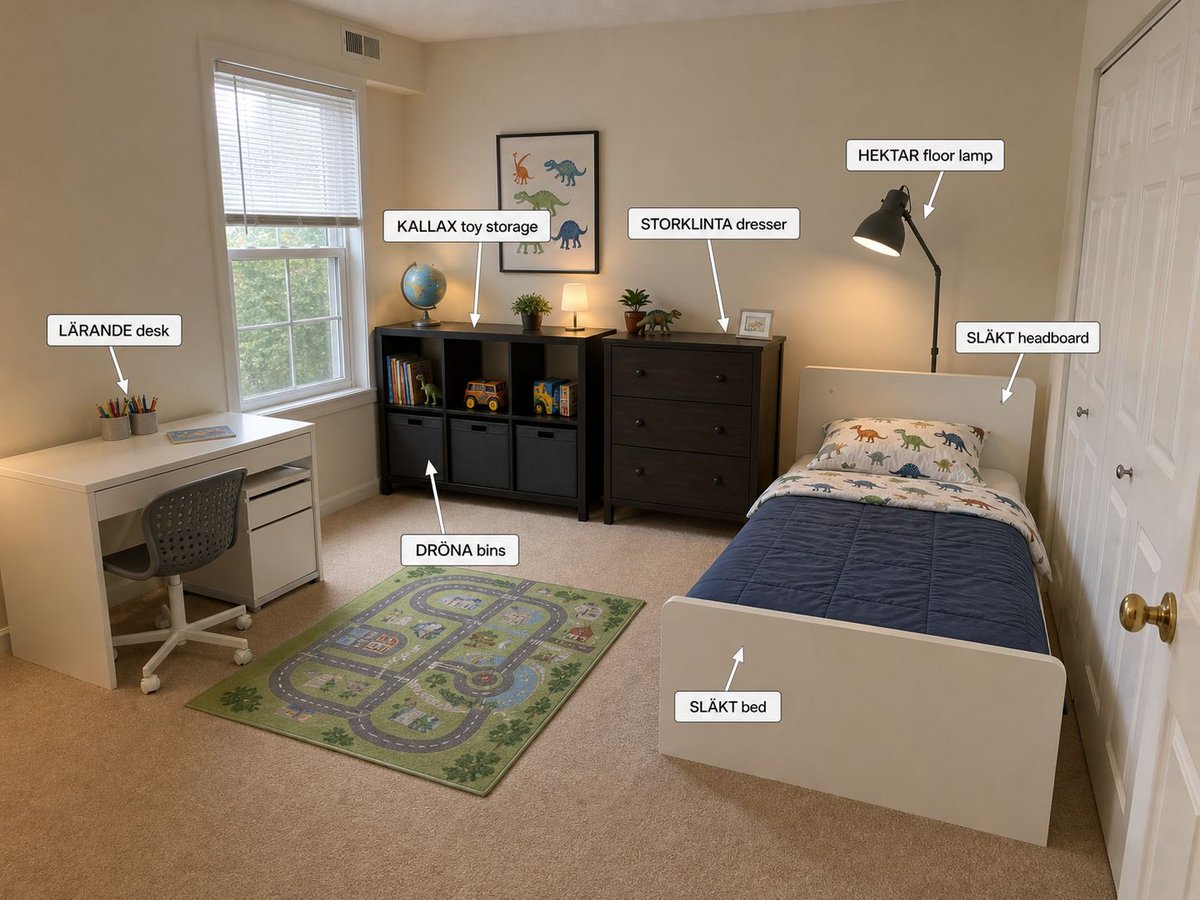
- Prompt included
- Model and format preset
- Free template
The prompt behind this image
Copy the exact prompt behind Annotated IKEA Kids Bedroom Design, or open it in the studio and make it yours.
Goal: Create a photorealistic wide-angle interior design visualization of a small child’s bedroom decorated with IKEA furniture, including annotation callouts naming each new item. Canvas: Landscape 4:3 image, photographed from the doorway or front-right corner of the room with a slightly elevated eye-level perspective, showing the entire bedroom from left desk area to right bed and closet doors. Room details: Beige walls, beige carpet, white trim, a large window with white blinds on the left wall, white double closet doors on the right wall, warm natural daylight mixed with soft lamp light. Keep the room tidy, realistic, and practical for a young child. Layout and furniture: On the far left wall place a white {argument name="desk model" default="LÄRANDE desk"} with a gray rolling desk chair, pencil cups, and a small book or tablet on top. Under the window and along the back wall place a black cube storage unit labeled {argument name="toy storage model" default="KALLAX toy storage"}, filled with exactly 3 gray fabric bins across the bottom row, books, toy vehicles, and small toys. Above the toy storage hang a framed dinosaur print. To the right of the toy storage place a dark wood {argument name="dresser model" default="STORKLINTA dresser"} with exactly 3 large drawers, small plants, a framed photo, and a small lamp on top. On the right side place a white twin {argument name="bed model" default="SLÄKT bed"} with a white headboard, blue quilt, dinosaur-patterned pillow and sheets, positioned lengthwise toward the viewer. Place a black arched floor lamp behind the bed near the dresser. Add a green children’s road-map play rug centered on the carpet between the desk, storage, and bed. Annotation callouts: Add exactly 7 white rounded-rectangle labels with black text and thin gray borders, each with a white arrow pointing to the relevant item. The labels must read exactly: 1) “LÄRANDE desk” pointing to the desk, 2) “KALLAX toy storage” pointing to the black cube storage, 3) “DRÖNA bins” pointing to the gray fabric bins, 4) “STORKLINTA dresser” pointing to the dresser, 5) “HEKTAR floor lamp” pointing to the black floor lamp, 6) “SLÄKT headboard” pointing to the white headboard, 7) “SLÄKT bed” pointing to the footboard or bed frame. Visual style: Realistic smartphone interior photo with clean AI home-staging polish, warm cozy lighting, accurate perspective, subtle shadows, readable labels, no people, no clutter, no watermark.
How to use Annotated IKEA Kids Bedroom Design in 3 steps
- 1Upload ImagePNG, JPG or paste
Add your photo
Upload the photo the template builds on. The prompt, model and format are already set.
- 2…a portrait of your subject in softgolden-hour light, 85mm…
Personalize
Edit the subject and creative details for your destination.
- 3Generate
Generate
Press Generate — your image is created in PicX Studio, so you can compare it with the original and refine one variable at a time.
More like this
Templates with the same subject, style or setup. Open one to see its prompt.
Google Nano Banana 2 — Cozy Bedroom Editorial

Nano Banana - Peace Sign Bedroom Selfie

Retro Kids TV Magazine Cover Prompt
Kids Premium Fashion Advertisement
Rainy Day Kids Advertising Poster
3D Luxury Birthday Kids Collage
Anime Post-Apocalyptic Scavenger Kids
Pastel Squid Maid Bedroom Illustration

Morocco Soccer Strength Kids Infographic
Cozy Bedroom Lifestyle Selfie
Intimate Bedroom Mirror Selfie
Minimal Modern Bedroom Lifestyle Photography
Make it yours
Annotated IKEA Kids Bedroom Design works as-is. These are the safest ways to change it without losing the look.
Change one field
Copy a single group, rewrite it, and generate again so you can see what that field is doing.
Keep the frame, change the subject
Hold the composition and light of Annotated IKEA Kids Bedroom Design, then swap wardrobe, props or the person for a new take.
| If the result… | Why | Fix |
|---|---|---|
| The result drifts from the preview | Too many fields changed at once. | Reuse Annotated IKEA Kids Bedroom Design as-is first, then change one group — subject, light, or setting. |
| The model over-stylizes the scene | The prose prompt leaves finish and camera underspecified. | Add one camera or lighting sentence and stay on GPT Image 2. |
More GPT Image 2 templates
Other prompts made for GPT Image 2.

Six VTuber Japanese Logo Sheet

Realistic Portrait of Woman and Deer

The Vista Modular Condo Poster

AI Model Routing Comparison Infographic

2.5D Anime Art Board

Isometric Productivity Desk Scene

New York Double Exposure Poster

Four-Panel AI Landscape Comparison

Japanese Tatami Lifestyle Magazine Cover

NESCAFÉ Coffee Map Poster
More image prompts
Fresh picks from across the catalog.
Cinematic Double Exposure Portrait Prompt for Nano Banana Pro
Candid Selfie Photo Collage
untitled

Movement Sheet - Dance Reference (Seedance 2.0)
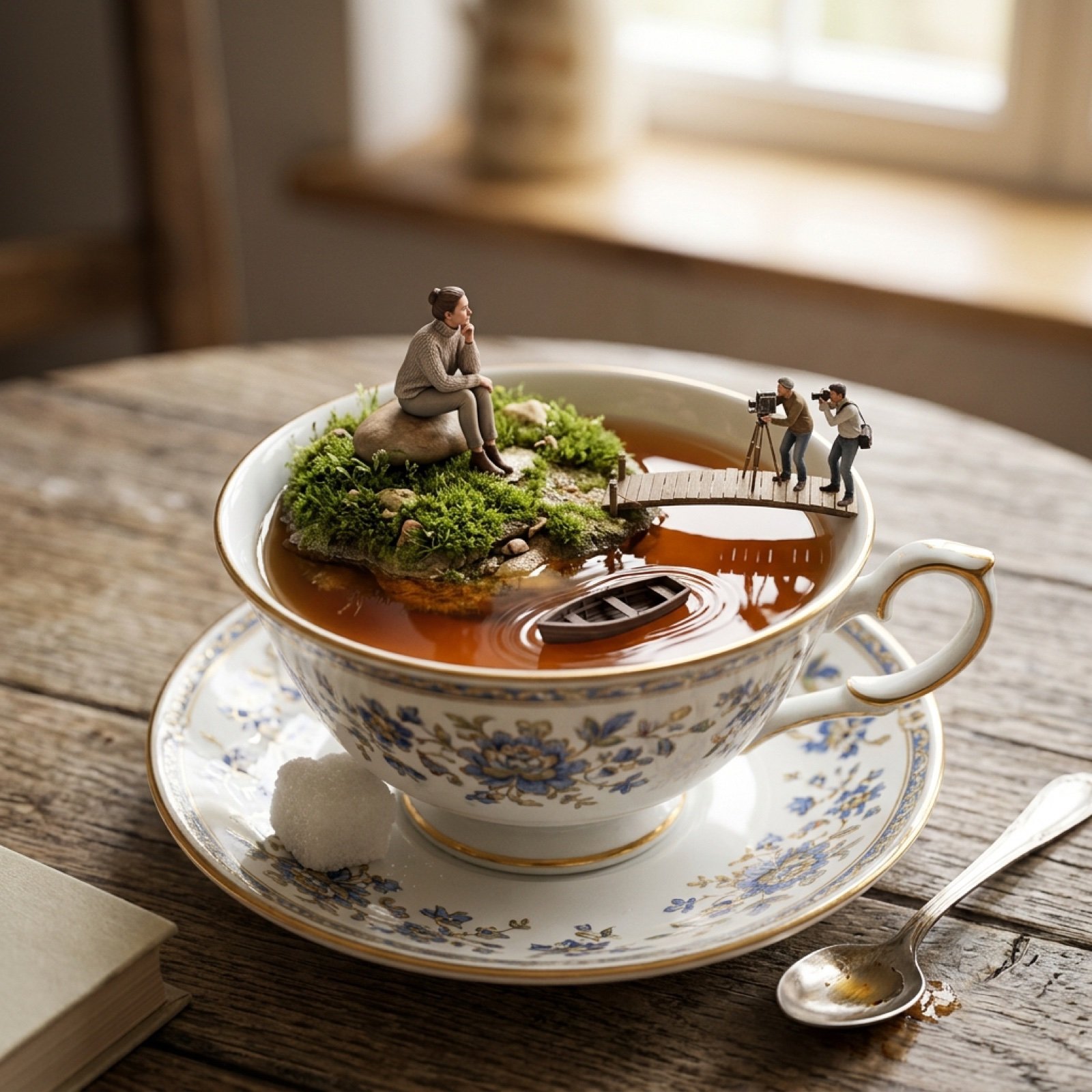
Natural Language Prompt for Miniature World Inside a Teacup

Hyper-detailed photorealistic image generation prompt for a young woman in Christmas pajamas
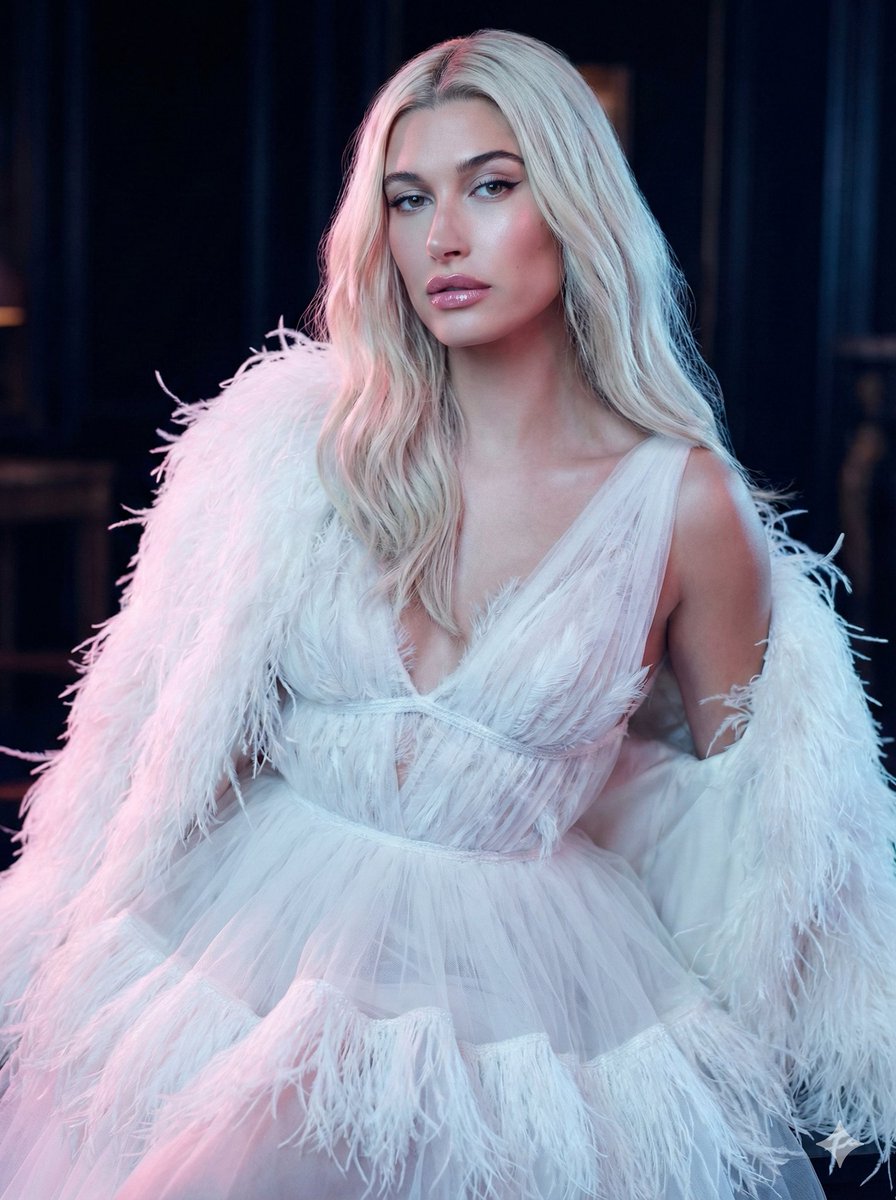
High-Fashion Feather Tulle Glamour Portrait Prompt in JSON
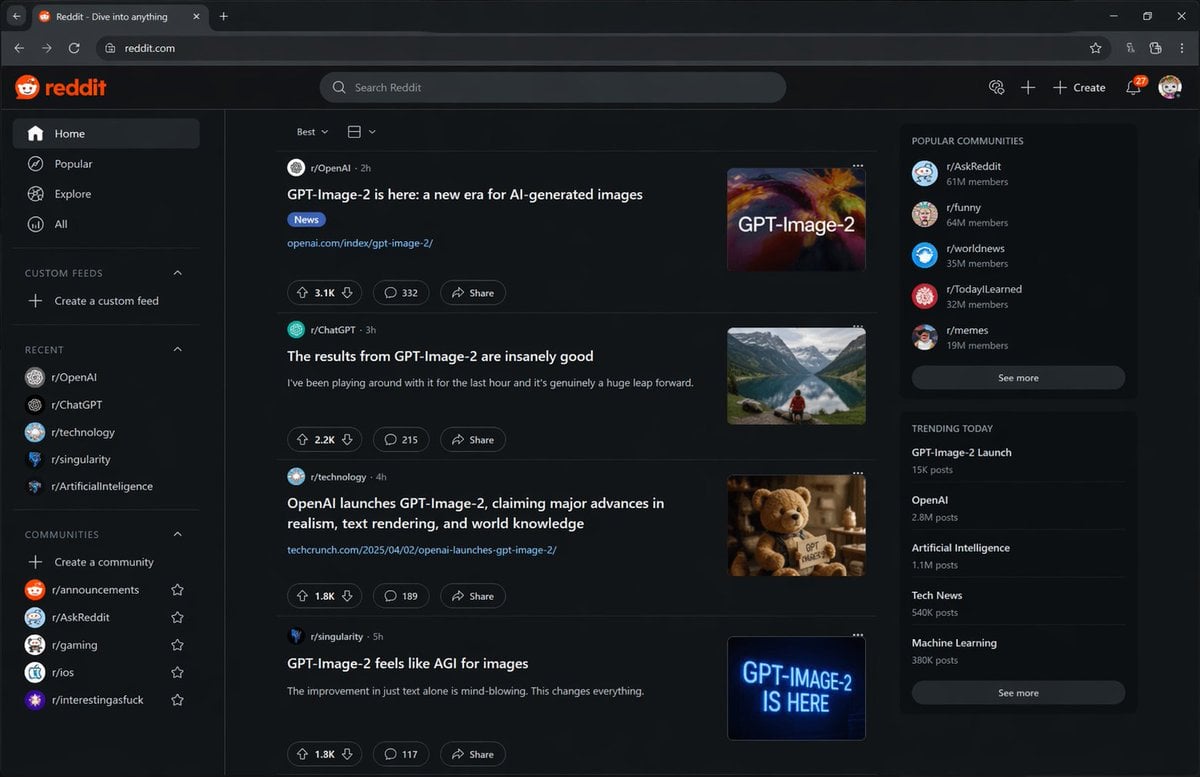
Hypothetical News Homepage

Generating a Korean Idol Style Image

Minimalist Cinematic Portrait Prompt for Nano Banana 2
Browse template categories
Annotated IKEA Kids Bedroom Design questions
How do I use the Annotated IKEA Kids Bedroom Design template?
Add your photo if the template asks for one, edit the prompt if you like — the template's model and format are already selected — and press Generate. Your version opens in PicX Studio.
Can I customize the Annotated IKEA Kids Bedroom Design template?
Yes. You can change the subject, setting, lighting, mood, format, and available model controls before creating your image.
Is the Annotated IKEA Kids Bedroom Design template free?
Opening and editing this template is free. Generating uses credits, shown on the Generate button when you are signed in.
Which AI model should I use?
Start with GPT Image 2, which is the model associated with this template. You can compare another compatible model for a different finish.
Looking for something else? Browse all templates.

Your photo, any look
Thousands of ready templates for every top image and video model, from one credit balance.