
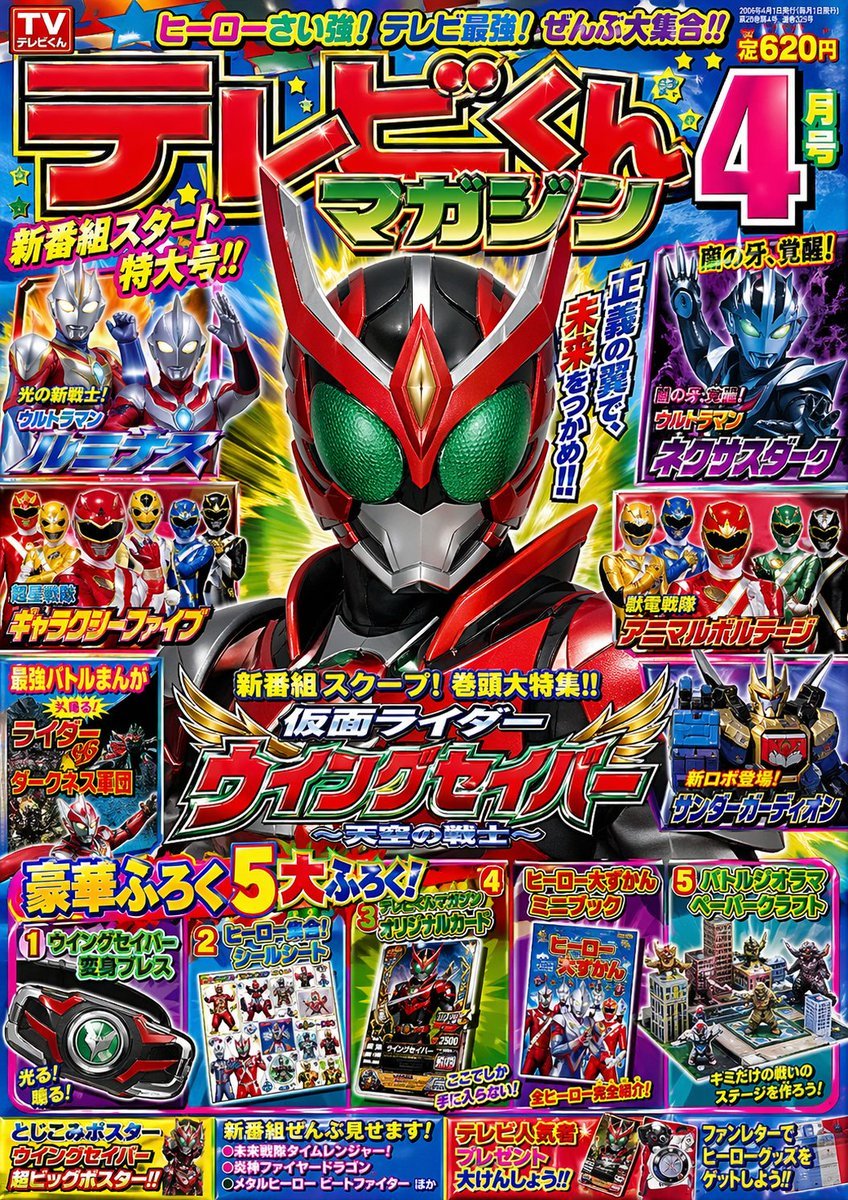
Retro Kids TV Magazine Cover Prompt
A detailed prompt for generating a 2000s-style Japanese children's TV special effects magazine cover featuring original heroes and bold typography.
- Prompt included
- Model and format preset
- Free template
The prompt behind this image
Copy the exact prompt behind Retro Kids TV Magazine Cover Prompt, or open it in the studio and make it yours.
2000年代のこども向けテレビ特撮専門月刊誌「{argument name="雑誌名" default="テレビくんマガジン"}」{argument name="号数" default="4月号"}の表紙画像を作って。新番組仮面ライダー系特撮ヒーローのバストアップ実写画像を中央に1人配置。周囲に平成ウルトラマン系、戦隊系ヒーローの小さなカットを配置。実在しない架空のテレビ番組名をいくつかと豪華付録の画像を並べて。ライダーやウルトラマンの名前は必ず実在しないものを想像力豊かに創作してください。赤緑青原色系ボールド縁取りのグラデーションフォントなどを駆使し、とにかく雑多で全部盛りの印象に。Format {argument name="比率" default="1:1.414"} 画像生成モデルは duct-tape-1か duct-tape-2、3 を指定したいです。
How to use Retro Kids TV Magazine Cover Prompt in 3 steps
- 1
Open
The prompt is already in the box next to the preview, with the template's model and format selected.
- 2…a portrait of your subject in softgolden-hour light, 85mm…
Personalize
Edit the subject and creative details for your destination.
- 3Generate
Generate
Press Generate — your image is created in PicX Studio, so you can compare it with the original and refine one variable at a time.
More like this
Templates with the same subject, style or setup. Open one to see its prompt.












Make it yours
Retro Kids TV Magazine Cover Prompt works as-is. These are the safest ways to change it without losing the look.
Change one field
Copy a single group, rewrite it, and generate again so you can see what that field is doing.
Keep the frame, change the subject
Hold the composition and light of Retro Kids TV Magazine Cover Prompt, then swap wardrobe, props or the person for a new take.
| If the result… | Why | Fix |
|---|---|---|
| The result drifts from the preview | Too many fields changed at once. | Reuse Retro Kids TV Magazine Cover Prompt as-is first, then change one group — subject, light, or setting. |
| The model over-stylizes the scene | The prose prompt leaves finish and camera underspecified. | Add one camera or lighting sentence and stay on GPT Image 2. |
More GPT Image 2 templates
Other prompts made for GPT Image 2.

Six VTuber Japanese Logo Sheet

Realistic Portrait of Woman and Deer

The Vista Modular Condo Poster

AI Model Routing Comparison Infographic

2.5D Anime Art Board

Isometric Productivity Desk Scene

New York Double Exposure Poster

Four-Panel AI Landscape Comparison

Japanese Tatami Lifestyle Magazine Cover

NESCAFÉ Coffee Map Poster
More image prompts
Fresh picks from across the catalog.
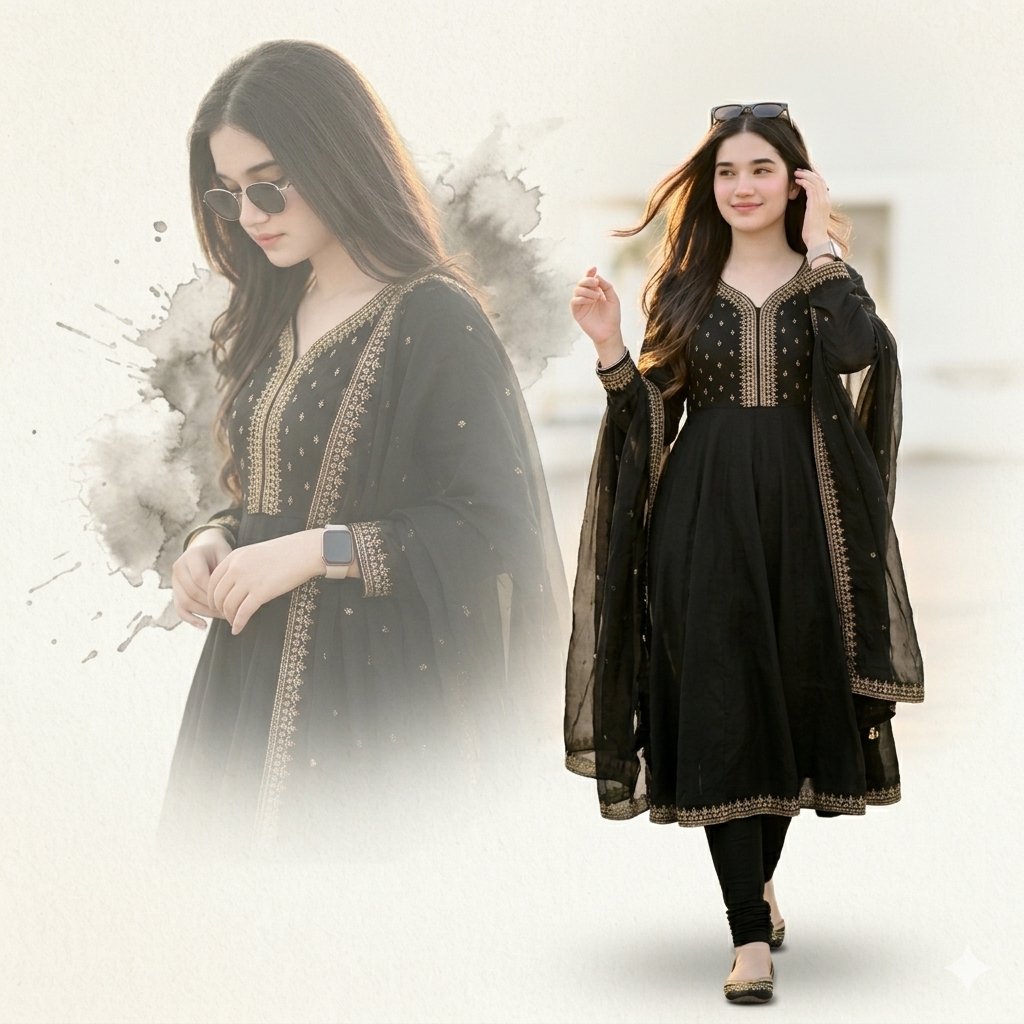
Elegant Double Portrait Fashion Collage
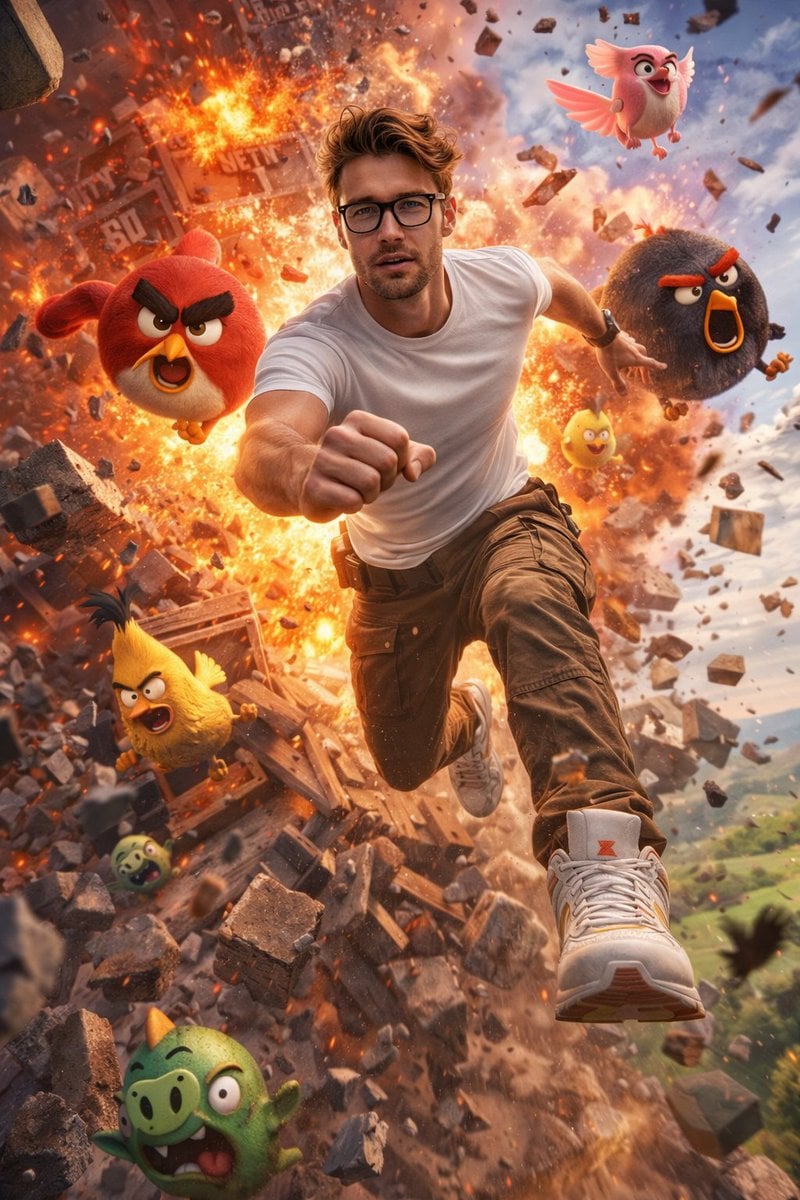
Ultra-Realistic Man in Angry Birds World
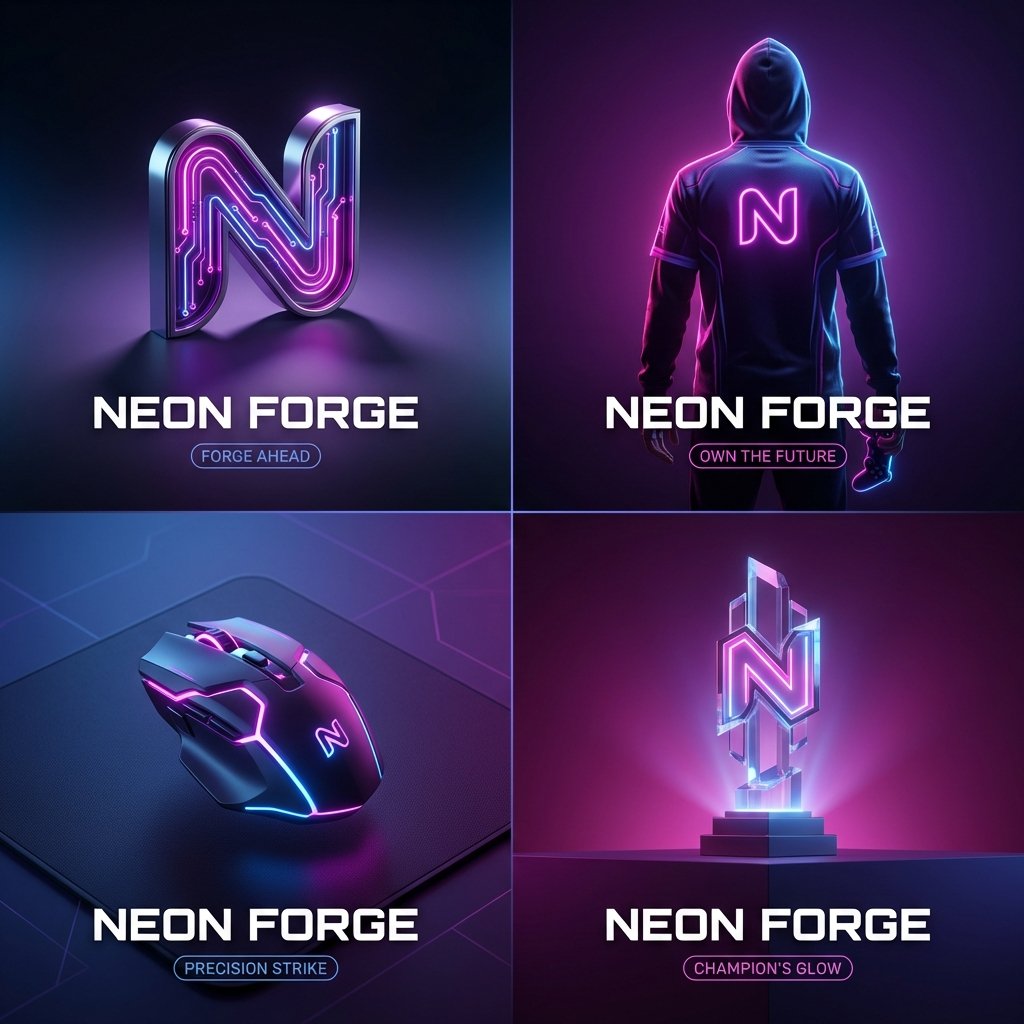
High-End Cover Visual Generation Prompt
Fashion Editorial with Giant Teddy Bear Prompt
Chaotic MS Paint Sticker Emoji Set
Chinese Garden Clay Render Prompt for Banana Prompt
Minimalist Athletic Fashion Close-up

West Bengal City View
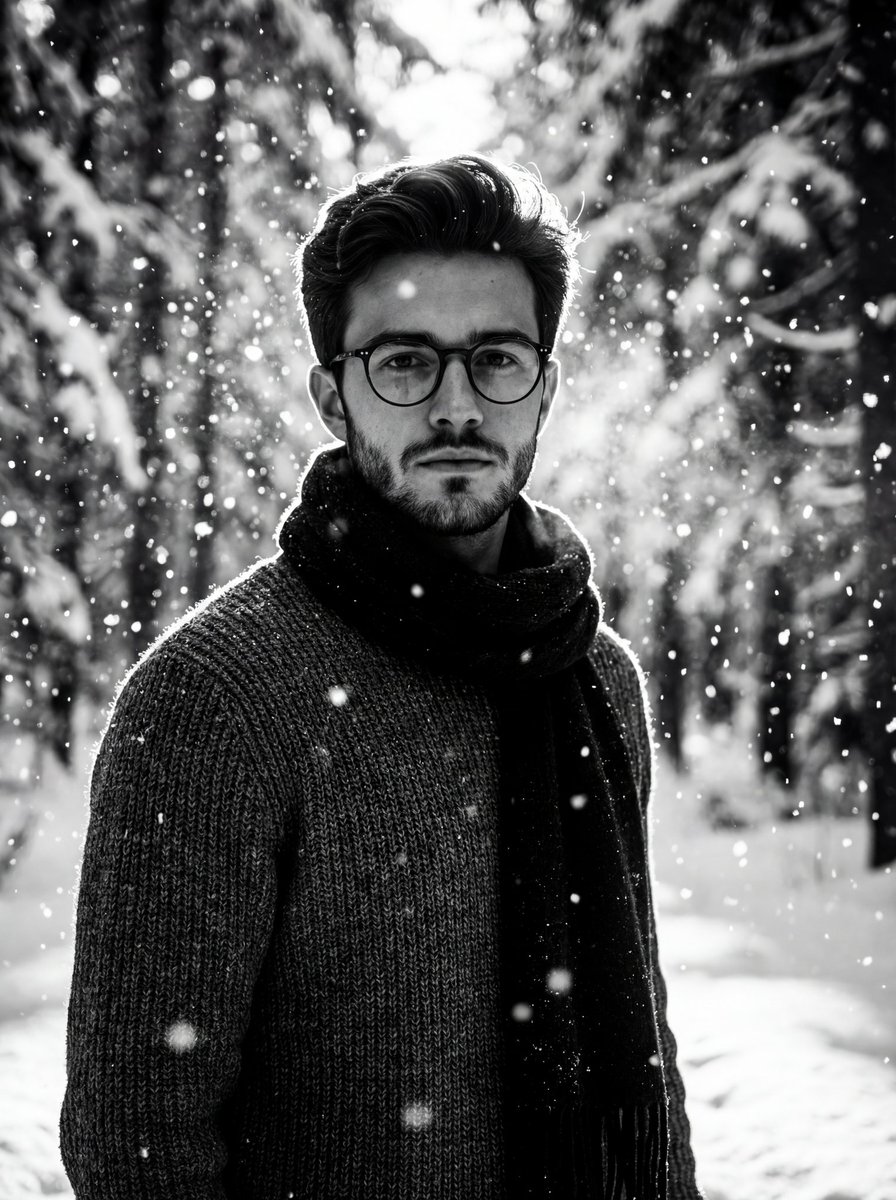
Winter Forest Portrait with Dramatic Backlight
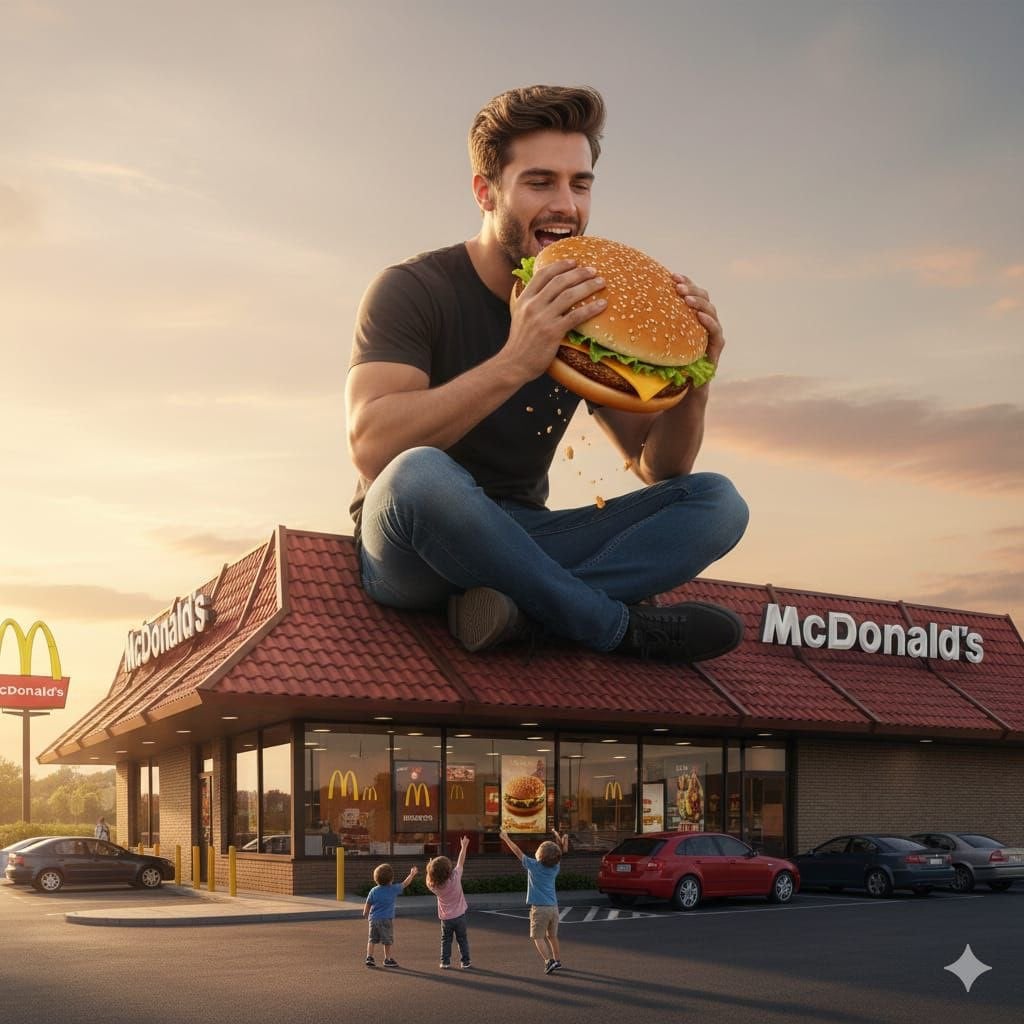
Surreal advertising scene of a giant man eating a cheeseburger
Browse template categories
Retro Kids TV Magazine Cover Prompt questions
How do I use the Retro Kids TV Magazine Cover Prompt template?
Add your photo if the template asks for one, edit the prompt if you like — the template's model and format are already selected — and press Generate. Your version opens in PicX Studio.
Can I customize the Retro Kids TV Magazine Cover Prompt template?
Yes. You can change the subject, setting, lighting, mood, format, and available model controls before creating your image.
Is the Retro Kids TV Magazine Cover Prompt template free?
Opening and editing this template is free. Generating uses credits, shown on the Generate button when you are signed in.
Which AI model should I use?
Start with GPT Image 2, which is the model associated with this template. You can compare another compatible model for a different finish.
Looking for something else? Browse all templates.

Your photo, any look
Thousands of ready templates for every top image and video model, from one credit balance.