
Japanese Creator Interview Magazine Spread
A stylish two-page Japanese editorial spread presenting an AI creator interview, useful for magazine mockups, profile features, and social-media creator showcases.
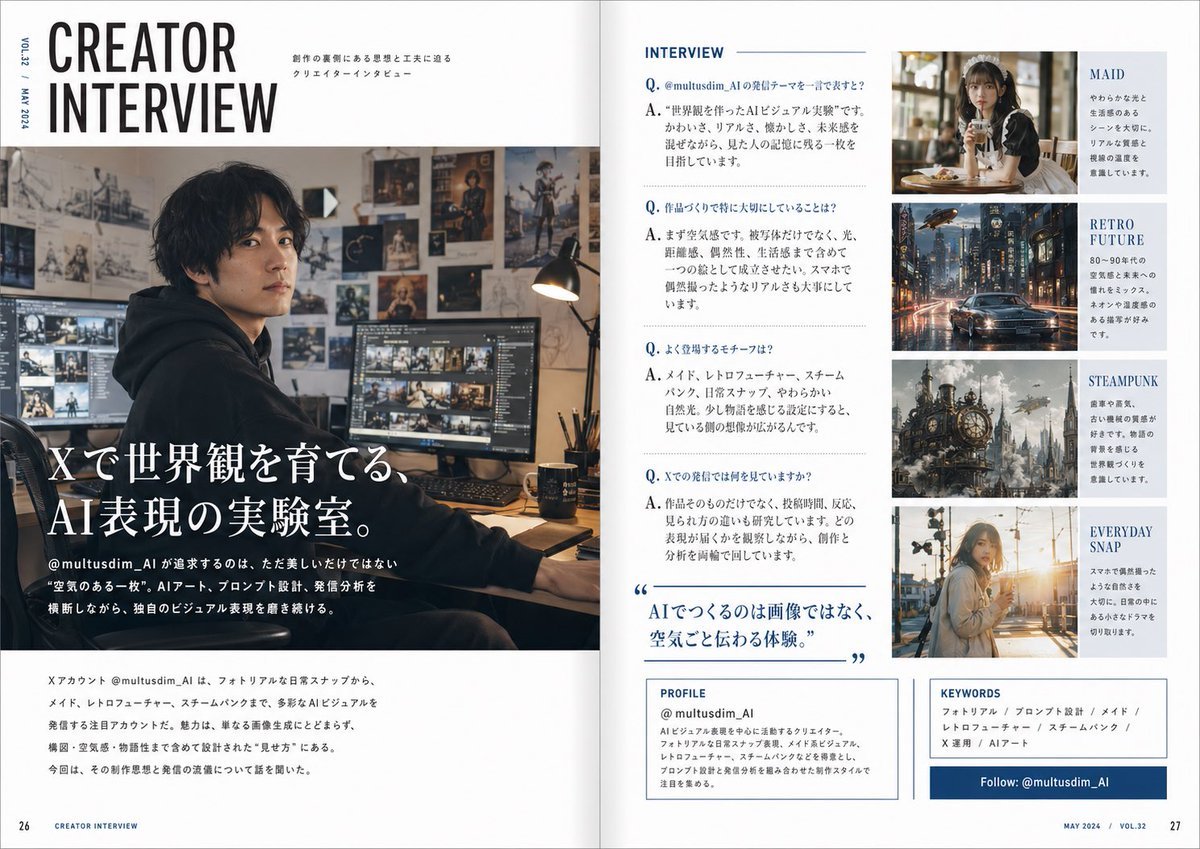
- Prompt included
- Model and format preset
- Free template
The prompt behind this image
Copy the exact prompt behind Japanese Creator Interview Magazine Spread, or open it in the studio and make it yours.
Create a polished two-page magazine spread in Japanese, styled like a contemporary creator profile feature in a premium design and culture magazine. The layout is a clean editorial interview spread with a white background, navy blue accents, thin rule lines, elegant typography, and a balanced grid. The overall feeling is sophisticated, modern, and slightly masculine, like a feature on a handsome AI visual creator. On the left page, place a very large stacked English headline at the top left reading “CREATOR INTERVIEW” in bold condensed sans-serif, with small vertical issue text along the outer margin such as “VOL.23 / MAY 2024.” Beneath and across most of the left page, use a large cinematic photo of a {argument name="creator identity" default="male AI visual creator"} sitting at a desk in a dark hoodie in a moody studio workspace. The face is intentionally soft-blurred or anonymized. The room is warm and dimly lit, with multiple monitors showing image-editing or visual-generation work, a desk lamp, and walls covered in concept art, posters, sketches, and fantasy artwork. Overlay the lower-left of the photo with a large Japanese feature title in white Mincho-style serif text: “Xで世界観を育てる、AI表現の実験室。” Add smaller Japanese body text beneath introducing the account @multusdim_AI and describing an experimental AI art practice that values atmosphere, prompt design, and visual worldbuilding. At the bottom of the left page, include a horizontal block of smaller Japanese editorial text summarizing the creator’s focus and interview context. On the right page, create 5 clearly separated editorial sections. Section 1 is the main interview column titled “INTERVIEW” at the top in blue uppercase sans-serif. Below it, format 4 Q&A entries in Japanese, each beginning with a blue “Q.” and “A.” The questions and answers should discuss the creator’s reason for posting on X, what they care about when making work, recurring motifs, and what they observe in audience reactions. Midway down this same interview column, add a large blue pull quote in Japanese with oversized quotation marks: “AIでつくるのは画像ではなく、空気ごと伝わる体験。” Section 2 is a top-right image card with a warm café portrait of a soft, elegant maid-themed woman holding a drink, paired with the visible label “MAID” and a short Japanese blurb. Section 3 is a second image card below it showing a rainy retro-futuristic city street with a car and neon reflections, labeled “RETRO FUTURE” with a short Japanese blurb. Section 4 is a third image card below that featuring a detailed steampunk city or giant clockwork structure with smoke and brass machinery, labeled “STEAMPUNK” with a short Japanese blurb. Section 5 is a fourth image card at the bottom showing a casual everyday snapshot of a young woman outdoors in warm sunset light, labeled “EVERYDAY SNAP” with a short Japanese blurb. At the bottom of the right page, add 3 boxed information panels. The first is a “PROFILE” box with the account name “@multusdim_AI” and several lines of Japanese profile text describing an AI visual creator focused on atmosphere-rich work blending photorealism, retro future, maid aesthetics, and steampunk. The second is a “KEYWORDS” box listing exactly 6 keyword items in Japanese separated by slashes: “フォトリアル / プロンプト設計 / メイド / レトロフューチャー / スチームパンク / X運用 / AIアート” with the same editorial feel. The third is a dark blue horizontal follow banner reading “Follow: @multusdim_AI”. Add page numbers 26 and 27 at the bottom corners and small footer text like “CREATOR INTERVIEW” and “MAY 2024 / VOL.32”. Use realistic magazine print spacing, sharp editorial hierarchy, and a highly believable Japanese magazine layout.
How to use Japanese Creator Interview Magazine Spread in 3 steps
- 1Upload ImagePNG, JPG or paste
Add your photo
Upload the photo the template builds on. The prompt, model and format are already set.
- 2…a portrait of your subject in softgolden-hour light, 85mm…
Personalize
Edit the subject and creative details for your destination.
- 3Generate
Generate
Press Generate — your image is created in PicX Studio, so you can compare it with the original and refine one variable at a time.
More like this
Templates with the same subject, style or setup. Open one to see its prompt.
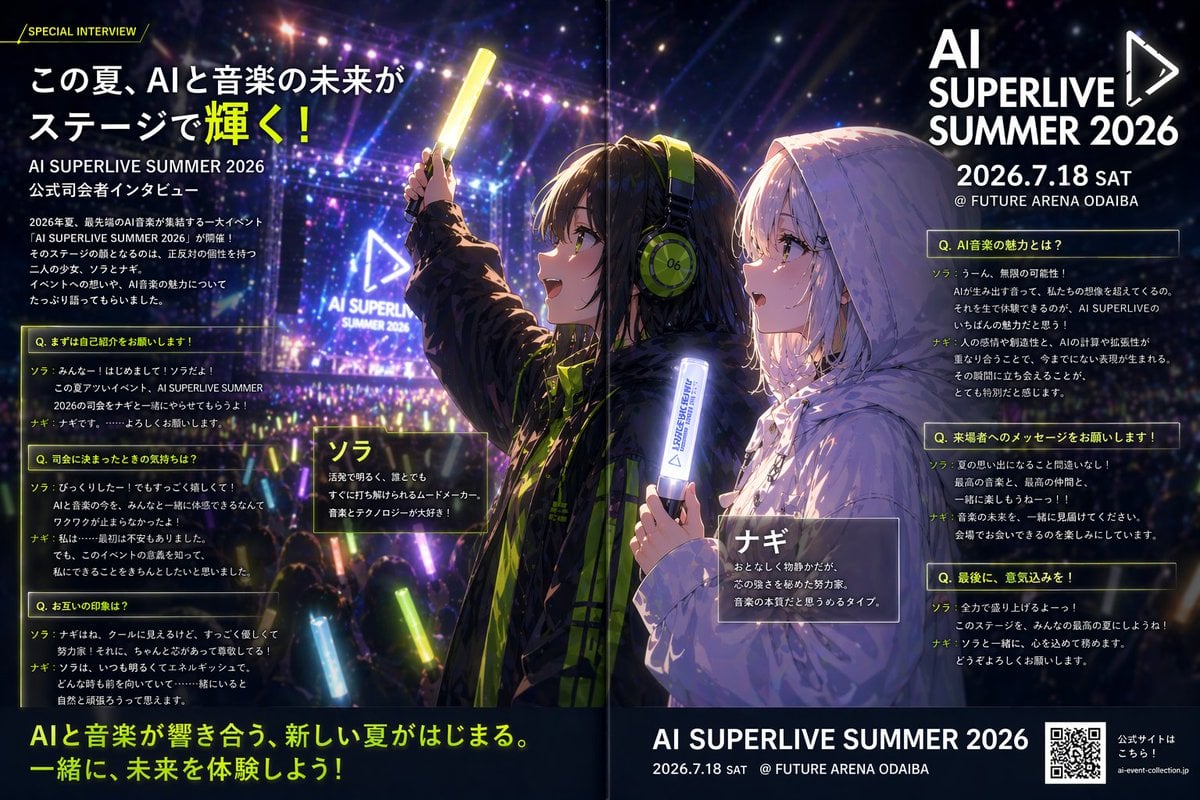
Anime Concert Interview Magazine Spread
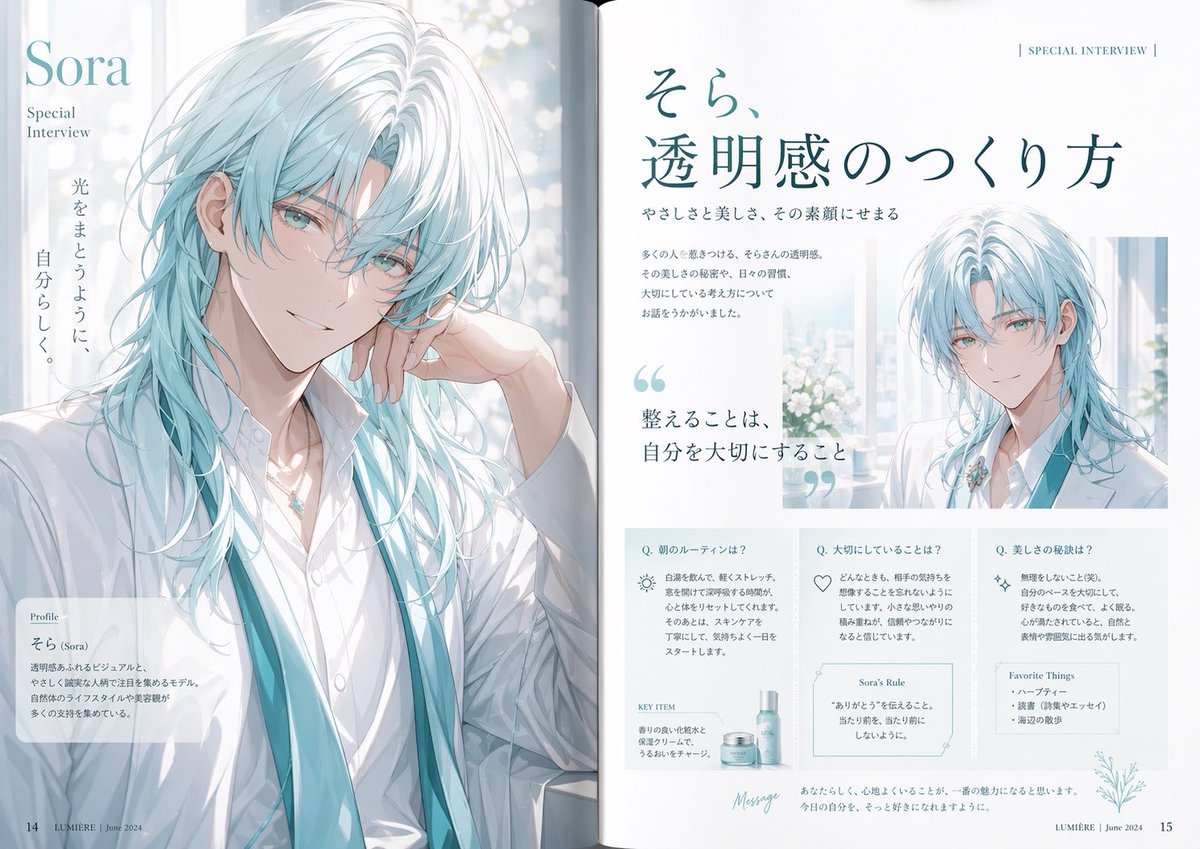
Anime Magazine Interview Spread
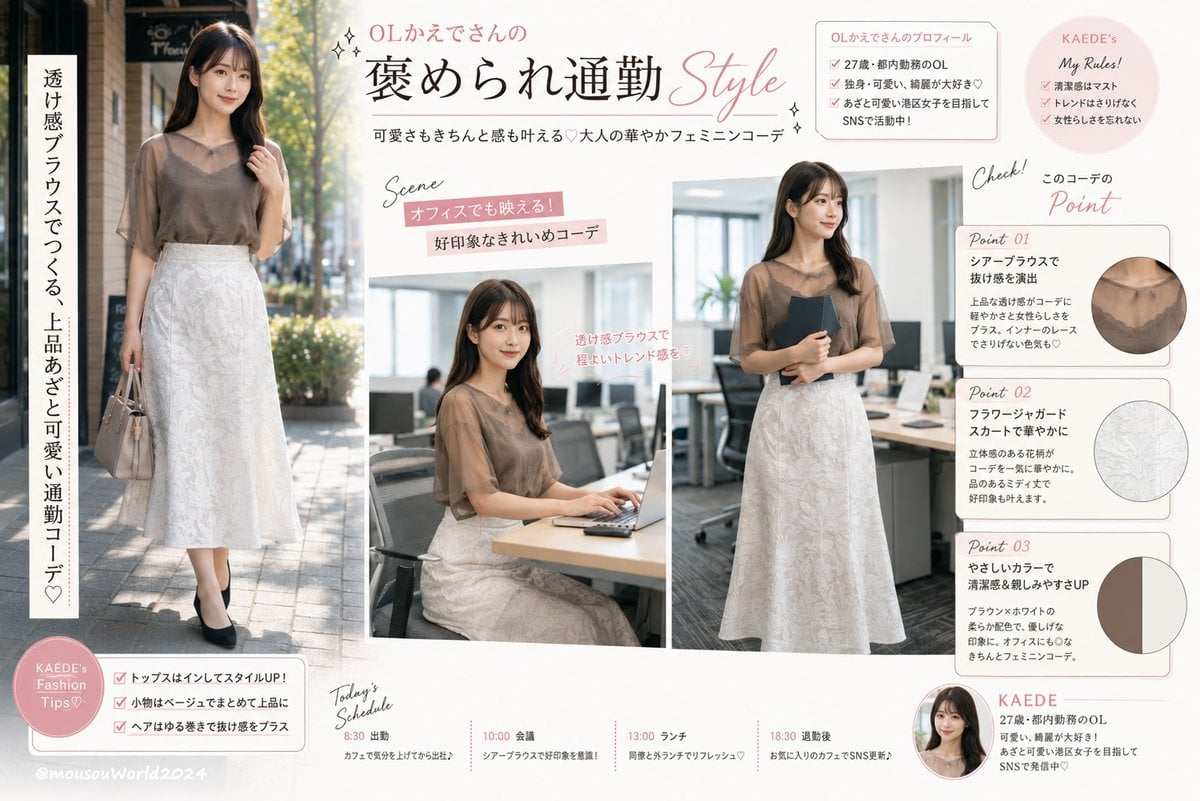
Japanese Office Outfit Magazine Spread
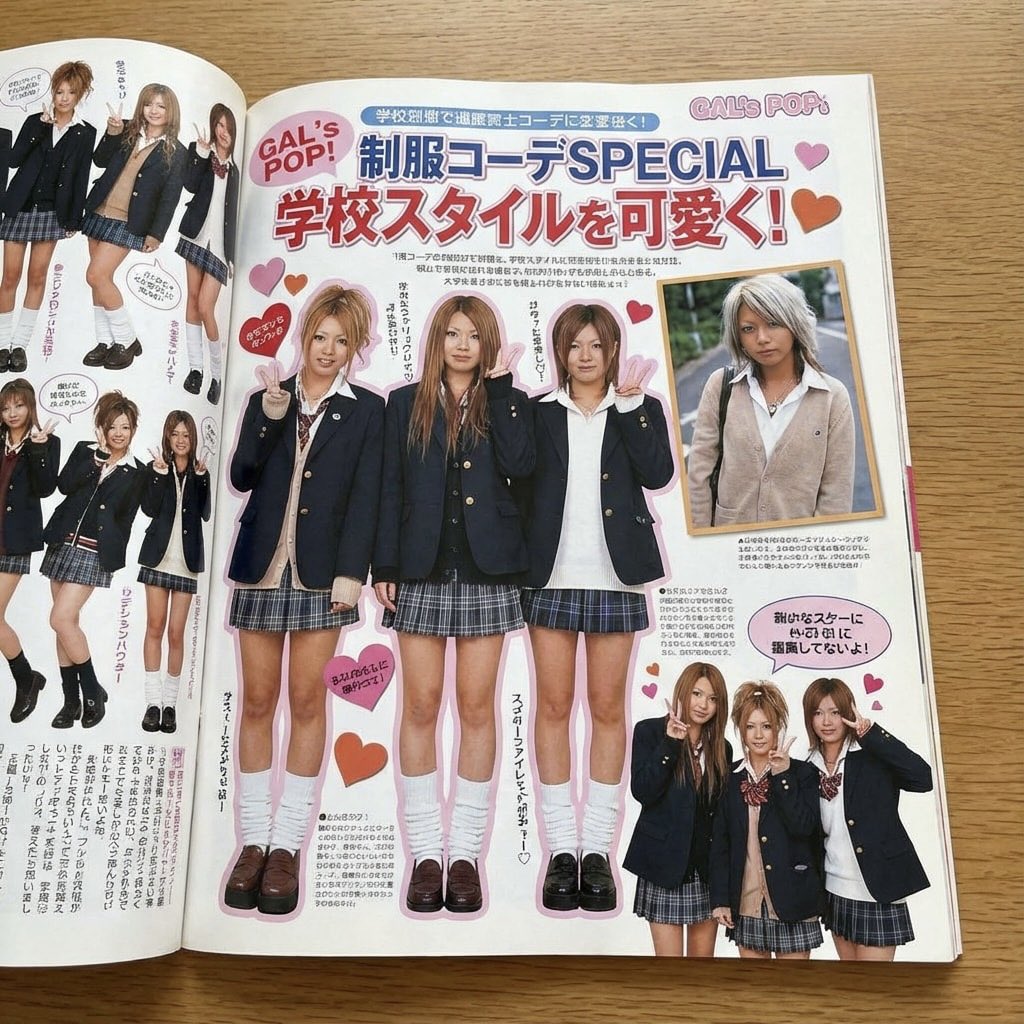
Japanese gyaru magazine spread on school uniforms

Minecraft Japanese Research Lab Exploration
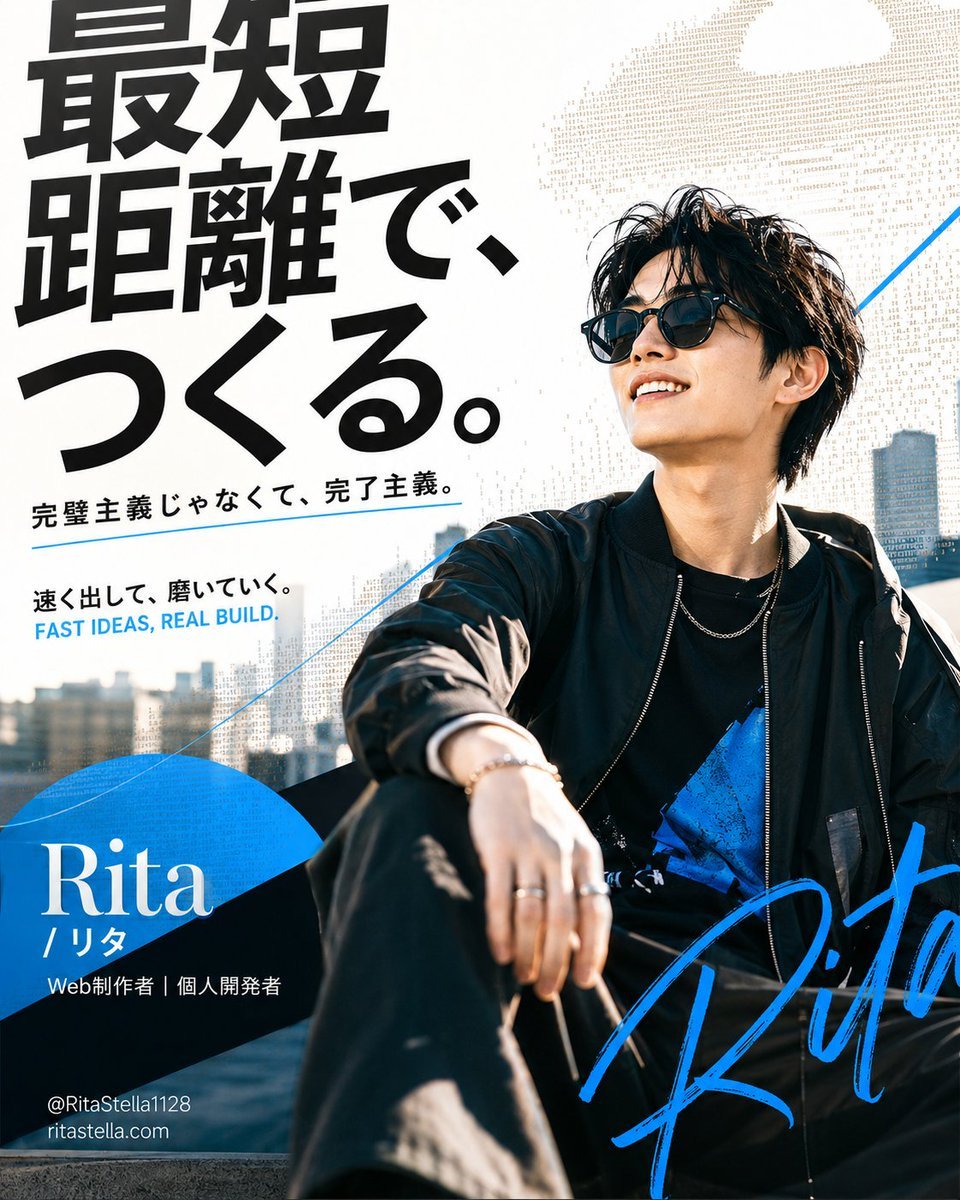
Japanese Creator Branding Poster

Japanese Tatami Lifestyle Magazine Cover
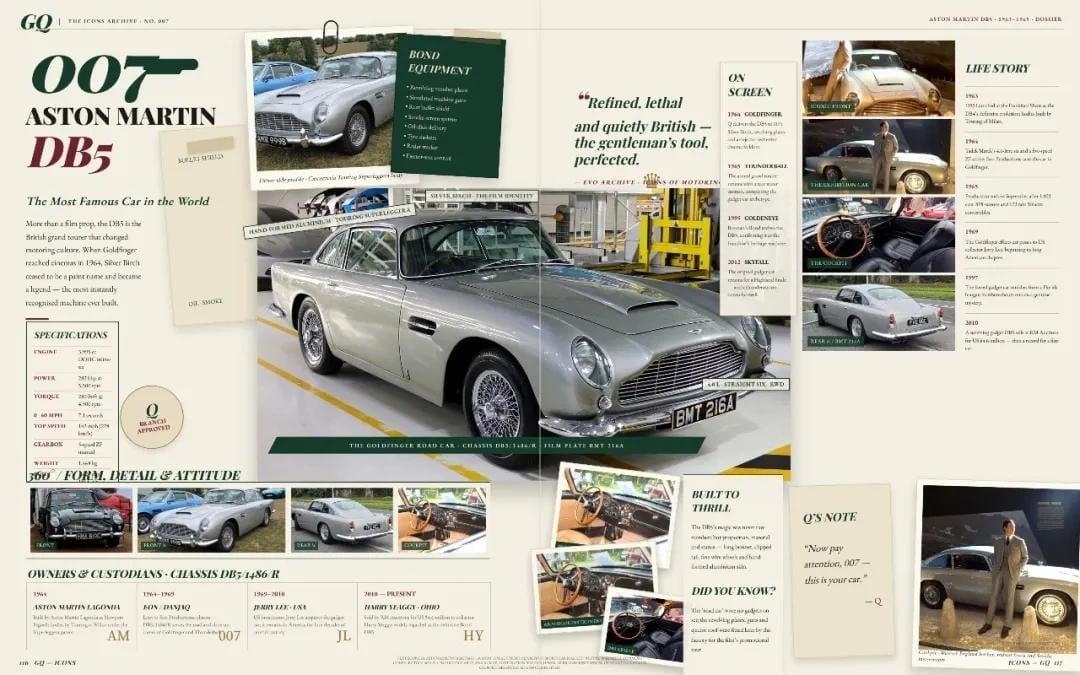
Vintage Aston Martin DB5 Magazine Spread

Japanese Architectural Concrete Studio Fashion Campaign

Japanese Minimalist Concrete Studio Fashion Editorial

Open Magazine Luxury Fashion Editorial Layout

Monochrome Halftone Editorial Fashion Poster
Make it yours
Japanese Creator Interview Magazine Spread works as-is. These are the safest ways to change it without losing the look.
Change one field
Copy a single group, rewrite it, and generate again so you can see what that field is doing.
Keep the frame, change the subject
Hold the composition and light of Japanese Creator Interview Magazine Spread, then swap wardrobe, props or the person for a new take.
| If the result… | Why | Fix |
|---|---|---|
| The result drifts from the preview | Too many fields changed at once. | Reuse Japanese Creator Interview Magazine Spread as-is first, then change one group — subject, light, or setting. |
| The model over-stylizes the scene | The prose prompt leaves finish and camera underspecified. | Add one camera or lighting sentence and stay on GPT Image 2. |
More GPT Image 2 templates
Other prompts made for GPT Image 2.

Six VTuber Japanese Logo Sheet

Realistic Portrait of Woman and Deer

The Vista Modular Condo Poster

AI Model Routing Comparison Infographic

2.5D Anime Art Board

Isometric Productivity Desk Scene

New York Double Exposure Poster

Four-Panel AI Landscape Comparison

NESCAFÉ Coffee Map Poster

Brutalist Cogito Chinese Typography Poster
More image prompts
Fresh picks from across the catalog.
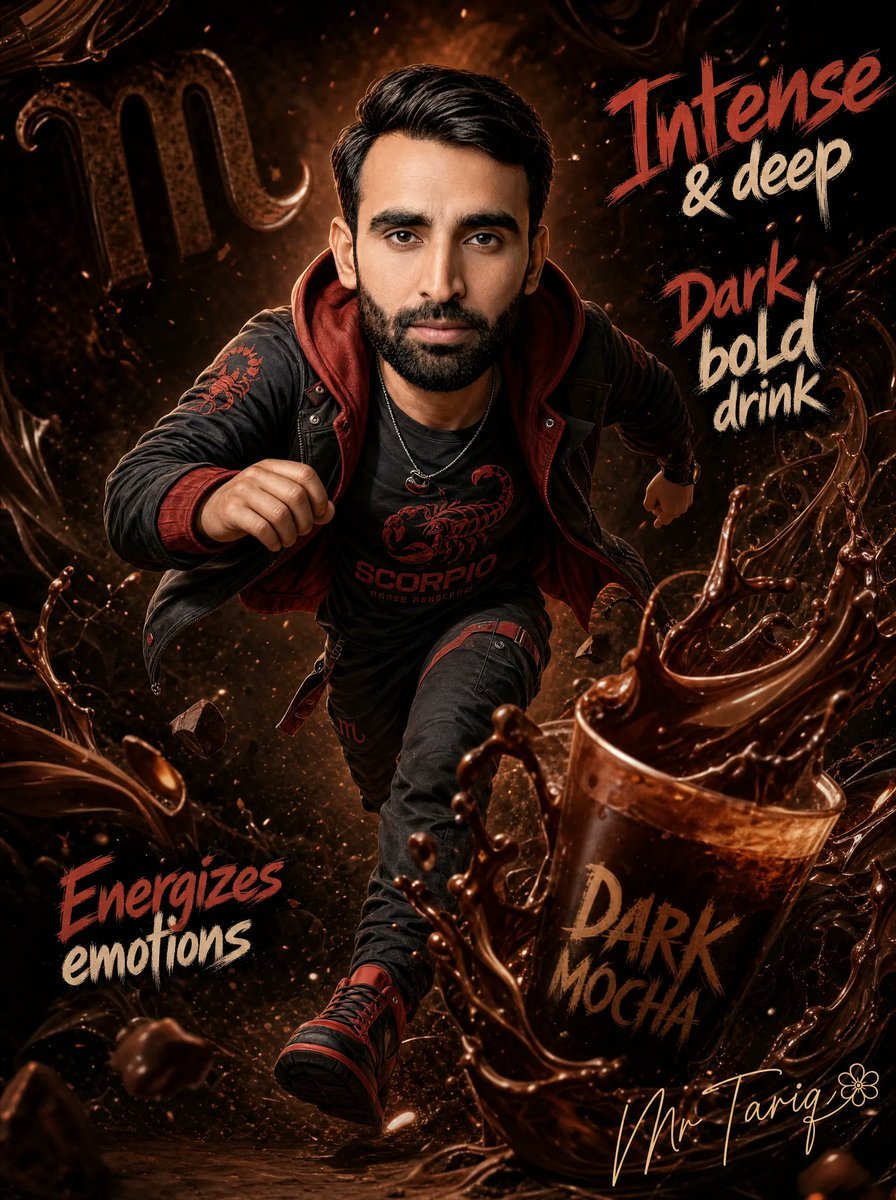
Dark Mocha Scorpio Action Poster
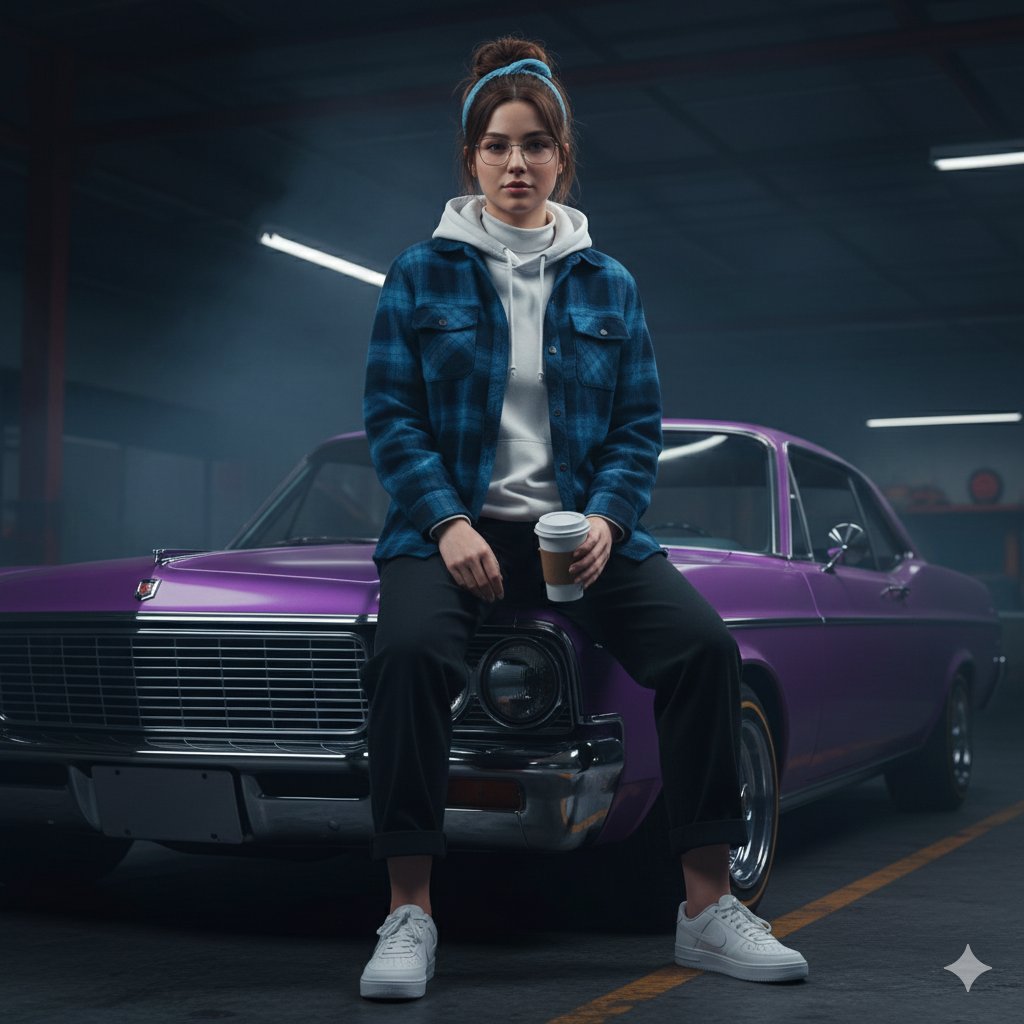
Urban Rebel Cinematic Portrait Prompt (Identity Locked)
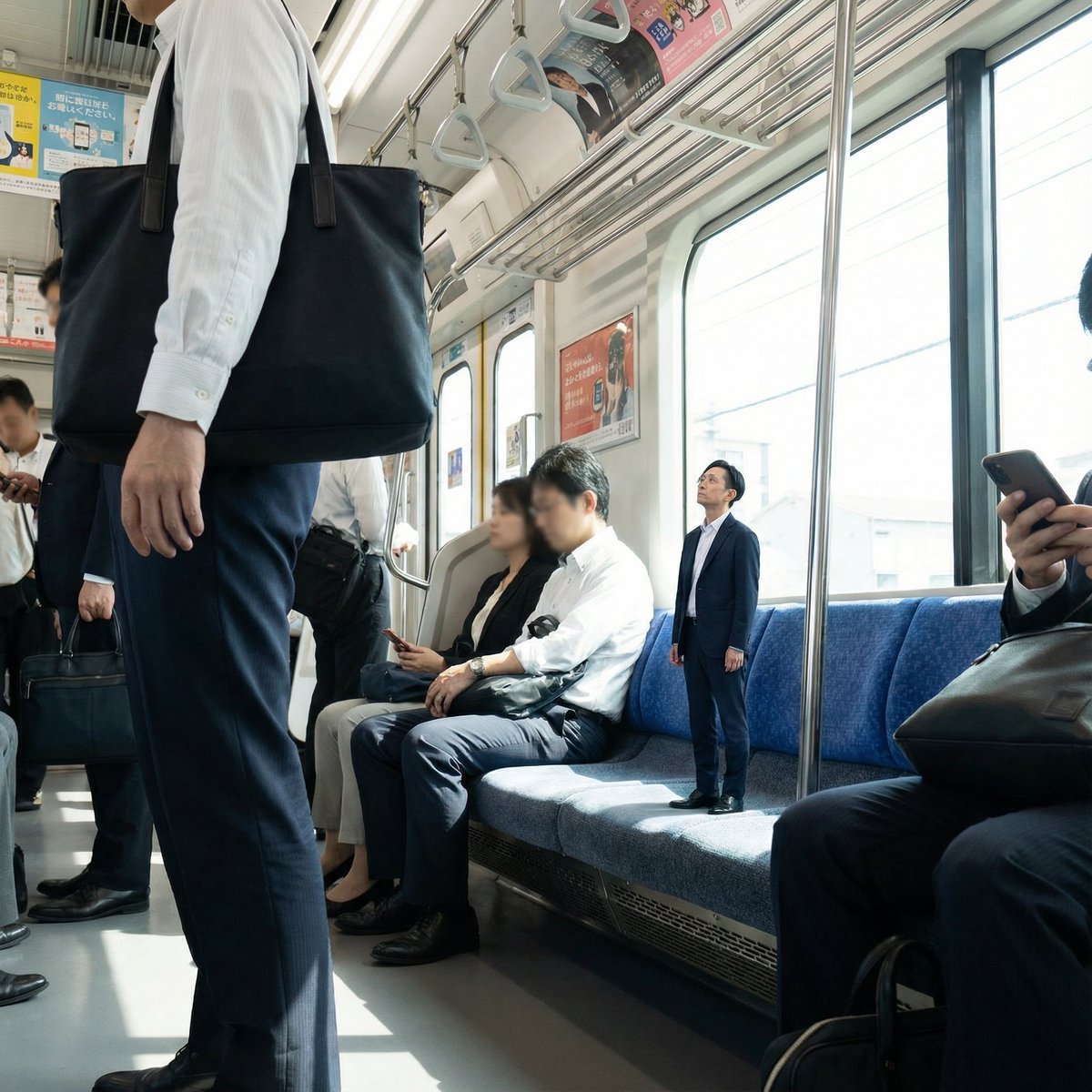
Miniature Person in Train Prompt
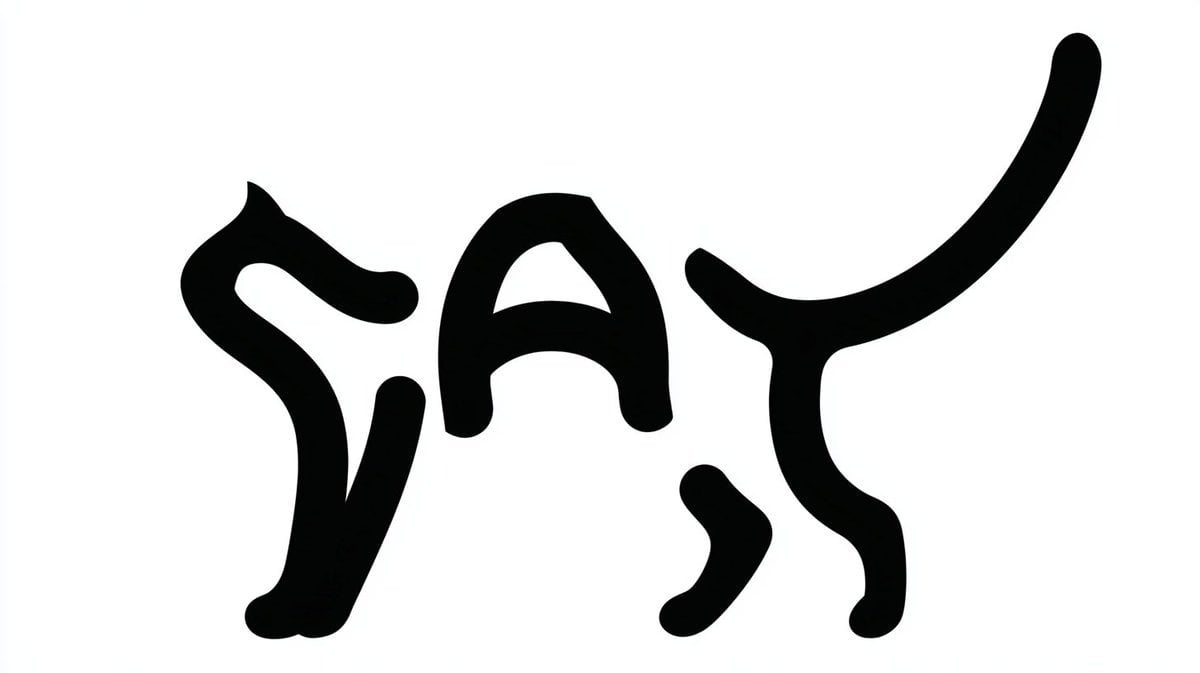
Monochrome Typographic Cat Illustration
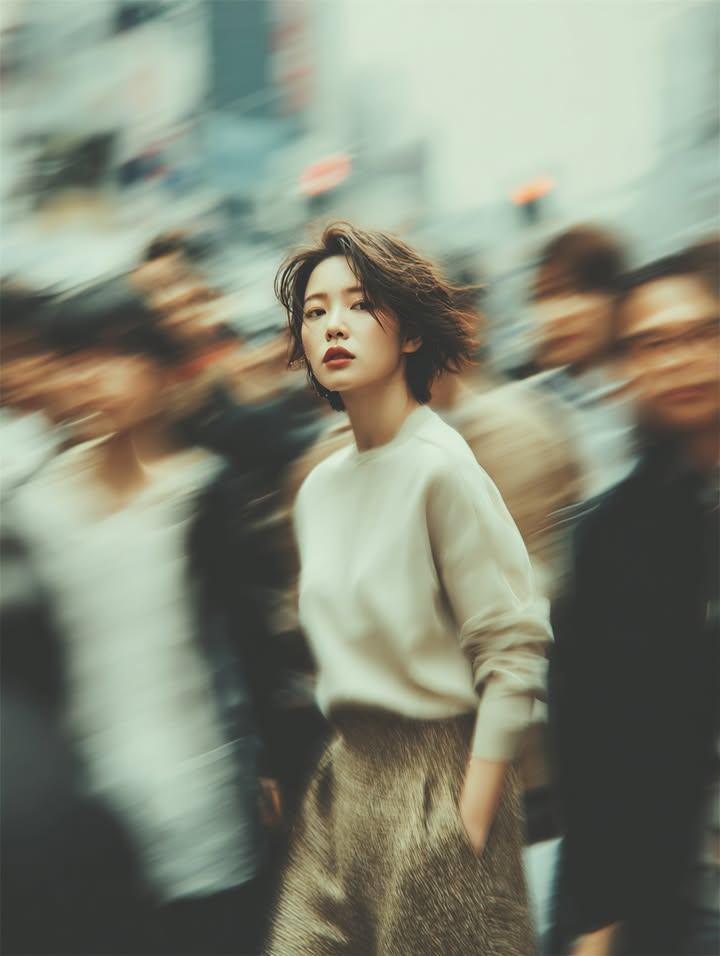
Cinematic Street Portrait with Motion Blur
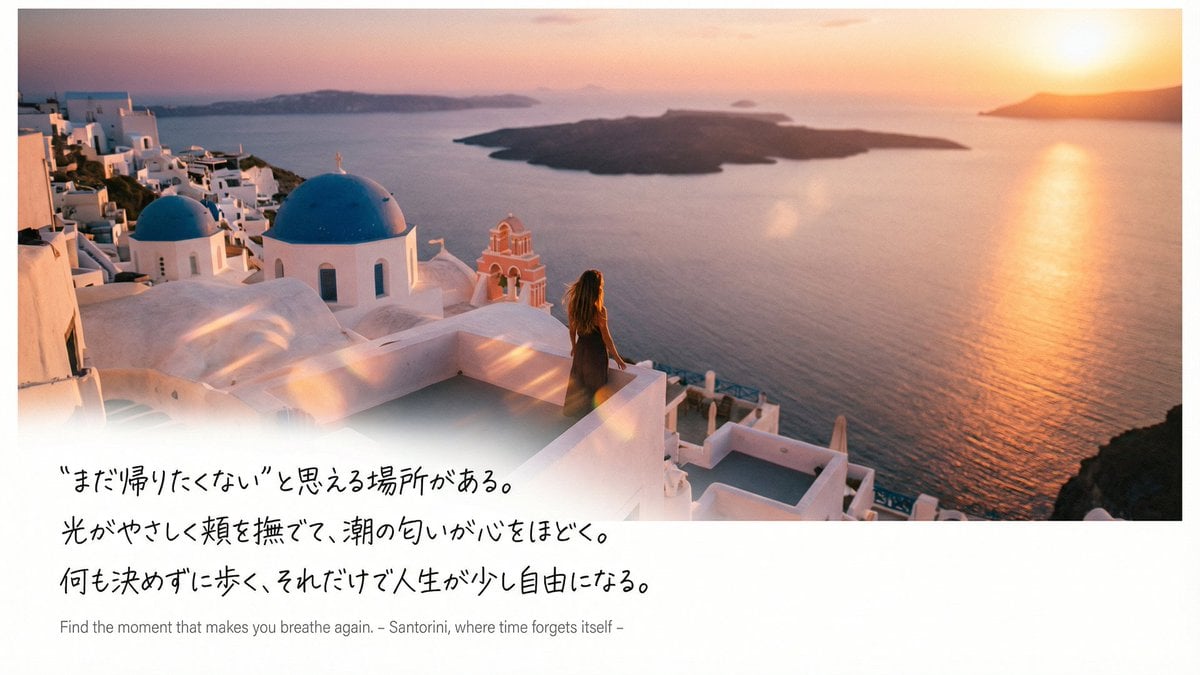
Emotional Sea Journey Thumbnail Design Prompt (Santorini)
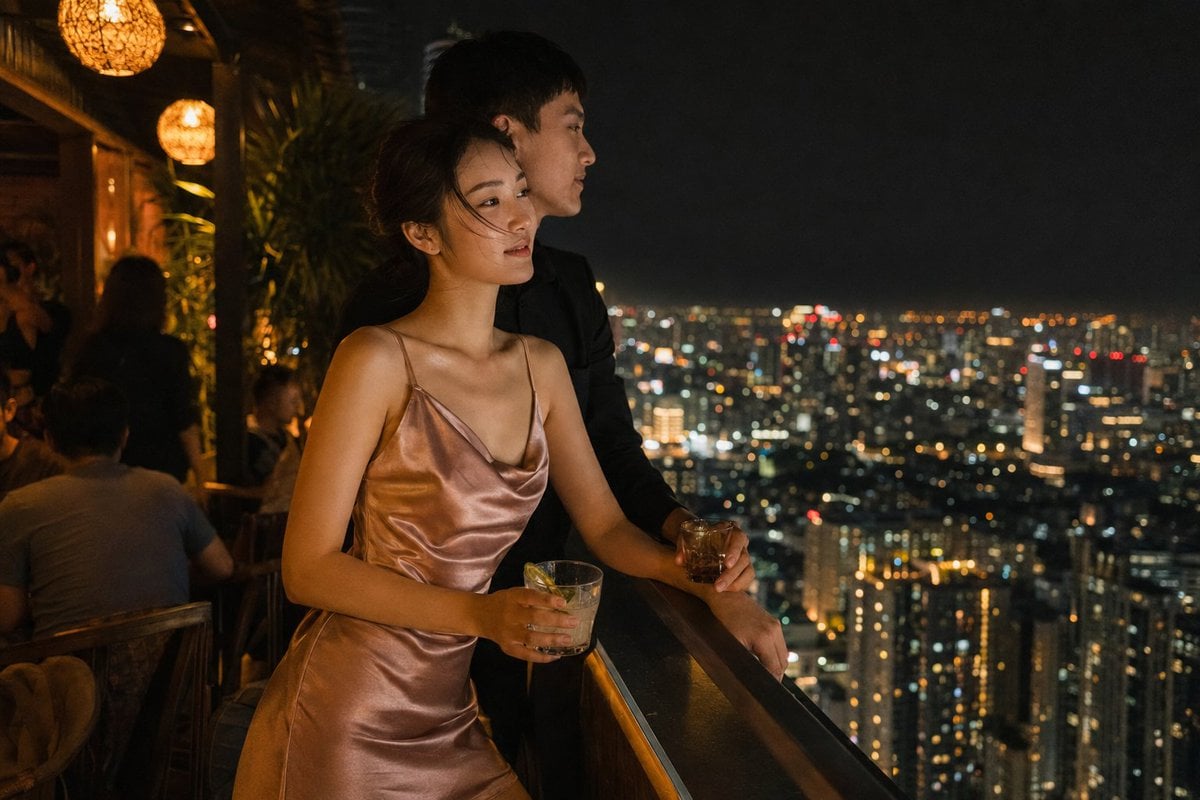
Rooftop Bar Night Cityscape Couple
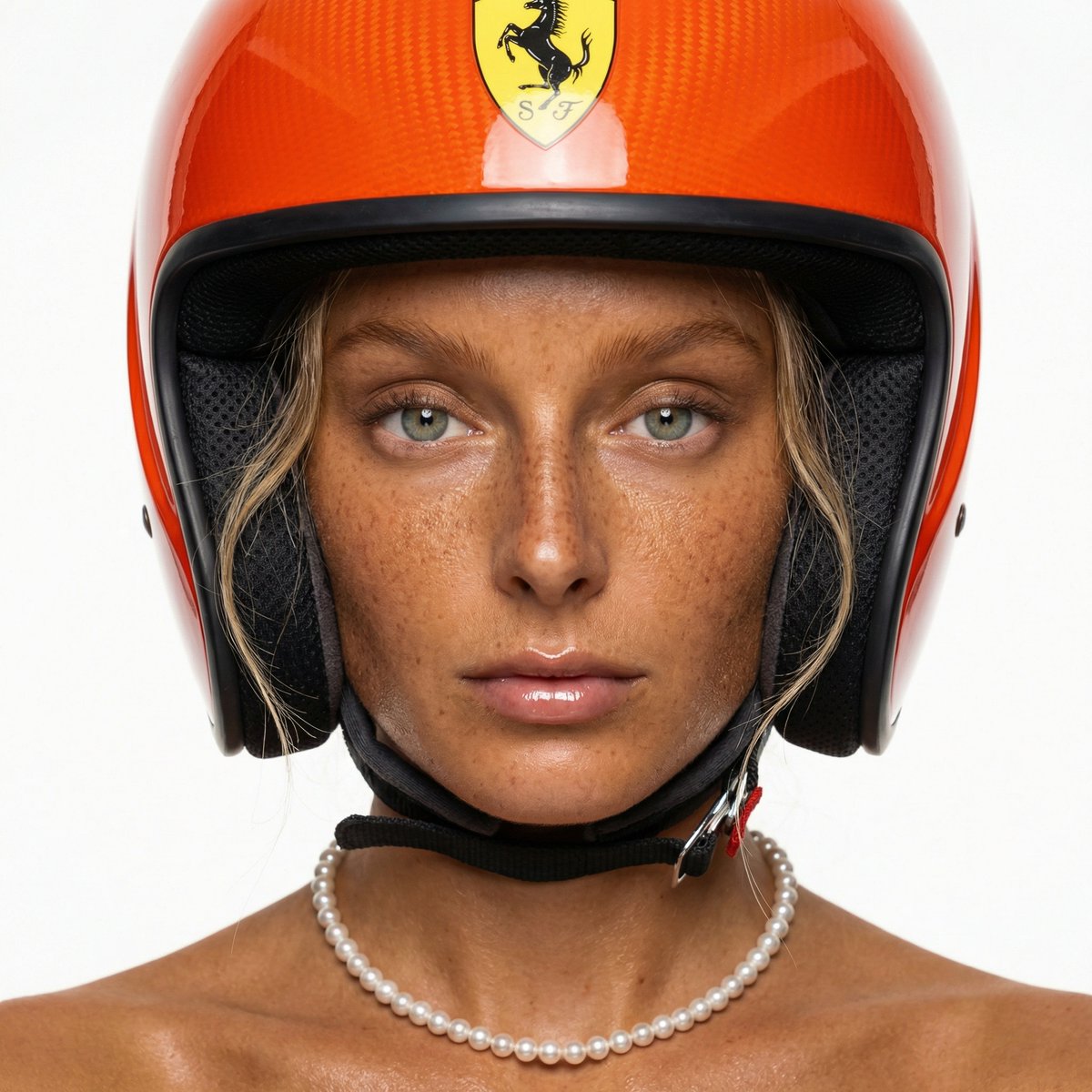
F1 Heiress Editorial Portrait with Racing Helmet and Pearls
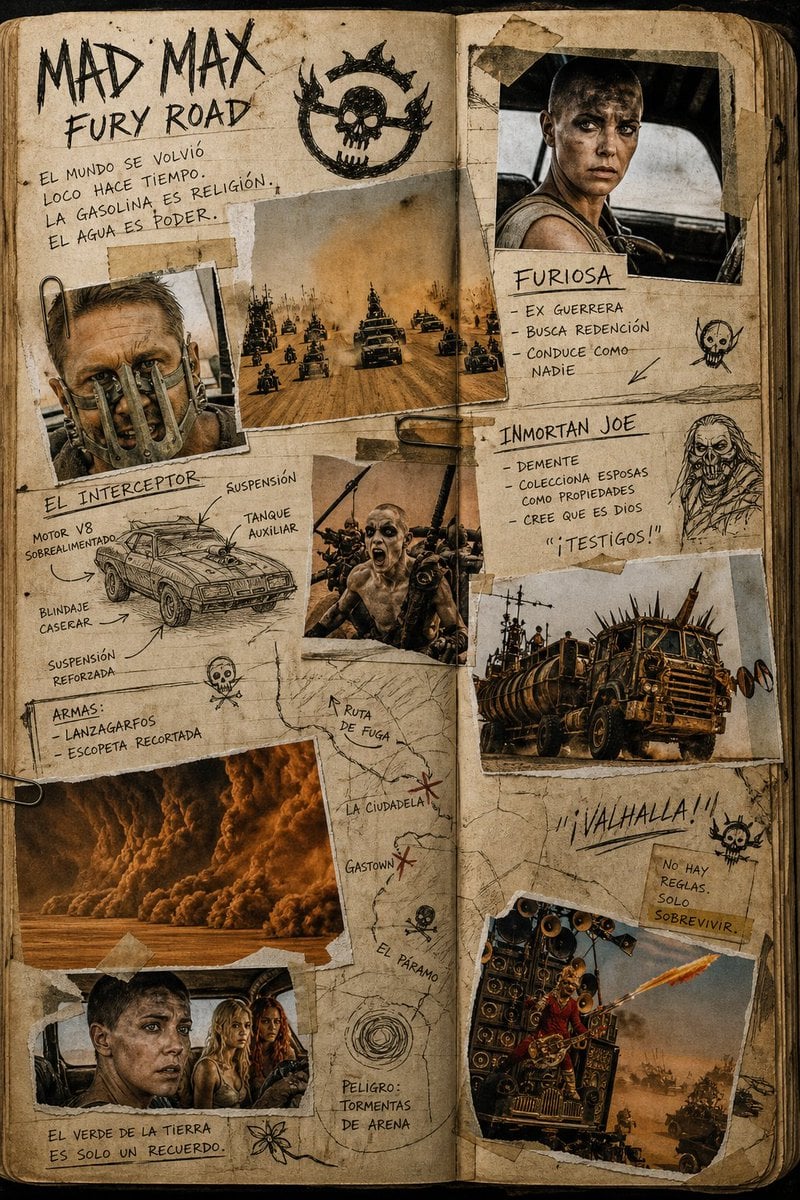
Mad Max Journal Scrapbook Style
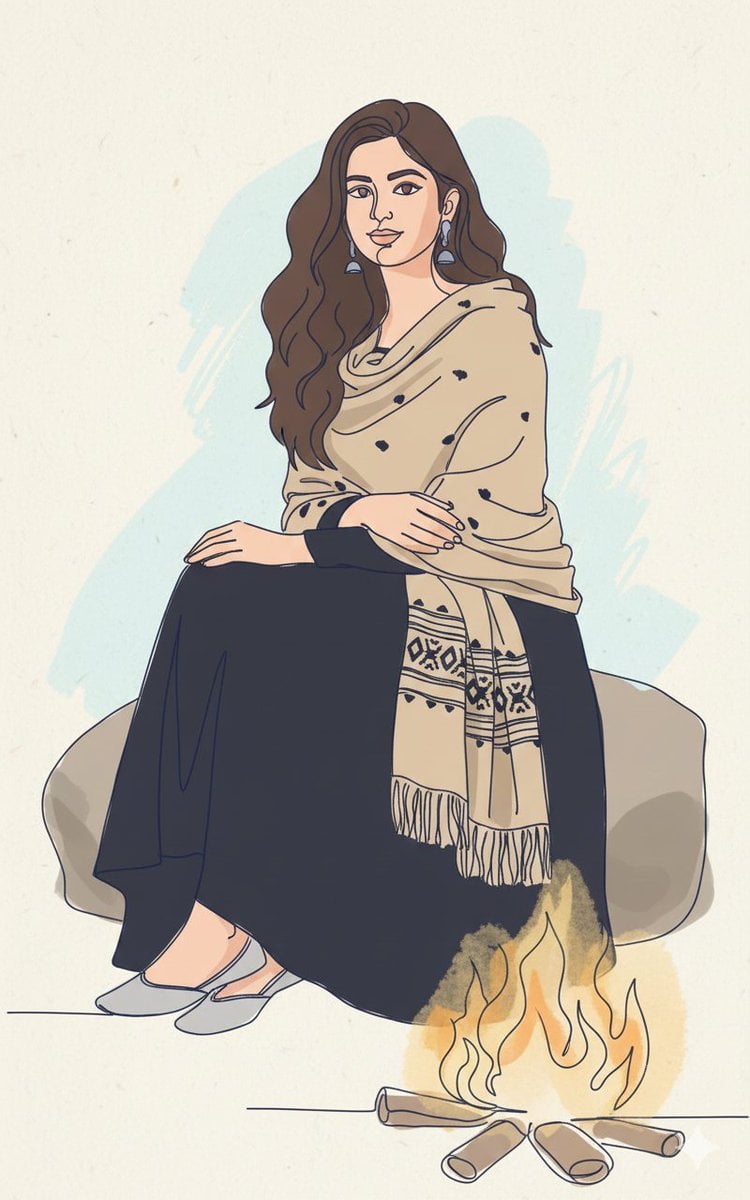
Continuous Single-Line Doodle Identity Preservation Prompt
Browse template categories
Japanese Creator Interview Magazine Spread questions
How do I use the Japanese Creator Interview Magazine Spread template?
Add your photo if the template asks for one, edit the prompt if you like — the template's model and format are already selected — and press Generate. Your version opens in PicX Studio.
Can I customize the Japanese Creator Interview Magazine Spread template?
Yes. You can change the subject, setting, lighting, mood, format, and available model controls before creating your image.
Is the Japanese Creator Interview Magazine Spread template free?
Opening and editing this template is free. Generating uses credits, shown on the Generate button when you are signed in.
Which AI model should I use?
Start with GPT Image 2, which is the model associated with this template. You can compare another compatible model for a different finish.
Looking for something else? Browse all templates.

Your photo, any look
Thousands of ready templates for every top image and video model, from one credit balance.