
Anime Concert Interview Magazine Spread
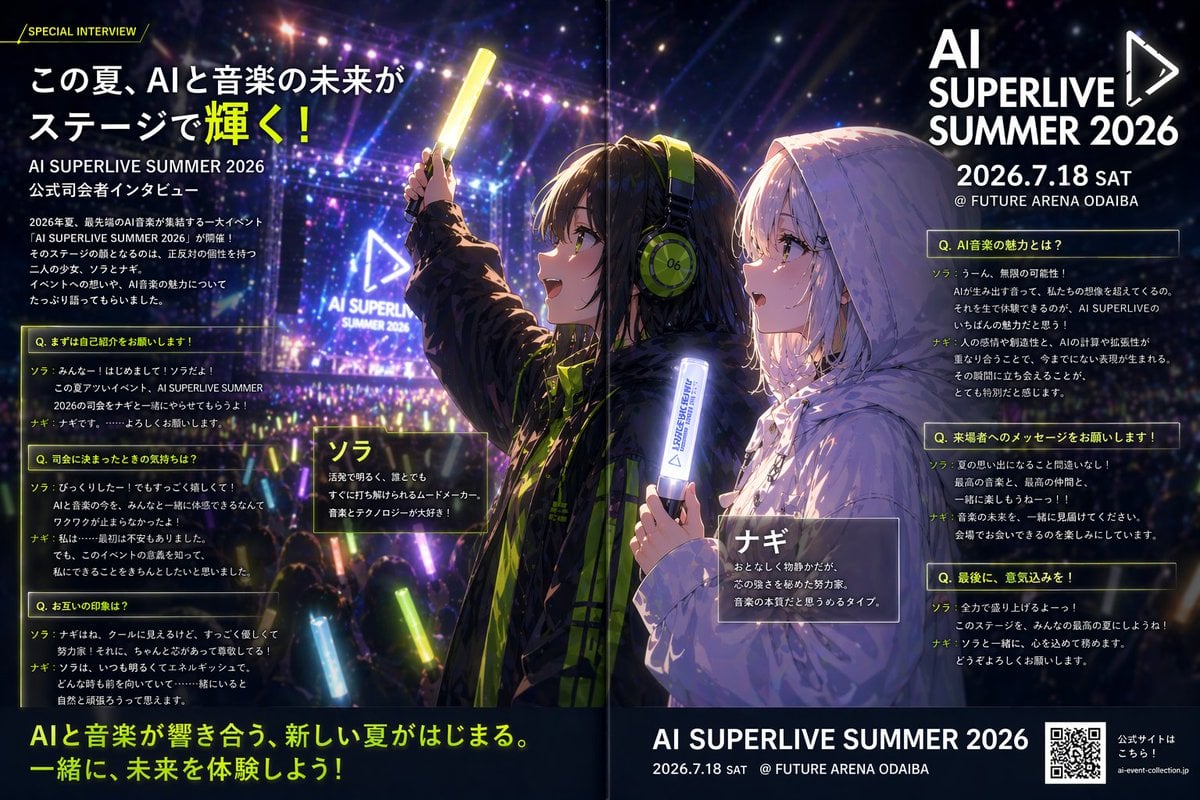
A cinematic anime-style promotional spread for a futuristic live music event, ideal for concert posters, interview features, and event marketing visuals.
- Prompt included
- Model and format preset
- Free template
The prompt behind this image
Copy the exact prompt behind Anime Concert Interview Magazine Spread, or open it in the studio and make it yours.
A high-impact anime promotional interview poster designed as a glossy two-page magazine spread for a futuristic live music event. The scene shows a packed nighttime concert arena filled with a crowd holding glowing light sticks in neon yellow, blue, and purple, with a huge illuminated stage in the background, laser beams, bokeh lights, haze, and a giant triangular play-icon screen reading "AI SUPERLIVE SUMMER 2026". In the center foreground are 2 anime-style female presenters seen from a dramatic side and back angle, both looking toward the stage. The left character is {argument name="left character name" default="ソラ"}, wearing a dark oversized hooded jacket with black and acid-lime accents, large lime-green headphones marked "06", and raising a bright yellow glow stick overhead; her face is partially obscured by a rectangular privacy block. The right character is {argument name="right character name" default="ナギ"}, with a short silver-white bob haircut and fair skin, wearing a pale oversized hooded coat, softly lit by stage lights, holding a white-blue glowing baton near her chest, with an emotional profile expression as she watches the show. Use cinematic rim lighting, richly saturated purple-blue concert colors, reflective fabric highlights, and detailed anime rendering with a polished editorial-advertising finish. Compose the layout like a Japanese special interview feature with dense text overlays, translucent dark panels, thin neon-yellow borders, and bold sans-serif typography. Include 8 distinct text blocks: 1 small header tag at top left reading "/ SPECIAL INTERVIEW /"; 1 large Japanese headline at upper left reading "この夏、AIと音楽の未来がステージで輝く!"; 1 event logo block at upper right reading "AI SUPERLIVE SUMMER 2026" and "2026.7.18 SAT @ FUTURE ARENA ODAIBA"; 3 question-and-answer panels stacked on the left with yellow-framed headers beginning with "Q."; 3 question-and-answer panels stacked on the right with yellow-framed headers beginning with "Q."; plus 2 character intro name boxes near the figures labeled "ソラ" and "ナギ". Add a bold closing Japanese tagline across the bottom left and center reading "AIと音楽が響き合う、新しい夏がはじまる。 一緒に、未来を体験しよう!". At the bottom right, include a footer block repeating the event name and date, plus a visible QR code and a small caption indicating the official website. The overall style should feel like a premium Japanese event flyer, interview article, and key visual combined, energetic, futuristic, emotional, and festival-like.
How to use Anime Concert Interview Magazine Spread in 3 steps
- 1Upload ImagePNG, JPG or paste
Add your photo
Upload the photo the template builds on. The prompt, model and format are already set.
- 2…a portrait of your subject in softgolden-hour light, 85mm…
Personalize
Edit the subject and creative details for your destination.
- 3Generate
Generate
Press Generate — your image is created in PicX Studio, so you can compare it with the original and refine one variable at a time.
More like this
Templates with the same subject, style or setup. Open one to see its prompt.
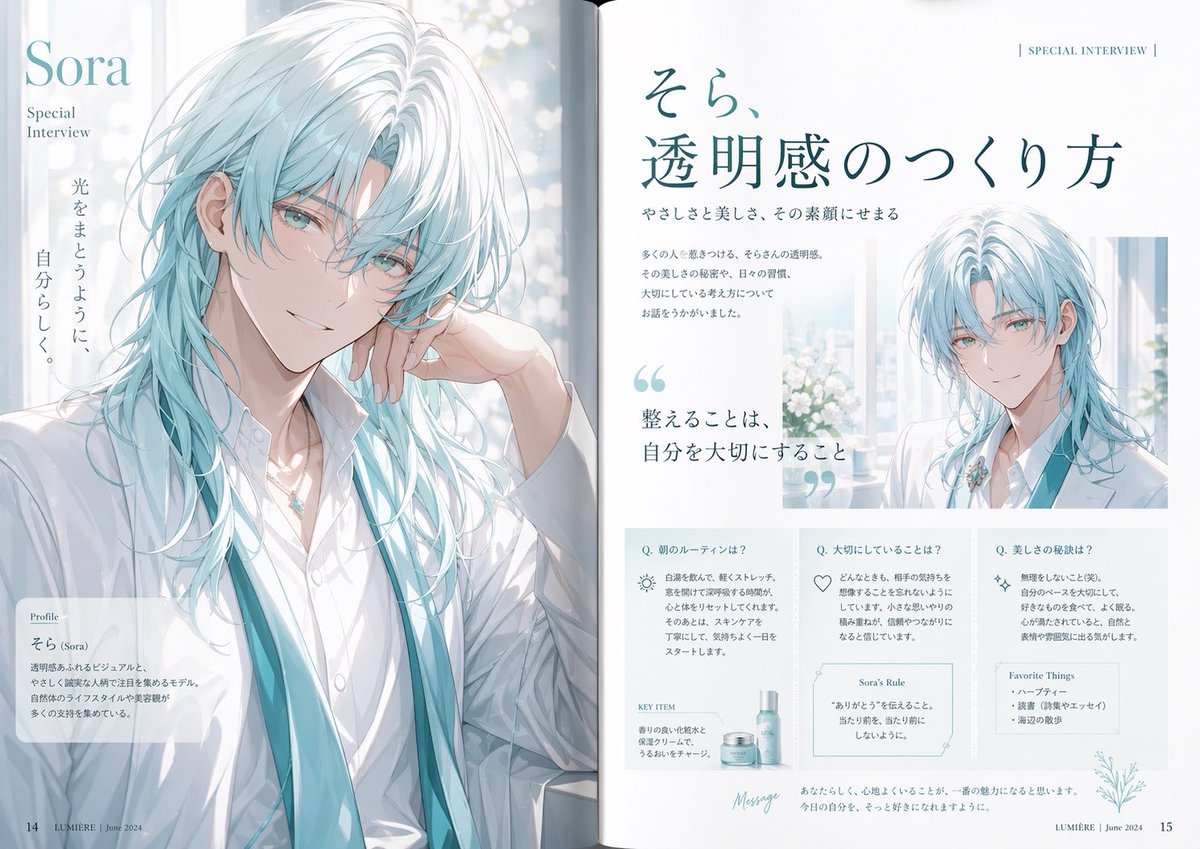
Anime Magazine Interview Spread

Cel 2D Rooftop Concert
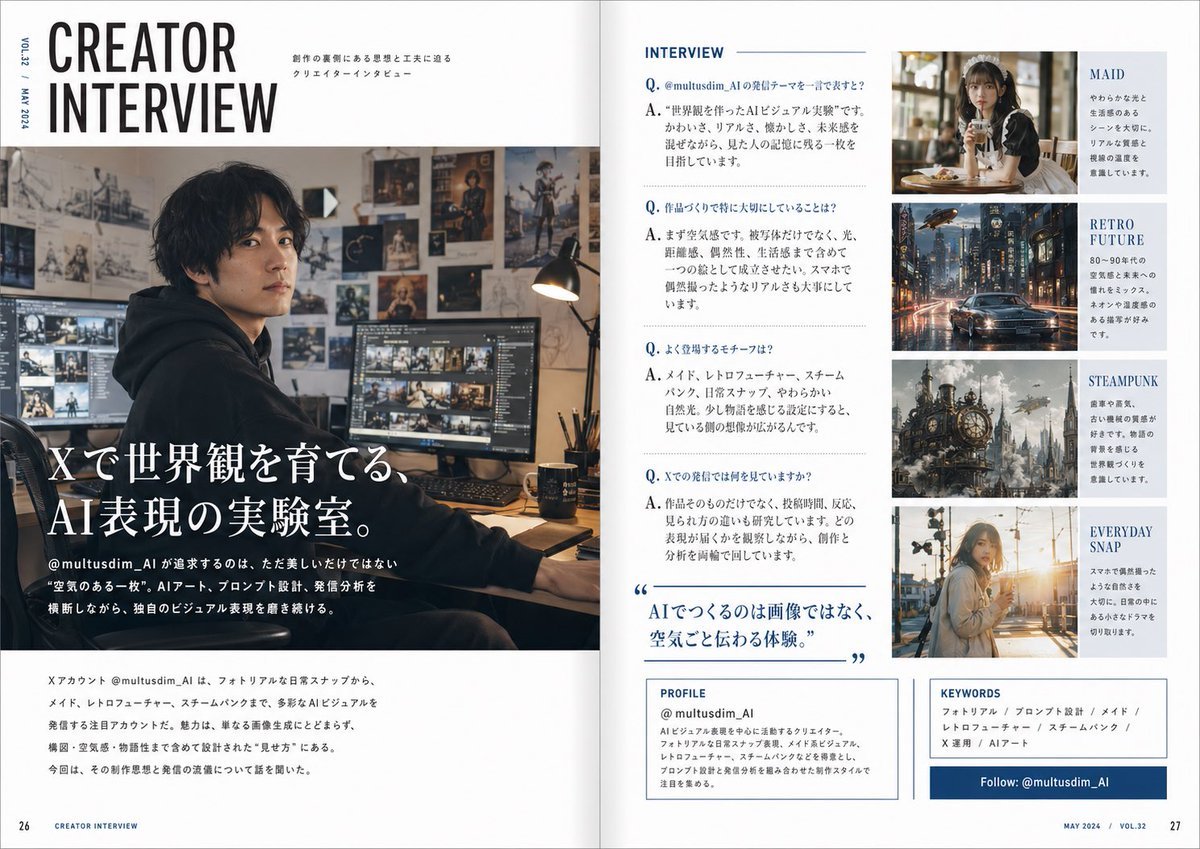
Japanese Creator Interview Magazine Spread

Pastel Anime Idol Concert Finale
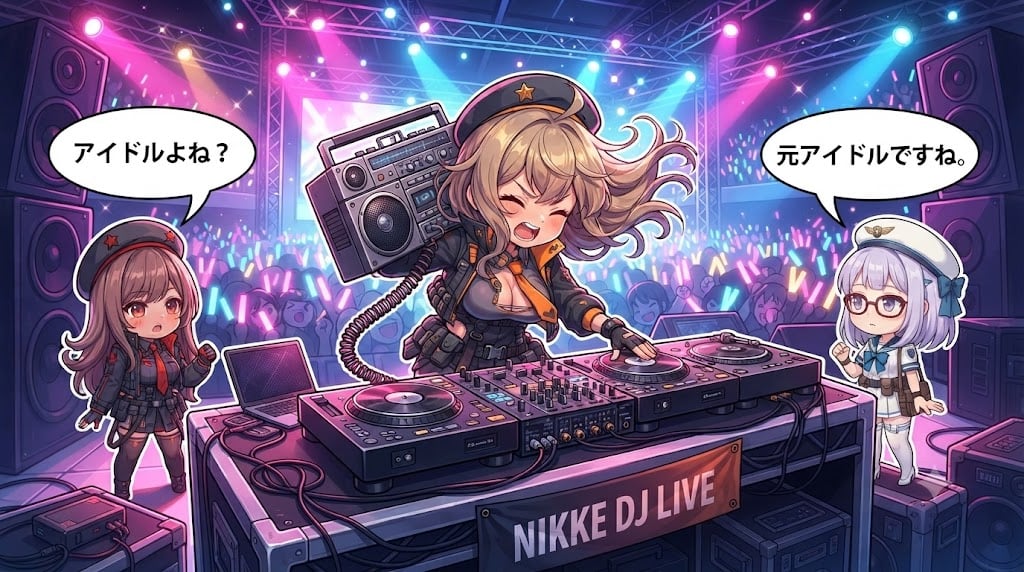
Chibi Anime DJ Live Concert

Anime Mahjong Magazine Cover

Neon Anime Fireworks Magazine Cover
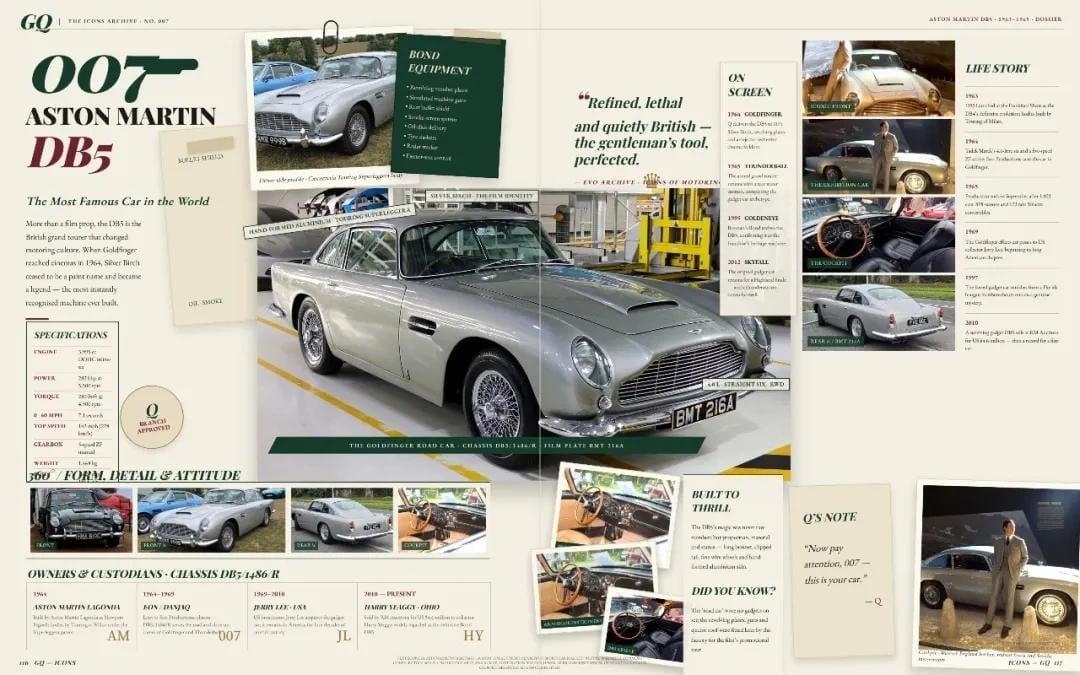
Vintage Aston Martin DB5 Magazine Spread

Cel 2D Finale Fireworks

Cel 2D Garden Maze

Cel 2D Bicycle Coast

Cel 2D Castle Gate
Make it yours
Anime Concert Interview Magazine Spread works as-is. These are the safest ways to change it without losing the look.
Change one field
Copy a single group, rewrite it, and generate again so you can see what that field is doing.
Keep the frame, change the subject
Hold the composition and light of Anime Concert Interview Magazine Spread, then swap wardrobe, props or the person for a new take.
| If the result… | Why | Fix |
|---|---|---|
| The result drifts from the preview | Too many fields changed at once. | Reuse Anime Concert Interview Magazine Spread as-is first, then change one group — subject, light, or setting. |
| The model over-stylizes the scene | The prose prompt leaves finish and camera underspecified. | Add one camera or lighting sentence and stay on GPT Image 2. |
More GPT Image 2 templates
Other prompts made for GPT Image 2.

Six VTuber Japanese Logo Sheet

Realistic Portrait of Woman and Deer

The Vista Modular Condo Poster

AI Model Routing Comparison Infographic

2.5D Anime Art Board

Isometric Productivity Desk Scene

New York Double Exposure Poster

Four-Panel AI Landscape Comparison

Japanese Tatami Lifestyle Magazine Cover

NESCAFÉ Coffee Map Poster
More image prompts
Fresh picks from across the catalog.
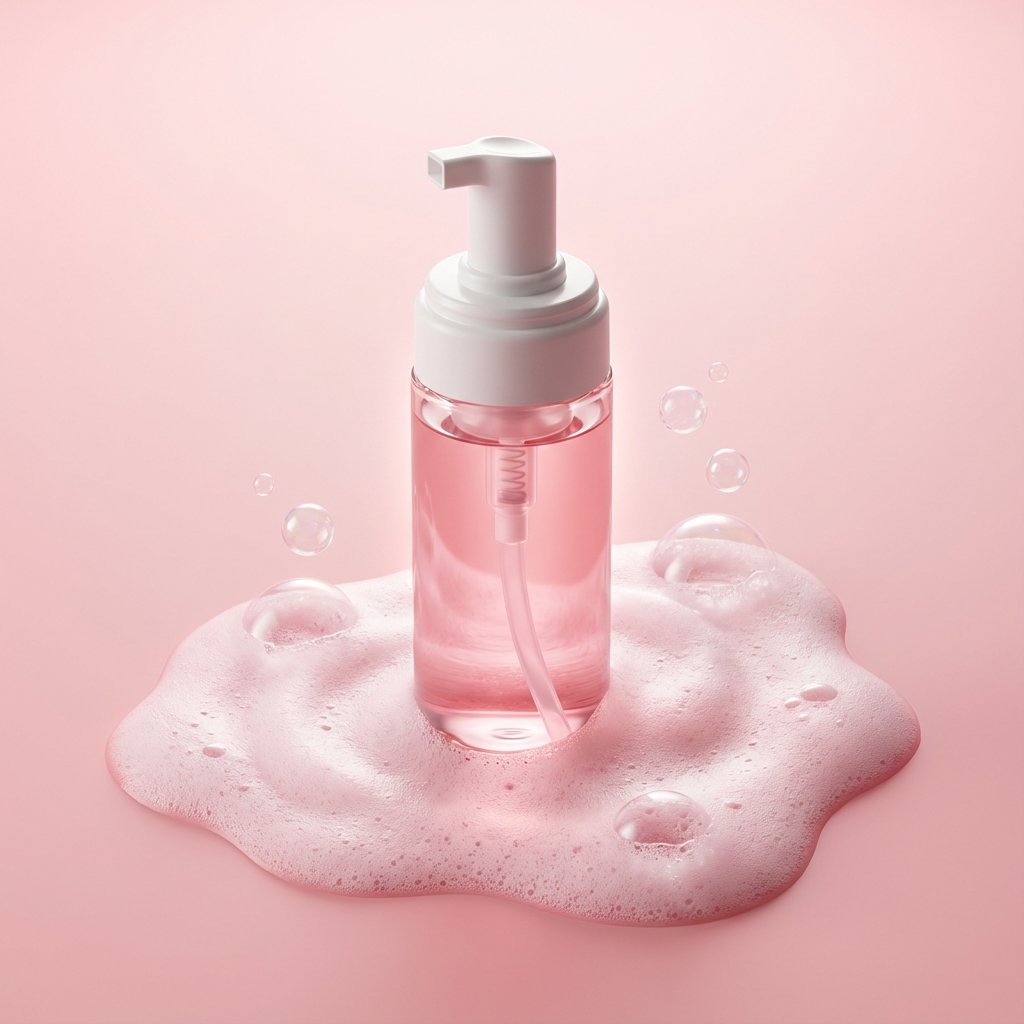
Minimalist Skincare Product Photography with Bubbles
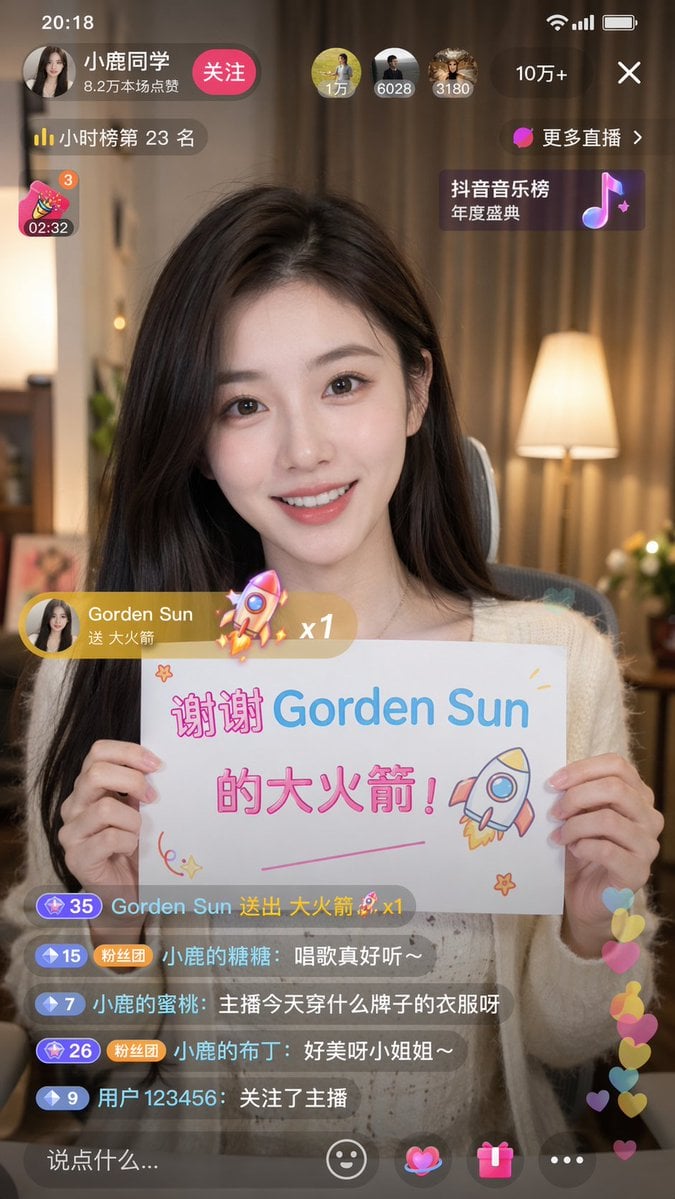
Douyin Live Stream Screenshot
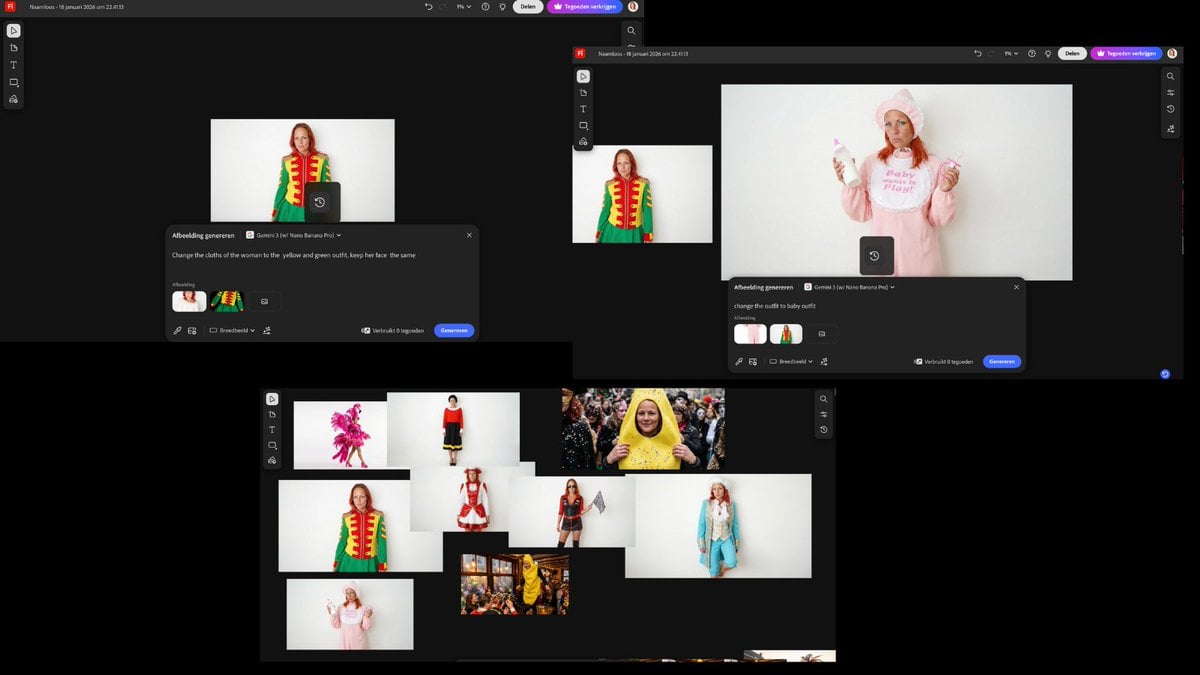
Outfit Swapping Workflow with Reference Images
Photorealistic Café Lifestyle Shot Prompt
Dinosaur Park Gift Shop Merchandise Display
Isometric Gallery People Set
Cinematic Night Skiing Fashion Editorial
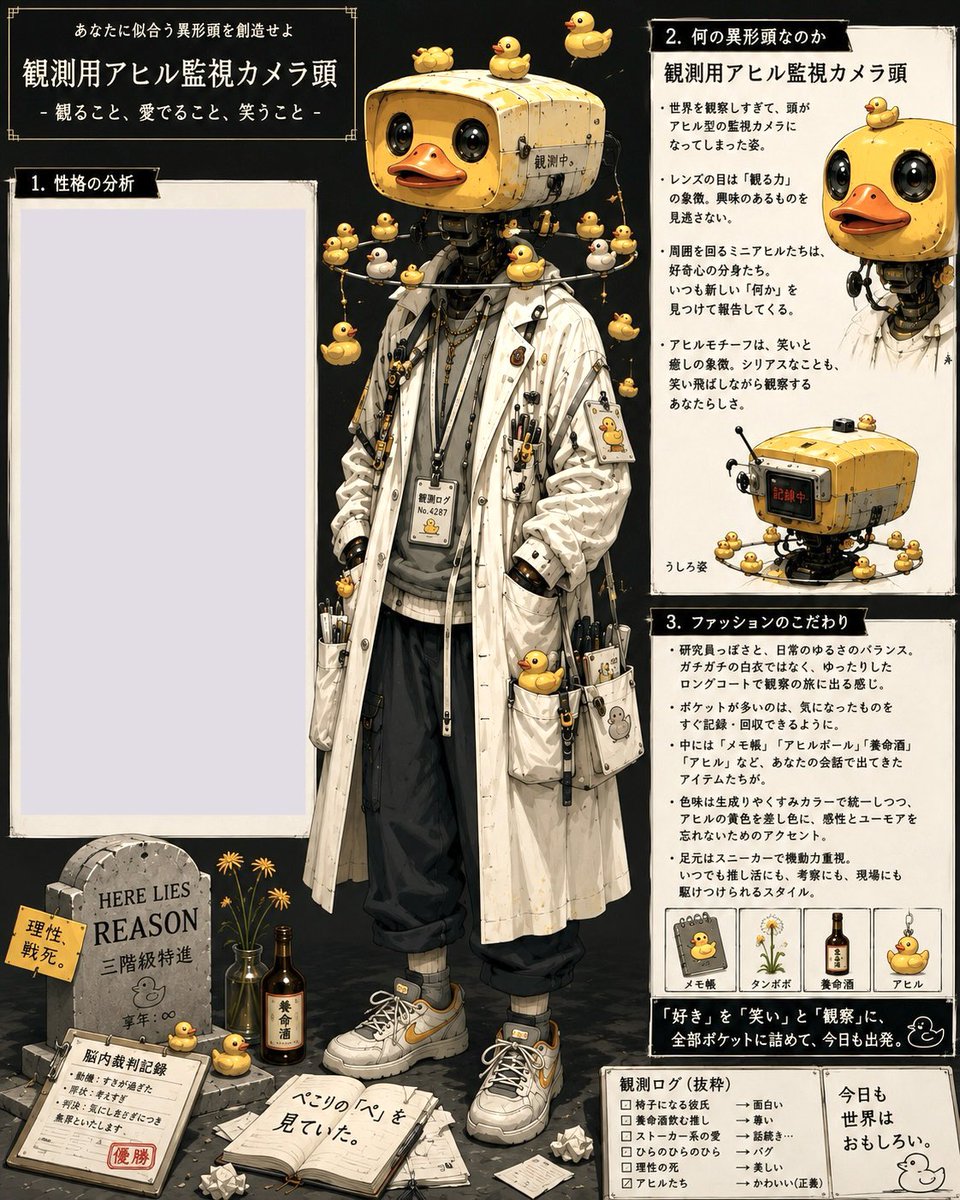
Rubber Duck Camera Head Character Sheet
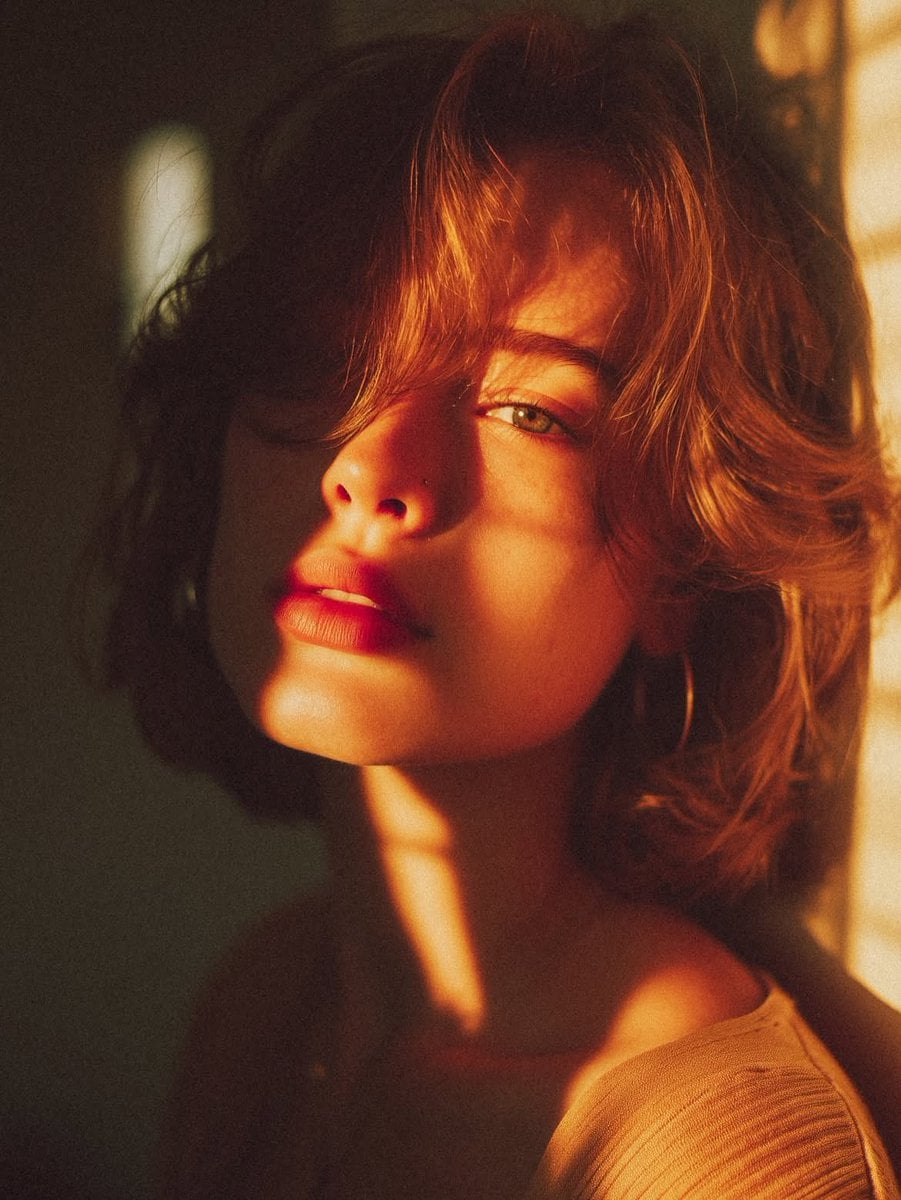
Cinematic Golden Hour Portrait
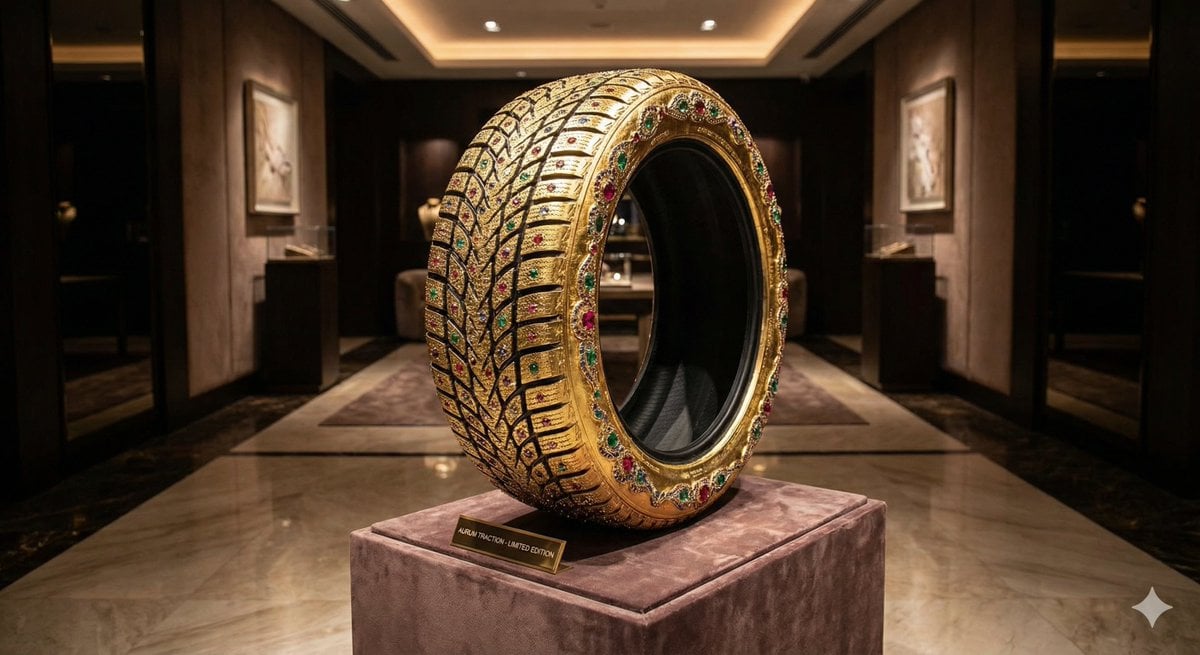
Luxury Snow Tire Image Generation
Browse template categories
Anime Concert Interview Magazine Spread questions
How do I use the Anime Concert Interview Magazine Spread template?
Add your photo if the template asks for one, edit the prompt if you like — the template's model and format are already selected — and press Generate. Your version opens in PicX Studio.
Can I customize the Anime Concert Interview Magazine Spread template?
Yes. You can change the subject, setting, lighting, mood, format, and available model controls before creating your image.
Is the Anime Concert Interview Magazine Spread template free?
Opening and editing this template is free. Generating uses credits, shown on the Generate button when you are signed in.
Which AI model should I use?
Start with GPT Image 2, which is the model associated with this template. You can compare another compatible model for a different finish.
Looking for something else? Browse all templates.

Your photo, any look
Thousands of ready templates for every top image and video model, from one credit balance.