
Minimalist Anime Eyeglasses Fashion Poster
Generates a refined Japanese magazine-style eyeglasses advertisement poster with an anime librarian model, luxury typography, product specs, and a clean face placeholder.
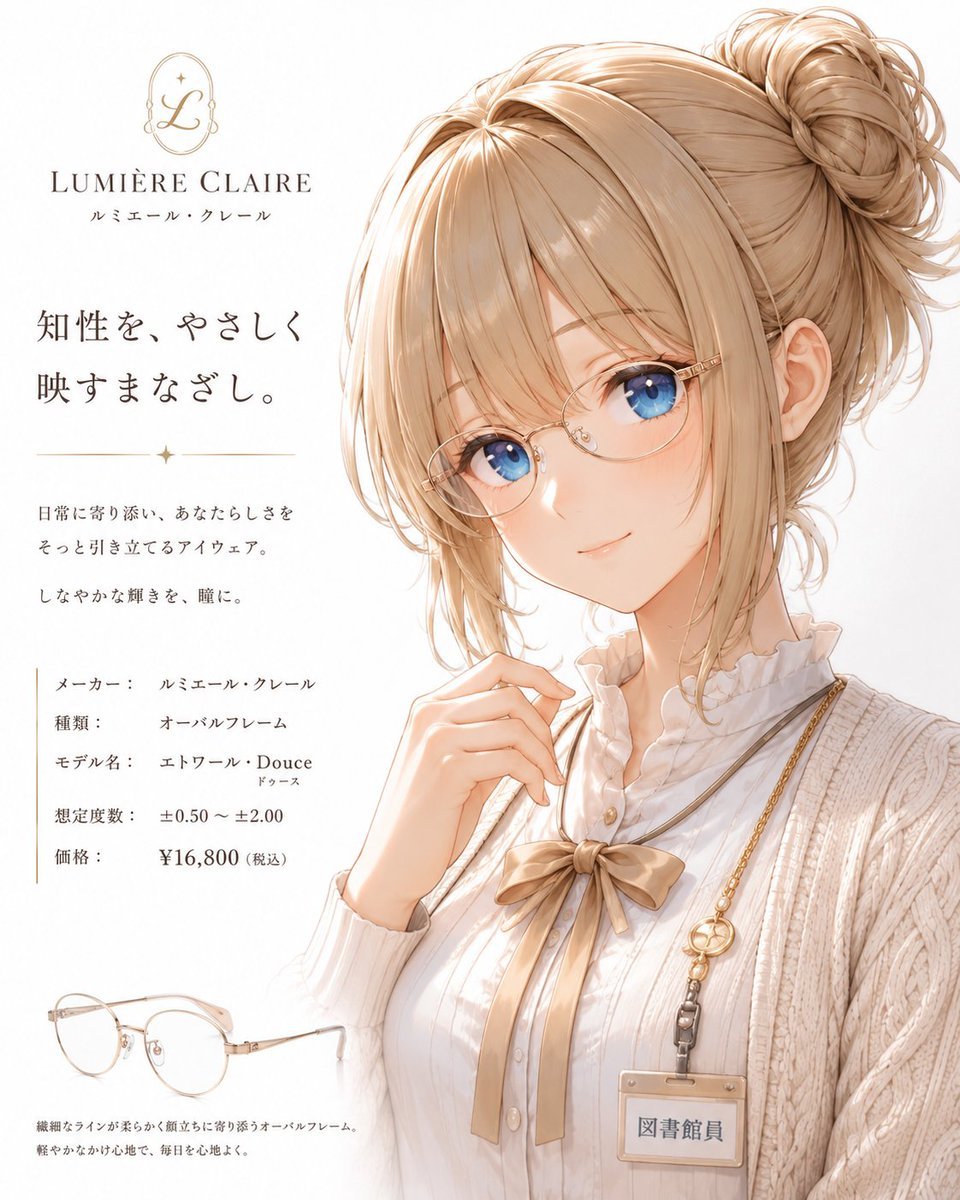
- Prompt included
- Model and format preset
- Free template
The prompt behind this image
Copy the exact prompt behind Minimalist Anime Eyeglasses Fashion Poster, or open it in the studio and make it yours.
Goal: Create a minimalist white-background fashion magazine advertising poster for elegant women’s eyeglasses, featuring a soft anime-style young woman in a refined librarian-inspired outfit. Canvas: Vertical poster, 4:5 aspect ratio, bright off-white background, airy luxury magazine spacing, warm beige and champagne-gold palette, delicate watercolor/anime illustration finish, high detail in hair, fabric, and accessories. Layout: Place the illustrated model on the right two-thirds of the poster, cropped from head to mid-torso. Her face is intentionally covered by a large flat warm-beige square placeholder centered over the face, leaving the hair, ear, neck, hand, and outfit visible. Put all typography and product details on the left third. Add a small eyeglasses product illustration near the bottom-left corner. Brand area: At top left, include 2 discrete brand elements: a thin gold oval monogram logo with a cursive L and small sparkle, and the brand name {argument name="brand name" default="LUMIÈRE CLAIRE"} in elegant serif capitals. Add small Japanese brand reading directly below with the default text {argument name="brand reading" default="ルミエール・クレール"}. Main headline and copy: Under the brand, add the large Japanese headline {argument name="headline text" default="知性を、やさしく\n映すまなざし。"} in refined dark gray type. Below it, add a thin horizontal gold divider with 1 small sparkle centered between two lines. Under the divider, add 3 short Japanese copy lines in small type: 「日常に寄り添い、あなたらしさを」, 「そっと引き立てるアイウェア。」, and 「しなやかな輝きを、瞳に。」 Specification block: Below the copy, create exactly 5 labeled specification rows in Japanese with a thin vertical gold rule at the left. The 5 rows are: 1) 「メーカー: ルミエール・クレール」, 2) 「種類: オーバルフレーム」, 3) 「モデル名: エトワール・Douce」 with small furigana-like 「ドゥース」 underneath, 4) 「想定度数: ±0.50 ~ ±2.00」, 5) 「価格: ¥16,800(税込)」. Keep the price slightly bolder. Model details: The character is a graceful young woman with light honey-blonde hair in a voluminous messy high bun, soft loose strands framing the face, fine linework, and luminous highlights. She wears an ivory ribbed knit cardigan, a white ruffled high-neck blouse, a beige ribbon bow at the collar, and a thin crossbody chain with a visible ID badge. Her right hand is raised delicately near her chin, suggesting she is adjusting or presenting eyewear, though the glasses on her face are hidden by the beige face placeholder. Visible outfit and accessory count: Include exactly 6 notable outfit/accessory elements: 1 ivory ribbed cardigan, 1 white ruffled blouse, 1 beige ribbon bow, 1 thin gold-toned chain strap, 1 rectangular ID badge reading {argument name="badge text" default="図書館員"}, and 1 small round gold charm near the chain. Product section: At bottom left, draw exactly 1 separate pair of oval eyeglasses in pale champagne-gold metal with clear lenses, delicate nose pads, and thin temples. Add 2 short Japanese product-copy lines beneath: 「繊細なラインが柔らかく顔立ちに寄り添うオーバルフレーム。」 and 「軽やかなかけ心地で、毎日を心地よく。」 Visual style: Elegant Japanese fashion-ad layout, minimal and sophisticated, soft shadows, warm natural light, delicate gold accents, thin serif typography, subtle paper-white background, polished magazine poster composition. Constraints: Keep the large beige square over the face as a clean flat placeholder with no facial features. Use exactly 5 specification rows, exactly 3 small copy lines under the divider, exactly 2 bottom product-copy lines, exactly 1 eyeglasses product illustration, and exactly 6 listed outfit/accessory elements. No extra logos, no watermark, no clutter.
How to use Minimalist Anime Eyeglasses Fashion Poster in 3 steps
- 1Upload ImagePNG, JPG or paste
Add your photo
Upload the photo the template builds on. The prompt, model and format are already set.
- 2…a portrait of your subject in softgolden-hour light, 85mm…
Personalize
Edit the subject and creative details for your destination.
- 3Generate
Generate
Press Generate — your image is created in PicX Studio, so you can compare it with the original and refine one variable at a time.
More like this
Templates with the same subject, style or setup. Open one to see its prompt.
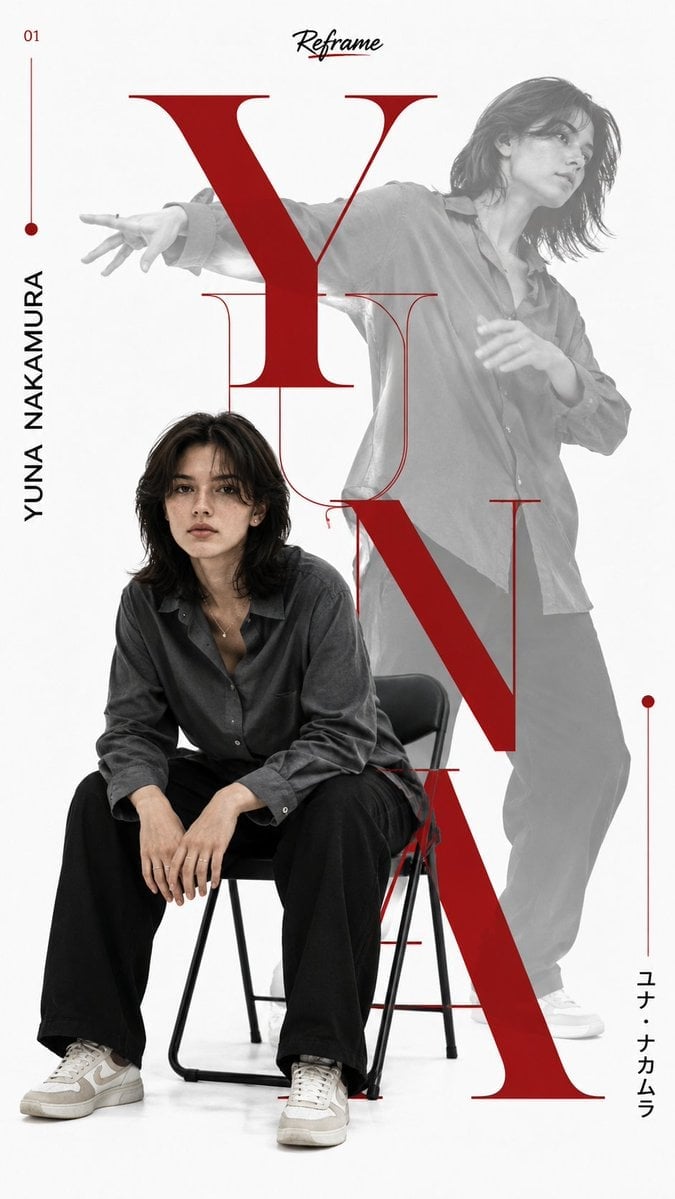
Japanese Minimalist Editorial Fashion Poster

Premium Vintage Travel Poster Landscape

Gpt2 Youtube Thumbnail Anime Music Bootcamp Promo Poster

80s College Gate

1988 Mall Style

80s Polka Dot Saree

Japan Travel Brochure Poster

Clean, minimalist fashion infographic from an uploaded reference photo
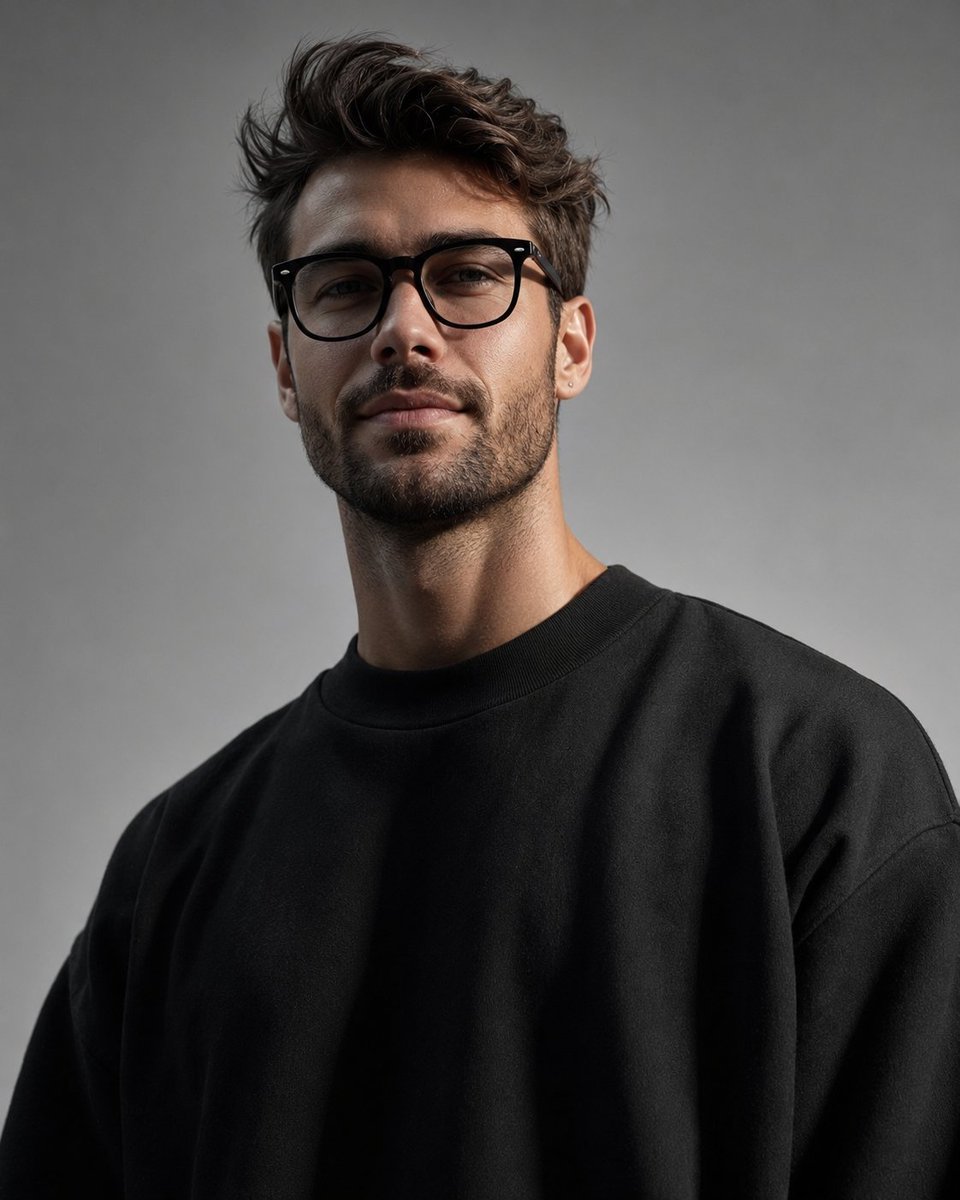
Minimalist High-Fashion Studio Portrait

Minimalist Studio Fashion Portrait Grid
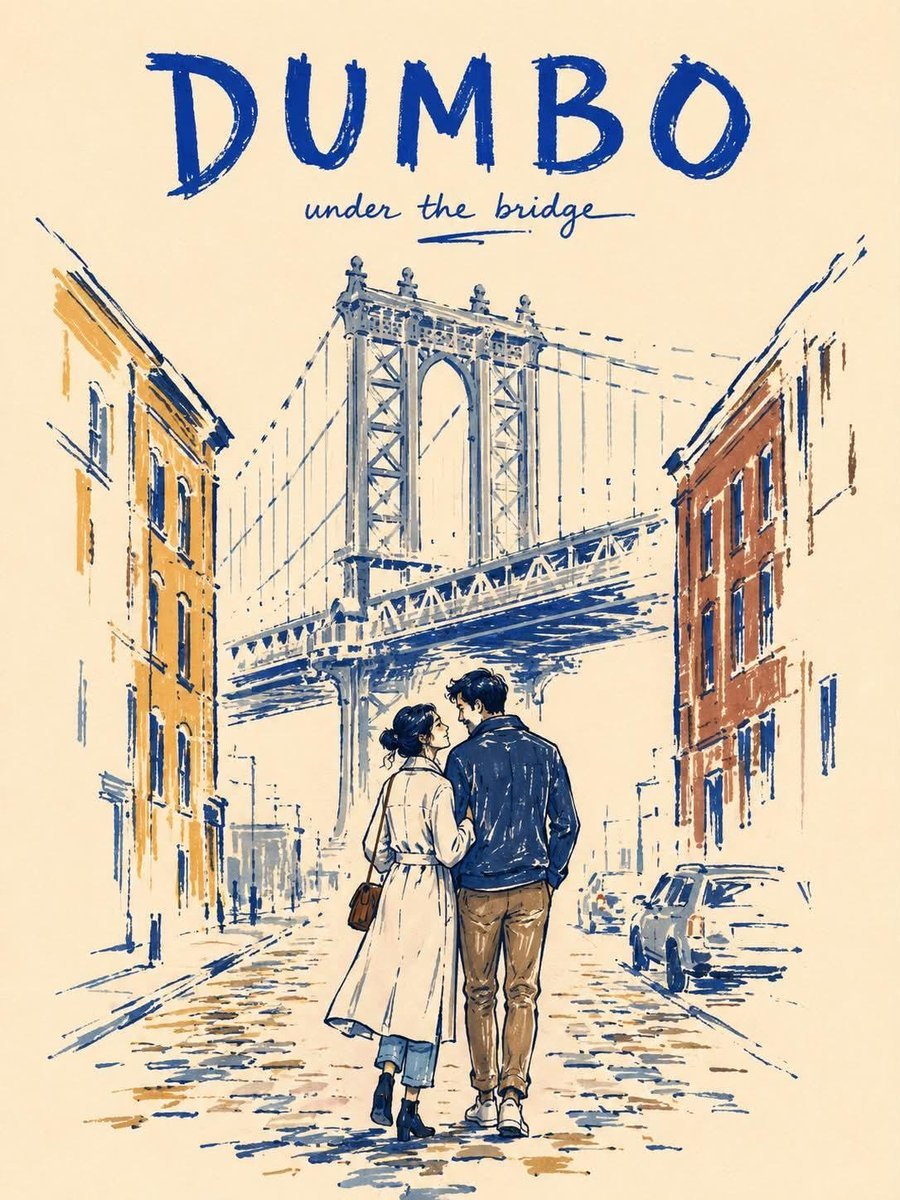
Minimalist Marker Travel Poster

Minimalist Olive Green Editorial Poster
Make it yours
Minimalist Anime Eyeglasses Fashion Poster works as-is. These are the safest ways to change it without losing the look.
Change one field
Copy a single group, rewrite it, and generate again so you can see what that field is doing.
Keep the frame, change the subject
Hold the composition and light of Minimalist Anime Eyeglasses Fashion Poster, then swap wardrobe, props or the person for a new take.
| If the result… | Why | Fix |
|---|---|---|
| The result drifts from the preview | Too many fields changed at once. | Reuse Minimalist Anime Eyeglasses Fashion Poster as-is first, then change one group — subject, light, or setting. |
| The model over-stylizes the scene | The prose prompt leaves finish and camera underspecified. | Add one camera or lighting sentence and stay on GPT Image 2. |
More GPT Image 2 templates
Other prompts made for GPT Image 2.

Six VTuber Japanese Logo Sheet

Realistic Portrait of Woman and Deer

The Vista Modular Condo Poster

AI Model Routing Comparison Infographic

2.5D Anime Art Board

Isometric Productivity Desk Scene

New York Double Exposure Poster

Four-Panel AI Landscape Comparison

Japanese Tatami Lifestyle Magazine Cover

NESCAFÉ Coffee Map Poster
More image prompts
Fresh picks from across the catalog.
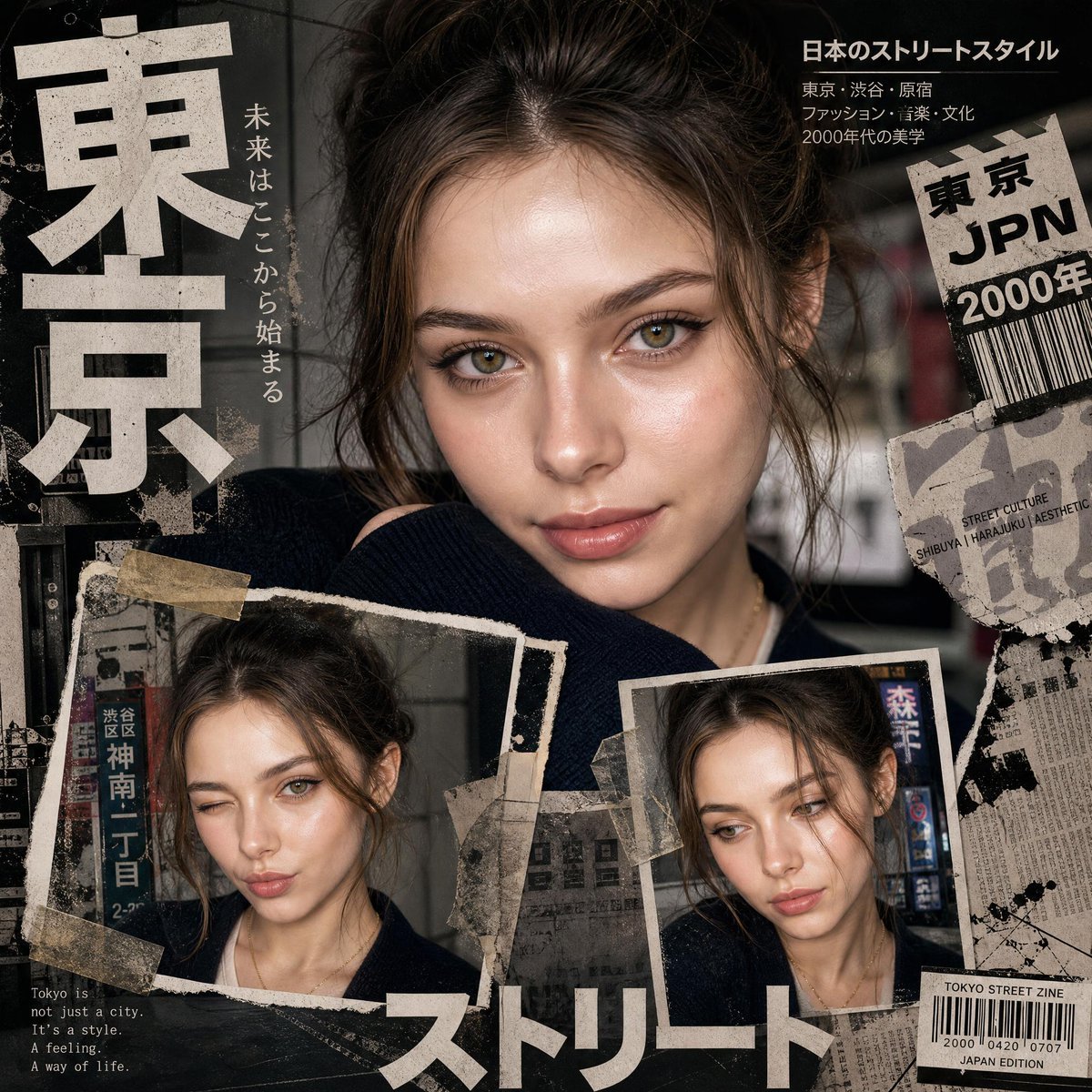
Y2K Japanese editorial collage poster
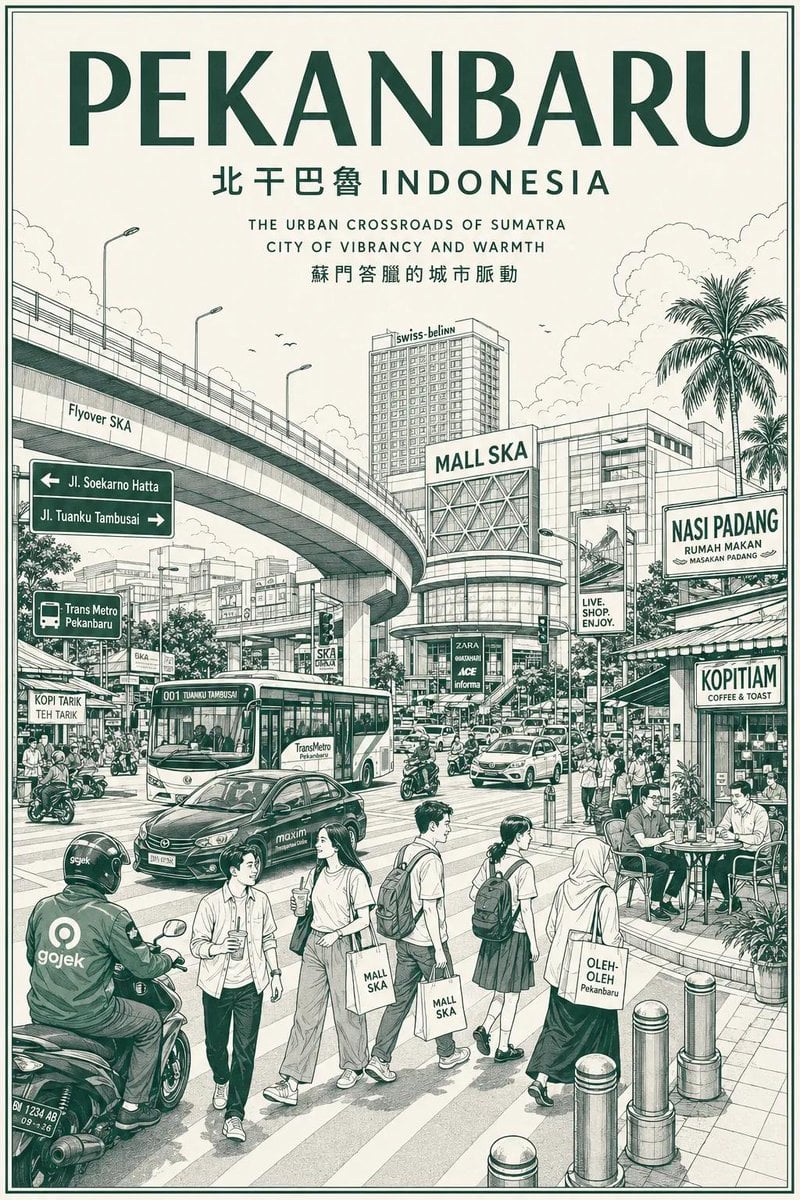
Vintage Monochrome City Travel Poster
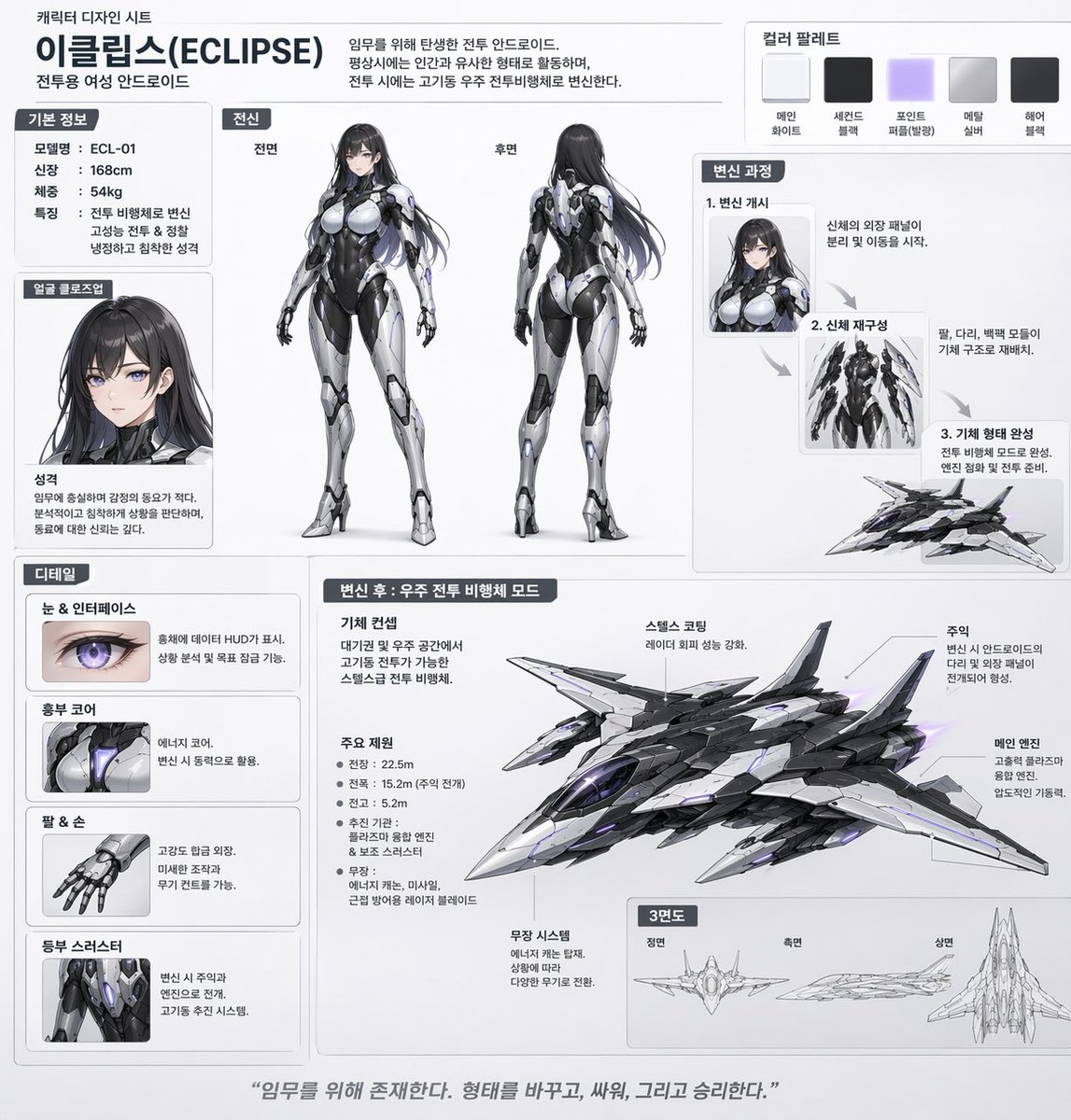
Mecha-Girl Character Design Sheet
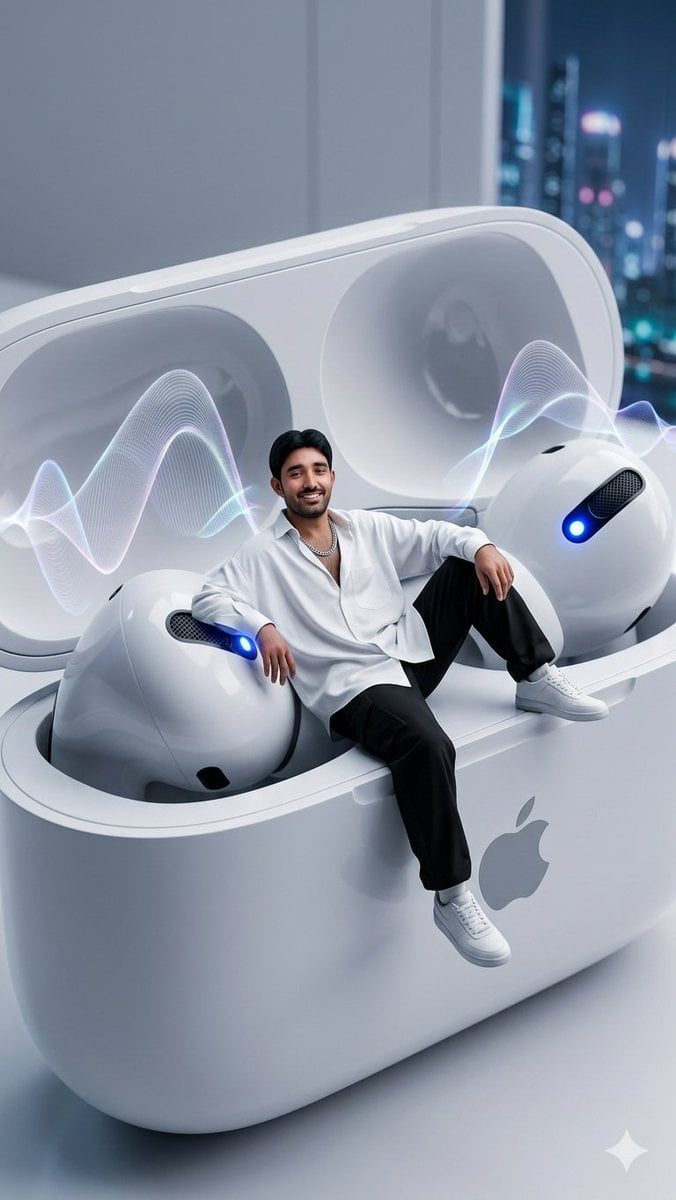
Miniature Man in Giant AirPods Ad
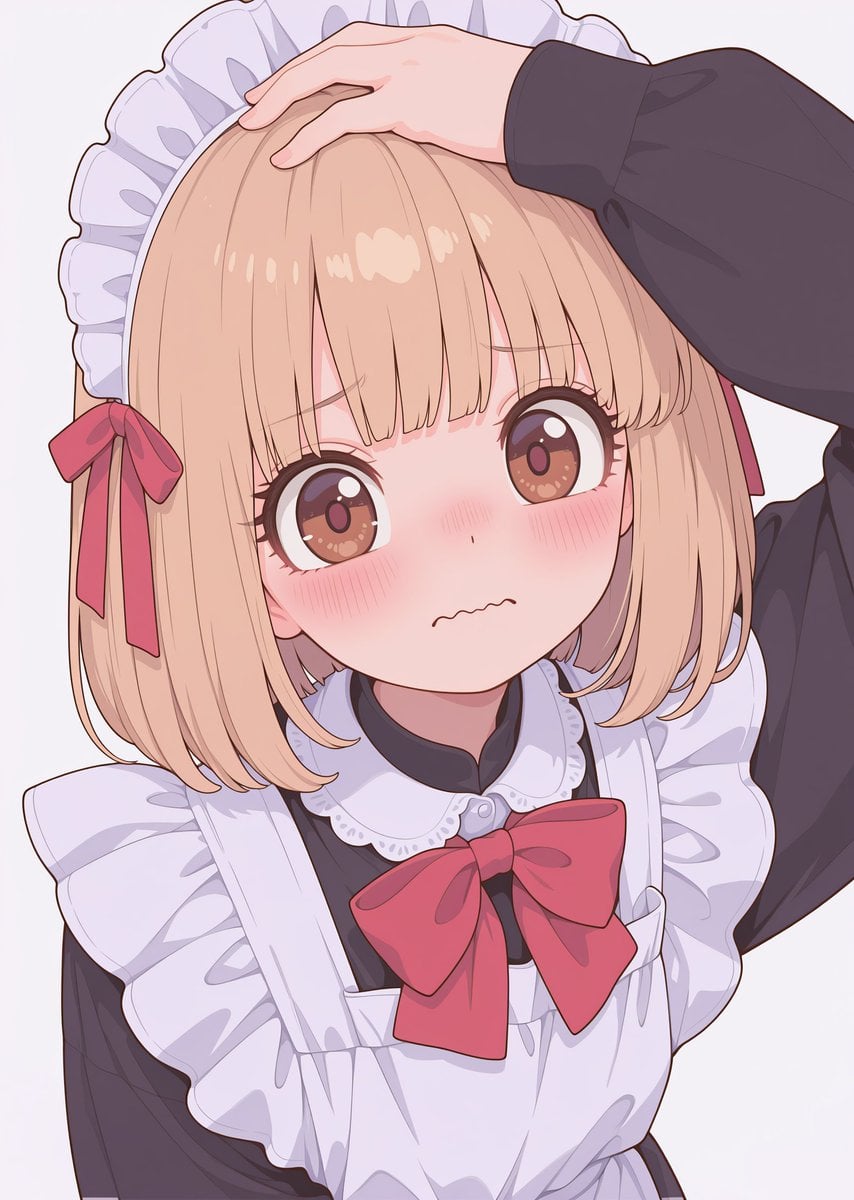
Texture and Style Variation Prompt

Spotify Discovery UI Concept Poster
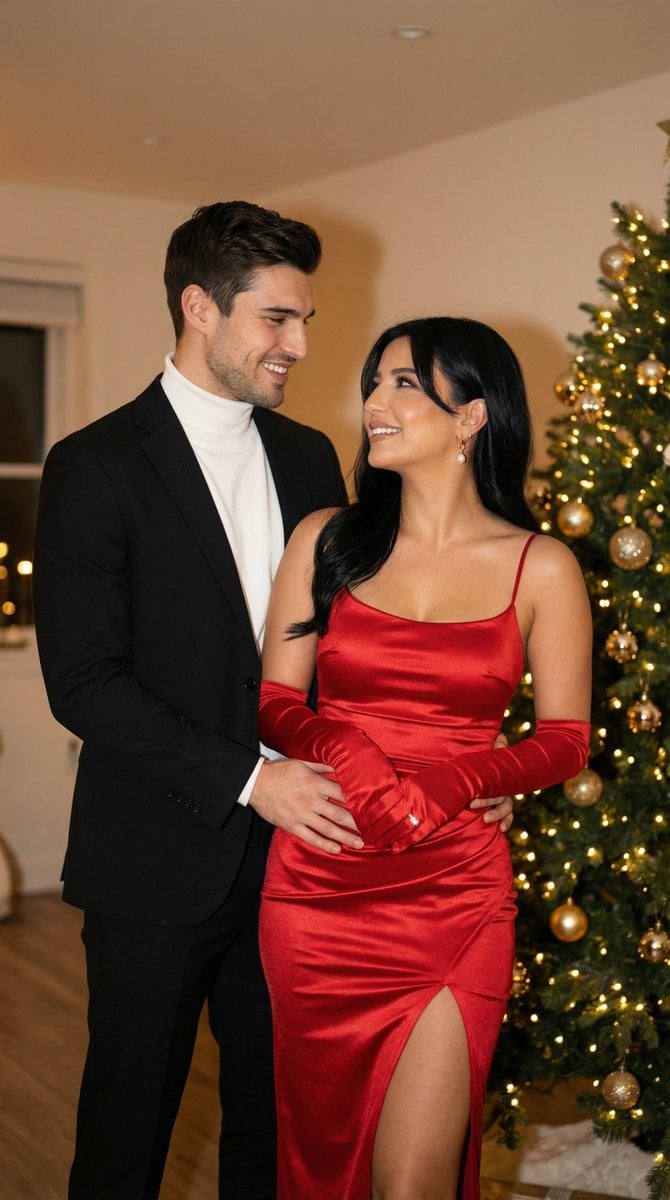
Photoreal Holiday Couple Portrait with Identity Lock
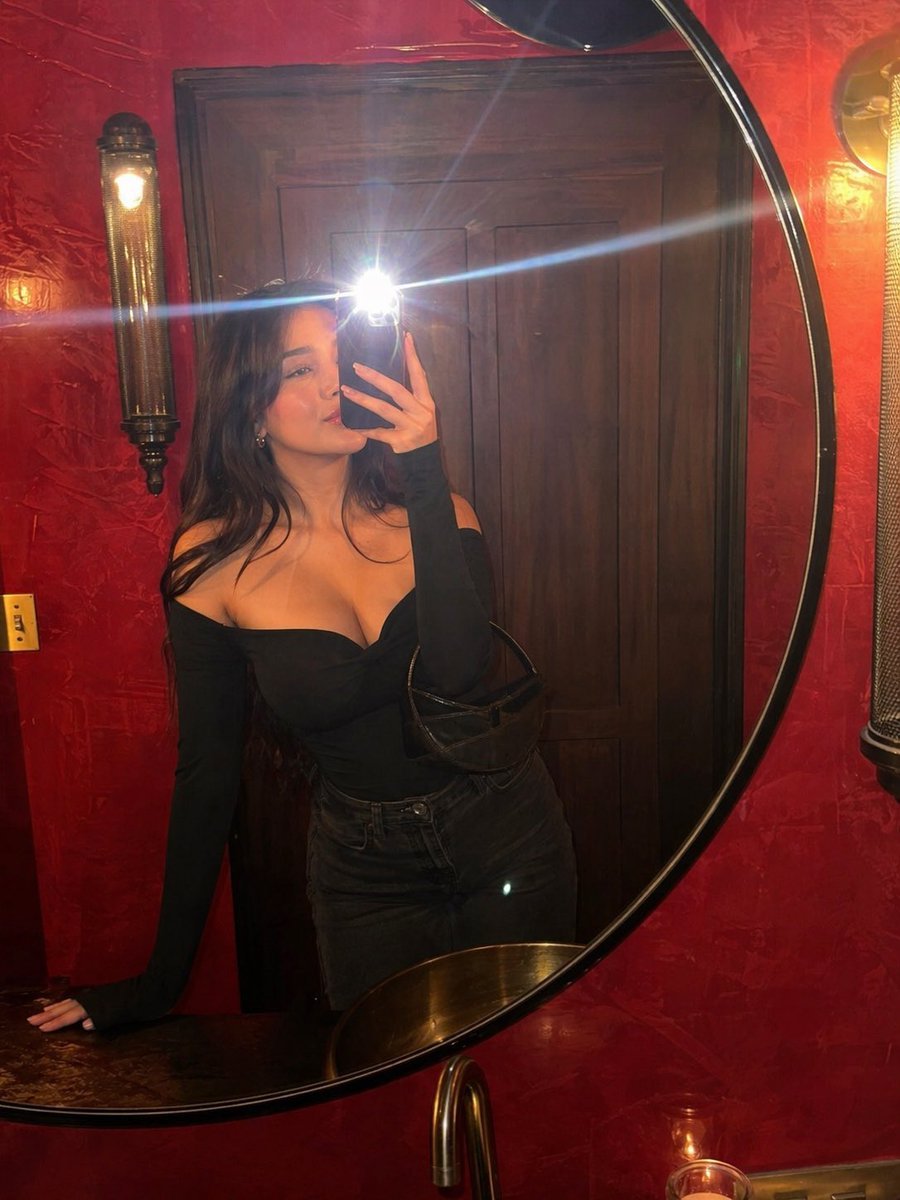
Flash Mirror Selfie in Red Restroom
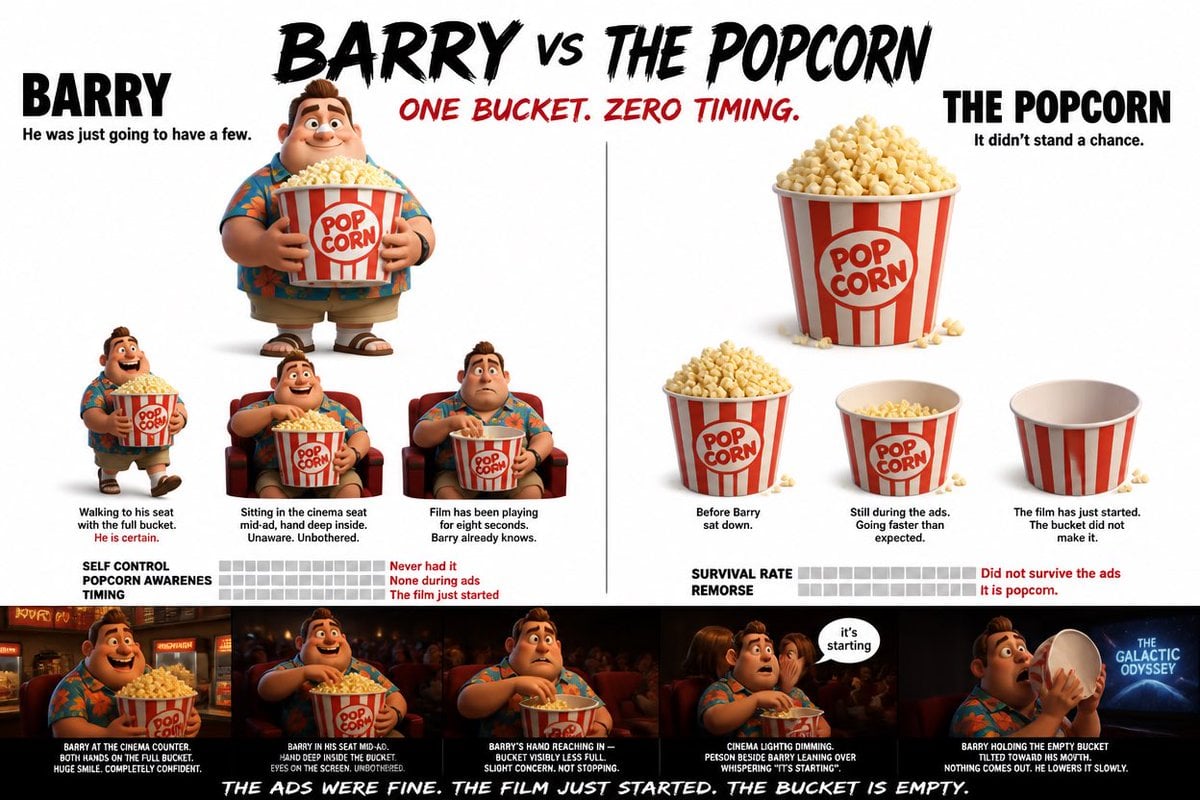
Pixar Style Character Storyboard
High-Fashion Cigar Portrait
Browse template categories
Minimalist Anime Eyeglasses Fashion Poster questions
How do I use the Minimalist Anime Eyeglasses Fashion Poster template?
Add your photo if the template asks for one, edit the prompt if you like — the template's model and format are already selected — and press Generate. Your version opens in PicX Studio.
Can I customize the Minimalist Anime Eyeglasses Fashion Poster template?
Yes. You can change the subject, setting, lighting, mood, format, and available model controls before creating your image.
Is the Minimalist Anime Eyeglasses Fashion Poster template free?
Opening and editing this template is free. Generating uses credits, shown on the Generate button when you are signed in.
Which AI model should I use?
Start with GPT Image 2, which is the model associated with this template. You can compare another compatible model for a different finish.
Looking for something else? Browse all templates.

Your photo, any look
Thousands of ready templates for every top image and video model, from one credit balance.