
Photoreal Holiday Couple Portrait with Identity Lock
A highly structured image editing prompt for generating a photorealistic editorial holiday portrait of a couple indoors.
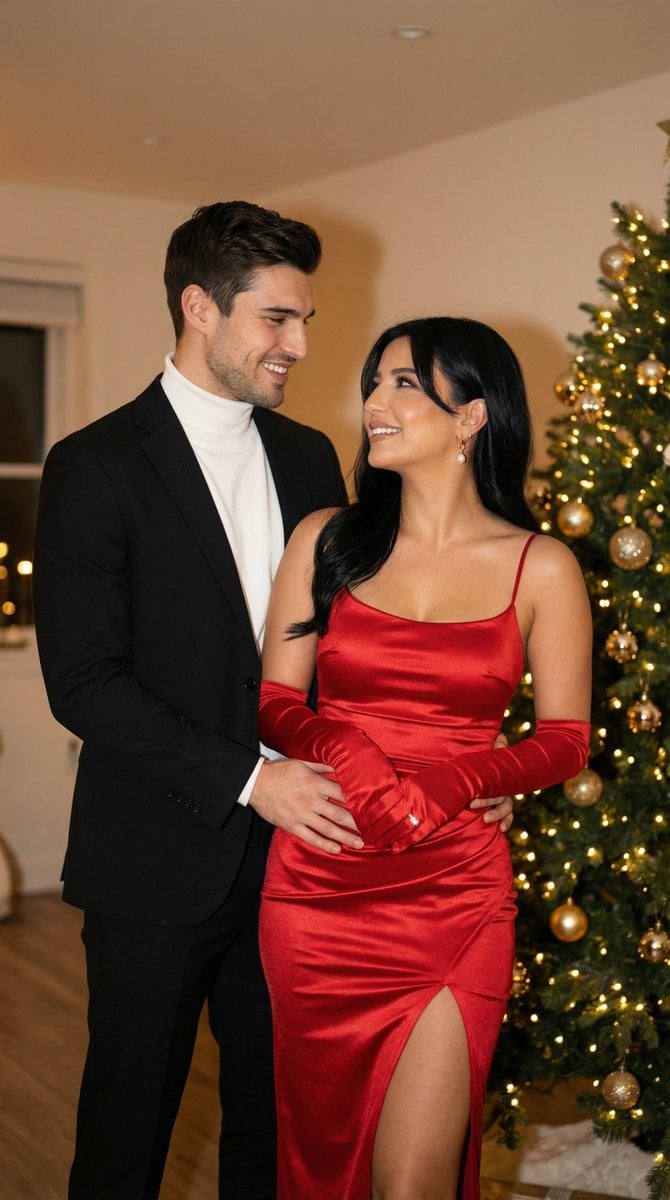
- Prompt included
- Model and format preset
- Premium template
The prompt behind this image
Copy the exact prompt behind Photoreal Holiday Couple Portrait with Identity Lock, or open it in the studio and make it yours.
- Generation Request › Meta Data › Tool
- NanoBanana Pro
- Generation Request › Meta Data › Task Type
- image_edit_photoreal_candid_couple_holiday_indoor
- Generation Request › Meta Data › Version
- v1.0
- Generation Request › Meta Data › Priority
- high
- Generation Request › References › Reference Images › Base Image
- UPLOAD_THIS_IMAGE
- Generation Request › References › Reference Images › Person A
- UPLOAD_PERSON_A_REFERENCE_IMAGE (OPTIONAL)
- Generation Request › References › Reference Images › Person B
- UPLOAD_PERSON_B_REFERENCE_IMAGE (OPTIONAL)
- Generation Request › References › Reference Rules › Preserve Identity Person A
- true
- Generation Request › References › Reference Rules › Preserve Identity Person B
- true
- Generation Request › References › Reference Rules › Identity Lock Strength A
- 0.998
- Generation Request › References › Reference Rules › Identity Lock Strength B
- 0.998
- Generation Request › References › Reference Rules › Face Similarity Priority
- MAX
- Generation Request › References › Reference Rules › No Beautify No Face Morph
- true
- Generation Request › References › Reference Rules › No Identity Drift
- true
- Generation Request › References › Reference Rules › Keep Skin Tone Exact
- true
- Generation Request › References › Reference Rules › Keep Facial Proportions Exact
- true
- Generation Request › Output Settings › Aspect Ratio
- 1:1
- Generation Request › Output Settings › Orientation
- square
- Generation Request › Output Settings › Resolution
- ultra_high_res
- Generation Request › Output Settings › Render Style
- photorealistic_editorial_indoor_flash
- Generation Request › Output Settings › Sharpness
- natural
- Generation Request › Output Settings › Film Grain
- subtle_35mm
- Generation Request › Output Settings › Color Grade
- warm_holiday_film
- Generation Request › Creative Prompt › Scene Summary › En
- Photoreal editorial holiday couple portrait indoors. EXACTLY two people, same identities as references/base image. The couple stands close, facing each other with affectionate eye contact and soft smiles. Man: black tailored suit jacket with a white turtleneck underneath, clean classic styling. Woman: elegant fitted red satin dress with thin straps, thigh-high slit, red long gloves, sleek high ponytail, glamorous evening makeup, pearl/diamond necklace. Pose: man’s hands gently around her waist/hip area (respectful, natural), woman leaning toward him with a joyful expression. Background: cozy modern interior with a decorated Christmas tree on the right side (warm lights, gold ornaments), soft bokeh. Lighting: warm indoor ambient + subtle on-camera flash vibe, gentle shadows, cinematic warmth. No text, no logos, no watermark.
Raw JSON
{
  "generation_request": {
    "meta_data": {
      "tool": "NanoBanana Pro",
      "task_type": "image_edit_photoreal_candid_couple_holiday_indoor",
      "version": "v1.0",
      "priority": "high"
    },
    "references": {
      "reference_images": {
        "base_image": "UPLOAD_THIS_IMAGE",
        "person_A": "UPLOAD_PERSON_A_REFERENCE_IMAGE (OPTIONAL)",
        "person_B": "UPLOAD_PERSON_B_REFERENCE_IMAGE (OPTIONAL)"
      },
      "reference_rules": {
        "preserve_identity_person_A": true,
        "preserve_identity_person_B": true,
        "identity_lock_strength_A": 0.998,
        "identity_lock_strength_B": 0.998,
        "face_similarity_priority": "MAX",
        "no_beautify_no_face_morph": true,
        "no_identity_drift": true,
        "keep_skin_tone_exact": true,
        "keep_facial_proportions_exact": true
      }
    },
    "output_settings": {
      "aspect_ratio": "1:1",
      "orientation": "square",
      "resolution": "ultra_high_res",
      "render_style": "photorealistic_editorial_indoor_flash",
      "sharpness": "natural",
      "film_grain": "subtle_35mm",
      "color_grade": "warm_holiday_film"
    },
    "creative_prompt": {
      "scene_summary": {
        "en": "Photoreal editorial holiday couple portrait indoors. EXACTLY two people, same identities as references/base image. The couple stands close, facing each other with affectionate eye contact and soft smiles. Man: black tailored suit jacket with a white turtleneck underneath, clean classic styling. Woman: elegant fitted red satin dress with thin straps, thigh-high slit, red long gloves, sleek high ponytail, glamorous evening makeup, pearl/diamond necklace. Pose: man’s hands gently around her waist/hip area (respectful, natural), woman leaning toward him with a joyful expression. Background: cozy modern interior with a decorated Christmas tree on the right side (warm lights, gold ornaments), soft bokeh. Lighting: warm indoor ambient + subtle on-camera flash vibe, gentle shadows, cinematic warmth. No text, no logos, no watermark."
      },
      "composition": {
        "framing": "square 1:1, medium-full body, both subjects fully visible from head to mid-thigh",
        "camera_angle": "eye-level",
        "distance": "intimate portrait distance, couple centered, Christmas tree visible on right edge",
        "focus": "faces crisp, background softly blurred"
      },
      "style_and_details": {
        "wardrobe_priority": "keep outfits EXACTLY as described (red satin dress + red gloves; black suit + white turtleneck)",
        "hair_makeup": "keep high ponytail, glamorous makeup, defined liner, warm blush, glossy lips",
        "material_rendering": "realistic satin sheen on dress, realistic fabric texture on suit, natural skin texture",
        "holiday_props": "tree lights with warm bokeh, gold ornaments, subtle indoor décor"
      },
      "strict_rules": [
        "EXACTLY two subjects only",
        ""
      ]
    }
  }
}How to use Photoreal Holiday Couple Portrait with Identity Lock in 3 steps
- 1
Open
The prompt is already in the box next to the preview, with the template's model and format selected.
- 2…a portrait of your subject in softgolden-hour light, 85mm…
Personalize
Edit the subject and creative details for your destination.
- 3Generate
Generate
Press Generate — your image is created in PicX Studio, so you can compare it with the original and refine one variable at a time.
More like this
Templates with the same subject, style or setup. Open one to see its prompt.

Nano Banana Pro Photoreal Playful Couple

Found Photograph: Us, 1970

80s Couple Studio Portrait
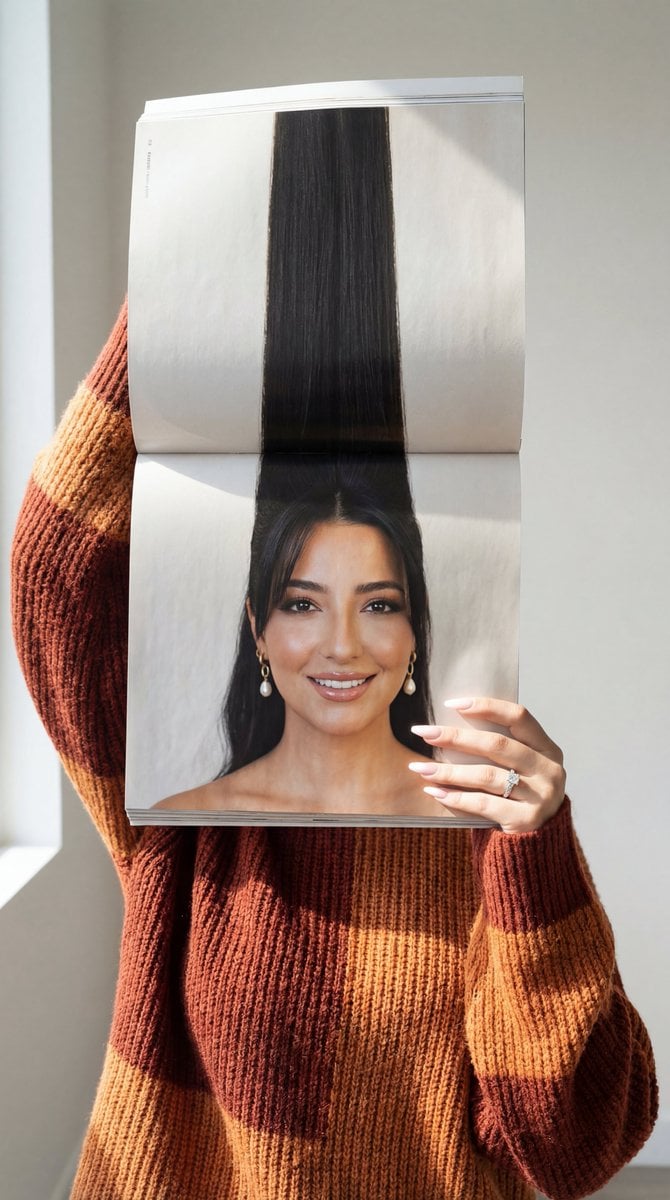
Photorealistic Surreal Fashion Concept Portrait with Identity Lock
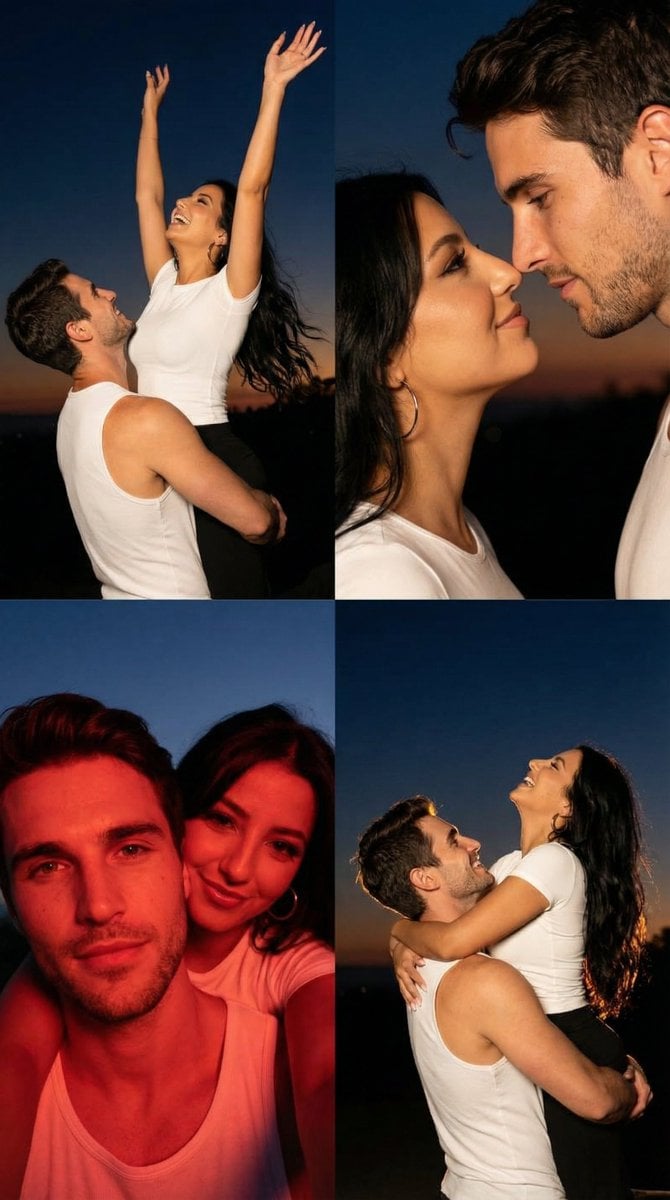
2x2 Grid Cinematic Night Couple Portrait with Identity Lock

Christmas Ornament Portrait Glossy Glass Resin Finish with Hand Painted Details Holiday Lighting

Cinema Date Popcorn Realistic By Nano Ba

Enchanted Forest Root Kiss Scene By Nano

Romantic Cinematic Still of a Couple in

Couple Goals from the Google Gemini Nano
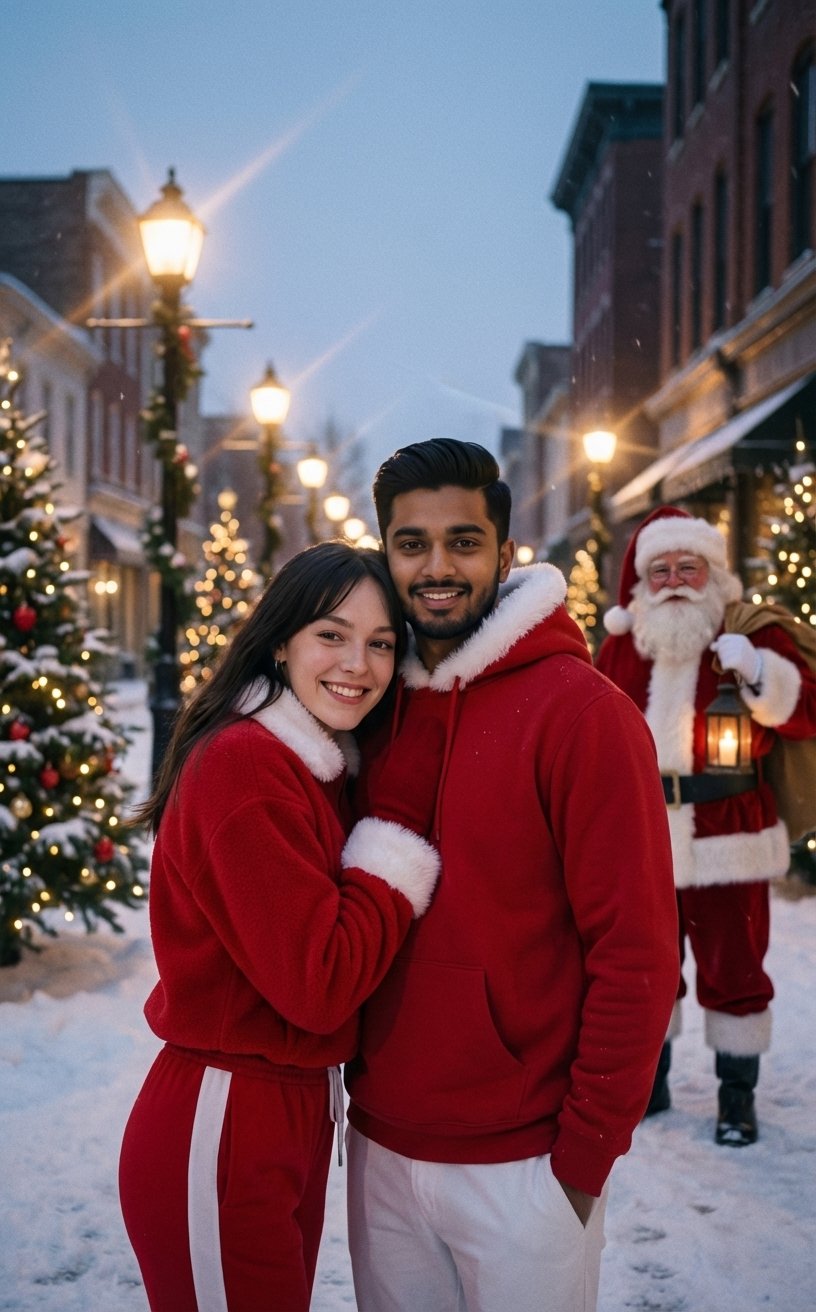
Festive Couple Holiday Magic Template
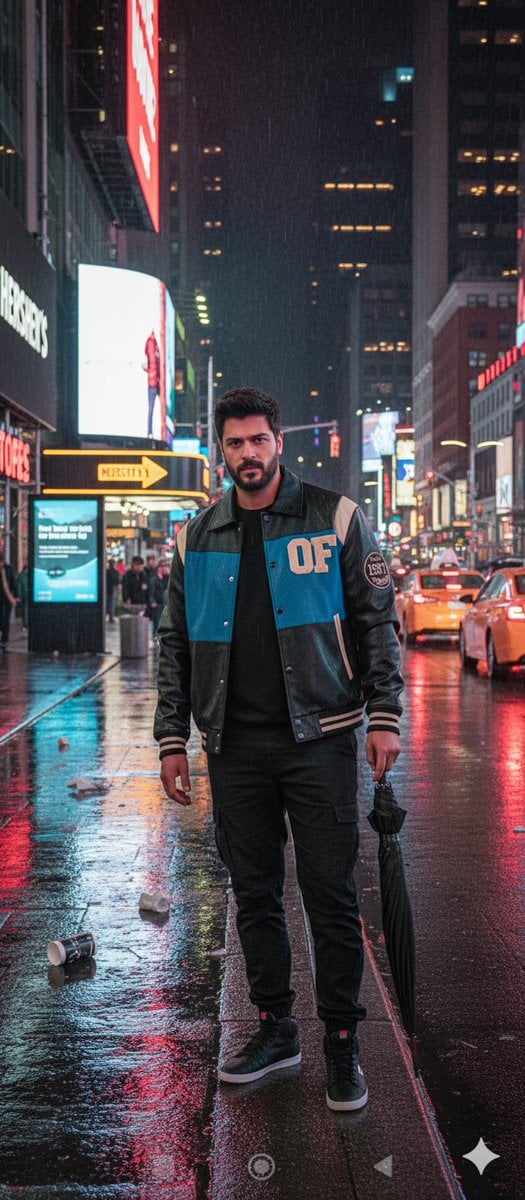
Times Square Rainy Night Portrait with Identity Lock
Make it yours
Photoreal Holiday Couple Portrait with Identity Lock works as-is. These are the safest ways to change it without losing the look.
Swap the setting
Keep the rest of the prompt and replace the location block. The current setting is “1:1”.
Change one field
Copy a single group, rewrite it, and generate again so you can see what that field is doing.
Keep the frame, change the subject
Hold the composition and light of Photoreal Holiday Couple Portrait with Identity Lock, then swap wardrobe, props or the person for a new take.
| If the result… | Why | Fix |
|---|---|---|
| The result drifts from the preview | Too many fields changed at once. | Reuse Photoreal Holiday Couple Portrait with Identity Lock as-is first, then change one group — subject, light, or setting. |
| Nano Banana 2 ignores part of the JSON | Some models flatten or skip nested keys. | Keep the same values and paste them as a short paragraph instead. |
More Nano Banana 2 templates
Other prompts made for Nano Banana 2.

Photorealistic Leaf Shaped Like a Dragon

K-Pop Idol Portrait Grid for Rapid Selection

Poetic Rain Forest Portrait During Golden Hour

Urban Street Portrait with Cartoon Inner Self Duo

Candid Nighttime Photo with Cat Prompt

High-Concept 3D Diorama Generation Prompt

Cinematic Futuristic Studio Portrait Template

Skincare Editorial Photography Collage Prompt

Hyper-Realistic Commercial Product Photography (Splash Effect)

Hyper-Realistic Nightclub Portrait Prompt
More image prompts
Fresh picks from across the catalog.

Cute chibi cat-eared girl illustration
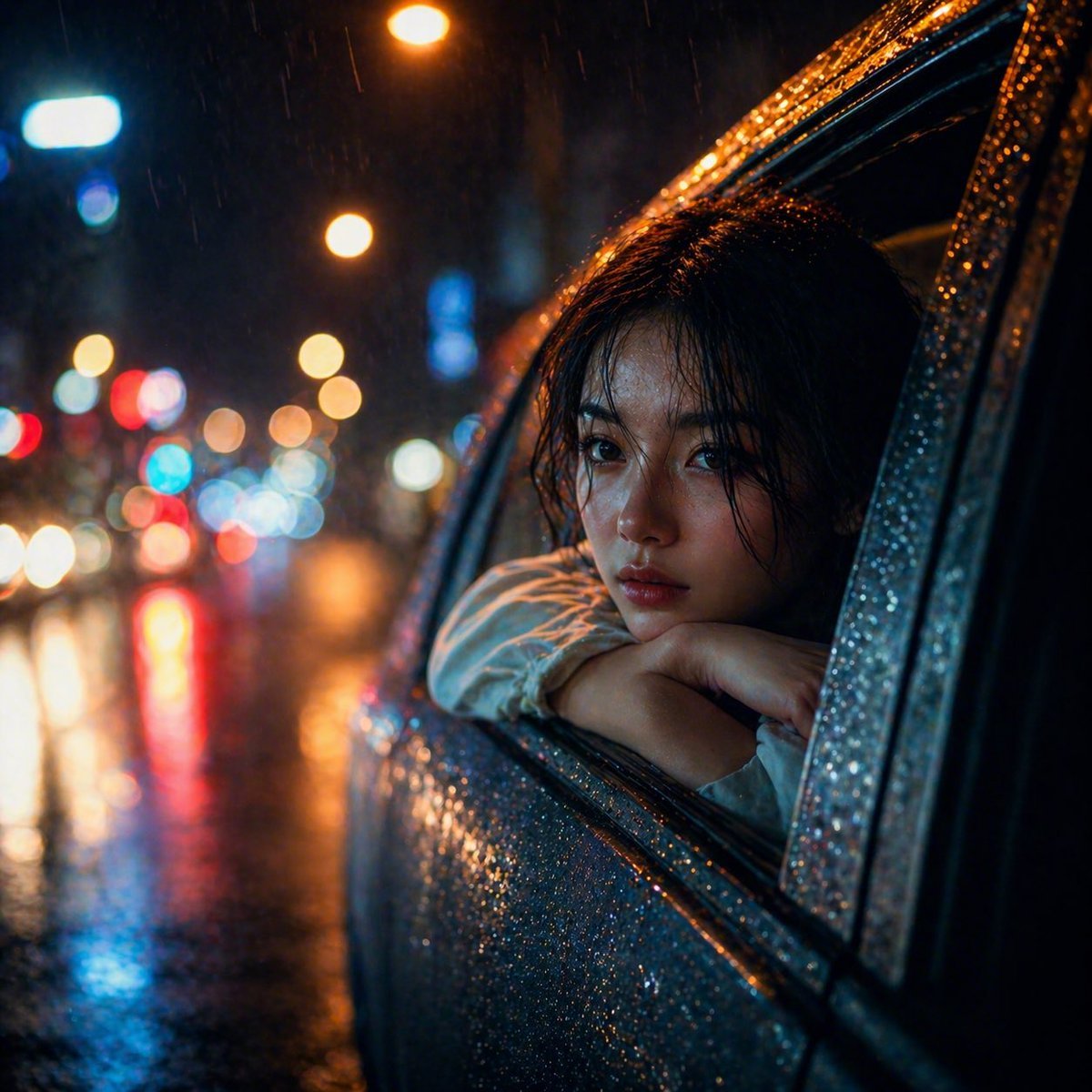
Rainy Night Woman Leaning from Car
App UI Design - Music & Fitness
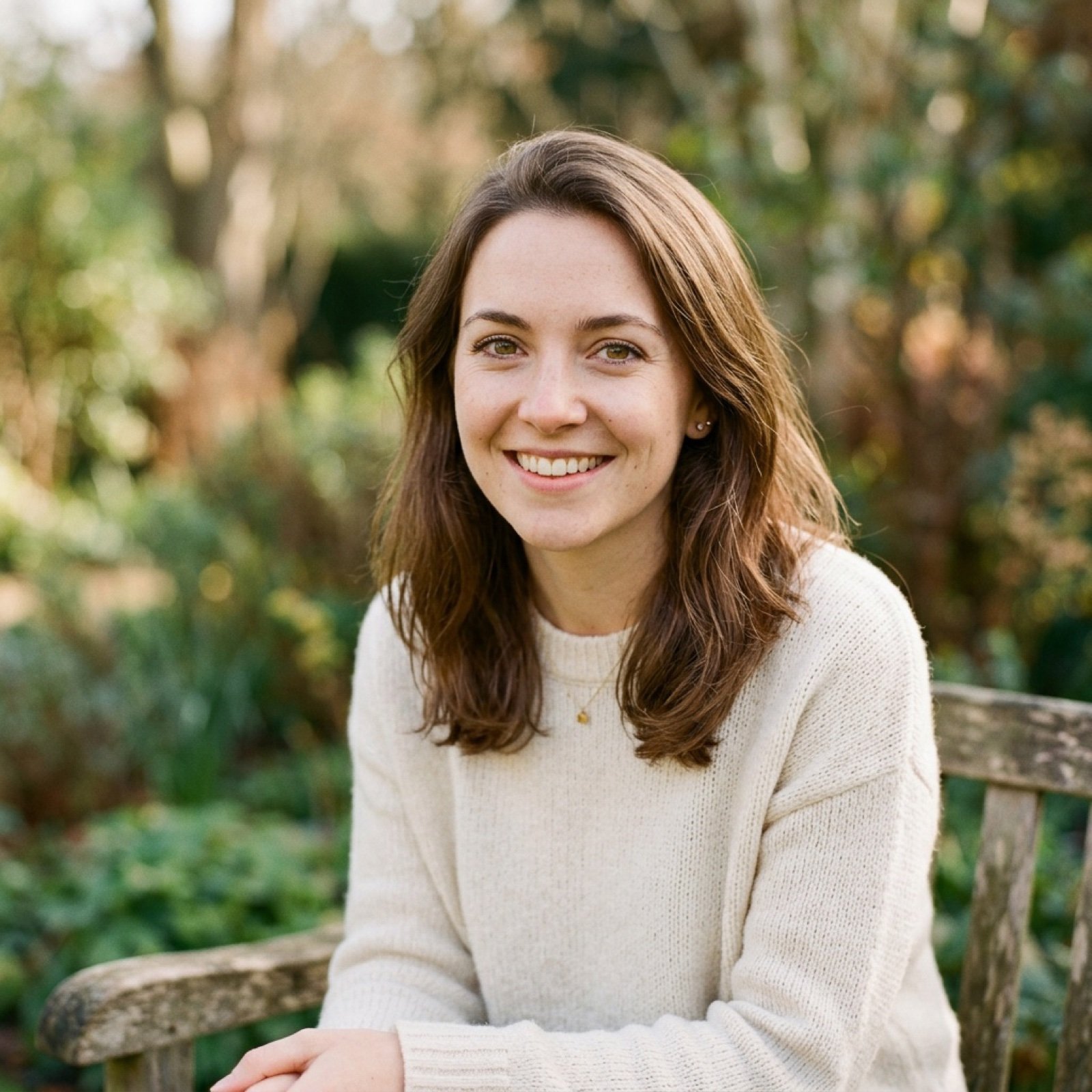
Debug Test
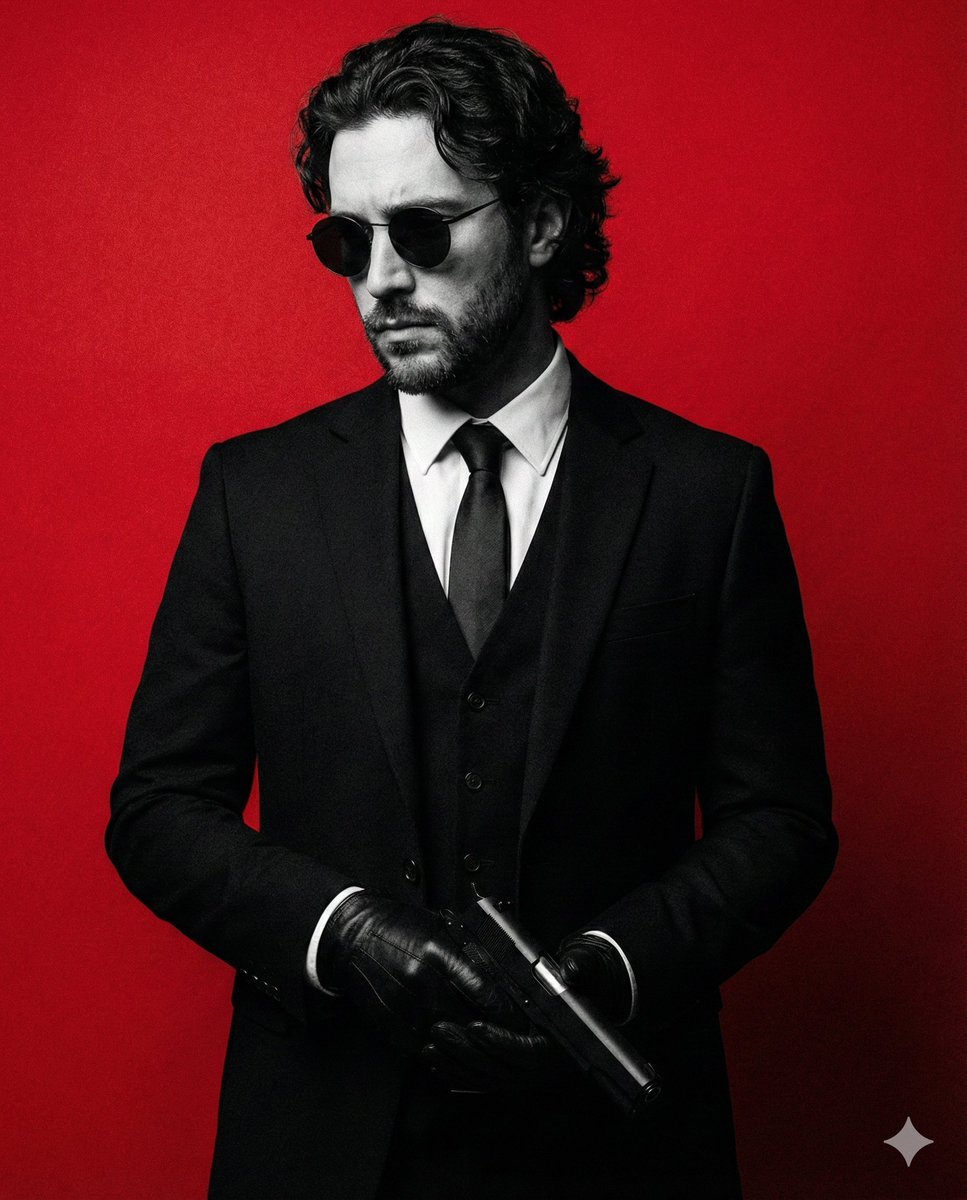
Neo-Noir Fashion Portrait with High Contrast
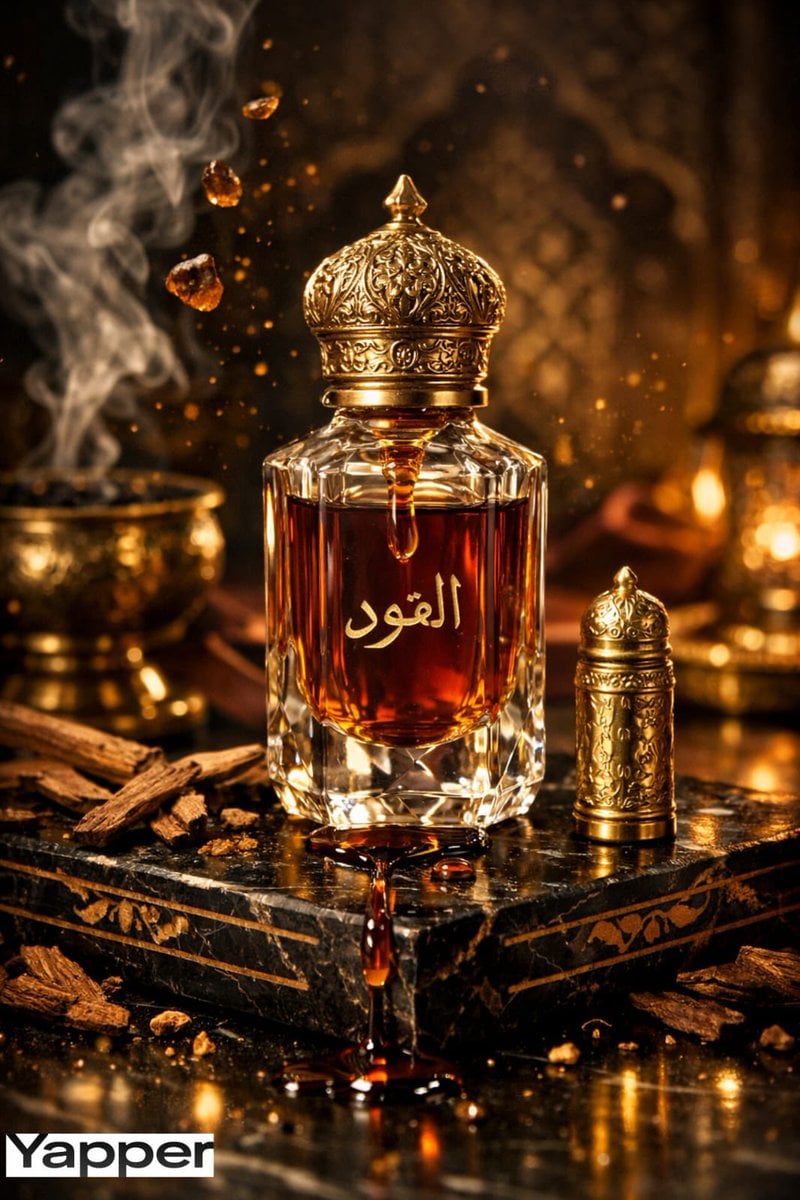
Ultra-Premium Arabian Luxury Perfume Product Photography
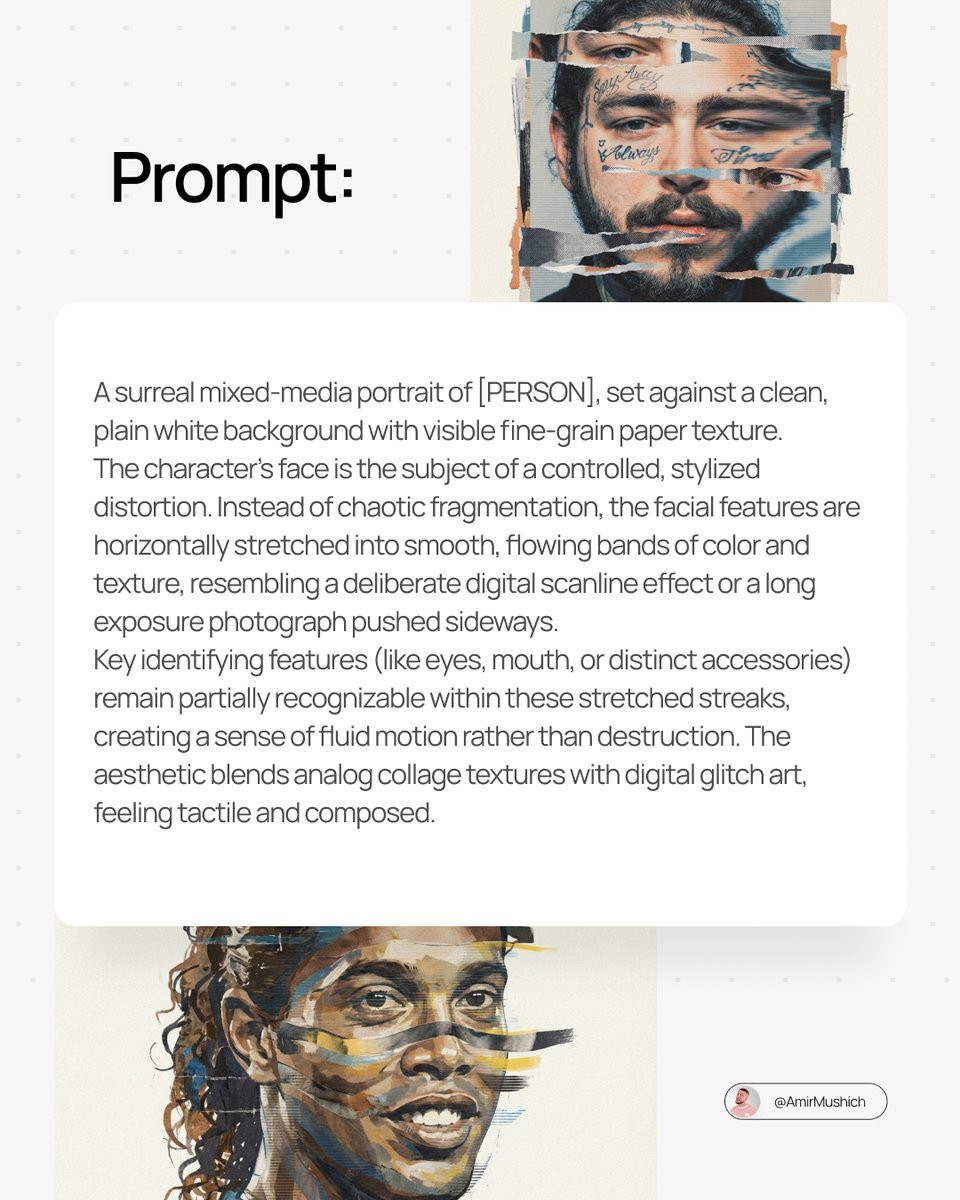
Surreal Mixed-Media Glitch Portrait Prompt
Colorizing a High-Contrast Monochrome Image with Intermediate Tones

Pixar-Style Miniature Interaction Studio Portrait
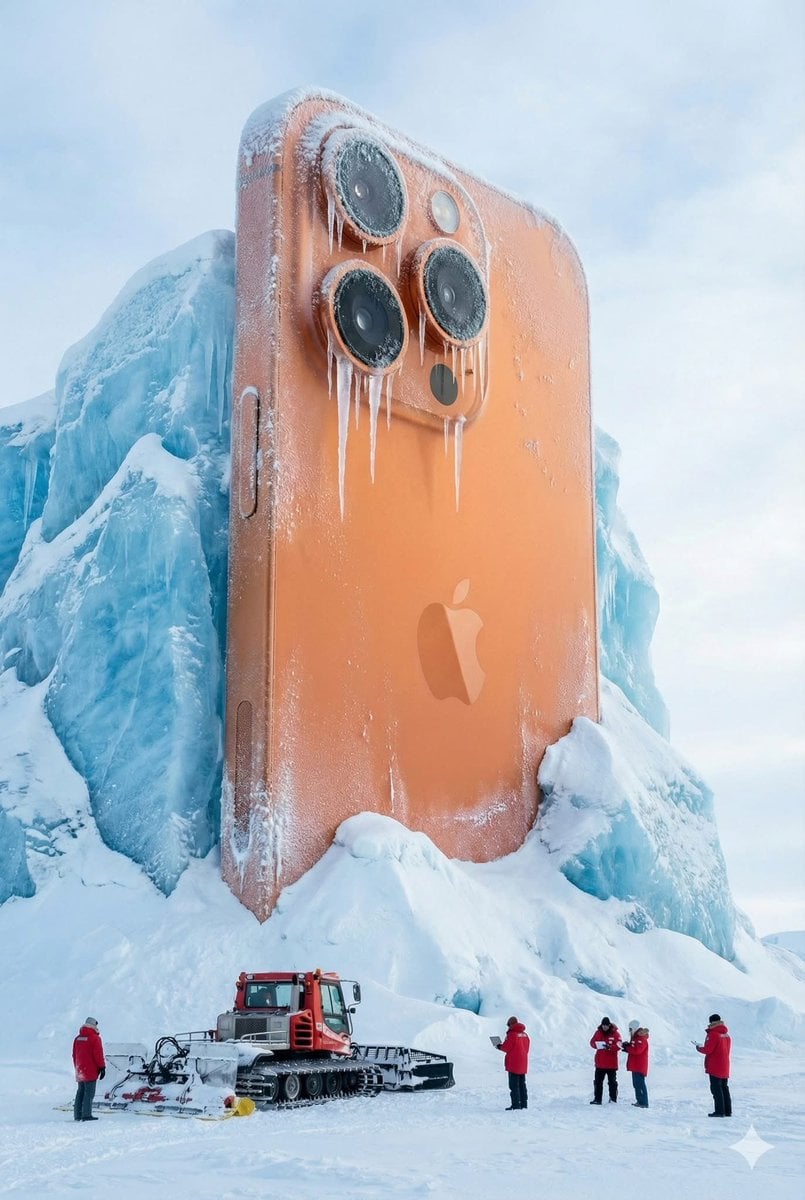
Giant Coca-Cola Can Monument in Arctic Ice
Browse template categories
Photoreal Holiday Couple Portrait with Identity Lock questions
How do I use the Photoreal Holiday Couple Portrait with Identity Lock template?
Add your photo if the template asks for one, edit the prompt if you like — the template's model and format are already selected — and press Generate. Your version opens in PicX Studio.
Can I customize the Photoreal Holiday Couple Portrait with Identity Lock template?
Yes. You can change the subject, setting, lighting, mood, format, and available model controls before creating your image.
Is the Photoreal Holiday Couple Portrait with Identity Lock template free?
Opening and editing this template is free. Generating uses credits, shown on the Generate button when you are signed in.
Which AI model should I use?
Start with Nano Banana 2, which is the model associated with this template. You can compare another compatible model for a different finish.
Looking for something else? Browse all templates.

Your photo, any look
Thousands of ready templates for every top image and video model, from one credit balance.