
Minimalist Film Noir Poster
A high-contrast graphic design prompt for a poster featuring a man in a fedora with a melting ink effect against a vibrant red circle backdrop.
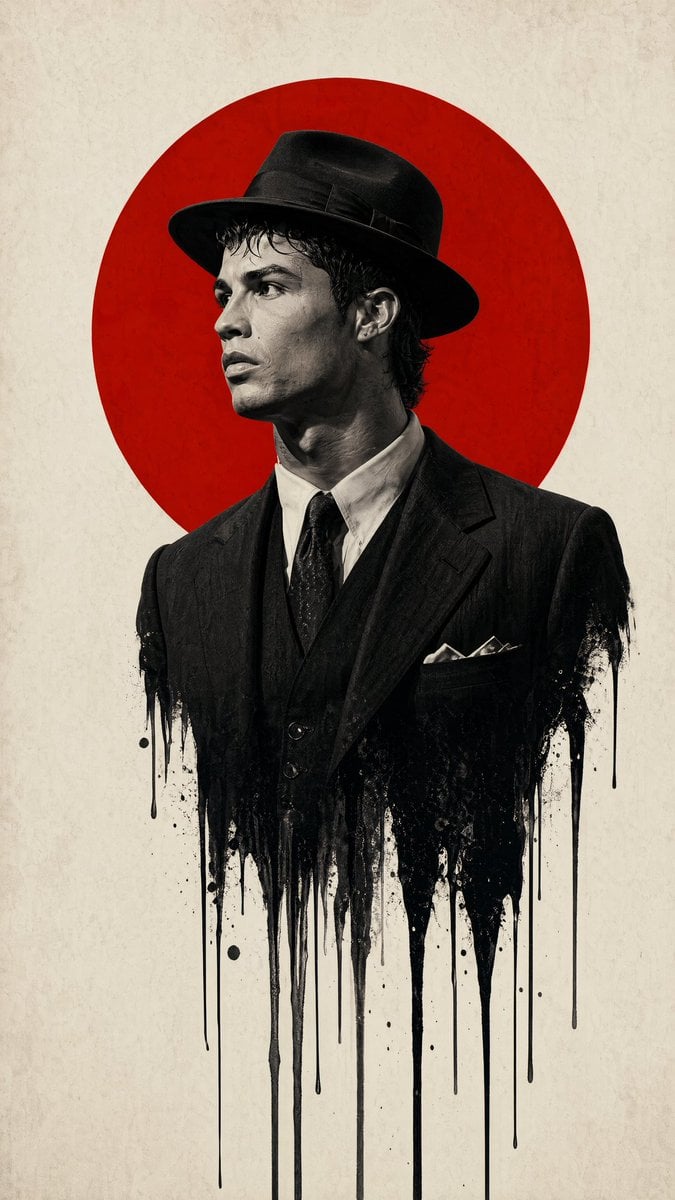
- Prompt included
- Model and format preset
- Free template
The prompt behind this image
Copy the exact prompt behind Minimalist Film Noir Poster, or open it in the studio and make it yours.
Subject & Composition:\n\nCentral Figure: A {argument name="subject profile" default="sharp profile view of a man wearing a classic 1940s fedora and a formal suit"}.\n\nMelting Effect: The lower half of the man's torso should dissolve or \"drip\" into long, vertical black ink streaks and splatters, creating a surreal, liquid-bleed effect against the background.\n\nGraphic Element: A large, {argument name="background shape" default="solid vibrant red circle"} is positioned directly behind the man's head and shoulders, creating a \"halo\" or \"rising sun\" motif that anchors the composition.\n\nStyle & Color Palette:\n\nColor Scheme: A strict {argument name="color scheme" default="minimalist palette of True Red, Deep Black, and Off-White/Cream"}.\n\nPhotography Style: High-contrast, black and white film noir photography for the subject. The texture should look like a high-resolution fashion editorial with a shallow depth of field.\n\nBackground: A clean, slightly textured off-white paper or canvas background to give it a premium, physical poster feel.\n\nTechnical Details:\n\nLighting: Strong \"Rembrandt\" lighting to define the facial contours, emphasizing the bridge of the nose and the jawline with deep shadows.\n\nAtmosphere: Somber, intellectual, and high-stakes. The design should feel modern yet period-accurate to the mid-20th century.\n\nFraming: Vertical poster orientation (A-frame), with significant negative space on the left and right to emphasize the central vertical axis.\n\nAspect ratio is 9:16
How to use Minimalist Film Noir Poster in 3 steps
- 1
Open
The prompt is already in the box next to the preview, with the template's model and format selected.
- 2…a portrait of your subject in softgolden-hour light, 85mm…
Personalize
Edit the subject and creative details for your destination.
- 3Generate
Generate
Press Generate — your image is created in PicX Studio, so you can compare it with the original and refine one variable at a time.
More like this
Templates with the same subject, style or setup. Open one to see its prompt.

Premium Vintage Travel Poster Landscape

Japan Travel Brochure Poster
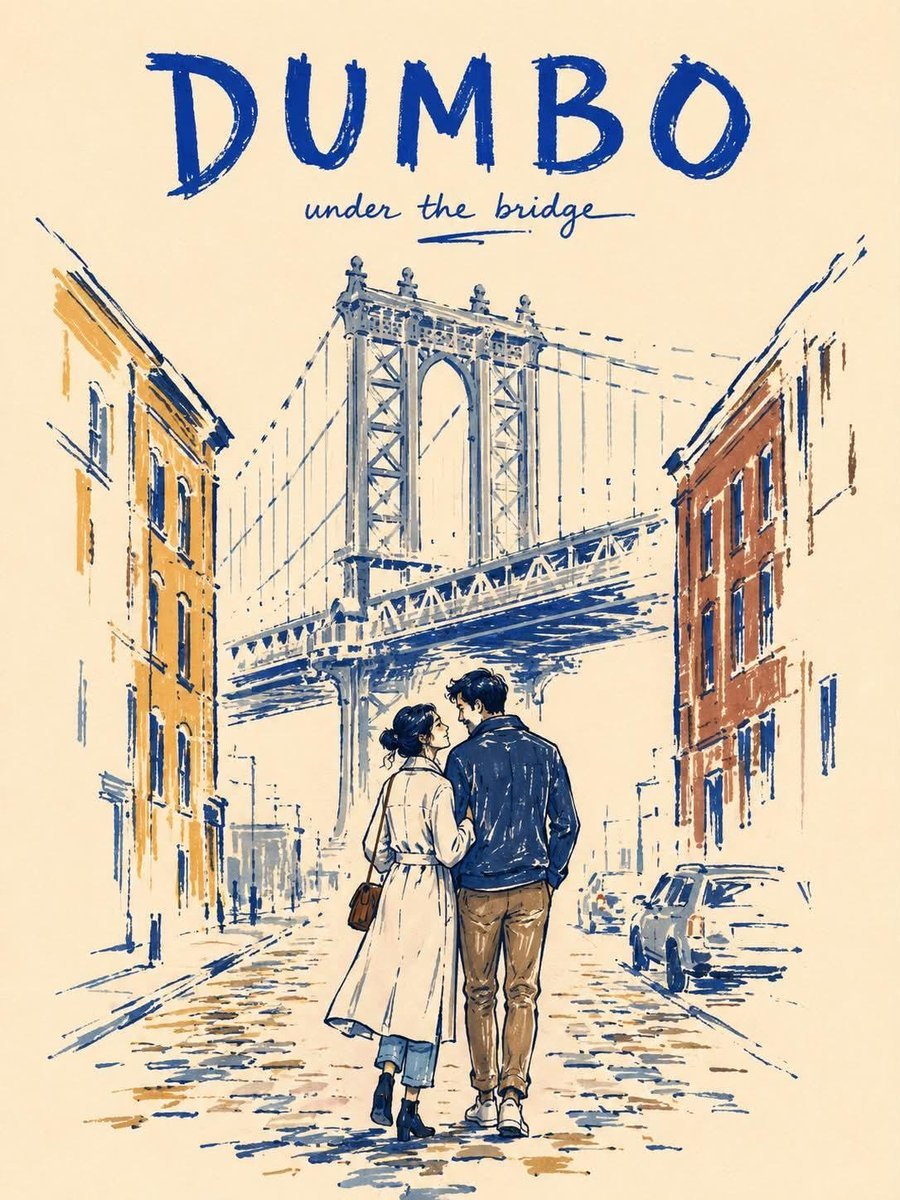
Minimalist Marker Travel Poster
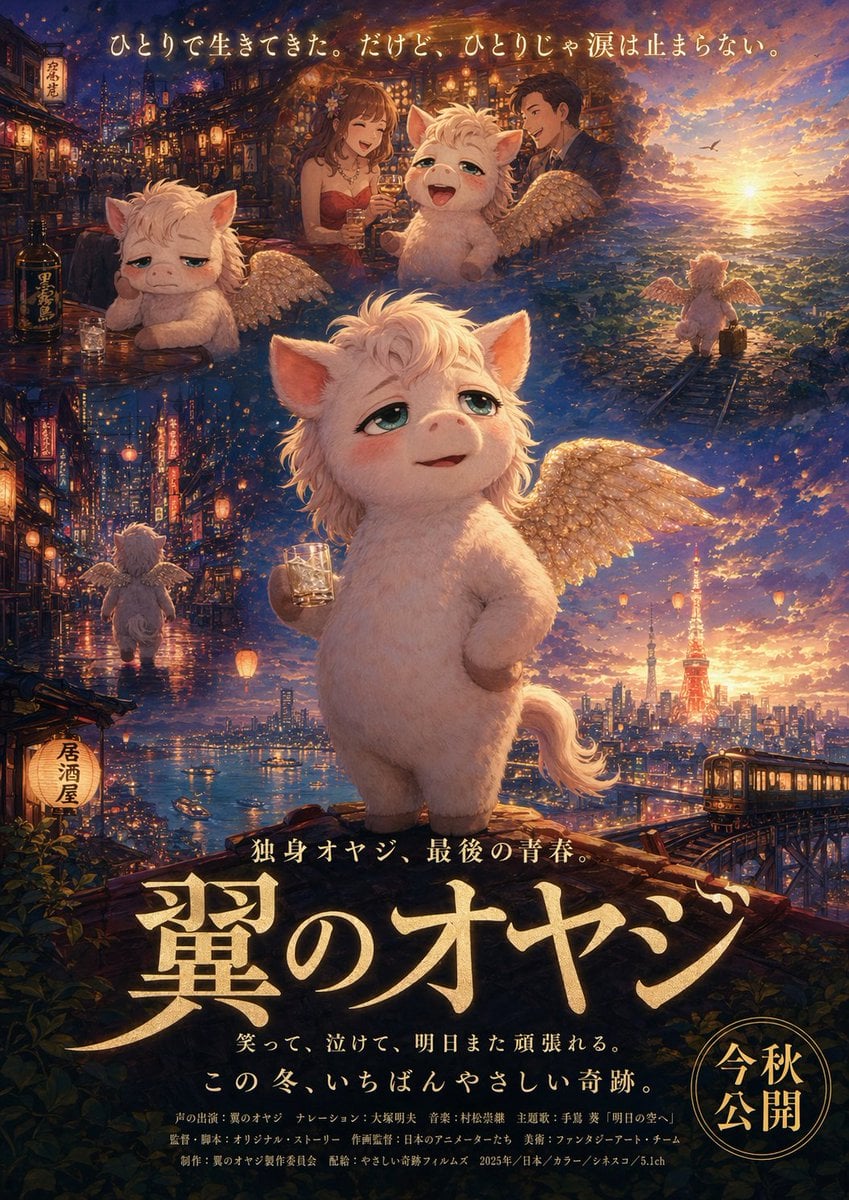
Japanese Fantasy Winged Pig Film Poster

Minimalist Olive Green Editorial Poster
Minimalist Marker Pen NYC Travel Poster
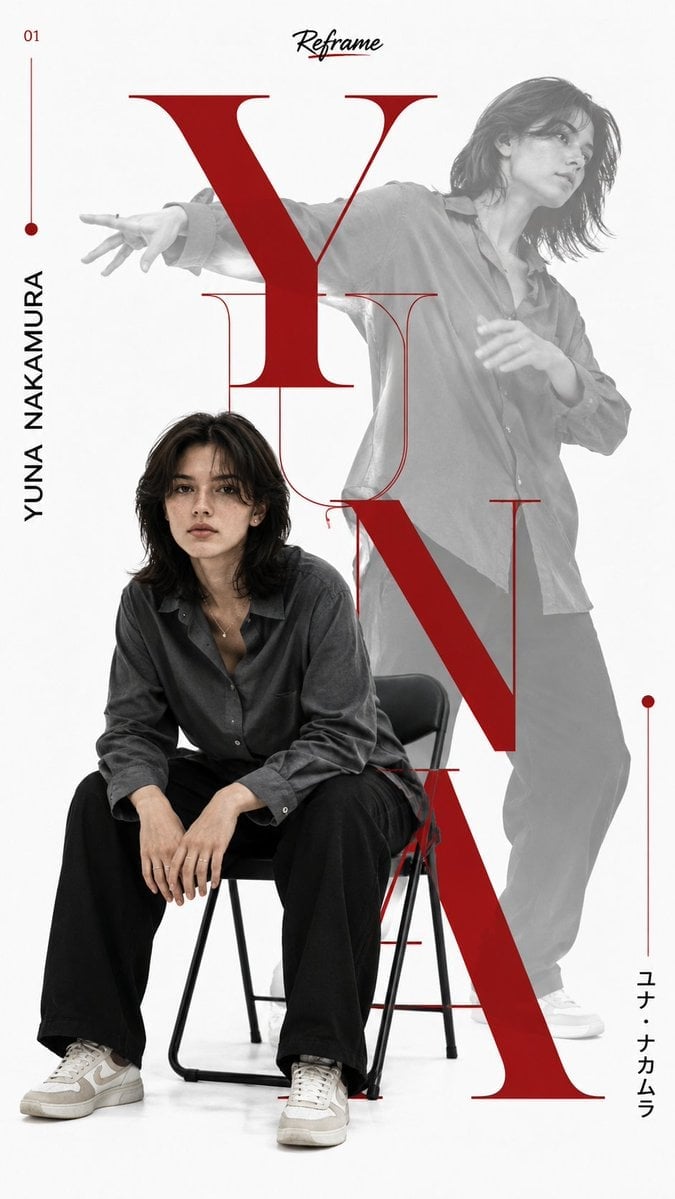
Japanese Minimalist Editorial Fashion Poster
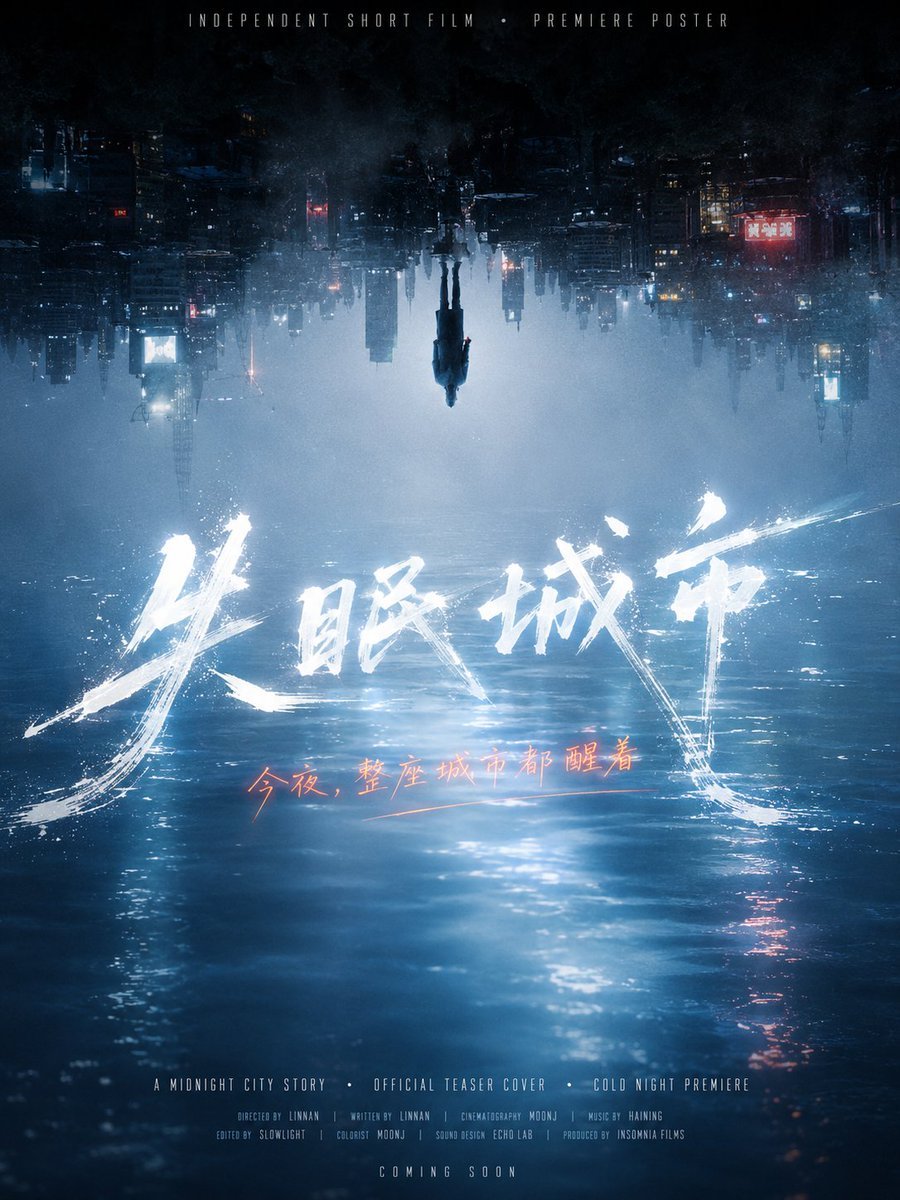
Inverted Midnight City Film Poster
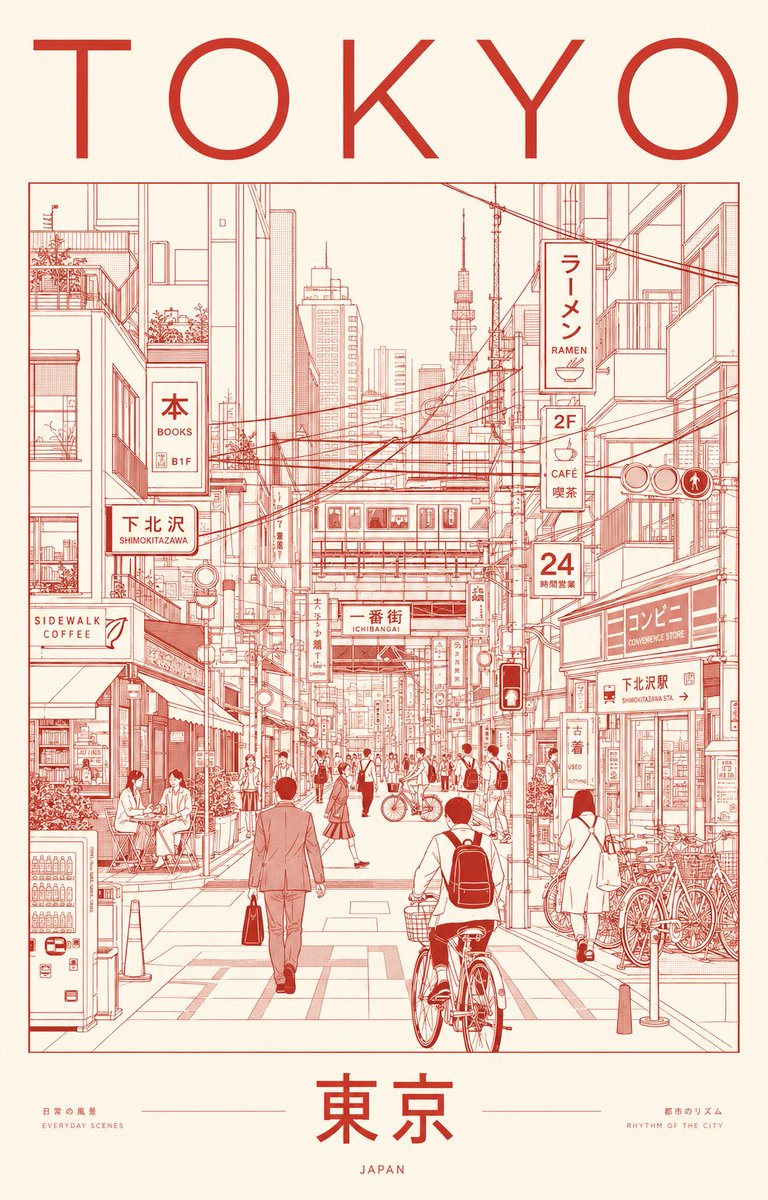
Minimalist Tokyo City Line-Art Poster
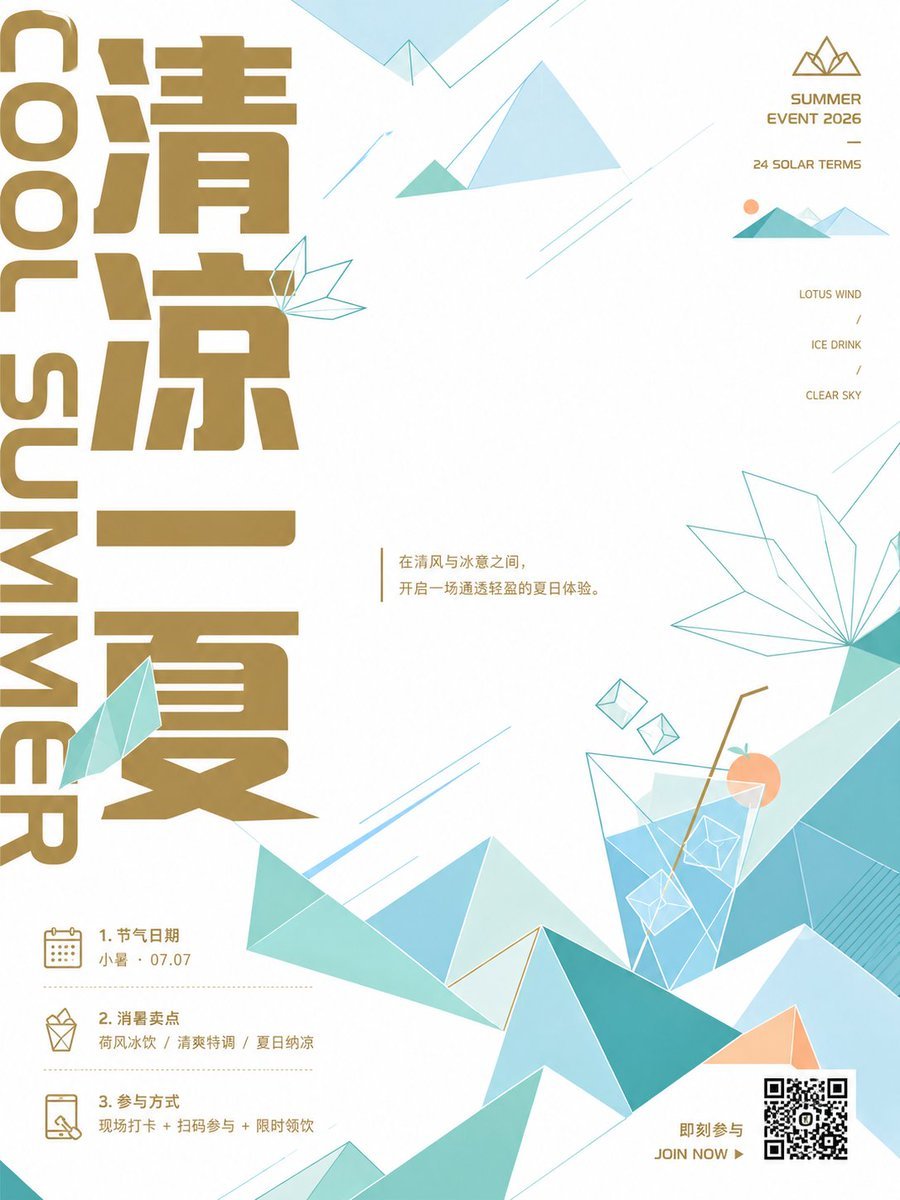
Minimalist Chinese Summer Solar Term Poster
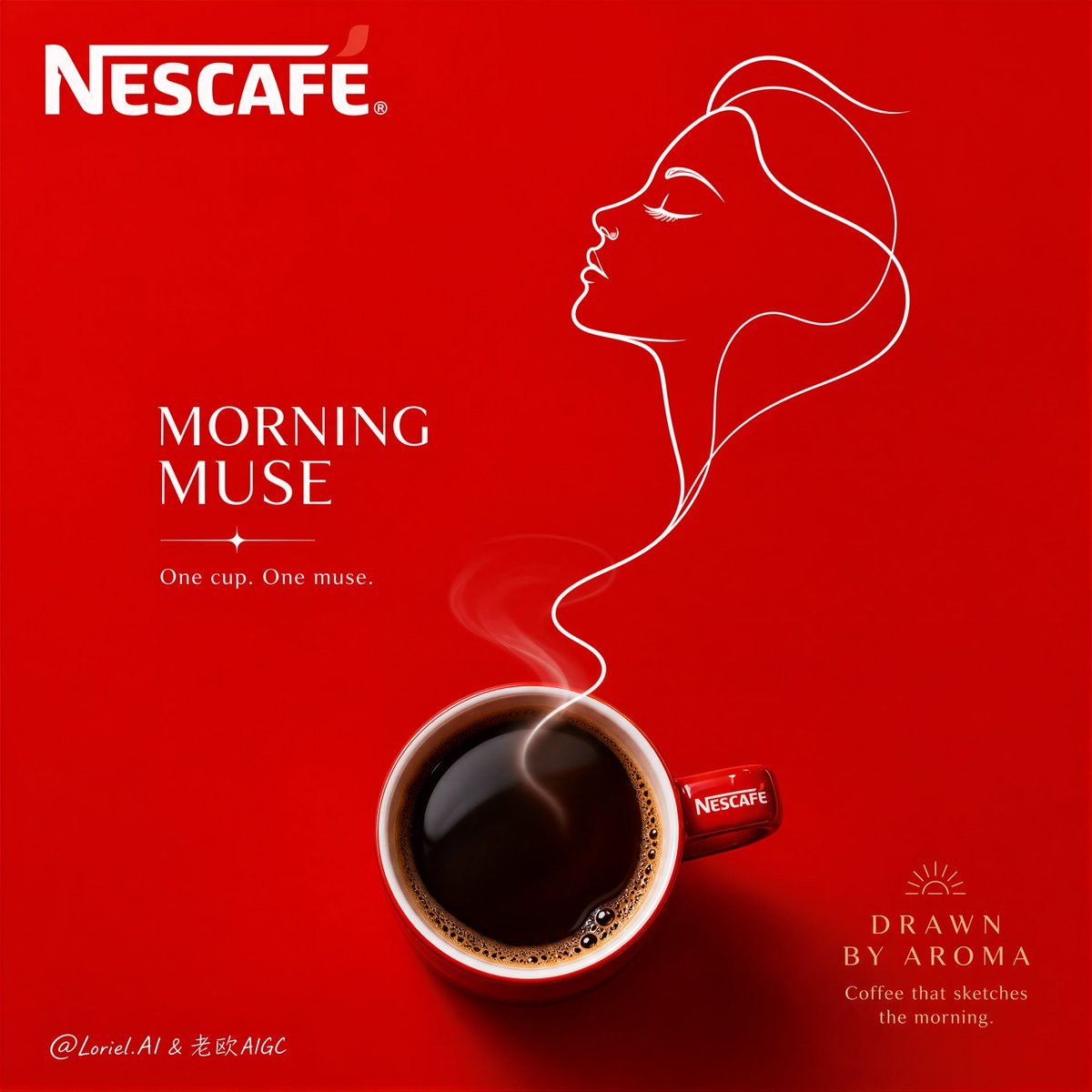
Minimalist Nescafé Brand Poster
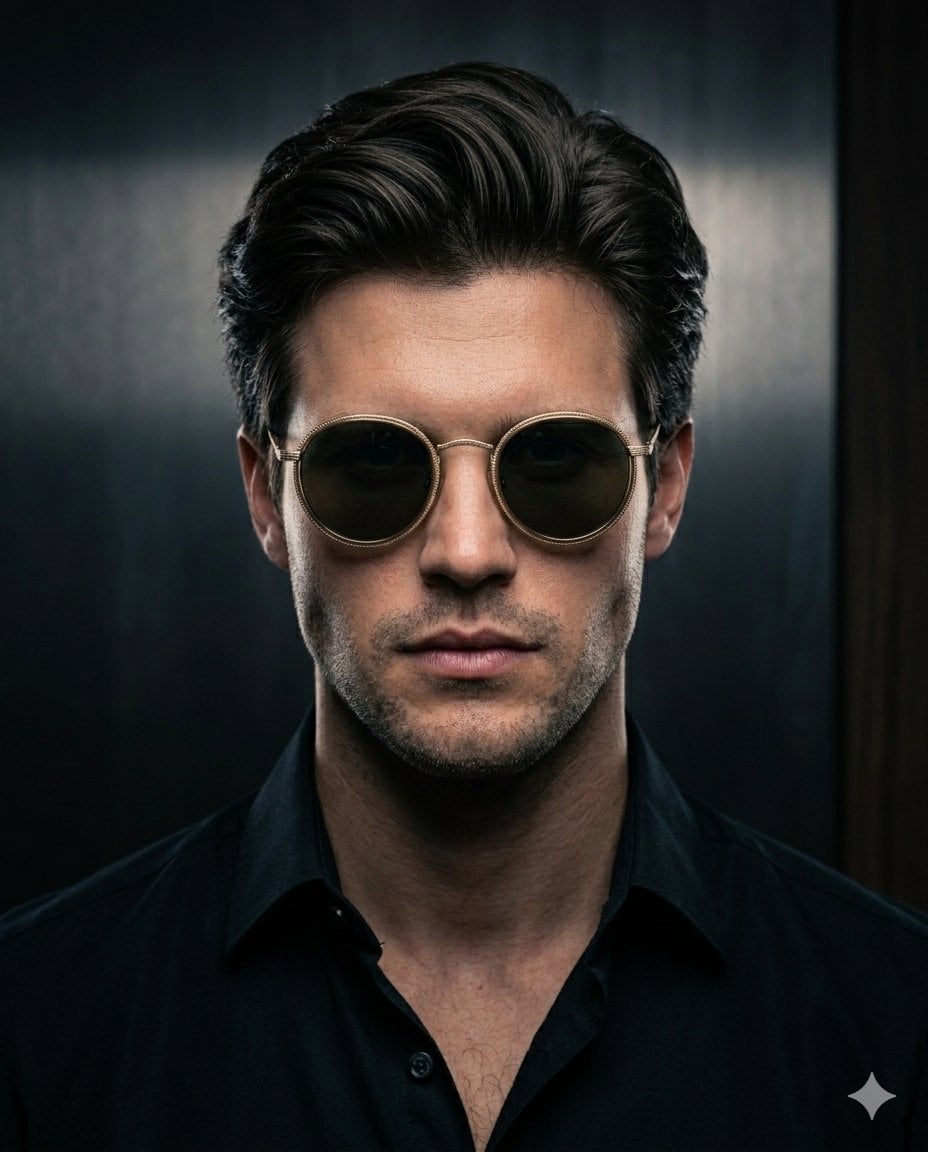
Minimalist Noir Sunglasses Portrait
Make it yours
Minimalist Film Noir Poster works as-is. These are the safest ways to change it without losing the look.
Change one field
Copy a single group, rewrite it, and generate again so you can see what that field is doing.
Keep the frame, change the subject
Hold the composition and light of Minimalist Film Noir Poster, then swap wardrobe, props or the person for a new take.
| If the result… | Why | Fix |
|---|---|---|
| The result drifts from the preview | Too many fields changed at once. | Reuse Minimalist Film Noir Poster as-is first, then change one group — subject, light, or setting. |
| The model over-stylizes the scene | The prose prompt leaves finish and camera underspecified. | Add one camera or lighting sentence and stay on GPT Image 2. |
More GPT Image 2 templates
Other prompts made for GPT Image 2.

Six VTuber Japanese Logo Sheet

Realistic Portrait of Woman and Deer

The Vista Modular Condo Poster

AI Model Routing Comparison Infographic

2.5D Anime Art Board

Isometric Productivity Desk Scene

New York Double Exposure Poster

Four-Panel AI Landscape Comparison

Japanese Tatami Lifestyle Magazine Cover

NESCAFÉ Coffee Map Poster
More image prompts
Fresh picks from across the catalog.
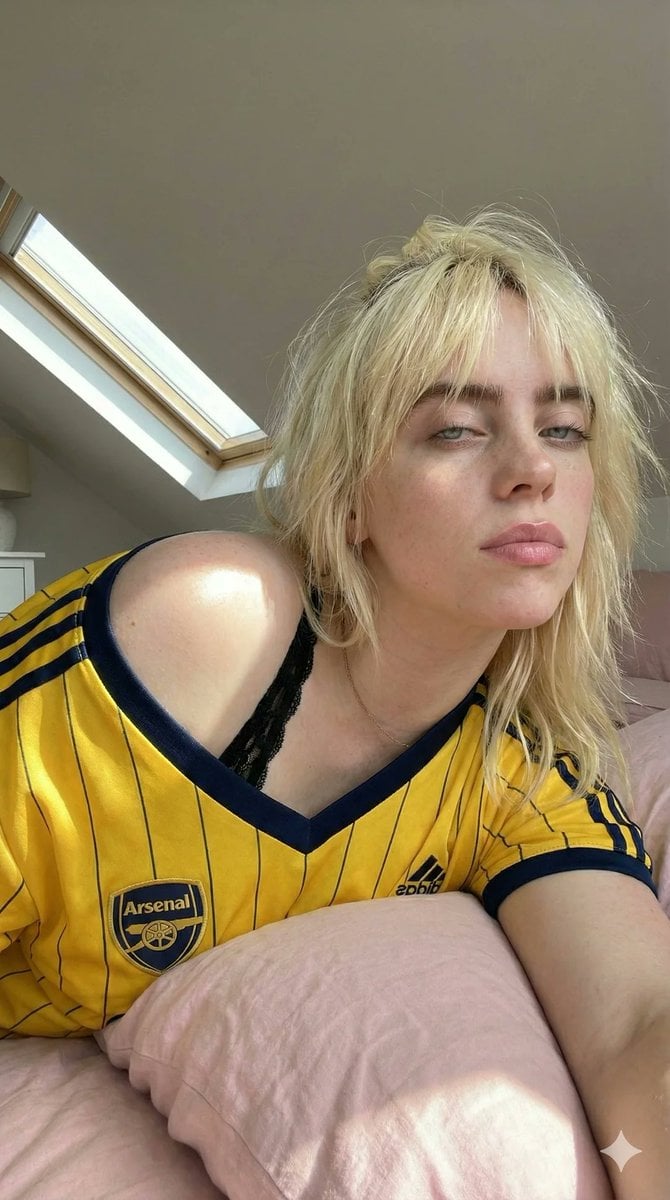
Photorealistic Soccer Jersey Selfie Portrait
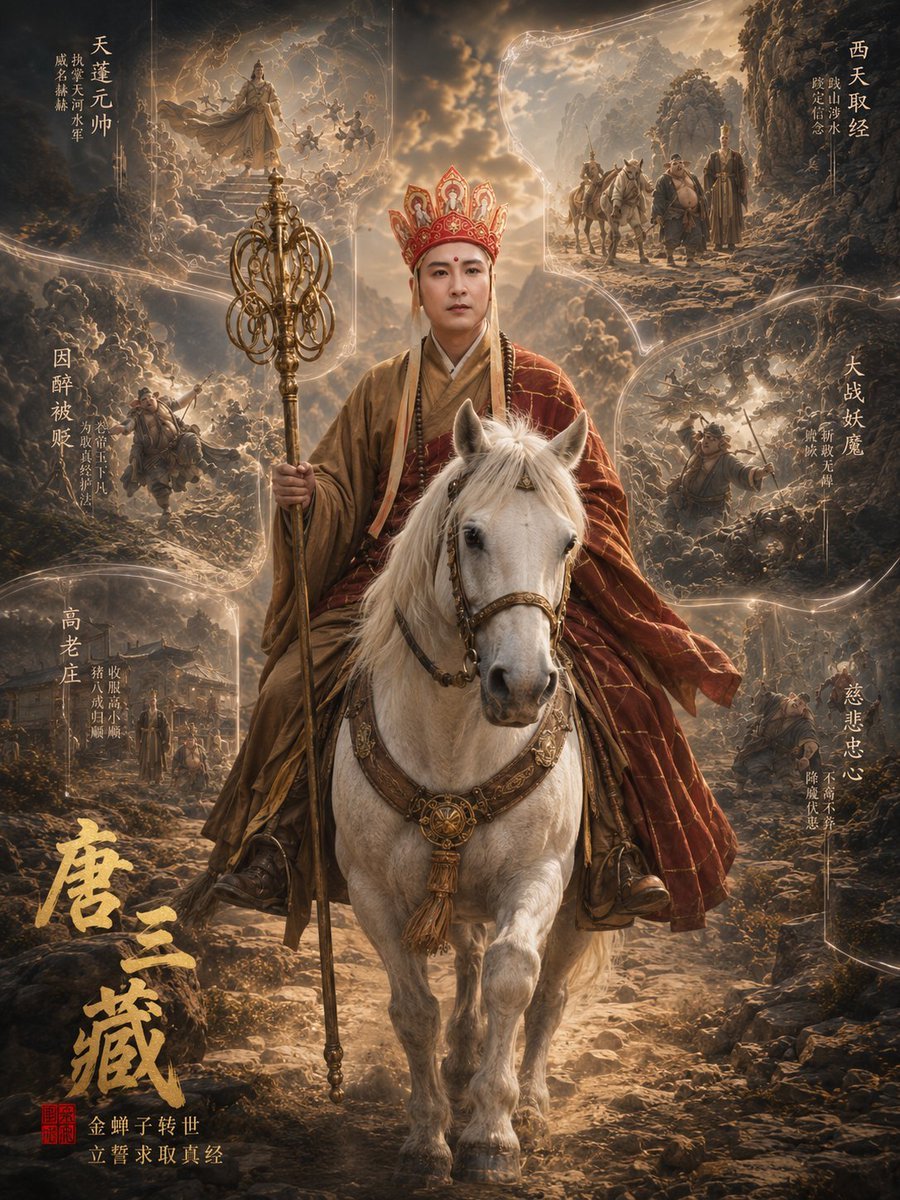
Tang Sanzang Mythic Character Poster
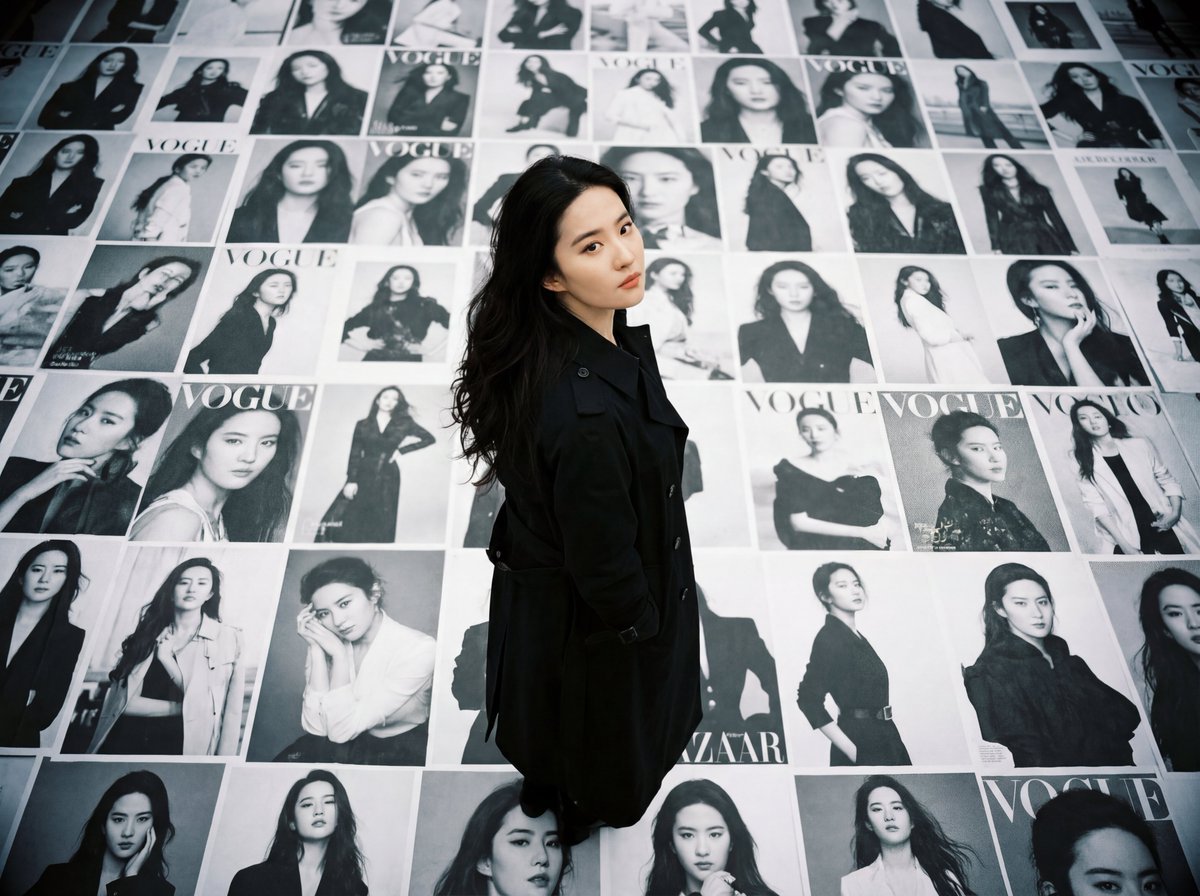
LOMO Ic-a Style Japanese Actress Portrait
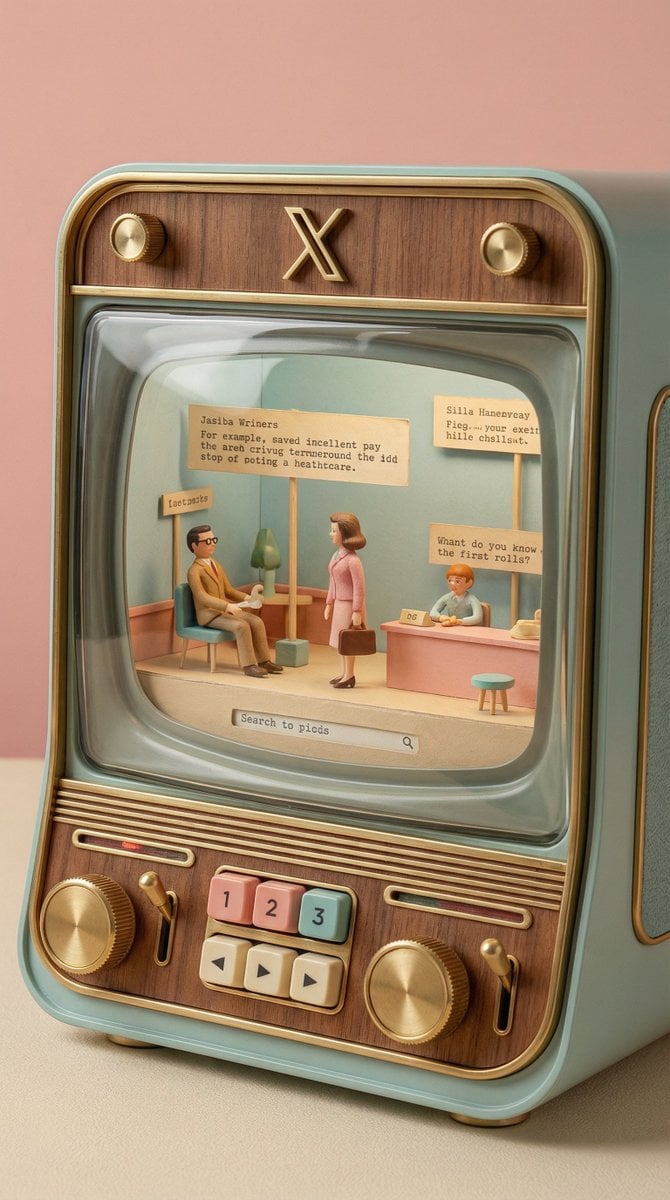
Wes Anderson-designed X App Mobile Interface
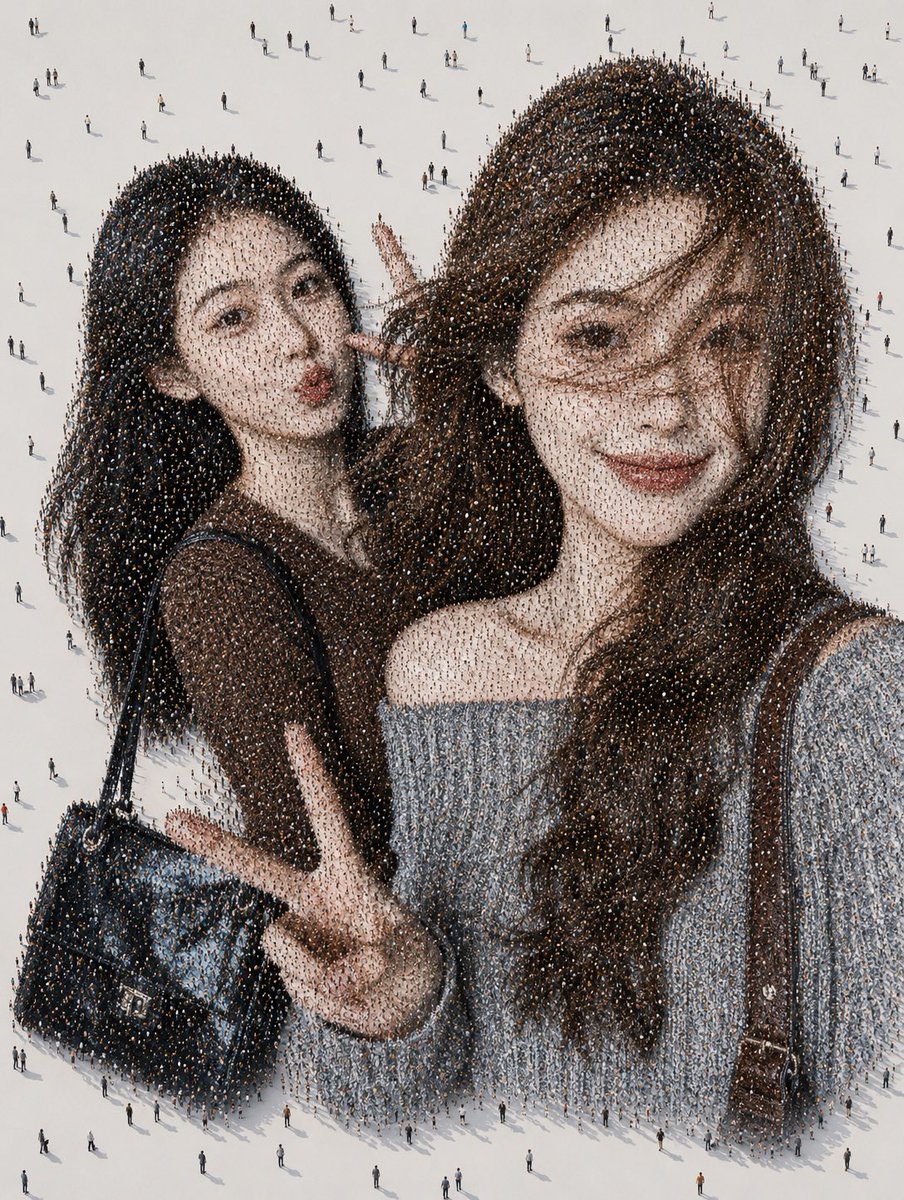
Crowd Mosaic Best Friends Selfie
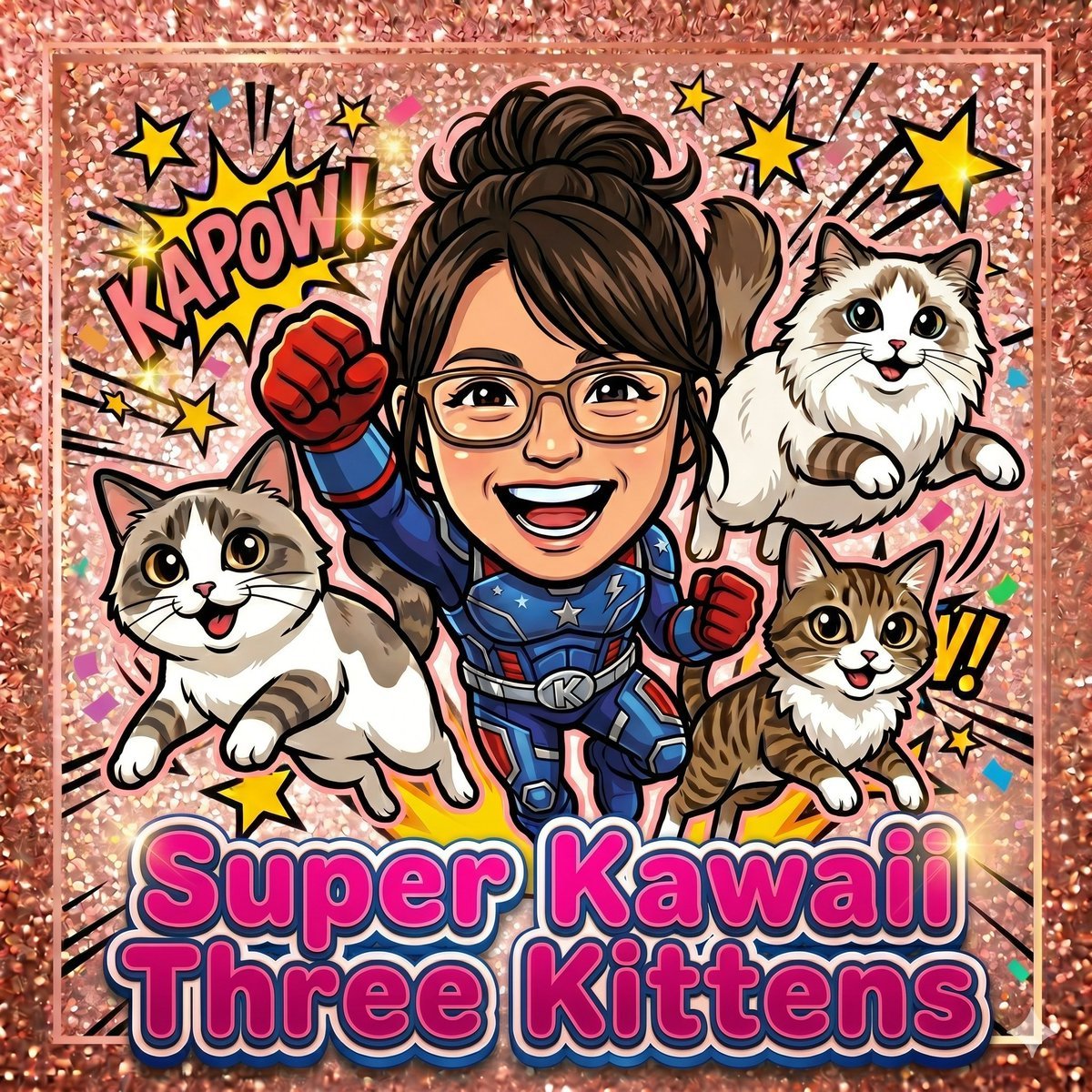
Super Kawaii Three Kittens Poster
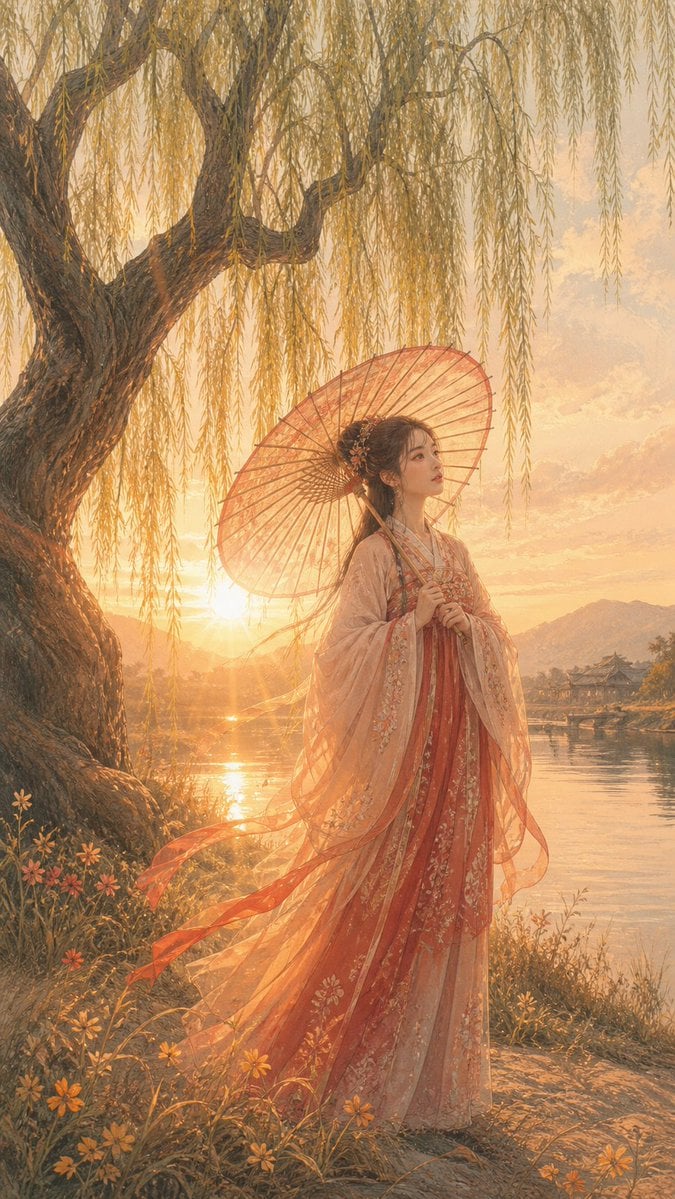
Sunset Hanfu Willow Lakeside Portrait
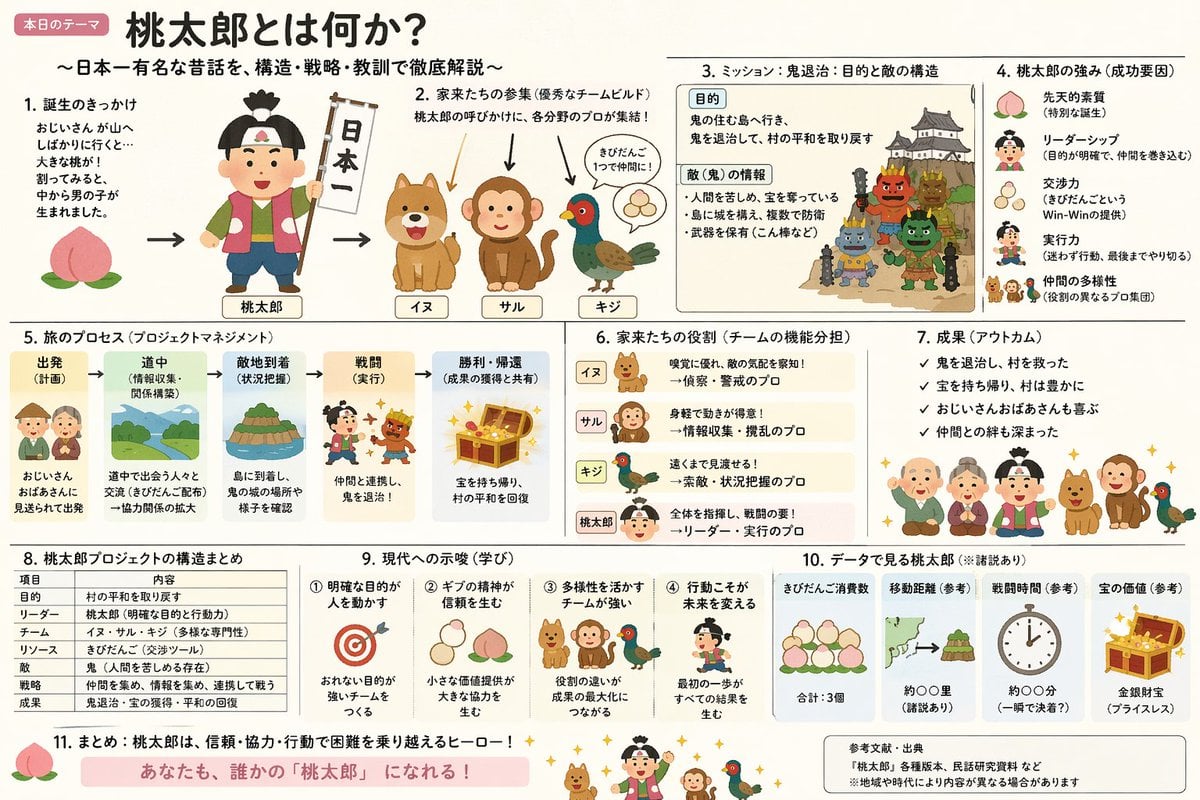
Momotaro Explainer Slide in Hybrid Style
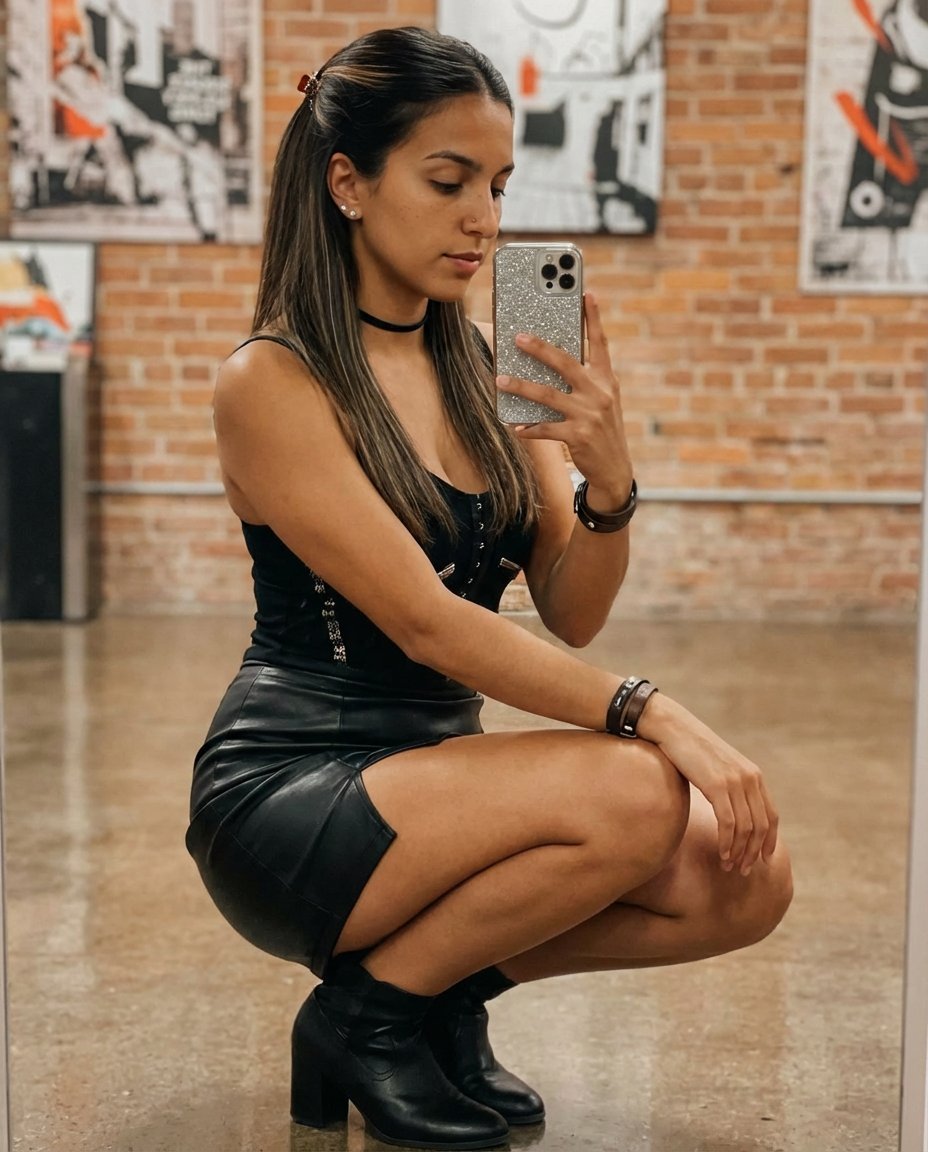
Elegant Mirror Selfie with Strict Face Preservation (JSON)
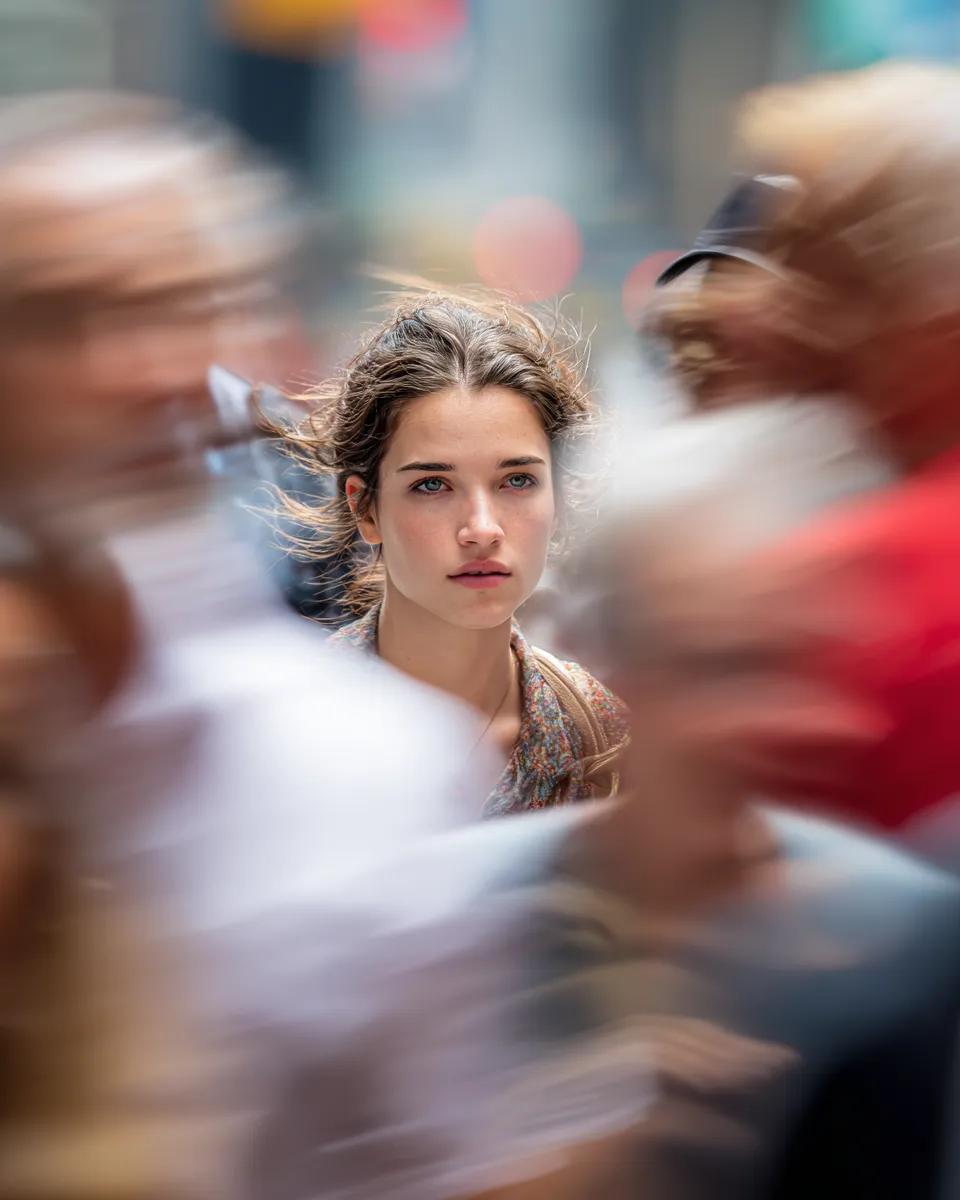
Close-Up Portrait on Busy New York Street
Browse template categories
Minimalist Film Noir Poster questions
How do I use the Minimalist Film Noir Poster template?
Add your photo if the template asks for one, edit the prompt if you like — the template's model and format are already selected — and press Generate. Your version opens in PicX Studio.
Can I customize the Minimalist Film Noir Poster template?
Yes. You can change the subject, setting, lighting, mood, format, and available model controls before creating your image.
Is the Minimalist Film Noir Poster template free?
Opening and editing this template is free. Generating uses credits, shown on the Generate button when you are signed in.
Which AI model should I use?
Start with GPT Image 2, which is the model associated with this template. You can compare another compatible model for a different finish.
Looking for something else? Browse all templates.

Your photo, any look
Thousands of ready templates for every top image and video model, from one credit balance.