
Tang Sanzang Mythic Character Poster
Creates a cinematic Journey to the West character archive poster with Tang Sanzang riding a white horse amid six glowing story vignettes.
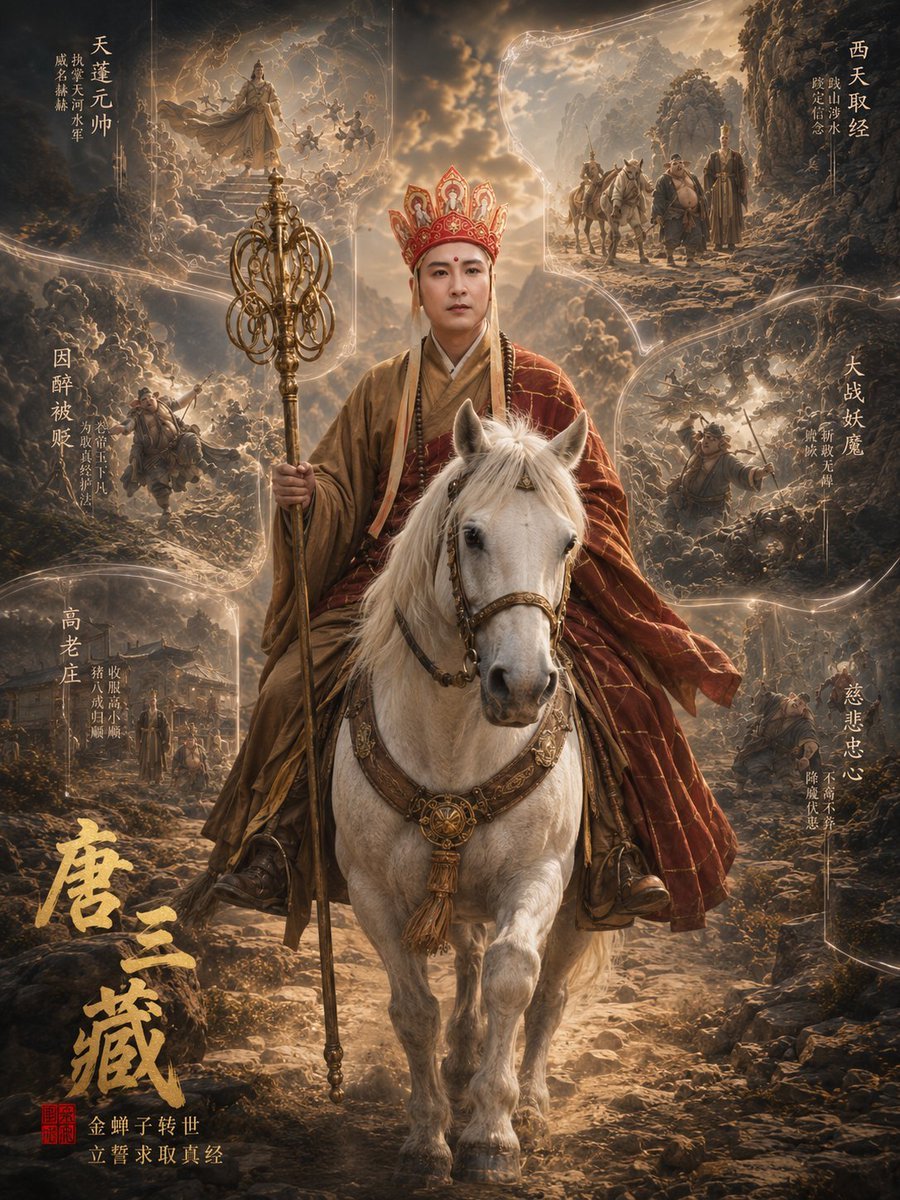
- Prompt included
- Model and format preset
- Free template
The prompt behind this image
Copy the exact prompt behind Tang Sanzang Mythic Character Poster, or open it in the studio and make it yours.
Goal: Create a cinematic vertical fantasy character archive poster for {argument name="character name" default="Tang Sanzang"}, inspired by Journey to the West, showing a holy monk returning from the Western Heaven in an epic 3D-realistic mythological style. Canvas: Vertical 3:4 poster, dark bronze and golden color palette, dramatic stormy clouds, rocky mountain road, glowing heavenly light, high detail, volumetric fog, painterly realism, ornate Chinese fantasy film-poster composition. Main subject: One central rider: Tang Sanzang wearing layered Buddhist monk robes in red, ochre, and gold, an ornate red-and-gold ceremonial crown, prayer beads, and a calm sacred posture. His face is replaced by a smooth soft rectangular blurred placeholder with no facial features. He rides one white horse facing forward, with elaborate leather-and-gold tack, tassels, medallions, and raised front hoof. In his left hand he holds one tall golden monk staff with multiple circular rings and decorative filigree; the staff extends upward like a heroic weapon breaking out of the composition. Wind blows the red robe to the right. Background and layout: Surround the central figure with exactly 6 glowing parchment-like memory vignettes, each separated by flowing golden light trails and translucent irregular frame edges. The 6 vignettes are: 1) upper left, a heavenly scene with a robed monk figure on a cloud platform and soldiers or spirits around him; 2) upper right, the pilgrimage group walking with horses through a rocky mountain pass; 3) middle left, a battle scene with monks or companions fighting demons in dusty terrain; 4) middle right, a chaotic monster battle on a dark hillside; 5) lower left, a temple or village courtyard with figures standing under warm light; 6) lower right, a sorrowful kneeling figure or companion in a desolate rocky landscape. Keep all six panels semi-transparent and integrated into the storm clouds, not as clean modern boxes. Text content: Add large vertical brush-calligraphy title at the lower left using {argument name="main title text" default="唐三藏"}, in rough metallic gold ink. Add a small red square seal stamp below the title. Add smaller gold subtitle near the bottom using {argument name="subtitle text" default="金蝉子转世 立誓求取真经"}. Place vertical Chinese chapter labels around the six vignettes using {argument name="vignette label text" default="天蓬元帅 / 西天取经 / 因醉被贬 / 大战妖魔 / 高老庄 / 慈悲忠心"}; use elegant thin gold calligraphy with small secondary lines, arranged like an ancient manuscript. Do not add English text. Visual style: Epic Chinese mythological dark fantasy, ultra-detailed 3D character statue archive, cinematic lighting, warm rim light, glowing gold dust, realistic horse anatomy, ornate costume embroidery, weathered rocks, ancient scroll texture, dramatic depth of field, high contrast, heroic sacred atmosphere. Constraints: Use exactly 1 central rider, 1 white horse, 1 ornate ringed monk staff, and exactly 6 surrounding vignette panels. Maintain a symmetrical poster hierarchy with the central horse and rider dominating the image. No modern objects, no watermark, no extra characters in the foreground, no clean UI borders.
How to use Tang Sanzang Mythic Character Poster in 3 steps
- 1Upload ImagePNG, JPG or paste
Add your photo
Upload the photo the template builds on. The prompt, model and format are already set.
- 2…a portrait of your subject in softgolden-hour light, 85mm…
Personalize
Edit the subject and creative details for your destination.
- 3Generate
Generate
Press Generate — your image is created in PicX Studio, so you can compare it with the original and refine one variable at a time.
More like this
Templates with the same subject, style or setup. Open one to see its prompt.

Japan Travel Brochure Poster

Cartoon TV Show Poster Pack

Trendy Cafe Drink Promo Poster

Urban Fashion Editorial Collage Streetwear Poster

Premium Fashion Editorial Cover Layout System

Polo Ralph Lauren Luxury American Heritage Fashion Campaign

Monochrome Halftone Editorial Fashion Poster

Retro Mirror Luxury Fashion Campaign Poster

Luxury Fashion Campaign Typography Poster System

Premium Fashion Editorial Campaign Poster System

Ultra-Stylized High-Fashion Streetwear Poster

Urban Fashion Editorial Collage Poster
Make it yours
Tang Sanzang Mythic Character Poster works as-is. These are the safest ways to change it without losing the look.
Change one field
Copy a single group, rewrite it, and generate again so you can see what that field is doing.
Keep the frame, change the subject
Hold the composition and light of Tang Sanzang Mythic Character Poster, then swap wardrobe, props or the person for a new take.
| If the result… | Why | Fix |
|---|---|---|
| The result drifts from the preview | Too many fields changed at once. | Reuse Tang Sanzang Mythic Character Poster as-is first, then change one group — subject, light, or setting. |
| The model over-stylizes the scene | The prose prompt leaves finish and camera underspecified. | Add one camera or lighting sentence and stay on GPT Image 2. |
More GPT Image 2 templates
Other prompts made for GPT Image 2.

Six VTuber Japanese Logo Sheet

Realistic Portrait of Woman and Deer

The Vista Modular Condo Poster

AI Model Routing Comparison Infographic

2.5D Anime Art Board

Isometric Productivity Desk Scene

New York Double Exposure Poster

Four-Panel AI Landscape Comparison

Japanese Tatami Lifestyle Magazine Cover

NESCAFÉ Coffee Map Poster
More image prompts
Fresh picks from across the catalog.
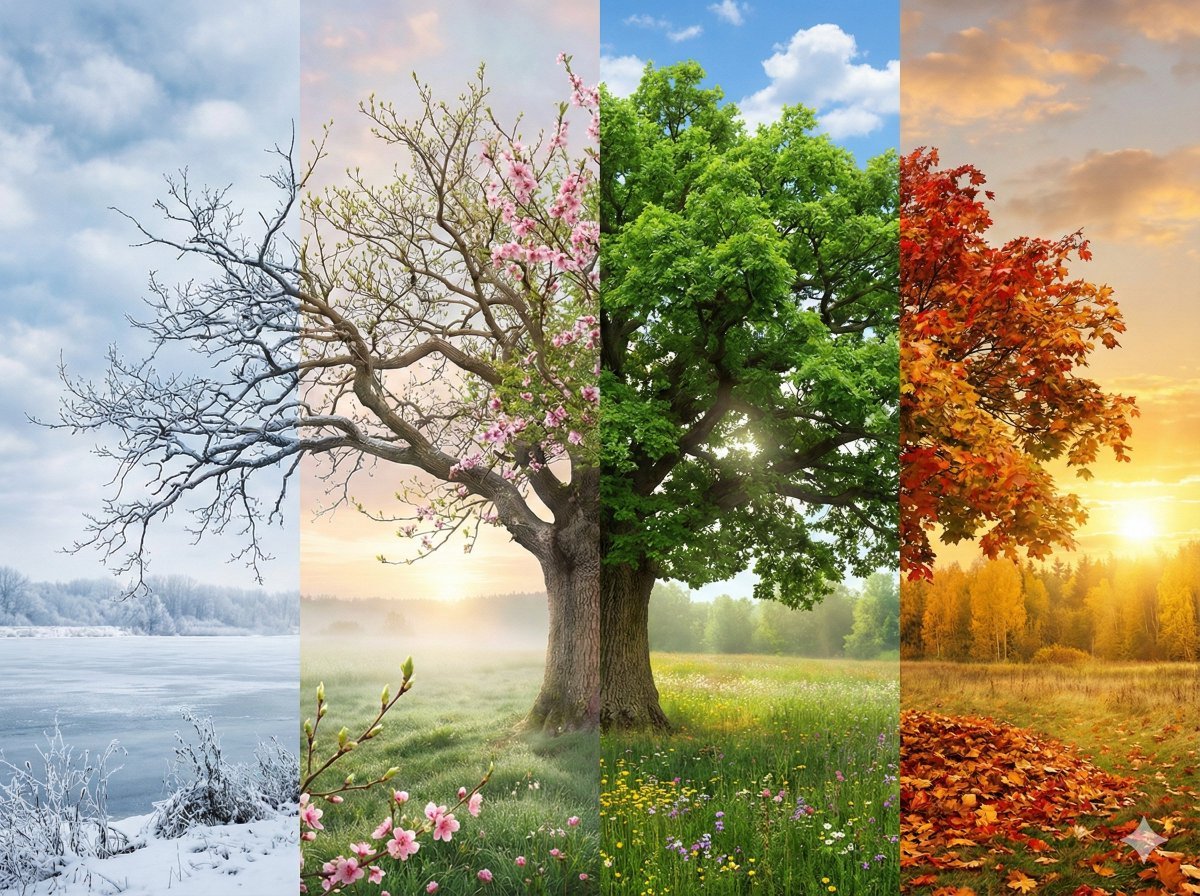
Seamless Four Seasons Panorama of Shanghai Bund

3D Logo Render with Fur Texture
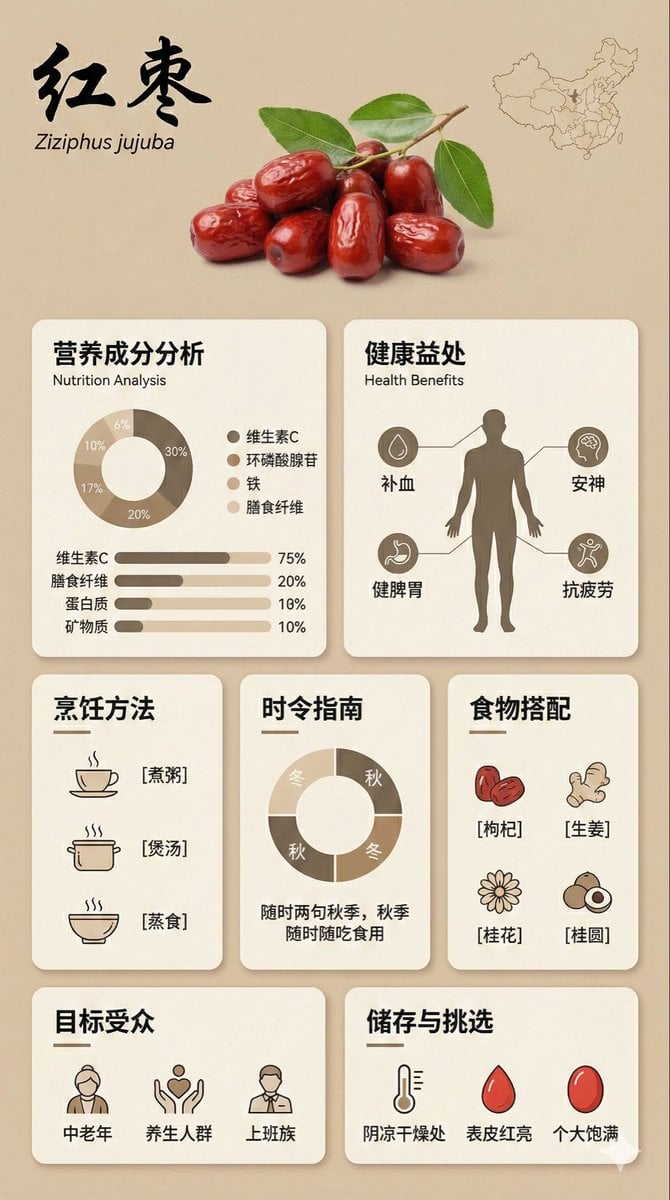
Bento Grid Infographic Prompt for Food Science
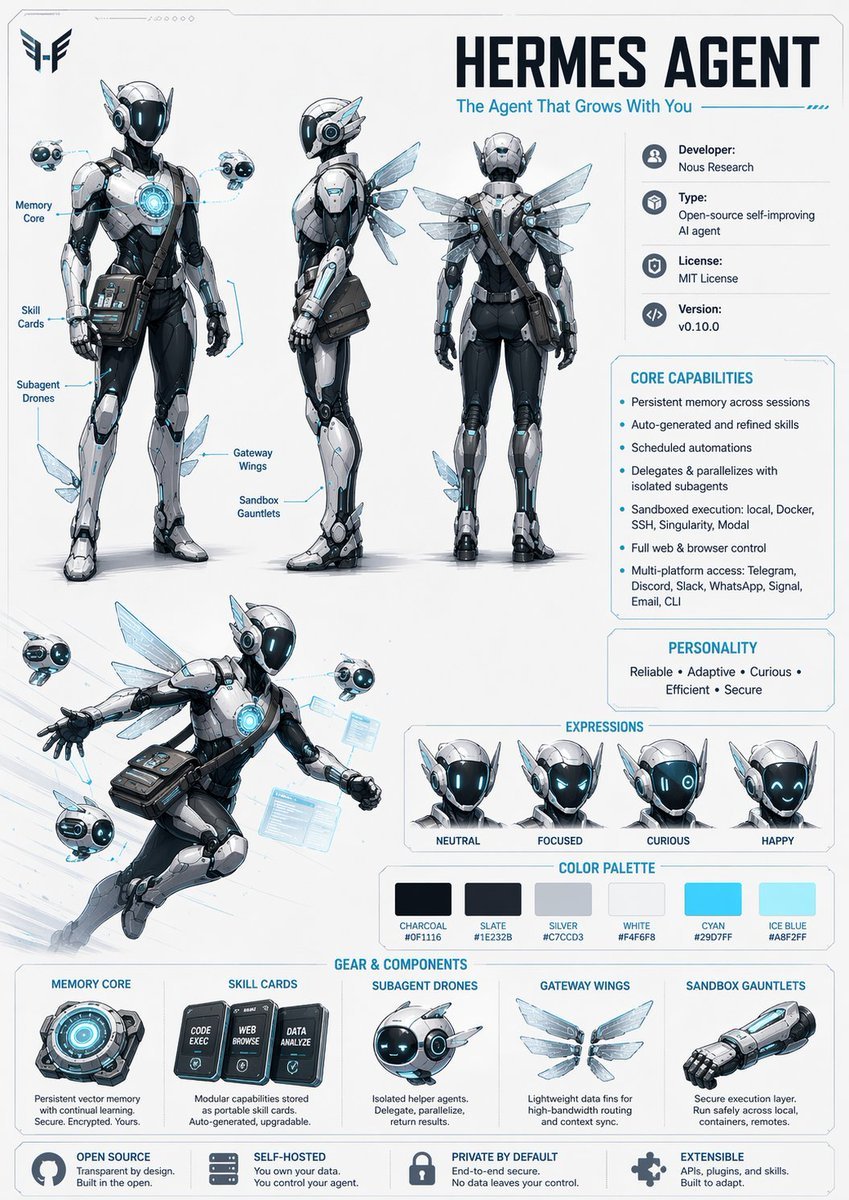
Character Design Sheet Prompt
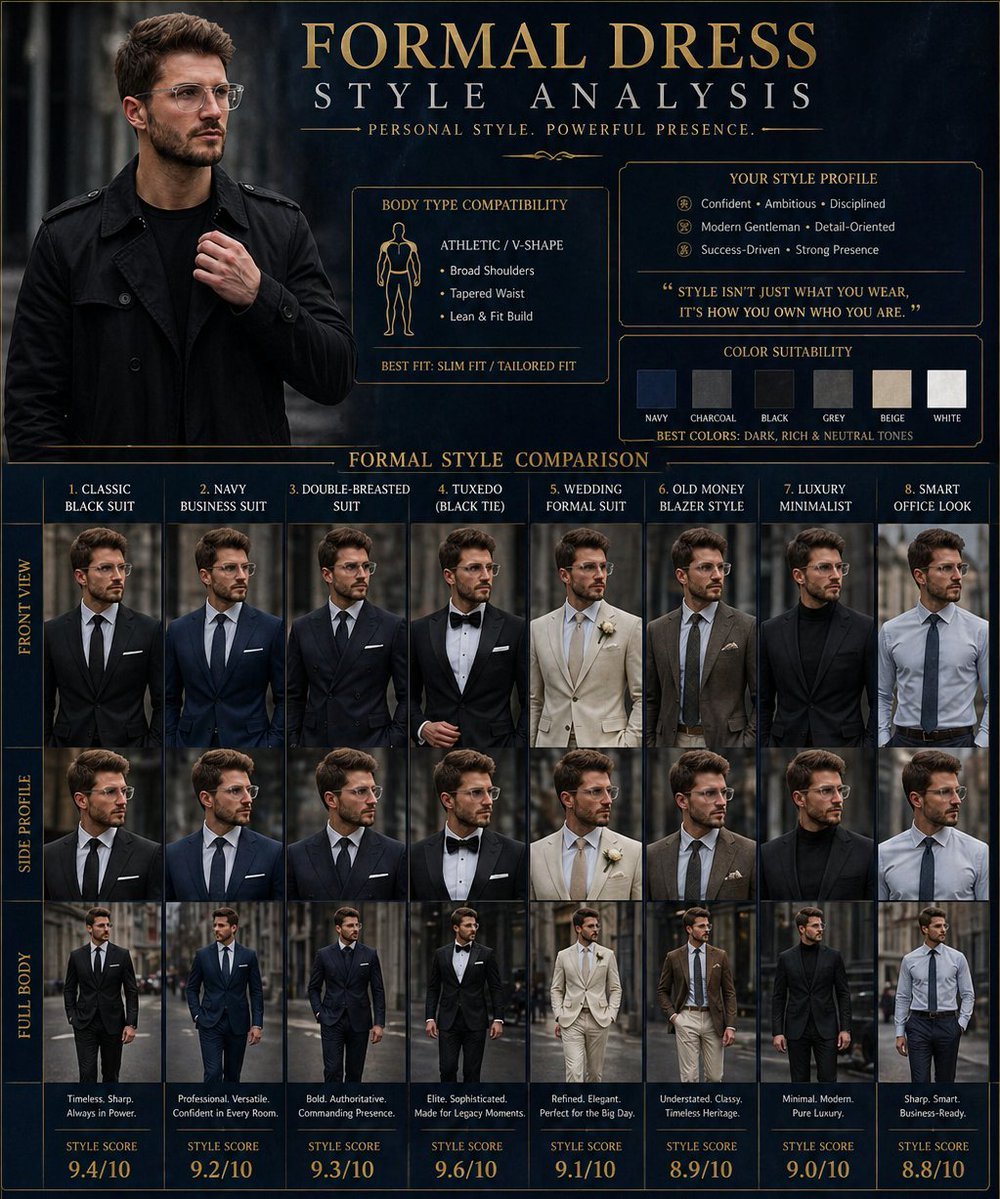
Formal Dress Style Analysis Poster
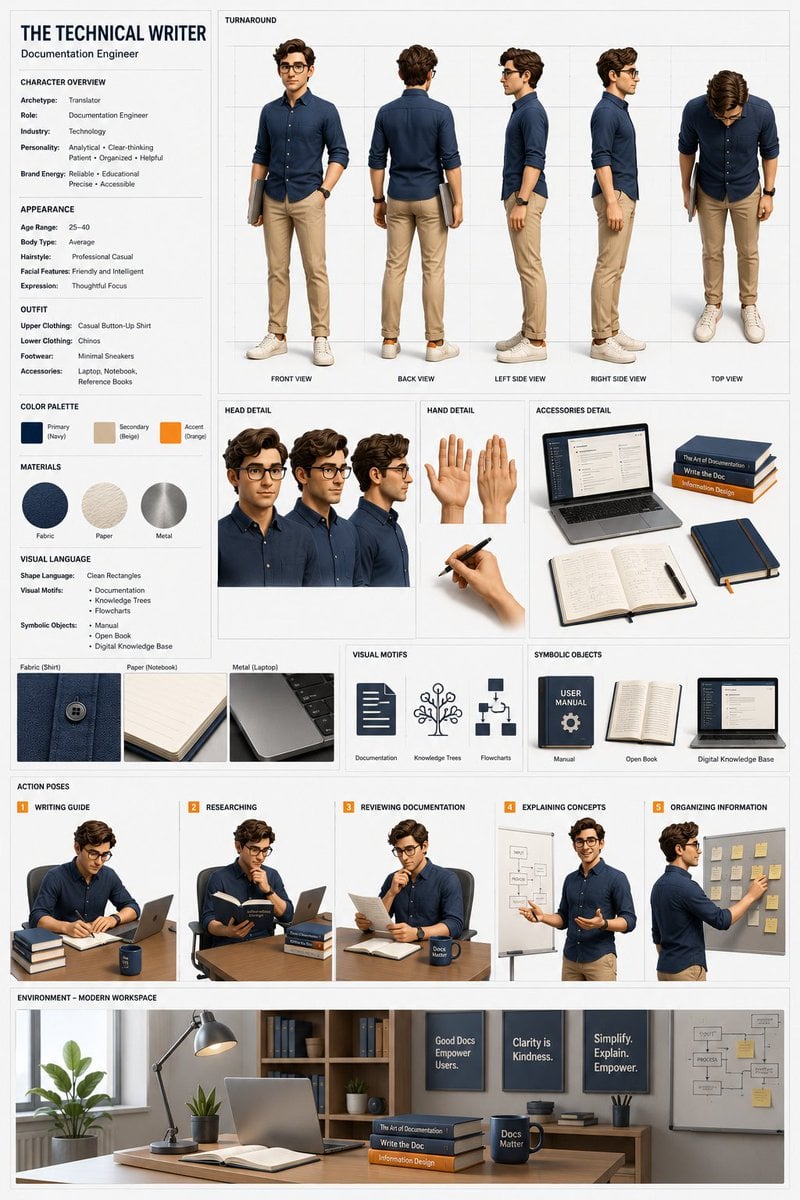
Professional 3D Character Concept Sheet
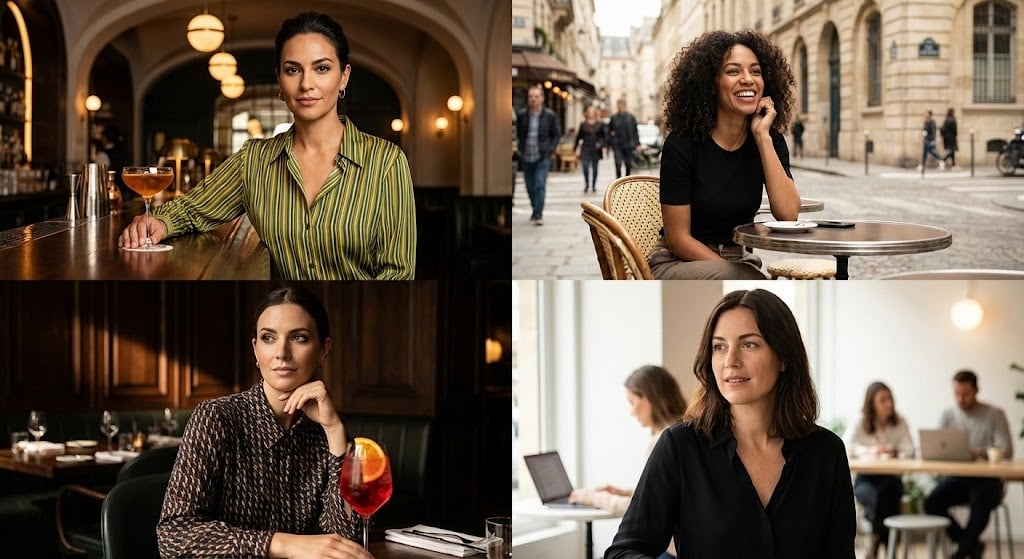
Cinematic Portrait Grid Comparison
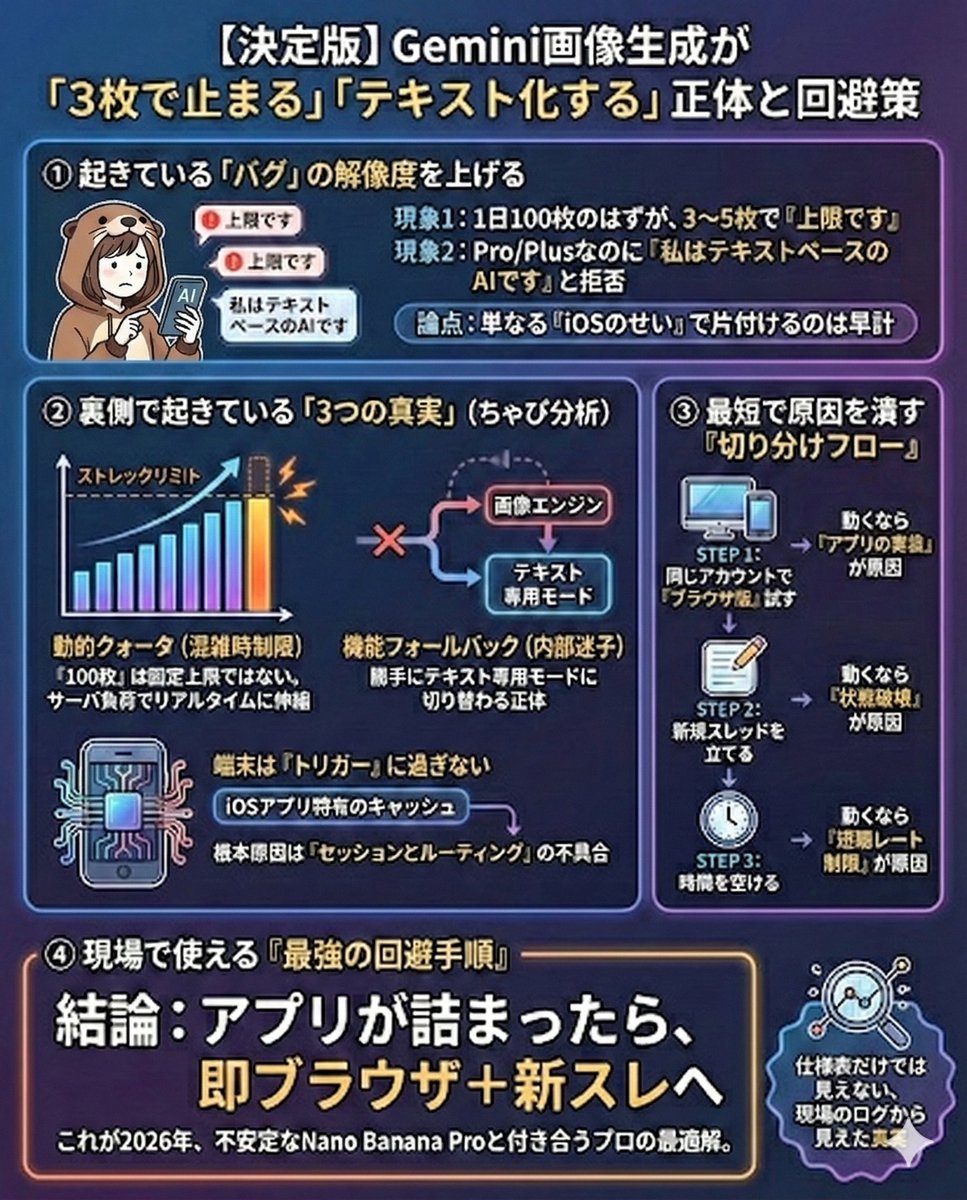
Gemini Model Troubleshooting Prompt

Free Christmas Promotional Prompt
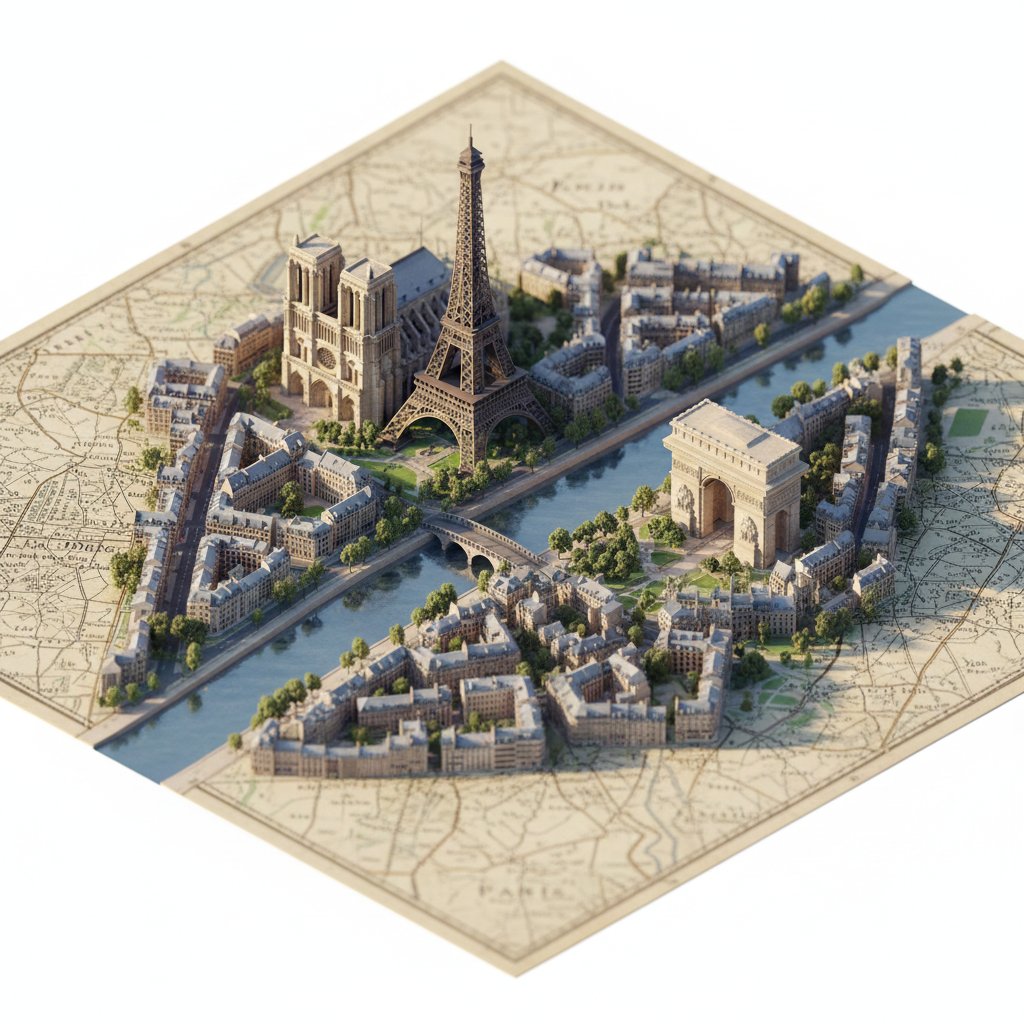
Photorealistic Diorama Isometric Map Prompt
Browse template categories
Tang Sanzang Mythic Character Poster questions
How do I use the Tang Sanzang Mythic Character Poster template?
Add your photo if the template asks for one, edit the prompt if you like — the template's model and format are already selected — and press Generate. Your version opens in PicX Studio.
Can I customize the Tang Sanzang Mythic Character Poster template?
Yes. You can change the subject, setting, lighting, mood, format, and available model controls before creating your image.
Is the Tang Sanzang Mythic Character Poster template free?
Opening and editing this template is free. Generating uses credits, shown on the Generate button when you are signed in.
Which AI model should I use?
Start with GPT Image 2, which is the model associated with this template. You can compare another compatible model for a different finish.
Looking for something else? Browse all templates.

Your photo, any look
Thousands of ready templates for every top image and video model, from one credit balance.