
Minimalist Chinese Summer Solar Term Poster
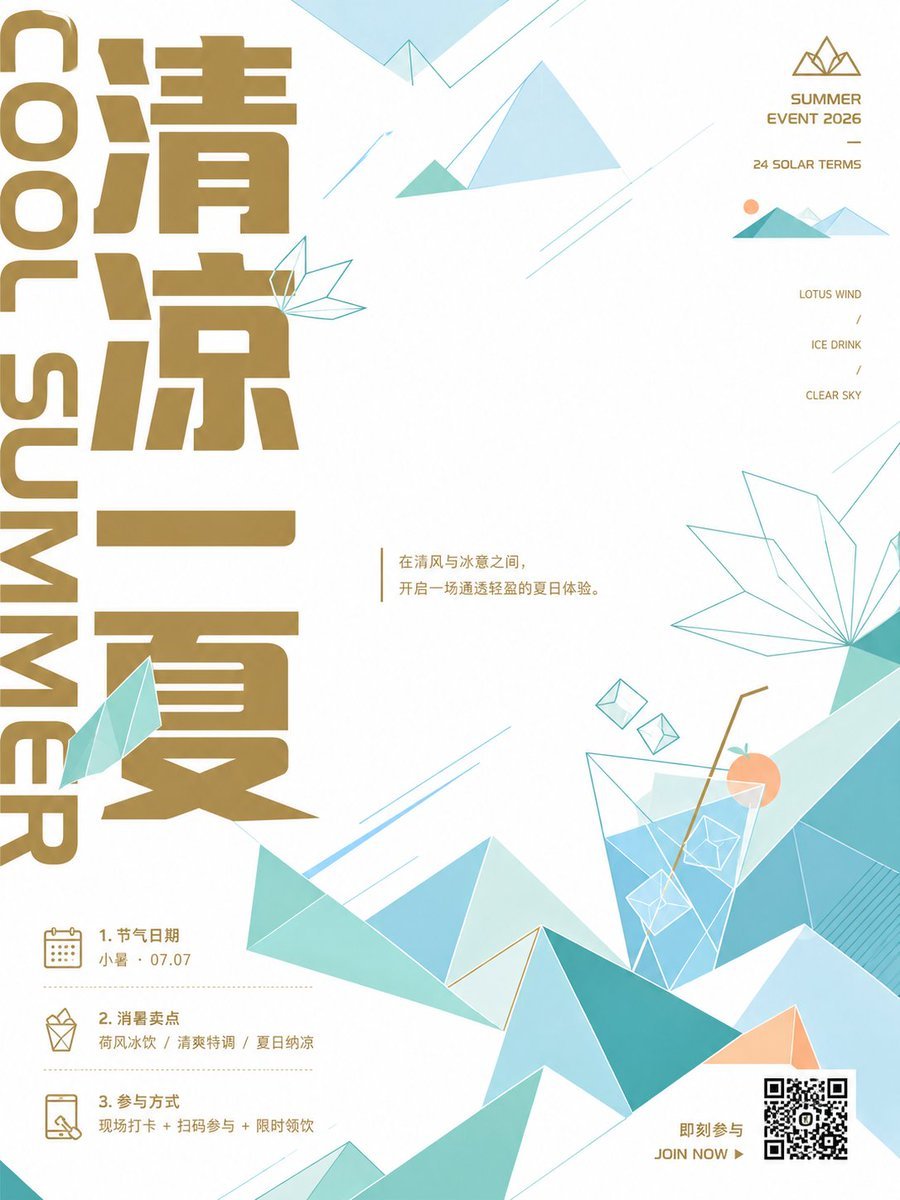
Generates a clean geometric Chinese 24 solar terms summer event poster with gold typography, icy mountains, drink illustration, QR call-to-action, and structured event information.
- Prompt included
- Model and format preset
- Premium template
The prompt behind this image
Copy the exact prompt behind Minimalist Chinese Summer Solar Term Poster, or open it in the studio and make it yours.
Goal: Create a minimalist Chinese summer solar-term event poster combining traditional 24 solar terms aesthetics with modern geometric illustration for {argument name="event name" default="清凉一夏"}. Canvas: Vertical poster, 3:4 aspect ratio, clean off-white background, spacious premium layout. Use a refined palette of metallic ochre gold typography, pale cyan, turquoise, mint, sky blue, and light peach accents. Main layout: Place enormous vertical Chinese title text on the left, occupying almost the full height, in bold blocky modern sans-serif gold characters reading {argument name="main Chinese title" default="清凉一夏"}. Along the far-left edge, add oversized rotated English text reading “COOL SUMMER” in the same gold color, stacked vertically from top to bottom. Keep the center mostly white and airy. Center text: Near the center-left, add a tiny vertical gold divider line followed by a short Chinese poetic sentence in small gold type: {argument name="center quote" default="在清风与冰意之间,开启一场通透轻盈的夏日体验。"} Top-right event block: Add a simple gold line icon of three mountain peaks above compact uppercase gold text. Include exactly 3 lines: “SUMMER EVENT 2026”, a short horizontal dash, and “24 SOLAR TERMS”. Beneath it, place a small geometric mountain vignette with exactly 4 elements: one peach sun circle, one teal front mountain, one pale blue mountain, and one light cyan mountain. Right-side feature list: Add exactly 3 small gold menu labels aligned vertically with slash separators: “LOTUS WIND”, “ICE DRINK”, and “CLEAR SKY”. Bottom-left information section: Add exactly 3 numbered information rows separated by dotted gold lines. Row 1 has a calendar line icon and text “1. 节气日期” with “小暑 · 07.07”. Row 2 has a gift/bag line icon and text “2. 消夏卖点” with “荷风冰饮 / 清爽特调 / 夏日纳凉”. Row 3 has a phone scan line icon and text “3. 参与方式” with “现场打卡 + 扫码参与 + 限时领饮”. Bottom-right call to action: Add a black-and-white QR code square near the lower-right corner with small gold text to its left reading “即刻参与” and below it “JOIN NOW ▶”. Illustration details: Use low-poly geometric mountains and ice-crystal forms across the lower half and right side. Include exactly 8 prominent landscape/crystal groups: 1 large faceted turquoise mountain range across the bottom, 1 pale blue central peak, 1 teal triangular peak in the foreground, 1 small peach triangular peak near the QR code, 1 large transparent outline lotus-leaf/crystal fan on the right, 1 large tilted transparent ice-drink glass with ice cubes and straw, 1 small faceted mint leaf attached to the left title, and 1 top-center abstract paper-plane mountain shape. The drink glass should contain blue liquid, white polygon ice cubes, a gold bent straw, and one peach citrus slice. Graphic accents: Add thin cyan diagonal speed lines, fine geometric outlines, small floating diamond ice cubes, and subtle triangular origami shapes. Keep all strokes thin and elegant, with generous negative space. Typography and style: Modern Chinese editorial poster design, crisp vector graphics, flat geometric shapes, luxury gold ink feel, no photorealism, no shadows except very subtle translucency in glass and ice. High-resolution print-ready composition. Constraints: Preserve the exact visible count of 3 bottom-left information rows, 3 right-side feature labels, 4 small top-right mountain vignette elements, and 8 prominent landscape/crystal groups. Do not add extra paragraphs of text, people, animals, logos, watermarks, or realistic scenery.
How to use Minimalist Chinese Summer Solar Term Poster in 3 steps
- 1Upload ImagePNG, JPG or paste
Add your photo
Upload the photo the template builds on. The prompt, model and format are already set.
- 2…a portrait of your subject in softgolden-hour light, 85mm…
Personalize
Edit the subject and creative details for your destination.
- 3Generate
Generate
Press Generate — your image is created in PicX Studio, so you can compare it with the original and refine one variable at a time.
More like this
Templates with the same subject, style or setup. Open one to see its prompt.
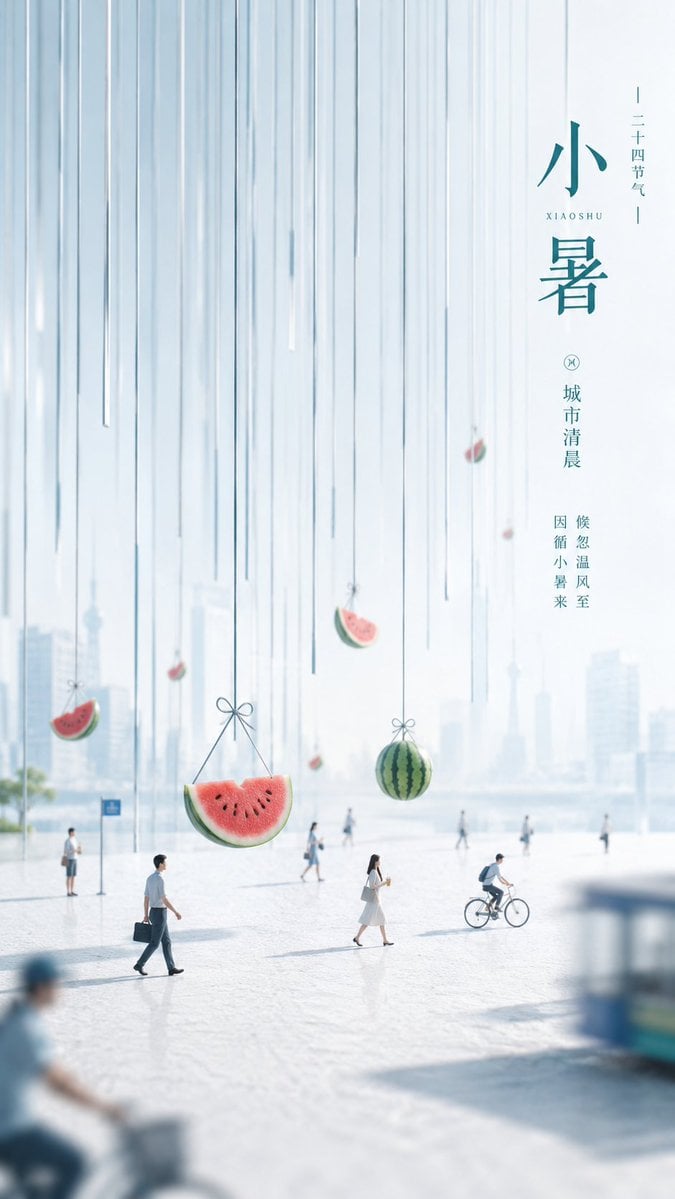
Minimalist Narrative Solar Term Poster Layout
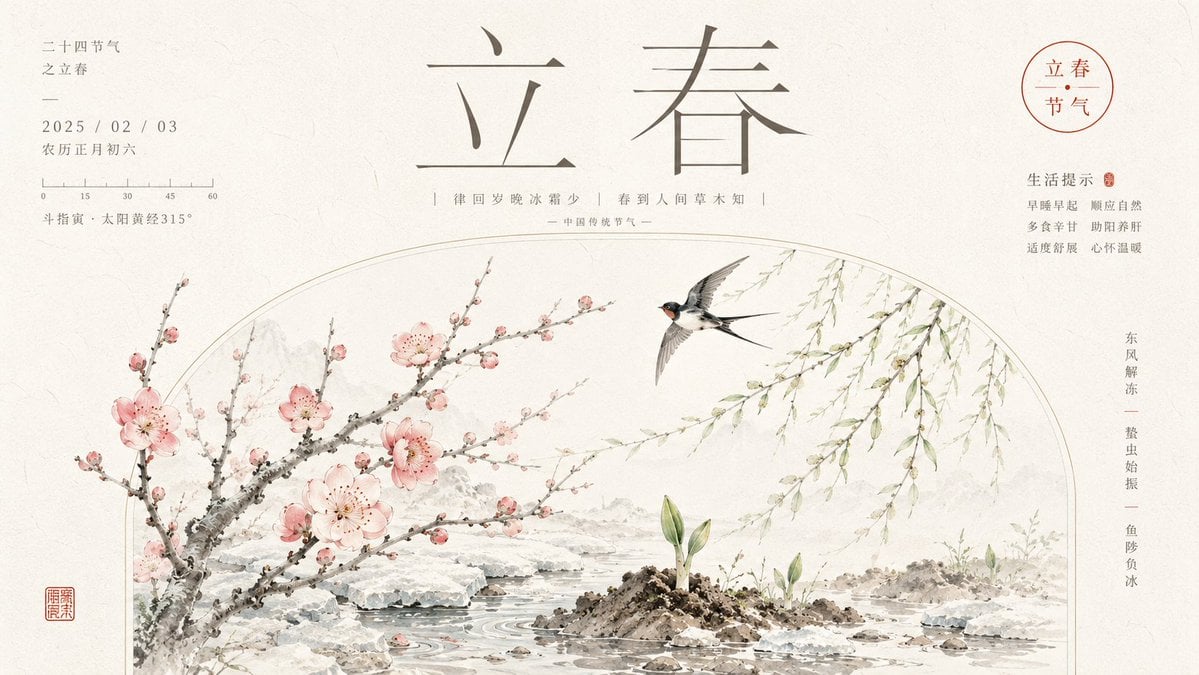
Chinese Lichun Solar Term Poster
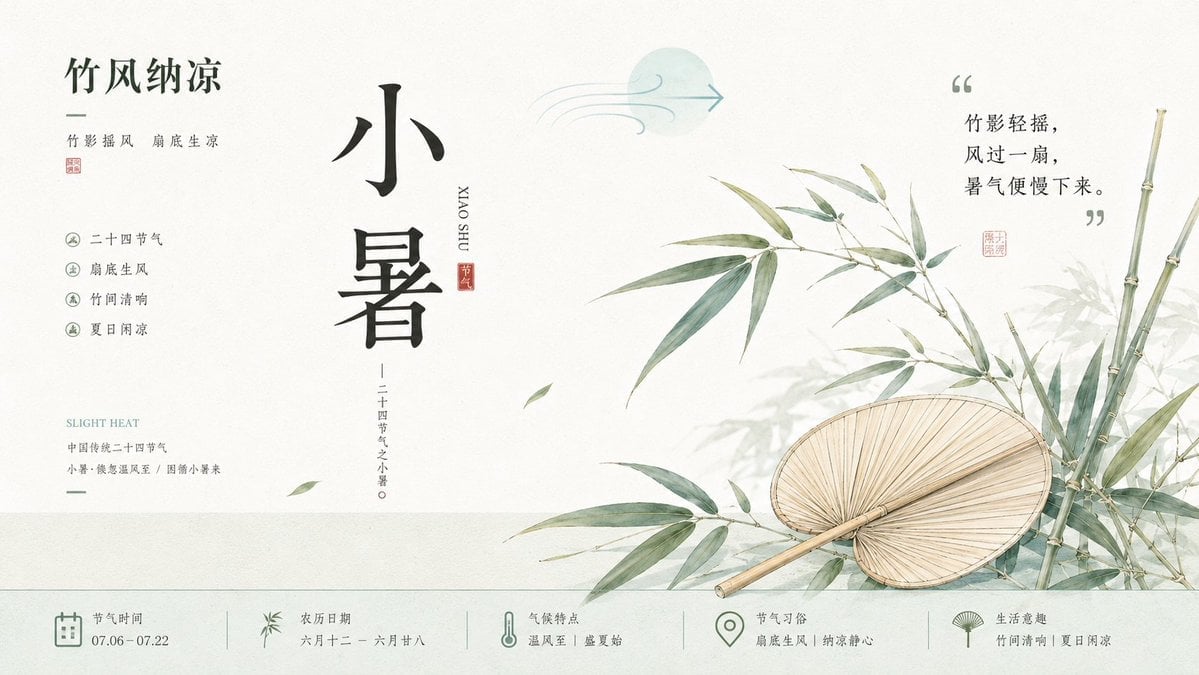
Chinese Aesthetic Solar Term Illustrations
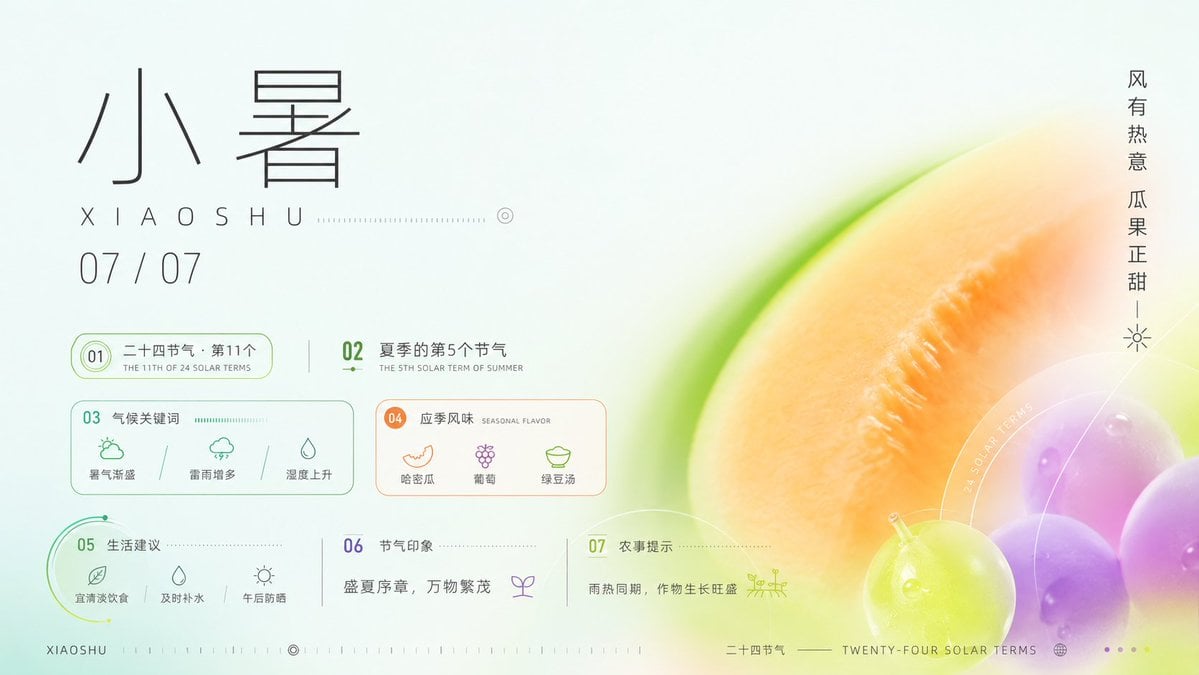
Xiaoshu Solar Term Infographic Poster
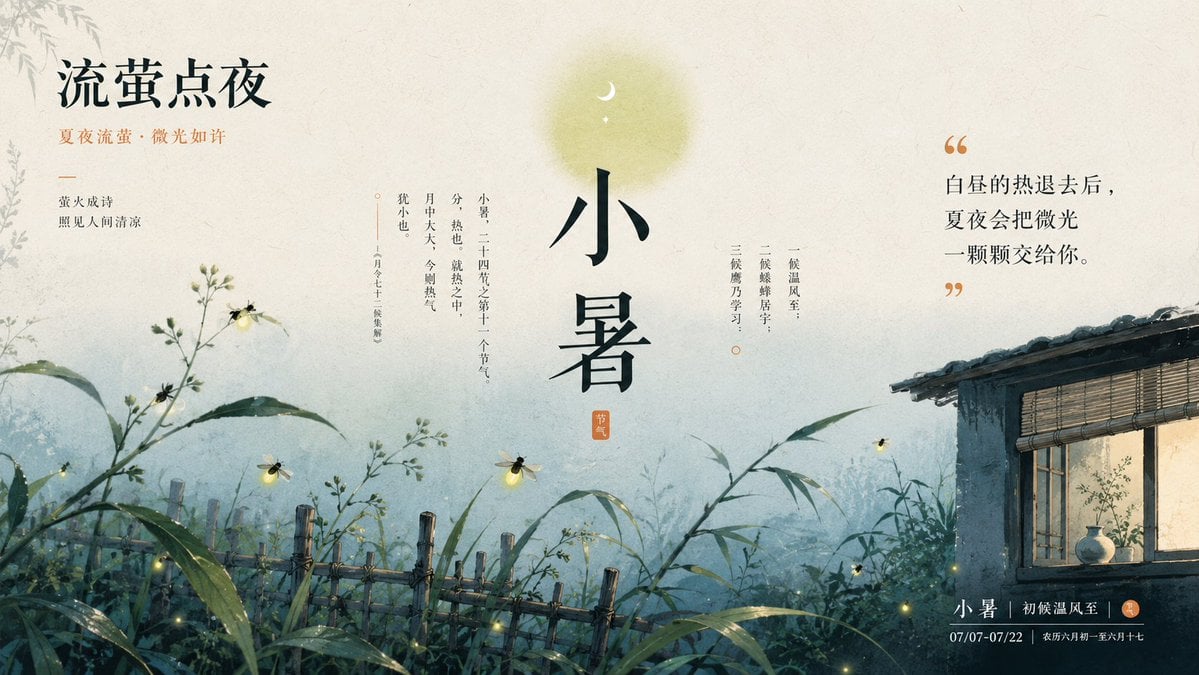
Chinese Firefly Summer Night Poster

Premium Vintage Travel Poster Landscape

Chinese Co-Branded Summer Drink Poster
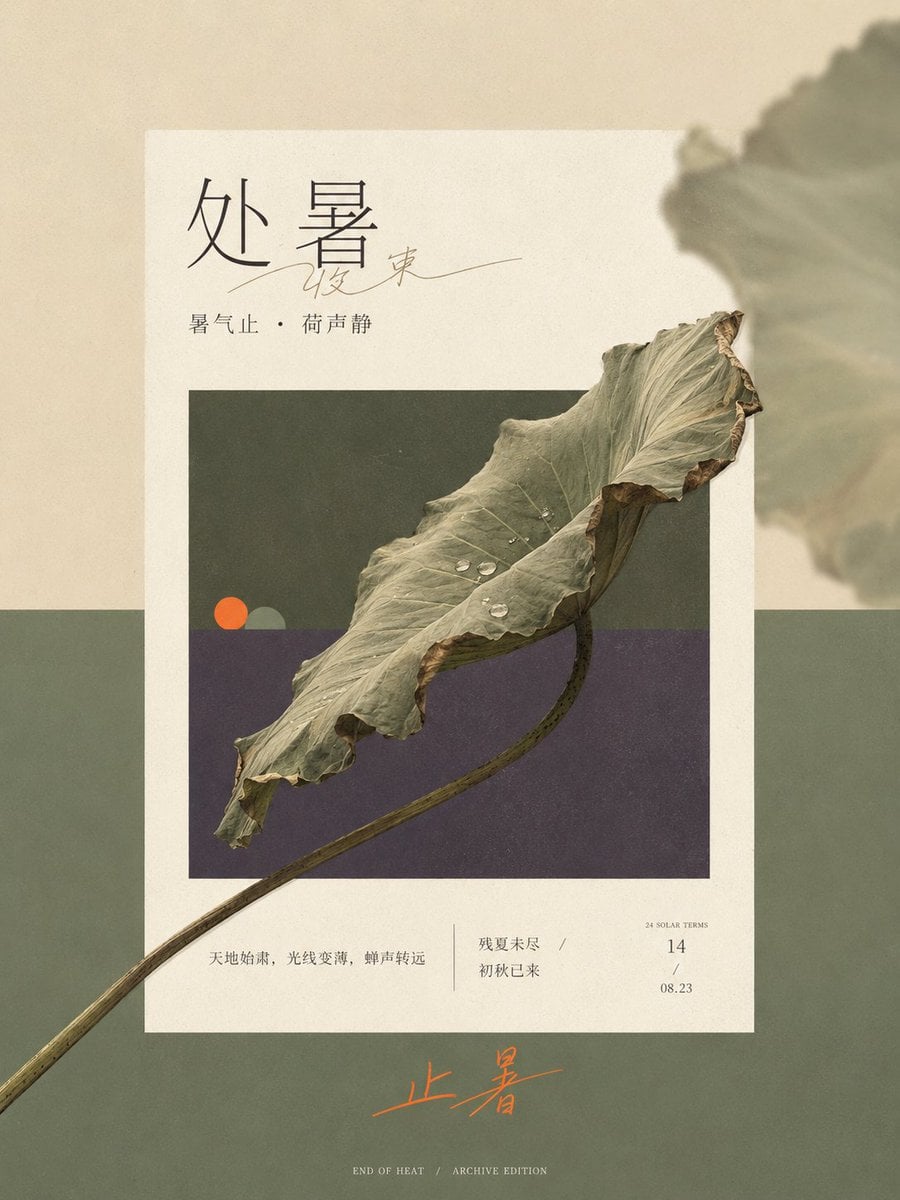
Solar Terms Editorial Visual

Japan Travel Brochure Poster

Cartoon TV Show Poster Pack

Trendy Cafe Drink Promo Poster

Urban Fashion Editorial Collage Streetwear Poster
Make it yours
Minimalist Chinese Summer Solar Term Poster works as-is. These are the safest ways to change it without losing the look.
Change one field
Copy a single group, rewrite it, and generate again so you can see what that field is doing.
Keep the frame, change the subject
Hold the composition and light of Minimalist Chinese Summer Solar Term Poster, then swap wardrobe, props or the person for a new take.
| If the result… | Why | Fix |
|---|---|---|
| The result drifts from the preview | Too many fields changed at once. | Reuse Minimalist Chinese Summer Solar Term Poster as-is first, then change one group — subject, light, or setting. |
| The model over-stylizes the scene | The prose prompt leaves finish and camera underspecified. | Add one camera or lighting sentence and stay on GPT Image 2. |
More GPT Image 2 templates
Other prompts made for GPT Image 2.

Six VTuber Japanese Logo Sheet

Realistic Portrait of Woman and Deer

The Vista Modular Condo Poster

AI Model Routing Comparison Infographic

2.5D Anime Art Board

Isometric Productivity Desk Scene

New York Double Exposure Poster

Four-Panel AI Landscape Comparison

Japanese Tatami Lifestyle Magazine Cover

NESCAFÉ Coffee Map Poster
More image prompts
Fresh picks from across the catalog.

Char-Inspired Red Kakigori Café Photo
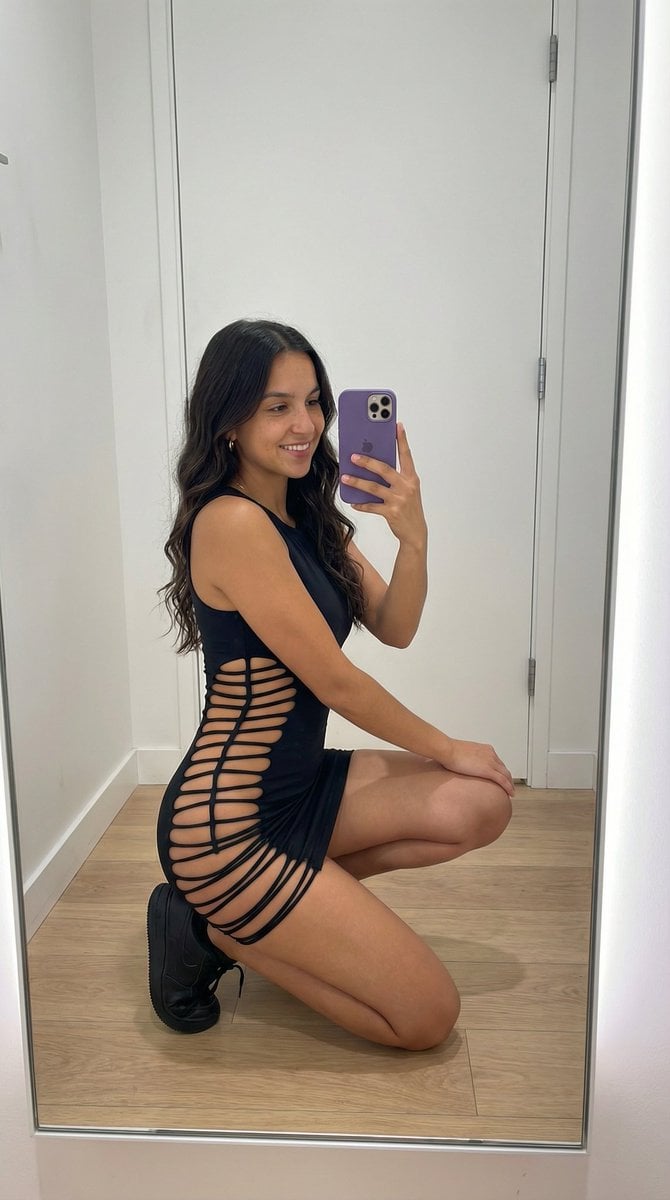
Avant-Garde Athleisure Mirror Selfie Prompt

Colorful Portrait Collage Prompt
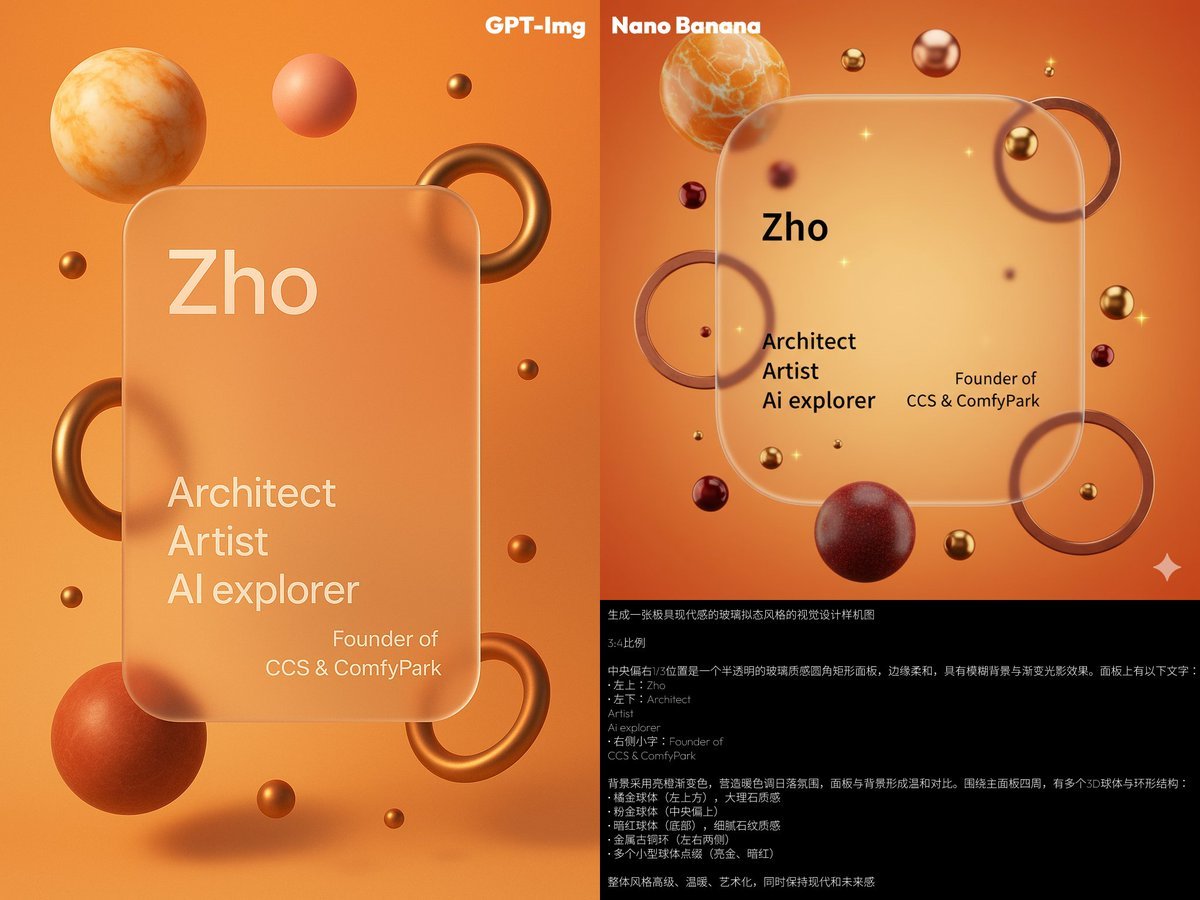
Glassmorphism personal branding mockup
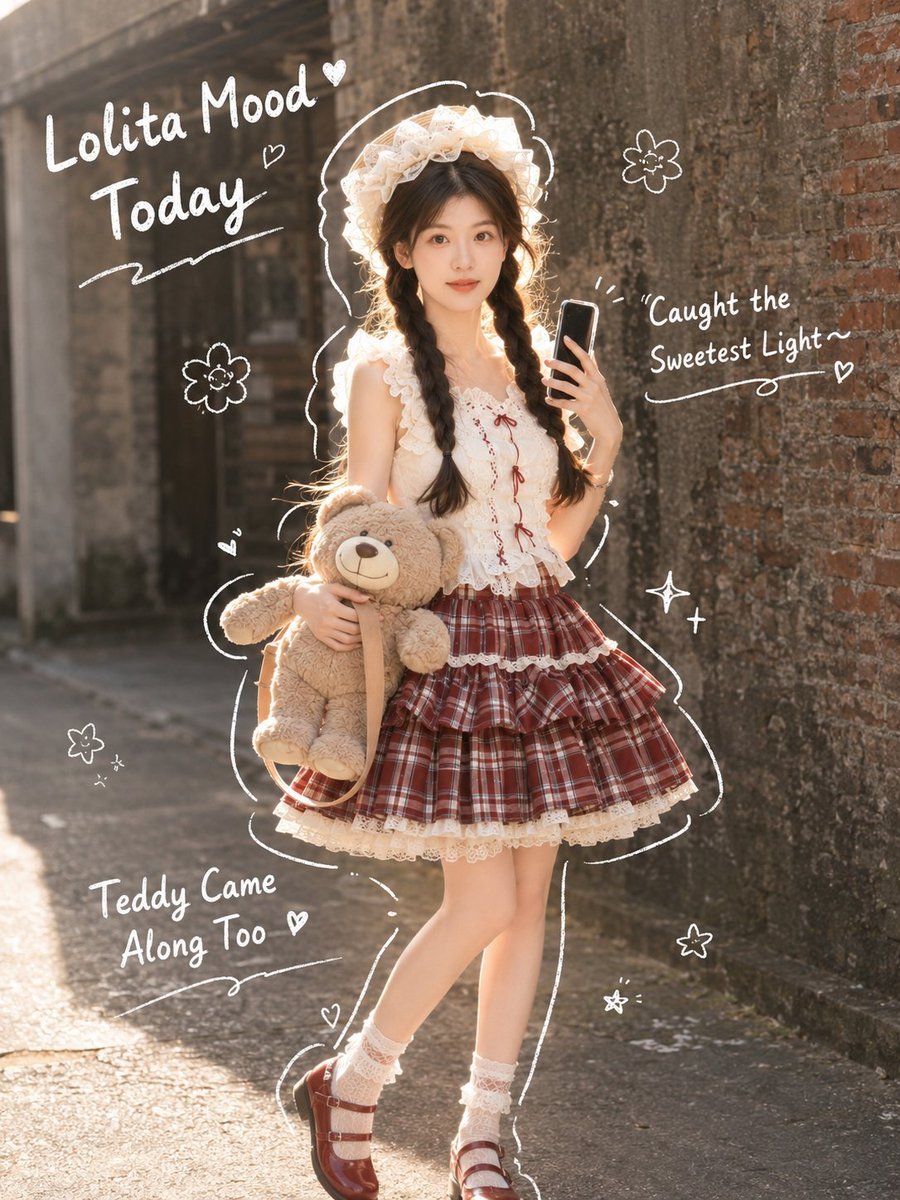
Japanese Lolita Street Style Selfie
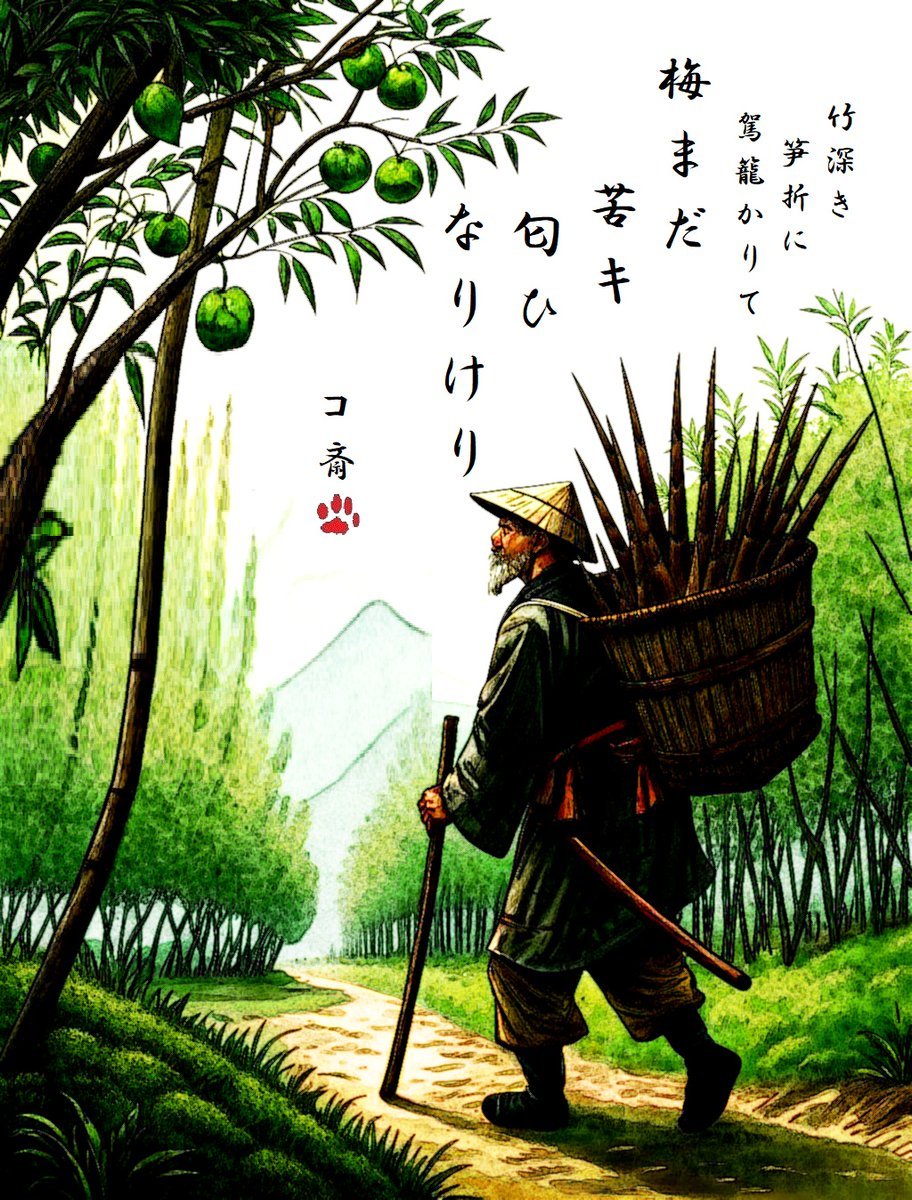
AI Haiga (Haiku Painting) Generation
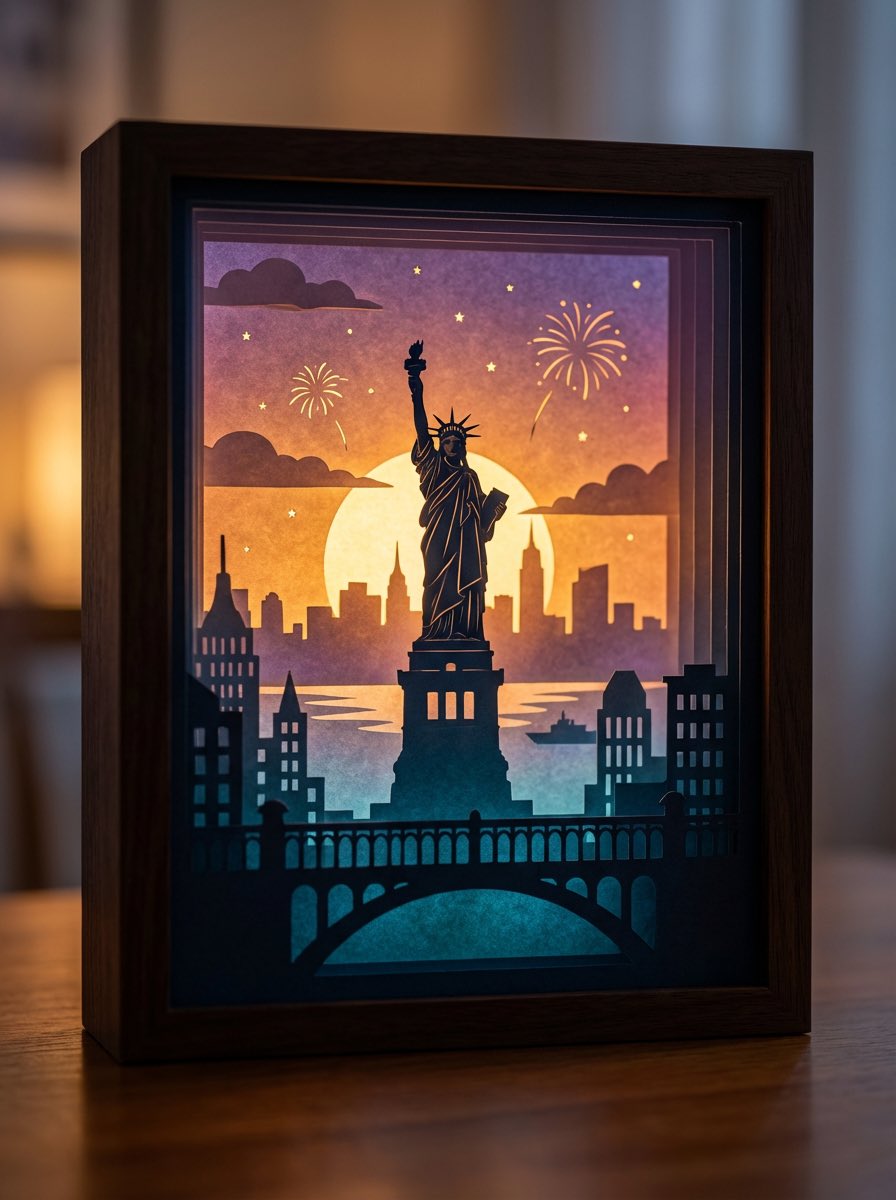
3D paper cut light box illustration framework

Black and White Studio Portrait Collage (3x3 Grid)
Street Fashion Panther Graffiti
Jay Chou Blessing Image Integration Prompt
Browse template categories
Minimalist Chinese Summer Solar Term Poster questions
How do I use the Minimalist Chinese Summer Solar Term Poster template?
Add your photo if the template asks for one, edit the prompt if you like — the template's model and format are already selected — and press Generate. Your version opens in PicX Studio.
Can I customize the Minimalist Chinese Summer Solar Term Poster template?
Yes. You can change the subject, setting, lighting, mood, format, and available model controls before creating your image.
Is the Minimalist Chinese Summer Solar Term Poster template free?
Opening and editing this template is free. Generating uses credits, shown on the Generate button when you are signed in.
Which AI model should I use?
Start with GPT Image 2, which is the model associated with this template. You can compare another compatible model for a different finish.
Looking for something else? Browse all templates.

Your photo, any look
Thousands of ready templates for every top image and video model, from one credit balance.