
Monochrome Fantasy Warrior on Mountain
Generates a dramatic black-and-white cinematic portrait of an anonymous tattooed fantasy warrior in ornate ritual clothing on a rugged mountain ridge.
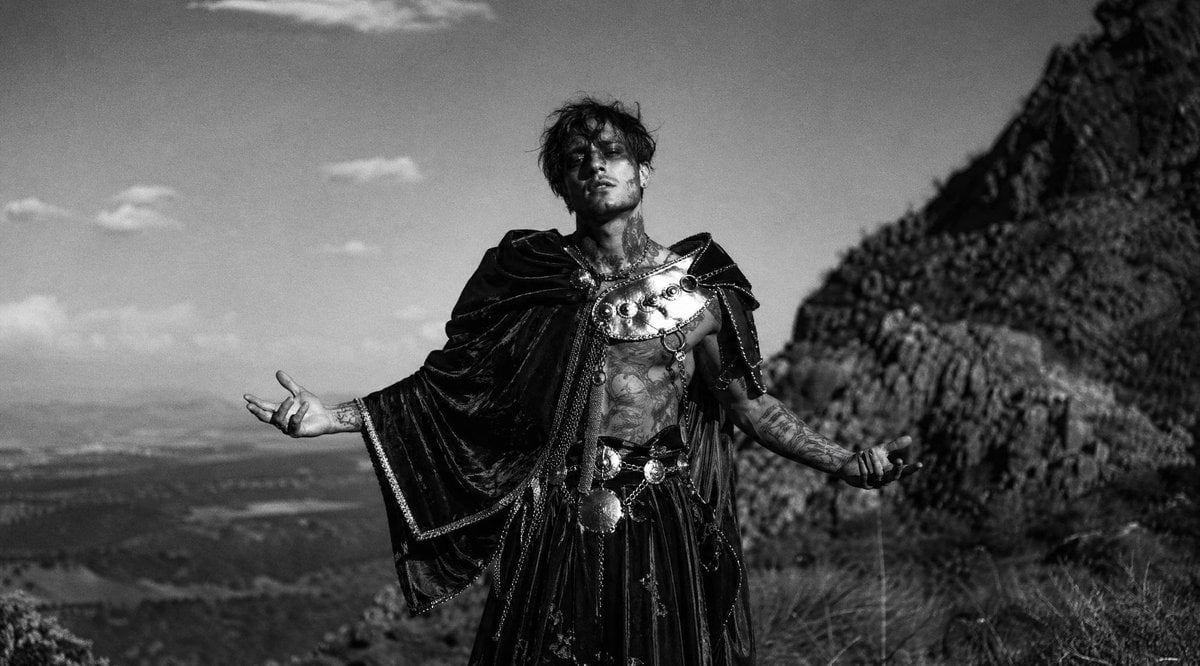
- Prompt included
- Model and format preset
- Free template
The prompt behind this image
Copy the exact prompt behind Monochrome Fantasy Warrior on Mountain, or open it in the studio and make it yours.
Create a cinematic black-and-white widescreen photograph of a lone {argument name="character type" default="tattooed dark fantasy warrior-priest"} standing on a rugged mountain ridge, centered slightly right, facing the camera with both arms extended outward in a ritualistic pose. The figure has messy dark hair and an intentionally obscured face covered by a soft square blur, giving an anonymous editorial look. Dress him in an ornate black velvet cloak with heavy draped sleeves, metallic trim, and a dramatic shoulder mantle; the costume has exactly 5 prominent visible outfit elements: a black hooded cape, a polished metal chest plate with round studs, layered chain straps across the torso, a wide belt with circular medallions, and a dark pleated skirt or kilt. His bare chest and forearms show dense tattoos, and his hands hold thin dangling cords or straps. Place him outdoors on a steep rocky hillside with a large dark mountain slope rising on the right, a hazy valley stretching into the distance on the left, sparse grass in the foreground, and exactly 3 small soft clouds in the sky. Use {argument name="visual style" default="high-contrast analog film photography"}, shallow depth of field, visible film grain, natural daylight, dramatic shadows, and a slightly low-angle heroic composition. The mood should feel mystical, pagan, and theatrical, like a fashion editorial shot in a remote wilderness. No text, no watermark, no modern buildings, no extra people.
How to use Monochrome Fantasy Warrior on Mountain in 3 steps
- 1Upload ImagePNG, JPG or paste
Add your photo
Upload the photo the template builds on. The prompt, model and format are already set.
- 2…a portrait of your subject in softgolden-hour light, 85mm…
Personalize
Edit the subject and creative details for your destination.
- 3Generate
Generate
Press Generate — your image is created in PicX Studio, so you can compare it with the original and refine one variable at a time.
More like this
Templates with the same subject, style or setup. Open one to see its prompt.

Tribal Fantasy Warrior with Guardian Owl

Teen Girl Alpine Lake Mountain View
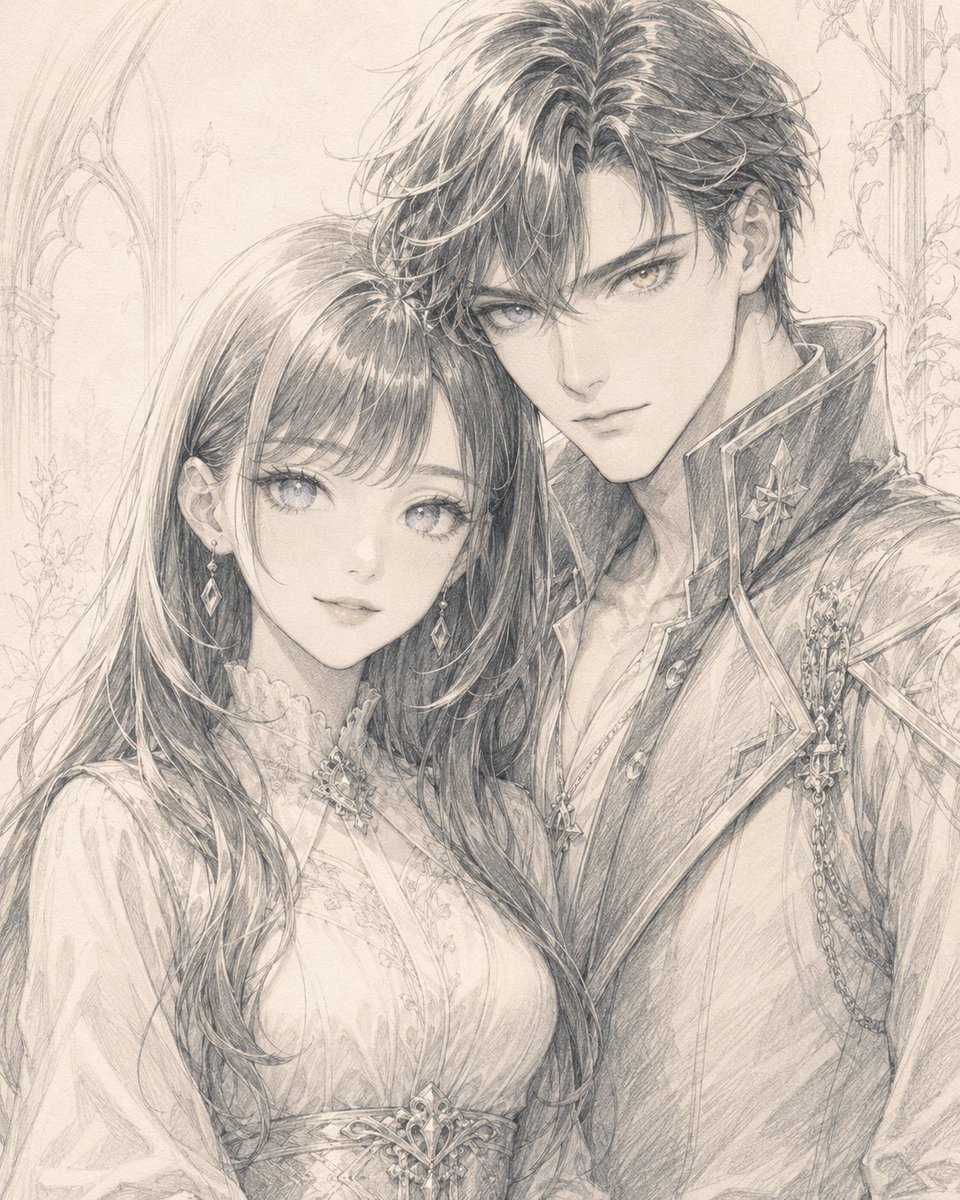
Monochrome Fantasy Noble Couple

Mountain Lake Sunset Landscape
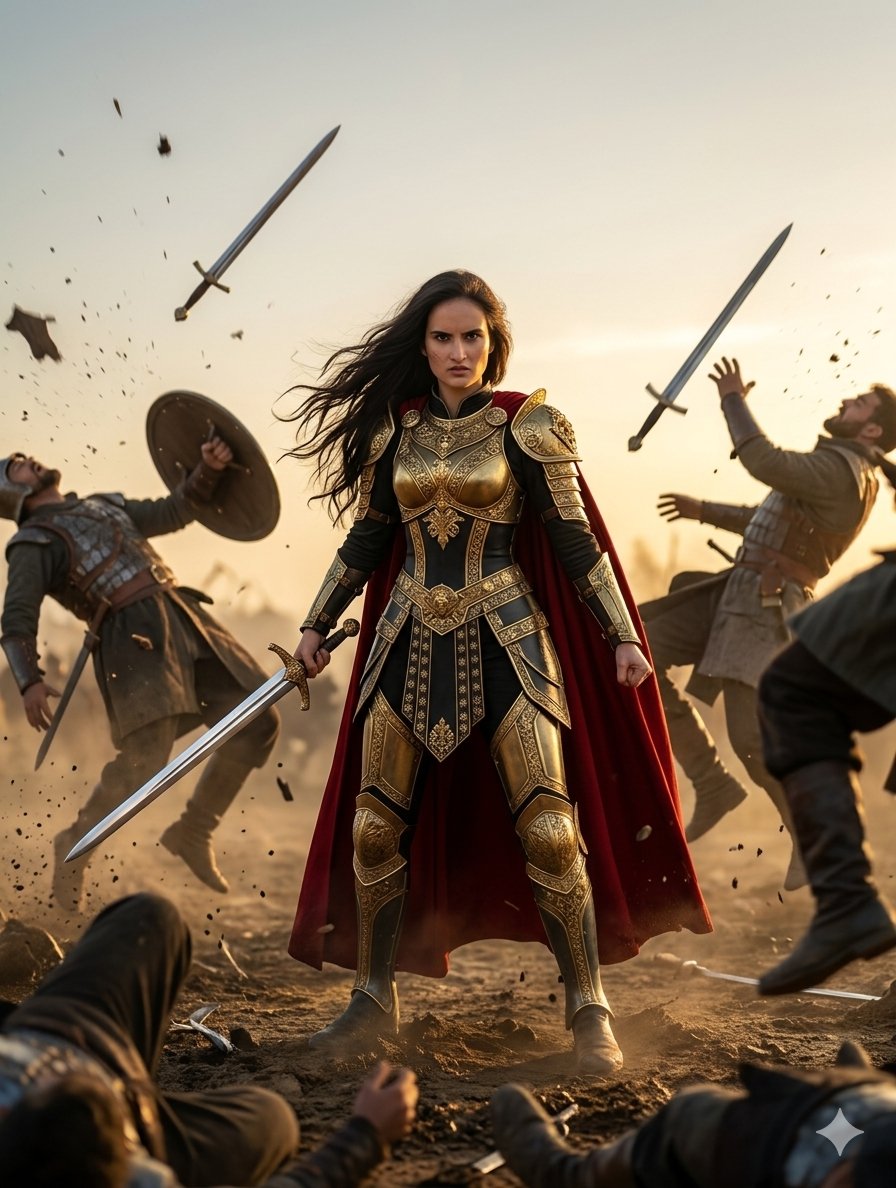
Heroic Fantasy Warrior Portrait

Monochrome Hypebeast Street Fashion Editorial Motion

Monochrome Halftone Editorial Fashion Poster

Cinematic Street Fashion Photographer Portrait

Quiet Luxury Black and White Fashion Editorial Portrait
Monochrome Hypebeast Street Fashion Editorial Motion

Fine Art Monochrome Fashion Portrait

Luxury Black-and-White Fashion Contact Sheet
Make it yours
Monochrome Fantasy Warrior on Mountain works as-is. These are the safest ways to change it without losing the look.
Change one field
Copy a single group, rewrite it, and generate again so you can see what that field is doing.
Keep the frame, change the subject
Hold the composition and light of Monochrome Fantasy Warrior on Mountain, then swap wardrobe, props or the person for a new take.
| If the result… | Why | Fix |
|---|---|---|
| The result drifts from the preview | Too many fields changed at once. | Reuse Monochrome Fantasy Warrior on Mountain as-is first, then change one group — subject, light, or setting. |
| The model over-stylizes the scene | The prose prompt leaves finish and camera underspecified. | Add one camera or lighting sentence and stay on GPT Image 2. |
More GPT Image 2 templates
Other prompts made for GPT Image 2.

Six VTuber Japanese Logo Sheet

Realistic Portrait of Woman and Deer

The Vista Modular Condo Poster

AI Model Routing Comparison Infographic

2.5D Anime Art Board

Isometric Productivity Desk Scene

New York Double Exposure Poster

Four-Panel AI Landscape Comparison

Japanese Tatami Lifestyle Magazine Cover

NESCAFÉ Coffee Map Poster
More image prompts
Fresh picks from across the catalog.
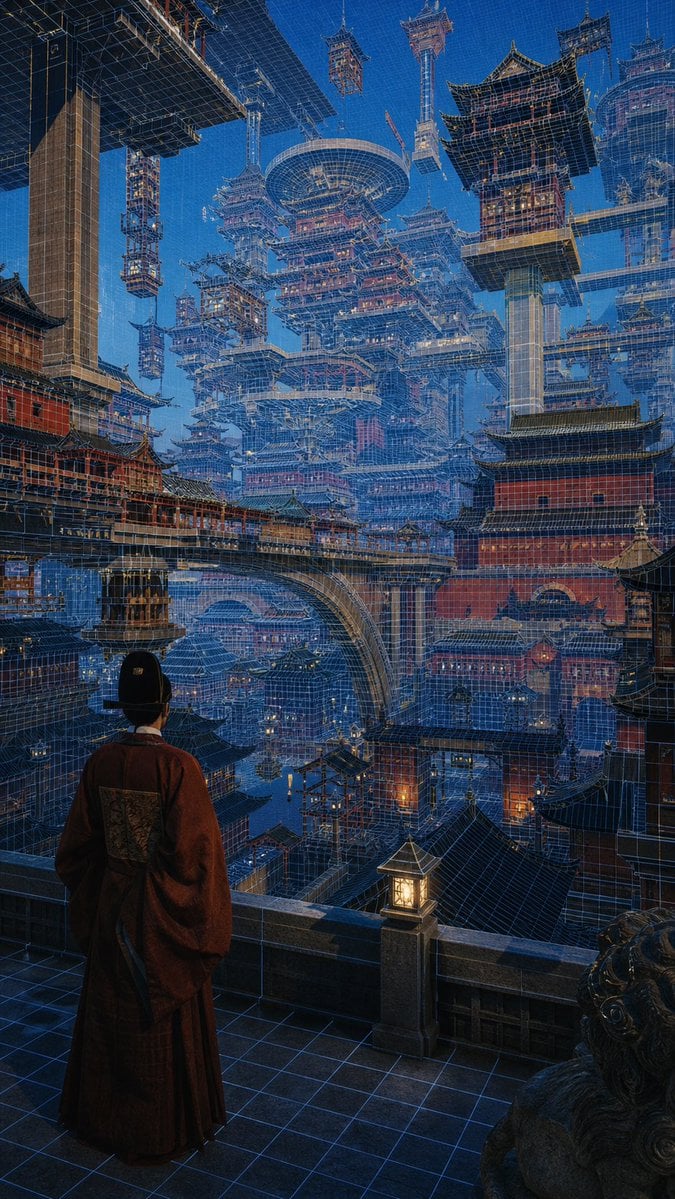
Cyber Imperial Floating Palace City
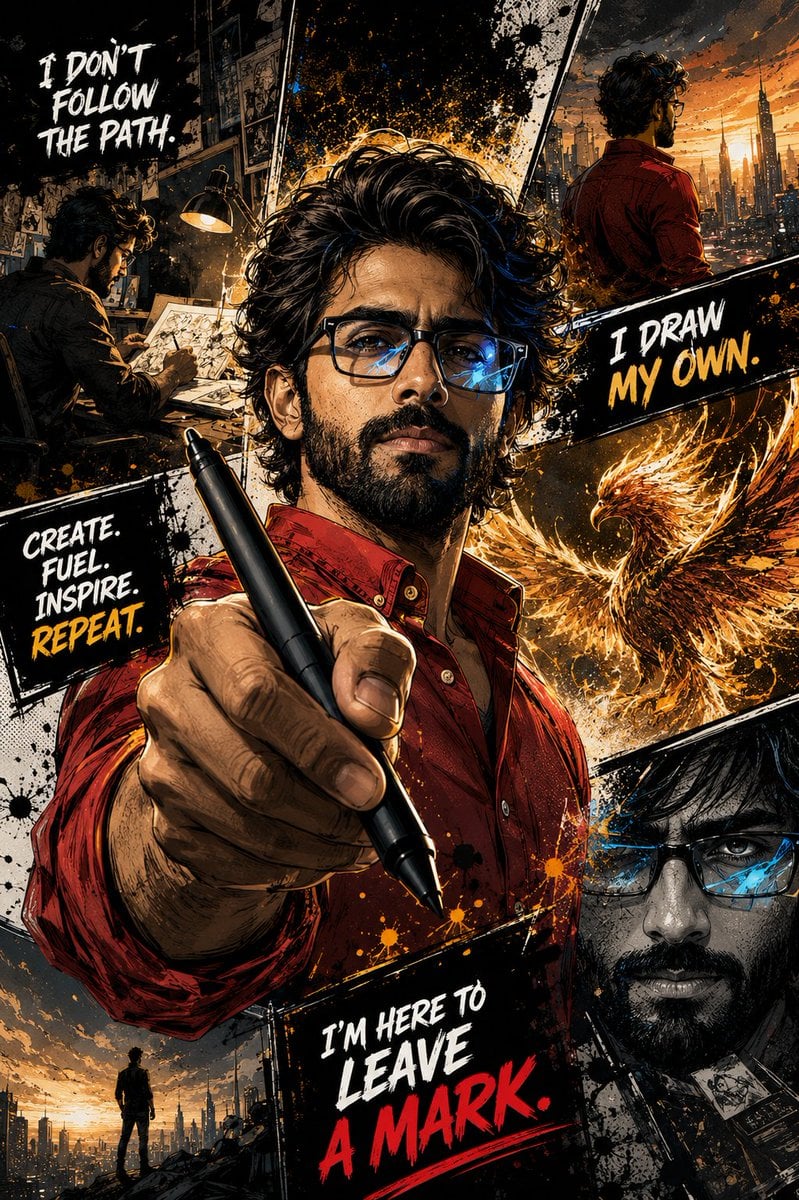
Gritty Comic-Book Graphic Novel Portrait
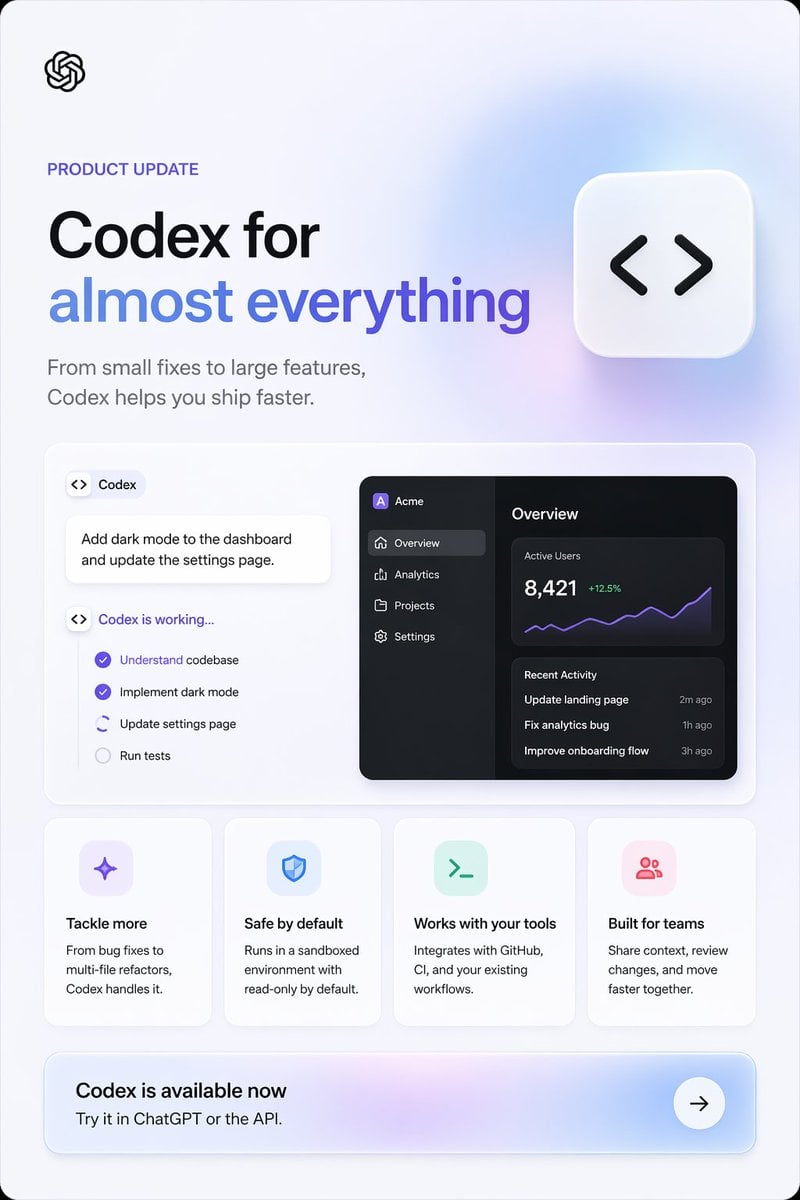
Codex Product Update Poster
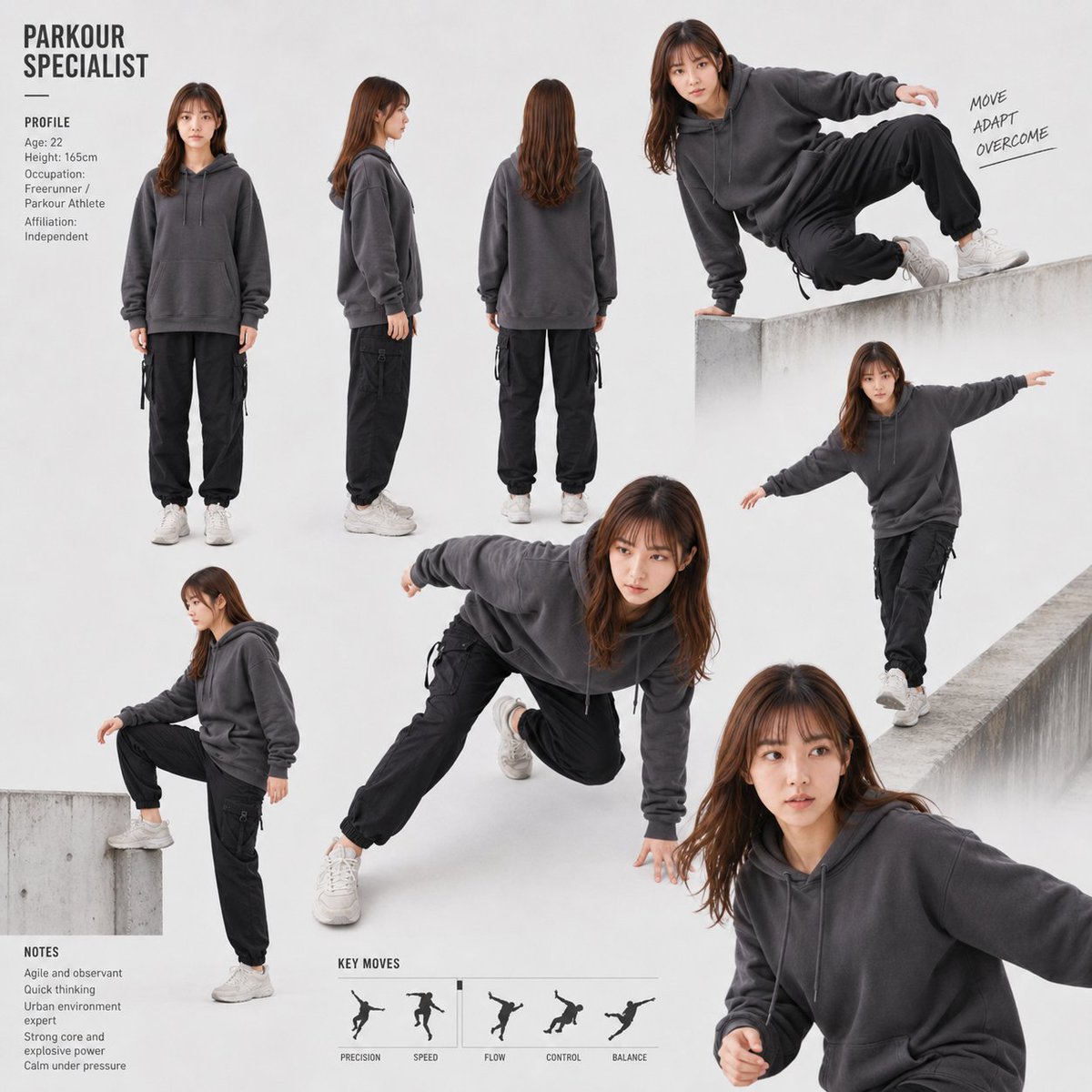
Parkour Specialist Montage Sheet
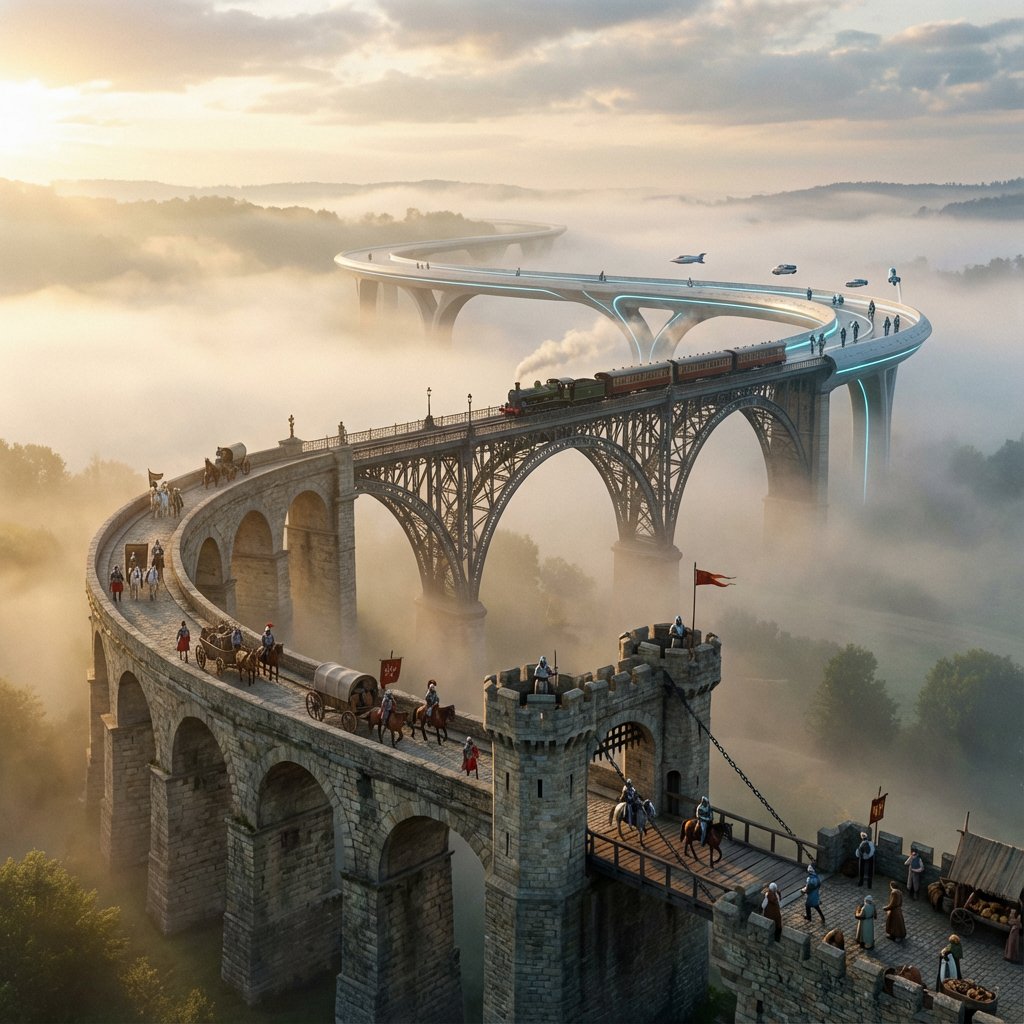
Evolutionary Bridge Cinematic Shot Prompt
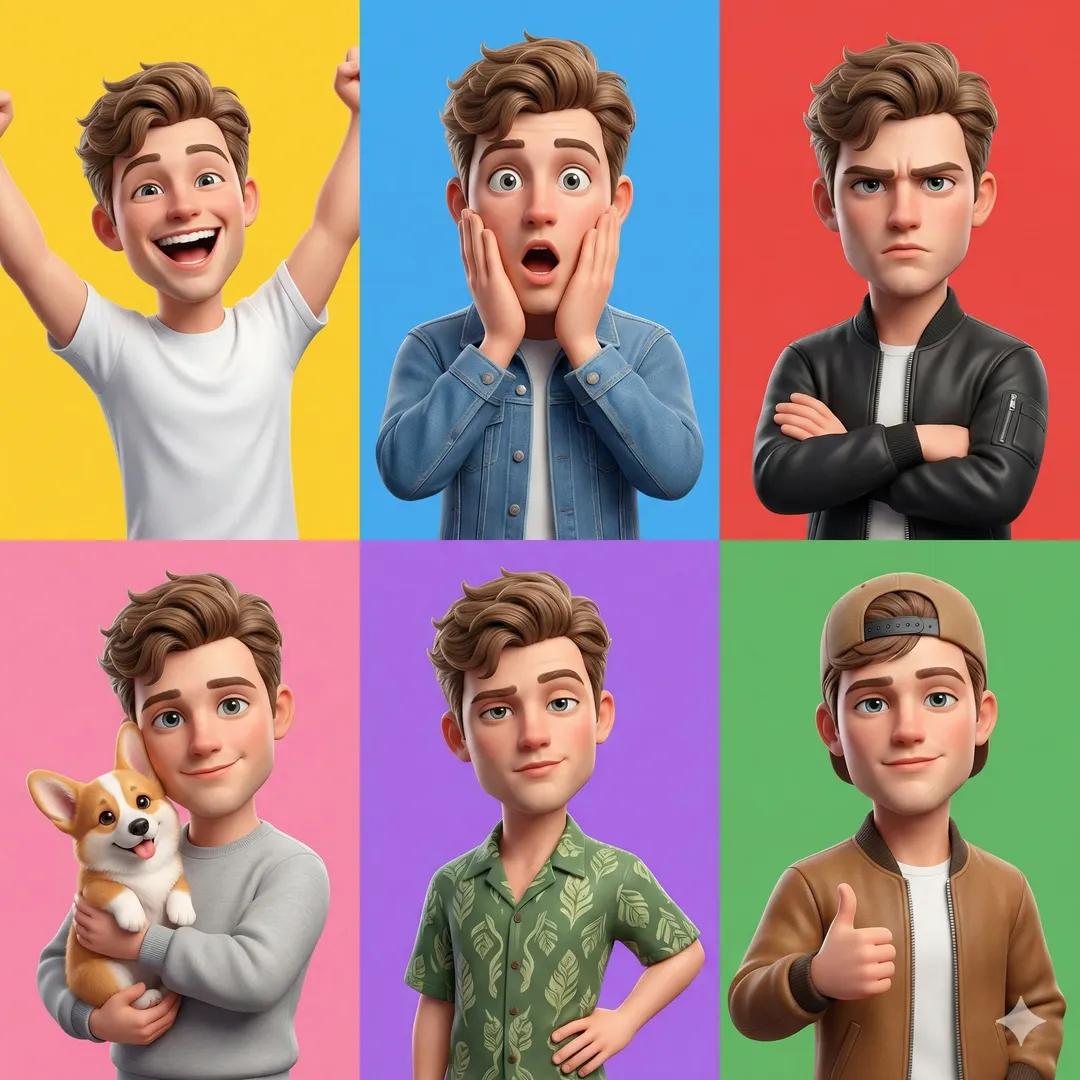
3D Pixar-Style Character Grid

Cute Student Presentation Illustration
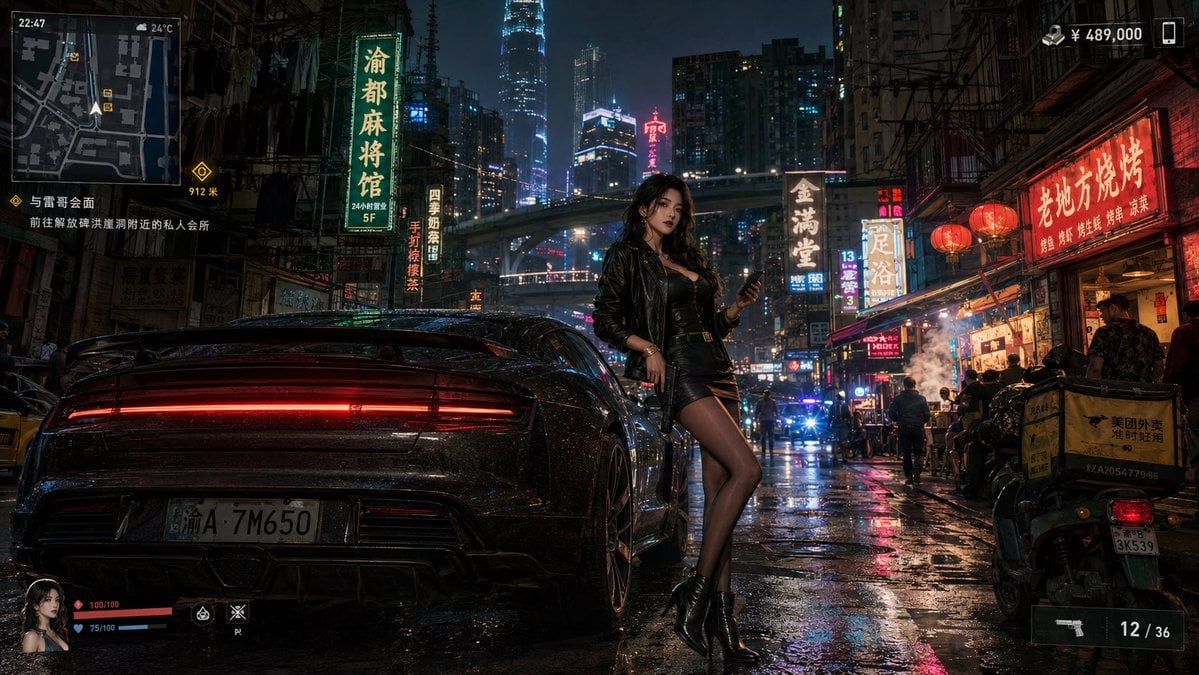
Neon Crime Game Street Screenshot
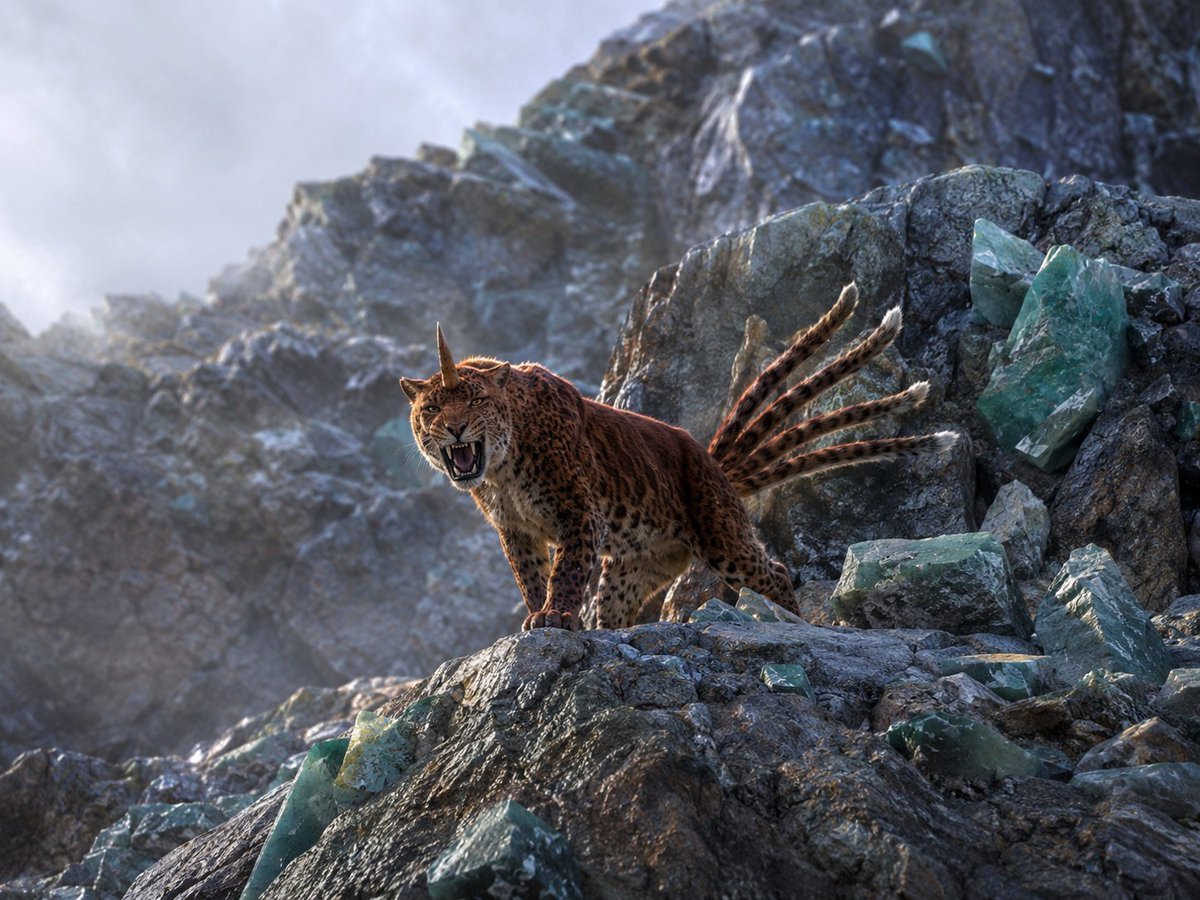
Horned Five-Tailed Leopard Beast
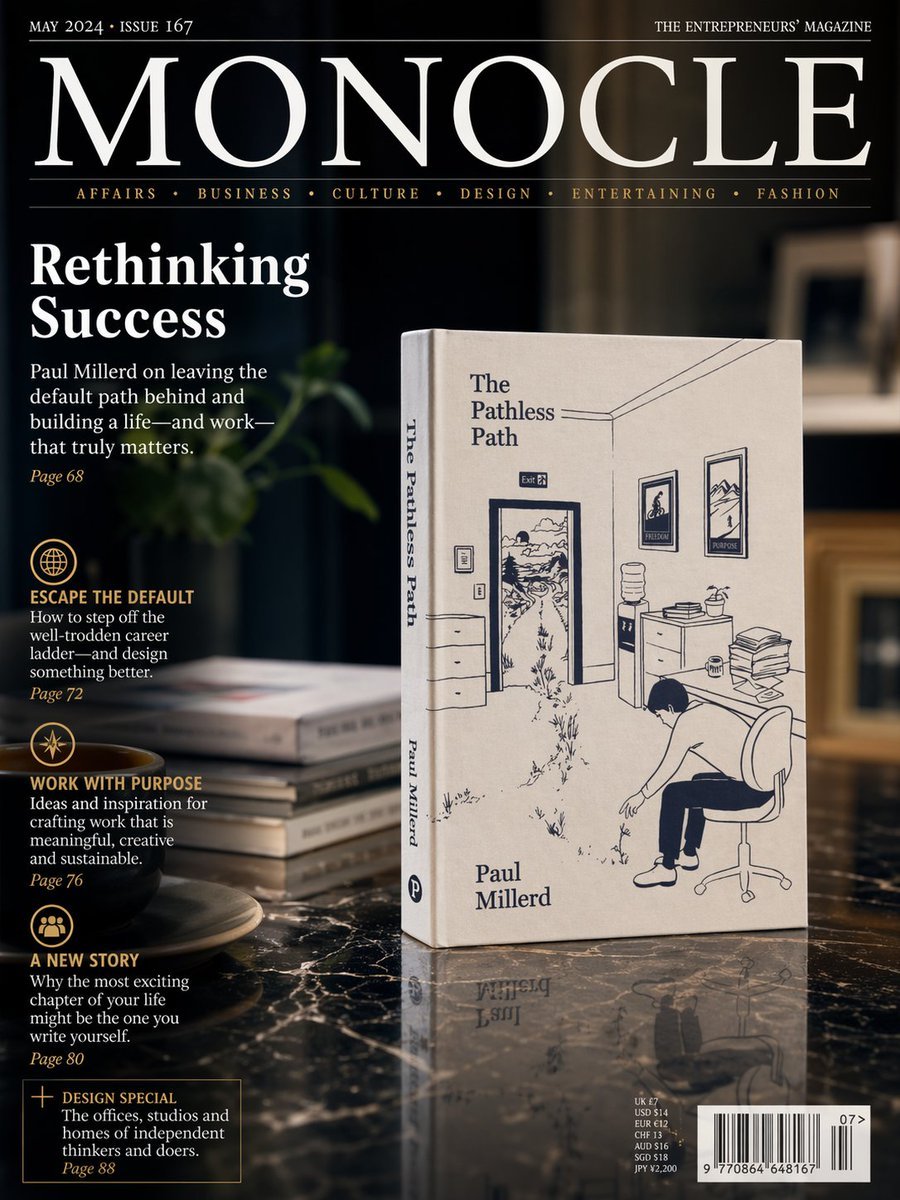
Luxury Magazine Cover With Featured Book
Browse template categories
Monochrome Fantasy Warrior on Mountain questions
How do I use the Monochrome Fantasy Warrior on Mountain template?
Add your photo if the template asks for one, edit the prompt if you like — the template's model and format are already selected — and press Generate. Your version opens in PicX Studio.
Can I customize the Monochrome Fantasy Warrior on Mountain template?
Yes. You can change the subject, setting, lighting, mood, format, and available model controls before creating your image.
Is the Monochrome Fantasy Warrior on Mountain template free?
Opening and editing this template is free. Generating uses credits, shown on the Generate button when you are signed in.
Which AI model should I use?
Start with GPT Image 2, which is the model associated with this template. You can compare another compatible model for a different finish.
Looking for something else? Browse all templates.

Your photo, any look
Thousands of ready templates for every top image and video model, from one credit balance.