
Monochrome Fantasy Noble Couple
A delicate black-and-white manga pencil portrait of an intimate aristocratic fantasy couple, useful for romantic character art or visual novel inspiration.
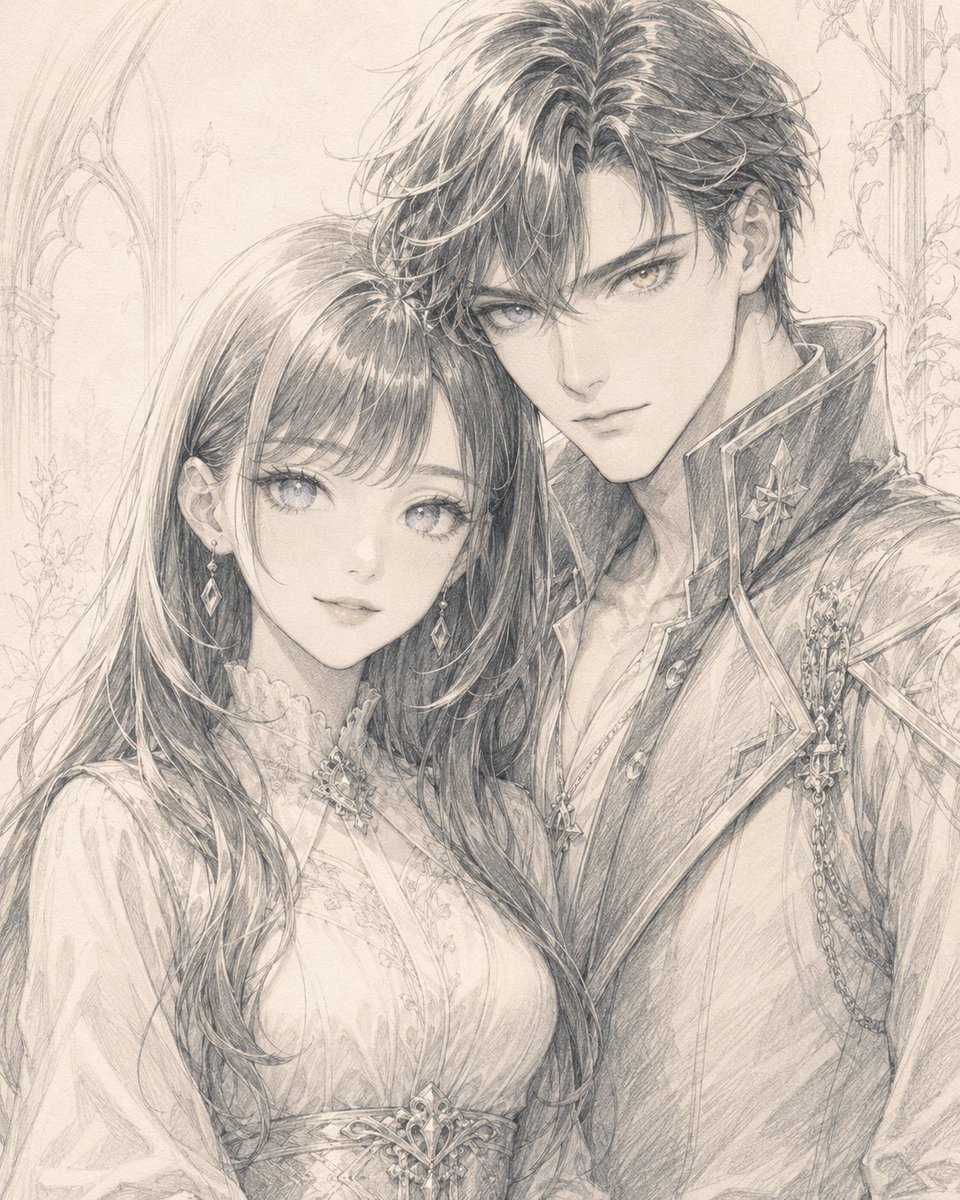
- Prompt included
- Model and format preset
- Free template
The prompt behind this image
Copy the exact prompt behind Monochrome Fantasy Noble Couple, or open it in the studio and make it yours.
Create a delicate monochrome pencil illustration in refined shoujo fantasy style showing a romantic aristocratic couple posed close together from the waist up. The woman, {argument name="female character" default="a gentle young noblewoman"}, stands on the left with long softly flowing dark hair, straight bangs, luminous large eyes, a calm faint smile, dangling diamond-shaped earrings, and an ornate high-neck lace dress with embroidered floral details and a jeweled brooch at the collar and waist. The man, {argument name="male character" default="a handsome young nobleman"}, stands on the right slightly behind her, taller, leaning close with his head near hers, sharp eyes, tousled medium-length dark hair, a composed serious expression, and a decorated military-inspired noble coat with a high collar, buttons, chains, shoulder ornaments, and gemstone-like insignia. Their shoulders touch and they look directly toward the viewer, creating an intimate rare moment of quiet eye contact and closeness. Use only black, graphite gray, and warm off-white paper tones, with extremely fine linework, soft cross-hatching, subtle smudged shading, detailed hair strands, sparkling eyes, and intricate costume ornamentation. Background: faint sketchy Gothic palace architecture with tall arched windows on the left and delicate climbing vines and floral tracery on the right, kept very pale so the couple remains the focus. Composition: vertical portrait, centered couple, elegant dreamy atmosphere, high detail, hand-drawn manga pencil sketch, no color, no text, no watermark.
How to use Monochrome Fantasy Noble Couple in 3 steps
- 1Upload ImagePNG, JPG or paste
Add your photo
Upload the photo the template builds on. The prompt, model and format are already set.
- 2…a portrait of your subject in softgolden-hour light, 85mm…
Personalize
Edit the subject and creative details for your destination.
- 3Generate
Generate
Press Generate — your image is created in PicX Studio, so you can compare it with the original and refine one variable at a time.
More like this
Templates with the same subject, style or setup. Open one to see its prompt.












Make it yours
Monochrome Fantasy Noble Couple works as-is. These are the safest ways to change it without losing the look.
Change one field
Copy a single group, rewrite it, and generate again so you can see what that field is doing.
Keep the frame, change the subject
Hold the composition and light of Monochrome Fantasy Noble Couple, then swap wardrobe, props or the person for a new take.
| If the result… | Why | Fix |
|---|---|---|
| The result drifts from the preview | Too many fields changed at once. | Reuse Monochrome Fantasy Noble Couple as-is first, then change one group — subject, light, or setting. |
| The model over-stylizes the scene | The prose prompt leaves finish and camera underspecified. | Add one camera or lighting sentence and stay on GPT Image 2. |
More GPT Image 2 templates
Other prompts made for GPT Image 2.

Six VTuber Japanese Logo Sheet

Realistic Portrait of Woman and Deer

The Vista Modular Condo Poster

AI Model Routing Comparison Infographic

2.5D Anime Art Board

Isometric Productivity Desk Scene

New York Double Exposure Poster

Four-Panel AI Landscape Comparison

Japanese Tatami Lifestyle Magazine Cover

NESCAFÉ Coffee Map Poster
More image prompts
Fresh picks from across the catalog.
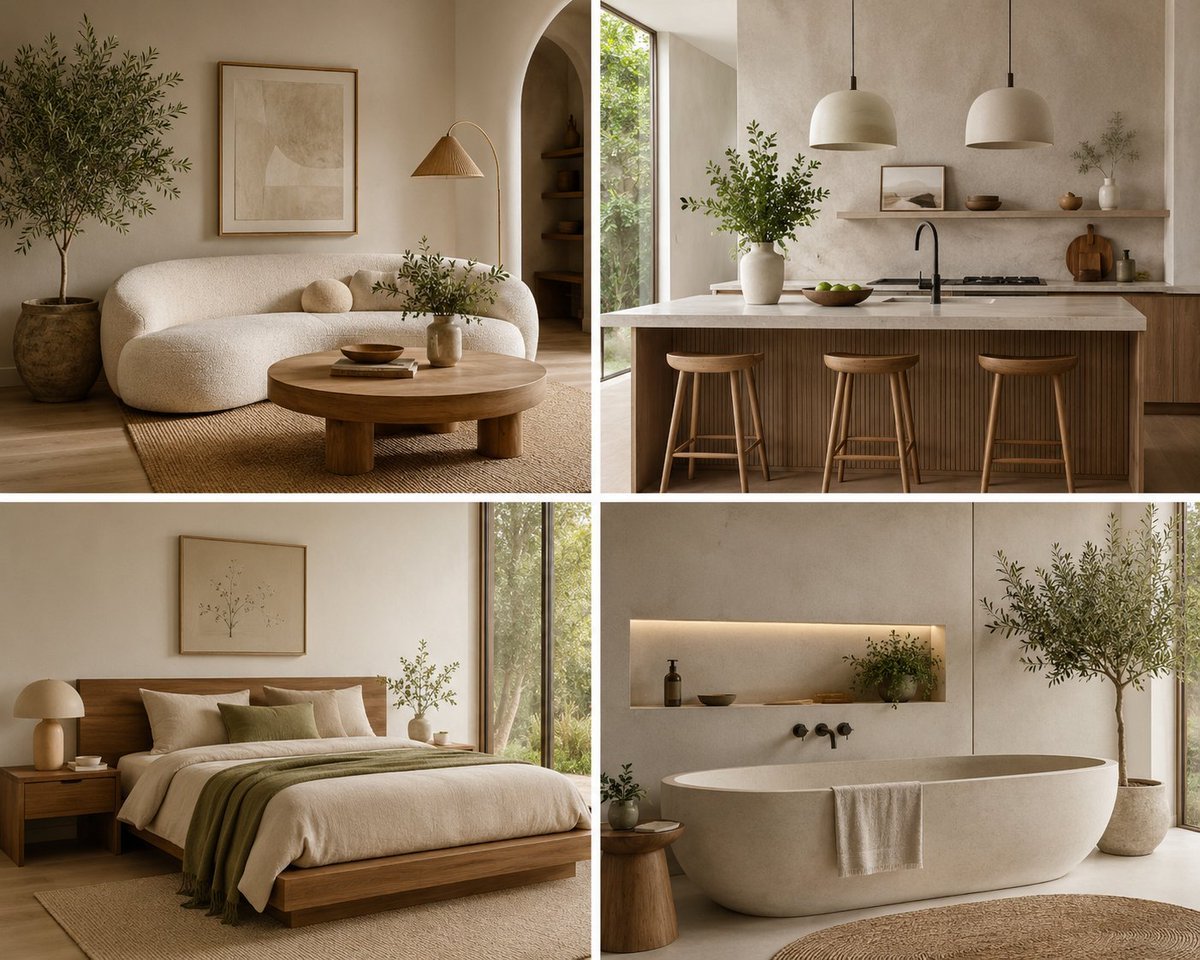
Organic Modern Interior Collage
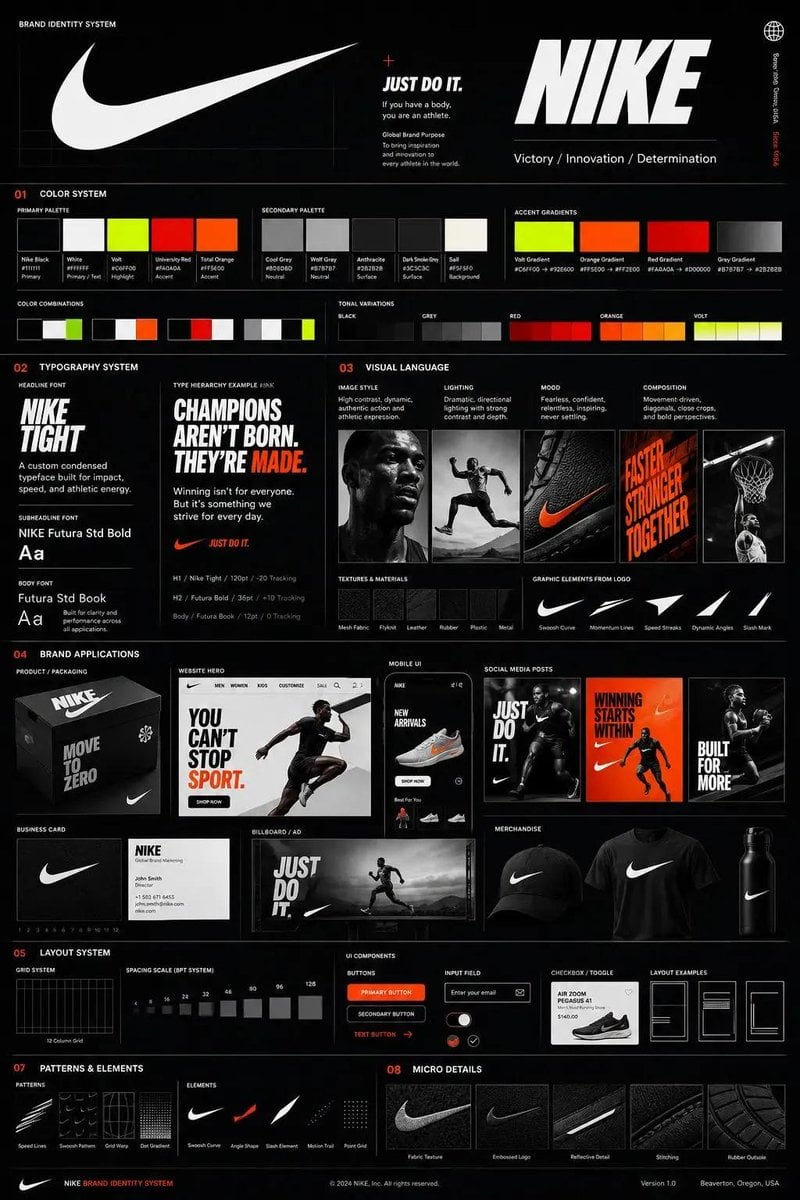
Agency Grade Brand Identity Poster
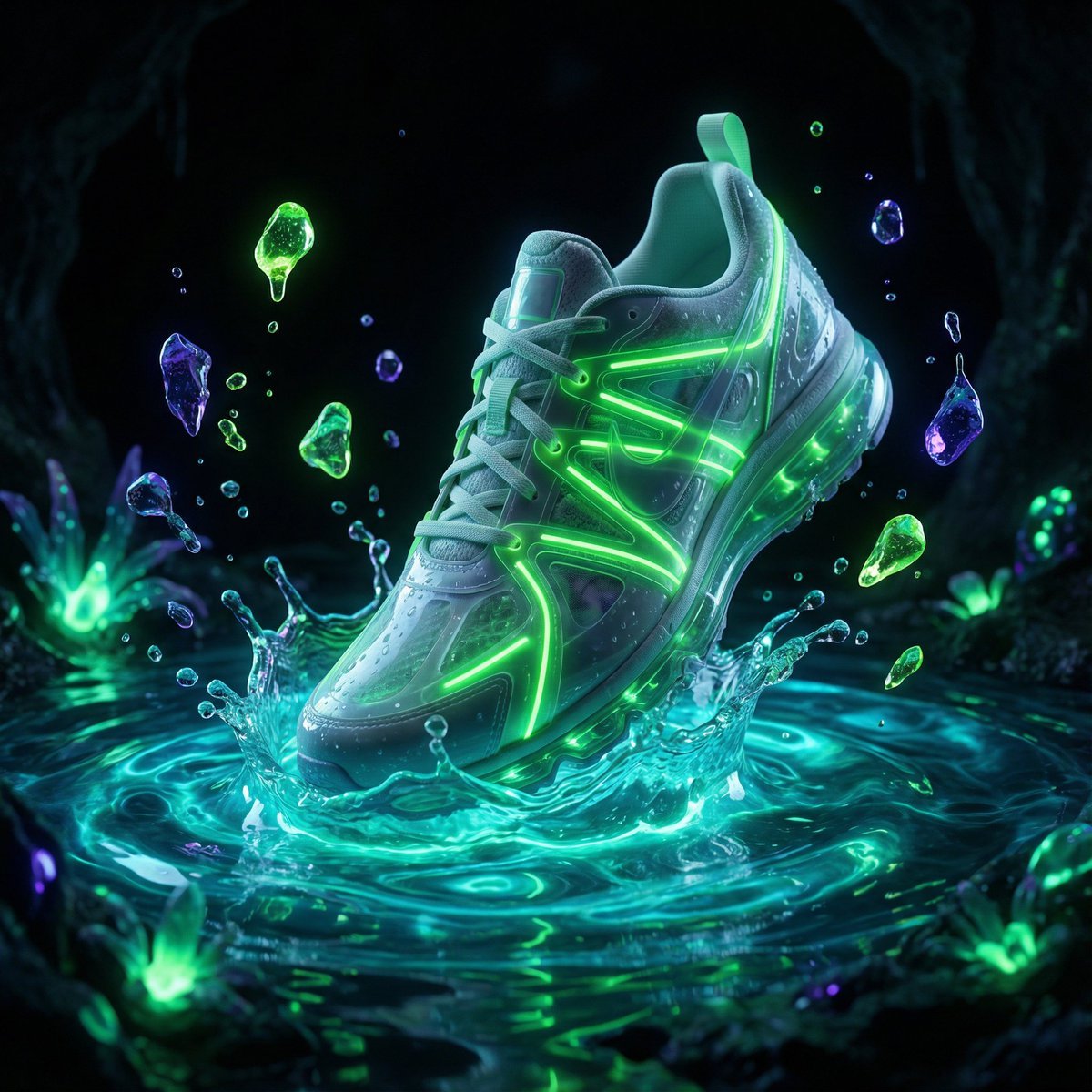
Bioluminescence Product Splash Advertisement
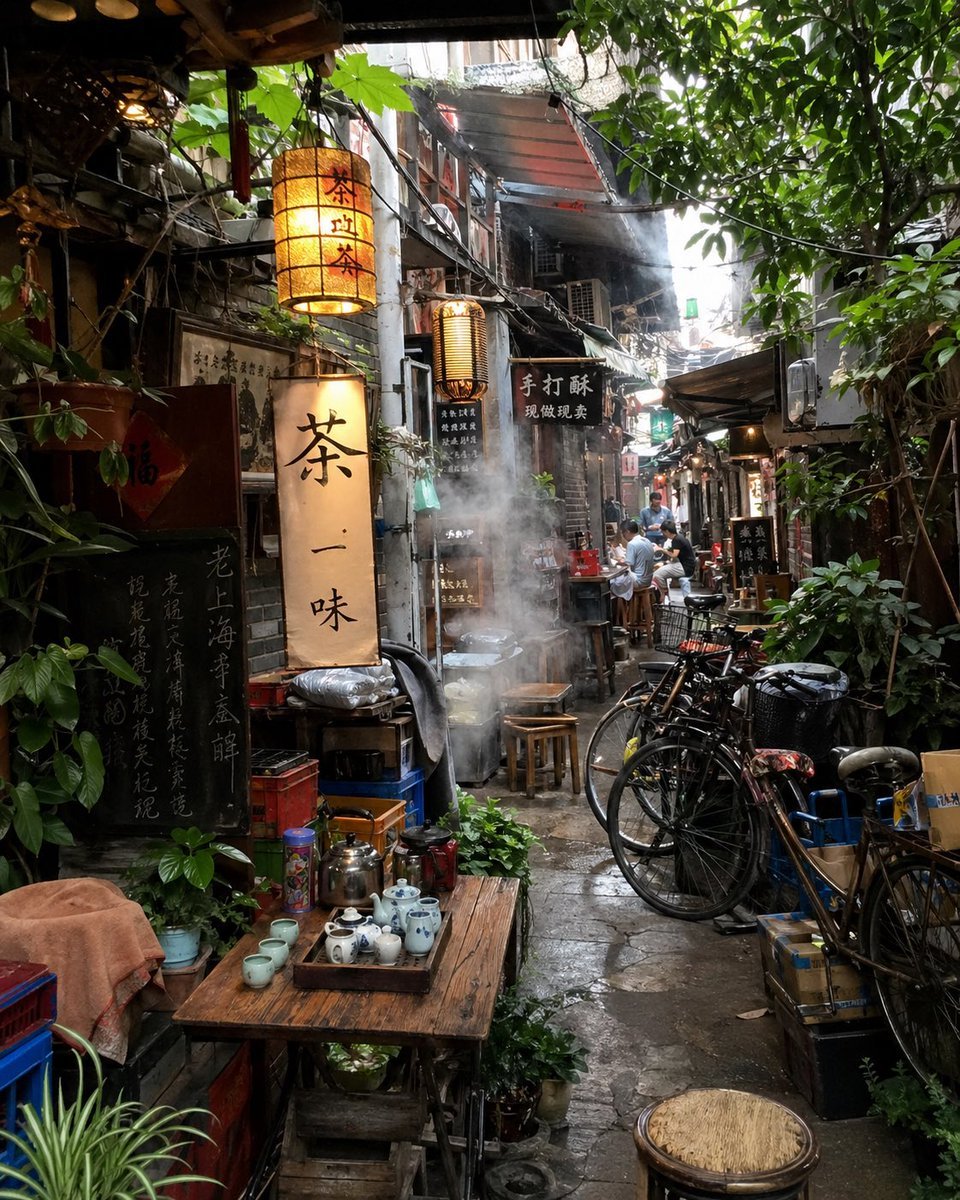
Atmospheric Tea Alley Street Scene

Romantic Winter Couple Portrait with Identity Lock
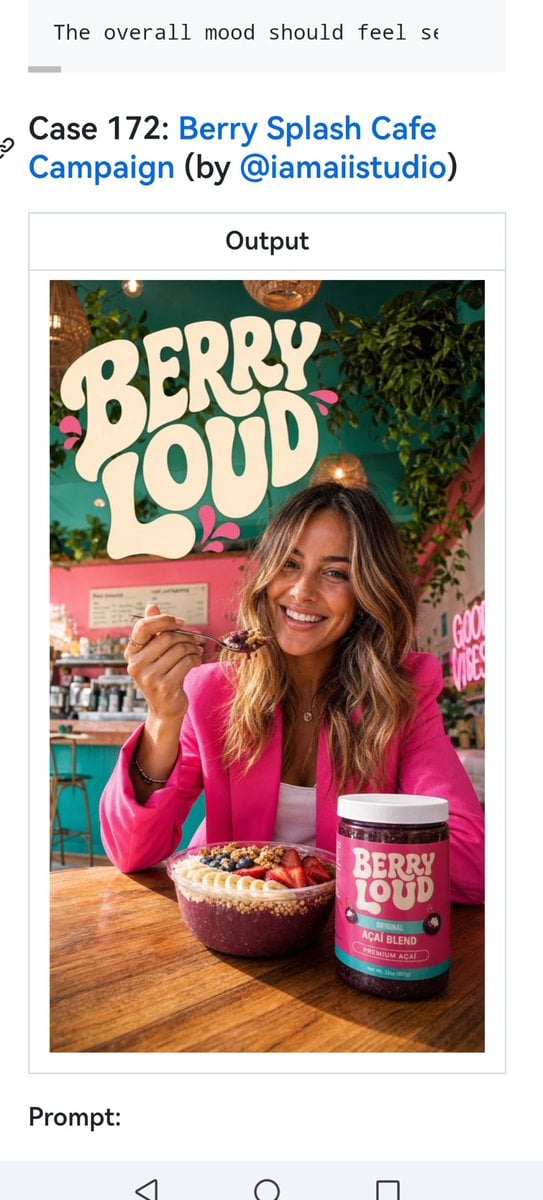
Berry Loud Cafe Campaign Screenshot
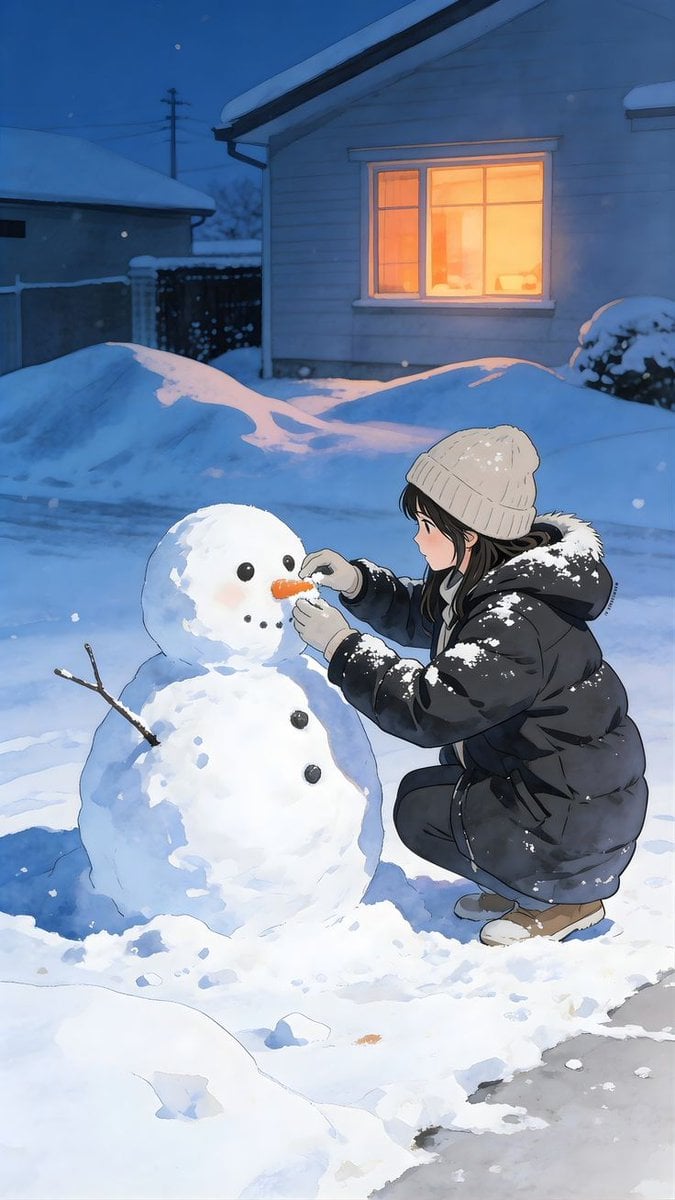
Anime Style Snowman Building Scene Prompt
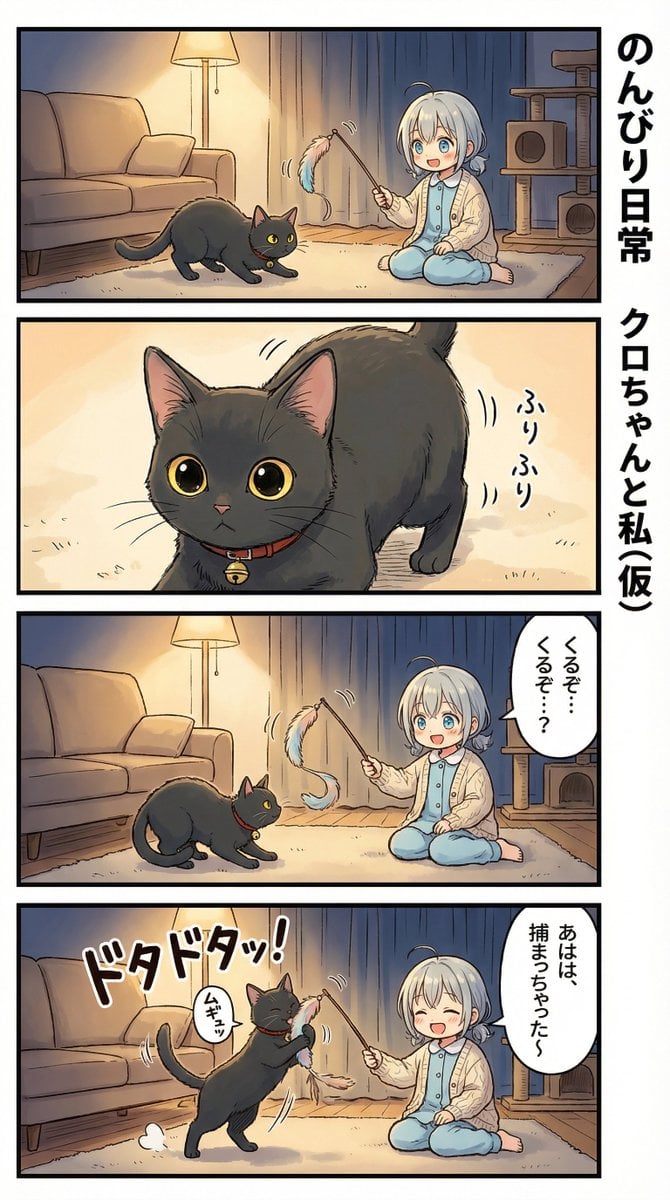
AI Manga Nano Banana Pro
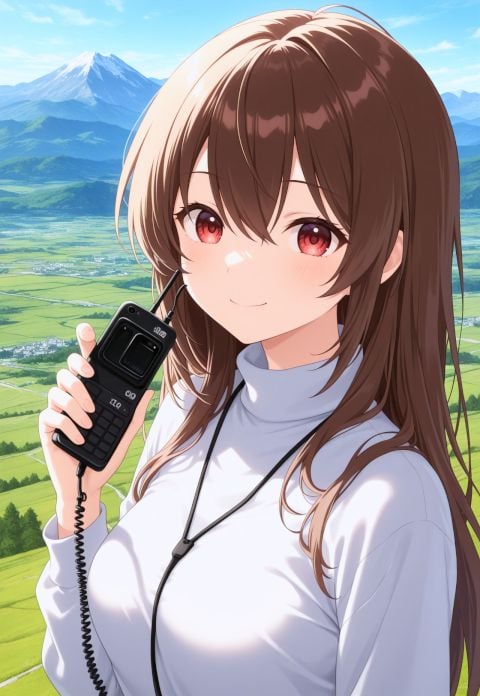
NanoBanana AI Correction for Handheld Device Image
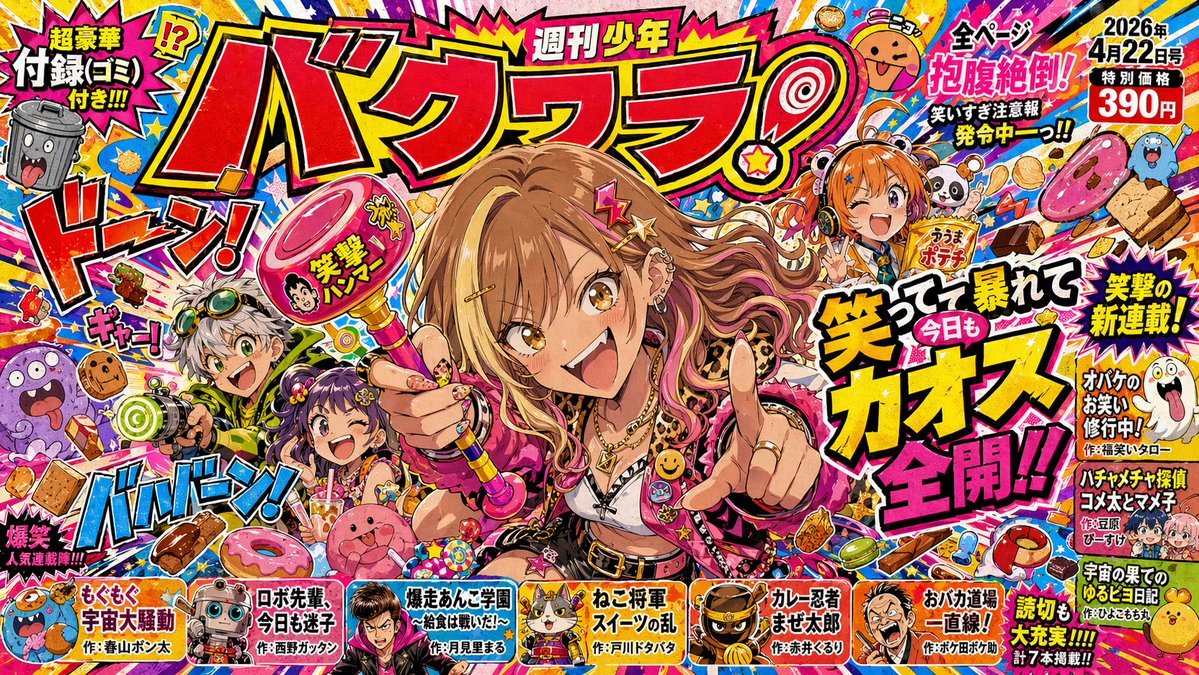
Chaotic Shonen Manga Cover
Browse template categories
Monochrome Fantasy Noble Couple questions
How do I use the Monochrome Fantasy Noble Couple template?
Add your photo if the template asks for one, edit the prompt if you like — the template's model and format are already selected — and press Generate. Your version opens in PicX Studio.
Can I customize the Monochrome Fantasy Noble Couple template?
Yes. You can change the subject, setting, lighting, mood, format, and available model controls before creating your image.
Is the Monochrome Fantasy Noble Couple template free?
Opening and editing this template is free. Generating uses credits, shown on the Generate button when you are signed in.
Which AI model should I use?
Start with GPT Image 2, which is the model associated with this template. You can compare another compatible model for a different finish.
Looking for something else? Browse all templates.

Your photo, any look
Thousands of ready templates for every top image and video model, from one credit balance.