
Luxury Magazine Cover With Featured Book
This prompt generates a photorealistic premium magazine cover mockup featuring a prominently displayed nonfiction book in an elegant editorial interior, ideal for publishing, branding, or promotional visuals.
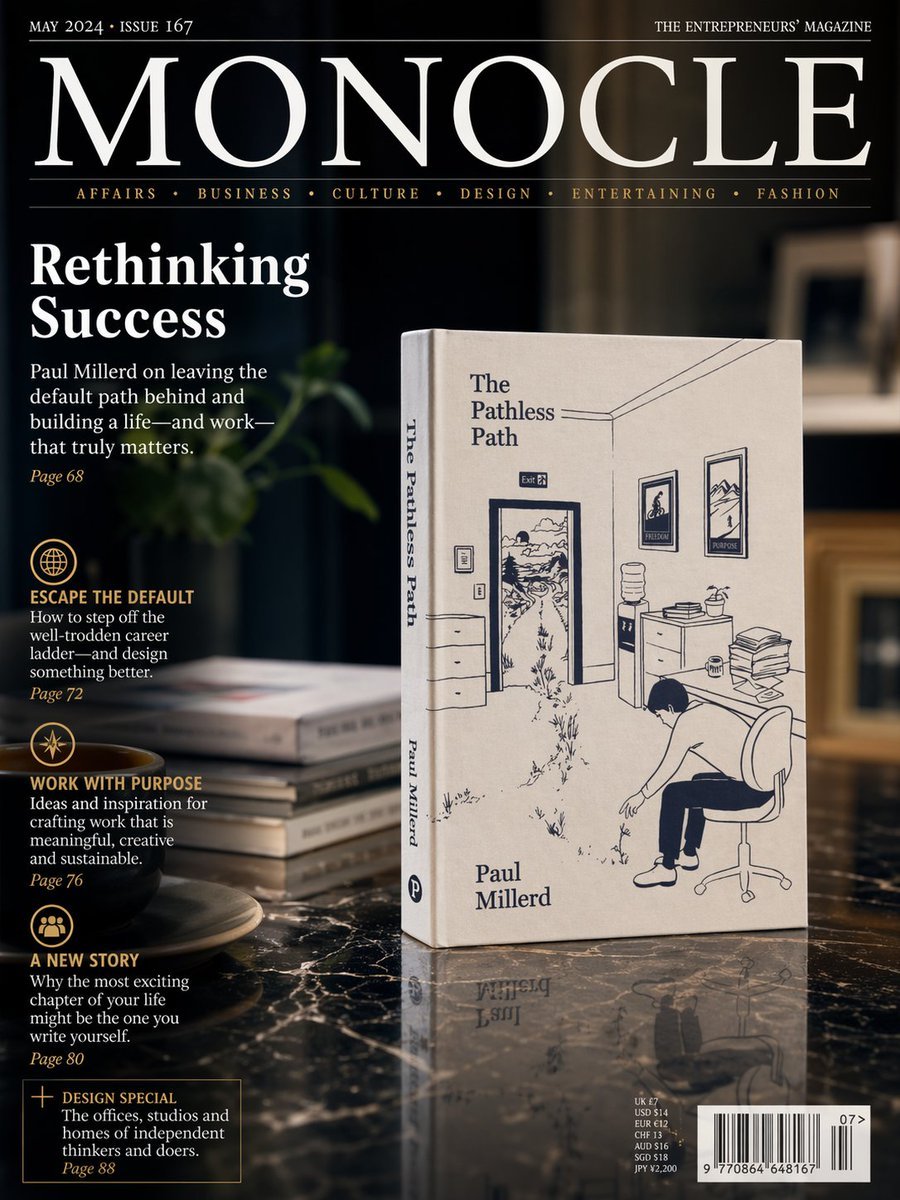
- Prompt included
- Model and format preset
- Free template
The prompt behind this image
Copy the exact prompt behind Luxury Magazine Cover With Featured Book, or open it in the studio and make it yours.
A photorealistic premium magazine cover in the style of an international design and business publication, shot as a sophisticated editorial still life. The cover features a dark, moody interior with shallow depth of field and warm ambient lighting. Center-right, standing upright on a glossy black marble table, is a cream-colored paperback book titled {argument name="book title" default="The Pathless Path"} by {argument name="author name" default="Paul Millerd"}. The book is angled slightly to the left so both the front cover and spine are visible. The cover illustration is minimalist navy-blue line art showing an office interior with an open door leading into a winding outdoor path, framed pictures on the wall, a water cooler, a desk with stacked papers, and a person slumped in an office chair. The author’s name appears near the lower left of the front cover, and the title also runs vertically on the spine. To the left of the book on the marble surface is a small stack of 4 books, softly out of focus, and in the lower-left foreground sits 1 dark coffee cup on a saucer. Behind them is a dim, elegant room with blurred shelving and a soft green plant shape in the background. The magazine masthead dominates the top: {argument name="magazine title" default="MONOCLE"} in very large white serif letters across the width, with small white issue text at top left reading {argument name="issue text" default="MAY 2024 • ISSUE 167"} and small white tagline text at top right reading “THE ENTREPRENEURS’ MAGAZINE”. Beneath the masthead is a thin rule and a category line in small gold serif text with 6 categories separated by dots: “AFFAIRS • BUSINESS • CULTURE • DESIGN • ENTERTAINING • FASHION”. On the left side, large white serif cover headline text reads “Rethinking Success”. Below it is a white serif subheadline about leaving the default path behind and building a life and work that matters, followed by a small gold page number. Further down the left column are 4 editorial teaser blocks, each with a gold circular icon and gold uppercase heading, white descriptive text, and a gold page number. The 4 headings are “ESCAPE THE DEFAULT”, “WORK WITH PURPOSE”, “A NEW STORY”, and a boxed teaser “DESIGN SPECIAL”. At the bottom right is a realistic barcode block with small pricing text above it and a small issue number beside it. The overall layout should feel like a real luxury magazine cover mockup: crisp typography, elegant serif fonts, black, white, cream, and gold palette, glossy reflections on the marble, cinematic shadows, subtle product reflection beneath the book, and high-end editorial photography styling.
How to use Luxury Magazine Cover With Featured Book in 3 steps
- 1Upload ImagePNG, JPG or paste
Add your photo
Upload the photo the template builds on. The prompt, model and format are already set.
- 2…a portrait of your subject in softgolden-hour light, 85mm…
Personalize
Edit the subject and creative details for your destination.
- 3Generate
Generate
Press Generate — your image is created in PicX Studio, so you can compare it with the original and refine one variable at a time.
More like this
Templates with the same subject, style or setup. Open one to see its prompt.

High-Fashion Editorial Magazine Cover ICON

Leather Bound Law Books

Off Duty Fashion Magazine Cover

Japanese Tatami Lifestyle Magazine Cover

Ethereal Bloom Magazine Cover

Tropical Macaw Magazine Cover

Luxury Fashion Editorial Scrapbook

Anime Mahjong Magazine Cover

Neon Anime Fireworks Magazine Cover
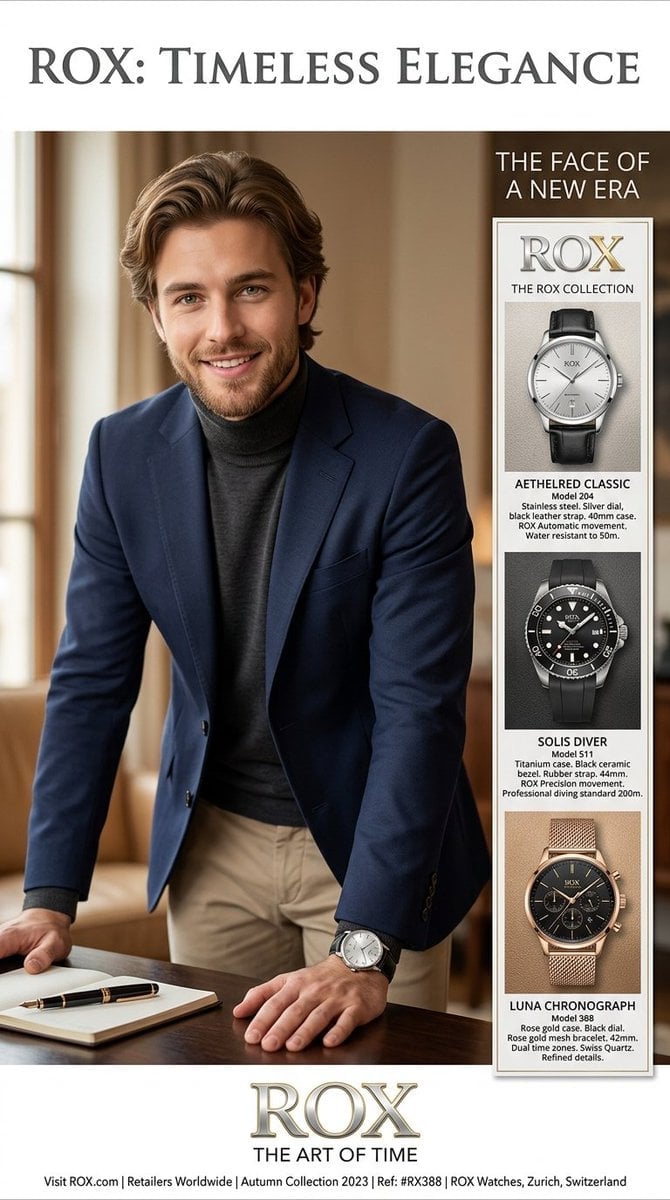
Luxury Watch Magazine Advertisement

High-Fashion Magazine Cover Portrait

Sealing Wax Letter Desk
Make it yours
Luxury Magazine Cover With Featured Book works as-is. These are the safest ways to change it without losing the look.
Change one field
Copy a single group, rewrite it, and generate again so you can see what that field is doing.
Keep the frame, change the subject
Hold the composition and light of Luxury Magazine Cover With Featured Book, then swap wardrobe, props or the person for a new take.
| If the result… | Why | Fix |
|---|---|---|
| The result drifts from the preview | Too many fields changed at once. | Reuse Luxury Magazine Cover With Featured Book as-is first, then change one group — subject, light, or setting. |
| The model over-stylizes the scene | The prose prompt leaves finish and camera underspecified. | Add one camera or lighting sentence and stay on GPT Image 2. |
More GPT Image 2 templates
Other prompts made for GPT Image 2.

Six VTuber Japanese Logo Sheet

Realistic Portrait of Woman and Deer

The Vista Modular Condo Poster

AI Model Routing Comparison Infographic

2.5D Anime Art Board

Isometric Productivity Desk Scene

New York Double Exposure Poster

Four-Panel AI Landscape Comparison

NESCAFÉ Coffee Map Poster

Brutalist Cogito Chinese Typography Poster
More image prompts
Fresh picks from across the catalog.

Two-Story Japanese House Floor Plan
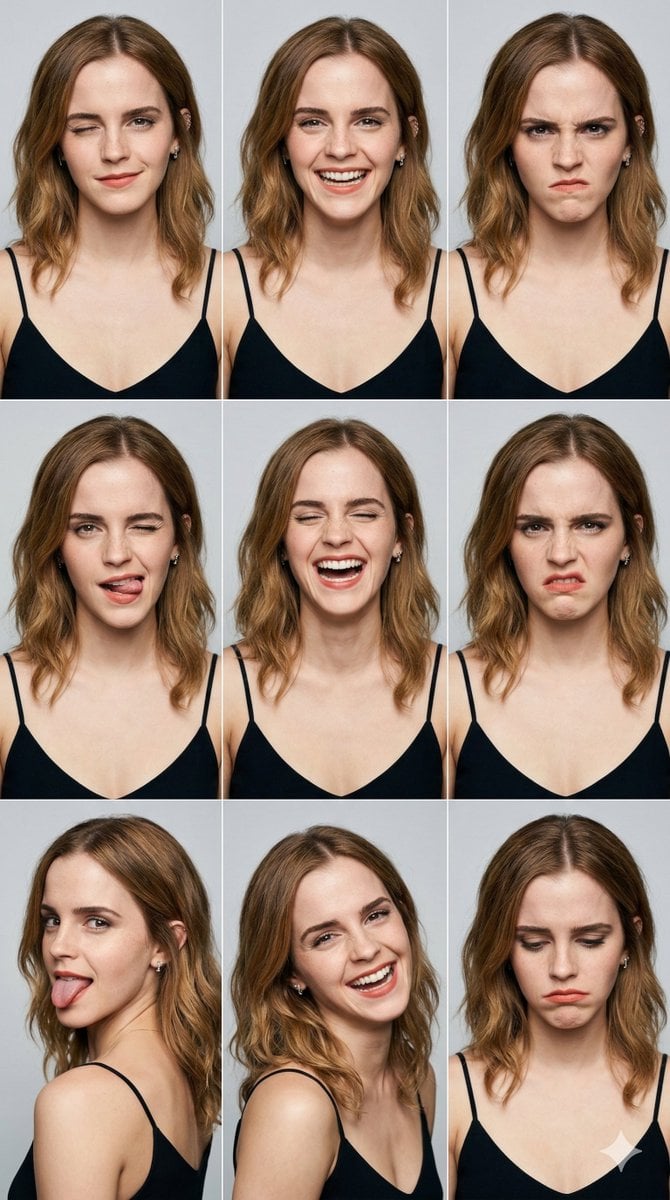
3x3 Grid Portrait Photos with Differentiated Expressions

Sequential Motion Sports Poster

Fast Food Schoolgirl Manga Page
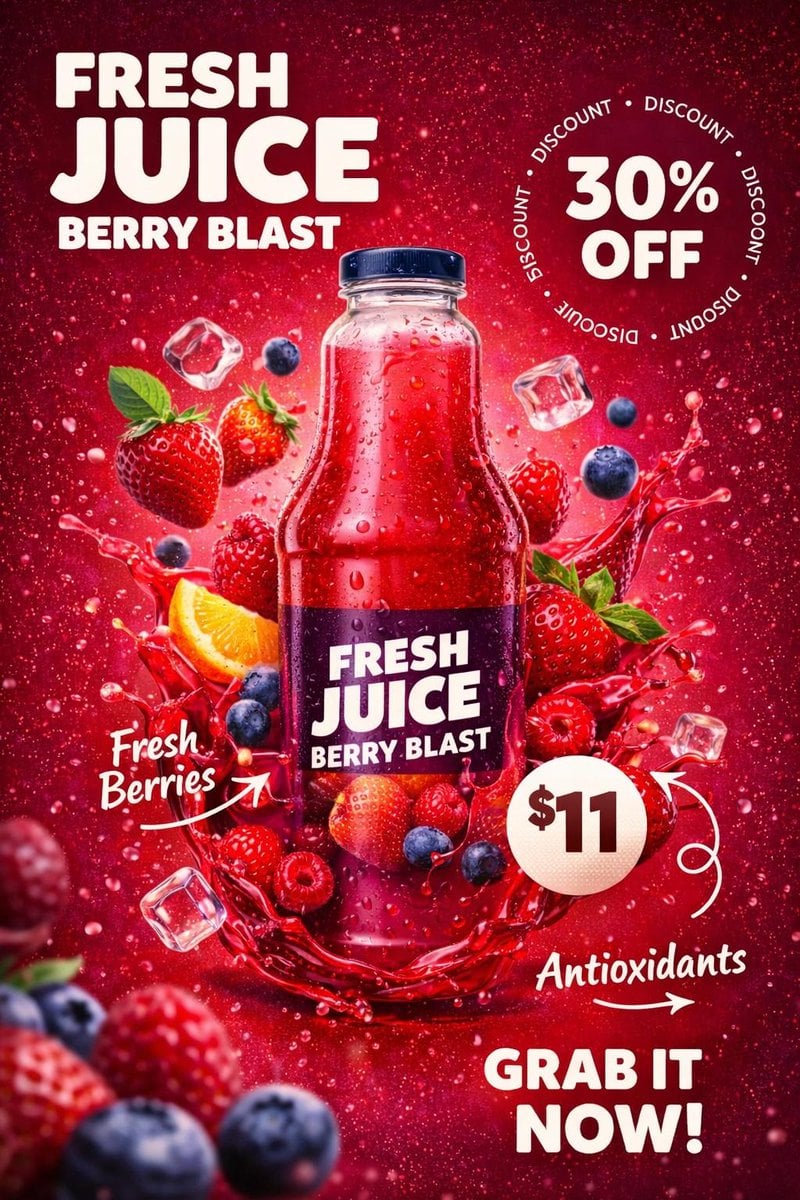
Product Photography Poster with Liquid Splash and Text Overlays
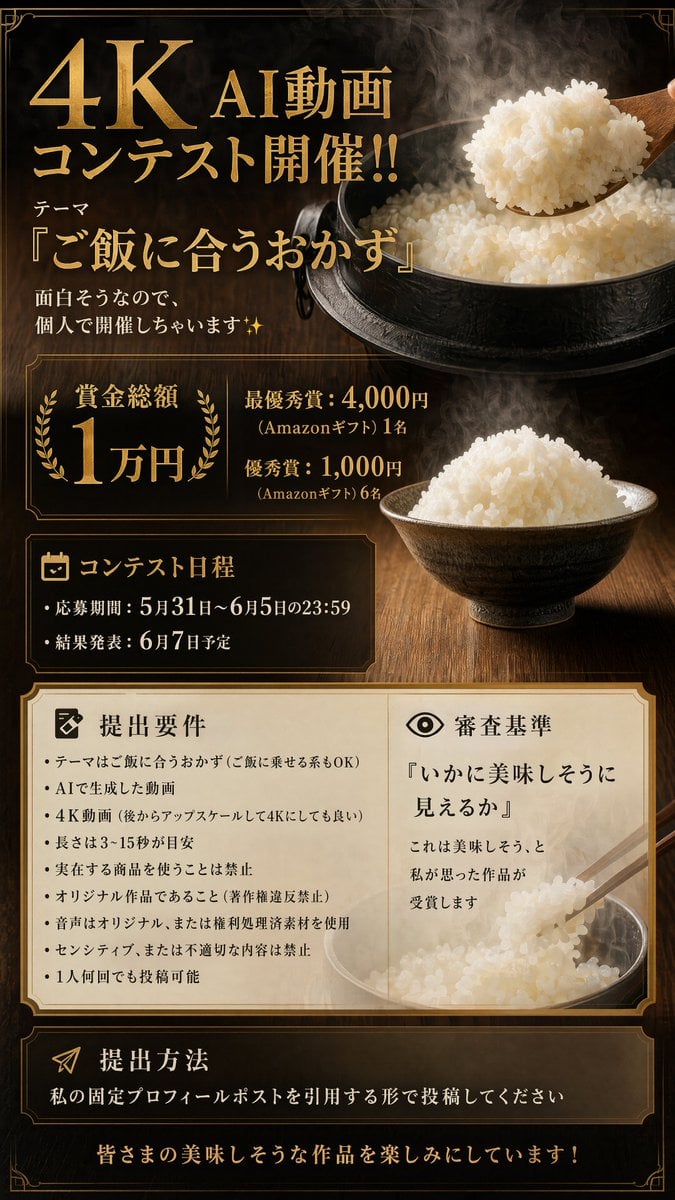
Luxury 4K AI Video Contest Poster
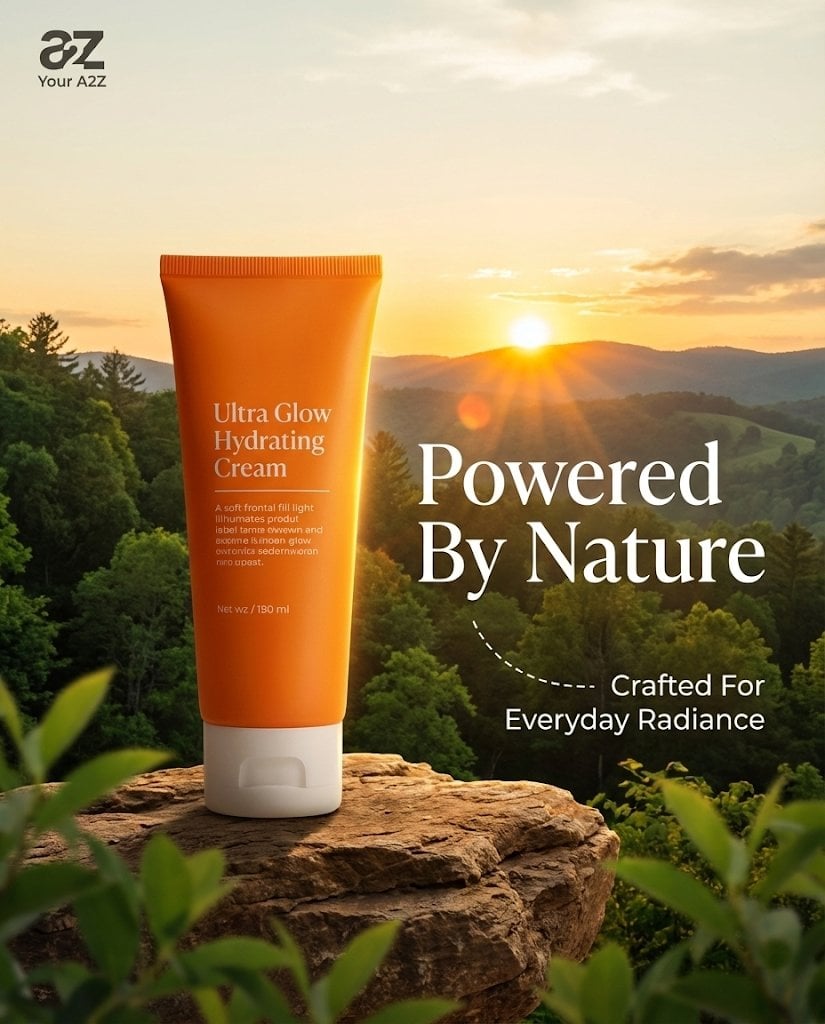
Golden Hour Product Photography on Rugged Rock

Dark Alien Megastructure Cavern
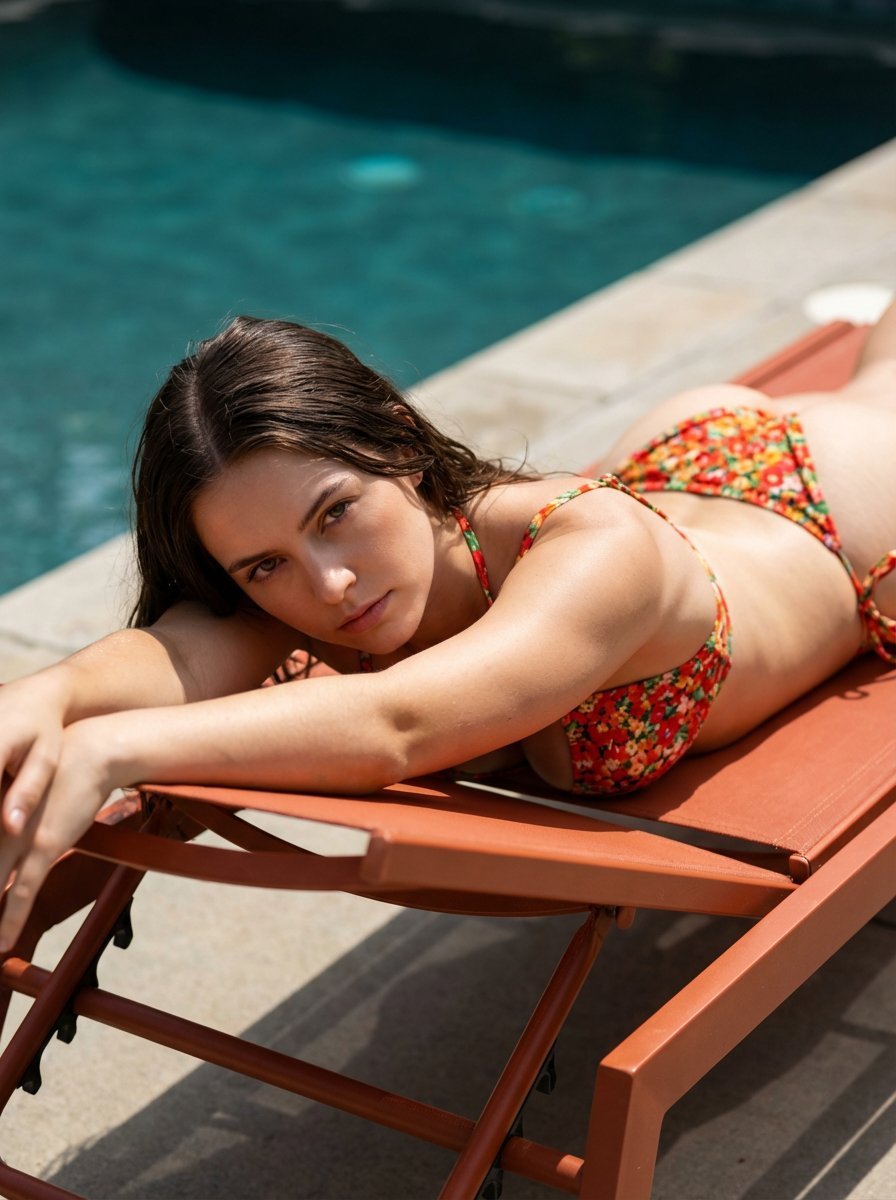
Ultra-Hardlock Prone Lounge Pose Replication
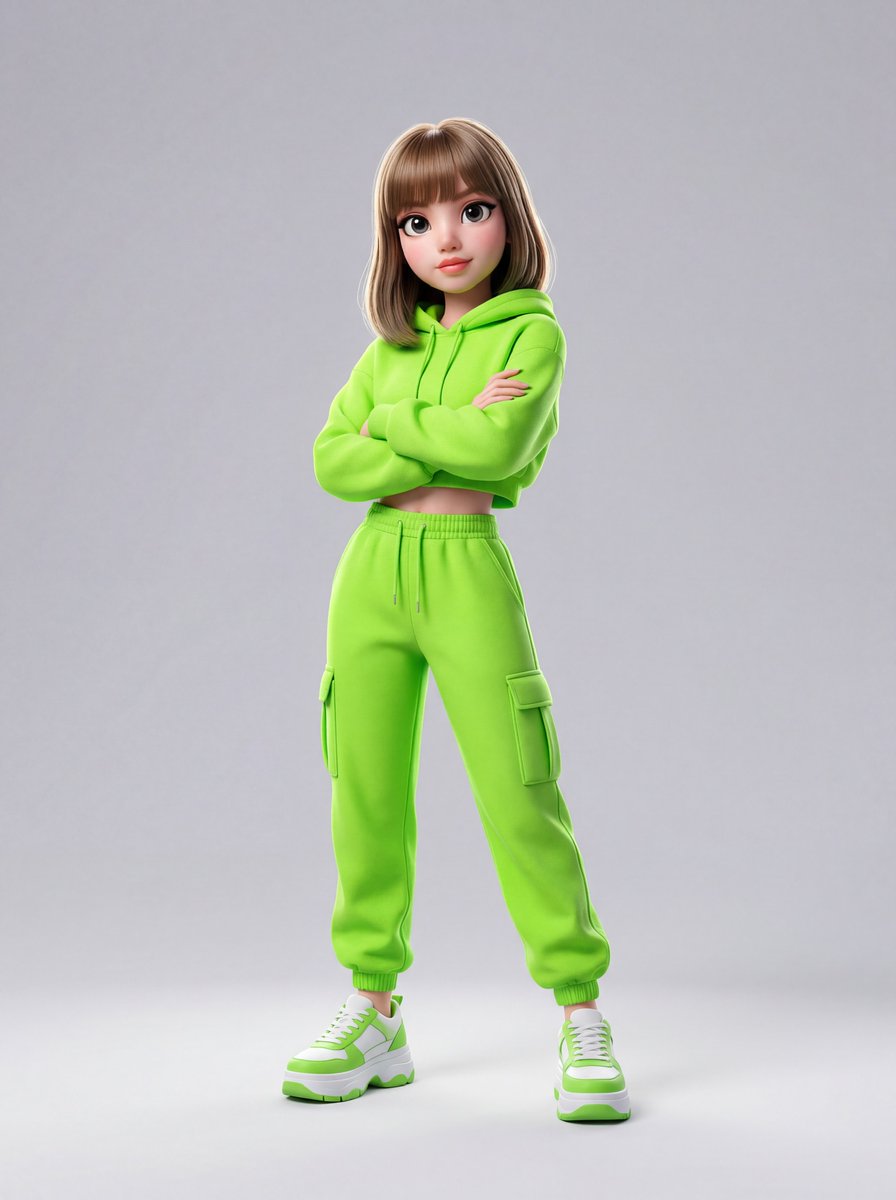
Disney-Pixar Style 3D Animation of Rosé (Blackpink)
Browse template categories
Luxury Magazine Cover With Featured Book questions
How do I use the Luxury Magazine Cover With Featured Book template?
Add your photo if the template asks for one, edit the prompt if you like — the template's model and format are already selected — and press Generate. Your version opens in PicX Studio.
Can I customize the Luxury Magazine Cover With Featured Book template?
Yes. You can change the subject, setting, lighting, mood, format, and available model controls before creating your image.
Is the Luxury Magazine Cover With Featured Book template free?
Opening and editing this template is free. Generating uses credits, shown on the Generate button when you are signed in.
Which AI model should I use?
Start with GPT Image 2, which is the model associated with this template. You can compare another compatible model for a different finish.
Looking for something else? Browse all templates.

Your photo, any look
Thousands of ready templates for every top image and video model, from one credit balance.