
Disney-Pixar Style 3D Animation of Rosé (Blackpink)
A highly structured JSON prompt for Nano Banana Pro to generate a 3D animated character model of Rosé from Blackpink in a Disney-Pixar aesthetic.
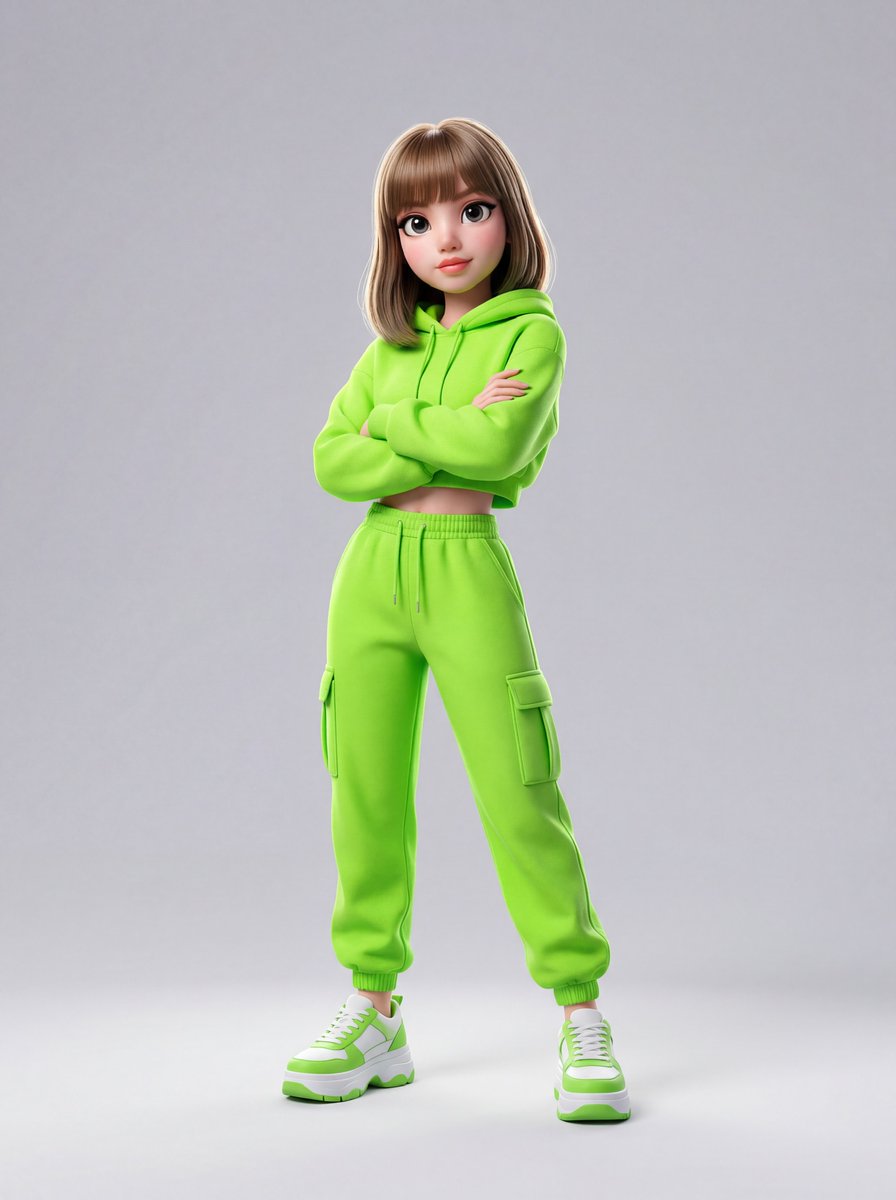
- Prompt included
- Model and format preset
- Free template
The prompt behind this image
Copy the exact prompt behind Disney-Pixar Style 3D Animation of Rosé (Blackpink), or open it in the studio and make it yours.
{ "image_generation_prompt": { "subject": "A highly detailed, cute KPOP idol {argument name="idol name" default="Rosé from Blackpink"} featuring a Disney-Pixar inspired 3D animation aesthetic. She has long, flowing blonde hair with individual strand rendering, and expressive, large eyes with glossy light reflections. Her facial features are soft, stylized, and flawless, capturing her distinct visuals, exhibiting subtle subsurface scattering typical of high-end 3D character design.", "pose": "Standing confidently with her arms crossed over her chest. Her posture is relaxed yet self-assured, with her weight shifted slightly to one hip to create a natural, dynamic, and engaging stance.", "outfit": "A vibrant pastel lavender cropped hoodie with thick drawstrings and hyper-detailed cotton-fleece micro-textures. Paired with matching pastel lavender cargo joggers featuring prominent, oversized utility pockets, a thick elastic waistband, and realistic fabric folds. She is wearing stylized, chunky white and lavender platform sneakers with intricate sole treads, thick laces, and highly detailed leather and mesh textures.", "environment": "A minimalist, clean light grey studio backdrop. The background is perfectly seamless and entirely distraction-free, acting as a neutral canvas that allows the vibrant pastel lavenders of her outfit to pop vividly.", "lighting": "Soft, diffused studio lighting setup. Features a gentle key light to warmly illuminate her face and outfit, a subtle fill light to soften any harsh shadows, and a crisp rim light catching the edges of her blonde hair to separate her beautifully from the grey background.", "shot": "Full-body shot, perfectly centered composition. Captured from a straight-on, eye-level angle with a virtual 50mm lens. Rendered in ultra-high-definition 8k resolution, resembling an Octane or Unreal Engine 5 render with a focus on vibrant colors, depth of field, and photorealistic fabric textures on a 3D animated model. Aspect ratio: 3:4" } }
How to use Disney-Pixar Style 3D Animation of Rosé (Blackpink) in 3 steps
- 1
Open
The prompt is already in the box next to the preview, with the template's model and format selected.
- 2…a portrait of your subject in softgolden-hour light, 85mm…
Personalize
Edit the subject and creative details for your destination.
- 3Generate
Generate
Press Generate — your image is created in PicX Studio, so you can compare it with the original and refine one variable at a time.
More like this
Templates with the same subject, style or setup. Open one to see its prompt.









Make it yours
Disney-Pixar Style 3D Animation of Rosé (Blackpink) works as-is. These are the safest ways to change it without losing the look.
Change one field
Copy a single group, rewrite it, and generate again so you can see what that field is doing.
Keep the frame, change the subject
Hold the composition and light of Disney-Pixar Style 3D Animation of Rosé (Blackpink), then swap wardrobe, props or the person for a new take.
| If the result… | Why | Fix |
|---|---|---|
| The result drifts from the preview | Too many fields changed at once. | Reuse Disney-Pixar Style 3D Animation of Rosé (Blackpink) as-is first, then change one group — subject, light, or setting. |
| The model over-stylizes the scene | The prose prompt leaves finish and camera underspecified. | Add one camera or lighting sentence and stay on Nano Banana 2. |
More Nano Banana 2 templates
Other prompts made for Nano Banana 2.

Photorealistic Leaf Shaped Like a Dragon

K-Pop Idol Portrait Grid for Rapid Selection

Poetic Rain Forest Portrait During Golden Hour

Urban Street Portrait with Cartoon Inner Self Duo

Candid Nighttime Photo with Cat Prompt

High-Concept 3D Diorama Generation Prompt

Cinematic Futuristic Studio Portrait Template

Skincare Editorial Photography Collage Prompt

Hyper-Realistic Commercial Product Photography (Splash Effect)

Hyper-Realistic Nightclub Portrait Prompt
More image prompts
Fresh picks from across the catalog.
Surreal Memory Scene
Frogs on a Laptop in Wild Grass
Hyper-Realistic Mixed-Media Illustration Prompt
PET LOVE
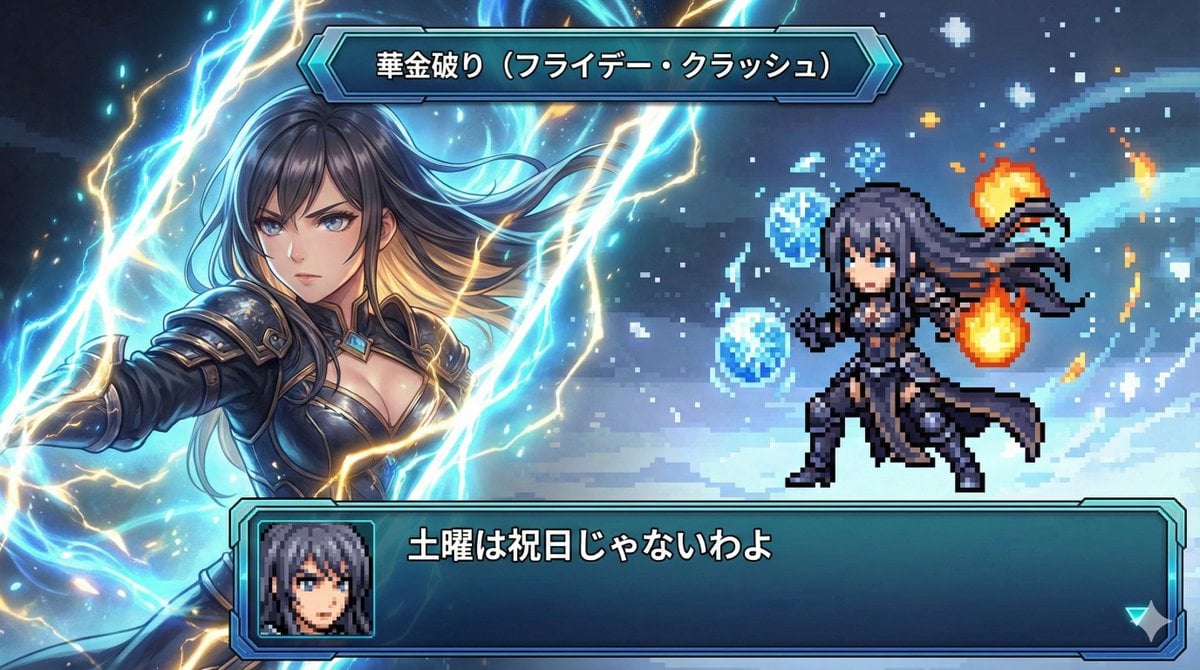
Super Robot Wars Style Witch Rejecting Friday
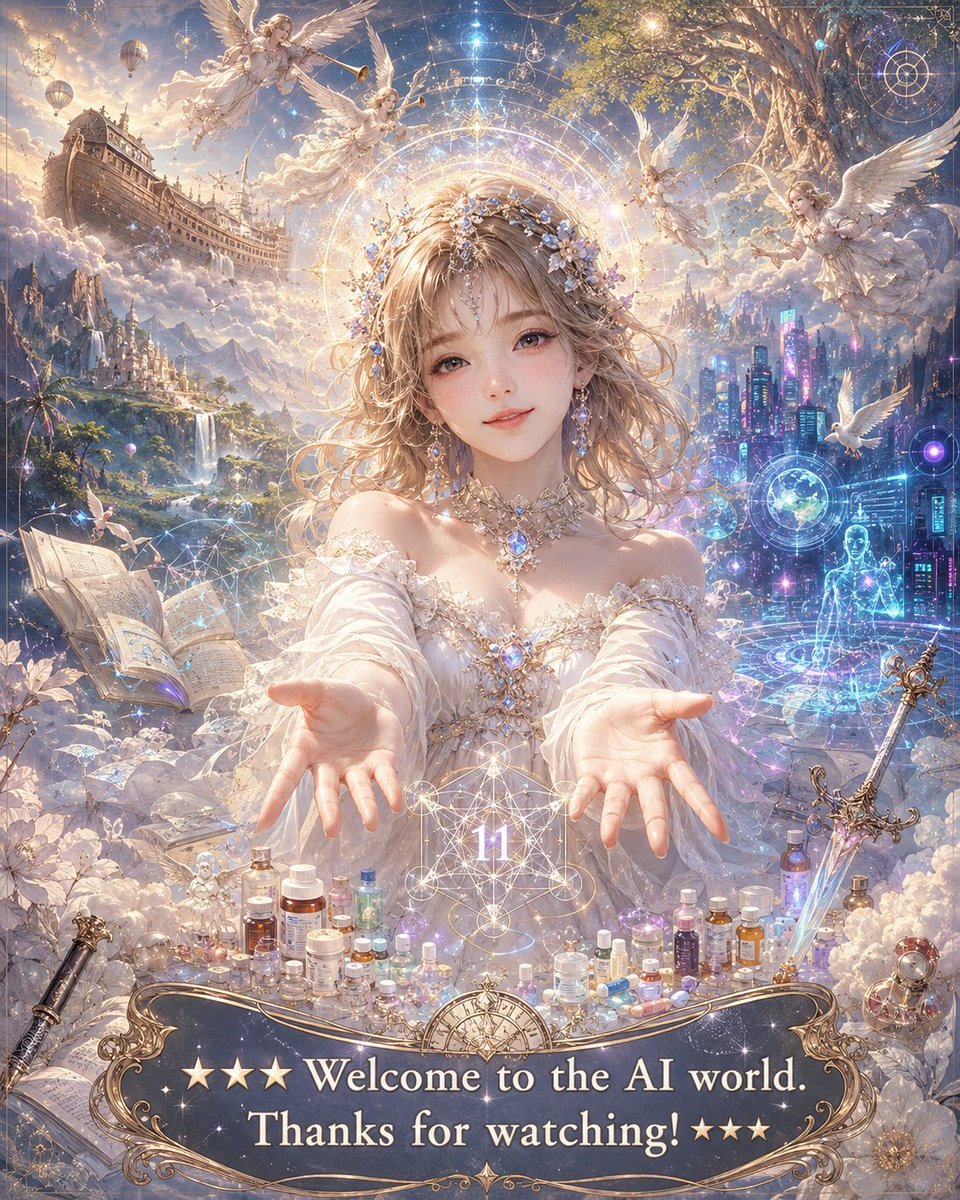
Angelic Anime Mercy Scene
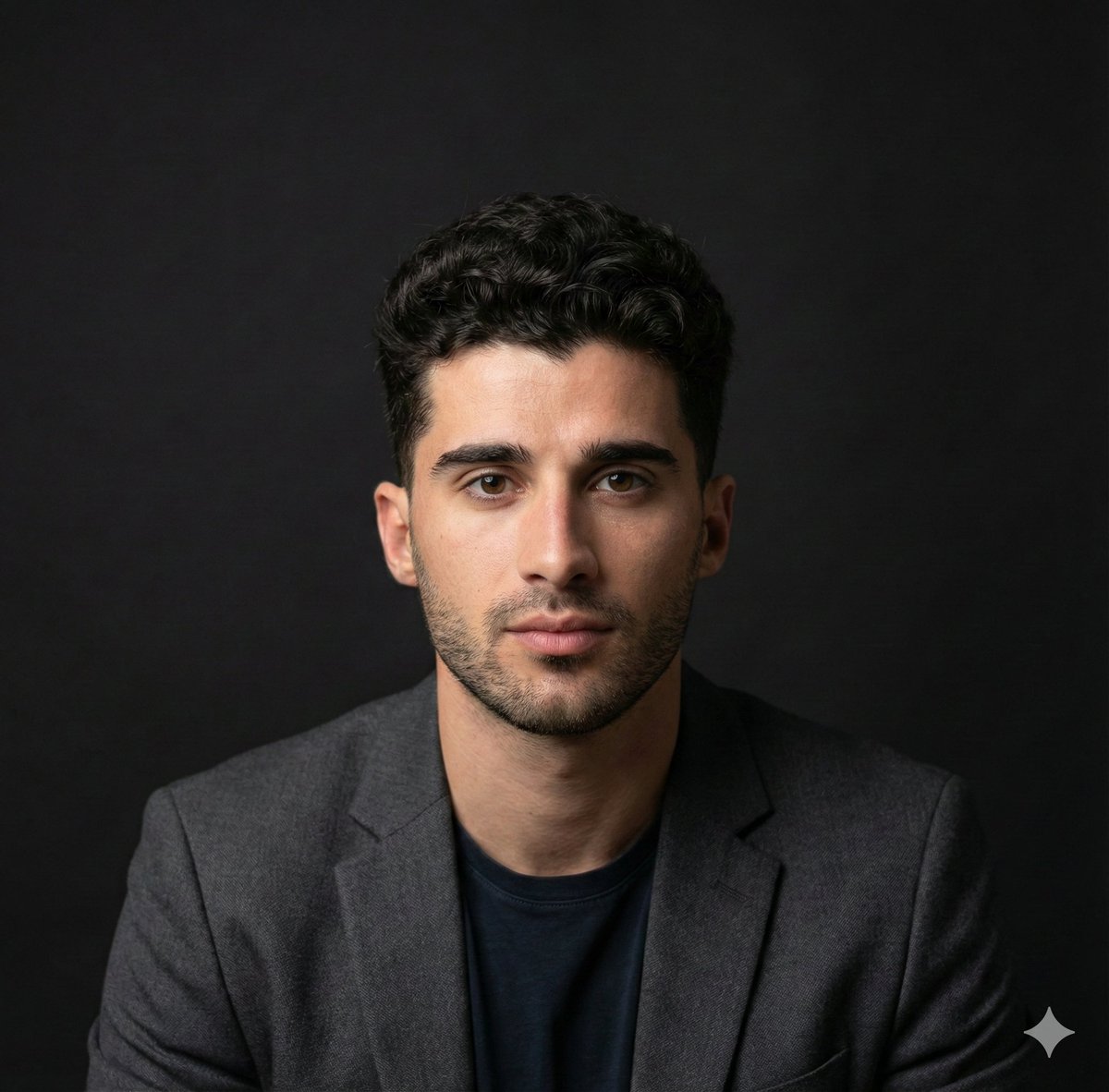
Selfie to Professional Headshot Prompt
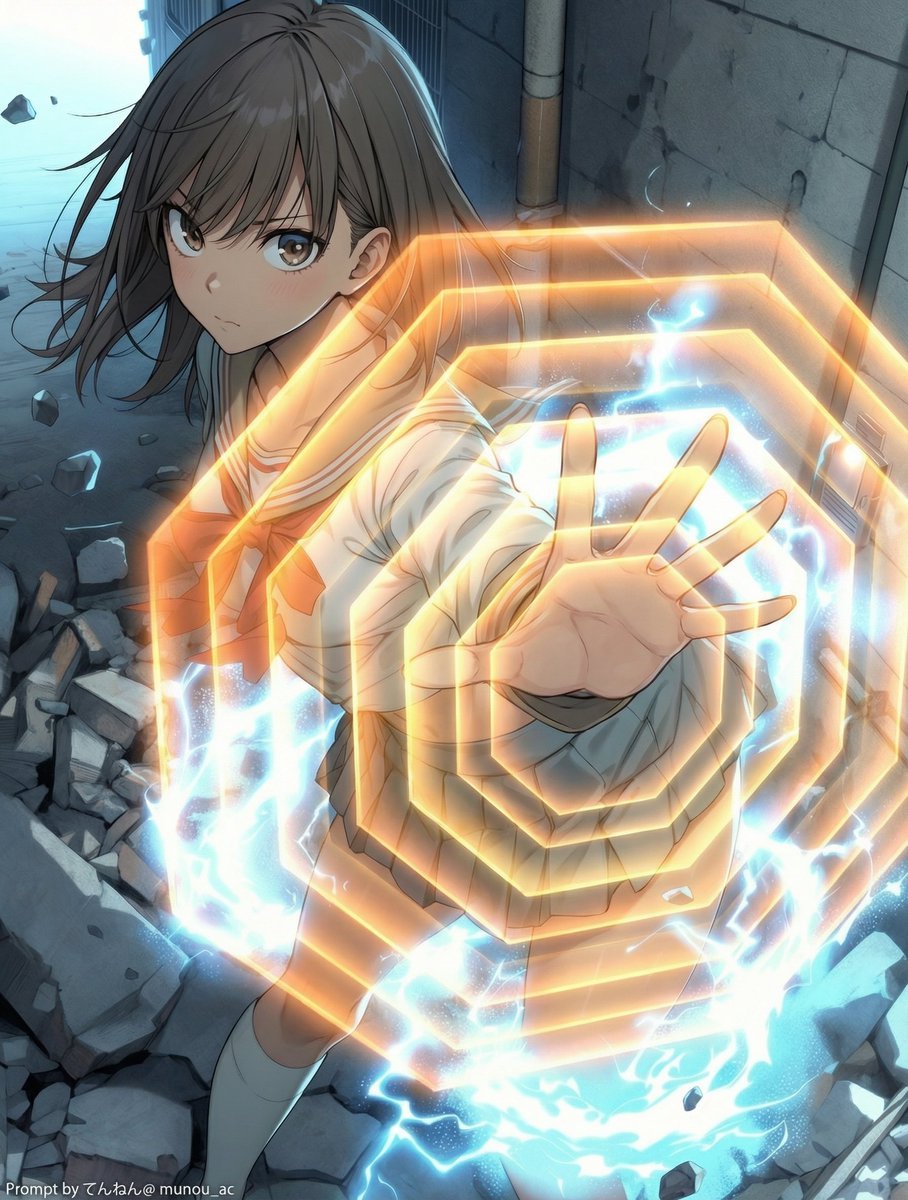
Field Expansion Prompt: Lost Love Girls
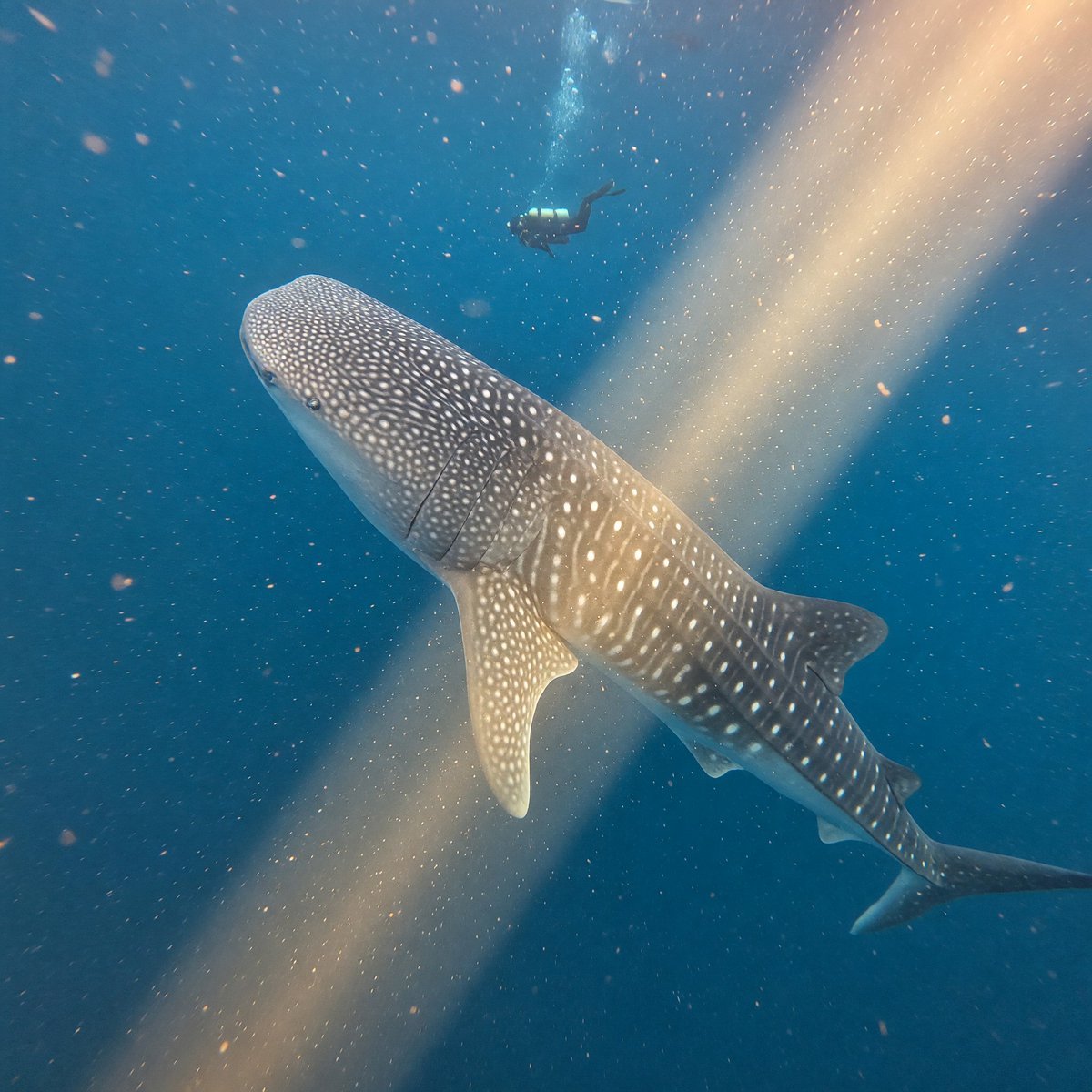
Whale Shark in Sunbeam
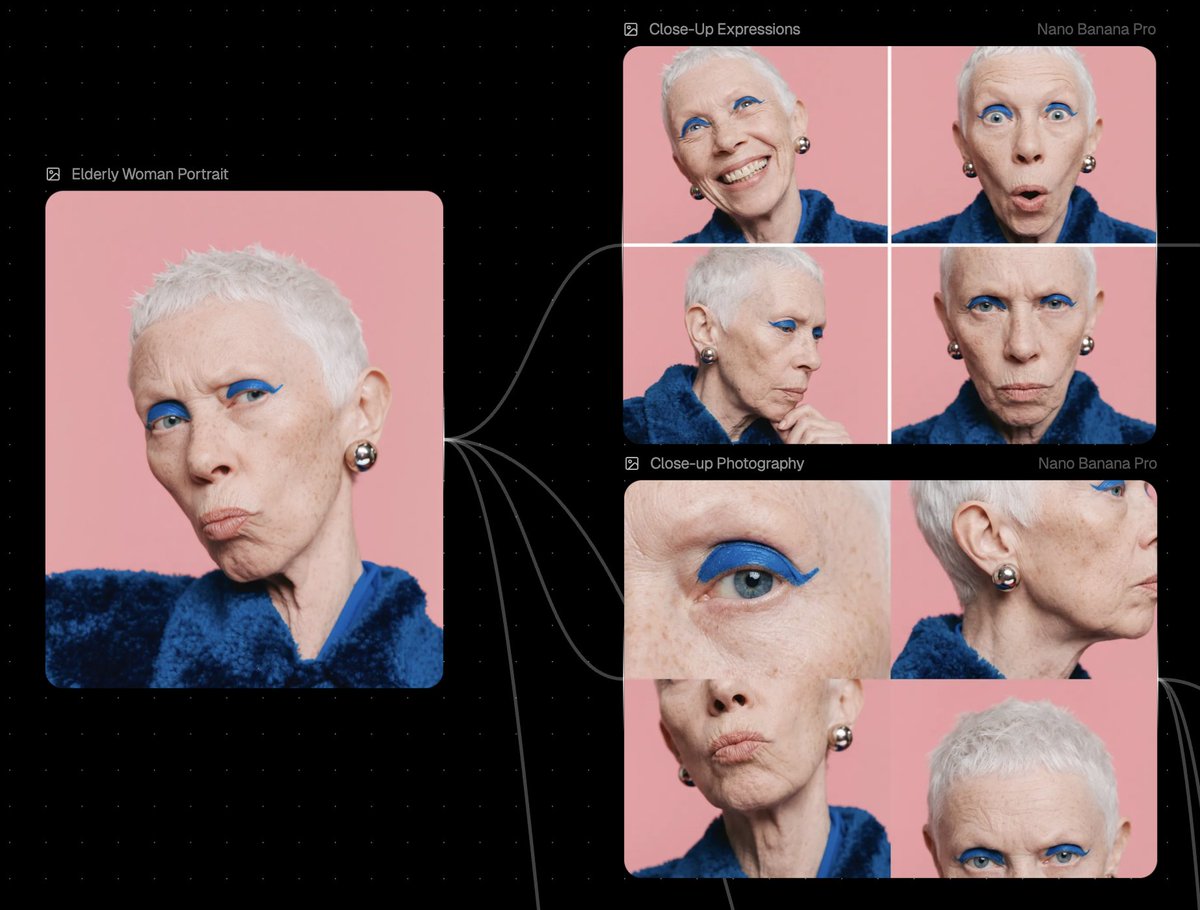
Reference Image Prompt for Facial Expression and Angle Variations
Browse template categories
Disney-Pixar Style 3D Animation of Rosé (Blackpink) questions
How do I use the Disney-Pixar Style 3D Animation of Rosé (Blackpink) template?
Add your photo if the template asks for one, edit the prompt if you like — the template's model and format are already selected — and press Generate. Your version opens in PicX Studio.
Can I customize the Disney-Pixar Style 3D Animation of Rosé (Blackpink) template?
Yes. You can change the subject, setting, lighting, mood, format, and available model controls before creating your image.
Is the Disney-Pixar Style 3D Animation of Rosé (Blackpink) template free?
Opening and editing this template is free. Generating uses credits, shown on the Generate button when you are signed in.
Which AI model should I use?
Start with Nano Banana 2, which is the model associated with this template. You can compare another compatible model for a different finish.
Looking for something else? Browse all templates.

Your photo, any look
Thousands of ready templates for every top image and video model, from one credit balance.