
3x3 Grid Portrait Photos with Differentiated Expressions
A highly specific prompt for generating a 3x3 grid layout of nine high-quality portrait photos of a consistent East Asian woman.
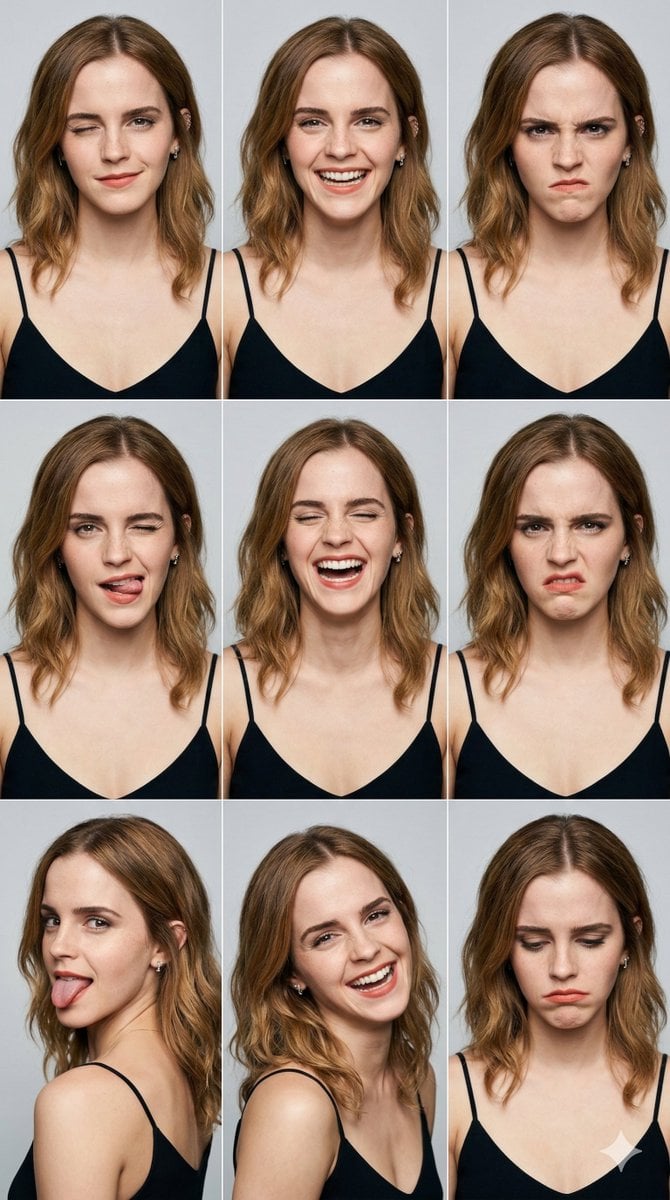
- Prompt included
- Model and format preset
- Free template
The prompt behind this image
Copy the exact prompt behind 3x3 Grid Portrait Photos with Differentiated Expressions, or open it in the studio and make it yours.
A professional 3x3 grid layout of 9 high-quality portrait photos featuring a consistent character of a stunning young East Asian woman with long wavy dark hair and small silver earrings, wearing a black strapless tube top. Each grid cell shows a distinct and highly differentiated facial expression to ensure no repetition. The 9 expressions are: Top Row: [{argument name="expression 1" default="Gentle wink with a subtle smile"}] | [{argument name="expression 2" default="Wide teeth-showing joyful grin"}] | [{argument name="expression 3" default="Angry scowl with furrowed brows"}]. Middle Row: [Playful wink with a cheeky tongue-out] | [Bursted loud laughter with closed eyes] | [Disgusted face with a wrinkled nose]. Bottom Row: [Naughty side-view with tongue sticking out] | [Ecstatic head-tilted laughter] | [Depressed downward gaze with a sad pout]. Technical Settings: Clean solid light grey background, soft studio high-key lighting, ultra-realistic skin texture with visible pores, 8k resolution, cinematic photography, shot on 85mm lens, f/1.8, hyper-detailed, masterpiece, photorealistic.”
How to use 3x3 Grid Portrait Photos with Differentiated Expressions in 3 steps
- 1
Open
The prompt is already in the box next to the preview, with the template's model and format selected.
- 2…a portrait of your subject in softgolden-hour light, 85mm…
Personalize
Edit the subject and creative details for your destination.
- 3Generate
Generate
Press Generate — your image is created in PicX Studio, so you can compare it with the original and refine one variable at a time.
More like this
Templates with the same subject, style or setup. Open one to see its prompt.
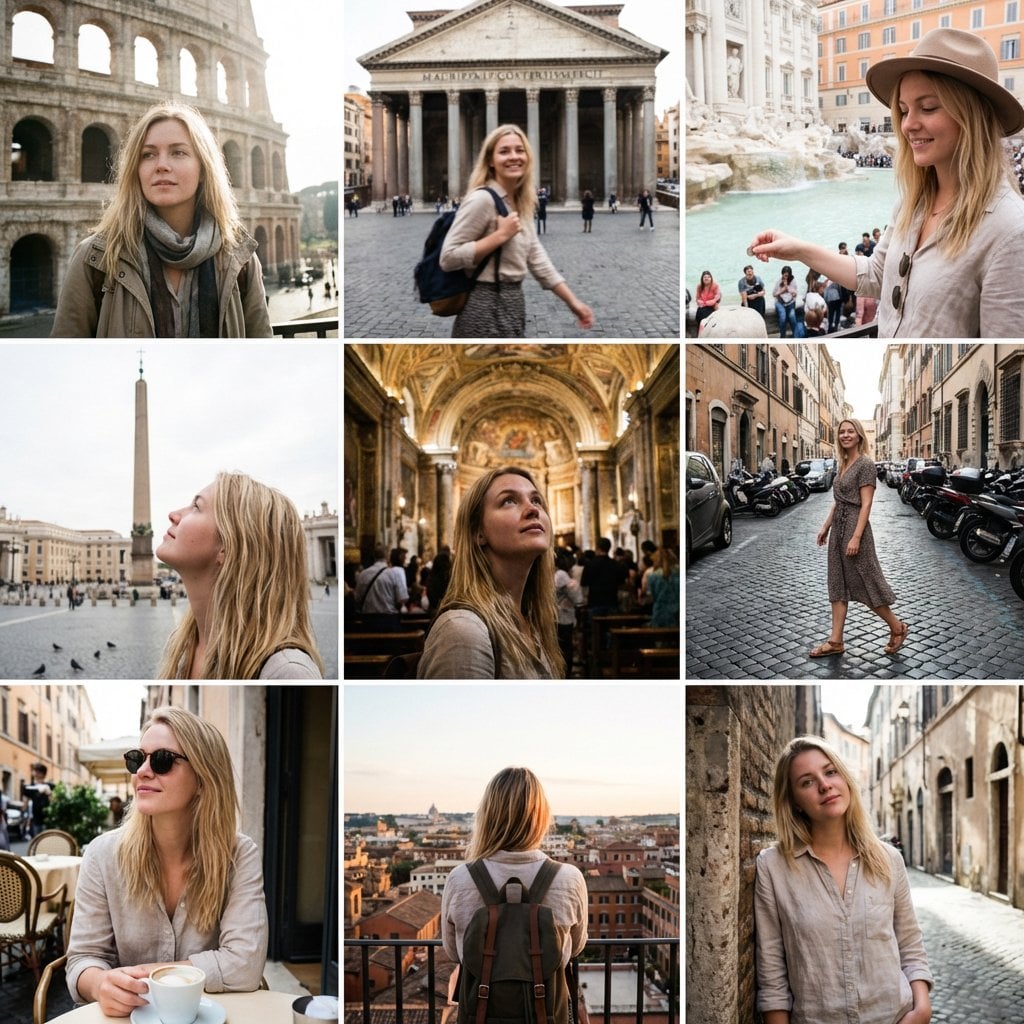
3x3 Instagram-style grid of low-quality smartphone photos featuring
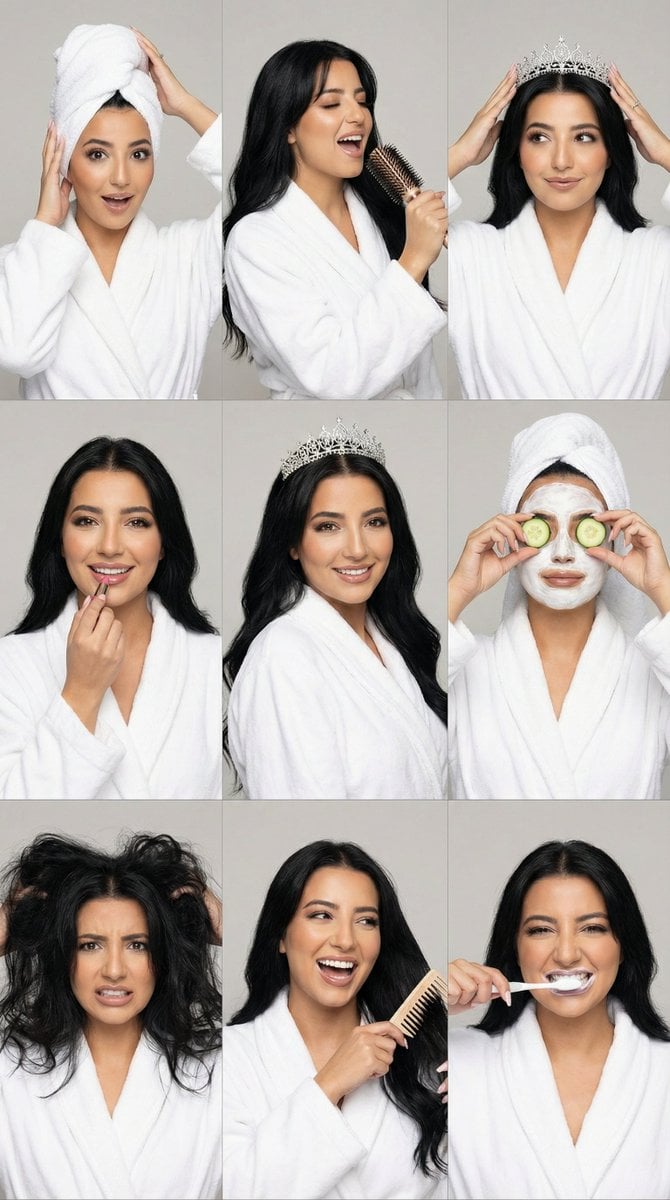
3x3 Photorealistic Beauty Photoshoot Grid with Identity Lock
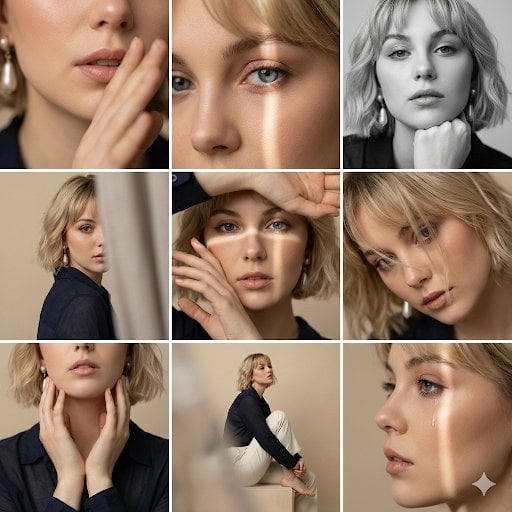
Editorial 3x3 Photo Grid of Intimate Portraits
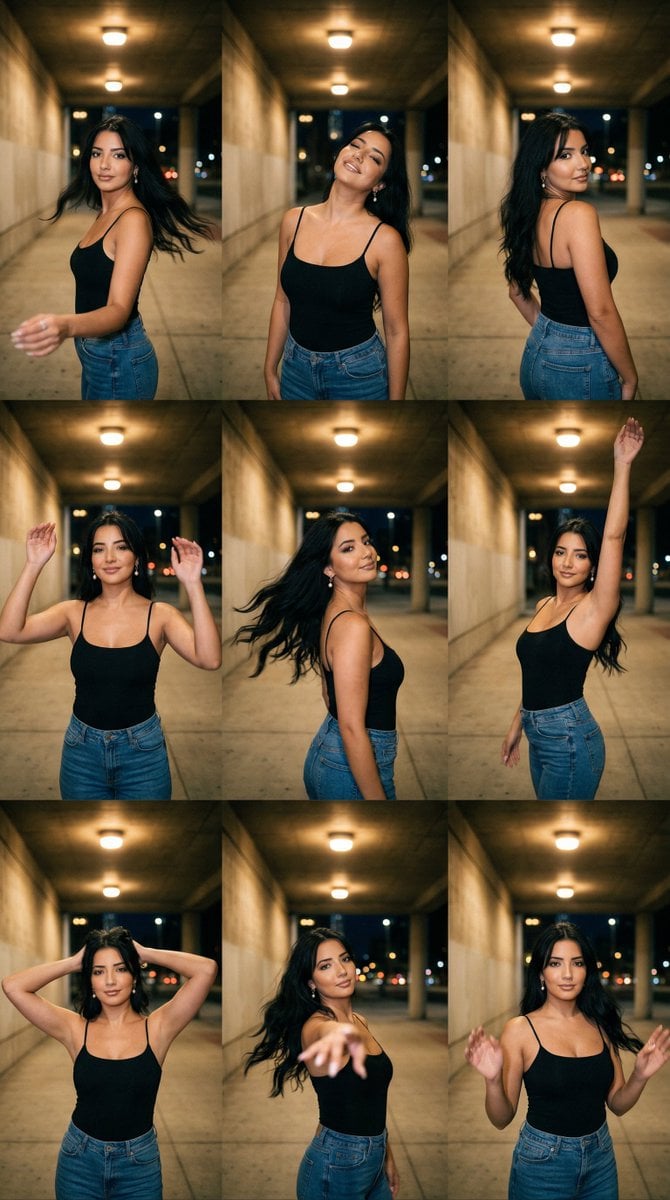
Urban Underpass Motion Portrait Series 3x3 Grid
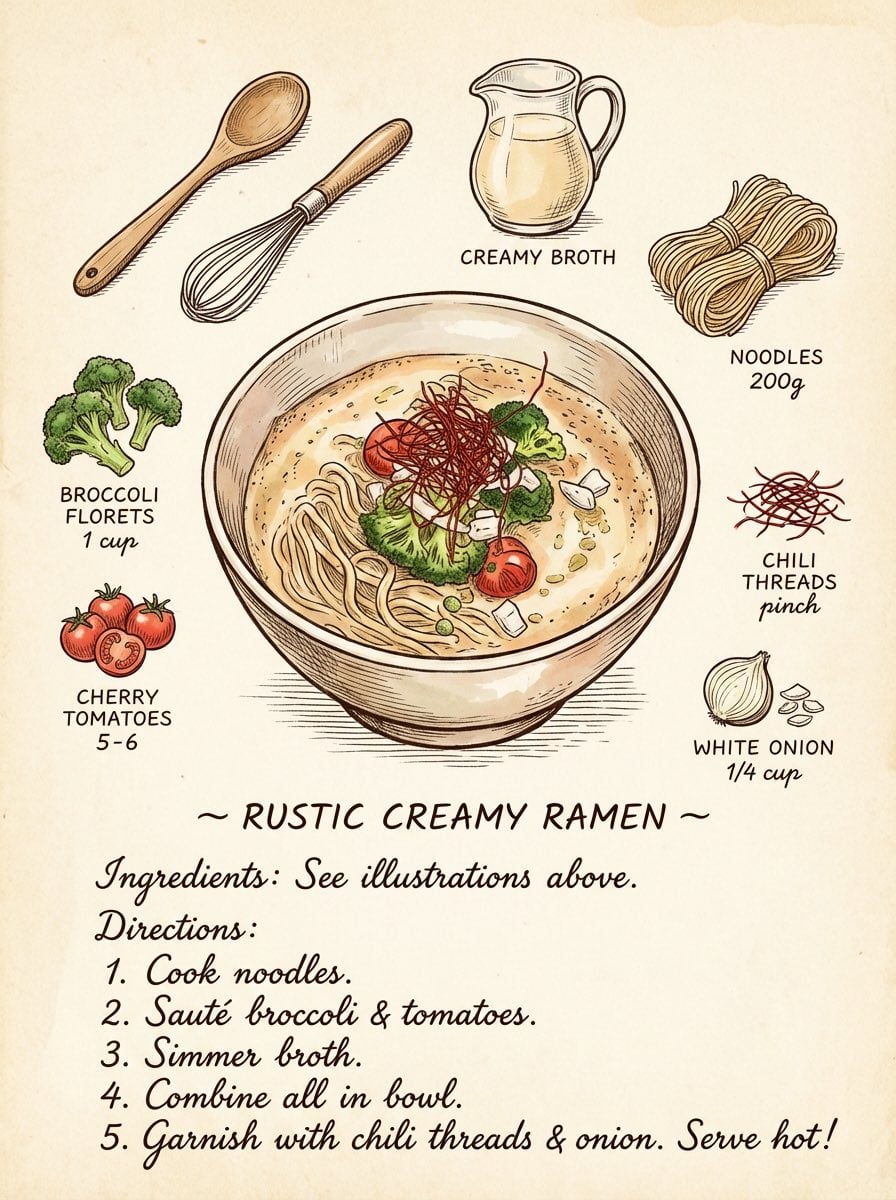
Turn Your Food Photos Into a Vintage Rec
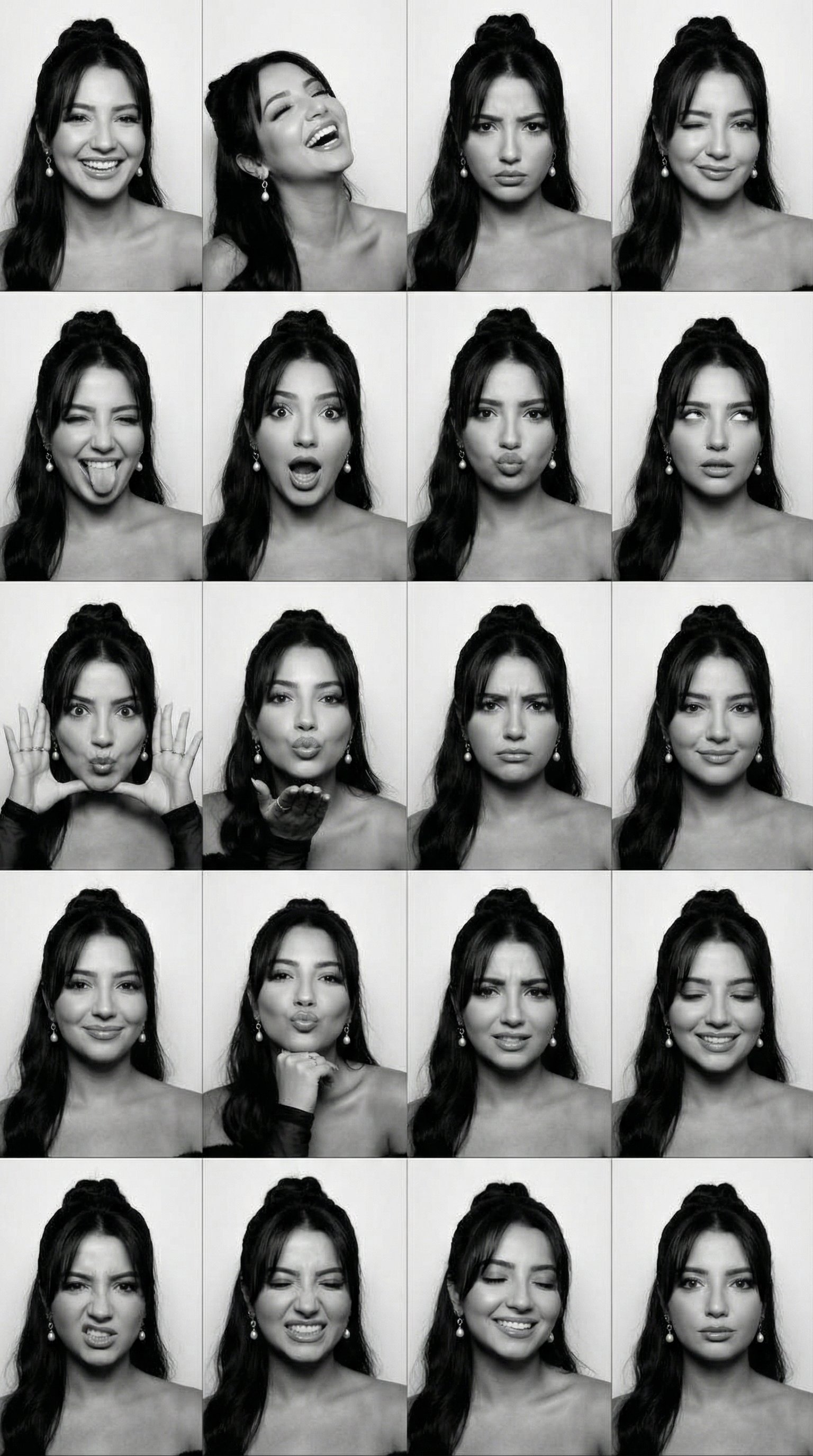
B&W Photobooth Expression Grid 4x4 — Nano Banana
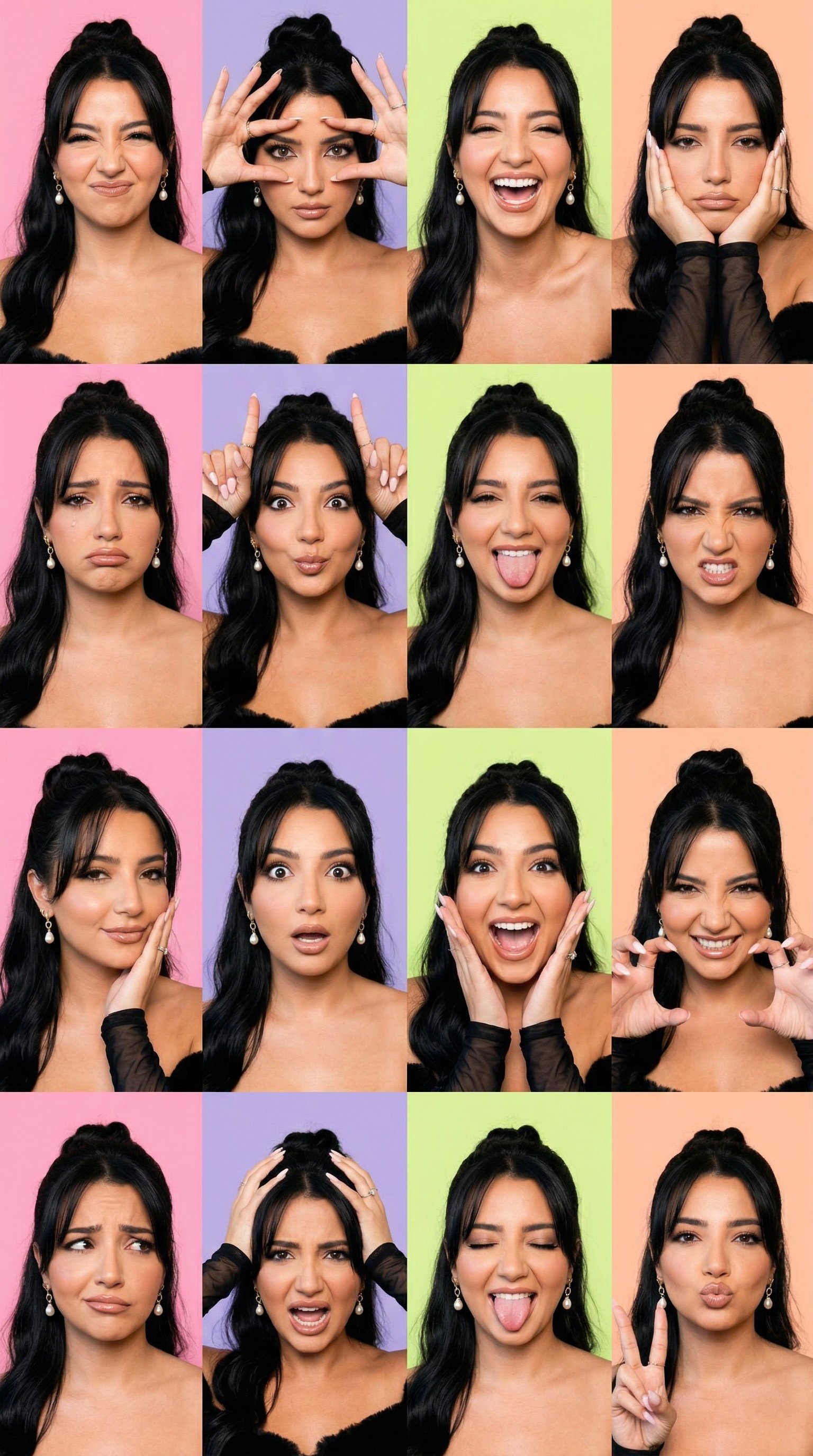
Gen Z TikTok Viral Expression Grid 4x4 — Nano Banana

Found Photograph: Us, 1970

80s Couple Studio Portrait

80s Bollywood Star

80s Golden Hour Cinema

Me in 1985
Make it yours
3x3 Grid Portrait Photos with Differentiated Expressions works as-is. These are the safest ways to change it without losing the look.
Change one field
Copy a single group, rewrite it, and generate again so you can see what that field is doing.
Keep the frame, change the subject
Hold the composition and light of 3x3 Grid Portrait Photos with Differentiated Expressions, then swap wardrobe, props or the person for a new take.
| If the result… | Why | Fix |
|---|---|---|
| The result drifts from the preview | Too many fields changed at once. | Reuse 3x3 Grid Portrait Photos with Differentiated Expressions as-is first, then change one group — subject, light, or setting. |
| The model over-stylizes the scene | The prose prompt leaves finish and camera underspecified. | Add one camera or lighting sentence and stay on Nano Banana 2. |
More Nano Banana 2 templates
Other prompts made for Nano Banana 2.

Photorealistic Leaf Shaped Like a Dragon

K-Pop Idol Portrait Grid for Rapid Selection

Poetic Rain Forest Portrait During Golden Hour

Urban Street Portrait with Cartoon Inner Self Duo

Candid Nighttime Photo with Cat Prompt

High-Concept 3D Diorama Generation Prompt

Cinematic Futuristic Studio Portrait Template

Skincare Editorial Photography Collage Prompt

Hyper-Realistic Commercial Product Photography (Splash Effect)

Hyper-Realistic Nightclub Portrait Prompt
More image prompts
Fresh picks from across the catalog.

Forbes 30 Under 30 Magazine Style Portrait
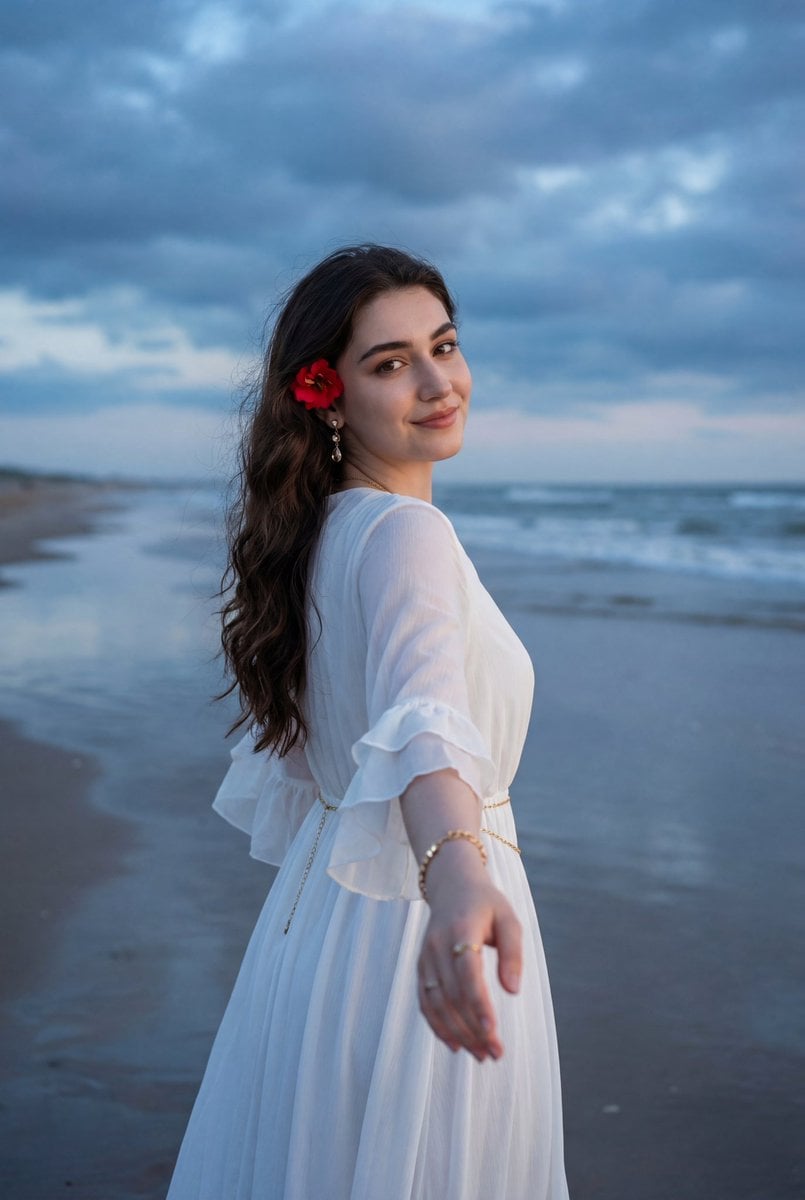
Ethereal Coastal Lifestyle Portrait at Blue Hour
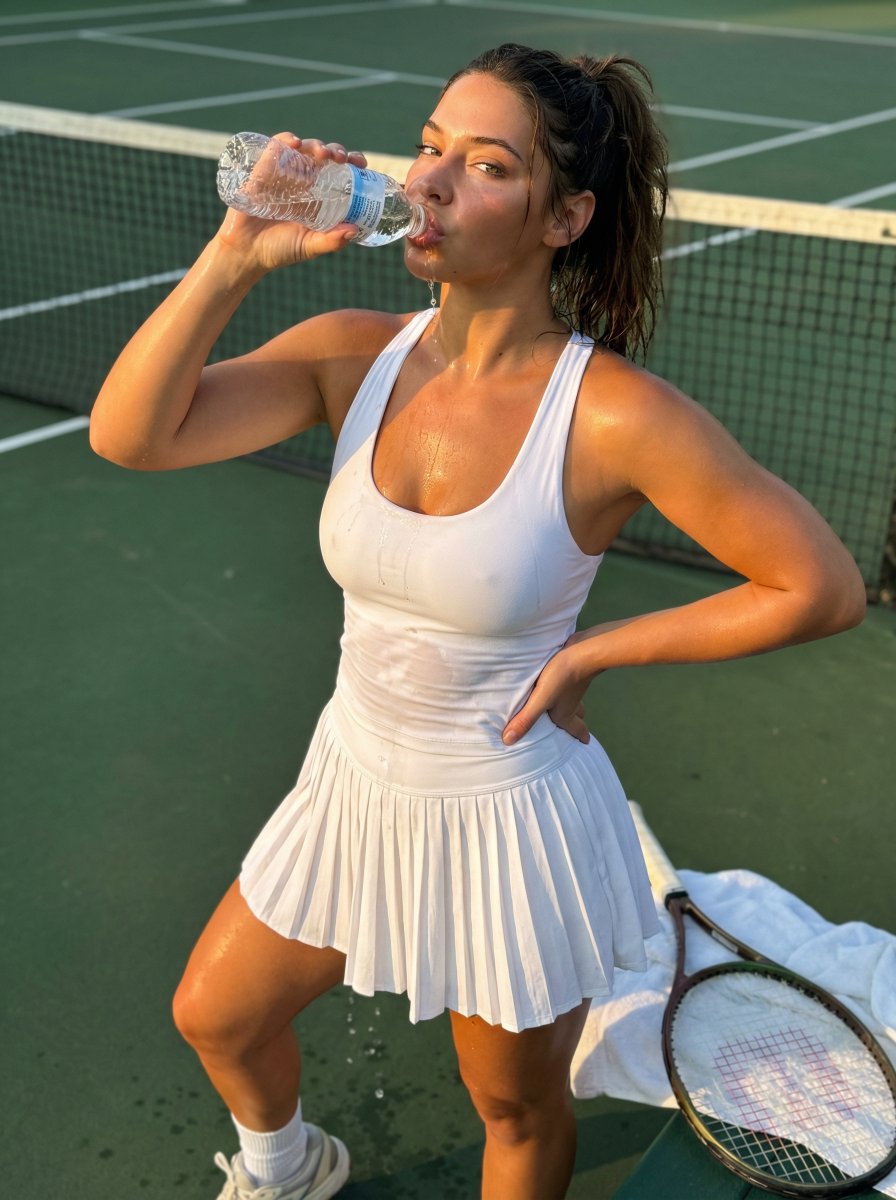
Madelyn Cline Tennis Court Hydration Portrait
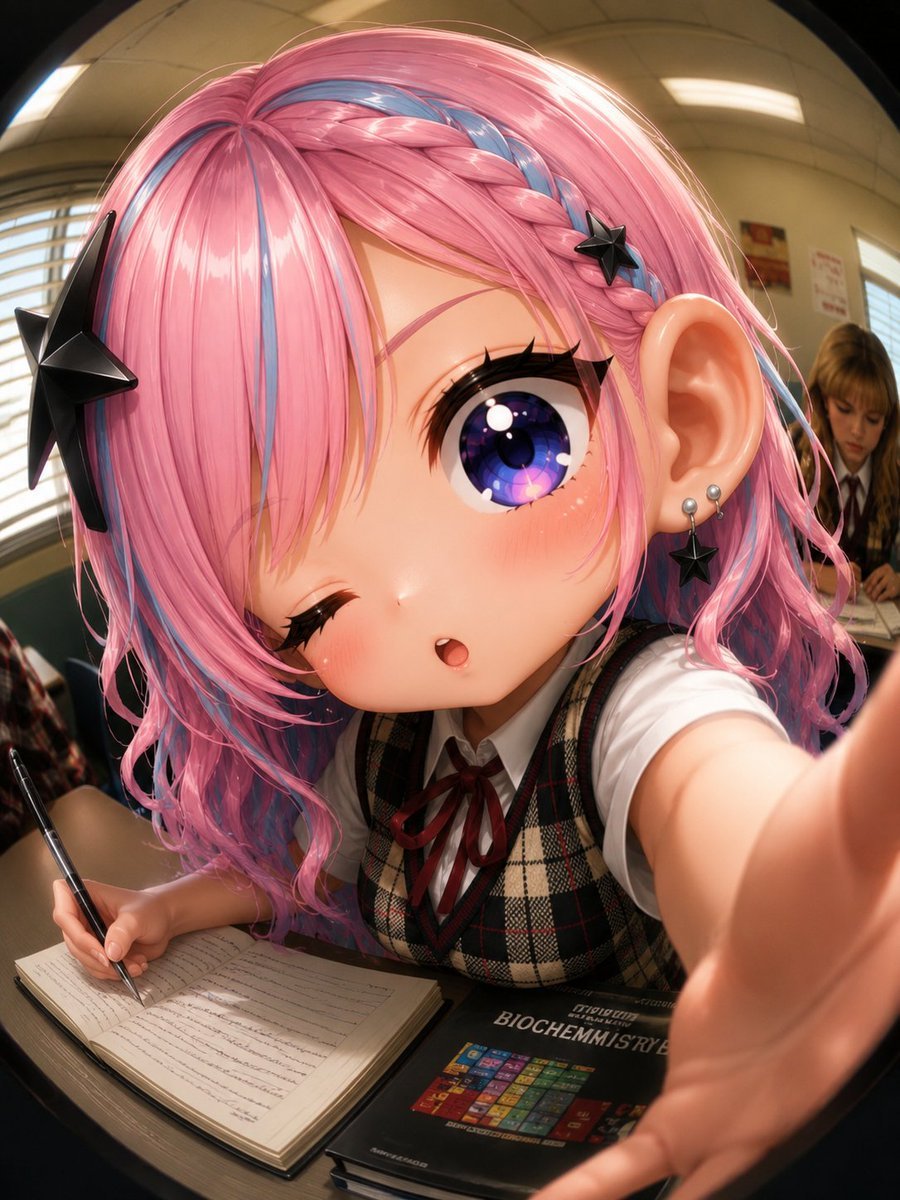
Fisheye Anime Schoolgirl Selfie
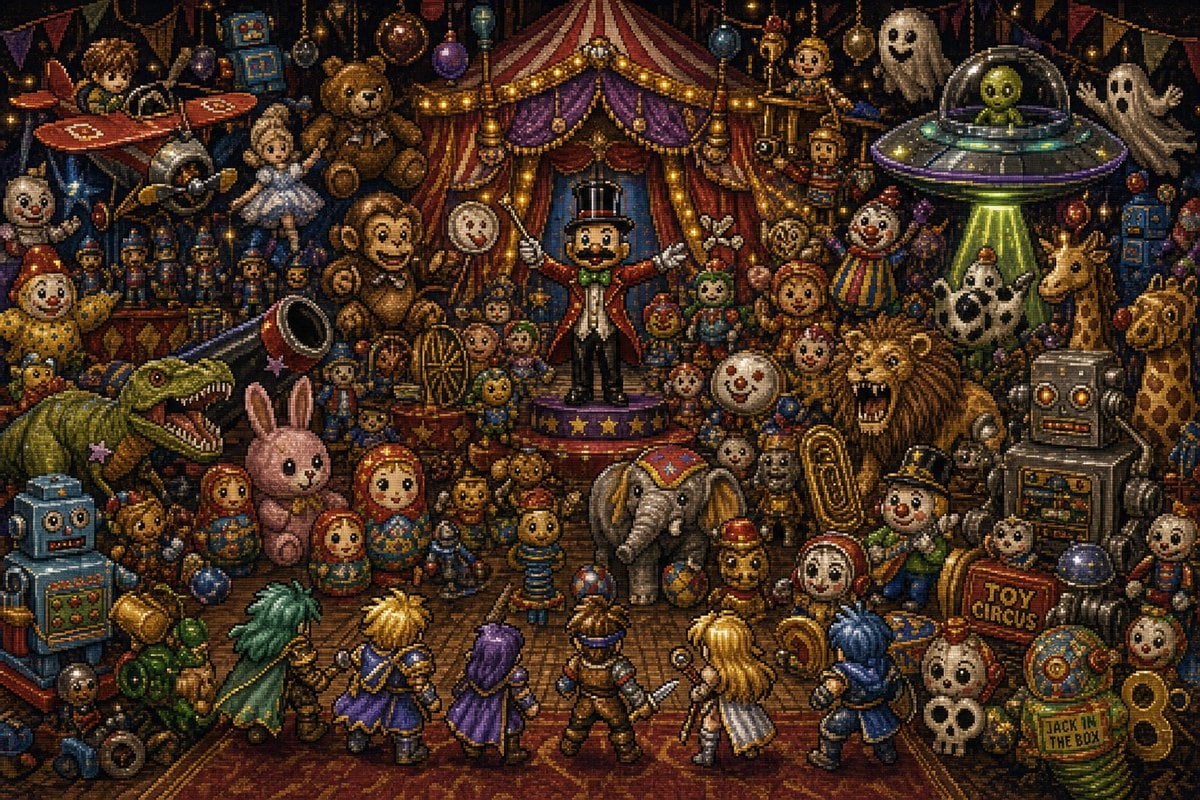
Toy Circus JRPG Battle

Nano Banana Pro Camera Control Template and Example Prompt
Fitness SaaS Landing Page UI
Image Generation Prompt for Nano Banana Pro
Turn Iconic Landmarks Into Tiny Worlds W
Flaming Angel in Black Void
Browse template categories
3x3 Grid Portrait Photos with Differentiated Expressions questions
How do I use the 3x3 Grid Portrait Photos with Differentiated Expressions template?
Add your photo if the template asks for one, edit the prompt if you like — the template's model and format are already selected — and press Generate. Your version opens in PicX Studio.
Can I customize the 3x3 Grid Portrait Photos with Differentiated Expressions template?
Yes. You can change the subject, setting, lighting, mood, format, and available model controls before creating your image.
Is the 3x3 Grid Portrait Photos with Differentiated Expressions template free?
Opening and editing this template is free. Generating uses credits, shown on the Generate button when you are signed in.
Which AI model should I use?
Start with Nano Banana 2, which is the model associated with this template. You can compare another compatible model for a different finish.
Looking for something else? Browse all templates.

Your photo, any look
Thousands of ready templates for every top image and video model, from one credit balance.