
Movie Still Character Swap
A workflow prompt to search for iconic movie stills and swap the protagonists while preserving the original film's style and grain.

- Prompt included
- Model and format preset
- Free template
The prompt behind this image
Copy the exact prompt behind Movie Still Character Swap, or open it in the studio and make it yours.
@创建图片 第一步查询: 《{argument name="电影名称" default="菊次郎夏天"}》最经典的10张剧照 垫图每个经典剧照 第二步:把主角换成{argument name="新主角" default="张飞和诸葛亮"} 注意维持人物情绪、画面颗粒质感、色彩质感 所有剧照维持原有的质感和创意、构图特点 如同原作电影画面一般 请你输出每张画面
How to use Movie Still Character Swap in 3 steps
- 1Upload ImagePNG, JPG or paste
Add your photo
Upload the photo the template builds on. The prompt, model and format are already set.
- 2…a portrait of your subject in softgolden-hour light, 85mm…
Personalize
Edit the subject and creative details for your destination.
- 3Generate
Generate
Press Generate — your image is created in PicX Studio, so you can compare it with the original and refine one variable at a time.
More like this
Templates with the same subject, style or setup. Open one to see its prompt.
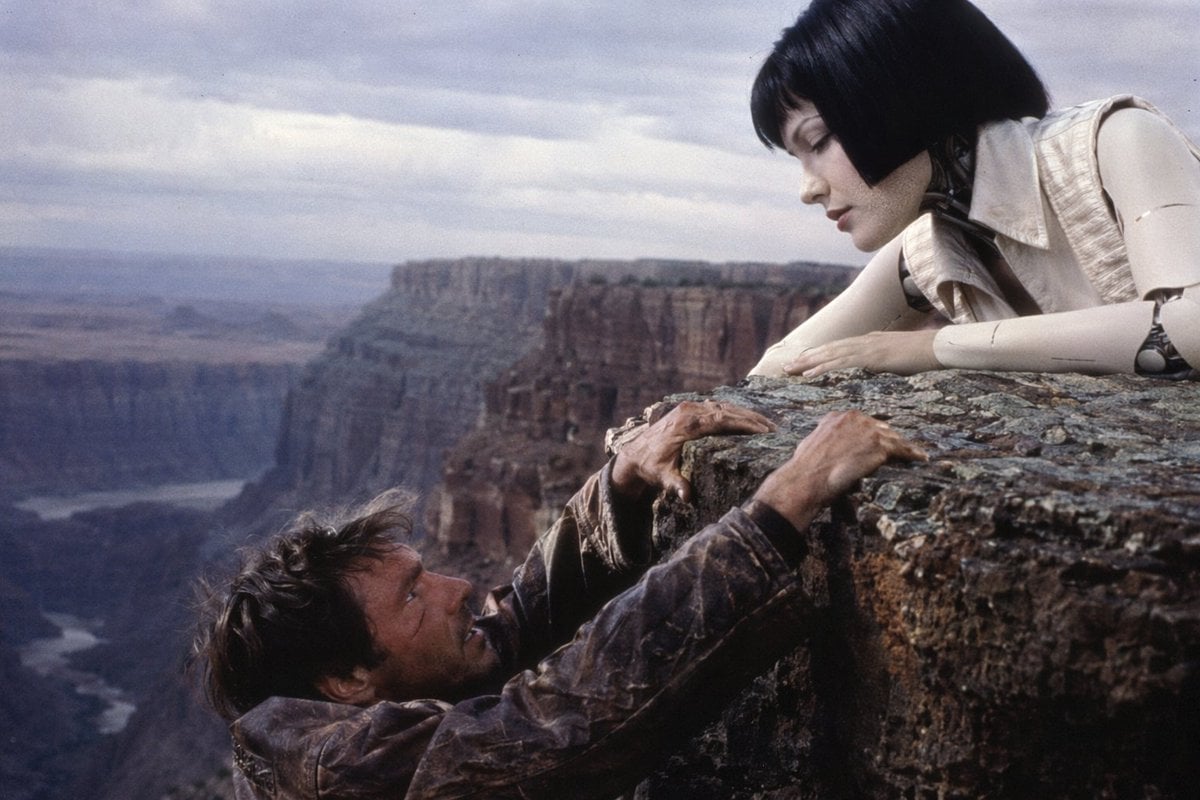
90s Sci-Fi Cliffhanger Movie Still
Seedance - Storyboard to Movie

Anime Gender-Swap Promo Illustration

Anime Gender Swap Before After Poster

Mushroom Still Life Composition
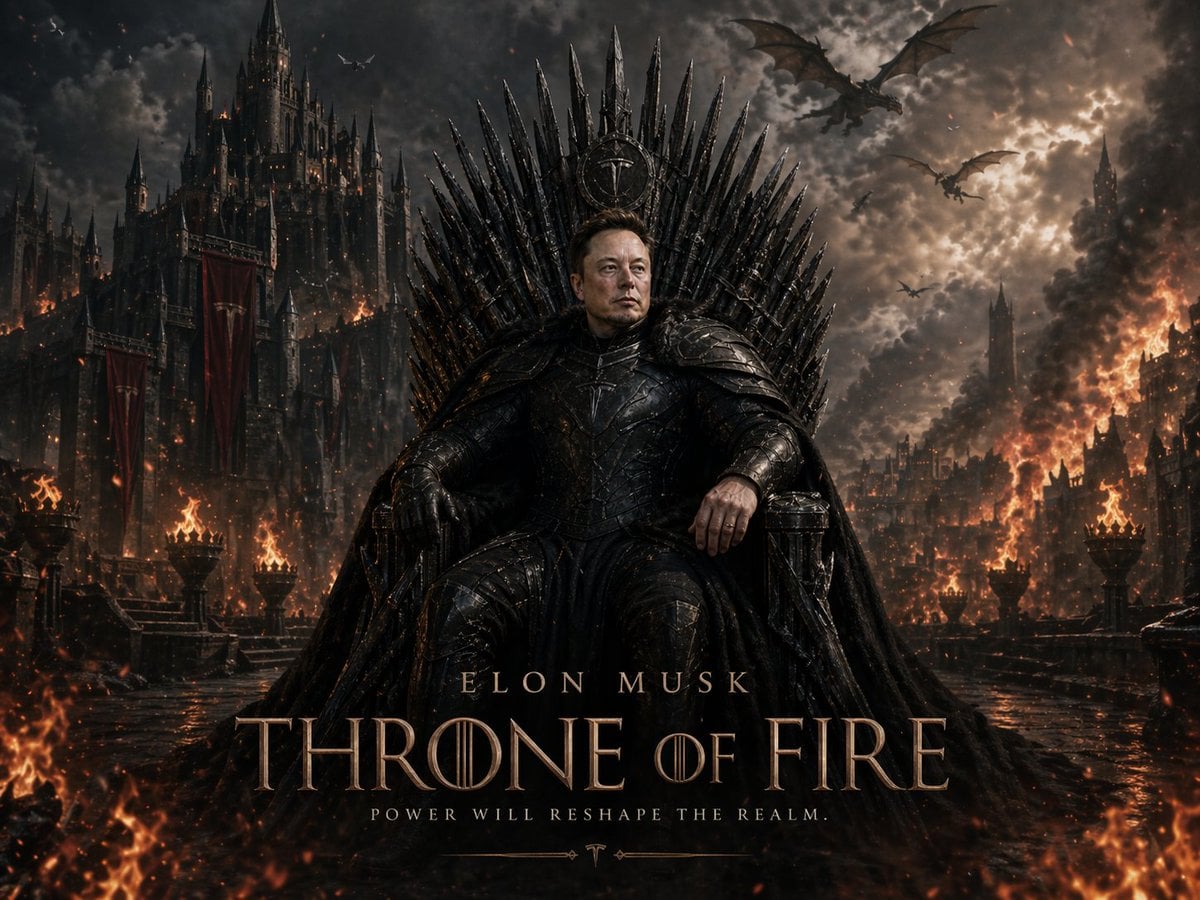
Sci-Fi AI Battle Movie Poster

LIGHTING each element still lit by its original source, windows casting
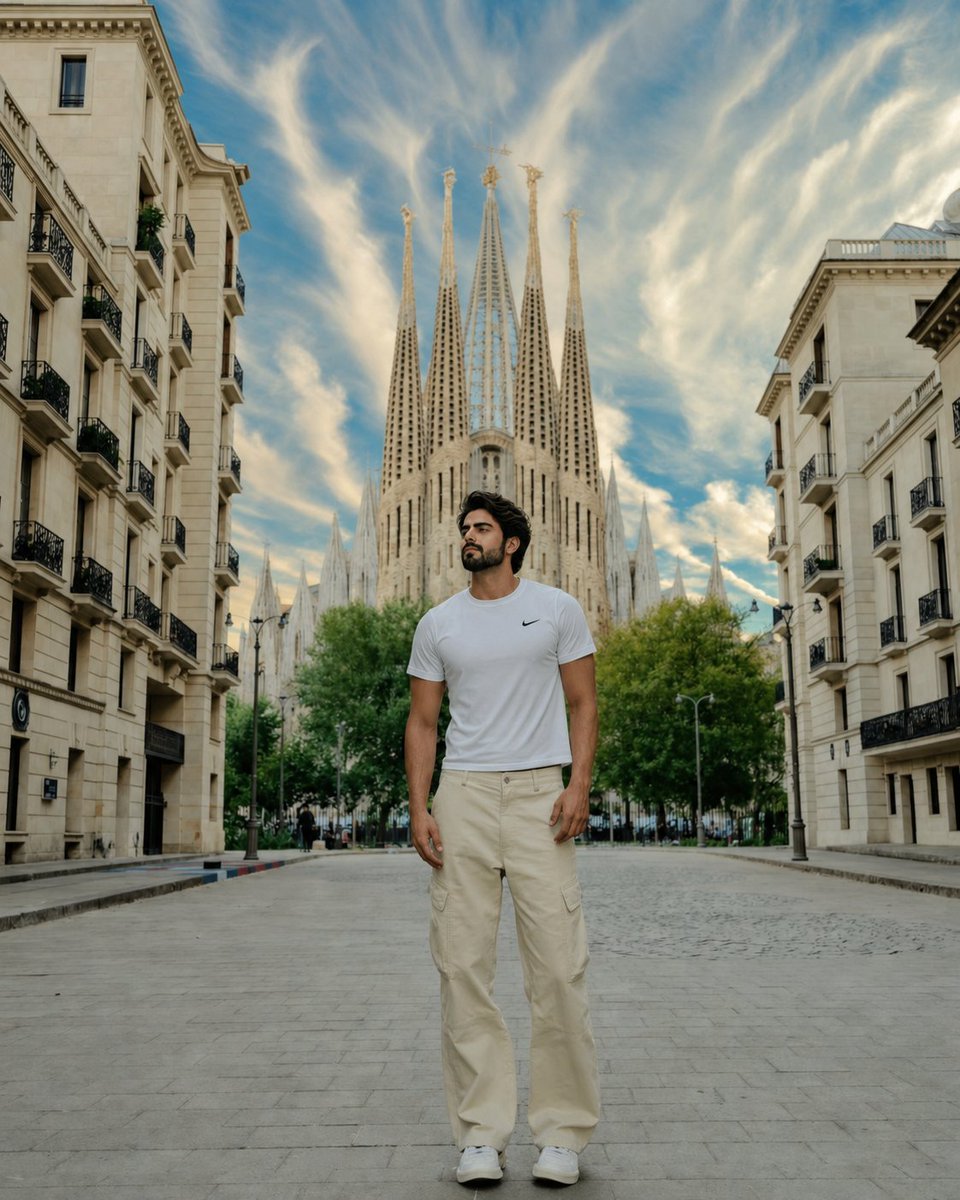
Barcelona Travel Portrait with Face Swap
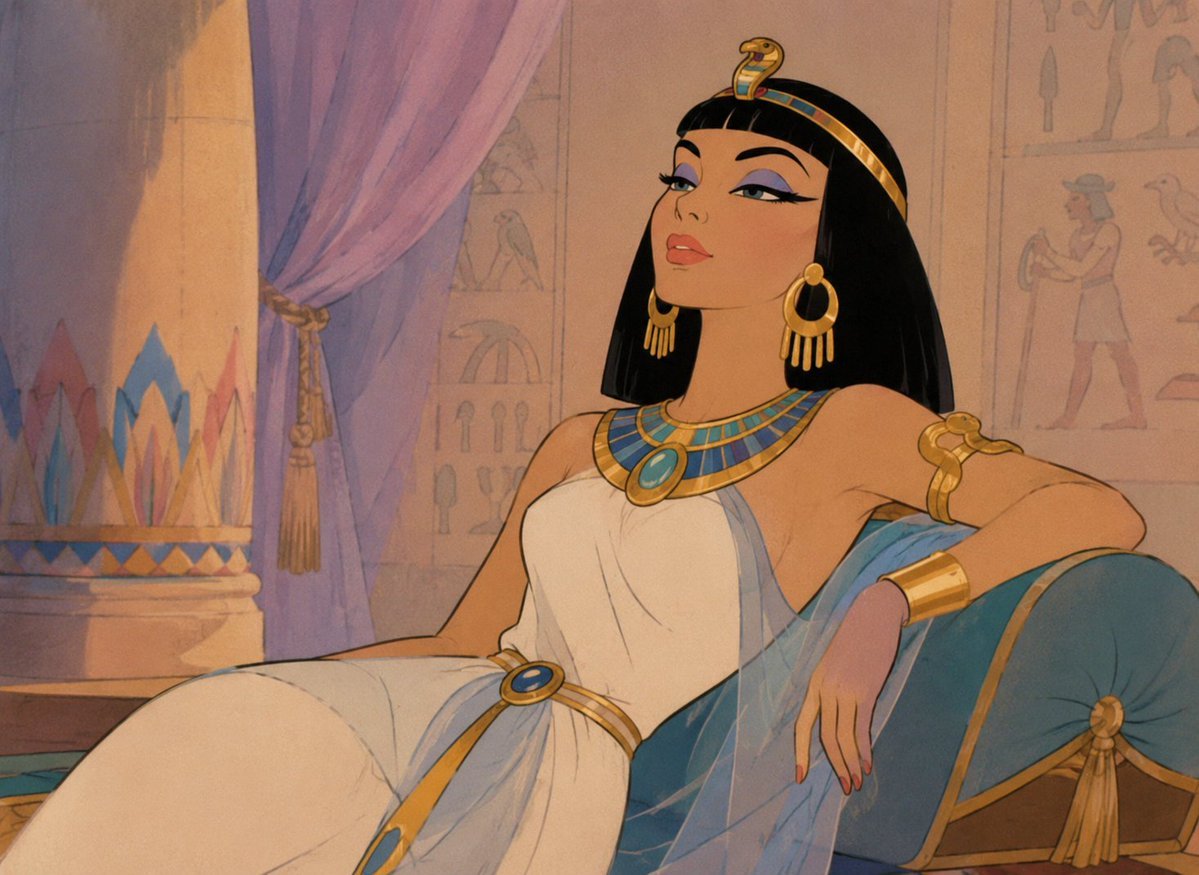
Classic Animated Cleopatra Palace Still
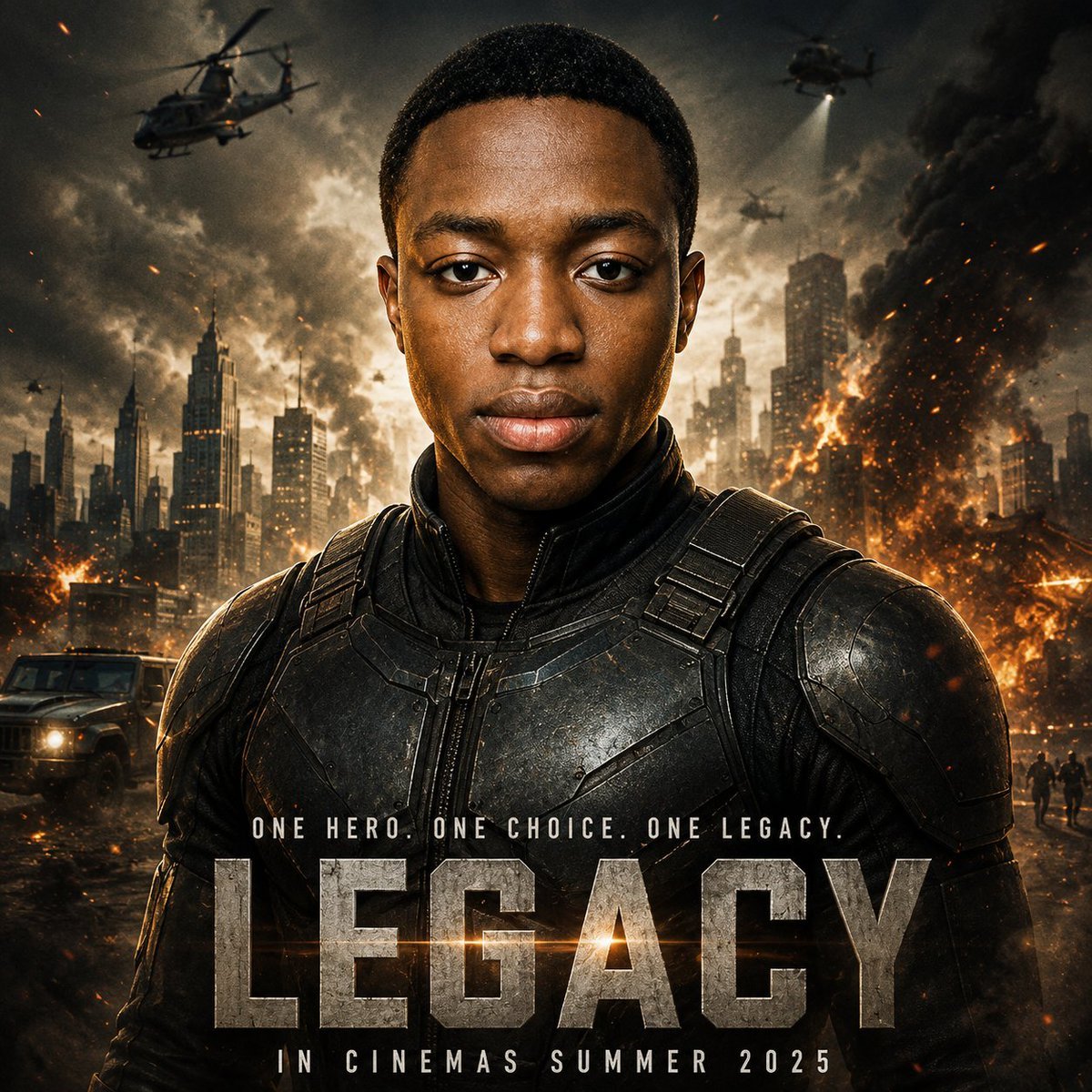
Cinematic Hero Movie Poster
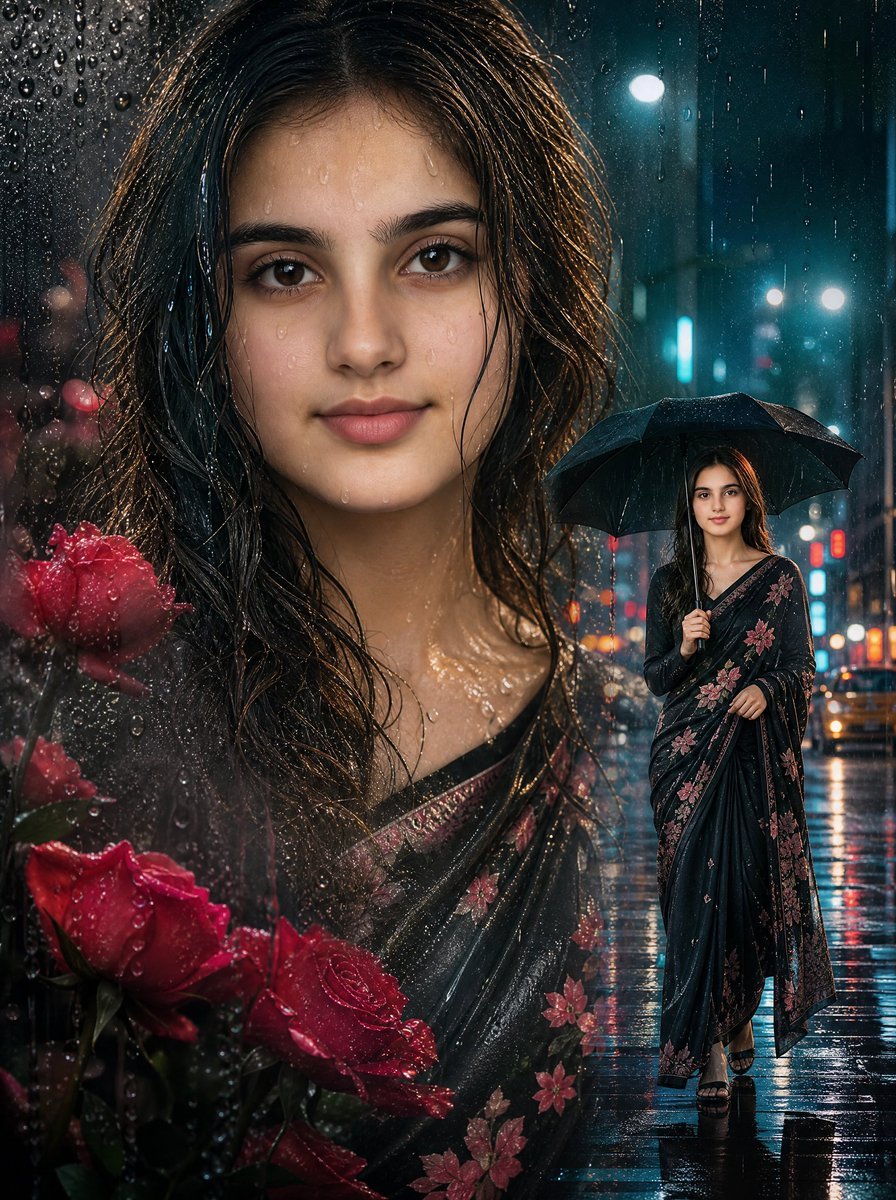
Rainy Double Exposure Movie Poster
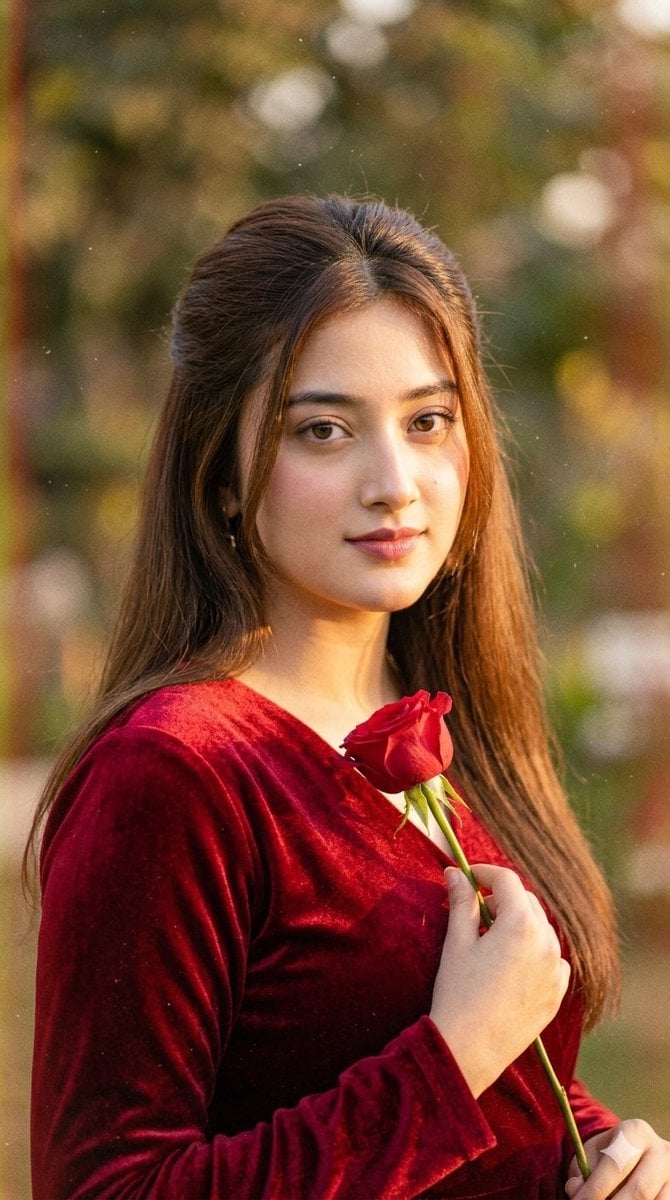
Retro 90s Romantic Movie Portrait
Make it yours
Movie Still Character Swap works as-is. These are the safest ways to change it without losing the look.
Change one field
Copy a single group, rewrite it, and generate again so you can see what that field is doing.
Keep the frame, change the subject
Hold the composition and light of Movie Still Character Swap, then swap wardrobe, props or the person for a new take.
| If the result… | Why | Fix |
|---|---|---|
| The result drifts from the preview | Too many fields changed at once. | Reuse Movie Still Character Swap as-is first, then change one group — subject, light, or setting. |
| The model over-stylizes the scene | The prose prompt leaves finish and camera underspecified. | Add one camera or lighting sentence and stay on GPT Image 2. |
More GPT Image 2 templates
Other prompts made for GPT Image 2.

Six VTuber Japanese Logo Sheet

Realistic Portrait of Woman and Deer

The Vista Modular Condo Poster

AI Model Routing Comparison Infographic

2.5D Anime Art Board

Isometric Productivity Desk Scene

New York Double Exposure Poster

Four-Panel AI Landscape Comparison

Japanese Tatami Lifestyle Magazine Cover

NESCAFÉ Coffee Map Poster
More image prompts
Fresh picks from across the catalog.
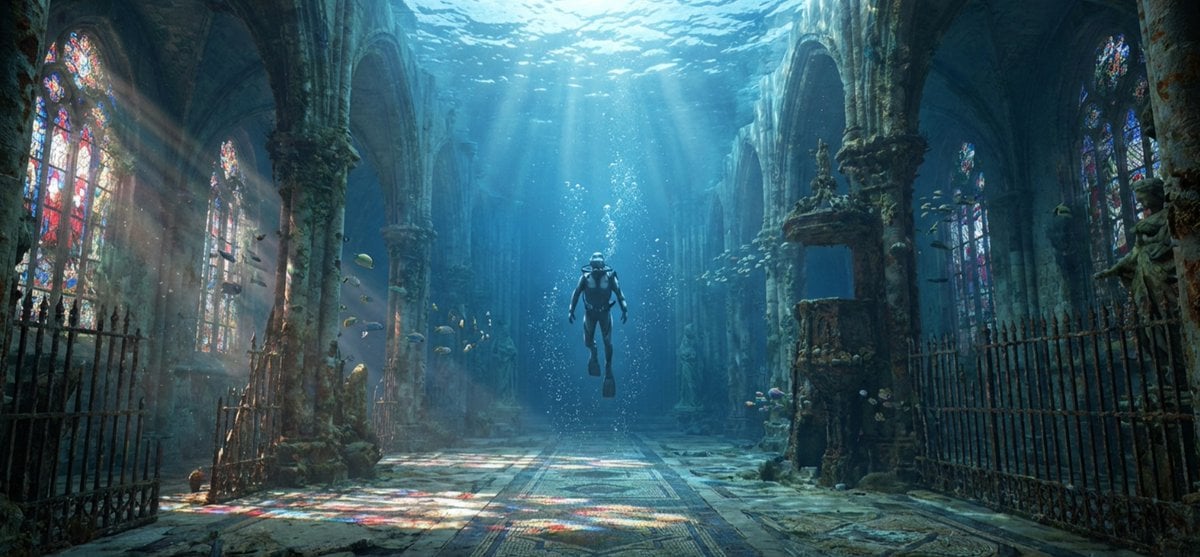
Cinematic rainy street, underwater cathedral, and design-to-photo
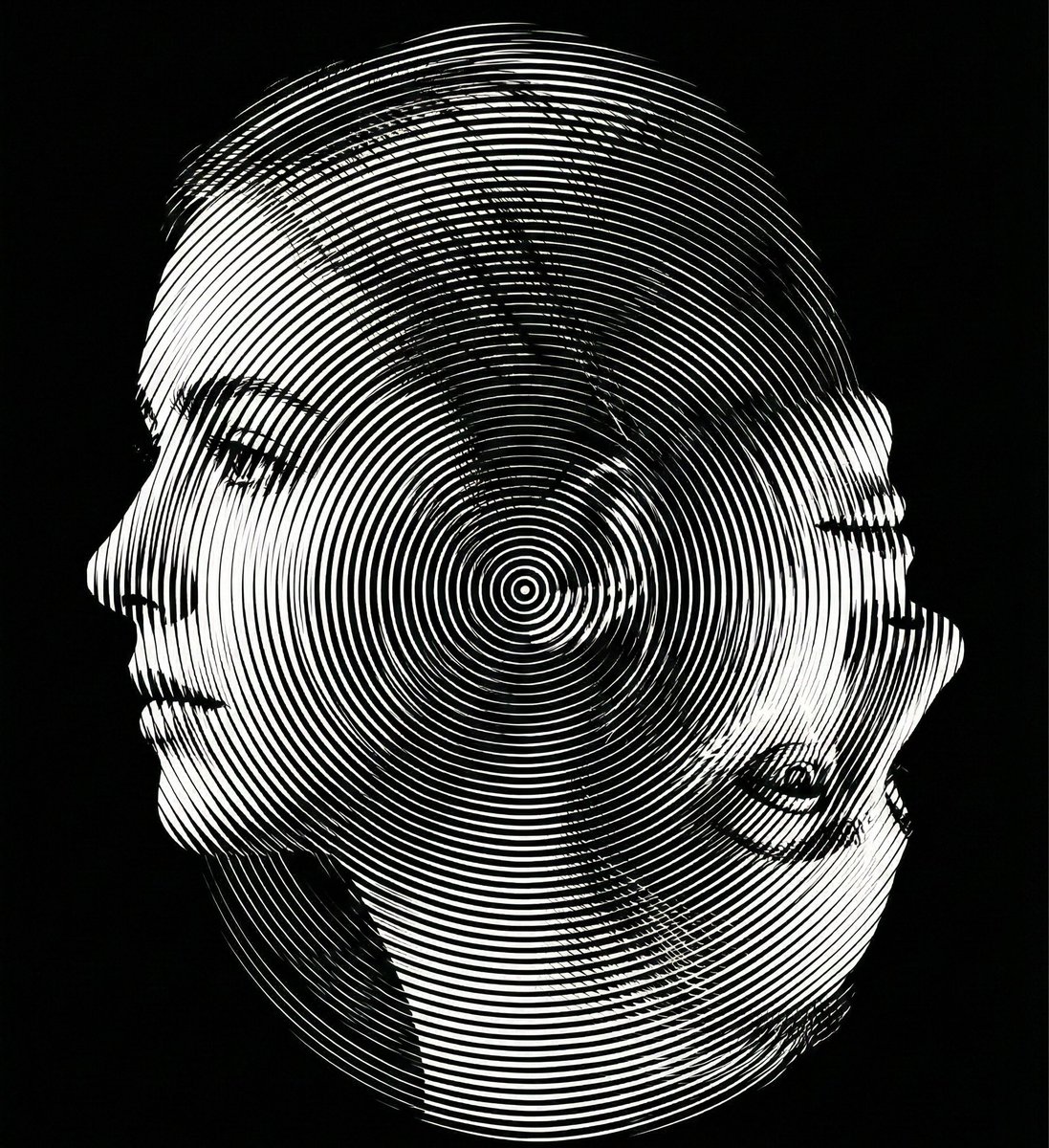
Dual-Orientation Optical Illusion Portrait
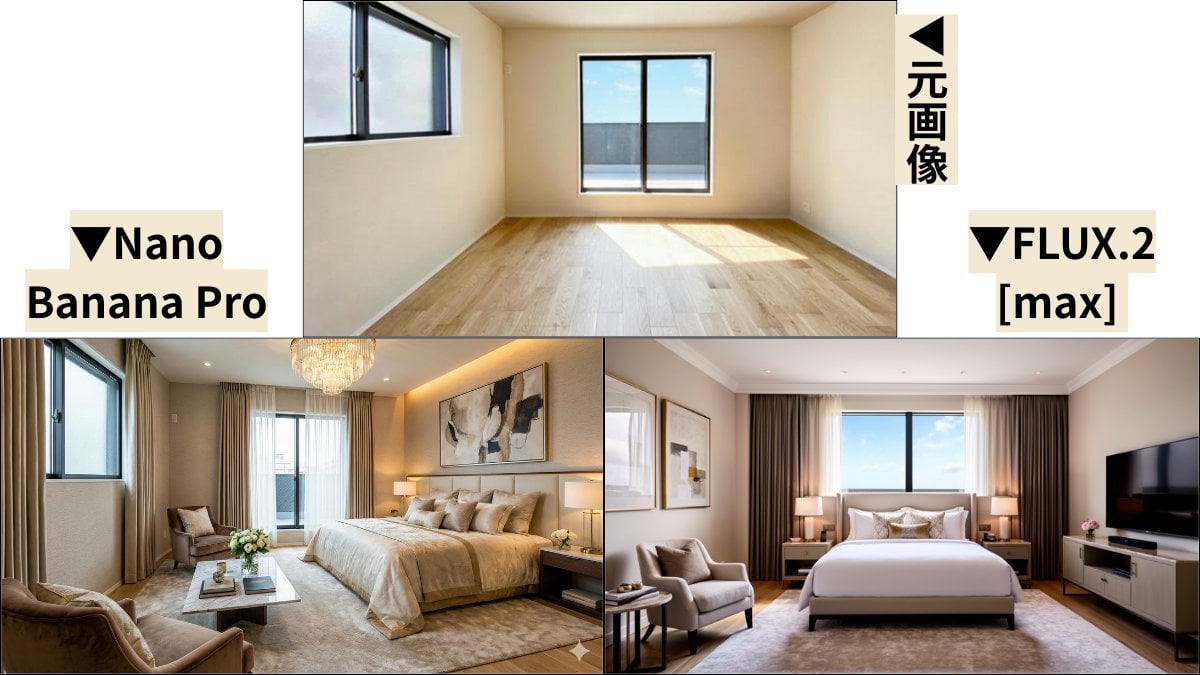
Room Transformation to Five-Star Hotel Suite
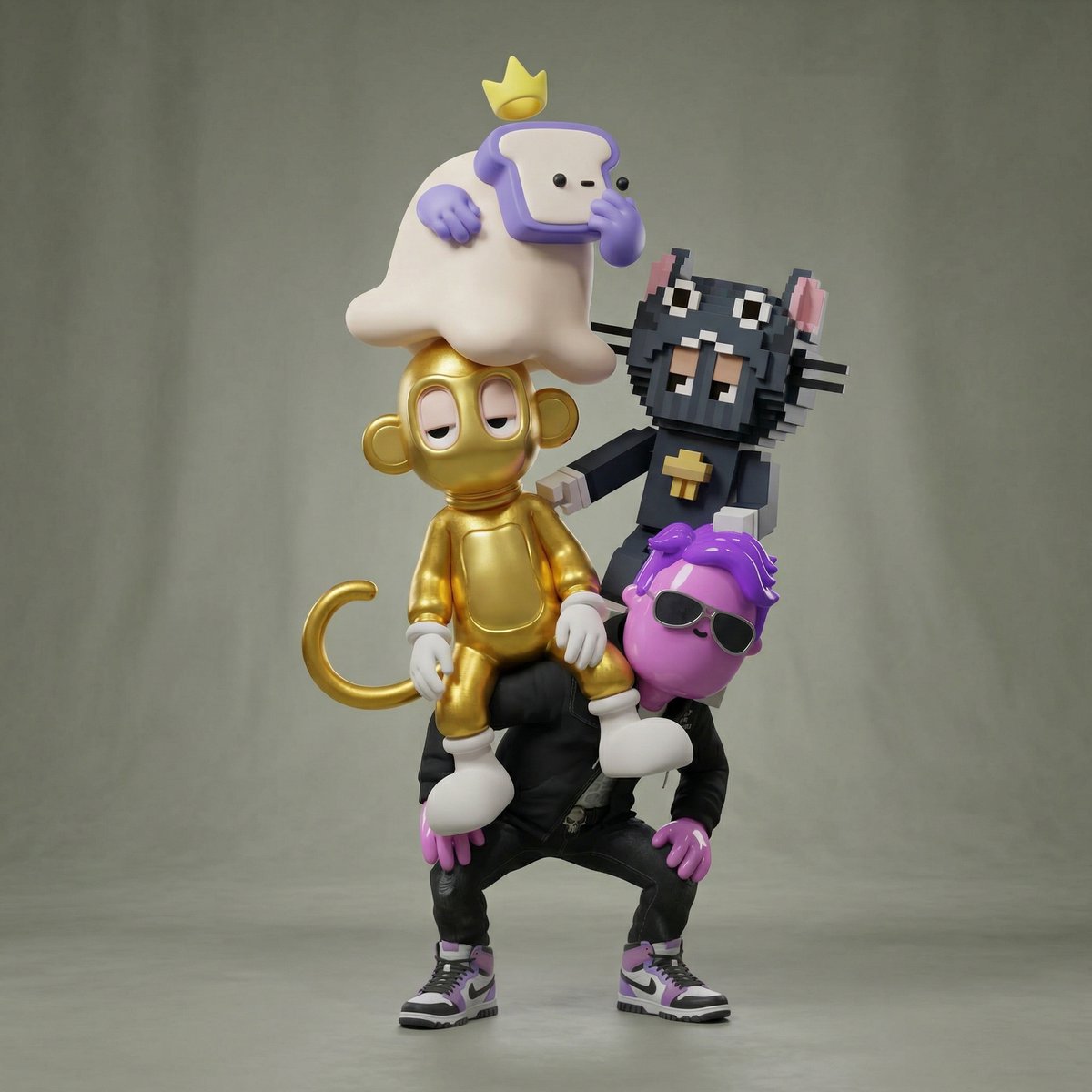
Awkward Stacked NFT Family Portrait
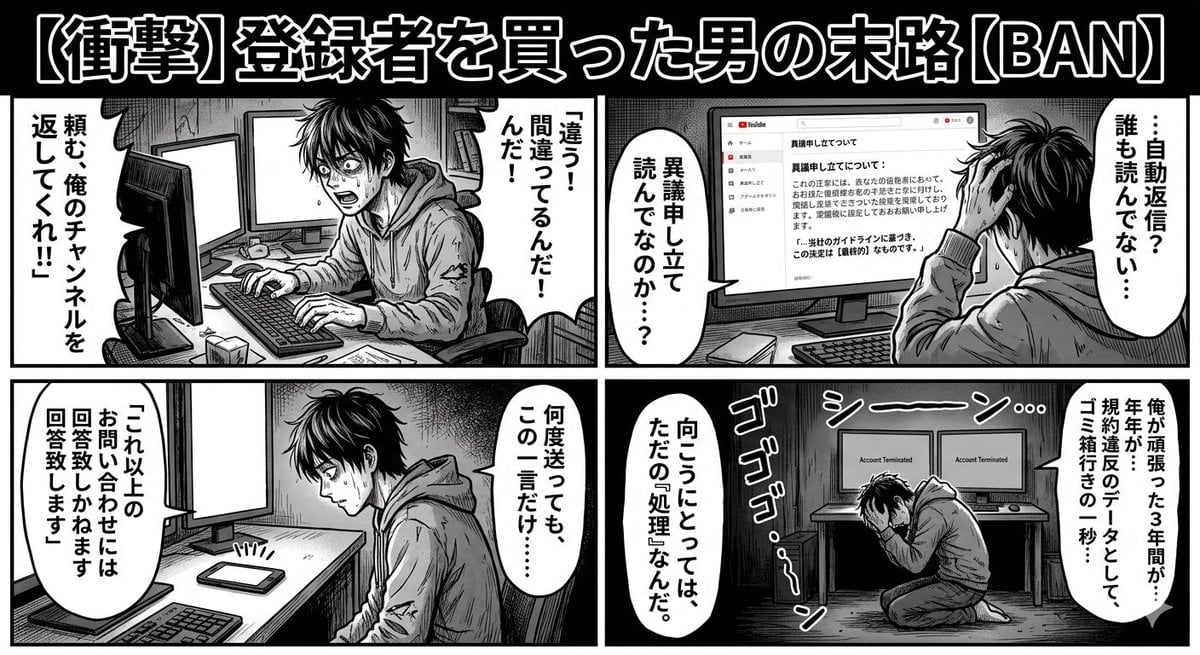
Four-Panel Manga: Labyrinth of Objection
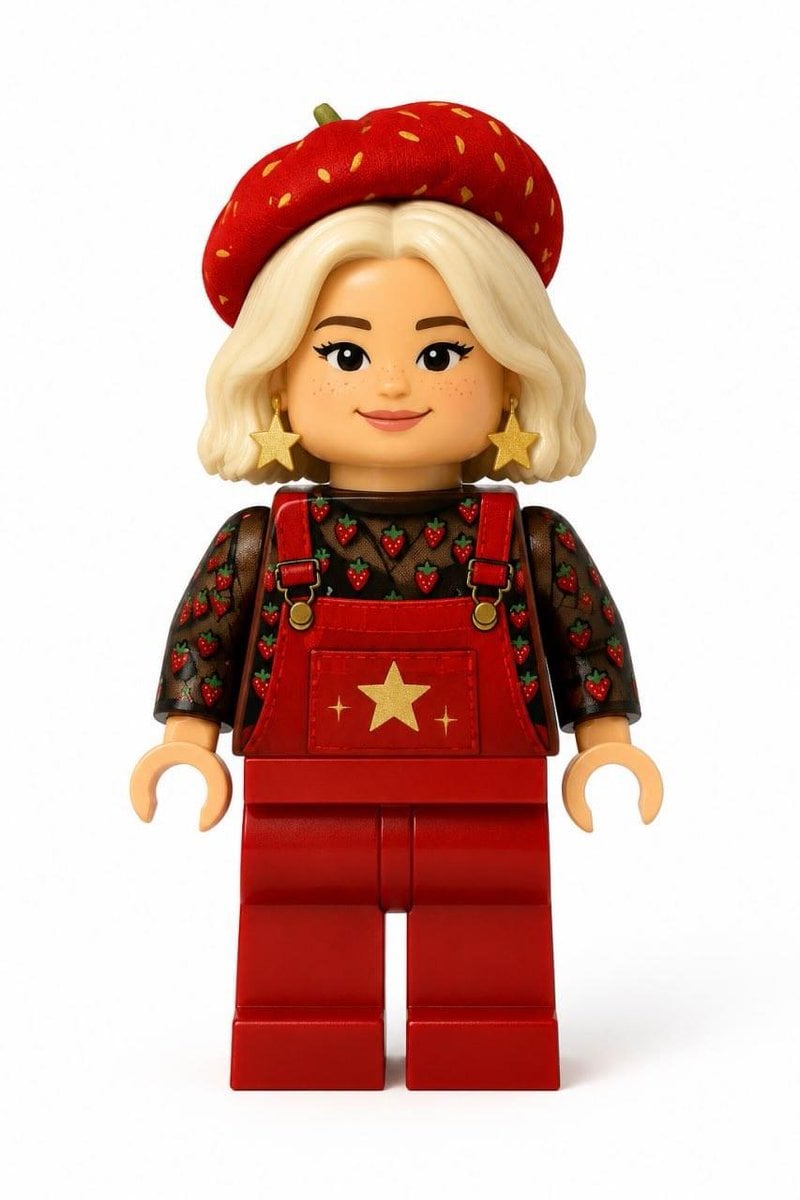
Realistic LEGO Minifigure Transformation
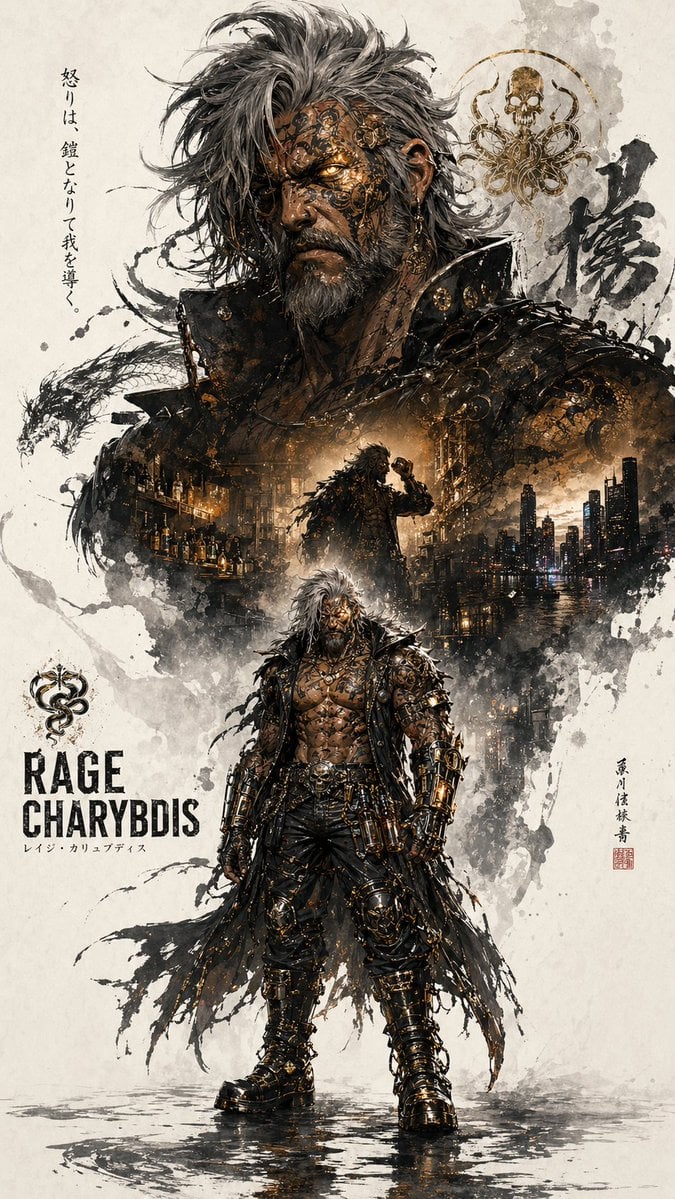
Character Promotion Poster Framework
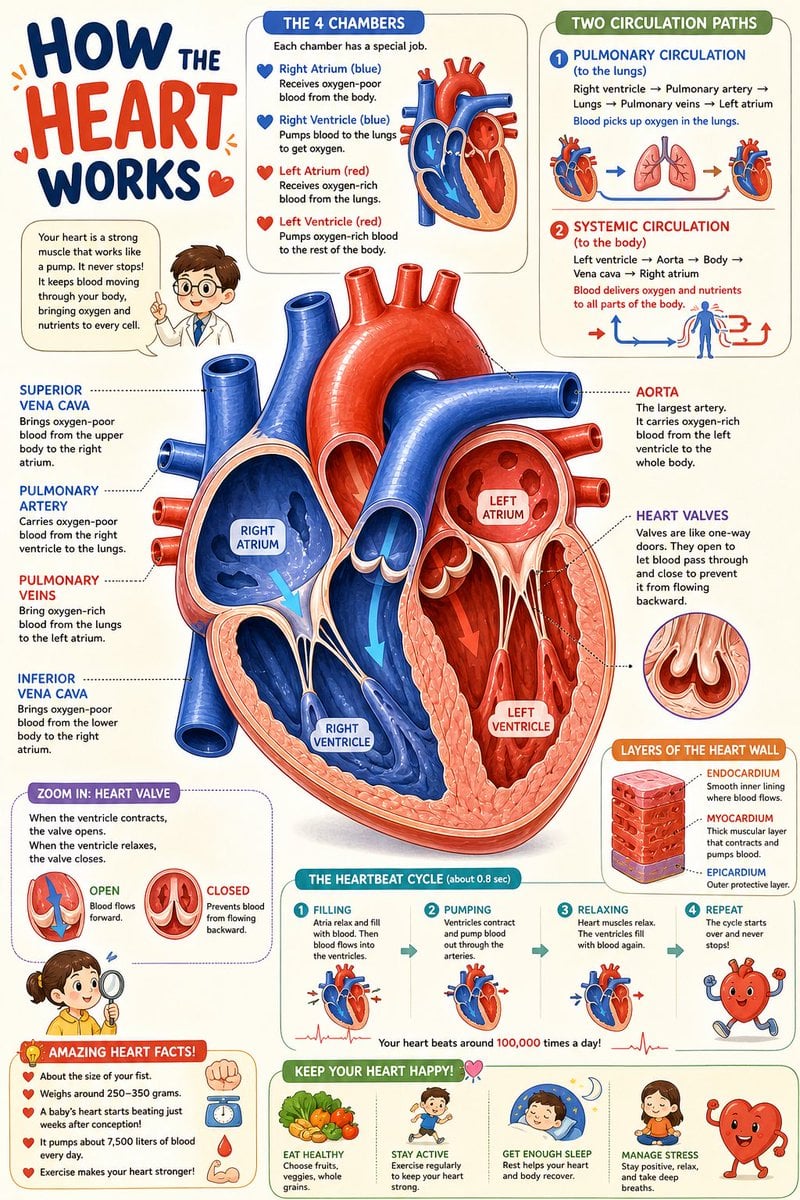
Science Book Illustration with Cutaway Diagram
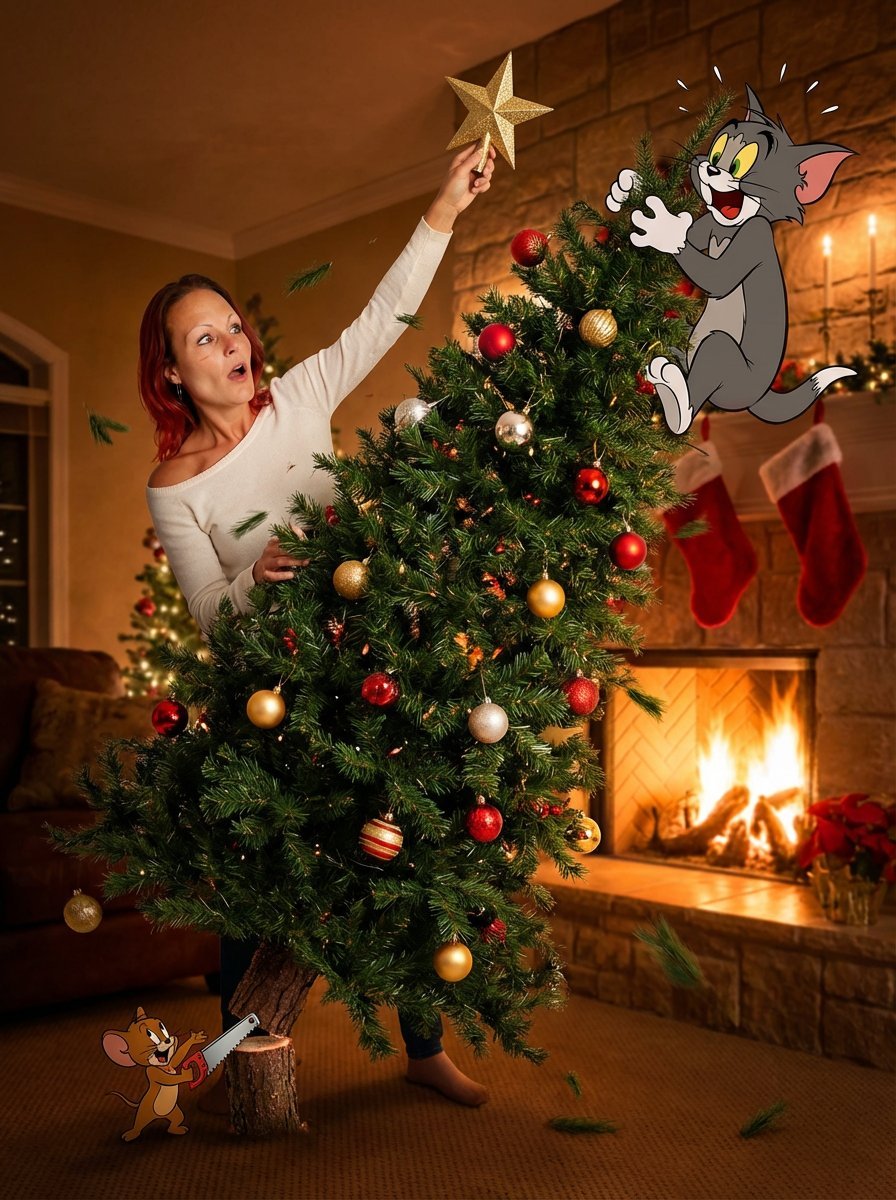
Christmas Tree Disaster Action Freeze (Tom and Jerry Style)
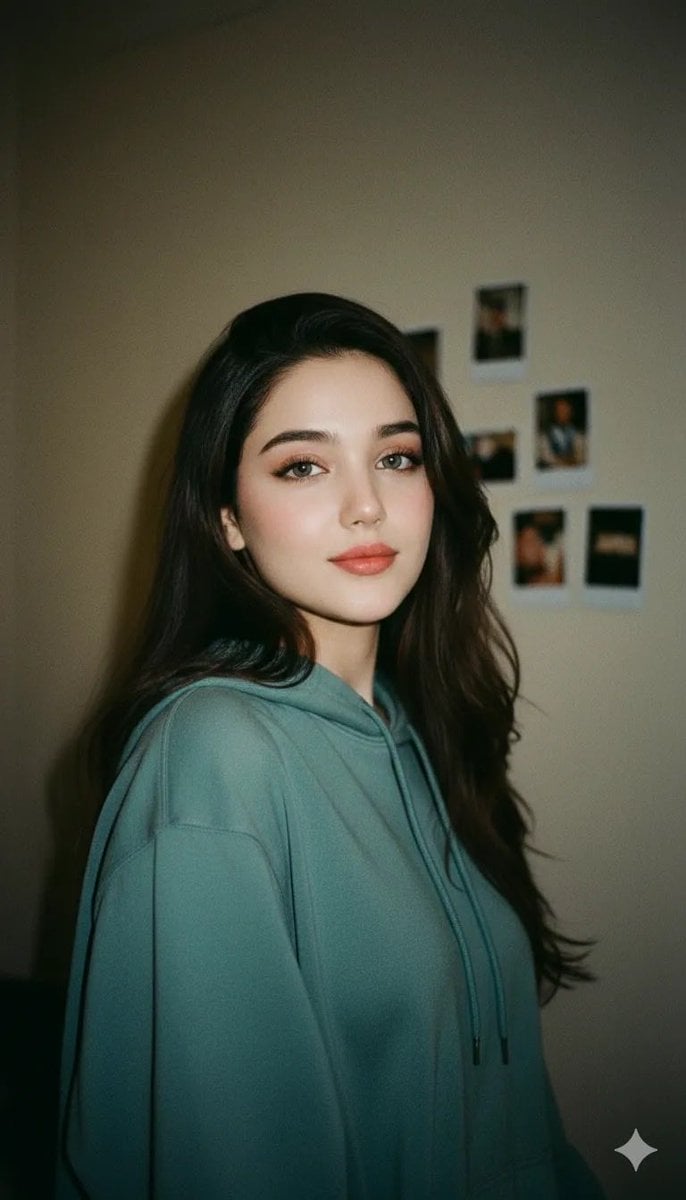
Cinematic Indoor Portrait of a Woman in a Teal Hoodie (Two Variations)
Browse template categories
Movie Still Character Swap questions
How do I use the Movie Still Character Swap template?
Add your photo if the template asks for one, edit the prompt if you like — the template's model and format are already selected — and press Generate. Your version opens in PicX Studio.
Can I customize the Movie Still Character Swap template?
Yes. You can change the subject, setting, lighting, mood, format, and available model controls before creating your image.
Is the Movie Still Character Swap template free?
Opening and editing this template is free. Generating uses credits, shown on the Generate button when you are signed in.
Which AI model should I use?
Start with GPT Image 2, which is the model associated with this template. You can compare another compatible model for a different finish.
Looking for something else? Browse all templates.

Your photo, any look
Thousands of ready templates for every top image and video model, from one credit balance.