
Character Promotion Poster Framework
A comprehensive structural framework for creating character promotion posters with a focus on hierarchy, visual impact, and Eastern aesthetics.
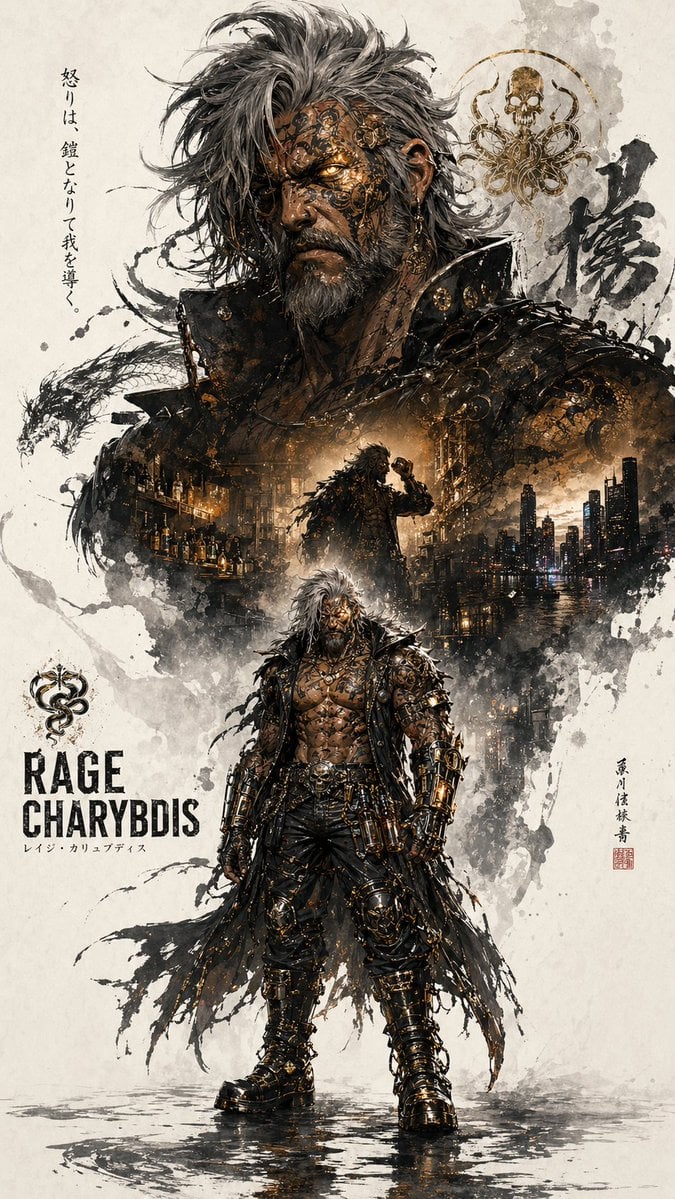
- Prompt included
- Model and format preset
- Premium template
The prompt behind this image
Copy the exact prompt behind Character Promotion Poster Framework, or open it in the studio and make it yours.
【基本仕様】 ・キャラクタープロモーションポスター ・縦型(9:16)の統一キービジュアル ・シリーズ展開を前提とした構成 【キャラクターデザイン】 ・参照画像のデザインを忠実に反映 (髪型/顔立ち/衣装/モチーフ) ・特徴的な要素を正確に再現し識別性を重視 【構図構造】 ・「上部大・下部小」の階層構造 ・上半分:象徴的要素の拡大(頭部/顔の輪郭/マスク/上半身シルエット) ・下半分:全身キャラクター配置 ・安定した立ちポーズ または 軽い動き 【メインビジュアル設計】 ・上部に強いアイコン性を持つ巨大シルエット ・視覚的インパクト重視 ・キャラクターの象徴を一目で伝える 【コラージュ/ダブルエクスポージャー】 ・巨大シルエット内部に複数要素を内包 ・シーン/象徴モチーフ/環境を重ねる ・ナラティブ(物語性)を構築 ・霧/インク/余白に溶け込むように統合 【世界観表現】 ・キャラクターの世界観に基づく複数シーン ・象徴的モチーフの配置 ・小さなキャラクターの動きや演出 ・環境ディテール(自然/建築/空気感) 【レイアウト(左右構成)】 ・左右に補完的要素を配置 ・構図にリズムを与える ・ストーリー的な緊張感を演出 【視線誘導設計】 ・上から下へ流れる一本の視線ライン ・上部巨大シルエット → 内部コラージュ → 下部全身キャラクター ・連続的な視線誘導を設計 【余白・エッジ処理】 ・余白を大きく活用 ・エッジ表現: - インクのにじみ - ソフトブラー - 断片的な分解表現 【美学・コンセプト】 ・東洋的美意識を反映 - 余白 - 気配 - 不完全さ ・静けさと緊張感の共存 【スタイル・トーン】 ・統一感のあるビジュアル ・洗練された表現 ・抑制されたトーン ・過度な情報過多を避ける 【仕上がり品質】 ・高い奥行き表現 ・強い視覚インパクト ・ストーリー性重視 ・シリーズポスターとして成立する完成度
How to use Character Promotion Poster Framework in 3 steps
- 1Upload ImagePNG, JPG or paste
Add your photo
Upload the photo the template builds on. The prompt, model and format are already set.
- 2…a portrait of your subject in softgolden-hour light, 85mm…
Personalize
Edit the subject and creative details for your destination.
- 3Generate
Generate
Press Generate — your image is created in PicX Studio, so you can compare it with the original and refine one variable at a time.
More like this
Templates with the same subject, style or setup. Open one to see its prompt.

Japan Travel Brochure Poster

Cartoon TV Show Poster Pack

Trendy Cafe Drink Promo Poster

Urban Fashion Editorial Collage Streetwear Poster

Premium Fashion Editorial Cover Layout System

Polo Ralph Lauren Luxury American Heritage Fashion Campaign

Monochrome Halftone Editorial Fashion Poster

Retro Mirror Luxury Fashion Campaign Poster

Luxury Fashion Campaign Typography Poster System

Premium Fashion Editorial Campaign Poster System

Ultra-Stylized High-Fashion Streetwear Poster

Urban Fashion Editorial Collage Poster
Make it yours
Character Promotion Poster Framework works as-is. These are the safest ways to change it without losing the look.
Change one field
Copy a single group, rewrite it, and generate again so you can see what that field is doing.
Keep the frame, change the subject
Hold the composition and light of Character Promotion Poster Framework, then swap wardrobe, props or the person for a new take.
| If the result… | Why | Fix |
|---|---|---|
| The result drifts from the preview | Too many fields changed at once. | Reuse Character Promotion Poster Framework as-is first, then change one group — subject, light, or setting. |
| The model over-stylizes the scene | The prose prompt leaves finish and camera underspecified. | Add one camera or lighting sentence and stay on GPT Image 2. |
More GPT Image 2 templates
Other prompts made for GPT Image 2.

Six VTuber Japanese Logo Sheet

Realistic Portrait of Woman and Deer

The Vista Modular Condo Poster

AI Model Routing Comparison Infographic

2.5D Anime Art Board

Isometric Productivity Desk Scene

New York Double Exposure Poster

Four-Panel AI Landscape Comparison

Japanese Tatami Lifestyle Magazine Cover

NESCAFÉ Coffee Map Poster
More image prompts
Fresh picks from across the catalog.
Python-Scripted Hidden Logo Landscape
Minimalist Fashion Runway Illustration
Moody Cinematic Portrait
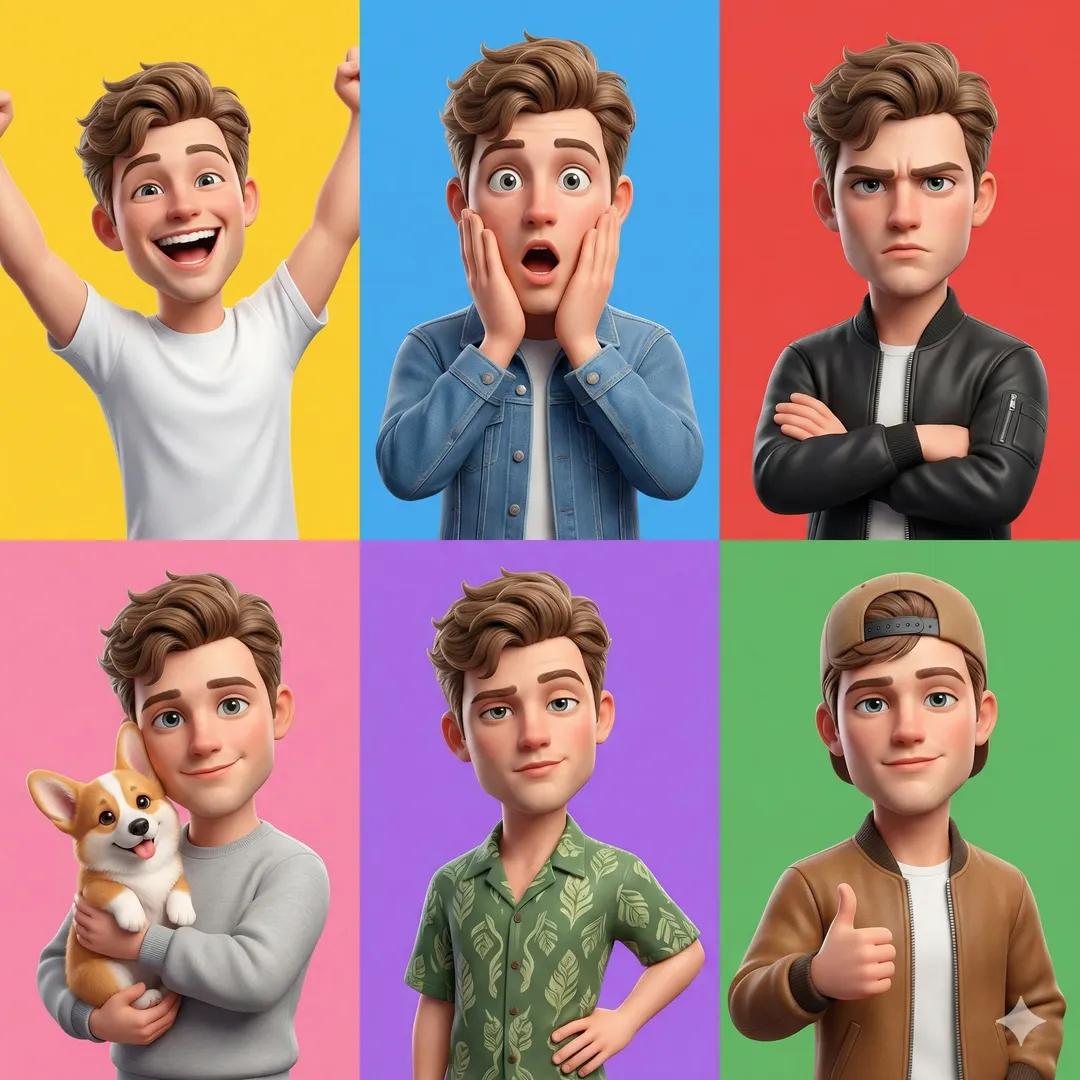
3D Pixar-Style Character Grid
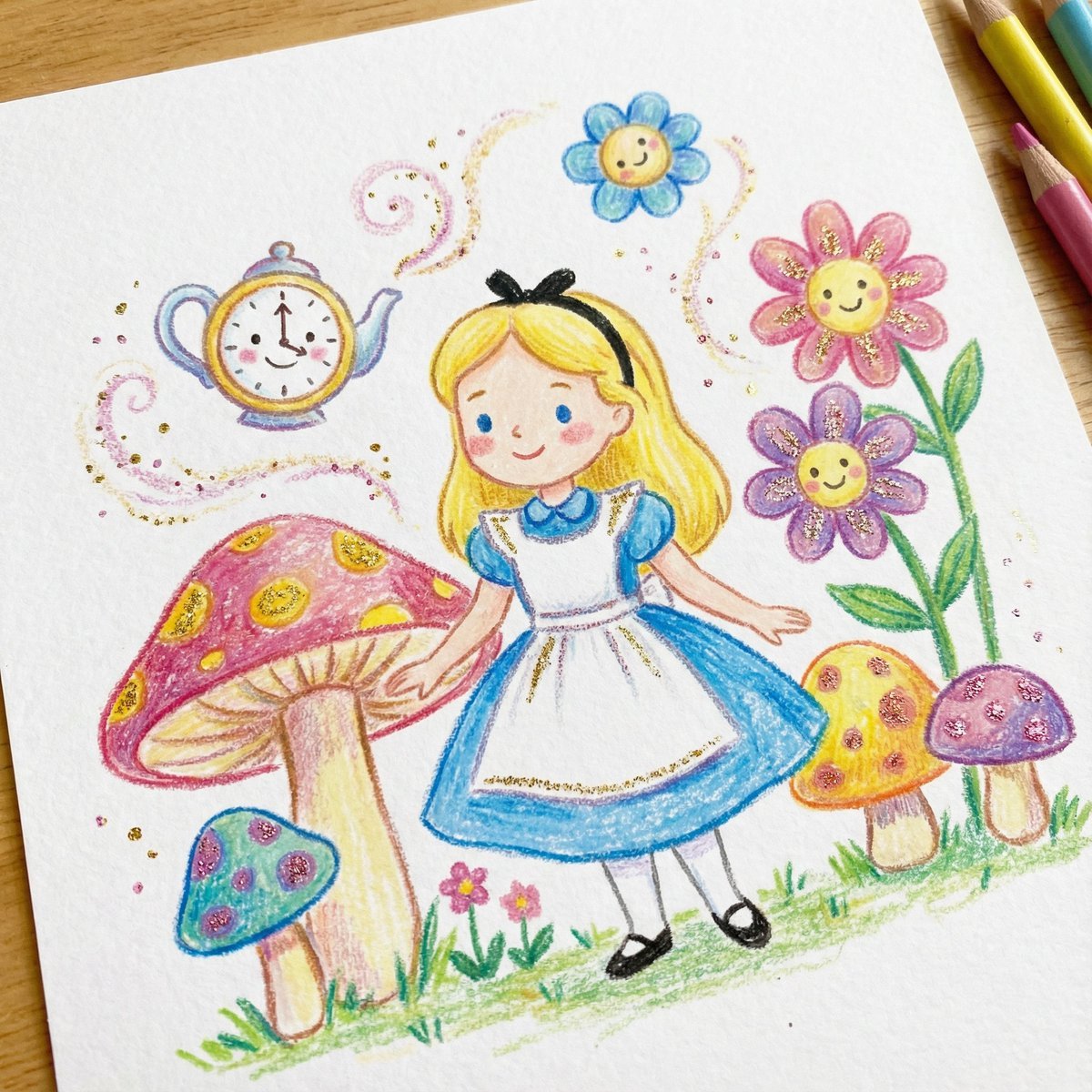
Children's Book Illustration Style Prompt for Character Drawing
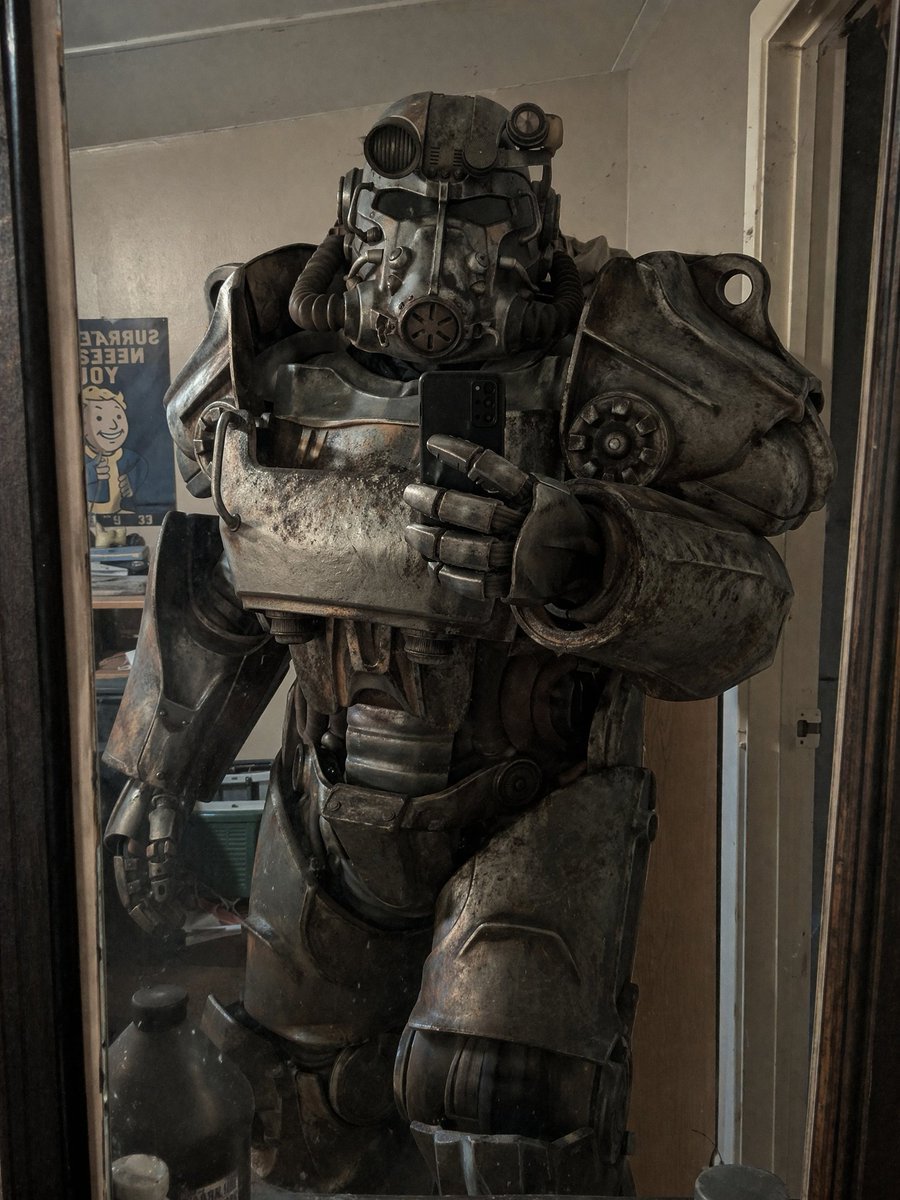
Power Armor Mirror Selfie
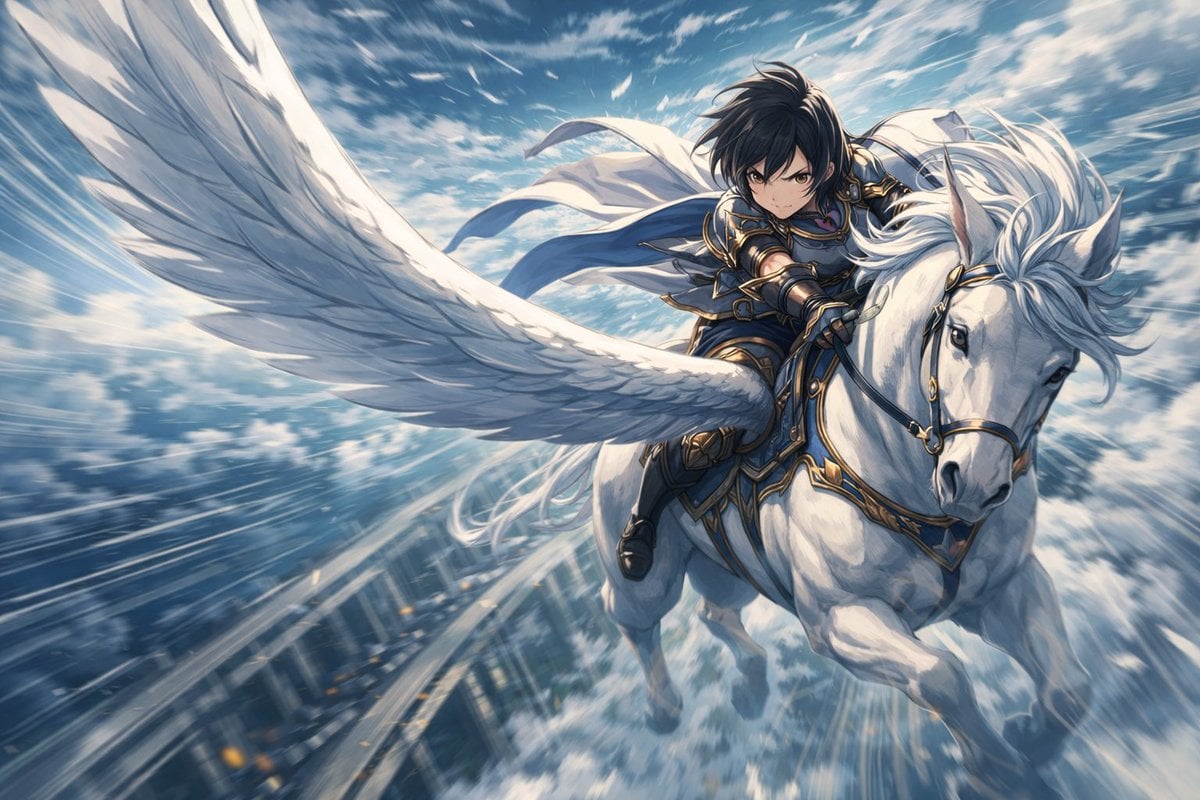
Character Riding Pegasus Fantasy Illustration Prompt
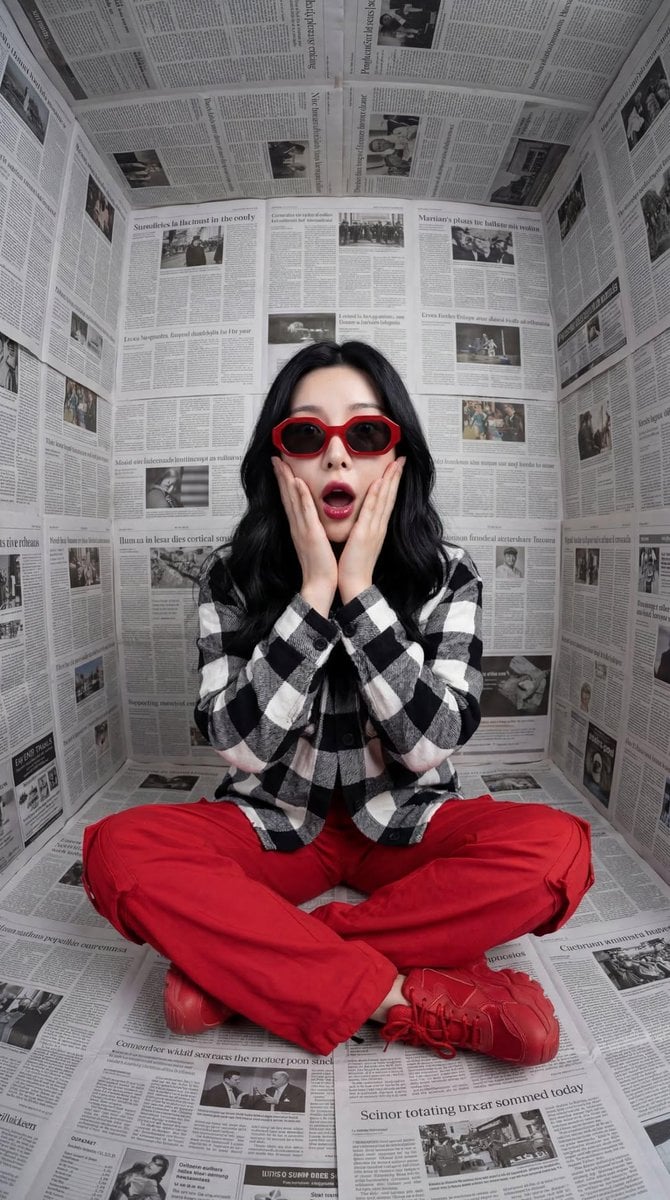
Surreal Editorial Fashion Portrait with Newspaper Background
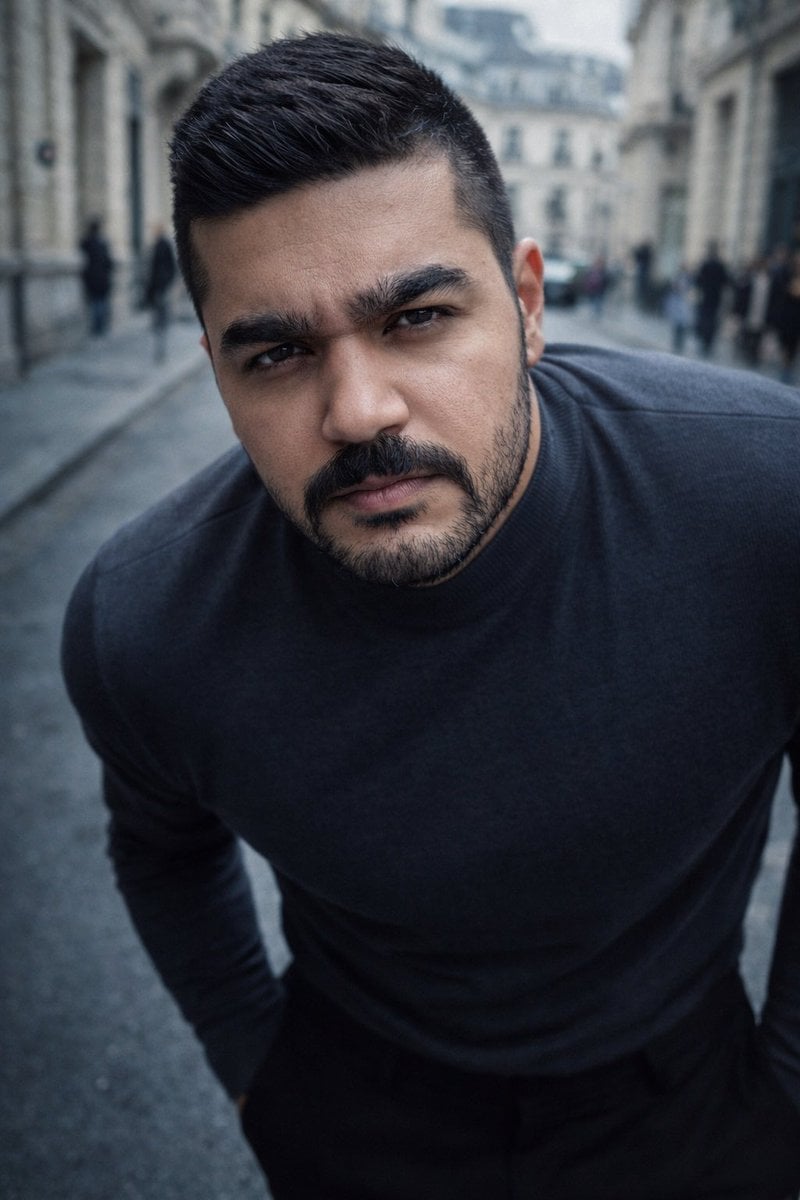
High-Impact Male Fashion Editorial with Identity Lock
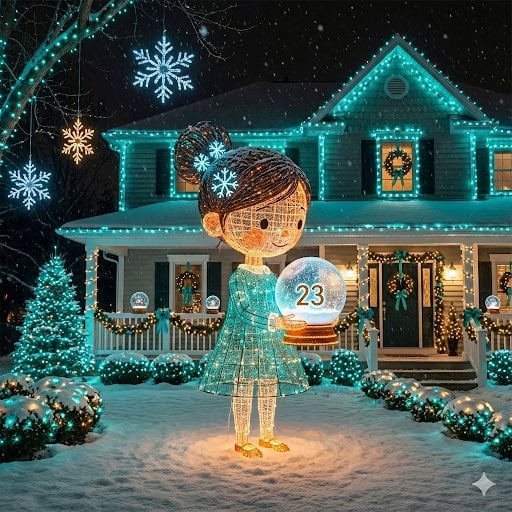
Image-to-Outdoor Christmas Decor Prompt
Browse template categories
Character Promotion Poster Framework questions
How do I use the Character Promotion Poster Framework template?
Add your photo if the template asks for one, edit the prompt if you like — the template's model and format are already selected — and press Generate. Your version opens in PicX Studio.
Can I customize the Character Promotion Poster Framework template?
Yes. You can change the subject, setting, lighting, mood, format, and available model controls before creating your image.
Is the Character Promotion Poster Framework template free?
Opening and editing this template is free. Generating uses credits, shown on the Generate button when you are signed in.
Which AI model should I use?
Start with GPT Image 2, which is the model associated with this template. You can compare another compatible model for a different finish.
Looking for something else? Browse all templates.

Your photo, any look
Thousands of ready templates for every top image and video model, from one credit balance.