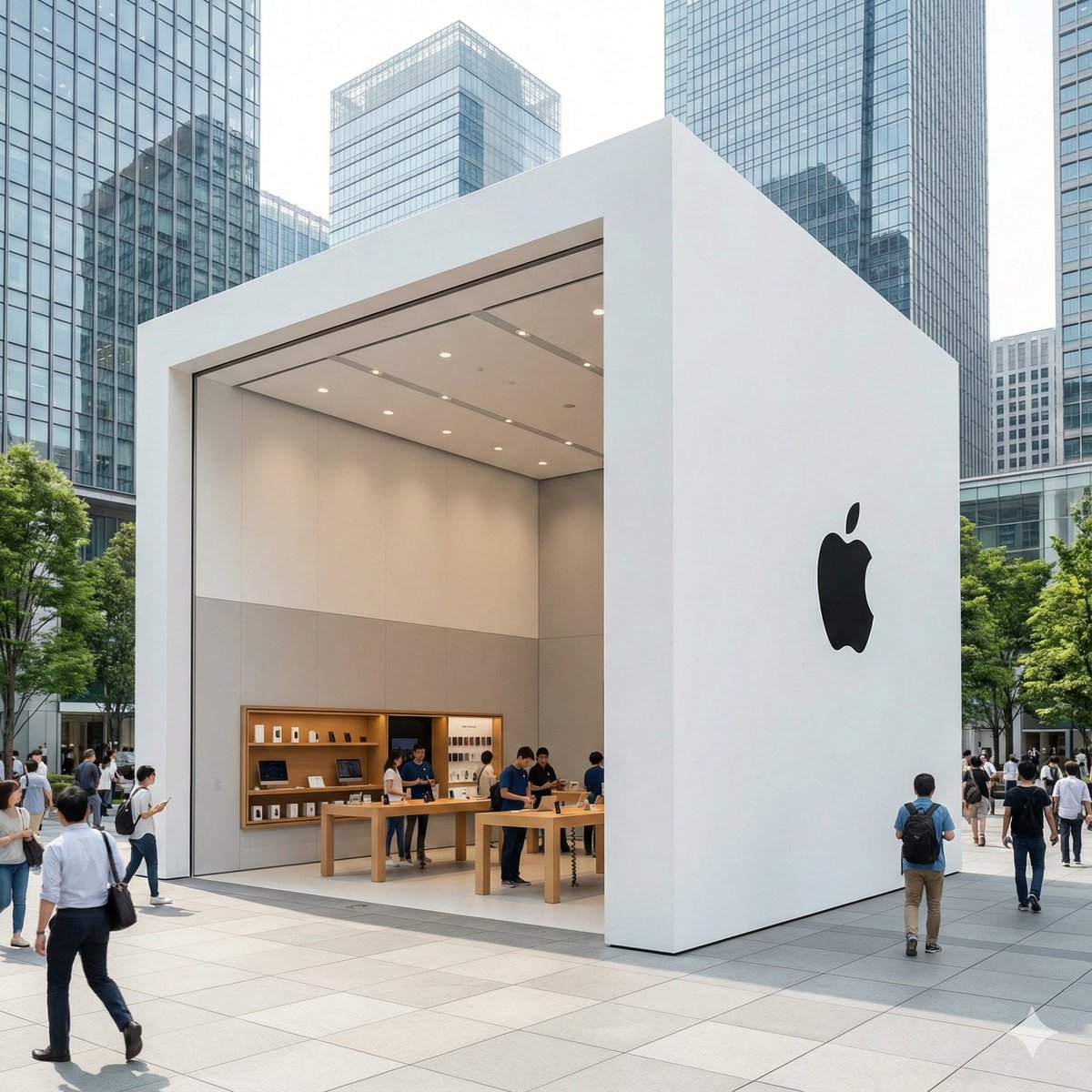
How do I use the Futuristic AI Sports Poster template?
Choose the primary action to open PicX Studio with the available template settings. Review the model and format, personalize the creative direction, and generate when ready.
This prompt generates a sleek vertical cinematic poster of a tech leader presented like a football superstar, ideal for social posts, promotional artwork, or AI-themed campaign visuals. Change the subject, setting, or lighting one variable at a time.

A cinematic vertical poster of {argument name="subject name" default="Sam Altman"} styled like a futuristic football superstar campaign image, waist-up portrait, centered, arms crossed, wearing a plain dark navy or black crewneck sweater, confident and calm posture, looking slightly off-camera. Place him inside a dramatic high-tech stadium or arena at night with bright floodlights glowing from the upper left, dark steel architecture overhead, and a cool blue sci-fi atmosphere. Add floating particles and light debris in the air for energy and motion. Surround the subject with futuristic AI interface graphics: 1 glowing wireframe cube icon on the left side, 1 luminous digital brain or neural-network globe on the right side, and multiple transparent holographic dashboard screens with charts and data panels behind him. Use a deep blue, black, and white color palette with sharp contrast, glossy highlights, subtle lens glow, and premium blockbuster poster lighting. Make the composition sleek, aspirational, and tech-forward, like a sports ad merged with artificial intelligence branding. At the bottom, add the title text {argument name="main title" default="THE FUTURE"} in very large metallic white uppercase letters, with the word "THE" smaller above the main word, and add the tagline {argument name="tagline" default="Built with Intelligence"} below in smaller spaced-out sans-serif text. Include faint hexagonal HUD linework near the lower corners and a glowing horizontal light streak cutting through the title area. Ultra-detailed, photorealistic, poster design, polished commercial key art, 9:16 aspect ratio.
Choose the primary action to open PicX Studio with the available template settings. Review the model and format, personalize the creative direction, and generate when ready.
Yes. You can change the subject, setting, lighting, mood, format, and available model controls before creating your image.
This template is free to open and customize. Generation usage is shown in PicX Studio before you create.
Start with GPT Image 2, which is the model associated with this template. You can compare another compatible model for a different finish.
© 2026 PicX Studio. All rights reserved.

Follow a topic to a crawlable collection of related PicX Studio templates.
43,474 public templates available. Verified via the PicX Studio public templates API; refreshed hourly.


![Cartoon TV Show Poster Pack — A bold Cartoon Network-style promotional poster for [SHOW], featuring the main characters in a flat 2D illustrated style with thic](/_next/image?url=https%3A%2F%2Fcdn.picxstudio.com%2Fuploads%2Fimg0_107064d3-b797-488a-a32e-d75dea9d3b4c.jpg&w=828&q=100)
![vertical-football-star-campaign-poster — Create a vertical 9:16 high-resolution football star campaign poster.
Player: [Player Name]
Player concept: [football](/_next/image?url=https%3A%2F%2Fcdn.picxstudio.com%2Fuploads%2Fmeigen_996a192156cb_45d1d198-bb81-4272-be3f-df0eda9f0a74.jpg&w=828&q=100)





![Japan Travel Brochure Poster — Create a vertical vintage travel-brochure infographic poster titled “[COUNTRY/DESTINATION]: [TAGLINE]”, using a warm parchment-pa](/_next/image?url=https%3A%2F%2Fcdn.picxstudio.com%2Fuploads%2Fp0_982bf820-bb34-4c43-8a6d-42d799d7282b.jpg&w=828&q=100)






![clean-minimalist-player-editorial-poster — A professional sports graphic design poster of [Player Name], designed in a clean, modern, and minimalist editorial s](/_next/image?url=https%3A%2F%2Fcdn.picxstudio.com%2Fuploads%2Fmeigen_5524a0a10196_94b81982-ef58-45e9-8d49-9b017a7f26cb.jpg&w=828&q=100)


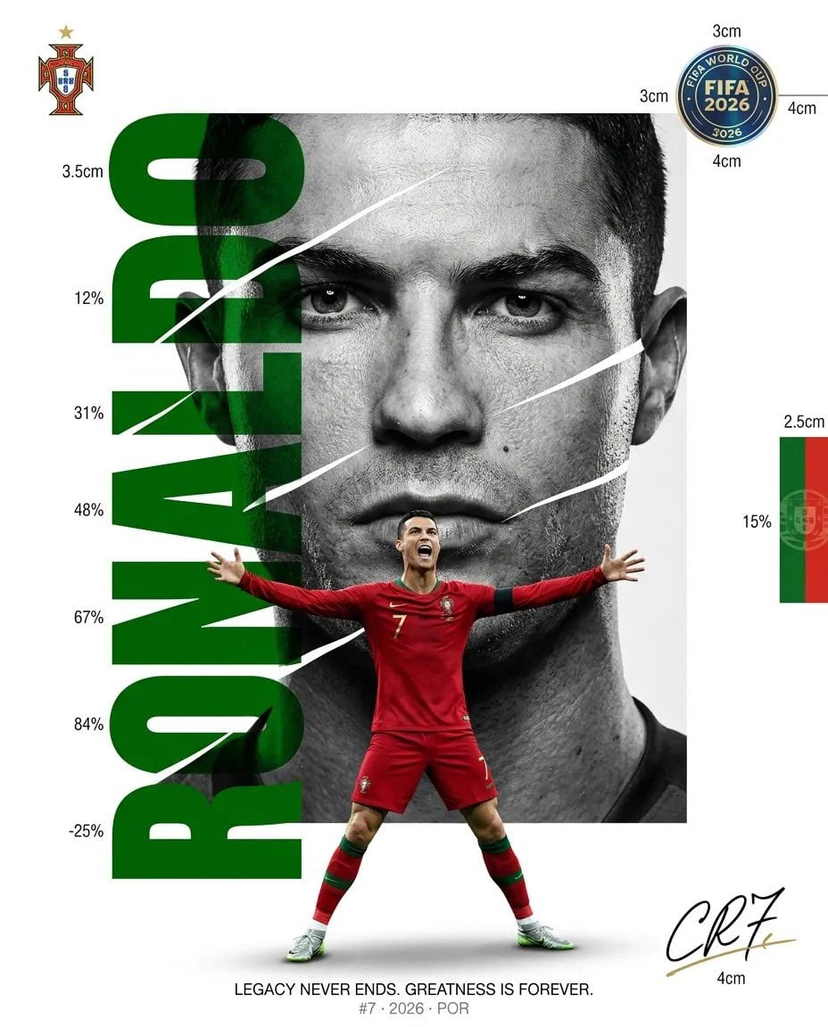


![campaign-smoke-national-symbols-world-cup — A hyper-realistic cinematic campaign poster for [Country]. Thick [Color One] and [Color Two] smoke e…](/_next/image?url=https%3A%2F%2Fcdn.picxstudio.com%2Fuploads%2Fmeigen_ce5bae0e0712_50be07ac-9537-419b-9c47-694fe49ef3d8.jpg&w=828&q=100)



![Minimalist Flat Vector Travel Poster — Premium minimalist flat-vector travel poster for {argument name="city name" default="[CITY_NAME]"}, 3:4 vertical format.](https://cms-assets.youmind.com/media/1787917359711_3ug846_HQX205cbMAA6F6S-300x400.jpg)