How do I use the Cyberpunk Streetwear Fashion Poster template?
Choose the primary action to open PicX Studio with the available template settings. Review the model and format, personalize the creative direction, and generate when ready.
A high-energy cyberpunk fashion poster prompt featuring mixed media elements, Tokyo cityscapes, and bold urban typography. Change the subject, setting, or lighting one variable at a time.
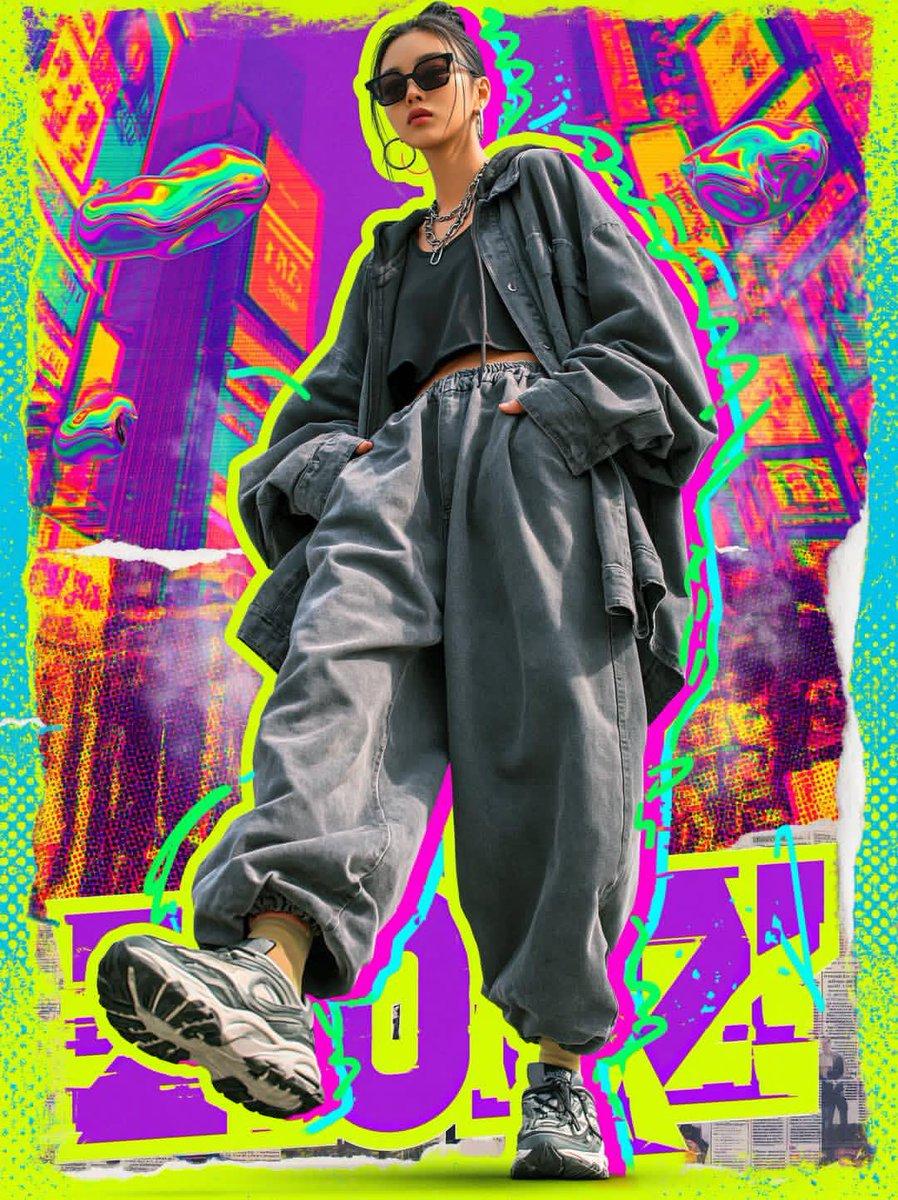
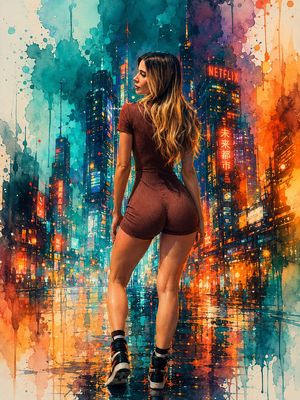
Ultra-stylized cyberpunk streetwear fashion poster, full-body young woman walking confidently toward camera, {argument name="outfit" default="oversized charcoal gray jacket and ultra-baggy jogger pants, black crop top, chunky futuristic sneakers"}, dark sunglasses, silver chain accessories, low-angle perspective, exaggerated sneaker foreground, {argument name="colors" default="neon lime green and cyan"} graffiti outline glow, vibrant magenta-yellow-purple color palette, glitchcore aesthetic, mixed media collage background, futuristic Tokyo cityscape, floating liquid chrome blobs, halftone textures, spray paint doodles, ripped paper edges, {argument name="typography" default="bold urban typography"}, high contrast lighting, editorial fashion photography mixed with pop-art and vaporwave design, dynamic motion energy, ultra-detailed, sharp focus, poster composition, trendy Gen Z street culture aesthetic, 8k.
Choose the primary action to open PicX Studio with the available template settings. Review the model and format, personalize the creative direction, and generate when ready.
Yes. You can change the subject, setting, lighting, mood, format, and available model controls before creating your image.
This template is free to open and customize. Generation usage is shown in PicX Studio before you create.
Start with GPT Image 2, which is the model associated with this template. You can compare another compatible model for a different finish.
© 2026 PicX Studio. All rights reserved.

Follow a topic to a crawlable collection of related PicX Studio templates.
43,474 public templates available. Verified via the PicX Studio public templates API; refreshed hourly.









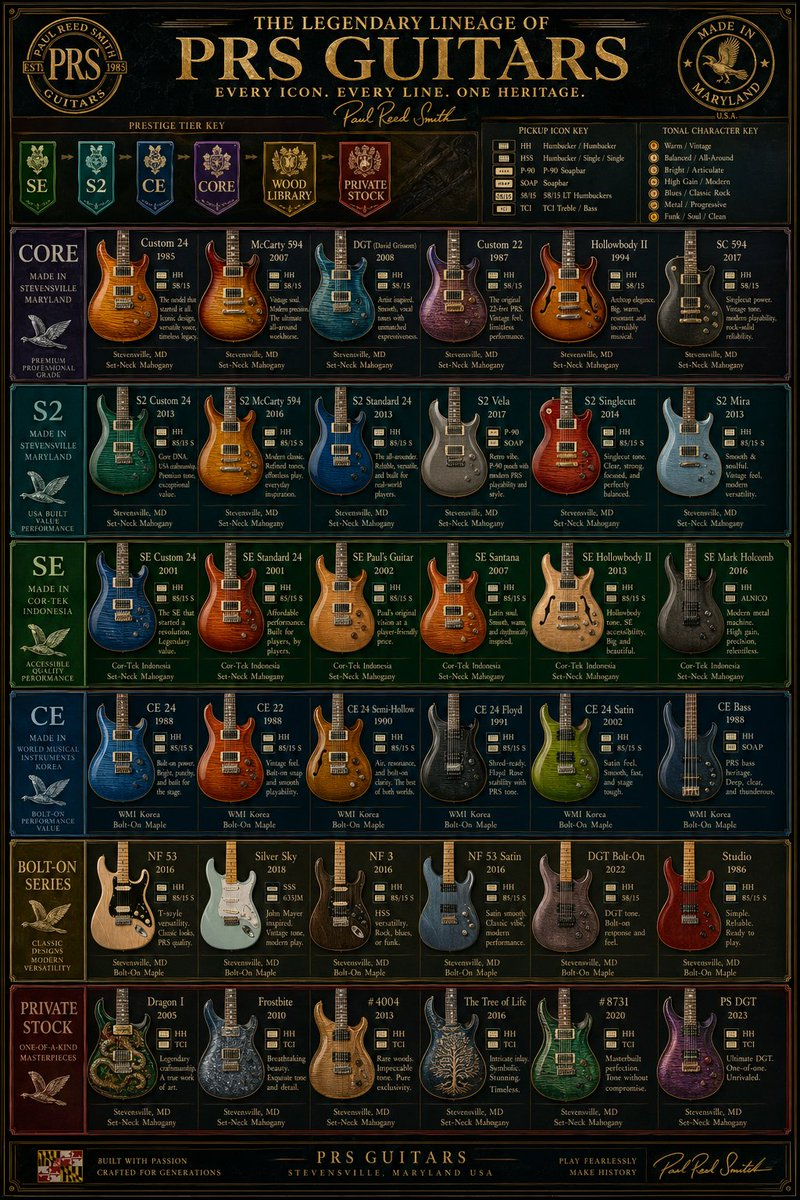
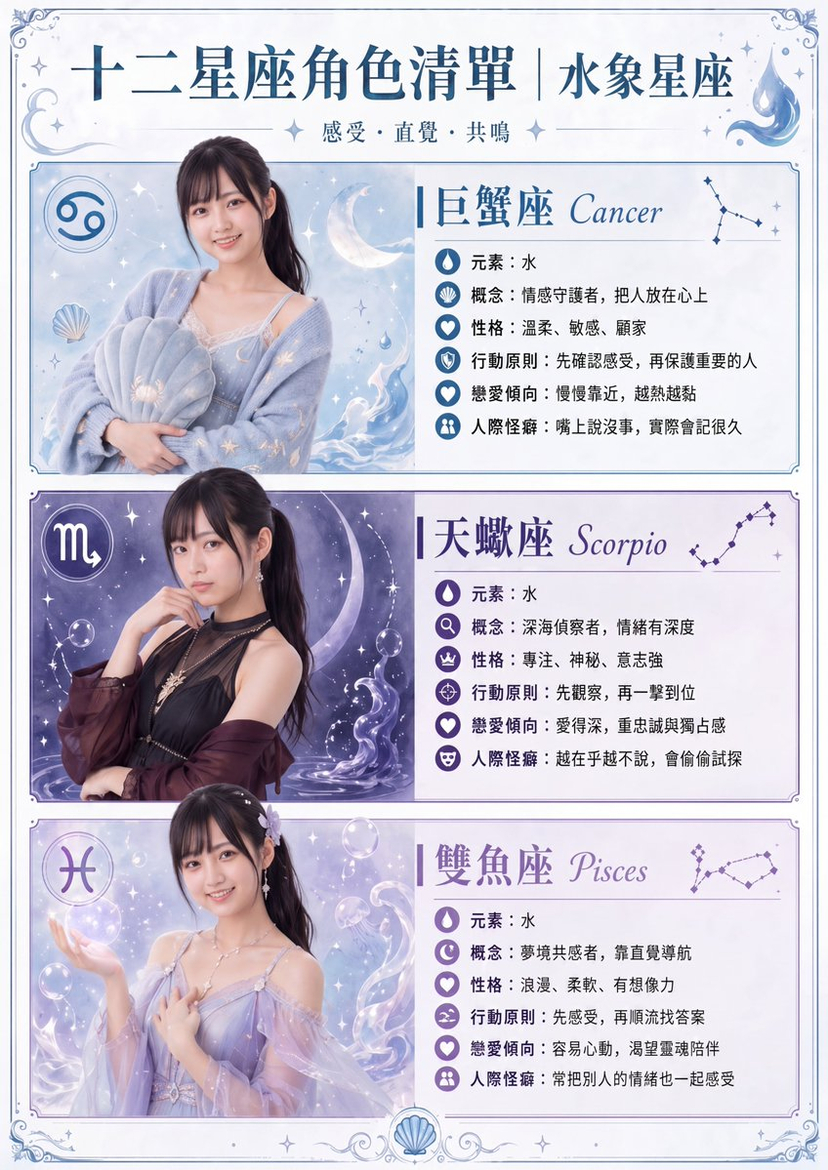
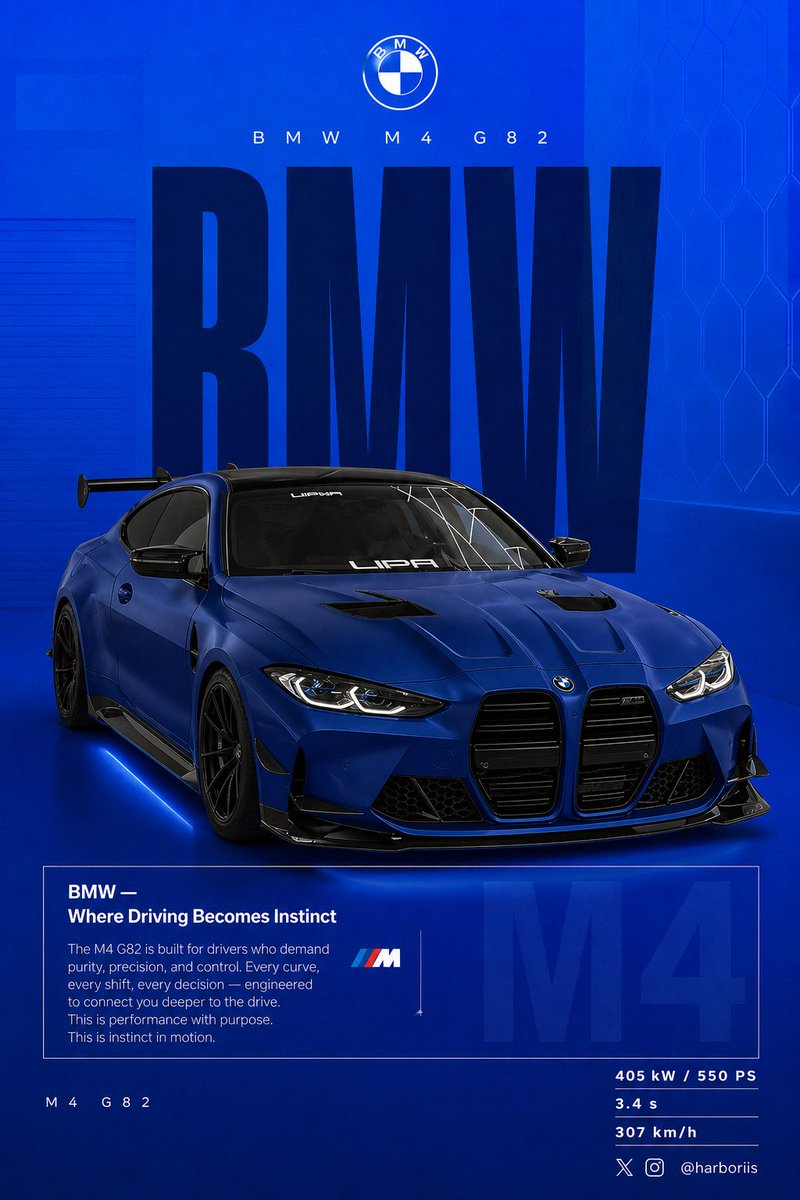


![Minimalist Flat Vector Travel Poster — Premium minimalist flat-vector travel poster for {argument name="city name" default="[CITY_NAME]"}, 3:4 vertical format.](https://cms-assets.youmind.com/media/1787917359711_3ug846_HQX205cbMAA6F6S-300x400.jpg)






















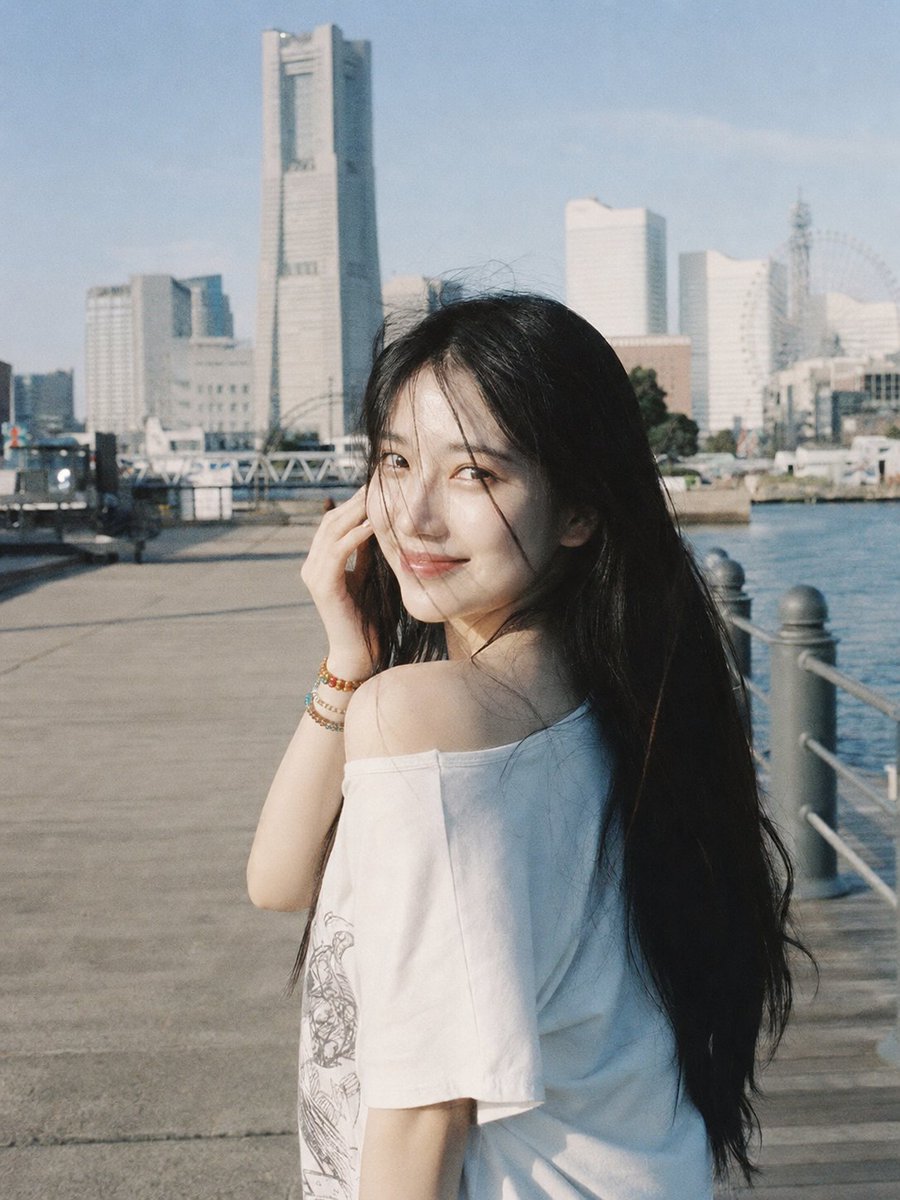

![City Poster Digital Art Prompt — 一张针对 [{argument name="城市名称" default="城市名称"}] 的城市渲染数字艺术海报。
画面核心主体是一个漂浮在白云上方、形状像所选城市的并且占据画面大部分内容的微型岛屿。岛屿的形状与城市在地图上的形状相似,无缝融合城市独特](https://pbs.twimg.com/media/G8qh4rKagAAXsn-.jpg)