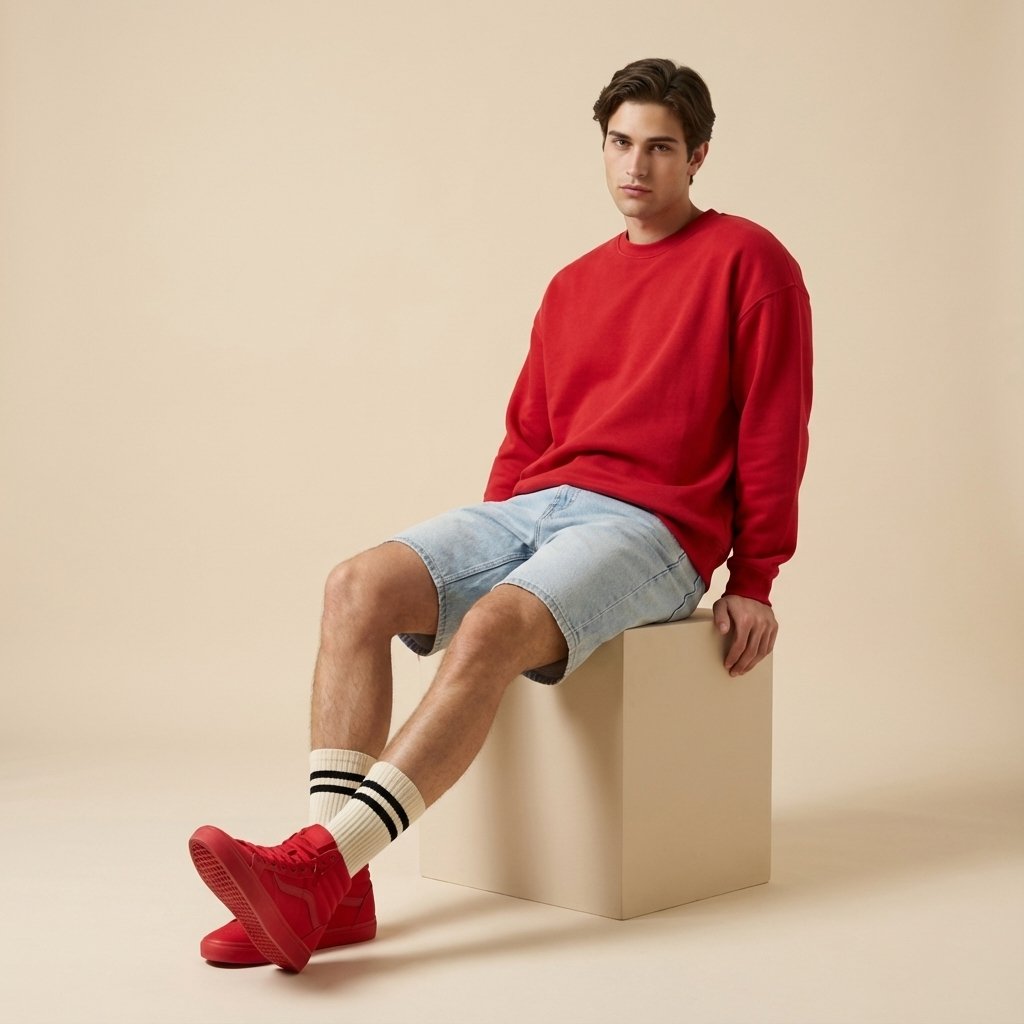
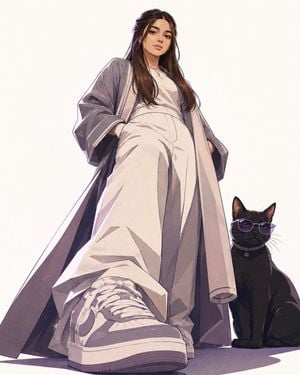
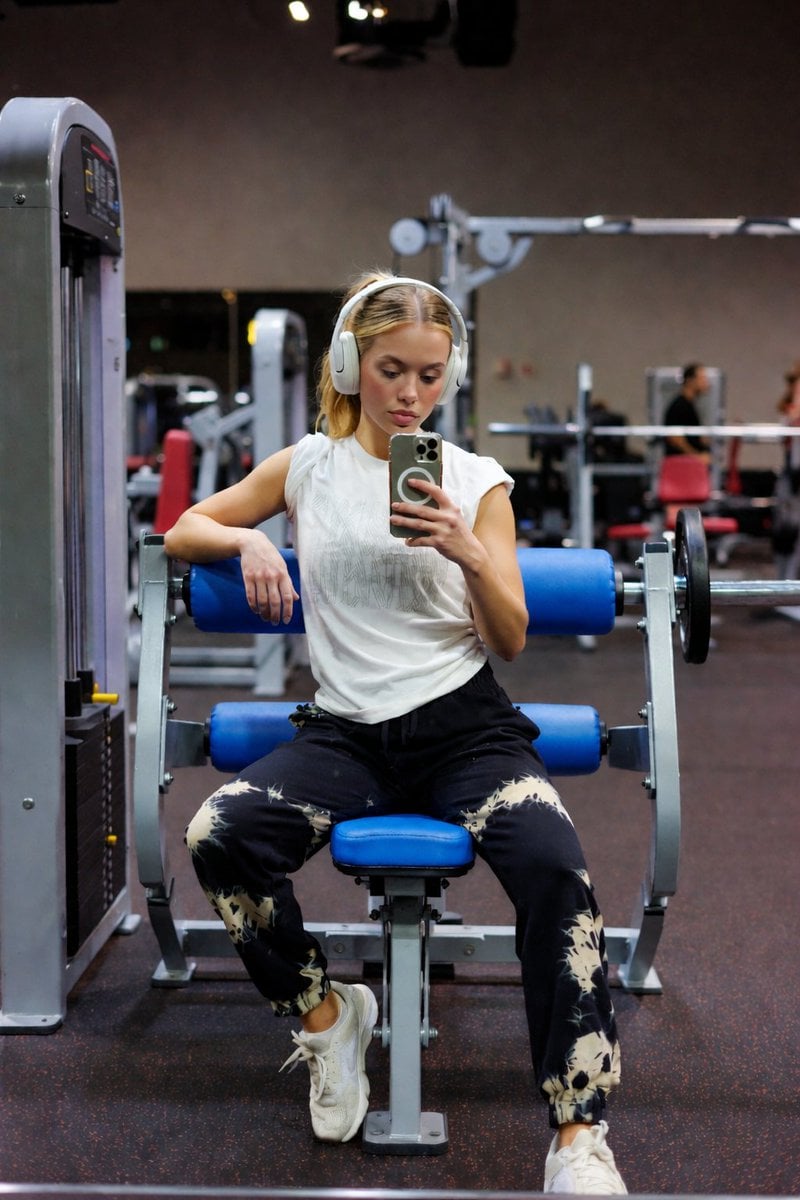
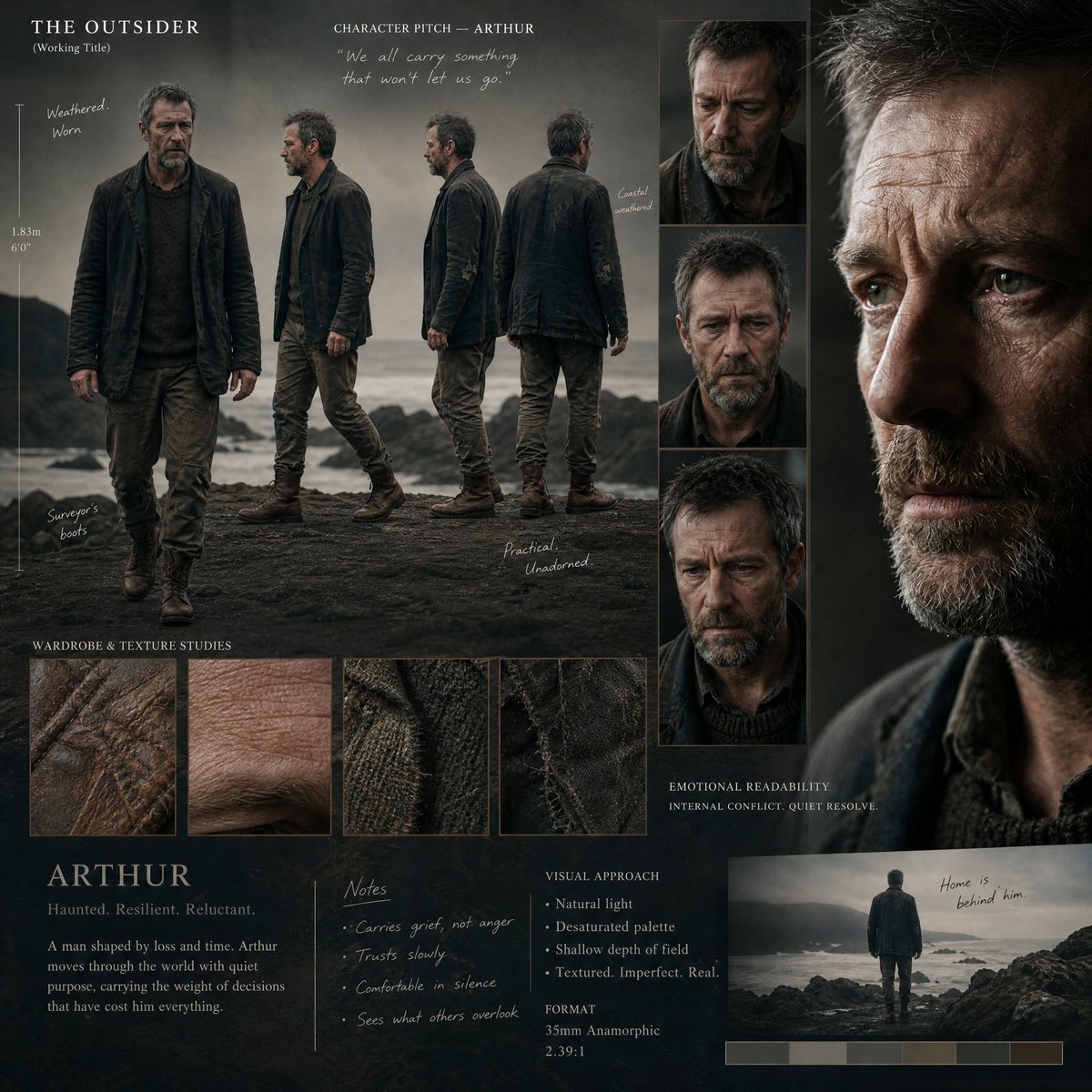
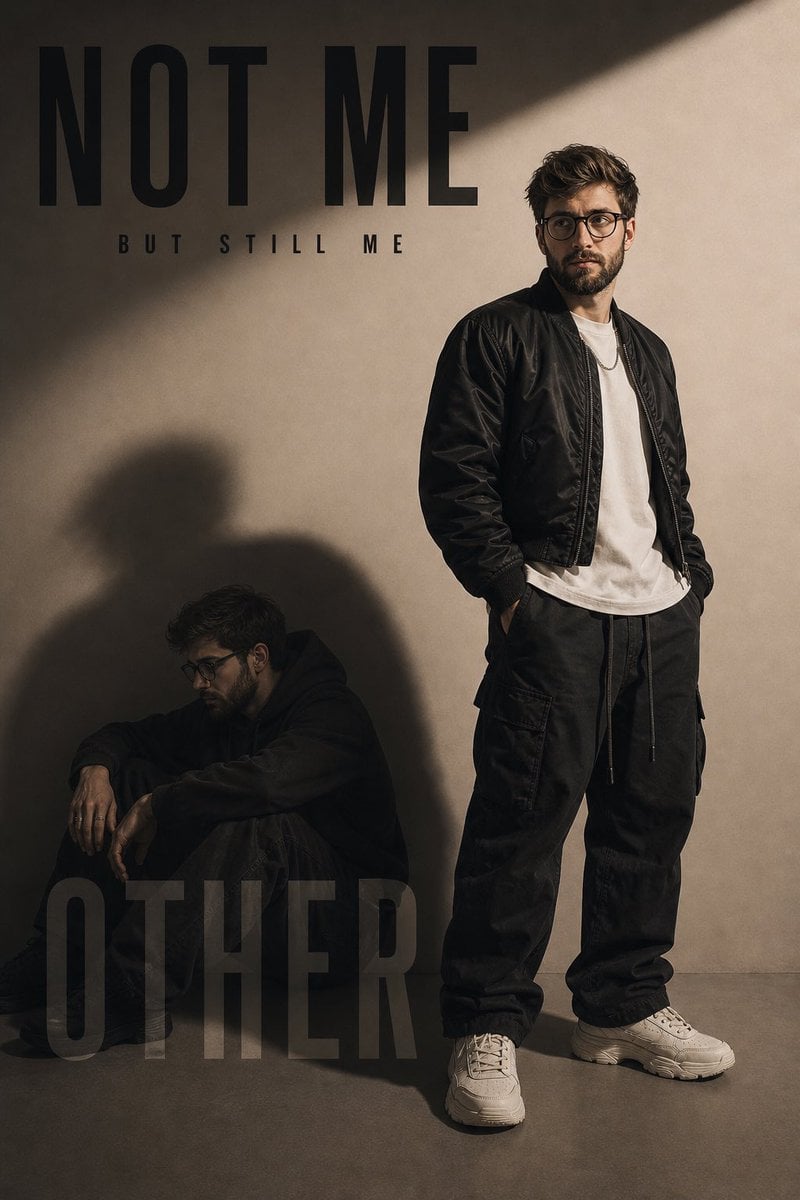
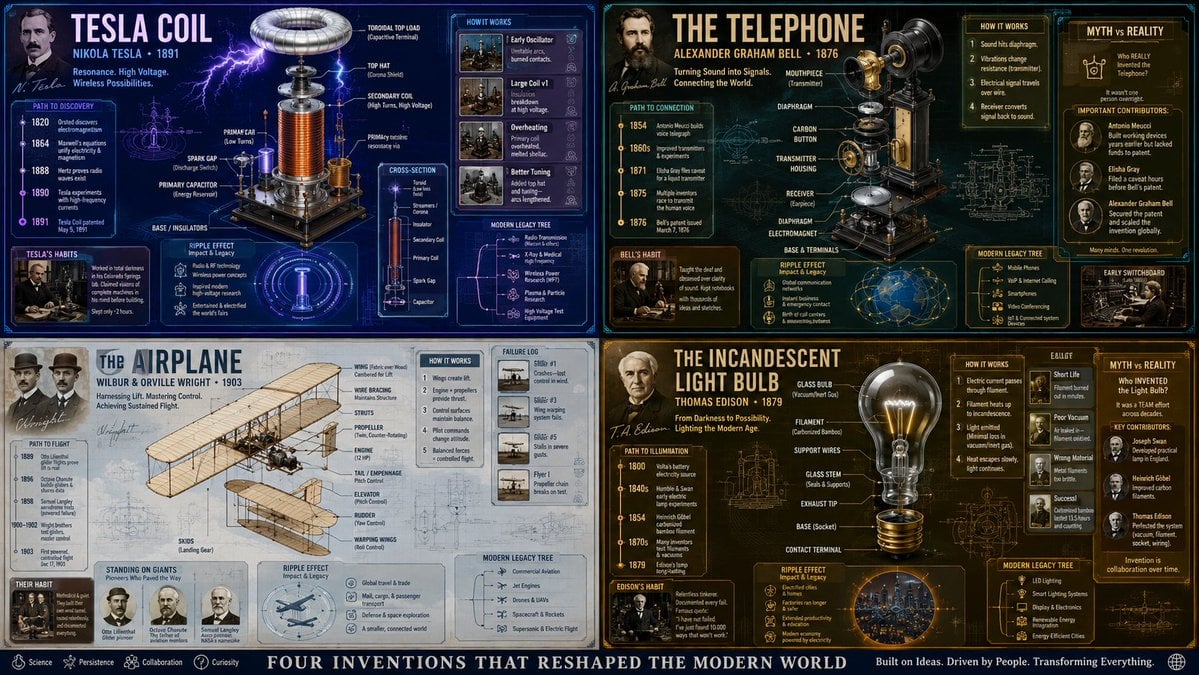
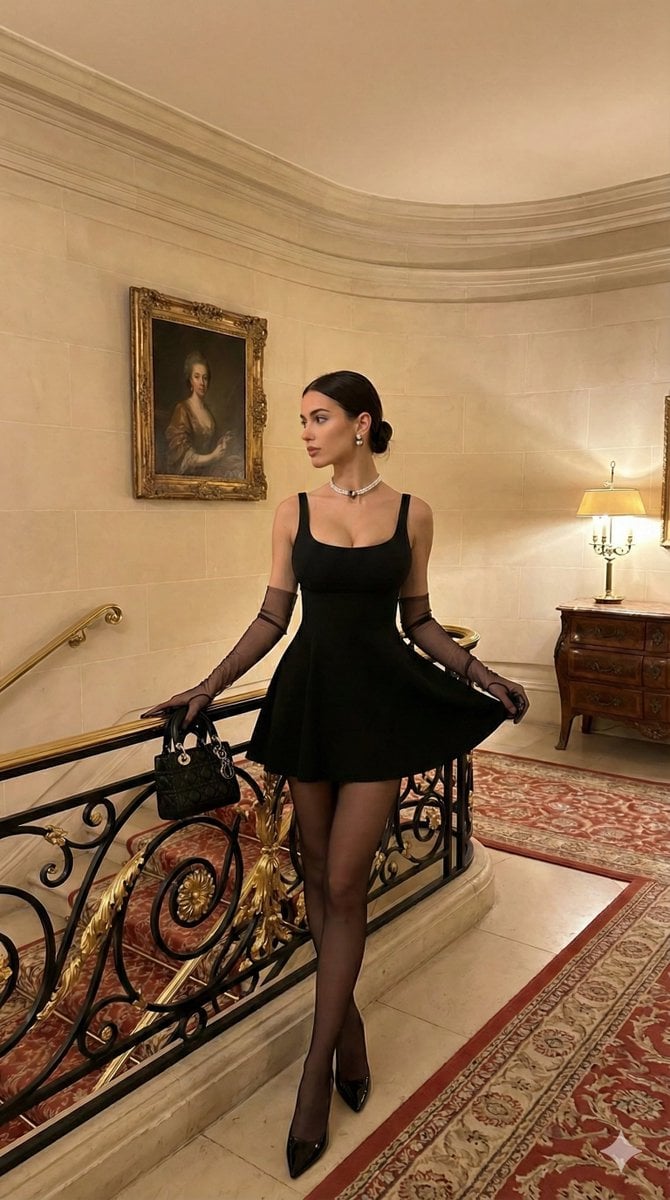
How do I use the Minimalist Streetwear Fashion Magazine Cover template?
Edit the prompt in the box under the preview — the template's model and format are already selected — and press Generate. Your version appears right on this page.
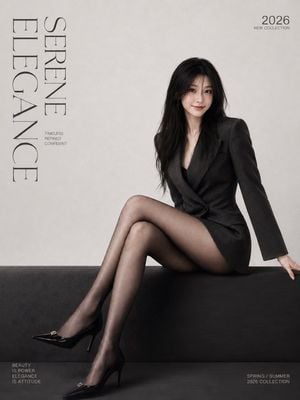
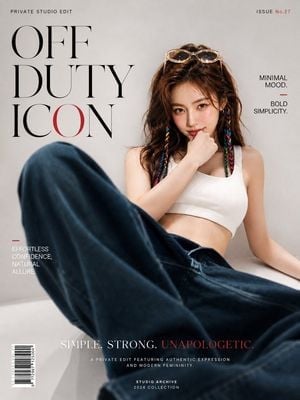
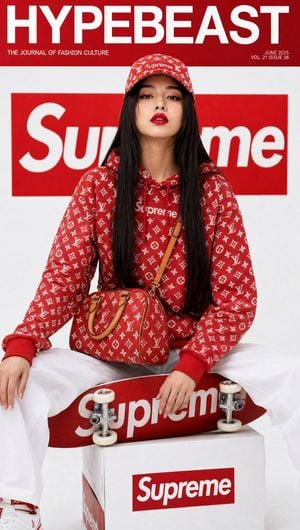
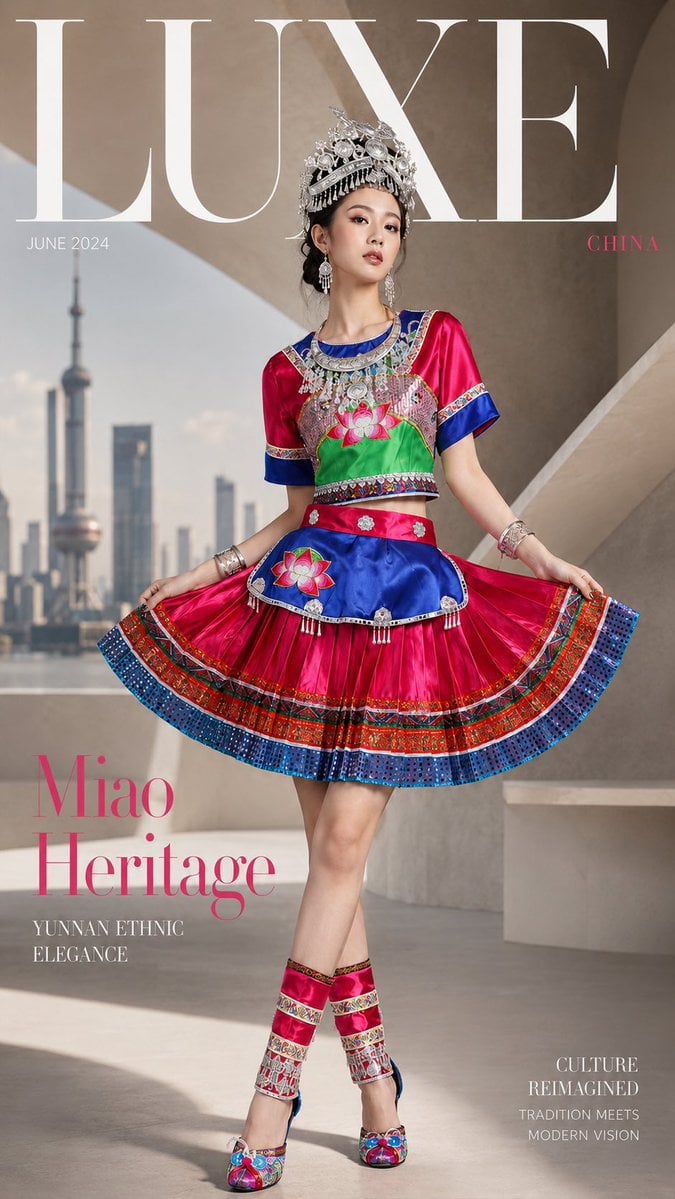
An ultra-realistic fashion editorial prompt for creating a minimalist streetwear magazine cover, featuring motion-blurred clones and professional 85mm lens photography.

Ultra-realistic fashion magazine cover, {argument name="style" default="minimalist streetwear editorial"}, {argument name="subject" default="young man standing against a clean white wall wearing an oversized navy-blue short-sleeve shirt, black tie, baggy black trousers, black sneakers, black cap, sunglasses"}. Multiple motion-blurred clones of the same person walking past in the foreground on both sides, creating a dynamic movement effect. Central subject perfectly sharp and confident, hands in pockets, cinematic lighting, soft shadows, high-end fashion photography, editorial composition, luxury magazine aesthetic, neutral color palette, shallow depth of field, professional DSLR, 85mm lens, Vogue-style cover shoot, photorealistic, 8K detail. Large magazine masthead text at the top reading “{argument name="magazine title" default="VANTAGE"}”, modern typography, clean layout.
Ultra-realistic fashion magazine cover, {argument name="style" default="minimalist streetwear editorial"}, {argument name="subject" default="young man standing against a clean white wall wearing an oversized navy-blue short-sleeve shirt, black tie, baggy black trousers, black sneakers, black cap, sunglasses"}. Multiple motion-blurred clones of the same person walking past in the foreground on both sides, creating a dynamic movement effect. Central subject perfectly sharp and confident, hands in pockets, cinematic lighting, soft shadows, high-end fashion photography, editorial composition, luxury magazine aesthetic, neutral color palette, shallow depth of field, professional DSLR, 85mm lens, Vogue-style cover shoot, photorealistic, 8K detail. Large magazine masthead text at the top reading “{argument name="magazine title" default="VANTAGE"}”, modern typography, clean layout.
Edit the prompt in the box under the preview — the template's model and format are already selected — and press Generate. Your version appears right on this page.
Yes. You can change the subject, setting, lighting, mood, format, and available model controls before creating your image.
Opening and editing this template is free. Generating uses credits, shown on the Generate button when you are signed in.
Start with GPT Image 2, which is the model associated with this template. You can compare another compatible model for a different finish.
Follow a topic to a crawlable collection of related PicX Studio templates.