How do I use the Soft Coquette Cottagecore Fashion Portrait template?
Choose the primary action to open PicX Studio with the available template settings. Review the model and format, personalize the creative direction, and generate when ready.
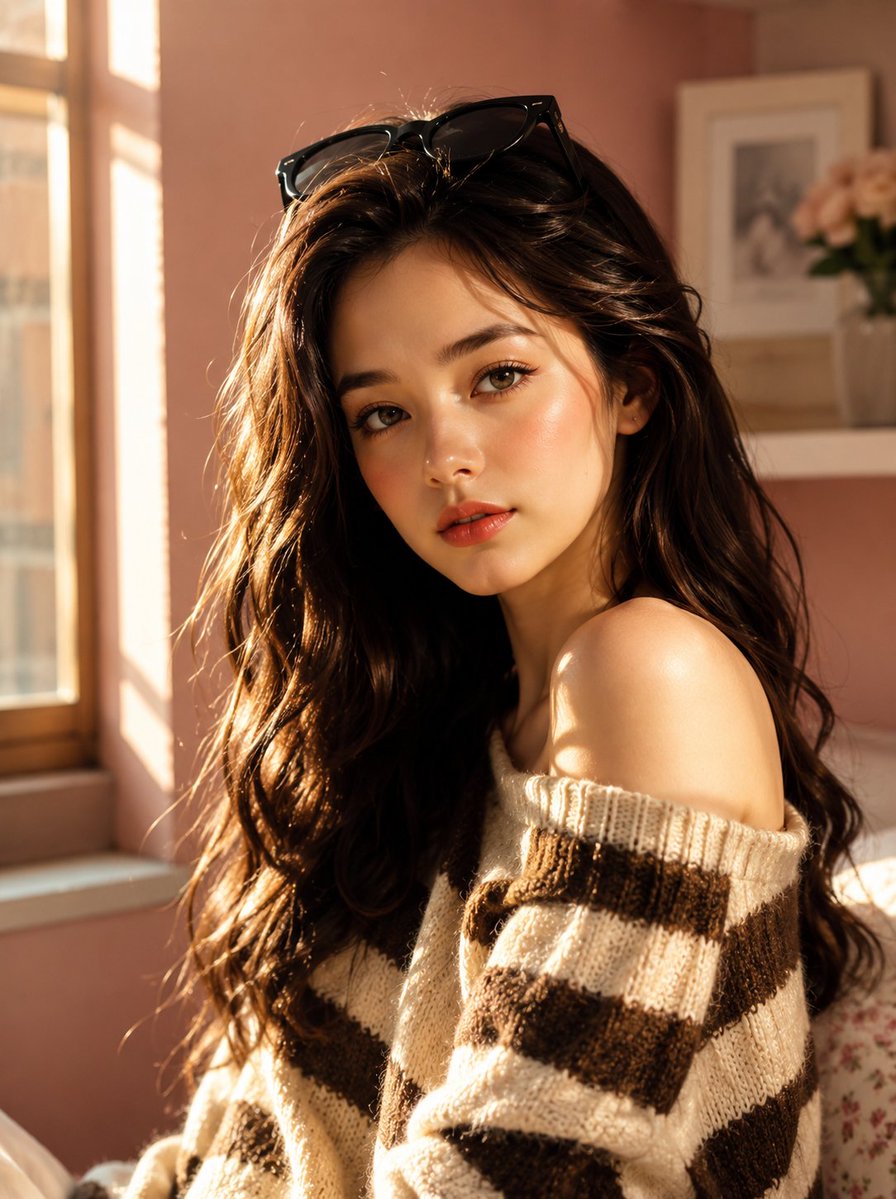
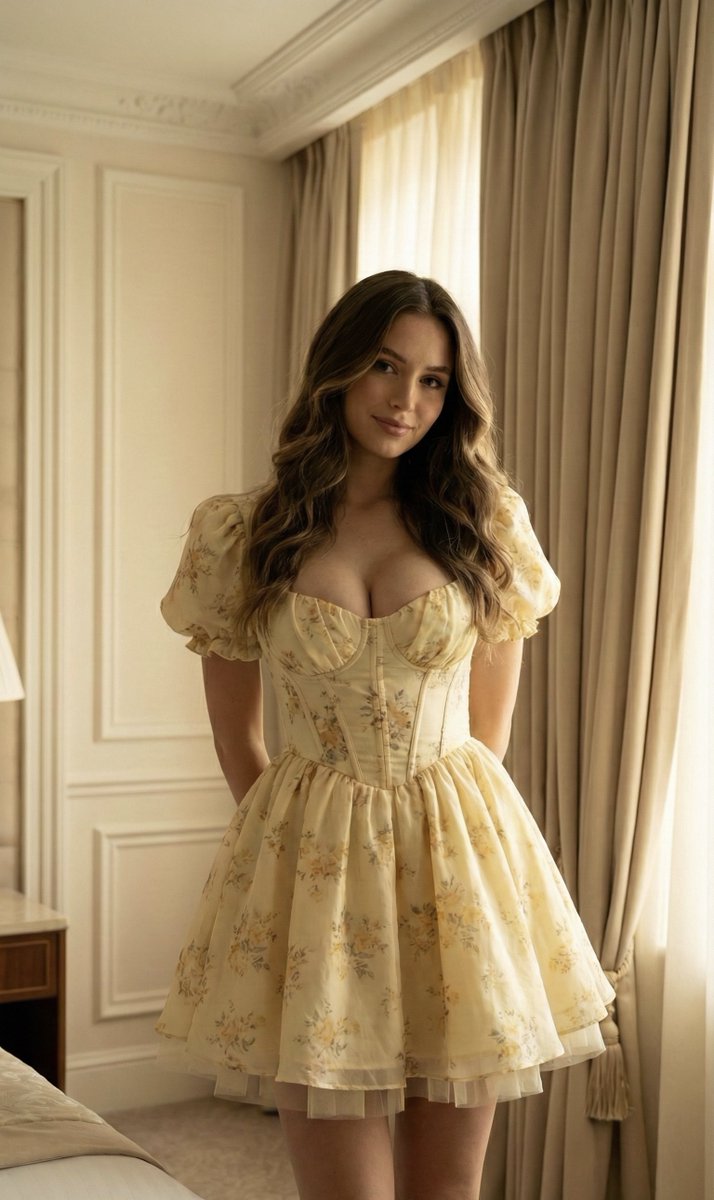
A detailed JSON prompt for generating an ultra-photorealistic fashion portrait in the Soft Coquette/Cottagecore aesthetic. It specifies the subject's appearance, clothing (vintage floral mini dress), pose, environment (luxury interior), and technical details (8k resolution, soft lighting, cinematic composition). (free to use) — Free AI image template on PicX Studio.
{ "prompt_type": "Soft Coquette / Cottagecore Fashion Portrait", "subject": { "demographics": "Young woman", "appearance": { "skin": "Fair to medium complexion, smooth texture, soft natural glow", "hair": "Long, layered dark blonde / bronde hair with lighter highlights, styled in loose, voluminous waves framing the face", "face": "Soft, feminine features, gentle smile, head tilted slightly to the side", "makeup": "Natural 'no-makeup' glam, rosy cheeks, nude-pink lips, defined lashes" }, "pose": { "stance": "Standing playful pose", "hands": "Hidden behind the back", "body_language": "Shy yet confident, sweet and approachable" } }, "fashion": { "garment": { "item": "Vintage-inspired floral mini dress", "color_palette": "Butter yellow base with delicate white and green floral print", "silhouette": "Fit-and-flare / Skater dress style", "details": [ "Puff cap sleeves", "Deep V-neckline", "Corset-style bodice structure", "Voluminous, pleated mini skirt", "Tulle underlayer peaking out slightly for volume" ] }, "aesthetic": "Coquette, Cottagecore, Soft Girl, Princess-core" }, "environment": { "location": "Classic luxury interior / Hotel room or Boutique", "background_elements": { "walls": "Cream-colored walls with decorative molding / wainscoting", "curtains": "Heavy, floor-length beige/gold drapes with gathered fabric texture", "fixtures": "White electrical outlets visible on the wall (adding realism)" }, "atmosphere": "Elegant, warm, intimate" }, "lighting": { "type": "Soft indoor ambient light", "quality": "Diffused, flattering, warm undertones", "direction": "Side lighting coming from the window (near the curtains)" }, "camera_settings": { "shot_type": "Medium-full shot (thigh-up)", "perspective": "Eye-level", "focus": "Sharp focus on the subject and dress texture", "depth_of_field": "Slightly shallow to separate subject from the wall" }, "technical_details": { "resolution": "8k", "quality_tags": [ "Ultra Photorealistic", "High-detail fabric texture", "Soft lighting", "Unreal Engine 5 render style", "Cinematic composition" ] } }
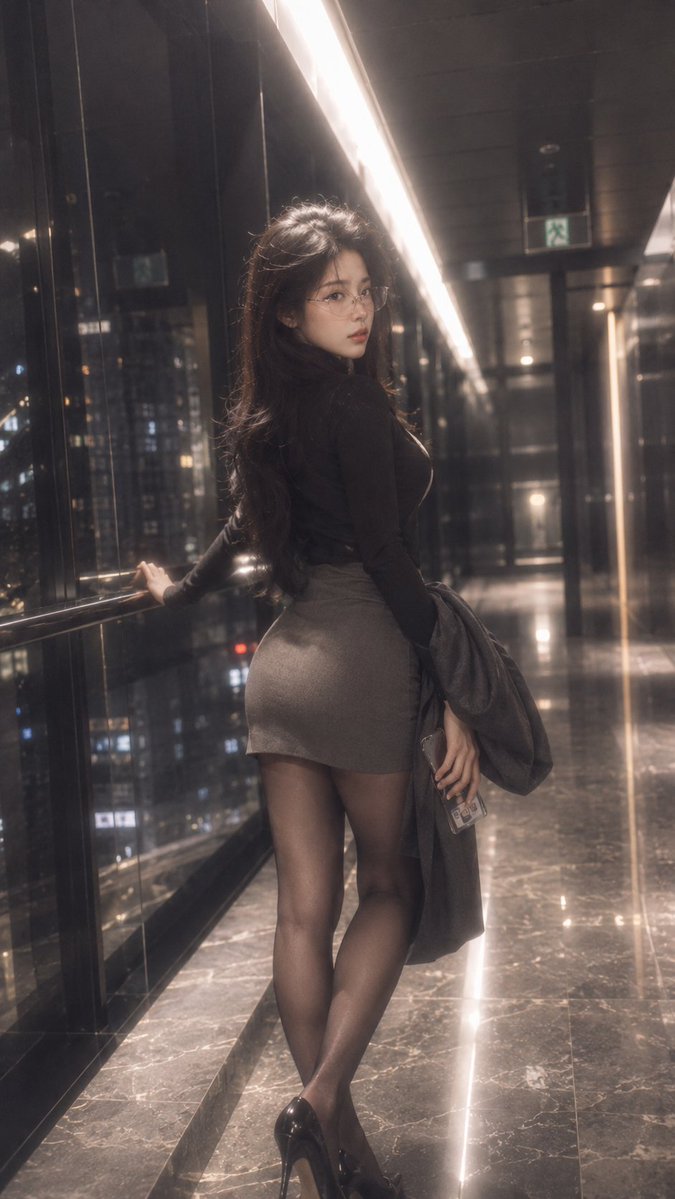
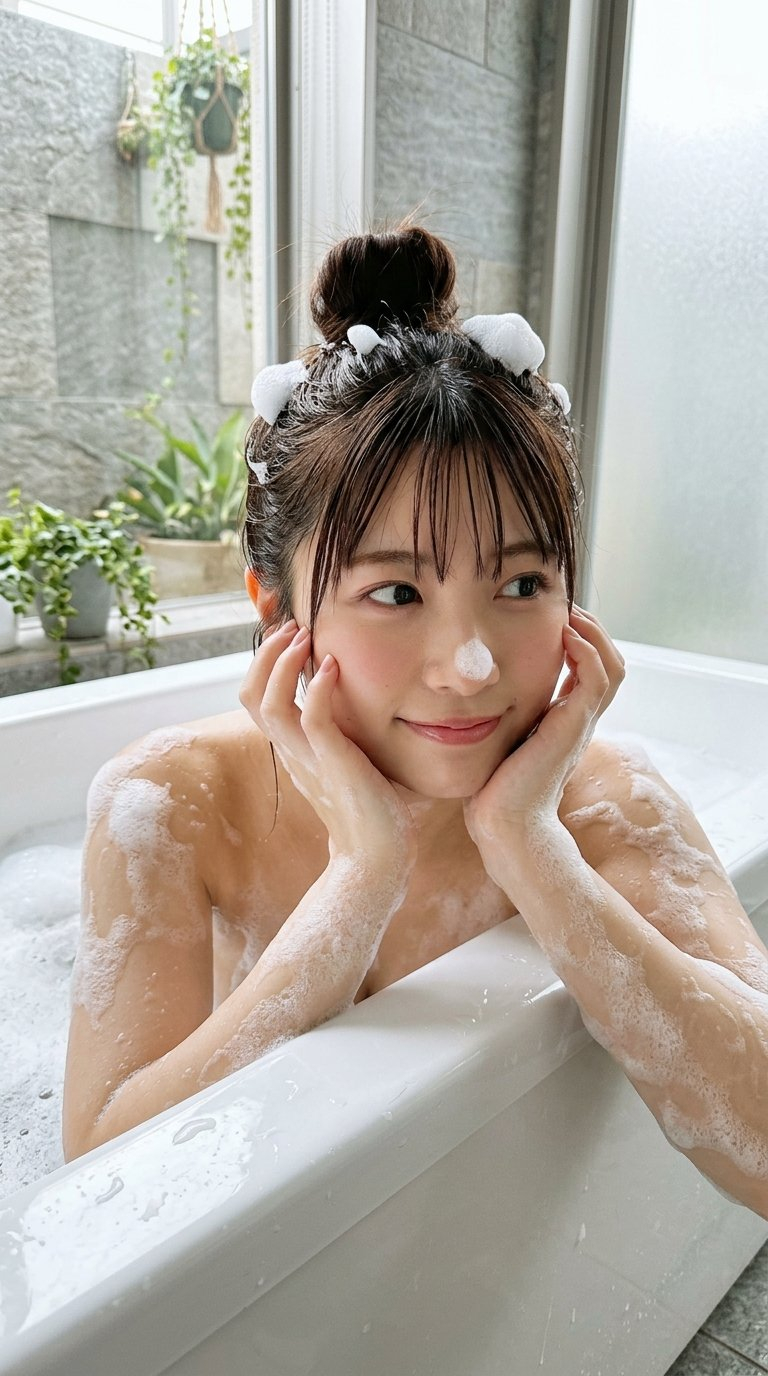
Use Soft Coquette Cottagecore Fashion Portrait to plan an AI image around nano-banana-2 generation. Match the preview's composition first, then personalize the subject, setting, and mood for your own project.
Use the primary action to load the template settings in PicX Studio.
Adjust the subject and creative details for your destination.
Create the image, compare the result with the preview, and refine one variable at a time.
A continuous mix — similar concepts first, woven with same-model prompts and fresh picks from the catalog.
Choose the primary action to open PicX Studio with the available template settings. Review the model and format, personalize the creative direction, and generate when ready.
Yes. You can change the subject, setting, lighting, mood, format, and available model controls before creating your image.
This template is free to open and customize. Generation usage is shown in PicX Studio before you create.
Start with nano-banana-2, which is the model associated with this template. You can compare another compatible model for a different finish.
Follow a topic to a crawlable collection of related PicX Studio templates.
39,155 public templates available. Verified via the PicX Studio public templates API; refreshed hourly.
A continuous mix — similar concepts first, woven with same-model prompts and fresh picks from the catalog.