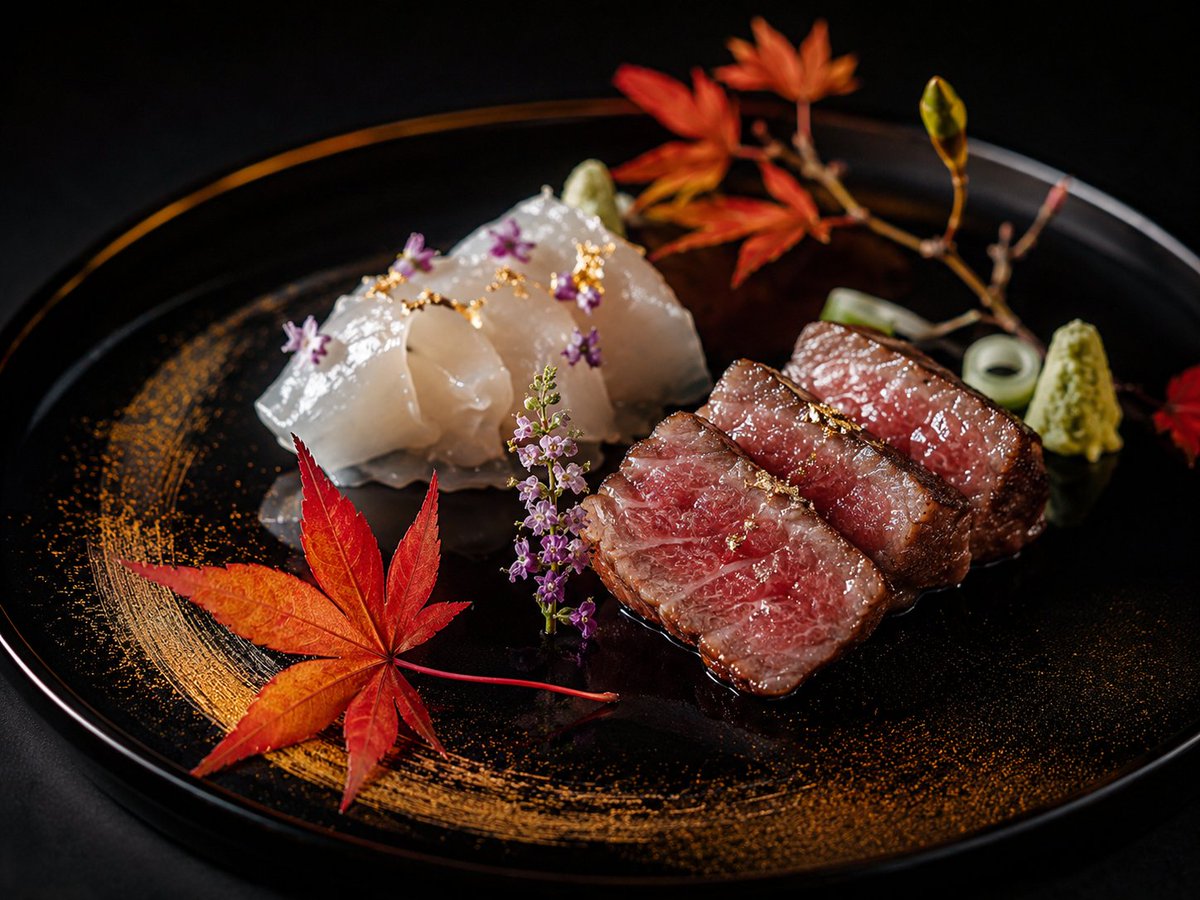
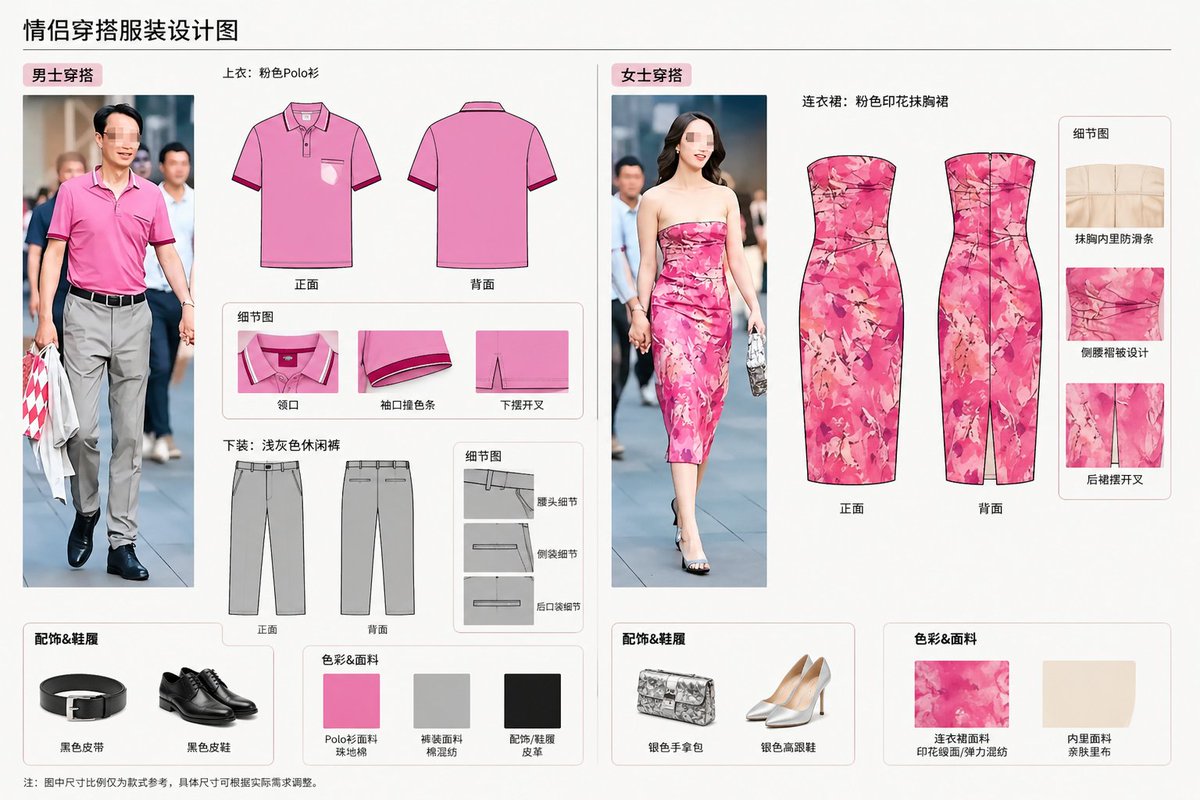
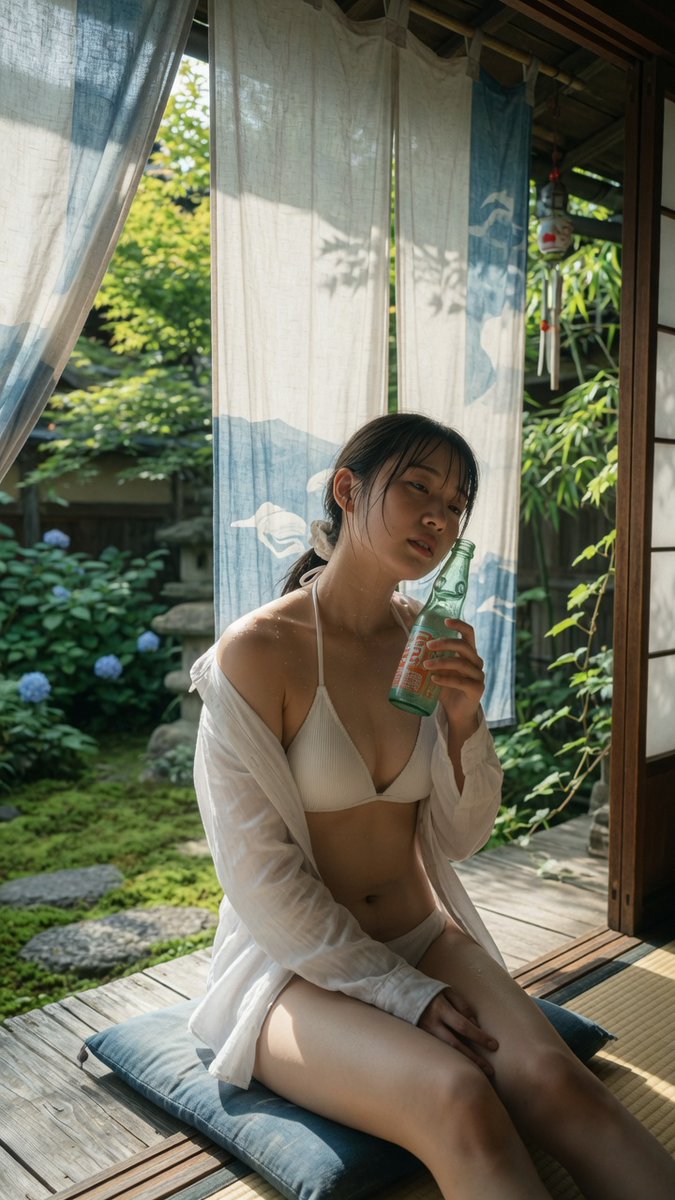
How do I use the Amateur template?
Choose the primary action to open PicX Studio with the available template settings. Review the model and format, personalize the creative direction, and generate when ready.
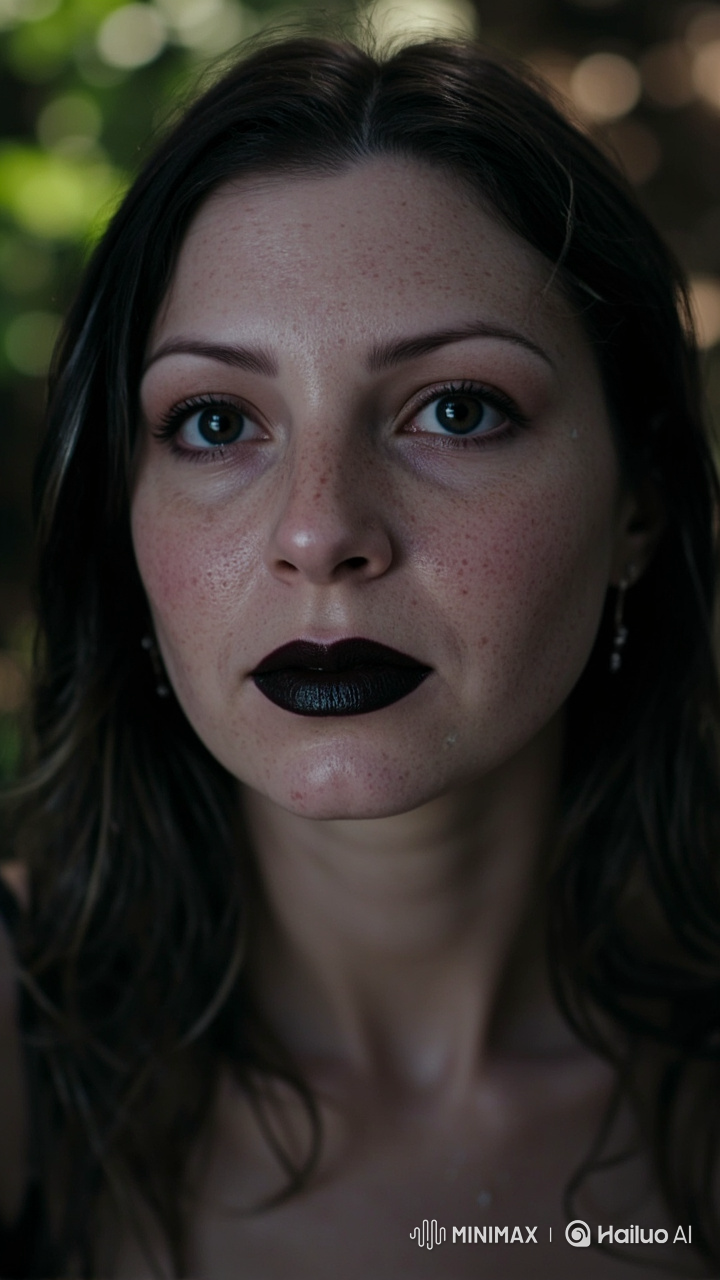
Use the Amateur AI image template on PicX Studio. Free template, no signup required.
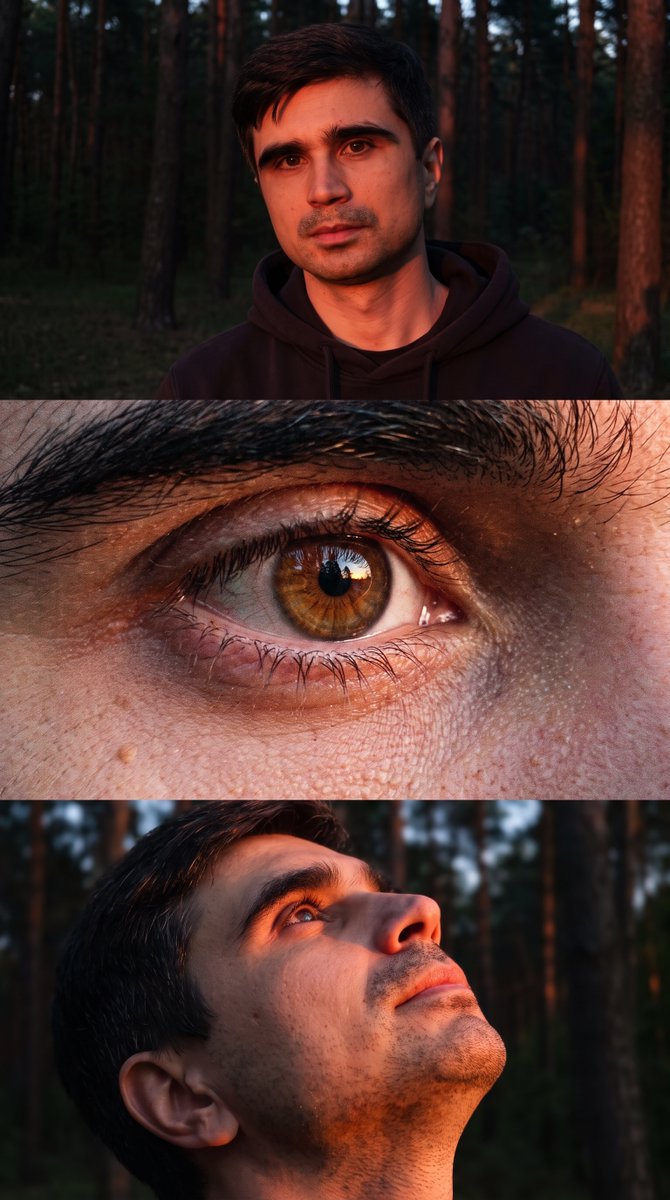
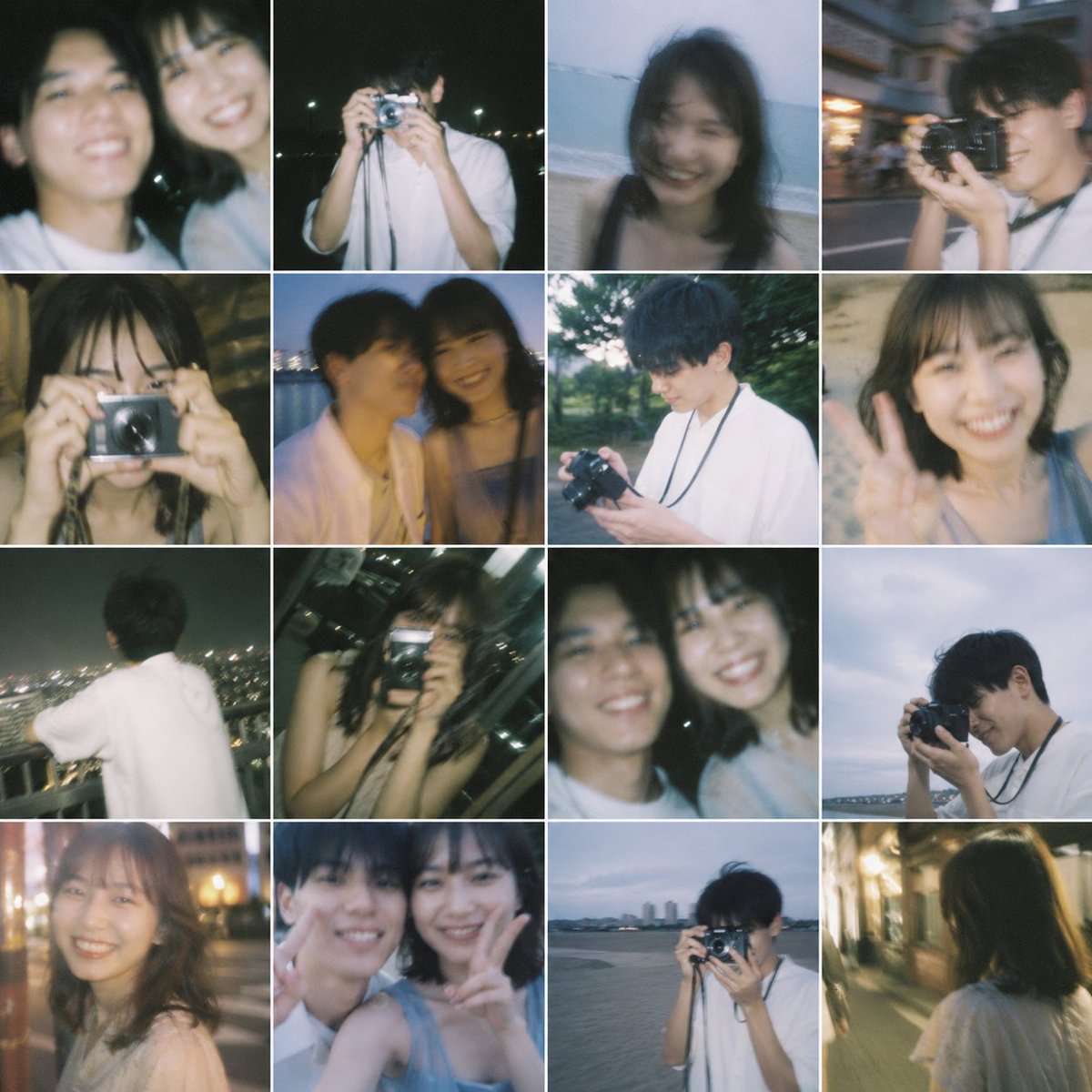
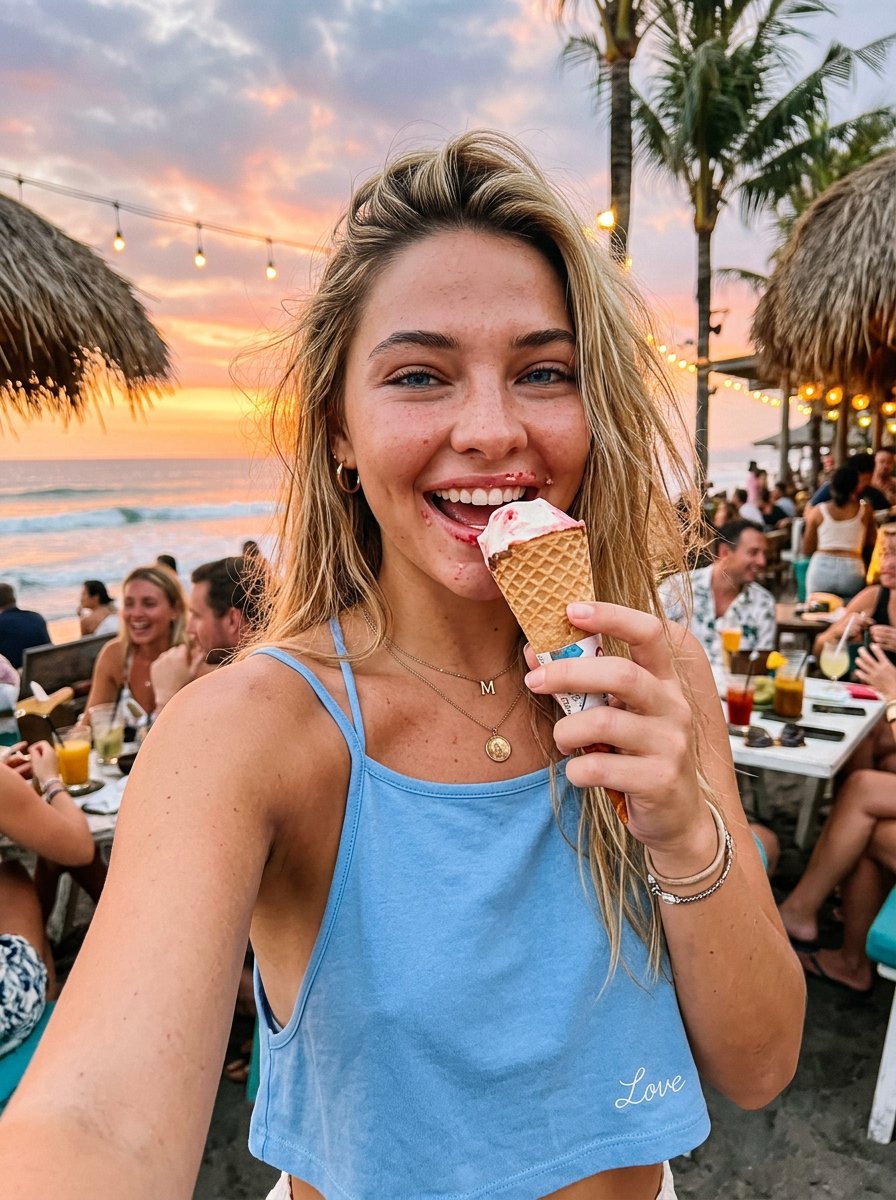
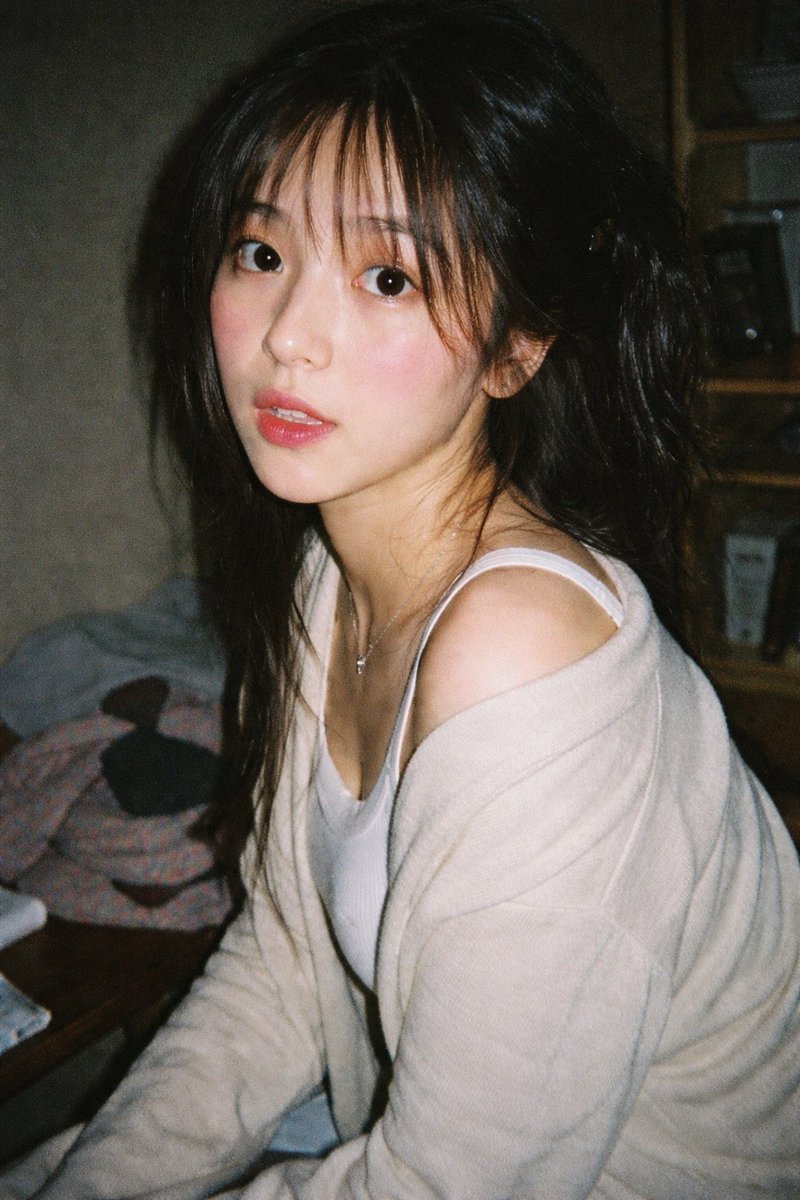
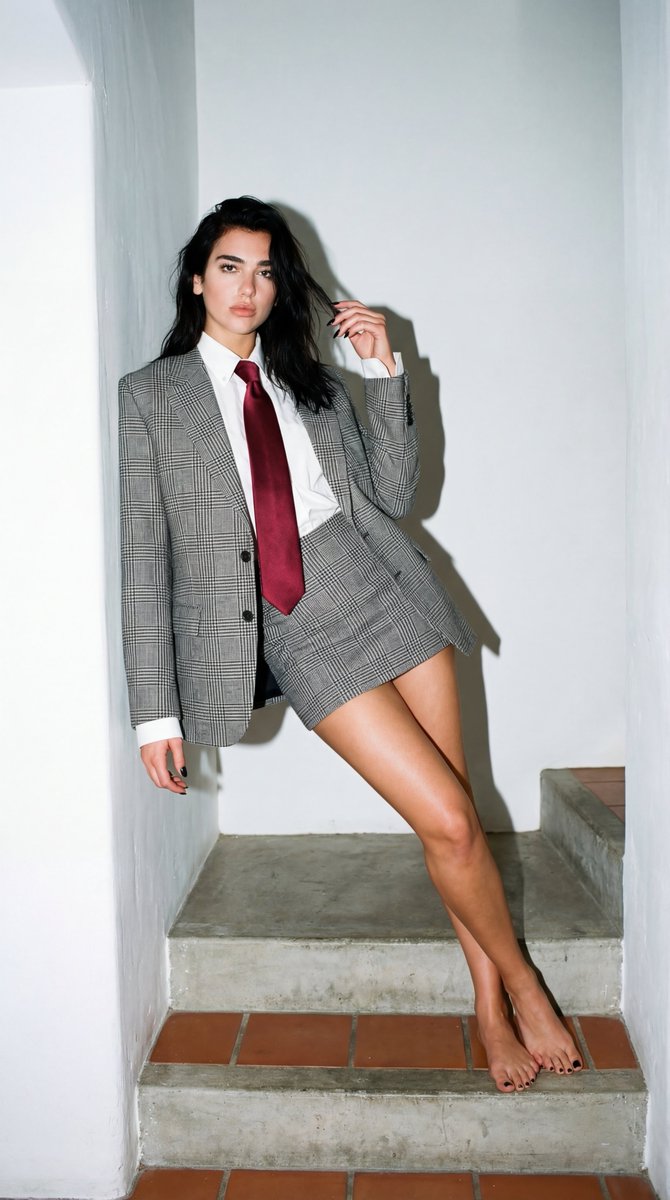
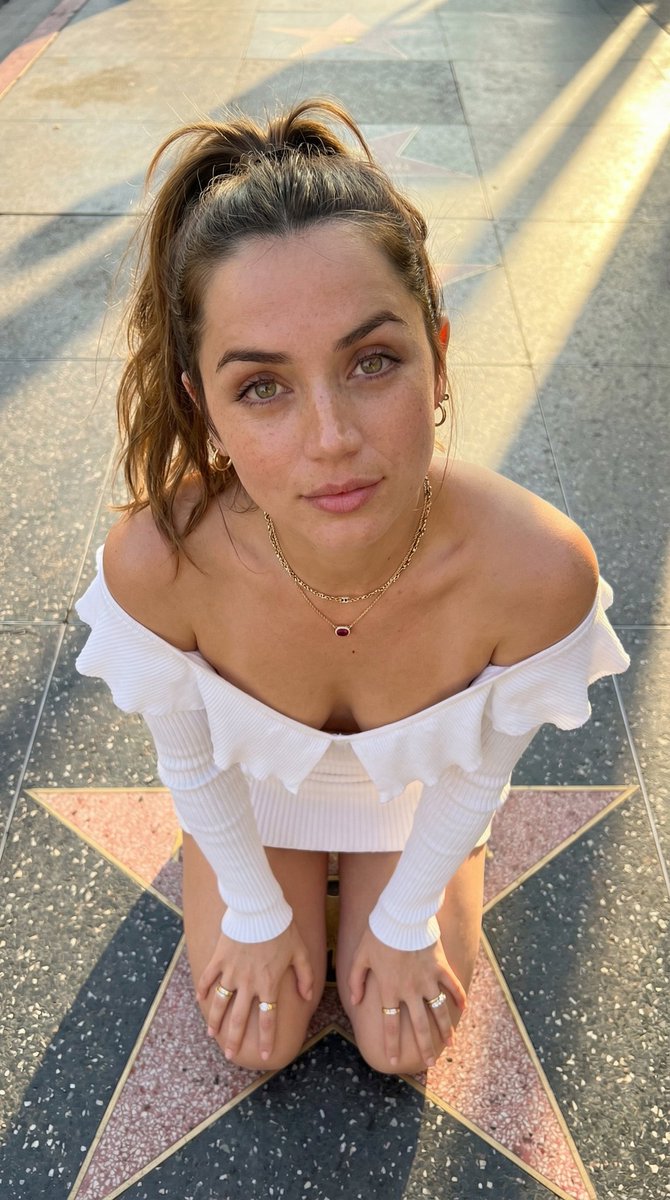
Uploaded woman, 36-year-old curvy woman, huge large xg breast, curvy body,high quality photo, 4K, 36-year-old curvy woman, Very large xg breasts, slightly sagging with some stretch marks, in a slightly provocative pose. Full body. The woman's body type is very curvy, with noticeable curves and a toned appearance. very large breasts. Help me generate a picture: The picture style is "Portrait Photography". Please draw an extremely ordinary iPhone mirror selfie. The protagonist is a sexy very tiny black bikini pants is and front-tie very tiny croptop girl, doing a peace sign in the mirror, side view. It is a snapshot taken with the rear camera in front of the floor-to-ceiling mirror in the room that was carefully decorated with styles. The photo was taken with the flash on, and has a slight motion blur caused by the slow shutter speed. The composition is messy, and the overall look is mediocre and everyday, with a ratio of "9:16".
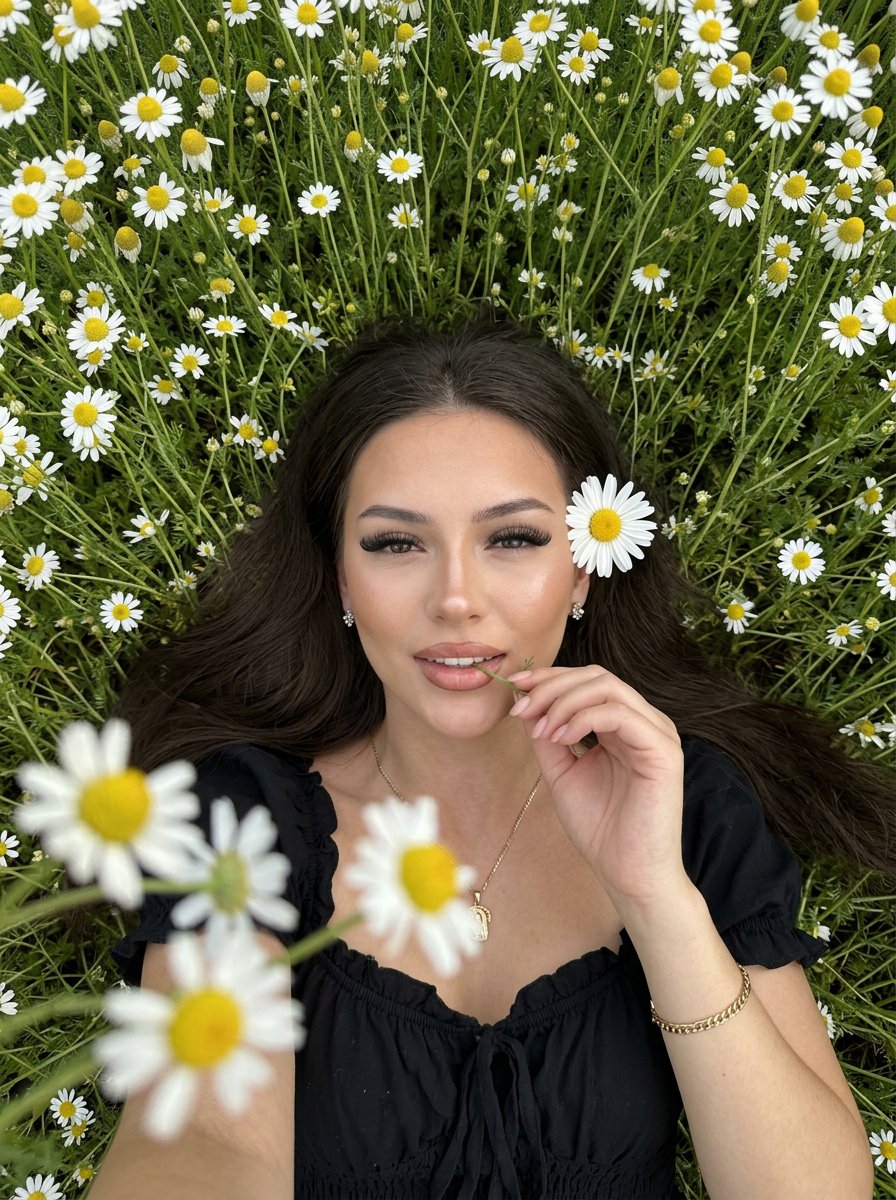
Treat Amateur as a focused AI image concept rather than a finished brief. Read the preview for composition, choose the intended destination, and then personalize one creative variable at a time.
Use the primary action to load the template settings in PicX Studio.
Adjust the subject and creative details for your destination.
Create the image, compare the result with the preview, and refine one variable at a time.
A continuous mix — similar concepts first, woven with same-model prompts and fresh picks from the catalog.
Choose the primary action to open PicX Studio with the available template settings. Review the model and format, personalize the creative direction, and generate when ready.
Yes. You can change the subject, setting, lighting, mood, format, and available model controls before creating your image.
This template is free to open and customize. Generation usage is shown in PicX Studio before you create.
Choose a compatible model in PicX Studio based on the style, speed, and output controls your project needs.
Follow a topic to a crawlable collection of related PicX Studio templates.
39,155 public templates available. Verified via the PicX Studio public templates API; refreshed hourly.
A continuous mix — similar concepts first, woven with same-model prompts and fresh picks from the catalog.