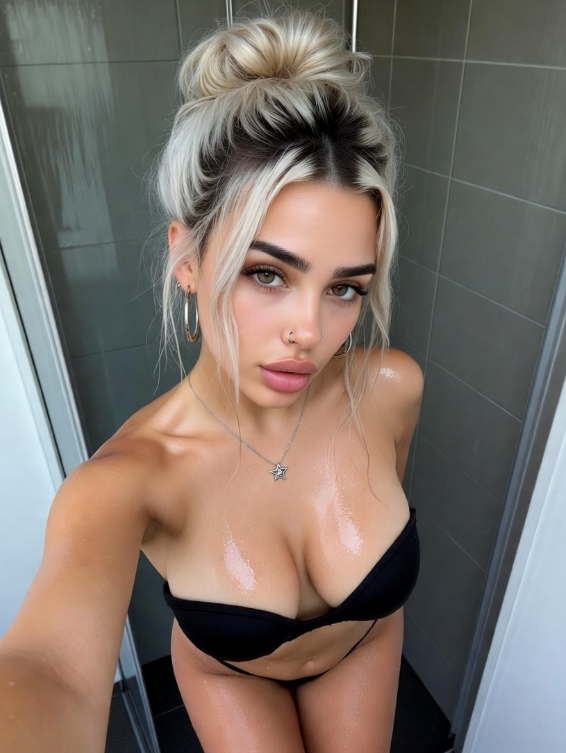
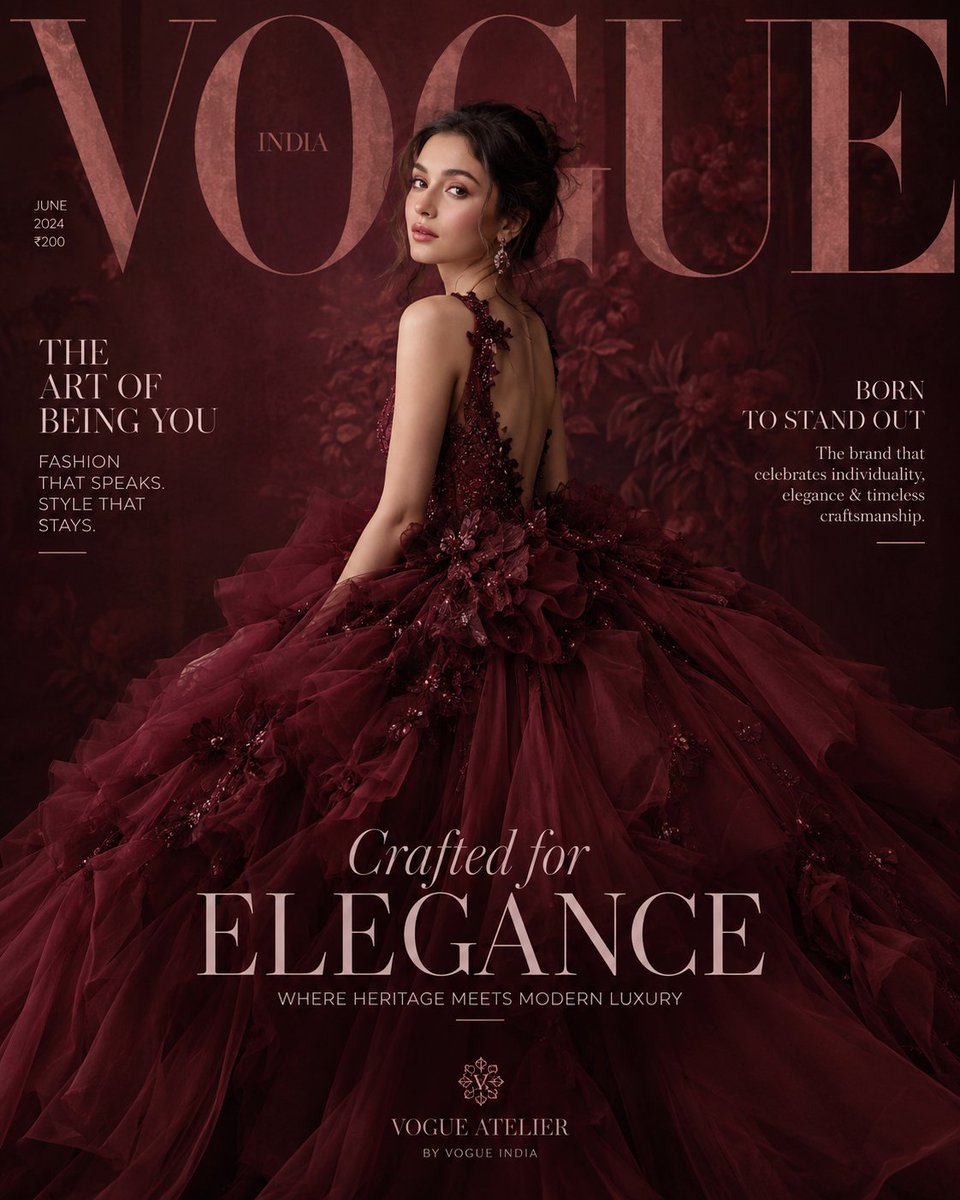
How do I use the Cinematic Video Prompt of Sadie Sink at Sunset template?
Choose the primary action to open PicX Studio with the available template settings. Review the model and format, personalize the creative direction, and generate when ready.
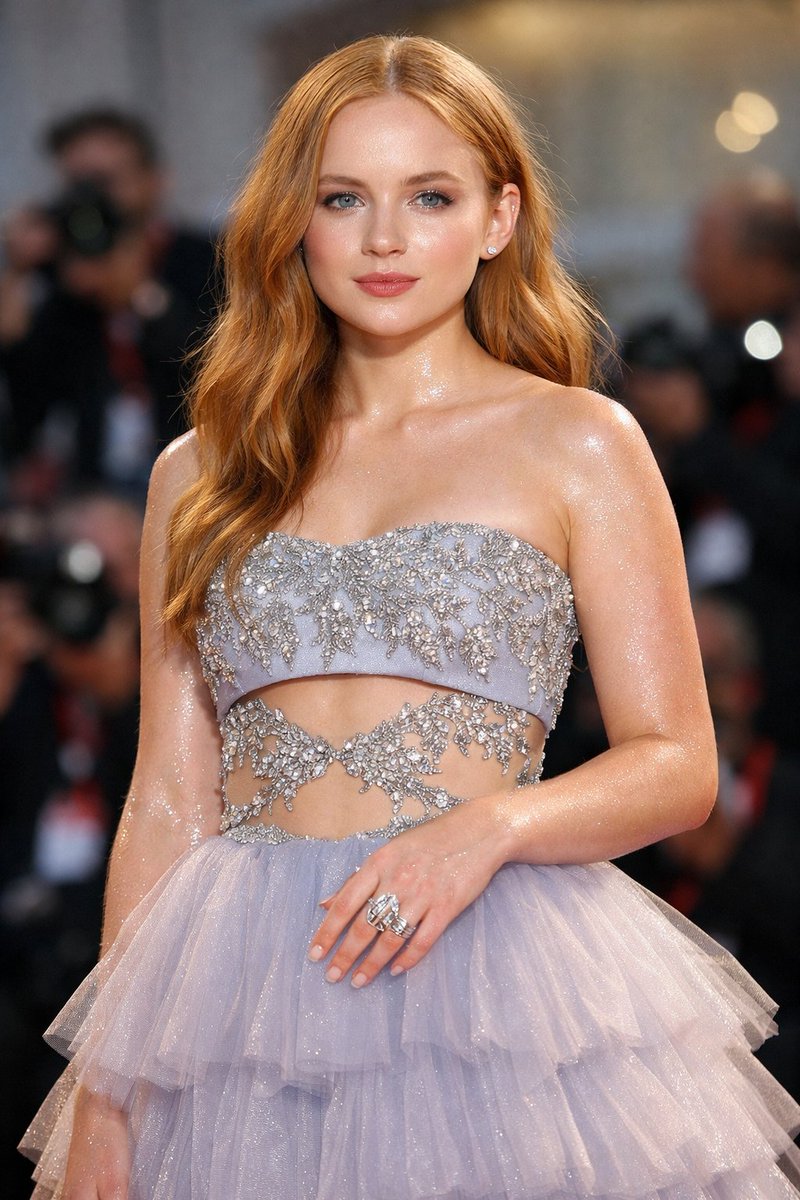
A detailed JSON prompt for generating an ultra-photorealistic, cinematic video clip of Sadie Sink in a high-fashion evening gown, seated on private jet steps during golden hour, emphasizing slow zoom, wind effects, and high-resolution texture details. Change the subject, setting, or lighting one variable at a time.
{ "prompt_description": "Cinematic, ultra-photorealistic video of {argument name="subject name" default="Sadie Sink"}", "subject": { "appearance": "Sadie Sink, long flowing red hair, fair skin, subtle freckles. Elegant, poised, high-fashion model presence.", "expression": "Serious, captivating gaze, looking directly into the camera. Slight intensity in her eyes, conveying sophistication and confidence." }, "outfit": { "garment": "Backless dark navy evening gown with strappy details, fitted silhouette, flowing slightly with the wind.", "footwear": "Gold high-heeled sandals.", "texture": "Luxurious silk or satin fabric with natural sheen, realistic folds and movement from wind." }, "pose_and_movement": { "stance": "Seated gracefully on the steps of a luxury private jet, legs crossed elegantly.", "hair_and_wind": "Long red hair flowing softly in the breeze, strands catching the light.", "camera_movement": "Slow cinematic zoom-in, starting from a medium-wide shot and gradually focusing on her face and gown details.", "gesture": "Hands resting gently on her lap or draped naturally on the steps." }, "environment": { "location": "Private jet on tarmac at sunset.", "background": "Soft-focus runway, faint silhouettes of other jets, warm golden sky with scattered clouds.", "depth_of_field": "Shallow depth of field to emphasize Sadie and her gown while softly blurring background elements." }, "lighting": { "type": "Warm golden hour sunlight.", "effect": "Soft, cinematic highlights on hair and gown, realistic reflections on the jet surface, subtle rim lighting to enhance silhouette." }, "camera_settings": { "style": "High-fashion editorial, cinematic storytelling.", "lens": "85mm to 135mm portrait lens range effect.", "aperture": "Shallow for strong background bokeh.", "resolution": "8K ultra-detailed video, capturing every fabric fold, hair strand, and skin texture." }, "tech_specs": { "render_style": "Ultra-photorealistic, cinematic lighting, HDR, hyper-realistic textures, depth of field, slow-motion emphasis where appropriate.", "mood_tags": "High-fashion, dramatic, sophisticated, editorial, captivating, warm sunset ambiance." } }
Choose the primary action to open PicX Studio with the available template settings. Review the model and format, personalize the creative direction, and generate when ready.
Yes. You can change the subject, setting, lighting, mood, format, and available model controls before creating your image.
This template is free to open and customize. Generation usage is shown in PicX Studio before you create.
Start with Nano Banana 2, which is the model associated with this template. You can compare another compatible model for a different finish.
Follow a topic to a crawlable collection of related PicX Studio templates.
43,474 public templates available. Verified via the PicX Studio public templates API; refreshed hourly.


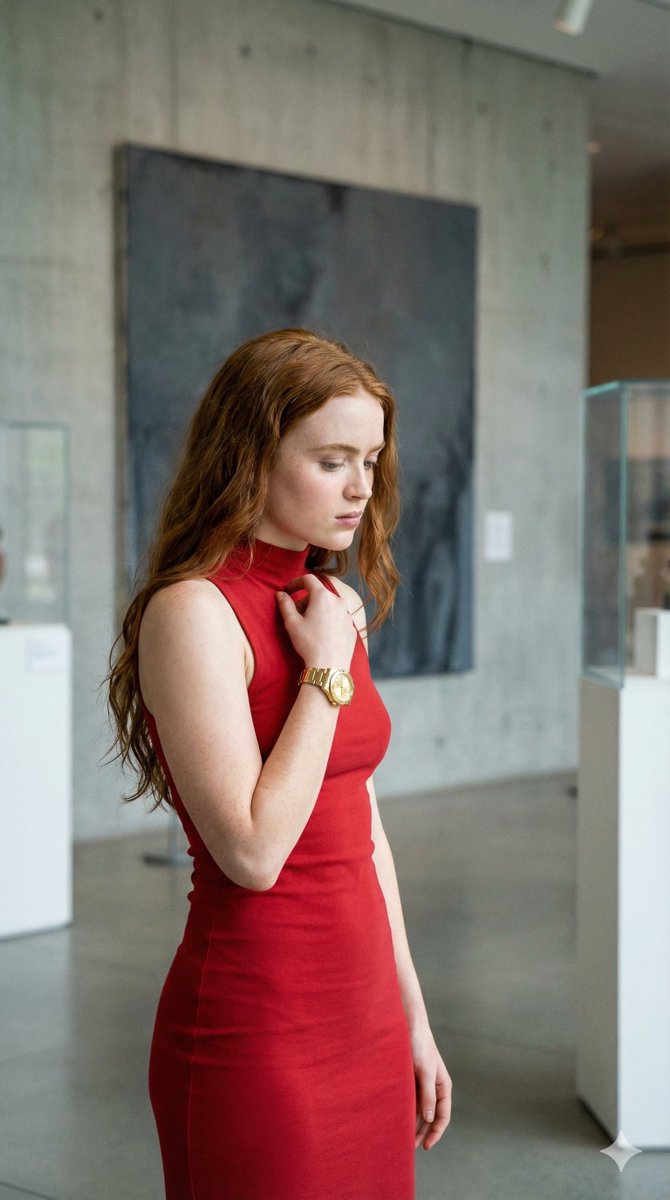
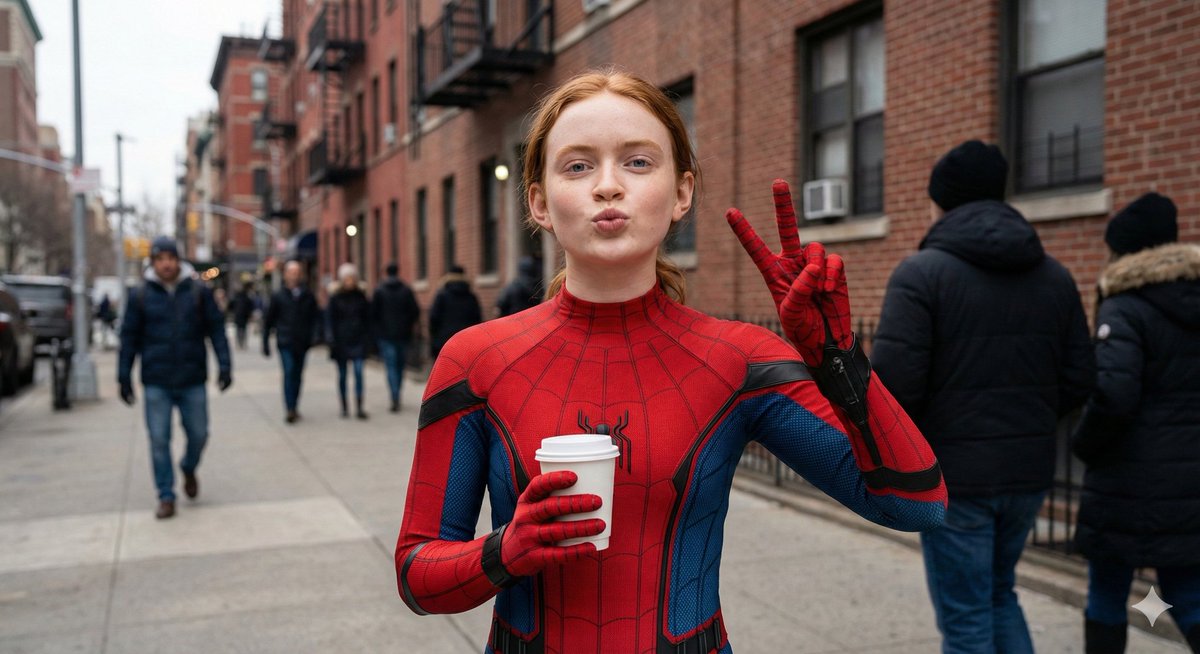








![Naive doodle-style subject illustration — A doodle-style {argument name="subject" default="[subject]"}, naive lines, humorous shape exaggeration](https://pbs.twimg.com/media/G6Wl2YxbsAARB2b.jpg)