How do I use the Kusarigama Warrior Dynamic Battle Scene Prompt template?
Choose the primary action to open PicX Studio with the available template settings. Review the model and format, personalize the creative direction, and generate when ready.
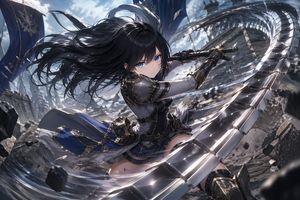
A highly detailed, cinematic prompt for generating a dynamic anime-scale battle scene featuring a Japanese-style warrior wielding a kusarigama, emphasizing an intense low-angle perspective, motion blur, and high-contrast lighting in a collapsing shrine setting. Change the subject, setting, or lighting one variable at a time.

Masterpiece quality, theatrical anime-scale dynamic battle scene. A Japanese-style warrior is the main subject. Intense low-angle perspective with exaggerated depth; extreme perspective and bold framing with the weapon thrusting forward as if breaking through the screen. Weapon: a kusarigama. The sickle blade gleams sharply; the chain whips in a wide arc, and the weighted end rushes toward the camera with heavy motion blur. Captured at the exact instant of launching the attack—piercing gaze, taut determined expression. The chain’s movement slices the air, leaving a pale platinum spark-like luminous trail as an afterimage. Setting: a collapsing old shrine deep in the mountains at night. Wet stone steps, a fallen torii gate, cracked stone lanterns. The impact shatters the stone pavement; fragments and splashing water burst upward. Violent wind sends talismans and paper scraps swirling; clothing and hair whip wildly. High-contrast dramatic lighting: cold moonlight crossing with warm red lantern light, deep shadows. Background filled with thick mist and dark storm clouds, tree branches bending and flying in the gale. Wide-angle lens, dynamic motion blur, cinematic. Vertical cinematic poster composition, 9:16 aspect ratio, no text.
Choose the primary action to open PicX Studio with the available template settings. Review the model and format, personalize the creative direction, and generate when ready.
Yes. You can change the subject, setting, lighting, mood, format, and available model controls before creating your image.
This template is free to open and customize. Generation usage is shown in PicX Studio before you create.
Start with Nano Banana 2, which is the model associated with this template. You can compare another compatible model for a different finish.
© 2026 PicX Studio. All rights reserved.

Follow a topic to a crawlable collection of related PicX Studio templates.
43,474 public templates available. Verified via the PicX Studio public templates API; refreshed hourly.







![Naive doodle-style subject illustration — A doodle-style {argument name="subject" default="[subject]"}, naive lines, humorous shape exaggeration](https://pbs.twimg.com/media/G6Wl2YxbsAARB2b.jpg)















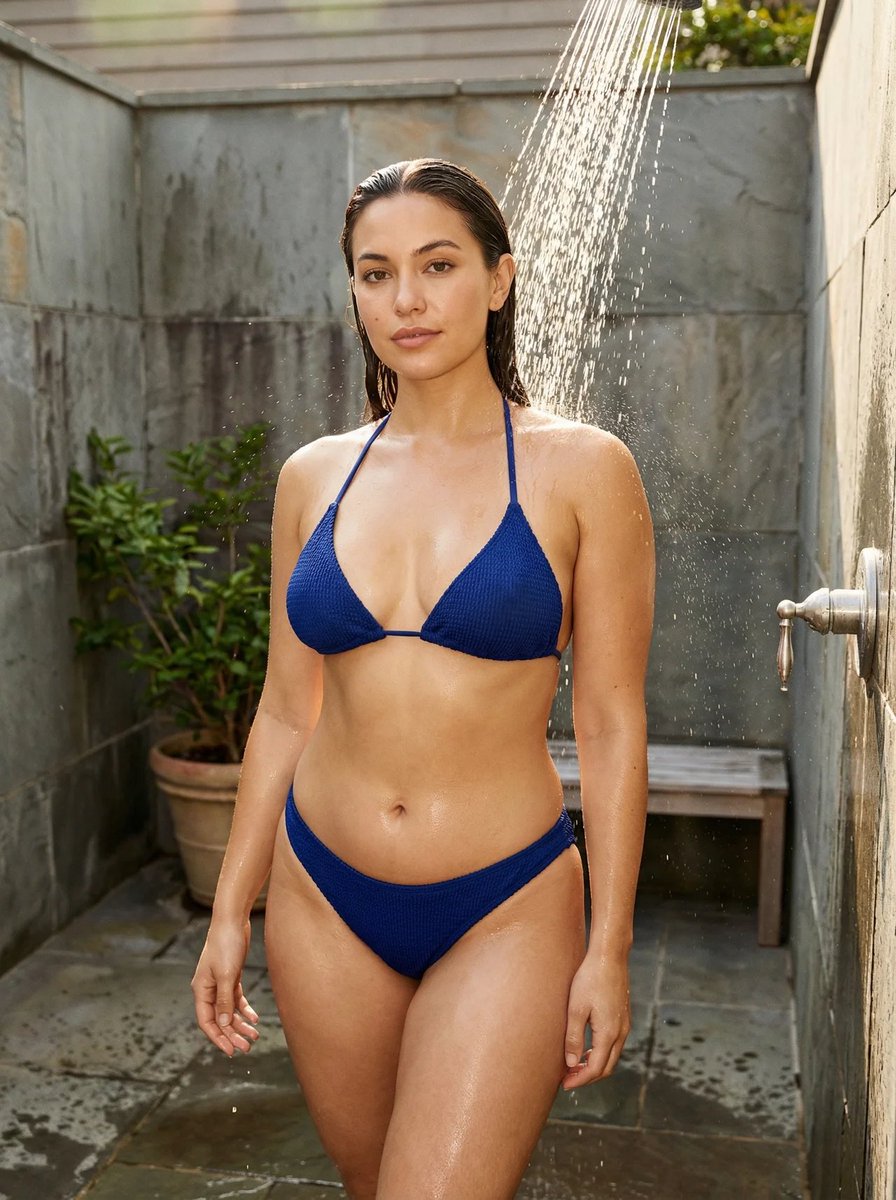








![Raw High-Fidelity Mirror Selfie Simulation — [Header] (9:16)
Raw high-fidelity photograph, iPhone 17 Pro sensor simulation, indoor ambient lighting, zero bokeh,](https://pbs.twimg.com/media/G_o-6LVWsAA_bYg.jpg)
![gpt2-profile-avatar-3d-cartoon-character-render — High-quality 3D CGI render of {argument name="character" default="[character]"} in a charming cartoon style, p](/_next/image?url=https%3A%2F%2Fcdn.picxstudio.com%2Fuploads%2Fp6_437e2c7f_a7b505a5-6a0a-45df-a47d-0cd40b9fe0b1.jpg&w=828&q=100)