
Futuristic Teal-Haired Warrior Portrait
A cinematic and detailed prompt for a female futuristic warrior with long teal hair and ceremonial face paint, featuring a mix of fantasy and anime realism.
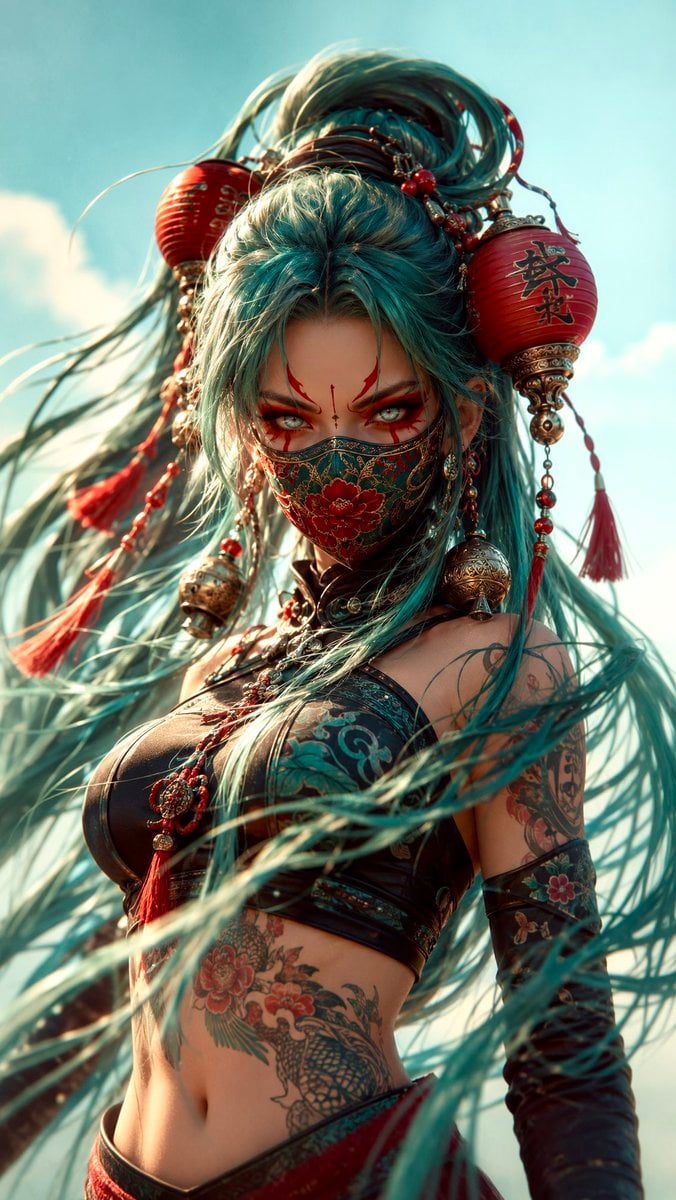
- Prompt included
- Model and format preset
- Free template
The prompt behind this image
Copy the exact prompt behind Futuristic Teal-Haired Warrior Portrait, or open it in the studio and make it yours.
Vertical close-up portrait of a fierce futuristic female warrior with extremely long flowing teal hair tied high, decorated with oversized red paper lantern ornaments, engraved silver bells, beads, cords, and tassels. She wears a fitted black-and-teal cropped combat outfit and a richly embroidered floral face mask in deep red, jade green, and gold. Bold red ceremonial face paint frames her intense pale eyes, with a large black calligraphic symbol painted on her forehead. Intricate tattoos cover her exposed midriff. Wind sweeps strands of hair dramatically across the foreground. Soft pale-cyan sky background, warm sunlight from the side, gentle bloom, shallow depth of field, dreamy lens softness, subtle chromatic aberration, sculpted 3D/anime realism, elegant fantasy character design, polished editorial composition, teal-red-orange palette, centered chest-up framing, mysterious and defiant mood.
How to use Futuristic Teal-Haired Warrior Portrait in 3 steps
- 1
Open
The prompt is already in the box next to the preview, with the template's model and format selected.
- 2…a portrait of your subject in softgolden-hour light, 85mm…
Personalize
Edit the subject and creative details for your destination.
- 3Generate
Generate
Press Generate — your image is created in PicX Studio, so you can compare it with the original and refine one variable at a time.
More like this
Templates with the same subject, style or setup. Open one to see its prompt.
Found Photograph: Us, 1970
80s Couple Studio Portrait
80s Bollywood Star
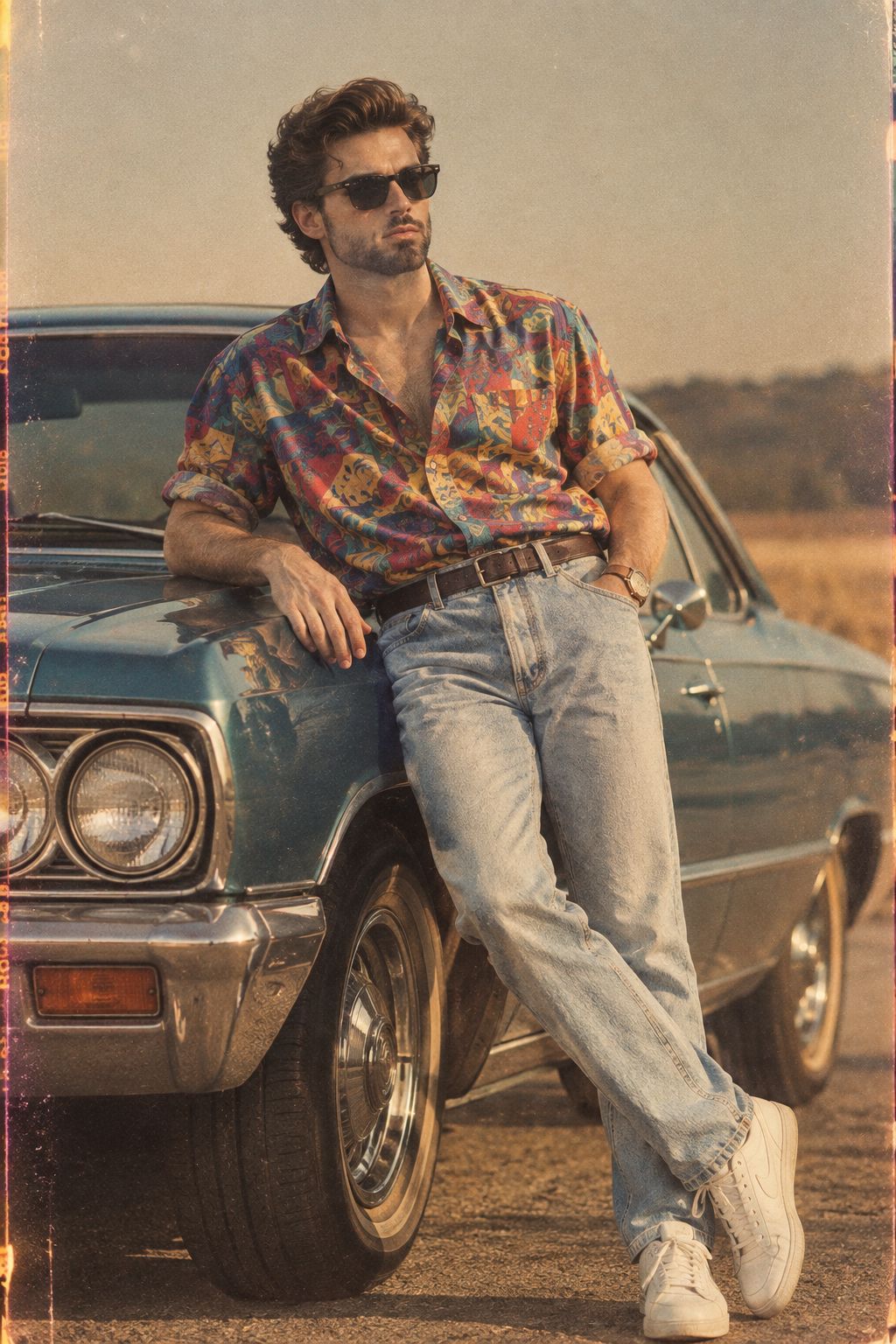
80s Golden Hour Cinema
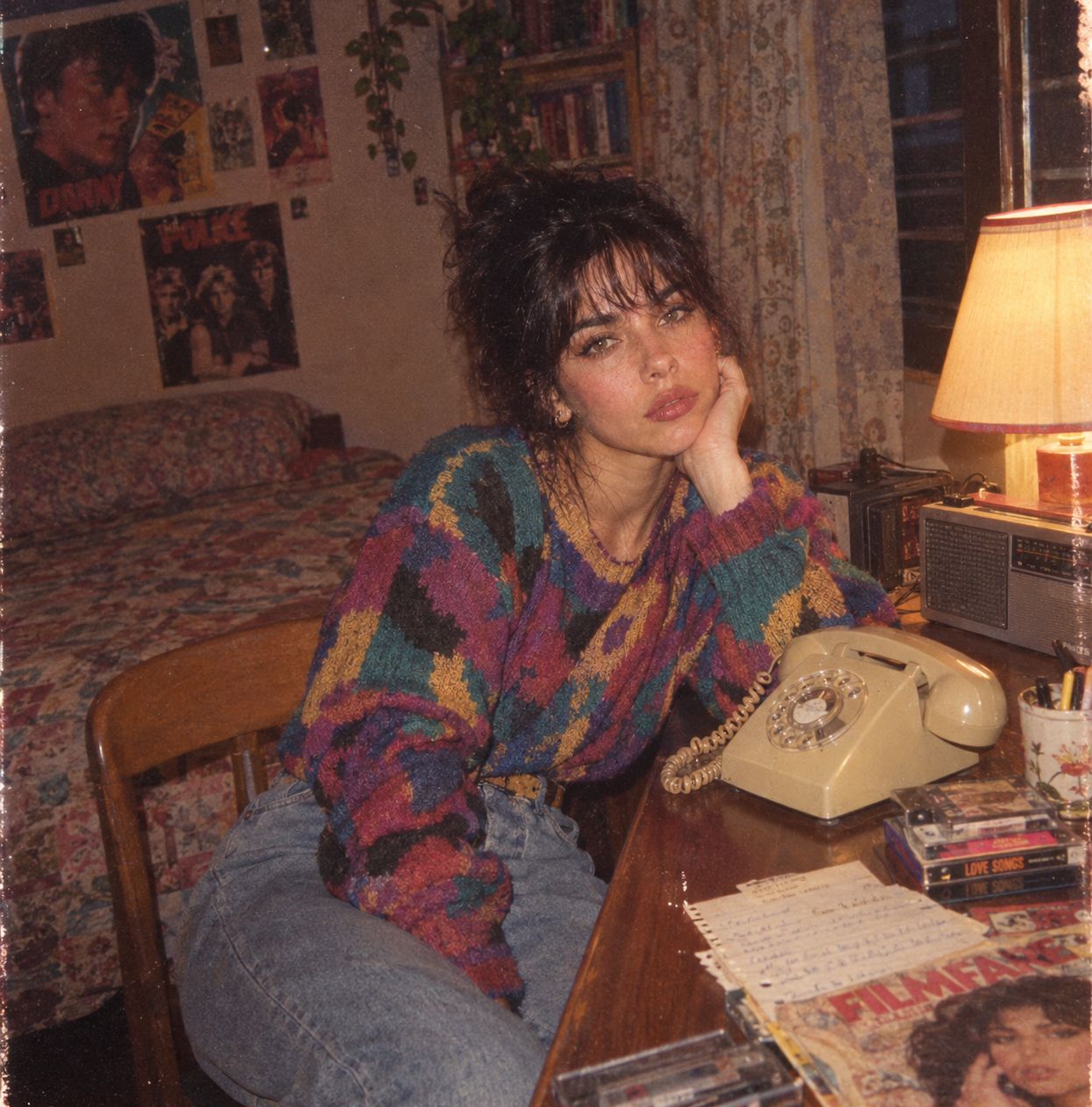
Me in 1985
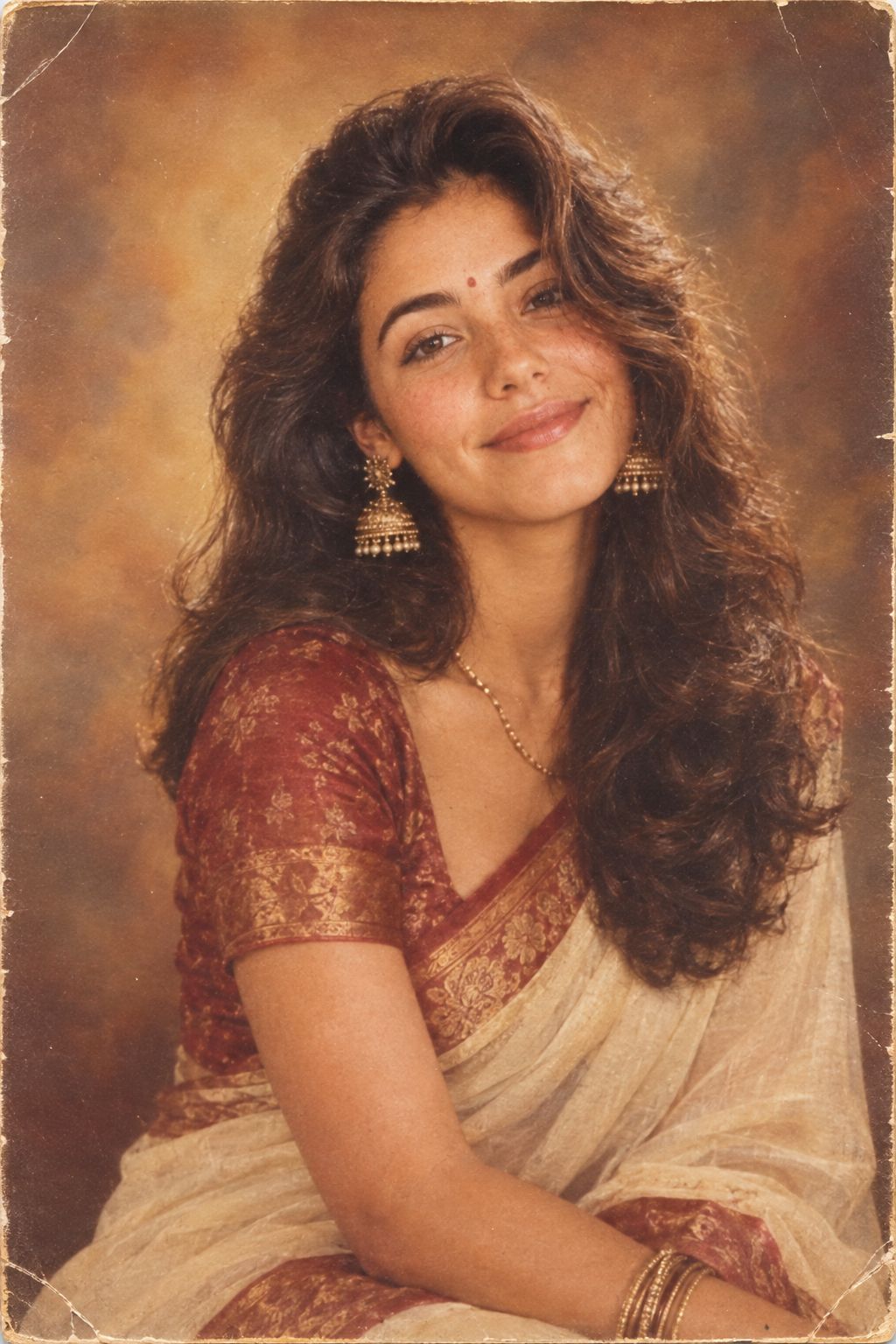
1985 Studio Portrait
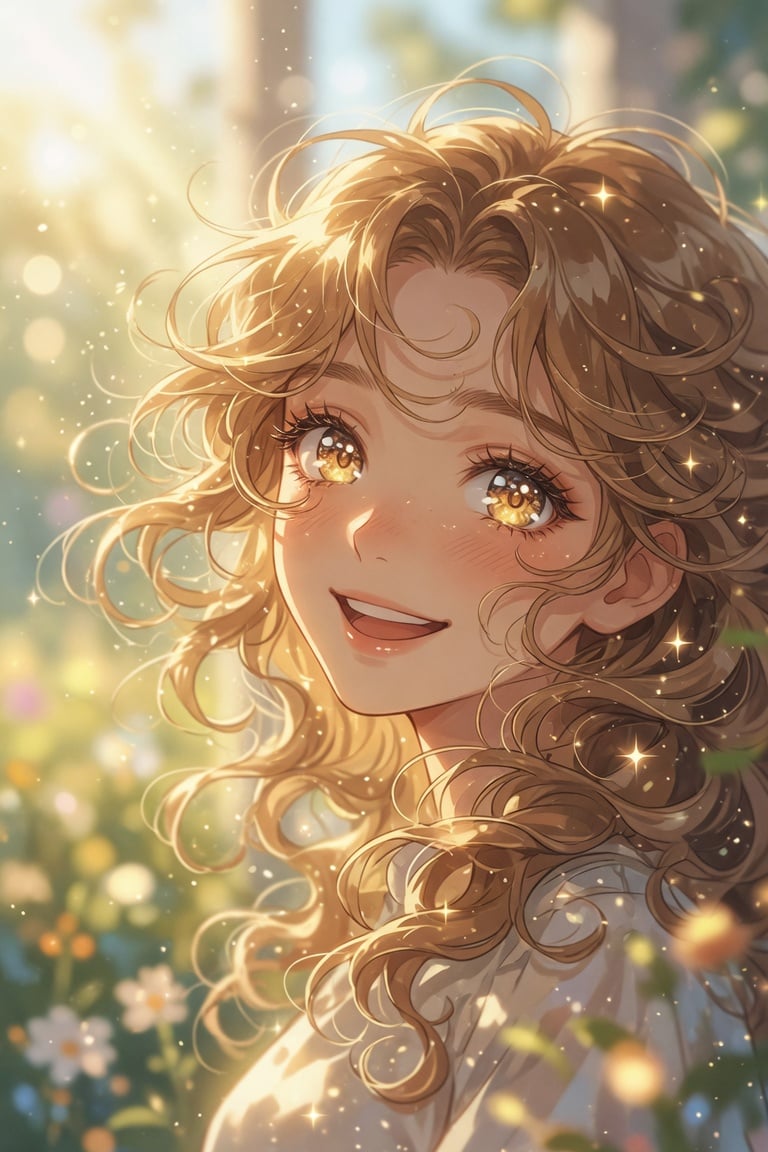
Golden Curly-Haired Anime Garden Portrait
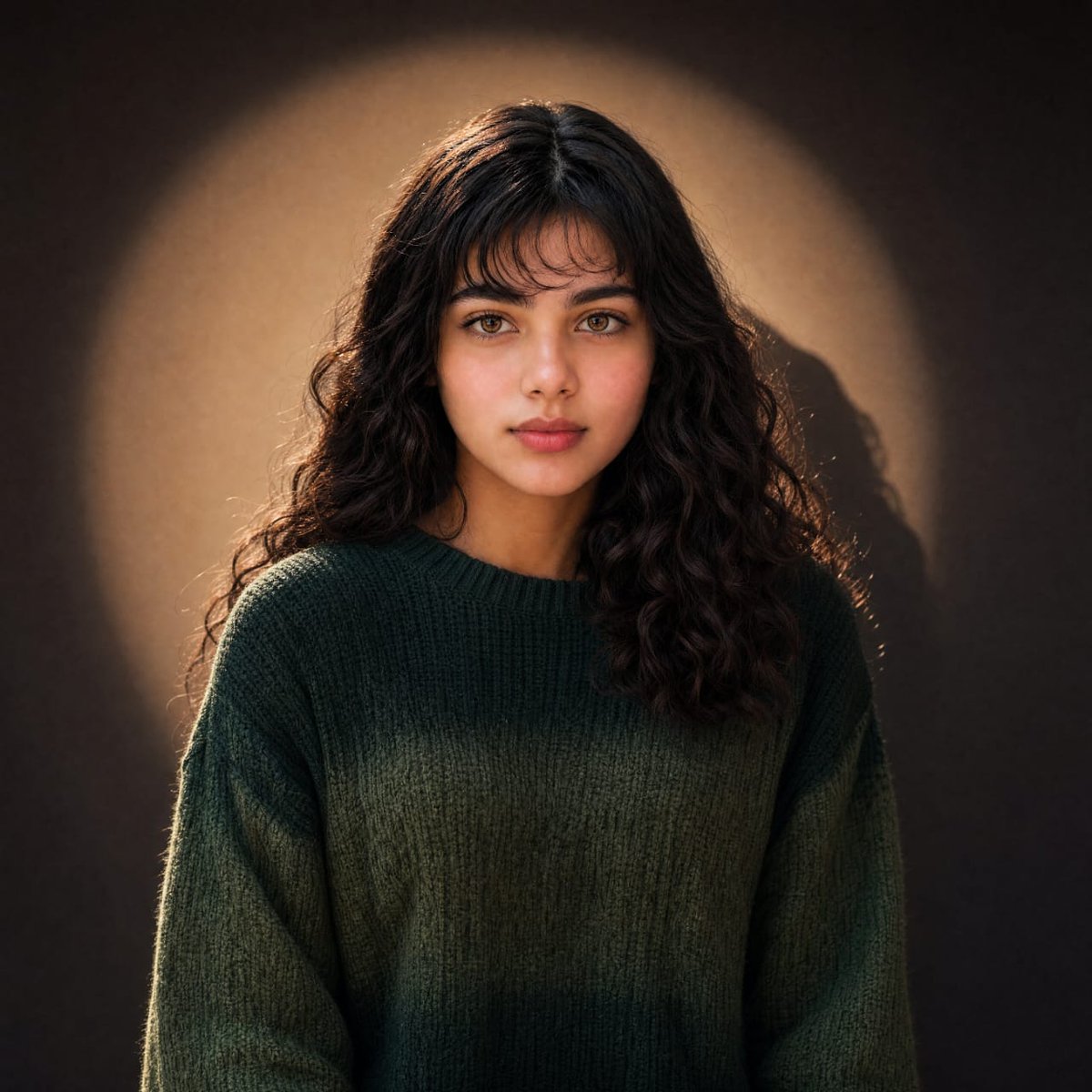
Warm Cinematic Curly-Haired Portrait
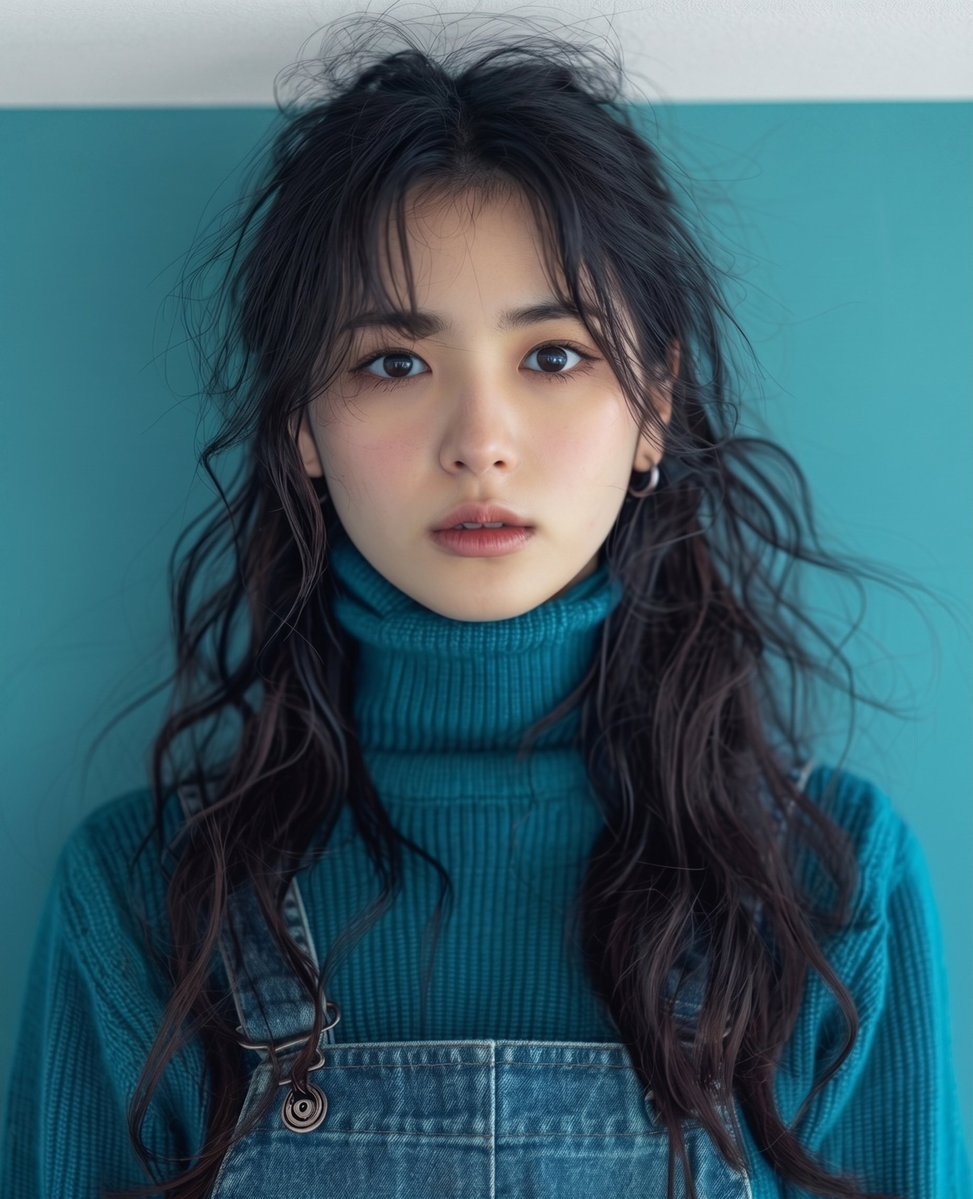
Teal Studio Overalls Portrait
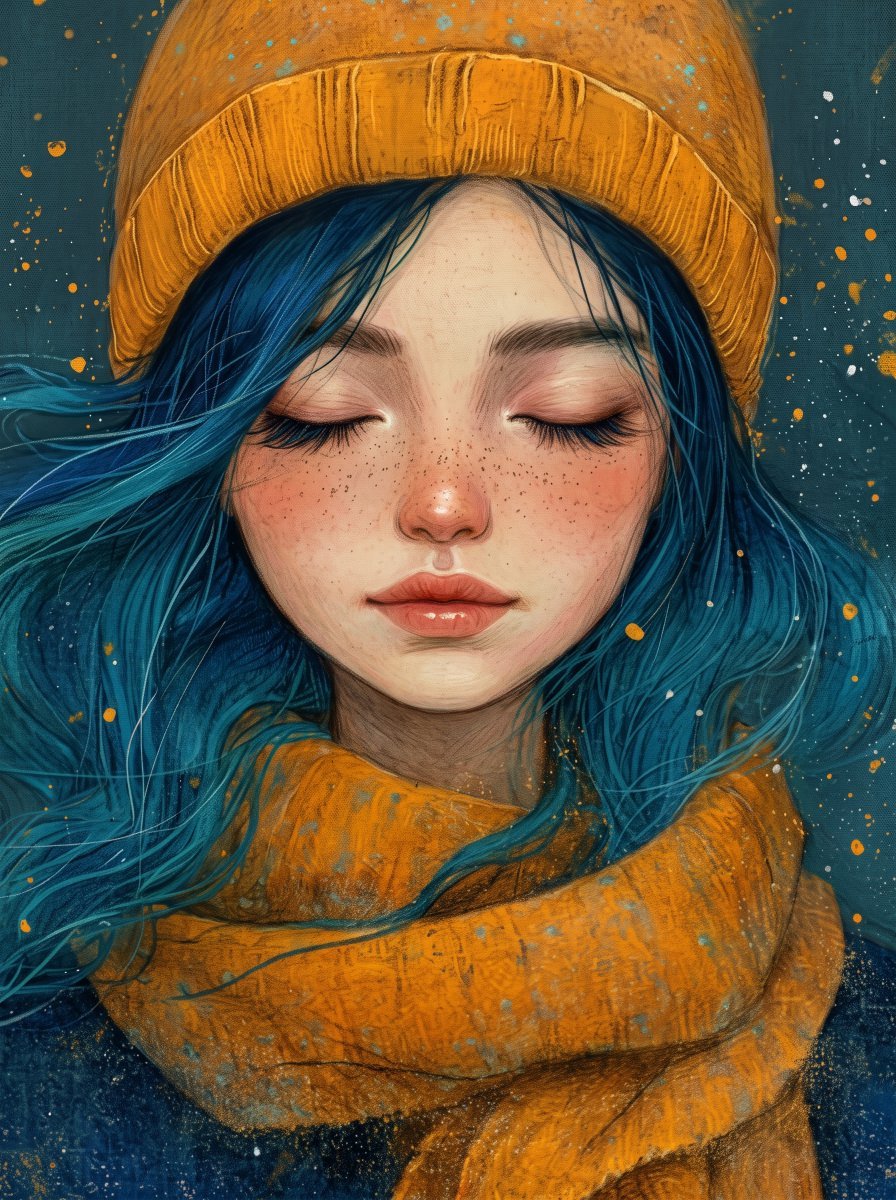
Painterly Portrait with Teal Hair and Mustard Beanie
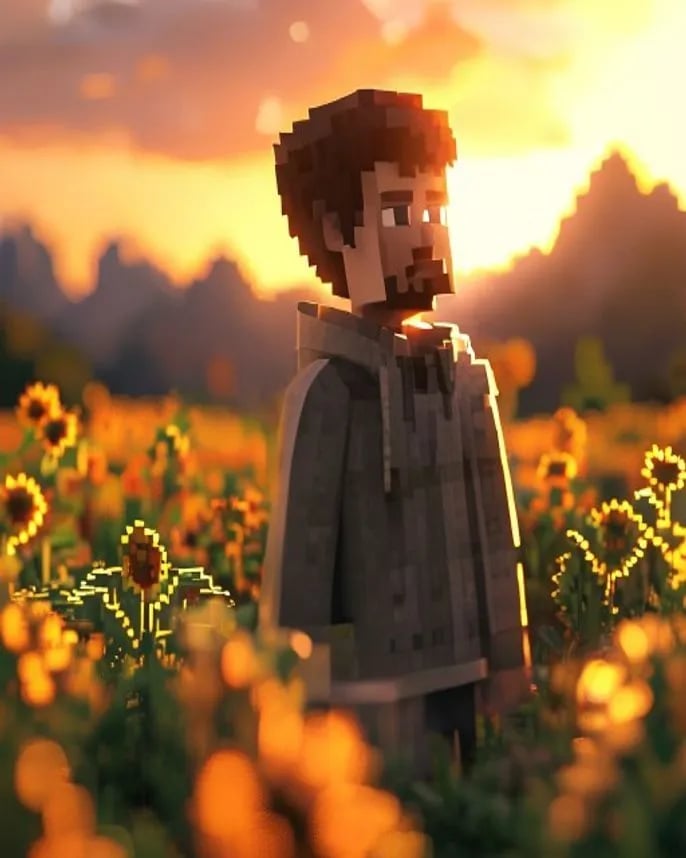
Hyper-Realistic Minecraft POV Portrait
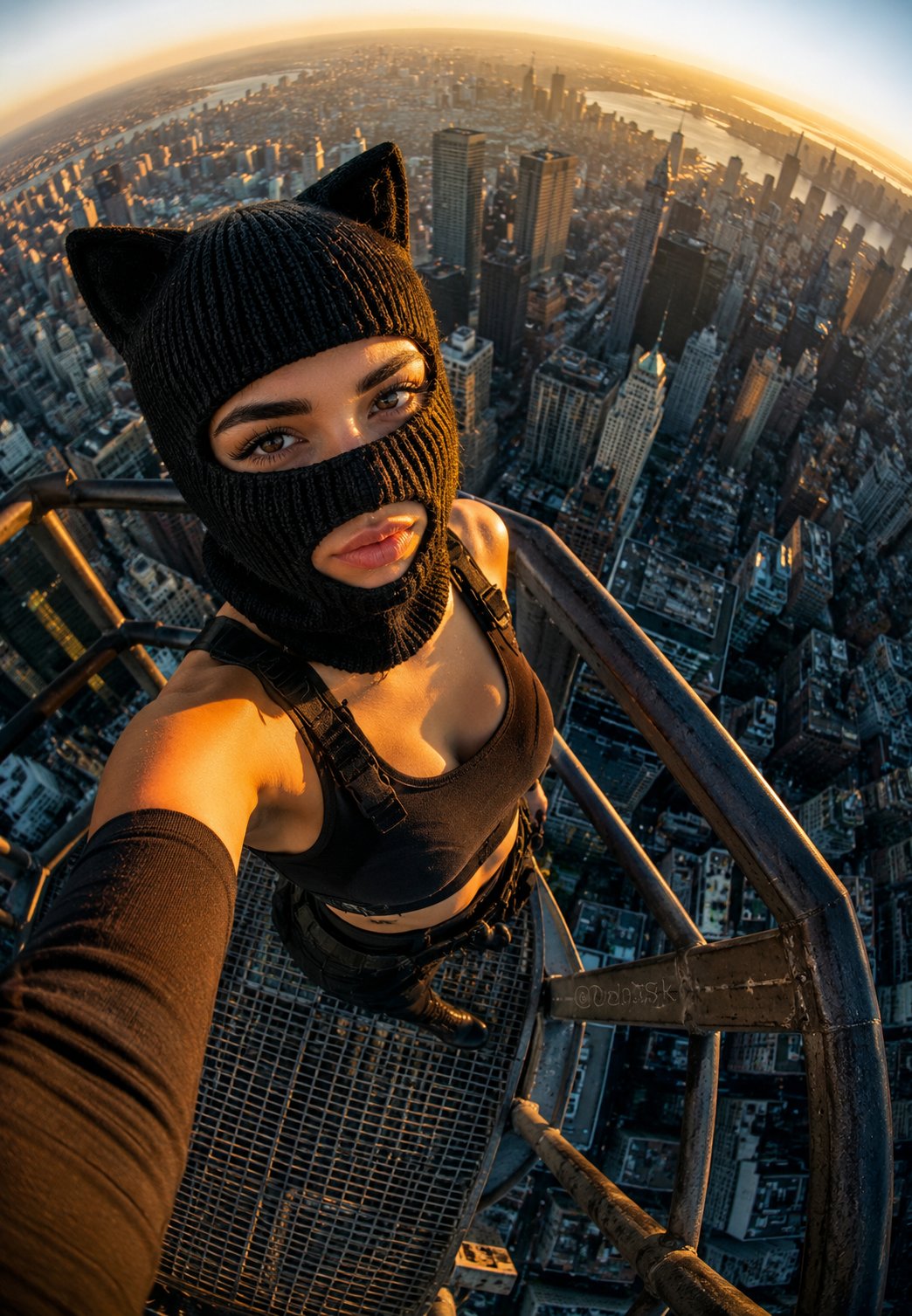
Rooftop Fisheye — Cat-Ear Balaclava at Golden Hour
Make it yours
Futuristic Teal-Haired Warrior Portrait works as-is. These are the safest ways to change it without losing the look.
Change one field
Copy a single group, rewrite it, and generate again so you can see what that field is doing.
Keep the frame, change the subject
Hold the composition and light of Futuristic Teal-Haired Warrior Portrait, then swap wardrobe, props or the person for a new take.
| If the result… | Why | Fix |
|---|---|---|
| The result drifts from the preview | Too many fields changed at once. | Reuse Futuristic Teal-Haired Warrior Portrait as-is first, then change one group — subject, light, or setting. |
| The model over-stylizes the scene | The prose prompt leaves finish and camera underspecified. | Add one camera or lighting sentence and stay on GPT Image 2. |
More GPT Image 2 templates
Other prompts made for GPT Image 2.

Six VTuber Japanese Logo Sheet
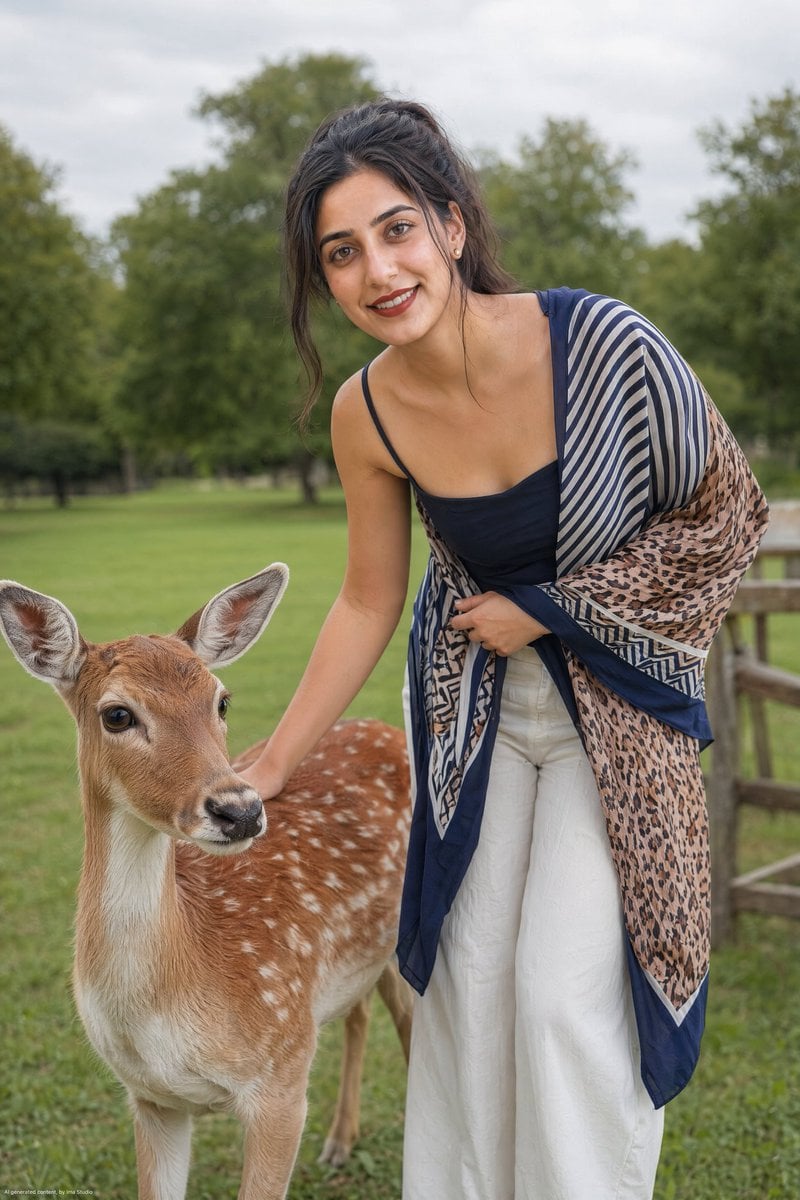
Realistic Portrait of Woman and Deer
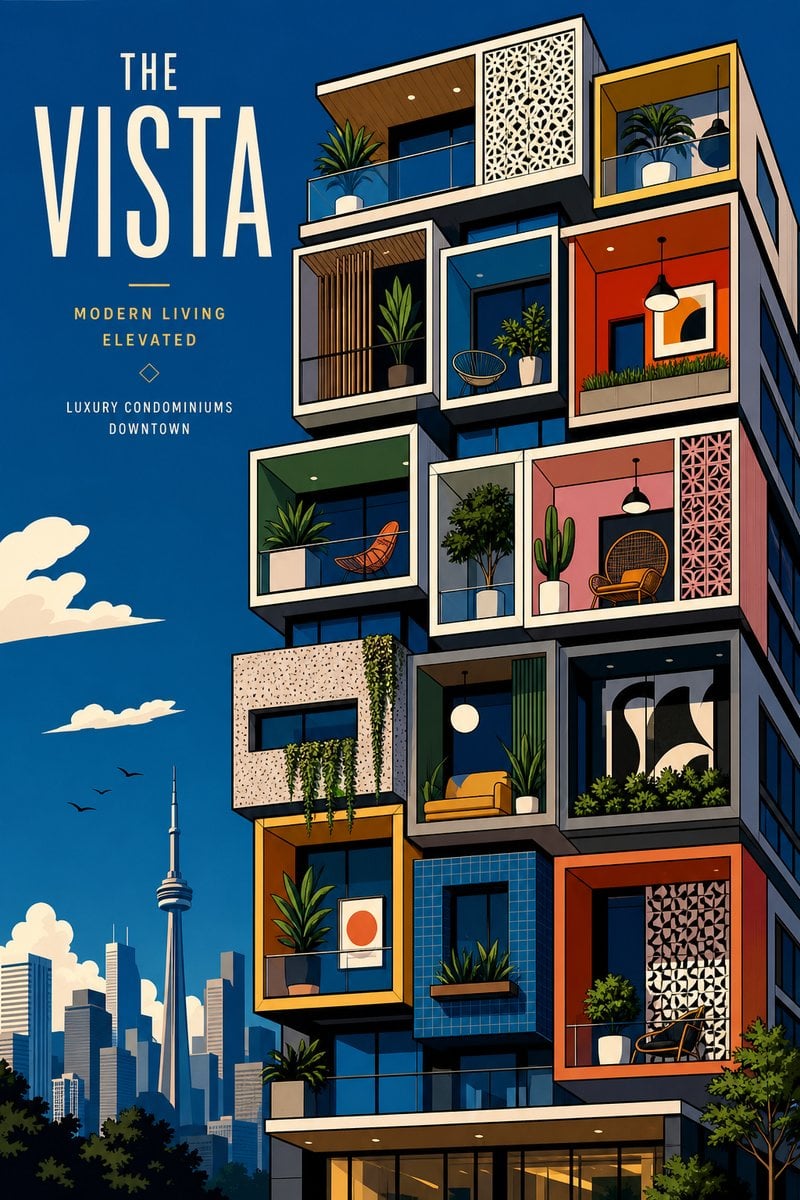
The Vista Modular Condo Poster

AI Model Routing Comparison Infographic
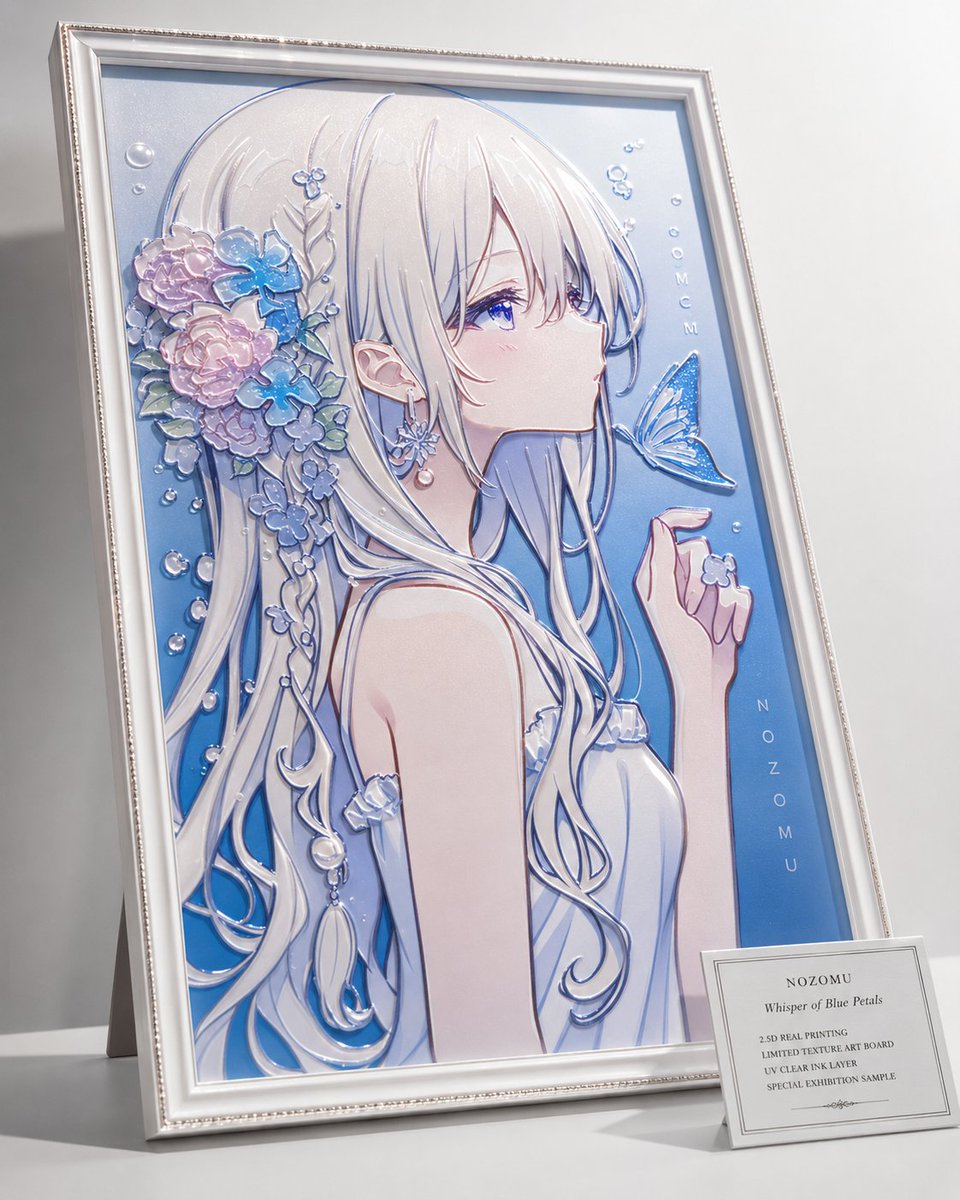
2.5D Anime Art Board
Isometric Productivity Desk Scene
New York Double Exposure Poster
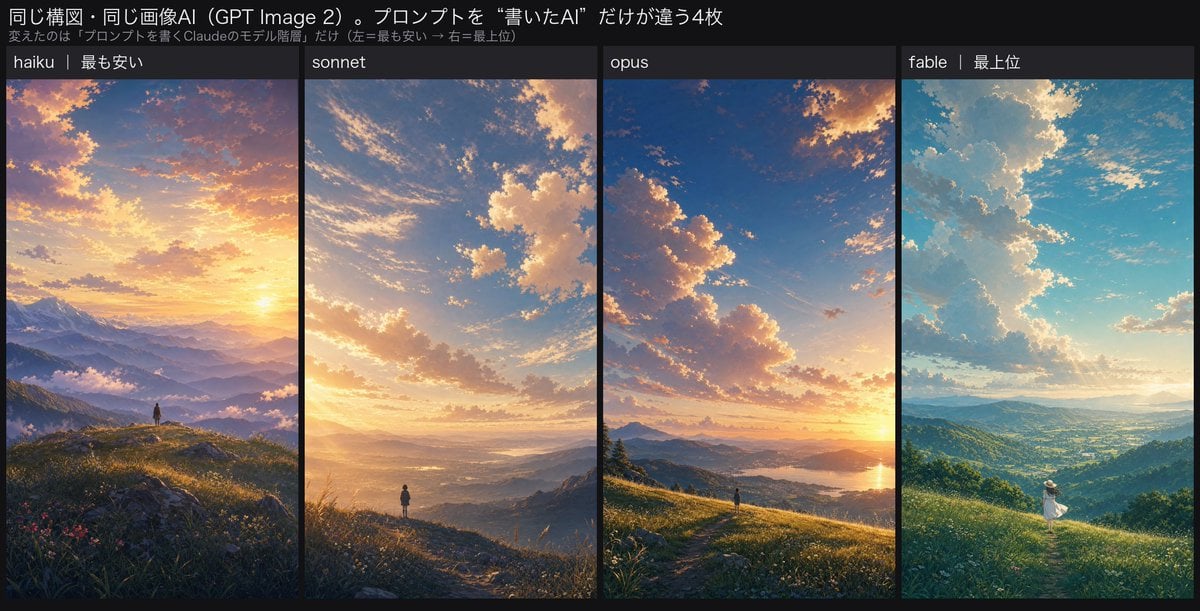
Four-Panel AI Landscape Comparison
Japanese Tatami Lifestyle Magazine Cover
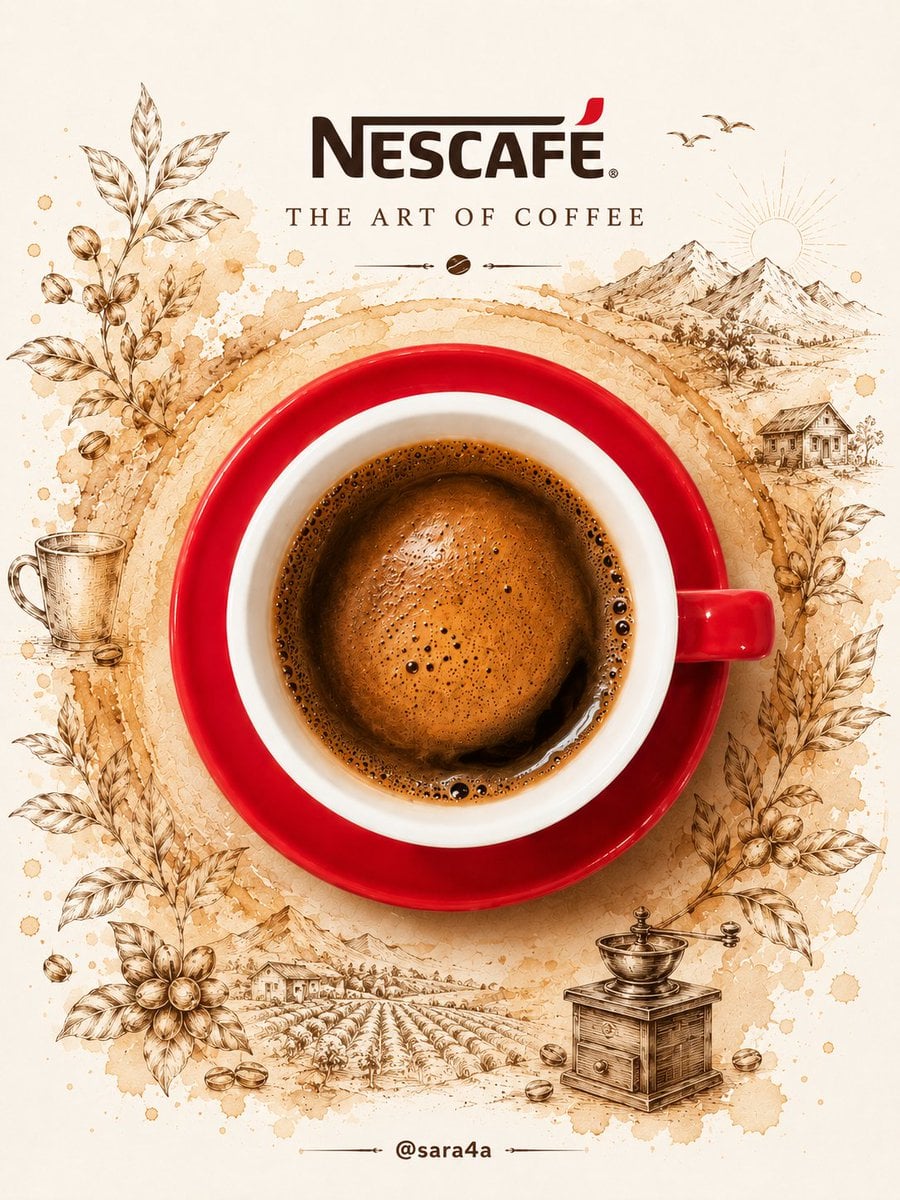
NESCAFÉ Coffee Map Poster
More image prompts
Fresh picks from across the catalog.
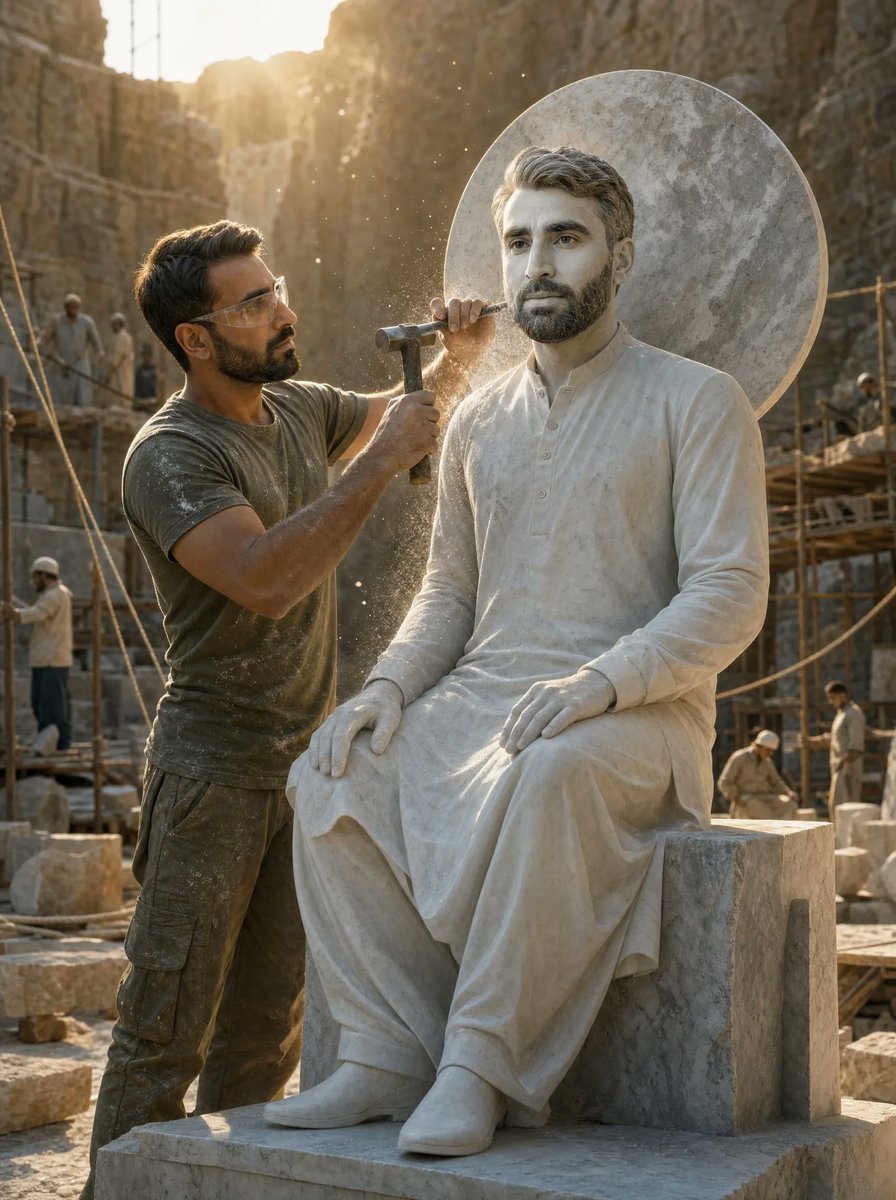
Sculptor Carving His Marble Double
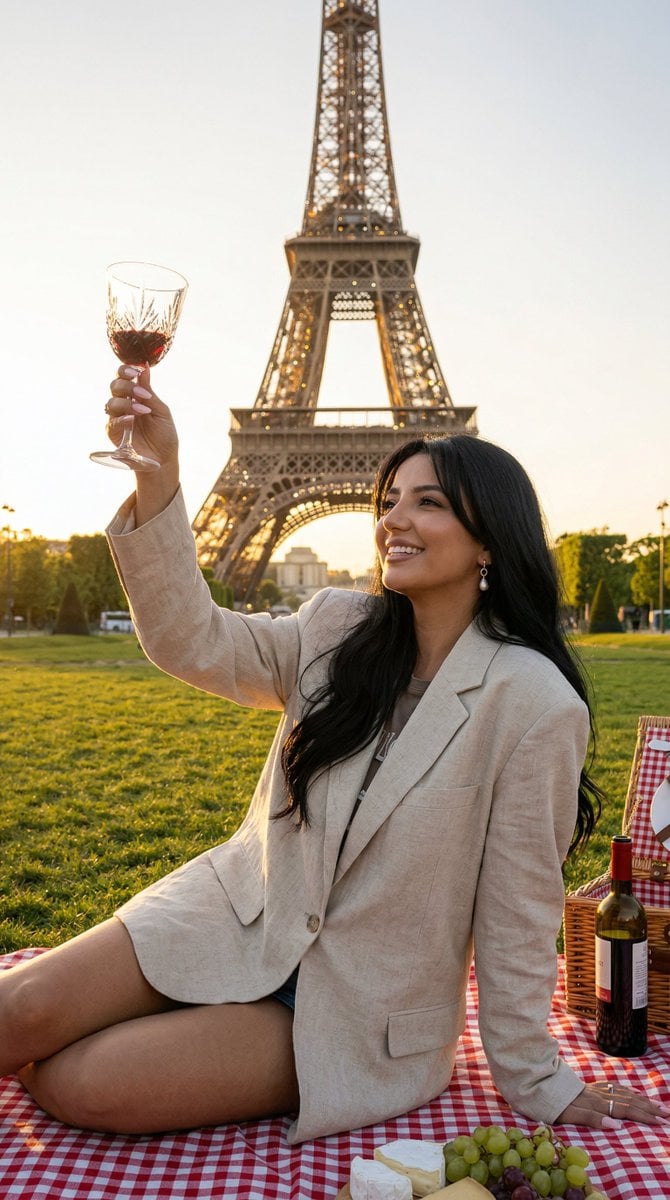
Nano Banana - Paris Fleurs Romantic
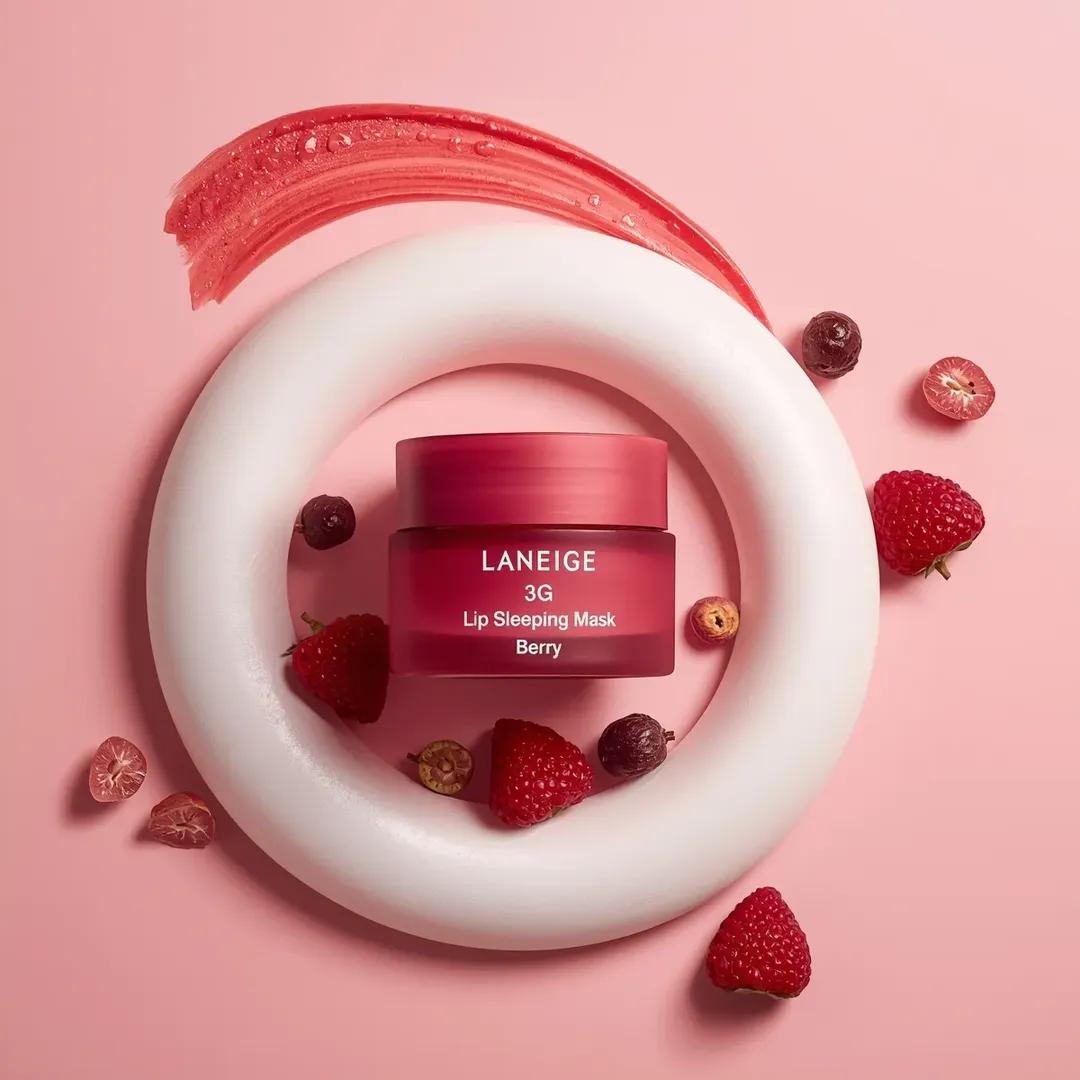
Commercial Cosmetic Product Photography Prompt
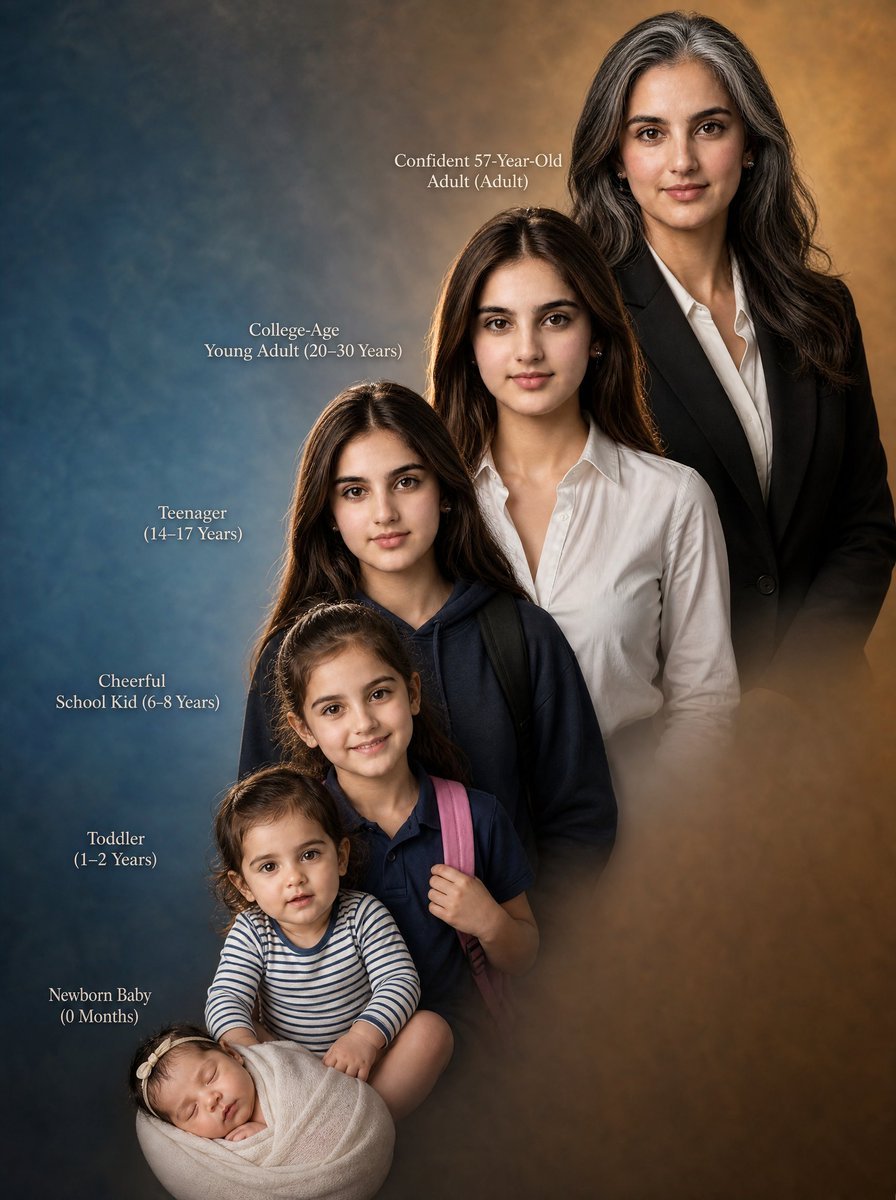
Female Life Progression Portrait
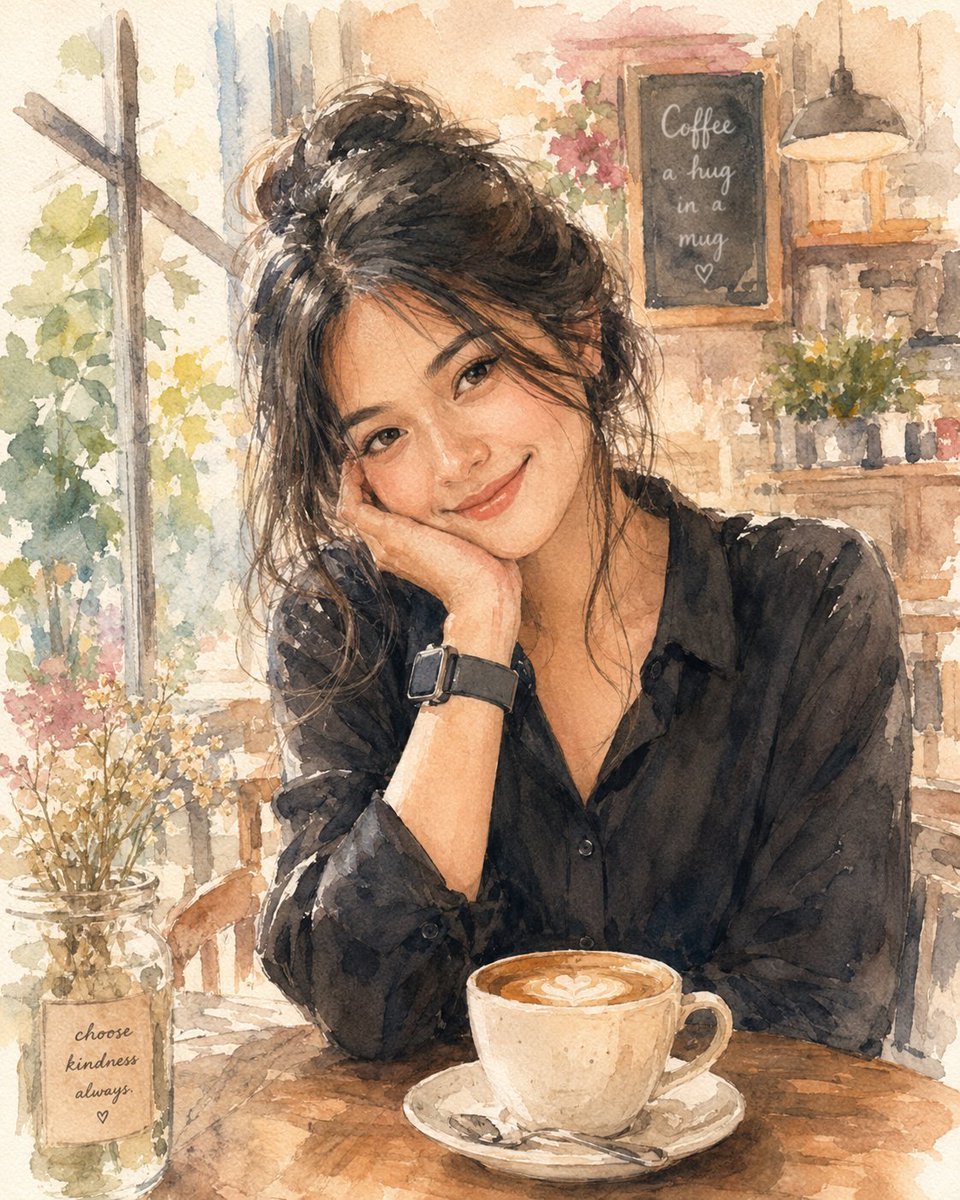
Soft Watercolor Café Illustration
LZA Prime
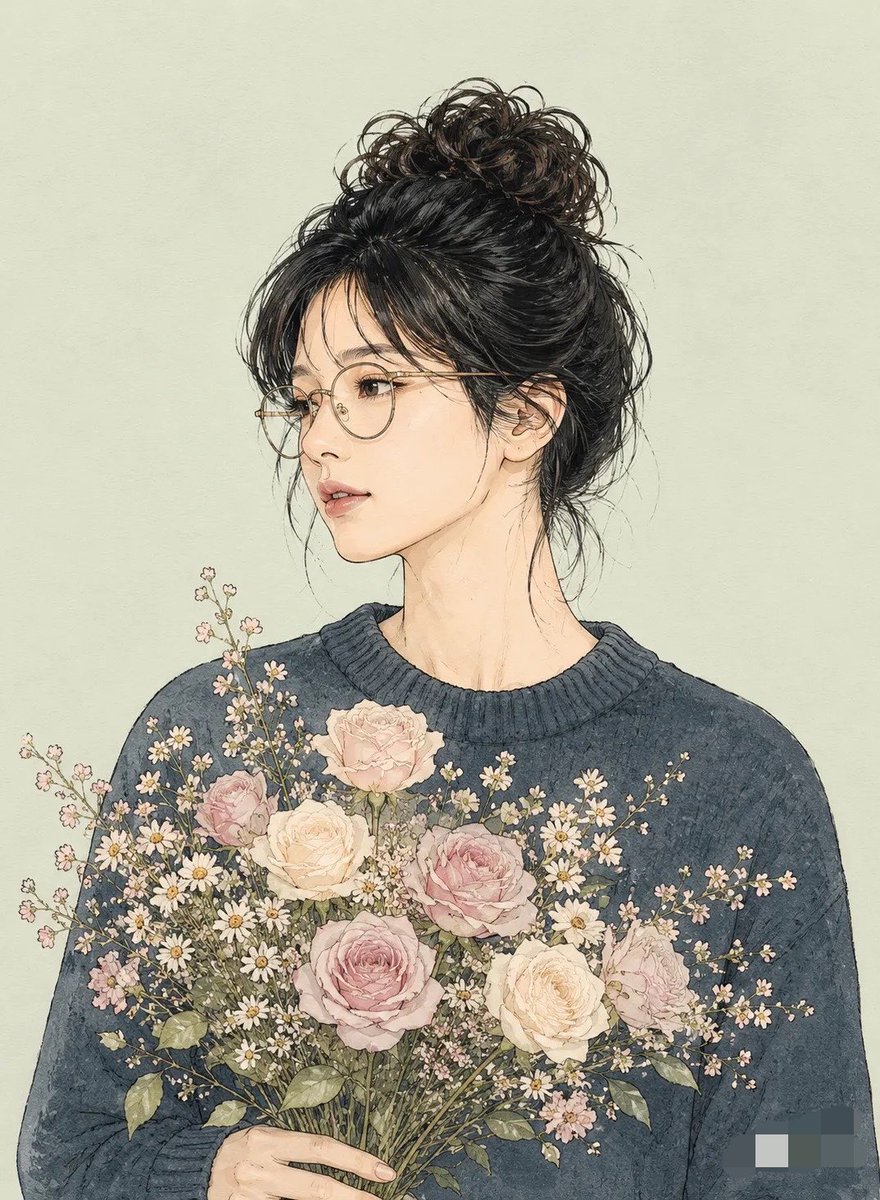
Miki Style Line Art Portrait
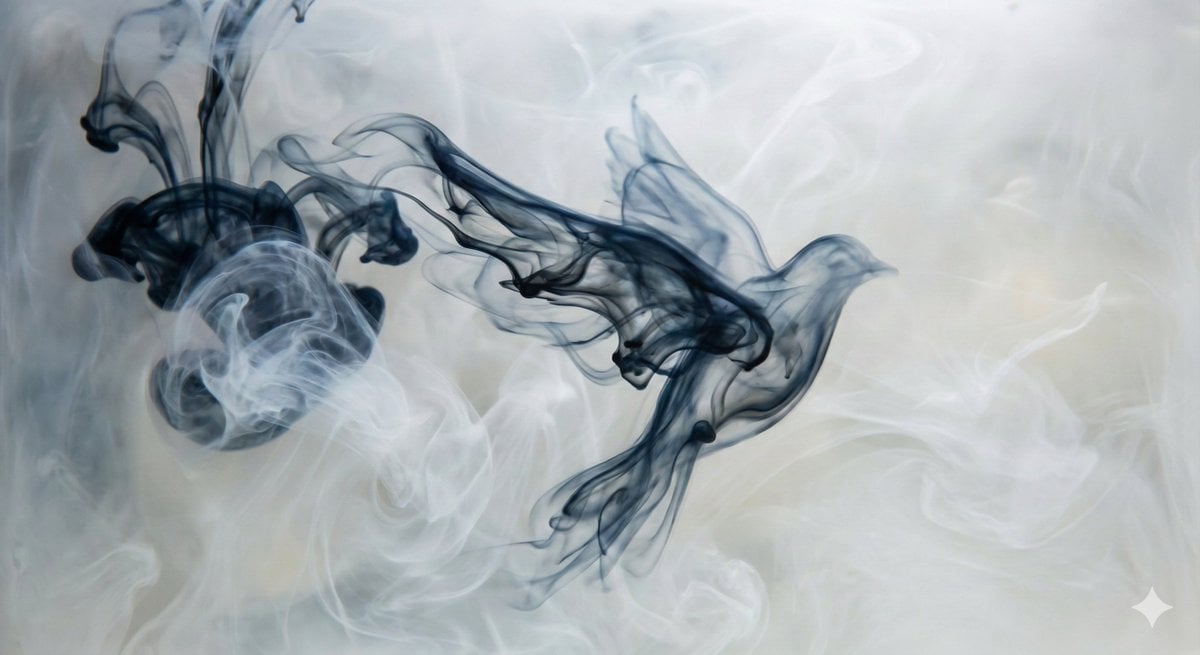
Abstract Subject Emerging from Ink and Water
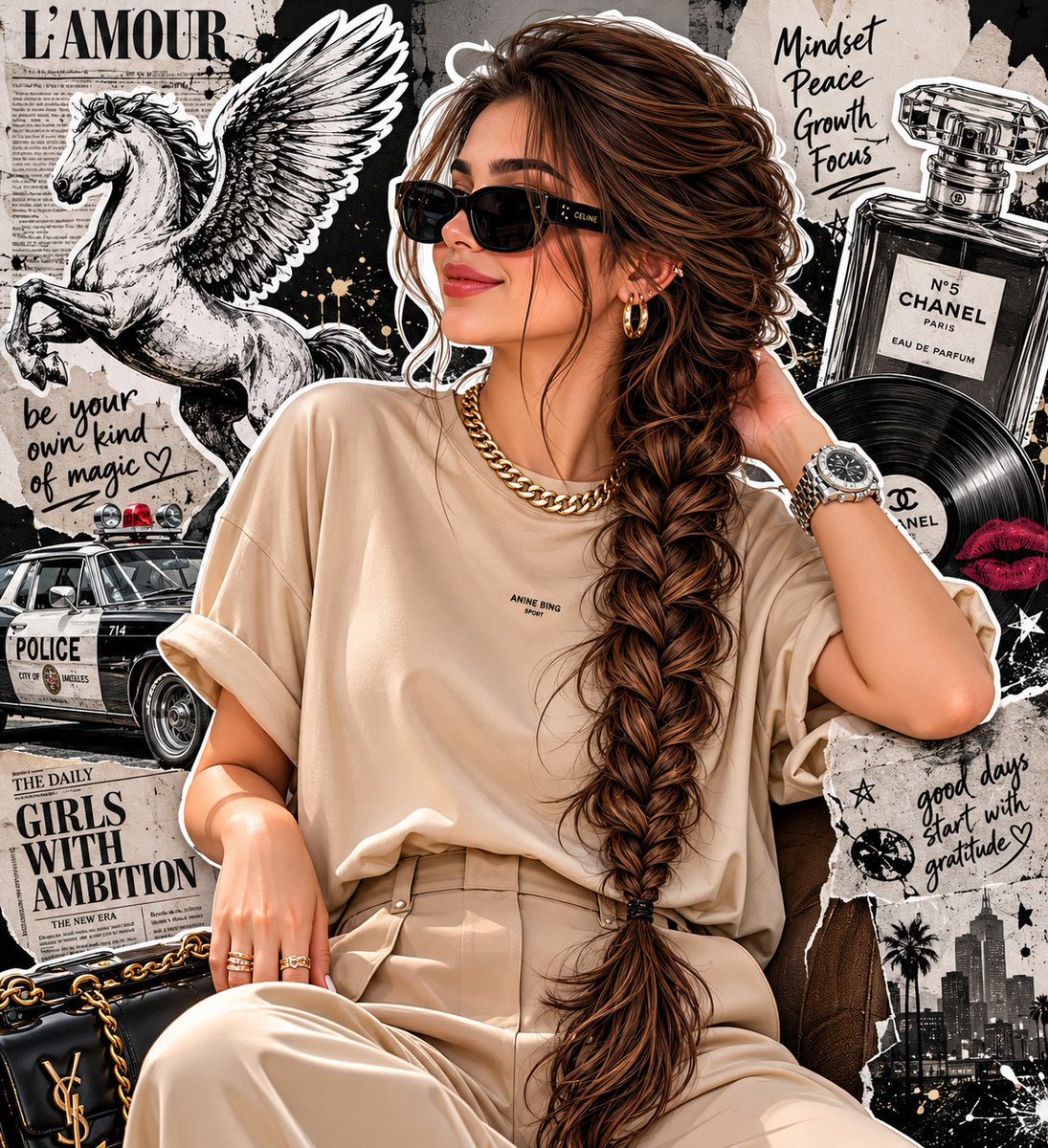
Fashion Editorial Portrait with Grunge Collage
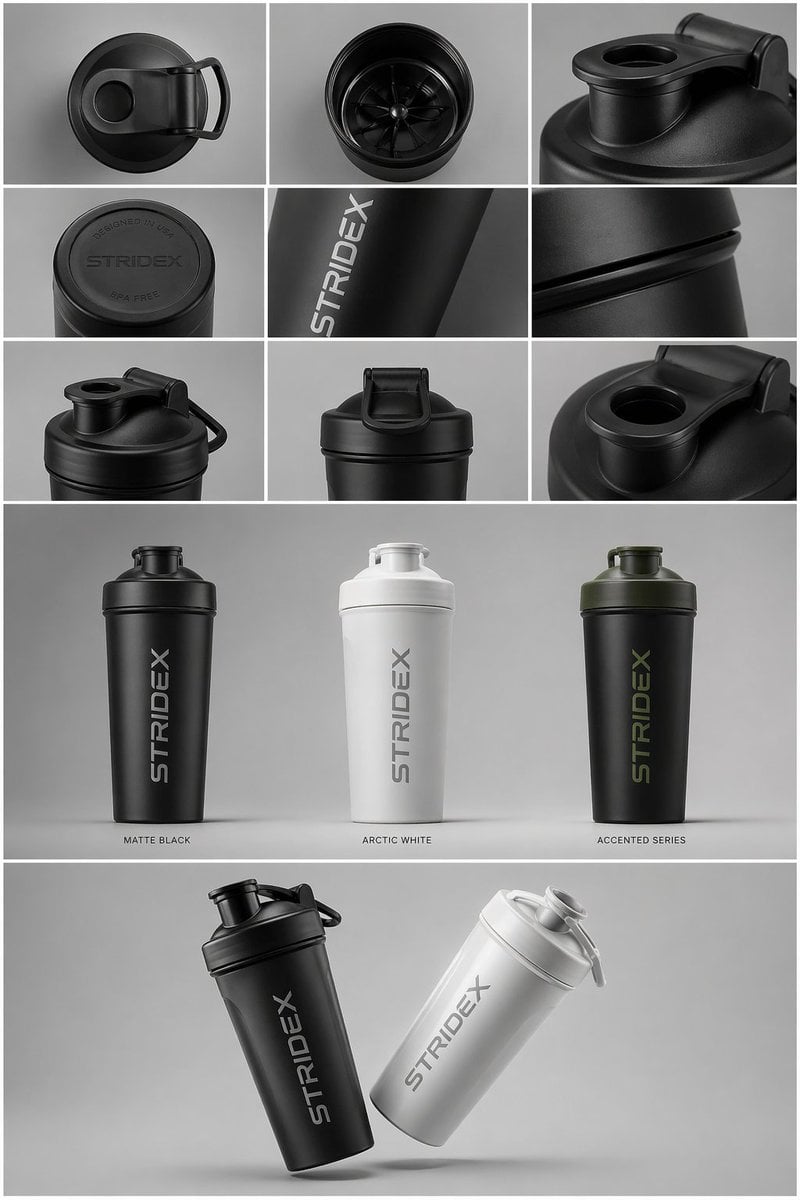
Industrial Design Presentation Sheet
Browse template categories
Futuristic Teal-Haired Warrior Portrait questions
How do I use the Futuristic Teal-Haired Warrior Portrait template?
Add your photo if the template asks for one, edit the prompt if you like — the template's model and format are already selected — and press Generate. Your version opens in PicX Studio.
Can I customize the Futuristic Teal-Haired Warrior Portrait template?
Yes. You can change the subject, setting, lighting, mood, format, and available model controls before creating your image.
Is the Futuristic Teal-Haired Warrior Portrait template free?
Opening and editing this template is free. Generating uses credits, shown on the Generate button when you are signed in.
Which AI model should I use?
Start with GPT Image 2, which is the model associated with this template. You can compare another compatible model for a different finish.
Looking for something else? Browse all templates.

Your photo, any look
Thousands of ready templates for every top image and video model, from one credit balance.