
Anime Warrior With Whip Sword
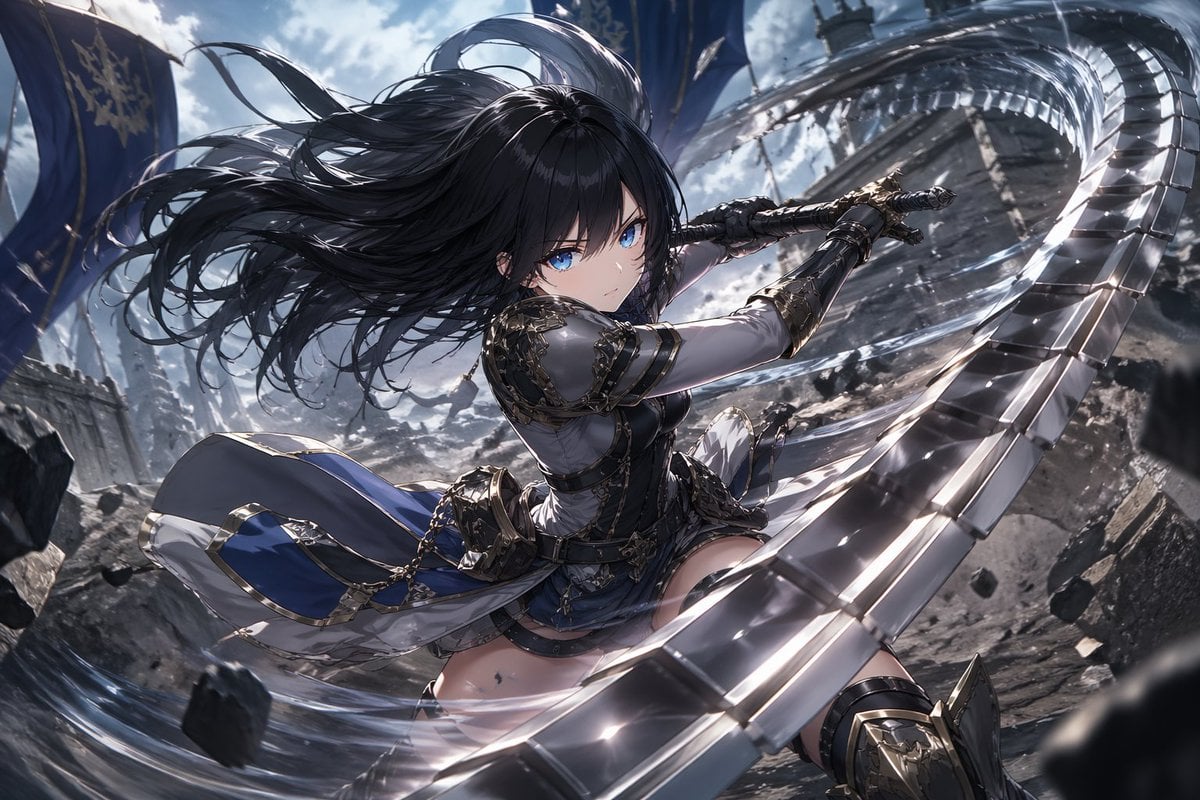
A dynamic fantasy anime action illustration of an armored heroine swinging a segmented blade, ideal for character key art, splash screens, or promotional visuals.
- Prompt included
- Model and format preset
- Free template
The prompt behind this image
Copy the exact prompt behind Anime Warrior With Whip Sword, or open it in the studio and make it yours.
A dramatic high-action anime fantasy illustration of a young female warrior with {argument name="hair color" default="jet black"} hair and piercing {argument name="eye color" default="bright blue"} eyes, shown in a dynamic low-angle close-to-mid shot as she swings a long segmented metal whip-sword in a wide circular arc around her body. Her hair is long, voluminous, and blowing violently in the wind, with sharp glossy strands and detailed highlights. She has a focused, fierce expression and is looking directly toward the viewer over her shoulder. She wears ornate black, silver, and gold-trimmed armor with a fitted bodice, armored gauntlets, shoulder plates, thigh armor, and a short layered skirt with flowing blue-and-white fabric panels and metallic decorations. The weapon forms a bright spiral ring across the foreground and upper right of the composition, with reflective steel segments, motion blur, and sparkling highlights. Small rocks and debris are suspended in the air from the force of the attack. The setting is a ruined stone battlefield or castle courtyard with cracked ground, broken masonry, and several tall blue banners in the background beneath a cloudy daylight sky. Use cinematic action composition, strong foreshortening, intense sense of motion, ultra-detailed fantasy costume design, polished metallic textures, dramatic wind effects, crisp anime linework, painterly lighting, high contrast, and an epic heroic mood in the style of a premium fantasy key visual.
How to use Anime Warrior With Whip Sword in 3 steps
- 1Upload ImagePNG, JPG or paste
Add your photo
Upload the photo the template builds on. The prompt, model and format are already set.
- 2…a portrait of your subject in softgolden-hour light, 85mm…
Personalize
Edit the subject and creative details for your destination.
- 3Generate
Generate
Press Generate — your image is created in PicX Studio, so you can compare it with the original and refine one variable at a time.
More like this
Templates with the same subject, style or setup. Open one to see its prompt.











Make it yours
Anime Warrior With Whip Sword works as-is. These are the safest ways to change it without losing the look.
Change one field
Copy a single group, rewrite it, and generate again so you can see what that field is doing.
Keep the frame, change the subject
Hold the composition and light of Anime Warrior With Whip Sword, then swap wardrobe, props or the person for a new take.
| If the result… | Why | Fix |
|---|---|---|
| The result drifts from the preview | Too many fields changed at once. | Reuse Anime Warrior With Whip Sword as-is first, then change one group — subject, light, or setting. |
| The model over-stylizes the scene | The prose prompt leaves finish and camera underspecified. | Add one camera or lighting sentence and stay on GPT Image 2. |
More GPT Image 2 templates
Other prompts made for GPT Image 2.

Six VTuber Japanese Logo Sheet

Realistic Portrait of Woman and Deer

The Vista Modular Condo Poster

AI Model Routing Comparison Infographic

2.5D Anime Art Board

Isometric Productivity Desk Scene

New York Double Exposure Poster

Four-Panel AI Landscape Comparison

Japanese Tatami Lifestyle Magazine Cover

NESCAFÉ Coffee Map Poster
More image prompts
Fresh picks from across the catalog.
Cinematic Black and White Portrait in a Crowd
Calligraphic City Impression Poster
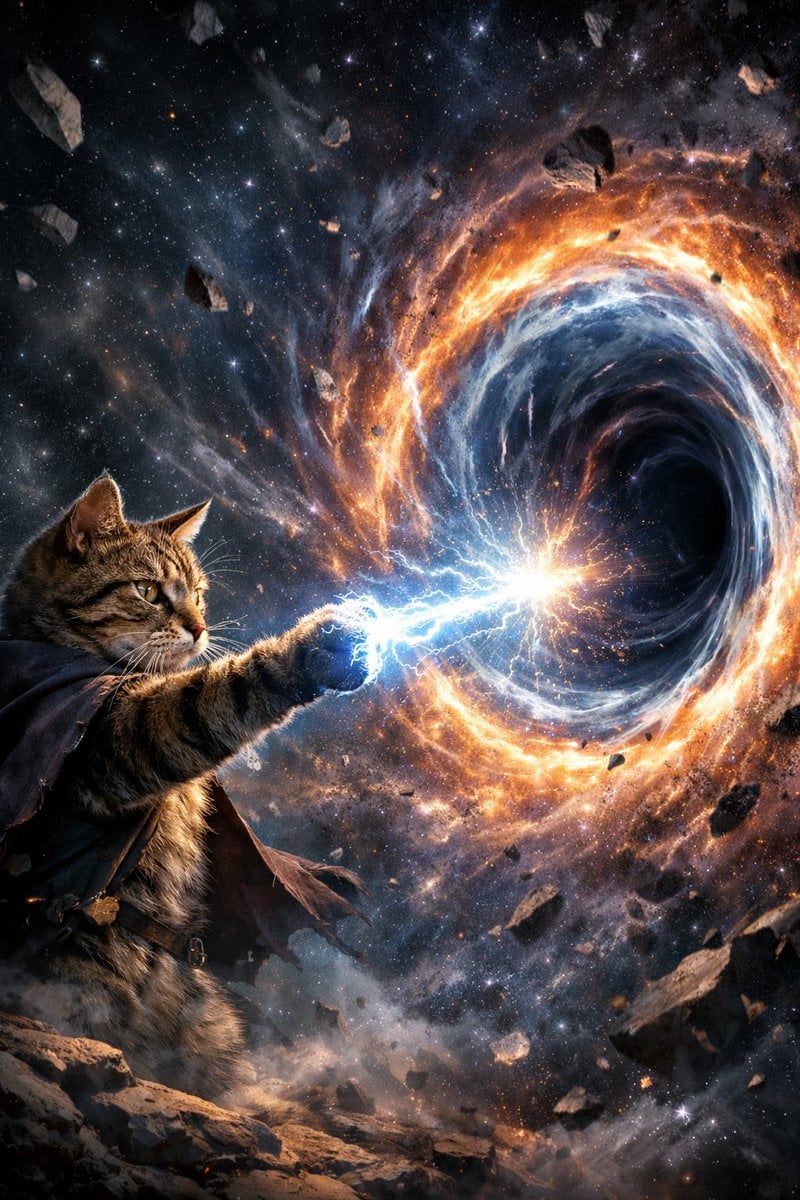
Surreal Cat Shooting Power to Open Wormhole
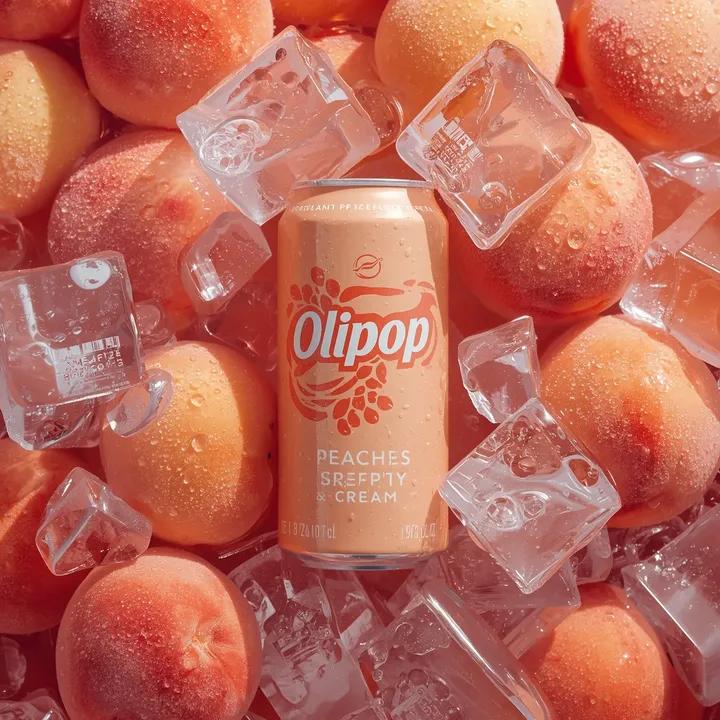
Ultra-Realistic Product Photography of OLIPOP Soda Can
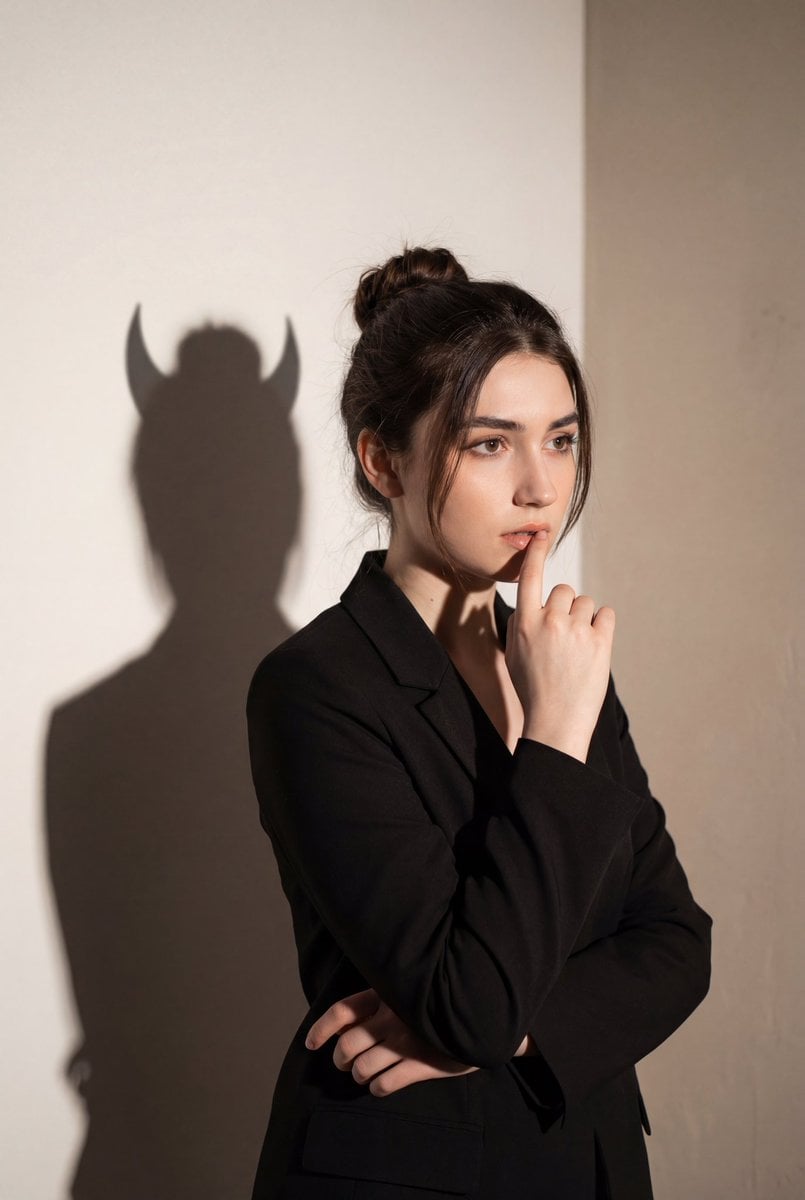
Conceptual Portrait with Symbolic Devil Horn Shadow
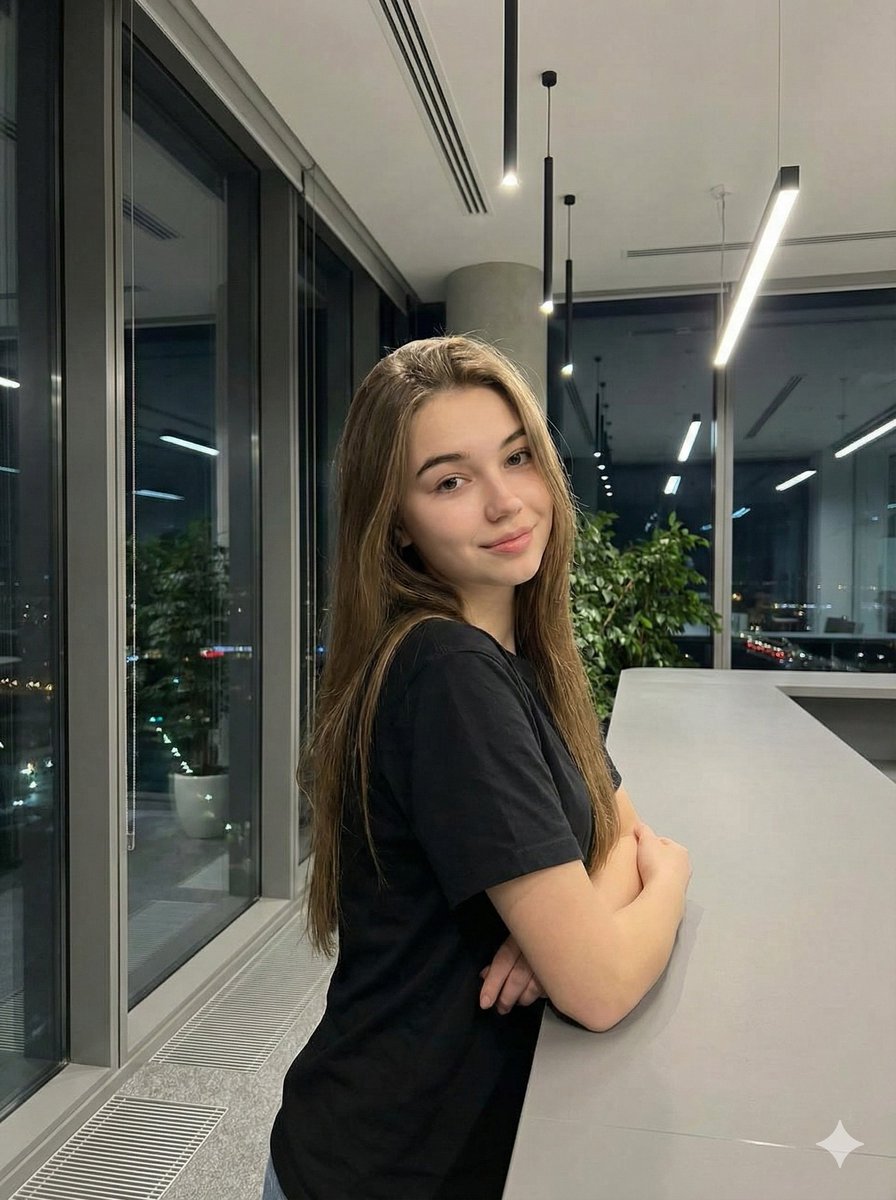
Realistic Corporate Portrait in a Modern Office at Night
Collectible Art Toy Character Design Sheet
Tiny Boy Character Sheet
Warm Editorial Sneaker Poster

Photorealistic Couple Portrait with Harsh Midday Sun and Red Roses
Browse template categories
Anime Warrior With Whip Sword questions
How do I use the Anime Warrior With Whip Sword template?
Add your photo if the template asks for one, edit the prompt if you like — the template's model and format are already selected — and press Generate. Your version opens in PicX Studio.
Can I customize the Anime Warrior With Whip Sword template?
Yes. You can change the subject, setting, lighting, mood, format, and available model controls before creating your image.
Is the Anime Warrior With Whip Sword template free?
Opening and editing this template is free. Generating uses credits, shown on the Generate button when you are signed in.
Which AI model should I use?
Start with GPT Image 2, which is the model associated with this template. You can compare another compatible model for a different finish.
Looking for something else? Browse all templates.

Your photo, any look
Thousands of ready templates for every top image and video model, from one credit balance.