How do I use the Chryzleenprompt Rooftop Selfie template?
Choose the primary action to open PicX Studio with the available template settings. Review the model and format, personalize the creative direction, and generate when ready.
Use the Chryzleenprompt Rooftop Selfie AI image template on PicX Studio. Free template, no signup required.
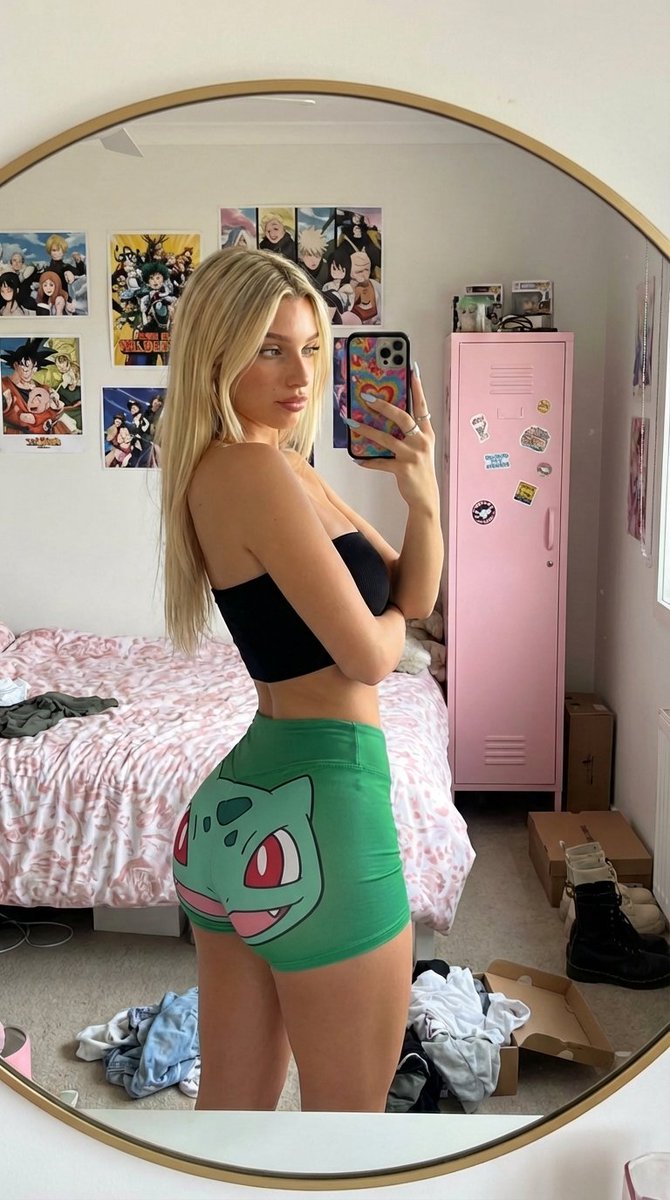
A close-up rooftop lifestyle selfie of a young woman holding the phone above shoulder height at a diagonal angle, creating a dynamic foreshortened perspective with one shoulder and arm appearing larger due to proximity to the lens. She leans slightly back with parted lips and a playful candid expression, not a basic pose, not centered, with her body cropped asymmetrically for a spontaneous social-media photo feel. Dark brown hair in long layered gloss waves with face-framing curtain strands flowing over one shoulder, styled sleek but touchable. Makeup is specific and consistent: douyin glossy shimmer glam, sculpted aegyosal, soft glitter on the eyelids, feline brown liner, grey contact lenses, glossy cool pink lips, avoid peach and coral shades entirely. Skin is luminous with visible pores and a fresh Korean glass-skin finish. Outfit is sporty-modern matchy color styling: white fitted camisole, oversized knit zip cardigan in white with deep red graphic stripes, burgundy trucker cap. Strong leading lines from rooftop pavement markings, wall edges, and the angled arm holding the camera. Shot with iPhone/mobile camera in bright direct sunlight, no background blur, no bokeh, lifted blacks and open shadows, no color grading, true phone camera realism. -ar 3:4
Use Chryzleenprompt Rooftop Selfie to plan an AI image around themes such as rooftop and selfie. Match the preview's composition first, then personalize the subject, setting, and mood for your own project.
Use the primary action to load the template settings in PicX Studio.
Adjust the subject and creative details for your destination.
Create the image, compare the result with the preview, and refine one variable at a time.
A continuous mix — similar concepts first, woven with same-model prompts and fresh picks from the catalog.
Choose the primary action to open PicX Studio with the available template settings. Review the model and format, personalize the creative direction, and generate when ready.
Yes. You can change the subject, setting, lighting, mood, format, and available model controls before creating your image.
This template is free to open and customize. Generation usage is shown in PicX Studio before you create.
Choose a compatible model in PicX Studio based on the style, speed, and output controls your project needs.
Follow a topic to a crawlable collection of related PicX Studio templates.
39,157 public templates available. Verified via the PicX Studio public templates API; refreshed hourly.
A continuous mix — similar concepts first, woven with same-model prompts and fresh picks from the catalog.