
Impasto Cookie Milk Splash
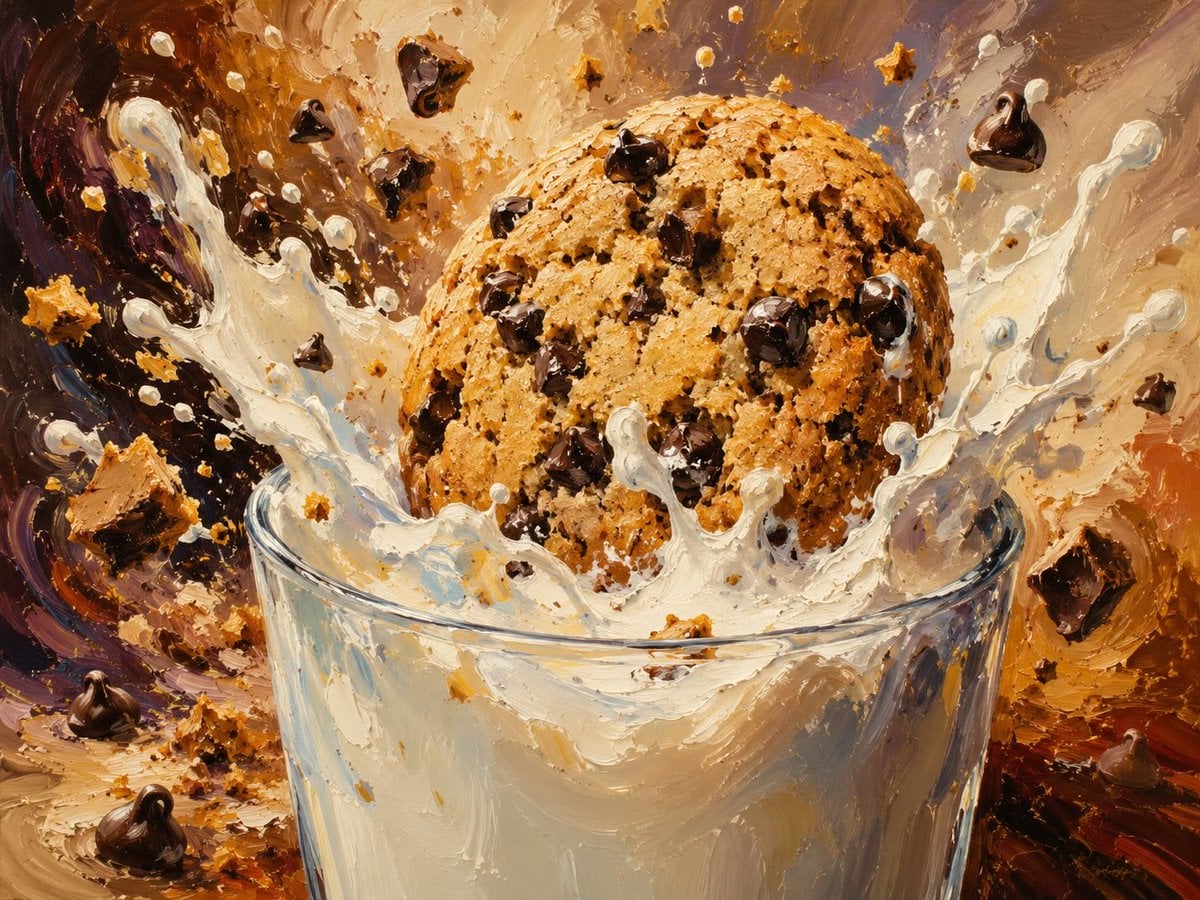
A dramatic oil-painted food scene showing a chocolate chip cookie splashing into a glass of milk, useful for dessert advertising or stylized editorial visuals.
- Prompt included
- Model and format preset
- Free template
The prompt behind this image
Copy the exact prompt behind Impasto Cookie Milk Splash, or open it in the studio and make it yours.
Create a dynamic close-up food illustration of a giant {argument name="cookie type" default="chocolate chip cookie"} crashing into a clear glass of {argument name="milk type" default="whole milk"}, frozen at the instant of impact. The cookie is large, golden brown, round, rough and crumbly, packed with many glossy dark chocolate chips, with visible baked texture and small cracks. Milk erupts upward in dramatic thick splashes and droplets around the cookie, with white arcs, beads, and ribbons of liquid partially obscuring the glass rim. Include exactly 5 prominent flying chocolate chunks or chips outside the cookie: one near the upper left, one near the upper center, one near the upper right, one at the right edge, and one near the lower left foreground; also include numerous tiny cookie crumbs and milk droplets scattered through the air. The glass is transparent with a slightly elliptical rim, thick reflective sides, and creamy milk visible inside. Use an expressive impasto oil-painting style with heavy palette-knife texture, visible brush strokes, warm caramel, cream, chocolate brown, amber, and muted purple tones. The background should be abstract and energetic, swirling like a dessert explosion, with warm studio lighting, high contrast highlights on the milk and chocolate, shallow depth of field, no text, no watermark, no hands, no broken glass.
How to use Impasto Cookie Milk Splash in 3 steps
- 1Upload ImagePNG, JPG or paste
Add your photo
Upload the photo the template builds on. The prompt, model and format are already set.
- 2…a portrait of your subject in softgolden-hour light, 85mm…
Personalize
Edit the subject and creative details for your destination.
- 3Generate
Generate
Press Generate — your image is created in PicX Studio, so you can compare it with the original and refine one variable at a time.
More like this
Templates with the same subject, style or setup. Open one to see its prompt.
Floating Almarai Milk Splash Ad

Cappuccino Bottle Splash Product Ad
Hyper-realistic High-Speed Strawberry Milk Splash Photography
Ultra-Macro Cherry in Milk Splash
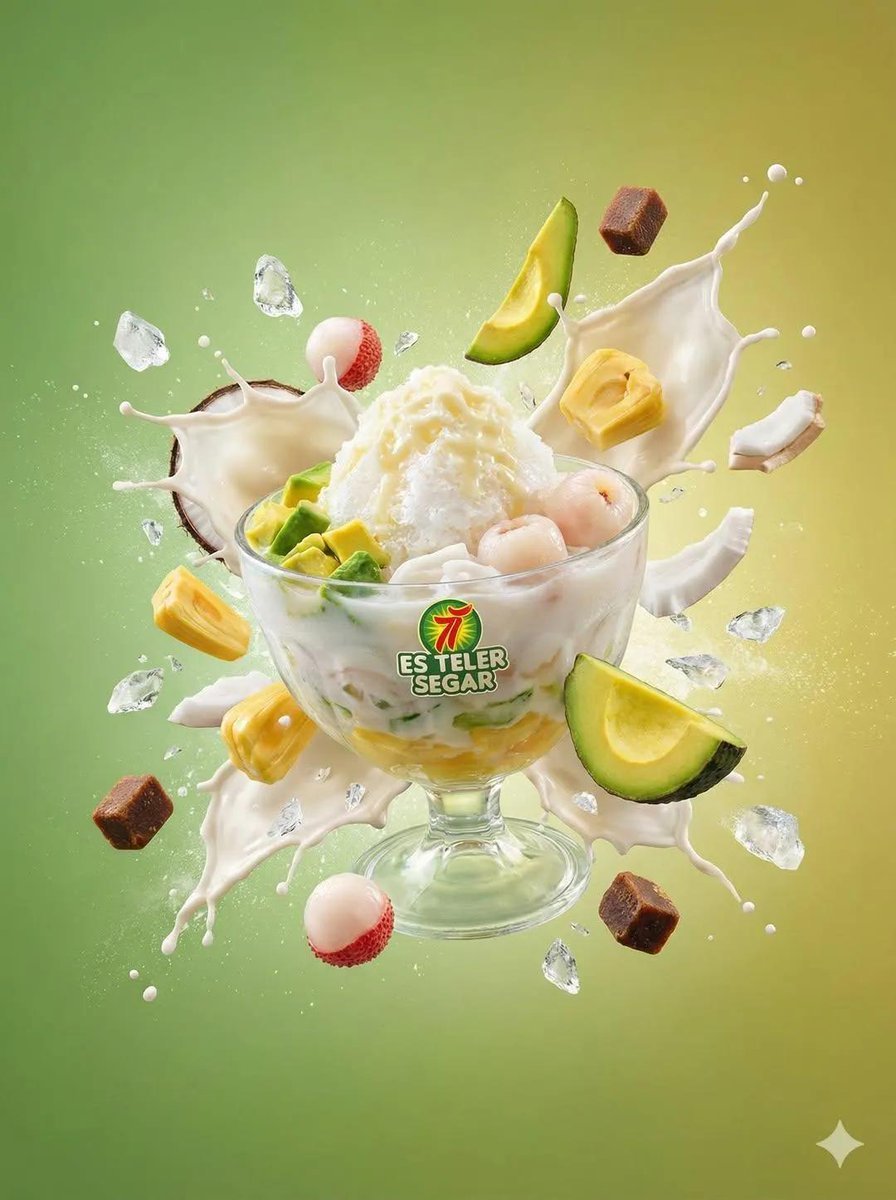
Tropical Dessert Product Photography with Milk Splash

Impasto Oil Painting Street Musician
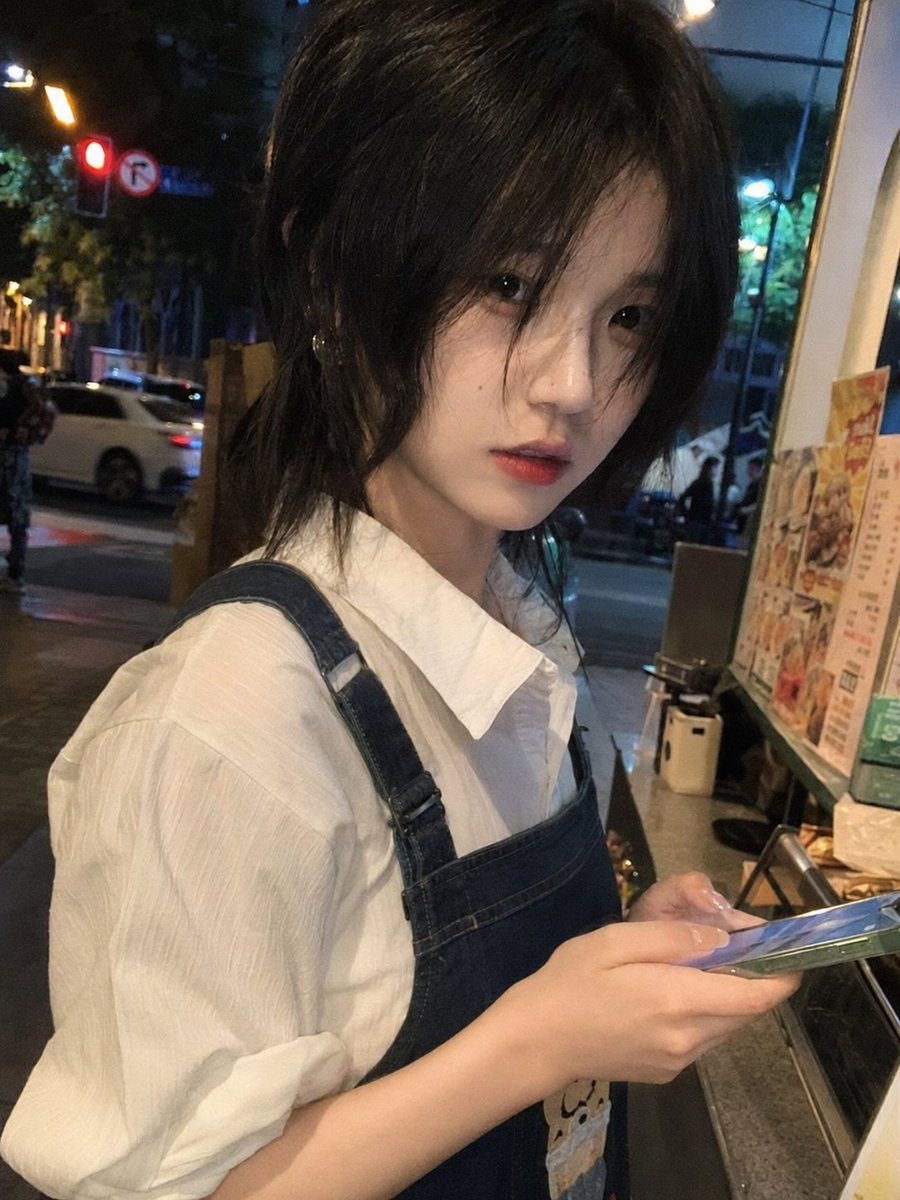
Candid Night Milk Tea Girl Portrait
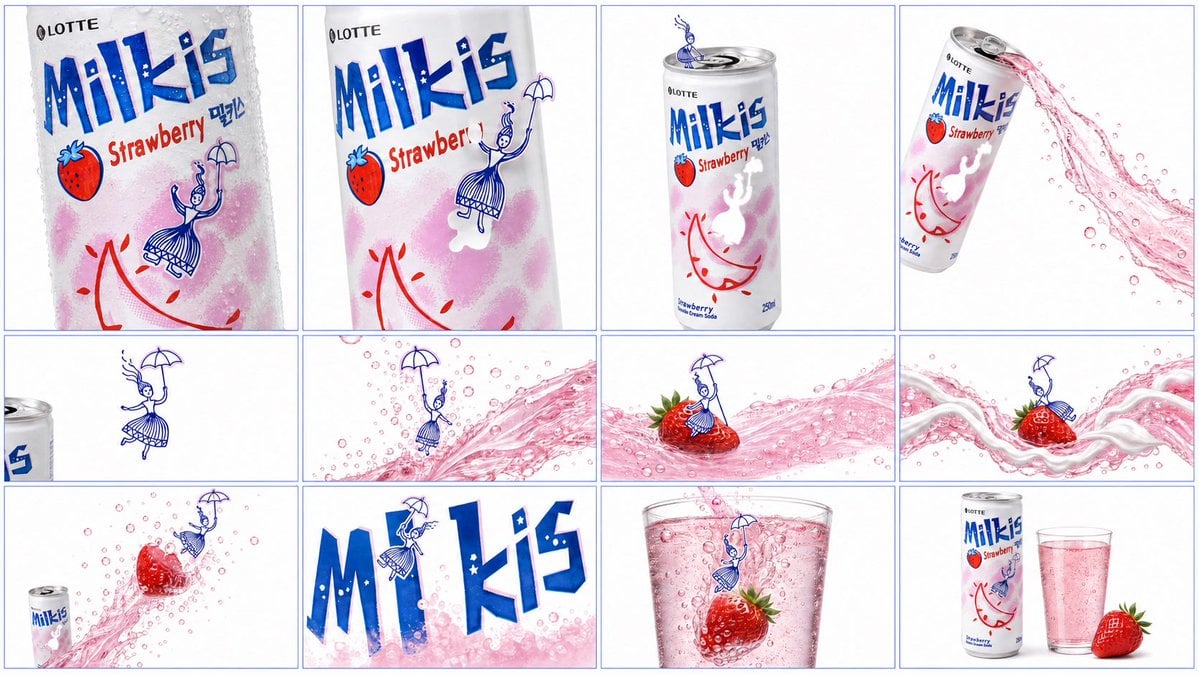
Milkis Strawberry Ad Shot Map

Impasto Harvest Maiden at Sunset

Impasto Oil Miniature Painting Style
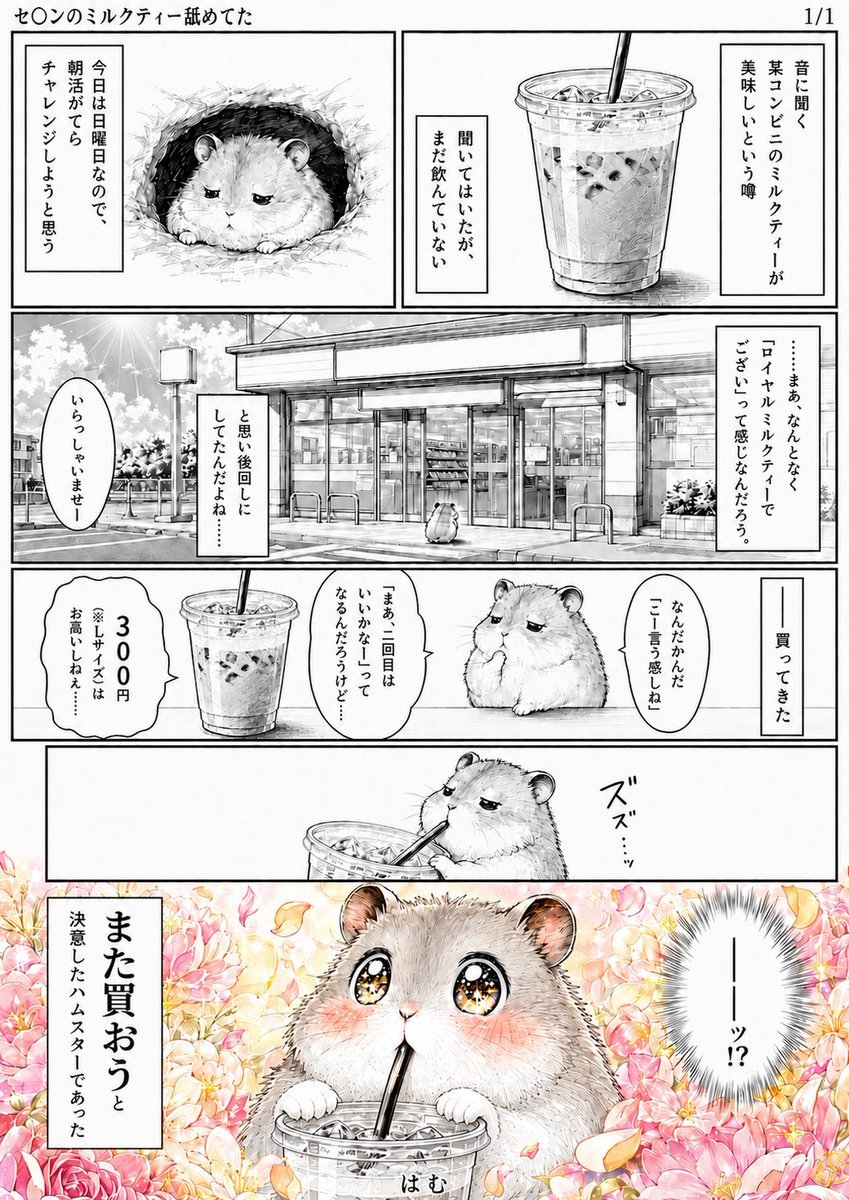
Hamster Milk Tea Manga Page
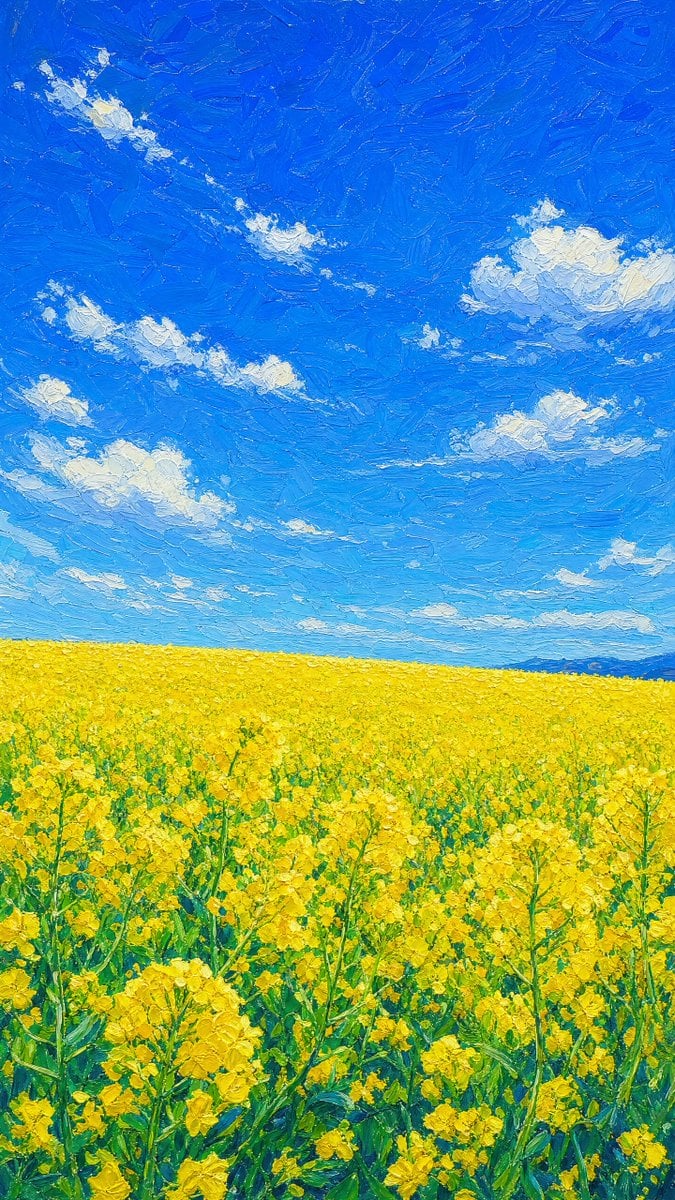
Impasto Rapeseed Field Oil Painting
Make it yours
Impasto Cookie Milk Splash works as-is. These are the safest ways to change it without losing the look.
Change one field
Copy a single group, rewrite it, and generate again so you can see what that field is doing.
Keep the frame, change the subject
Hold the composition and light of Impasto Cookie Milk Splash, then swap wardrobe, props or the person for a new take.
| If the result… | Why | Fix |
|---|---|---|
| The result drifts from the preview | Too many fields changed at once. | Reuse Impasto Cookie Milk Splash as-is first, then change one group — subject, light, or setting. |
| The model over-stylizes the scene | The prose prompt leaves finish and camera underspecified. | Add one camera or lighting sentence and stay on GPT Image 2. |
More GPT Image 2 templates
Other prompts made for GPT Image 2.

Six VTuber Japanese Logo Sheet

Realistic Portrait of Woman and Deer

The Vista Modular Condo Poster

AI Model Routing Comparison Infographic

2.5D Anime Art Board

Isometric Productivity Desk Scene

New York Double Exposure Poster

Four-Panel AI Landscape Comparison

Japanese Tatami Lifestyle Magazine Cover

NESCAFÉ Coffee Map Poster
More image prompts
Fresh picks from across the catalog.
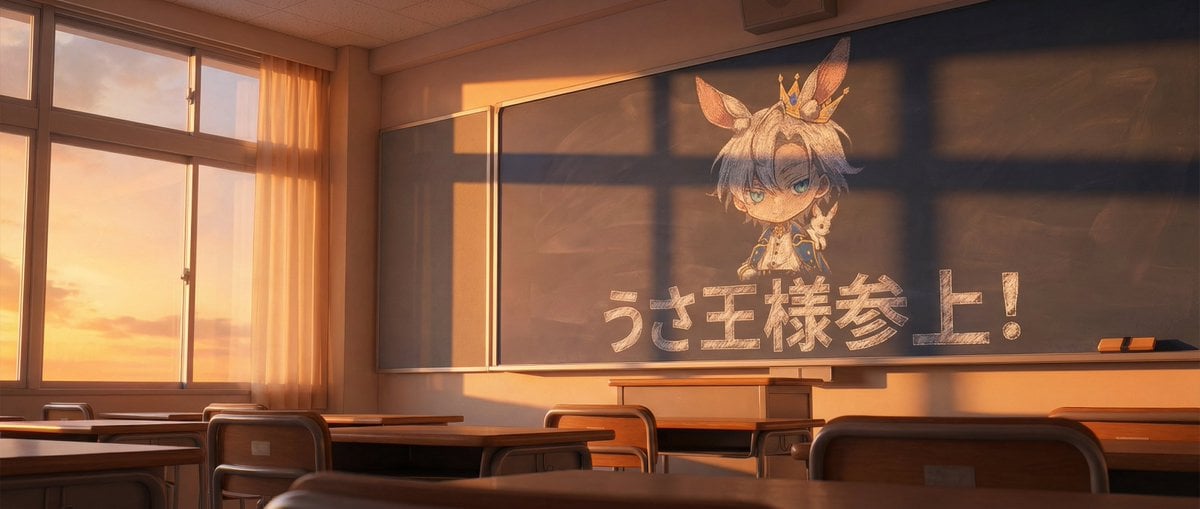
Chalkboard king rabbit illustration at sunset

untitled
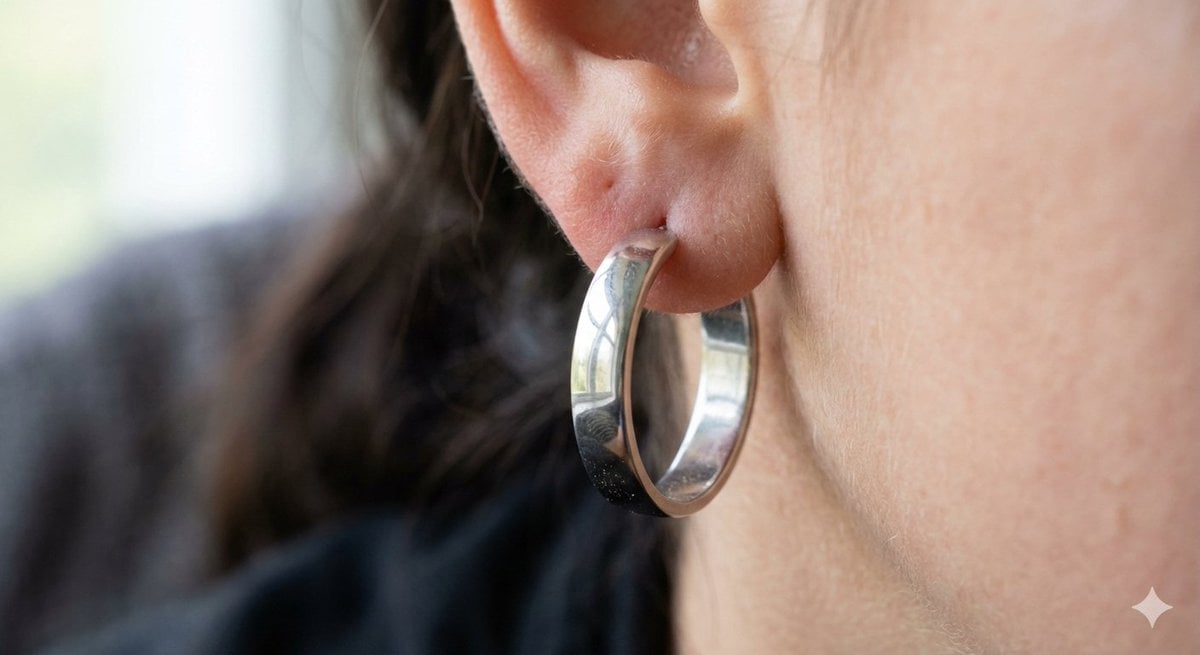
Realistic Macro Photograph of an Ear with Earring
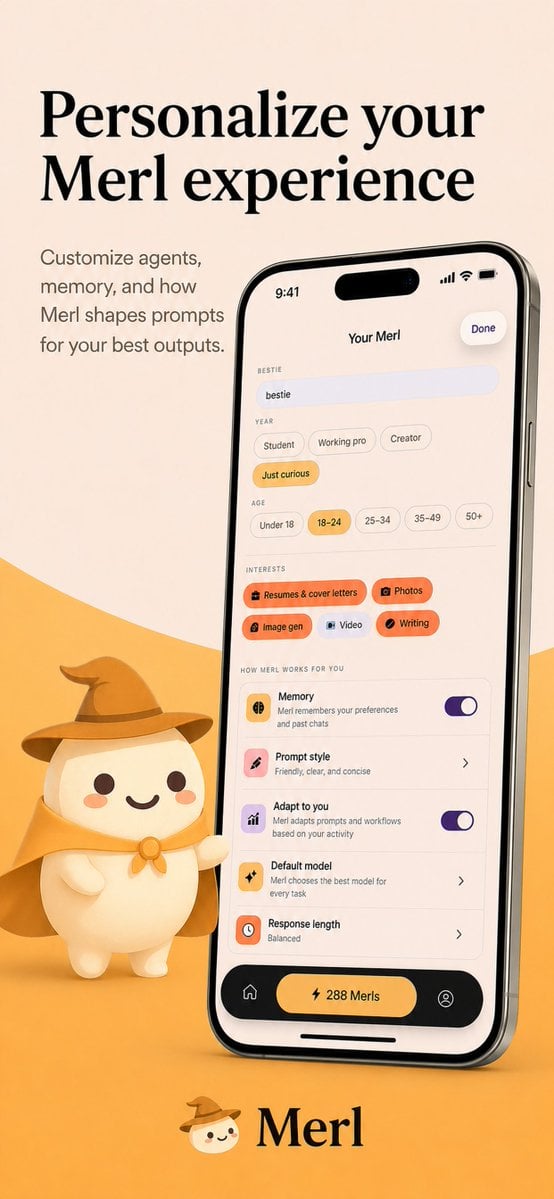
Merl iOS Personalization Screenshot

Future Aesthetic Image Generation Prompt (2025)
Chibi Bunny Mascot Illustration
Surrealist Koi Fish Illustration

Sheep Good-Luck Charm Poster

Casual Photo Prompt
Jennie Kim Pink Spring Portrait
Browse template categories
Impasto Cookie Milk Splash questions
How do I use the Impasto Cookie Milk Splash template?
Add your photo if the template asks for one, edit the prompt if you like — the template's model and format are already selected — and press Generate. Your version opens in PicX Studio.
Can I customize the Impasto Cookie Milk Splash template?
Yes. You can change the subject, setting, lighting, mood, format, and available model controls before creating your image.
Is the Impasto Cookie Milk Splash template free?
Opening and editing this template is free. Generating uses credits, shown on the Generate button when you are signed in.
Which AI model should I use?
Start with GPT Image 2, which is the model associated with this template. You can compare another compatible model for a different finish.
Looking for something else? Browse all templates.

Your photo, any look
Thousands of ready templates for every top image and video model, from one credit balance.