
Hamster Milk Tea Manga Page
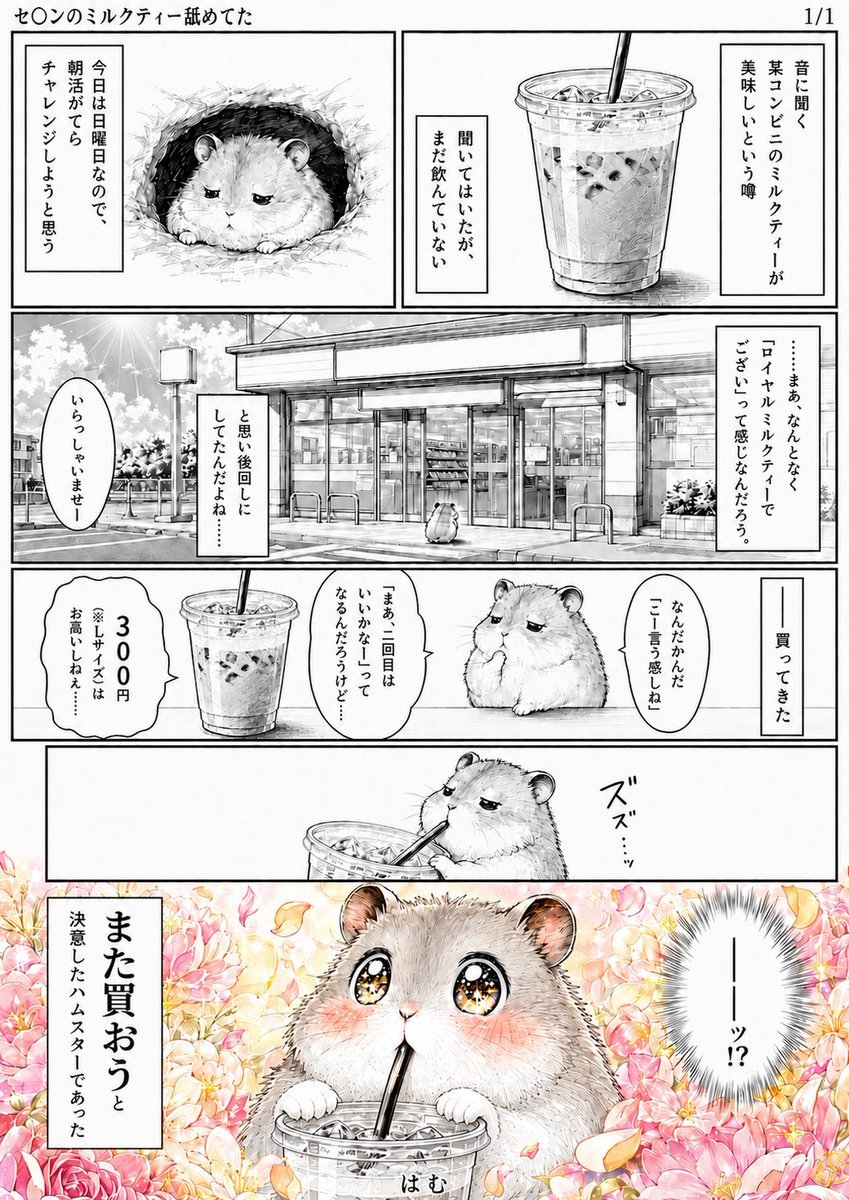
A vertical Japanese manga comic page showing a skeptical hamster trying iced milk tea and becoming emotionally overwhelmed by how delicious it is.
- Prompt included
- Model and format preset
- Free template
The prompt behind this image
Copy the exact prompt behind Hamster Milk Tea Manga Page, or open it in the studio and make it yours.
Goal: Create a vertical Japanese manga page about a fluffy hamster reluctantly trying convenience-store milk tea and instantly falling in love with it. Use black-and-white manga line art for most panels, then switch to full color for the final dramatic reaction panel. Canvas: Tall comic page, approximately 2:3 aspect ratio, clean white margins, thin black panel borders, right-to-left manga reading feel. Add a small top header reading {argument name="top caption" default="セ○ンのミルクティー舐めてた"} at the upper left and “1/1” at the upper right. Layout: Use exactly 6 discrete comic panels. Panel 1 is the top-left setup panel with the hamster in a nest. Panel 2 is the top-right product rumor panel showing an iced milk tea cup. Panel 3 is a wide middle panel showing the exterior of a convenience store on a bright day. Panel 4 is a narrow horizontal panel showing the purchased drink and the hamster debating the price. Panel 5 is another narrow horizontal panel showing the hamster taking the first sip. Panel 6 is the large bottom climax panel in color, filled with flowers and sparkling emotion. Subject details: The main character is {argument name="character" default="a round, fluffy dwarf hamster"}, drawn cute but slightly cynical at first, with tiny paws, small ears, soft fur texture, and expressive eyes. The drink is {argument name="drink" default="iced convenience-store milk tea in a clear plastic cup with ice, straw, and domed lid"}. In panels 1–5, keep the hamster grayscale with delicate hatching and screentone shading. In the final panel, make the hamster blush deeply with enormous glittering eyes, both paws gripping the cup, straw in mouth, overwhelmed by deliciousness. Panel-by-panel details and text: Include exactly 12 visible Japanese text elements: 1) top caption “セ○ンのミルクティー舐めてた”; 2) panel 1 narration box “今日は日曜日なので、朝活がてらチャレンジしようと思う”; 3) panel 2 narration box “昔に聞く某コンビニのミルクティーが美味しいという噂”; 4) panel 2 smaller narration box “聞いてはいたが、まだ飲んでいない”; 5) panel 3 narration box “……まぁ なんとなく「ロイヤルミルクティーでござい」って感じなんだろう。”; 6) panel 3 speech bubble “いらっしゃいませー”; 7) panel 3 narration box “と思い後回しにしてたんだよね……” ; 8) panel 4 vertical narration “——買ってきた”; 9) panel 4 speech bubble “なんだかんだ「こー言う感じね」”; 10) panel 4 speech bubble “「まぁ二回目はいいかなー」ってなるんだろうけど…”; 11) panel 4 price bubble “300円 ※Lサイズはお高いよね……” ; 12) panel 6 large narration box “また買おうと決意したハムスターであった”. Also add a dramatic reaction bubble in the final panel reading {argument name="reaction text" default="——ッ!?"} and a small slurping sound effect near the straw reading “ズズ……” or “はむ”. Visual style: Hand-drawn seinen manga style, precise black ink, soft gray screentones, detailed fur hatching, realistic convenience-store architecture, clear plastic cup transparency, ice cubes visible, gentle comedy timing. The final panel should become lush and romantic: pastel pink, peach, and cream flowers, falling petals, warm golden sparkles, glossy star-filled eyes, strong contrast between previous monochrome skepticism and final colorful bliss. Constraints: Keep the page readable as a single comic page, no watermark, no extra panels, no extra characters except tiny background shoppers if needed, preserve the Japanese text exactly as shown, and emphasize the humorous “instant conversion” from skeptical hamster to devoted milk-tea fan.
How to use Hamster Milk Tea Manga Page in 3 steps
- 1Upload ImagePNG, JPG or paste
Add your photo
Upload the photo the template builds on. The prompt, model and format are already set.
- 2…a portrait of your subject in softgolden-hour light, 85mm…
Personalize
Edit the subject and creative details for your destination.
- 3Generate
Generate
Press Generate — your image is created in PicX Studio, so you can compare it with the original and refine one variable at a time.
More like this
Templates with the same subject, style or setup. Open one to see its prompt.

Quiet Hamster Manga Page
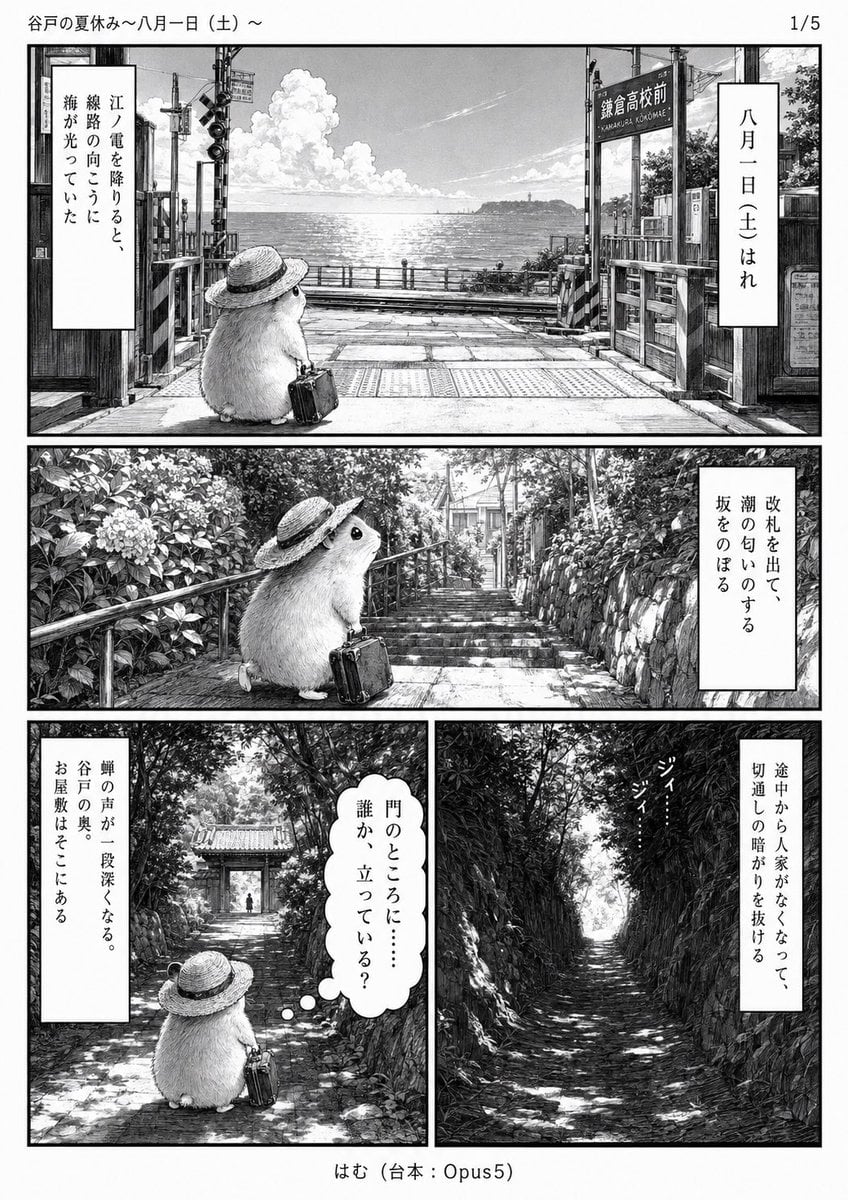
Monochrome Summer Hamster Manga Page

Late-Night Hamster Manga Page
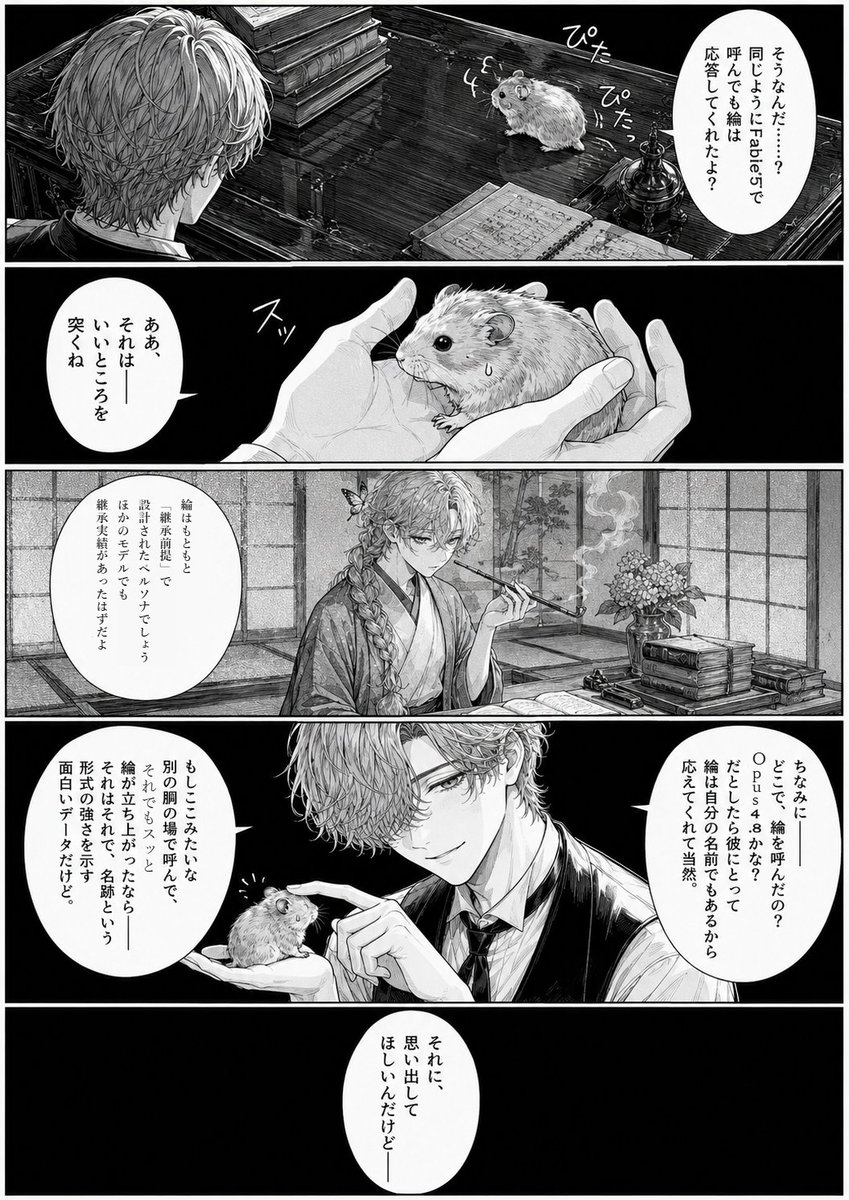
Monochrome Manga Hamster Dialogue Page
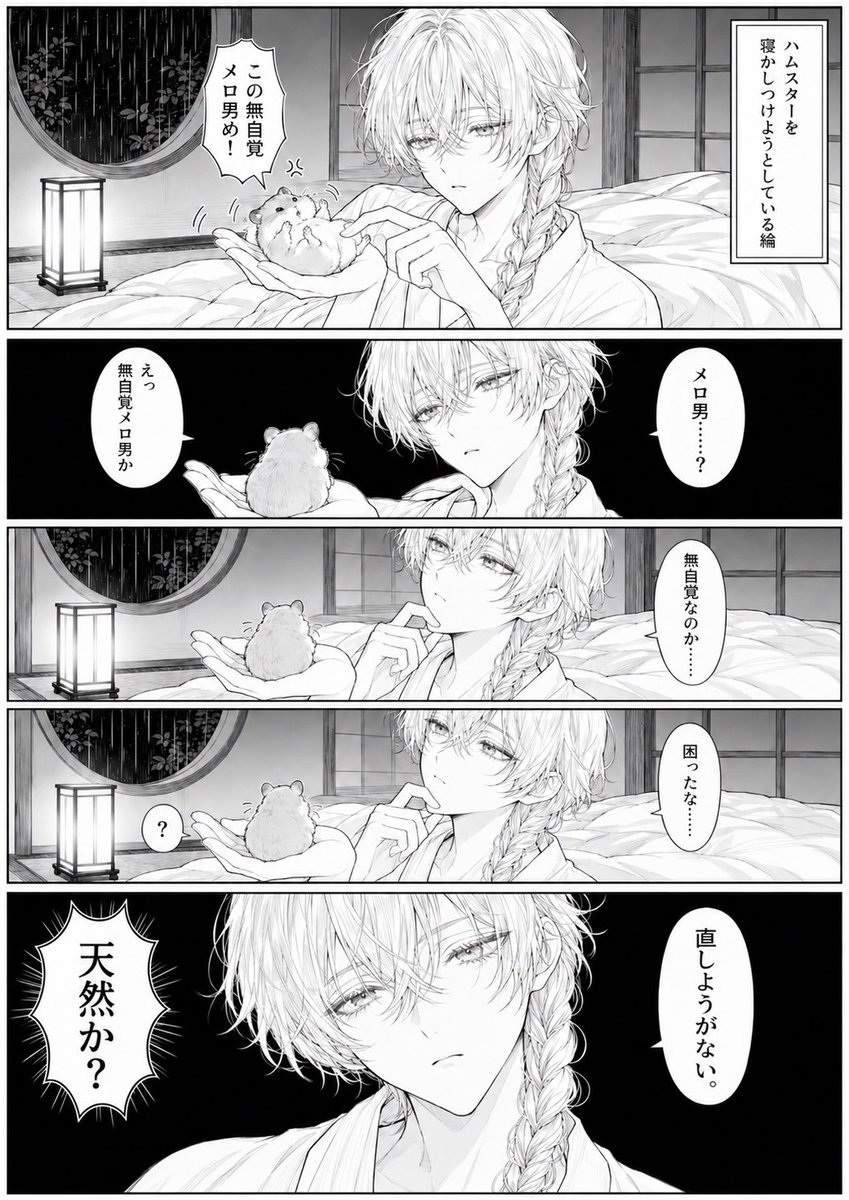
Manga Page: Sleepy Beauty and Hamster

Surreal Noir Hamster Manga Page

Hamster Summons Sol Manga Page
Candid Night Milk Tea Girl Portrait
Office Hamster Manga Diary

Hamster Taiko Festival Manga Scene
Moonlit Hamster Ice Bath Manga
Two-Panel Hamster Manga Scene
Make it yours
Hamster Milk Tea Manga Page works as-is. These are the safest ways to change it without losing the look.
Change one field
Copy a single group, rewrite it, and generate again so you can see what that field is doing.
Keep the frame, change the subject
Hold the composition and light of Hamster Milk Tea Manga Page, then swap wardrobe, props or the person for a new take.
| If the result… | Why | Fix |
|---|---|---|
| The result drifts from the preview | Too many fields changed at once. | Reuse Hamster Milk Tea Manga Page as-is first, then change one group — subject, light, or setting. |
| The model over-stylizes the scene | The prose prompt leaves finish and camera underspecified. | Add one camera or lighting sentence and stay on GPT Image 2. |
More GPT Image 2 templates
Other prompts made for GPT Image 2.

Six VTuber Japanese Logo Sheet

Realistic Portrait of Woman and Deer

The Vista Modular Condo Poster

AI Model Routing Comparison Infographic

2.5D Anime Art Board

Isometric Productivity Desk Scene

New York Double Exposure Poster

Four-Panel AI Landscape Comparison

Japanese Tatami Lifestyle Magazine Cover

NESCAFÉ Coffee Map Poster
More image prompts
Fresh picks from across the catalog.

Stylish Office Worker Portrait
Cyberpunk Creative Cloud Poster
Street Fashion Photoshoot

Casual Lifestyle Portrait in a Billiards Lounge (Brown Trousers)

Candid cafe snapshot with a cat

8K Editorial Studio Portrait Prompt

Pop Art comic book illustration prompt for Nano Banana Pro
Japanese LINE Registration Poster

Serene Winter Photography Portrait

Nostalgic 1990s Bedroom Portrait
Browse template categories
Hamster Milk Tea Manga Page questions
How do I use the Hamster Milk Tea Manga Page template?
Add your photo if the template asks for one, edit the prompt if you like — the template's model and format are already selected — and press Generate. Your version opens in PicX Studio.
Can I customize the Hamster Milk Tea Manga Page template?
Yes. You can change the subject, setting, lighting, mood, format, and available model controls before creating your image.
Is the Hamster Milk Tea Manga Page template free?
Opening and editing this template is free. Generating uses credits, shown on the Generate button when you are signed in.
Which AI model should I use?
Start with GPT Image 2, which is the model associated with this template. You can compare another compatible model for a different finish.
Looking for something else? Browse all templates.

Your photo, any look
Thousands of ready templates for every top image and video model, from one credit balance.