
Candid cafe snapshot with a cat
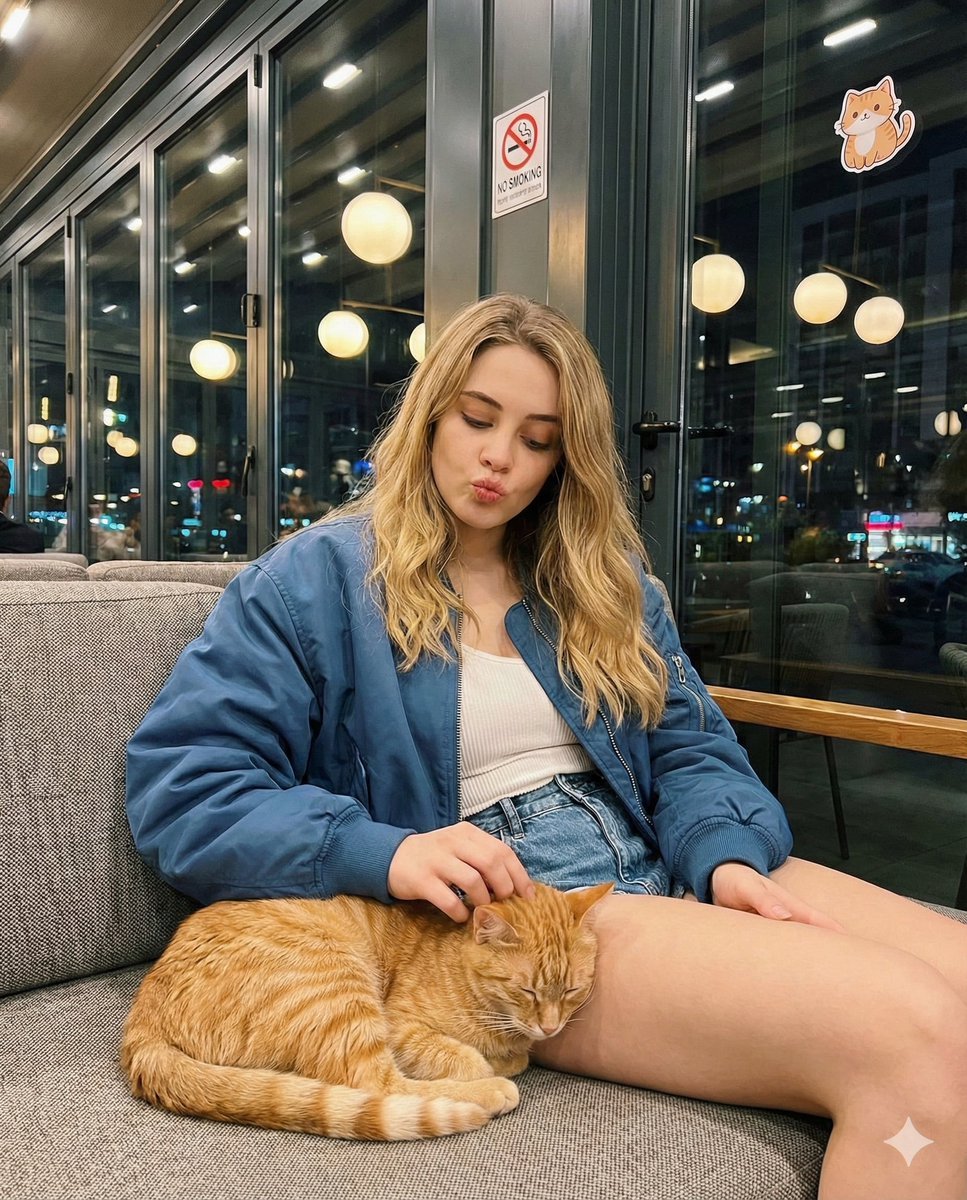
A detailed prompt for generating a candid, smartphone-style photo of a young woman (Josephine Langford) sitting in a modern cafe at night, making a playful kissing face while gently petting an orange tabby cat on her…
- Prompt included
- Model and format preset
- Free template
The prompt behind this image
Copy the exact prompt behind Candid cafe snapshot with a cat, or open it in the studio and make it yours.
- Prompt Elements › Subject › Description
- Young woman with long, voluminous wavy blonde hair
- Prompt Elements › Subject › Expression
- Playful kissing face / duck face, eyes looking down
- Prompt Elements › Subject › Makeup
- Winged eyeliner, matte brownish-red lipstick
- Prompt Elements › Outfit › Outerwear
- Oversized blue bomber jacket with silver zippers
- Prompt Elements › Outfit › Top
- White ribbed fitted tank top
- Prompt Elements › Outfit › Bottoms
- Blue denim shorts with frayed hem
- Prompt Elements › Action › Pose
- Sitting relaxed on a textured sofa, legs crossed
- Prompt Elements › Action › Interaction
- Gently petting a sleeping orange tabby cat on lap, hand scratching cat's head
- Prompt Elements › Environment › Location
- Modern cafe or lounge interior at night
- Prompt Elements › Environment › Background
- Large glass windows, reflection of warm globe lights, 'no smoking' sign on glass, cartoon cat sticker on window
- Prompt Elements › Environment › Furniture
- Woven wicker or textured grey sofa, dark tables
- Prompt Elements › Technical › Lighting
- Warm ambient indoor lighting, bokeh background lights, soft flash or direct illumination on subject
- Prompt Elements › Technical › Style
- Candid smartphone photography, realistic 8k, casual snapshot
- Prompt Elements › Technical › Angle
- Eye-level or slightly high angle medium shot
- Full Prompt String
- A realistic candid photo of a young woman with long wavy blonde hair making a playful kissing face while sitting in a cafe. She is wearing an oversized blue bomber jacket, white top, and denim shorts. She is gently petting a fluffy orange tabby cat sleeping on her lap. Background features large glass windows reflecting warm cafe lights, a 'no smoking' sign, and a cozy night atmosphere. High quality, detailed texture, smartphone photography style.
Raw JSON
{
  "prompt_elements": {
    "subject": {
      "description": "Young woman with long, voluminous wavy blonde hair",
      "expression": "Playful kissing face / duck face, eyes looking down",
      "makeup": "Winged eyeliner, matte brownish-red lipstick"
    },
    "outfit": {
      "outerwear": "Oversized blue bomber jacket with silver zippers",
      "top": "White ribbed fitted tank top",
      "bottoms": "Blue denim shorts with frayed hem"
    },
    "action": {
      "pose": "Sitting relaxed on a textured sofa, legs crossed",
      "interaction": "Gently petting a sleeping orange tabby cat on lap, hand scratching cat's head"
    },
    "environment": {
      "location": "Modern cafe or lounge interior at night",
      "background": "Large glass windows, reflection of warm globe lights, 'no smoking' sign on glass, cartoon cat sticker on window",
      "furniture": "Woven wicker or textured grey sofa, dark tables"
    },
    "technical": {
      "lighting": "Warm ambient indoor lighting, bokeh background lights, soft flash or direct illumination on subject",
      "style": "Candid smartphone photography, realistic 8k, casual snapshot",
      "angle": "Eye-level or slightly high angle medium shot"
    }
  },
  "full_prompt_string": "A realistic candid photo of a young woman with long wavy blonde hair making a playful kissing face while sitting in a cafe. She is wearing an oversized blue bomber jacket, white top, and denim shorts. She is gently petting a fluffy orange tabby cat sleeping on her lap. Background features large glass windows reflecting warm cafe lights, a 'no smoking' sign, and a cozy night atmosphere. High quality, detailed texture, smartphone photography style."
}How to use Candid cafe snapshot with a cat in 3 steps
- 1
Open
The prompt is already in the box next to the preview, with the template's model and format selected.
- 2…a portrait of your subject in softgolden-hour light, 85mm…
Personalize
Edit the subject and creative details for your destination.
- 3Generate
Generate
Press Generate — your image is created in PicX Studio, so you can compare it with the original and refine one variable at a time.
More like this
Templates with the same subject, style or setup. Open one to see its prompt.

Cat Photobomb Selfie — 0.5x Wide Angle Café Chaos

Nostalgic Digicam Café Afternoon Portrait

Delicate Japanese Café Lifestyle Illustration

4x4 Grid - Candid Nostalgic Vacation Selfies
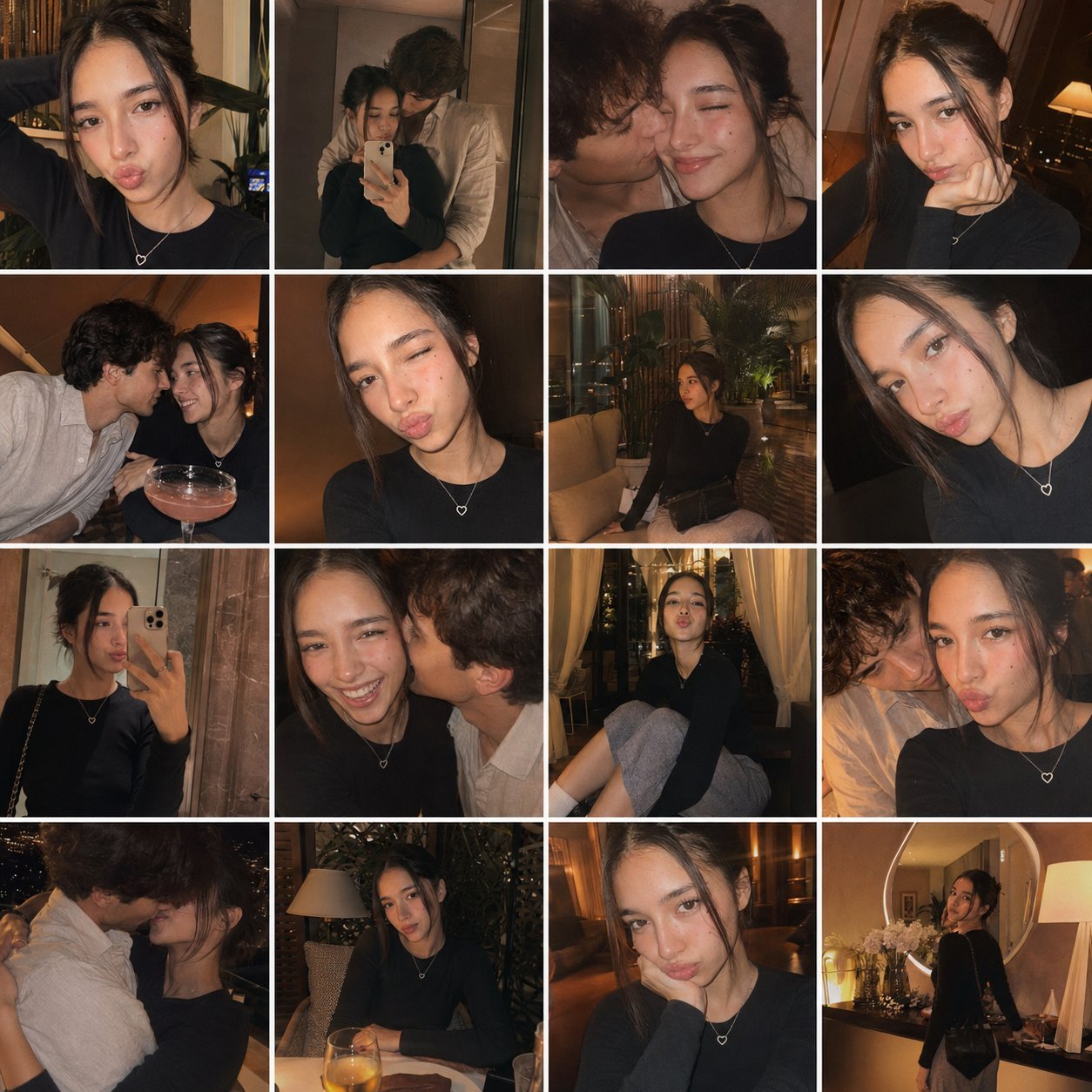
Gpt4o Candid Vacation Memories

Sunday Afternoon, 1988

Our Song was on a Cassette

The Date After College

80s College Gate
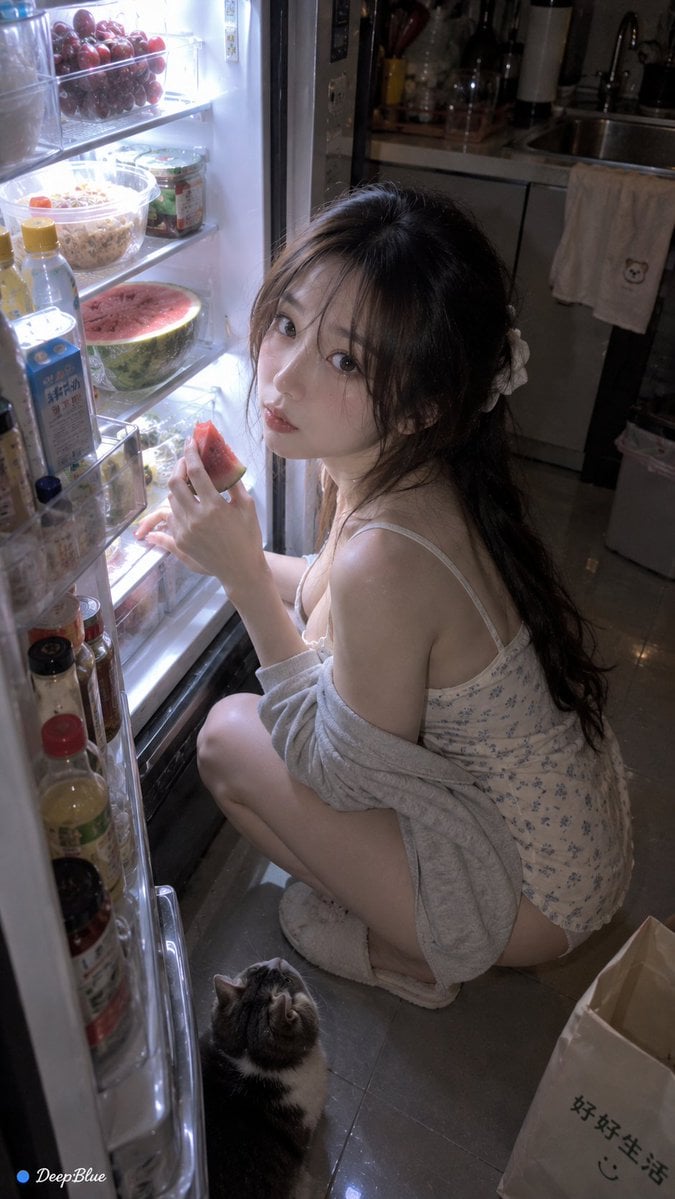
Late Night Fridge Candid Snapshot

Teen Girl Alpine Lake Mountain View
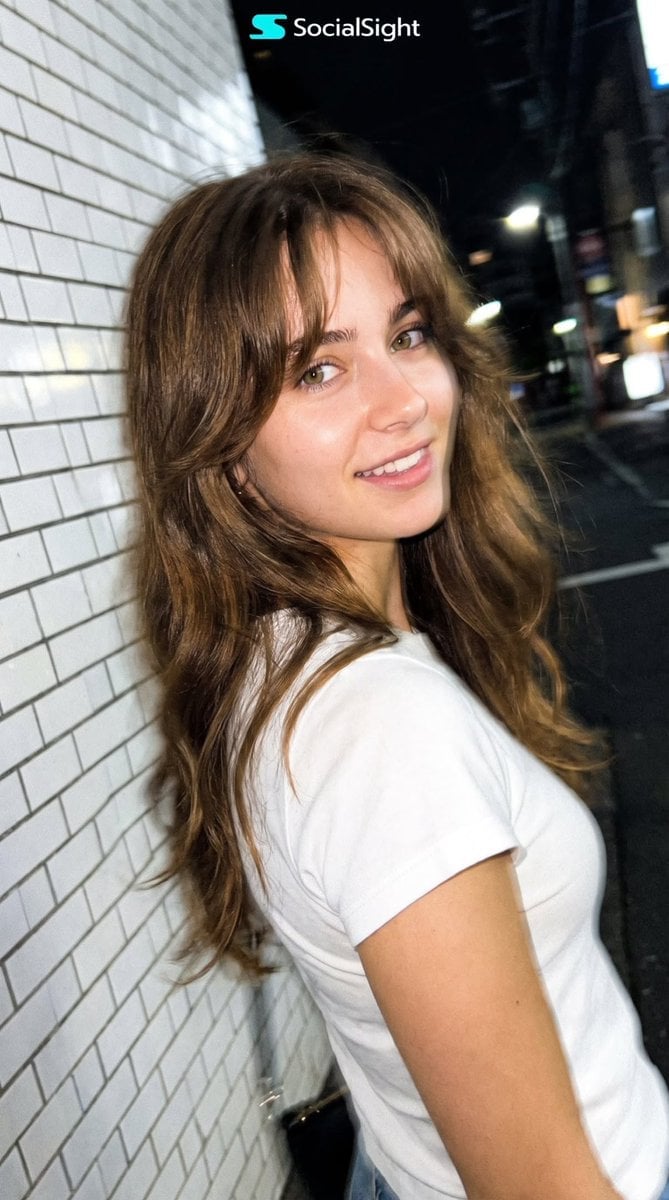
Candid Tokyo Night Smartphone Snapshot
Make it yours
Candid cafe snapshot with a cat works as-is. These are the safest ways to change it without losing the look.
Swap the setting
Keep the rest of the prompt and replace the location block. The current setting is “Modern cafe or lounge interior at night”.
Swap the light
One lighting change is enough to compare takes. Current light: “Warm ambient indoor lighting, bokeh background lights, soft flash or direct illu”.
Change one field
Copy a single group, rewrite it, and generate again so you can see what that field is doing.
| If the result… | Why | Fix |
|---|---|---|
| The result drifts from the preview | Too many fields changed at once. | Reuse Candid cafe snapshot with a cat as-is first, then change one group — subject, light, or setting. |
| Nano Banana 2 ignores part of the JSON | Some models flatten or skip nested keys. | Keep the same values and paste them as a short paragraph instead. |
More Nano Banana 2 templates
Other prompts made for Nano Banana 2.

Photorealistic Leaf Shaped Like a Dragon

K-Pop Idol Portrait Grid for Rapid Selection

Poetic Rain Forest Portrait During Golden Hour

Urban Street Portrait with Cartoon Inner Self Duo

Candid Nighttime Photo with Cat Prompt

High-Concept 3D Diorama Generation Prompt

Cinematic Futuristic Studio Portrait Template

Skincare Editorial Photography Collage Prompt

Hyper-Realistic Commercial Product Photography (Splash Effect)

Hyper-Realistic Nightclub Portrait Prompt
More image prompts
Fresh picks from across the catalog.

Image DM for a project using fetched info
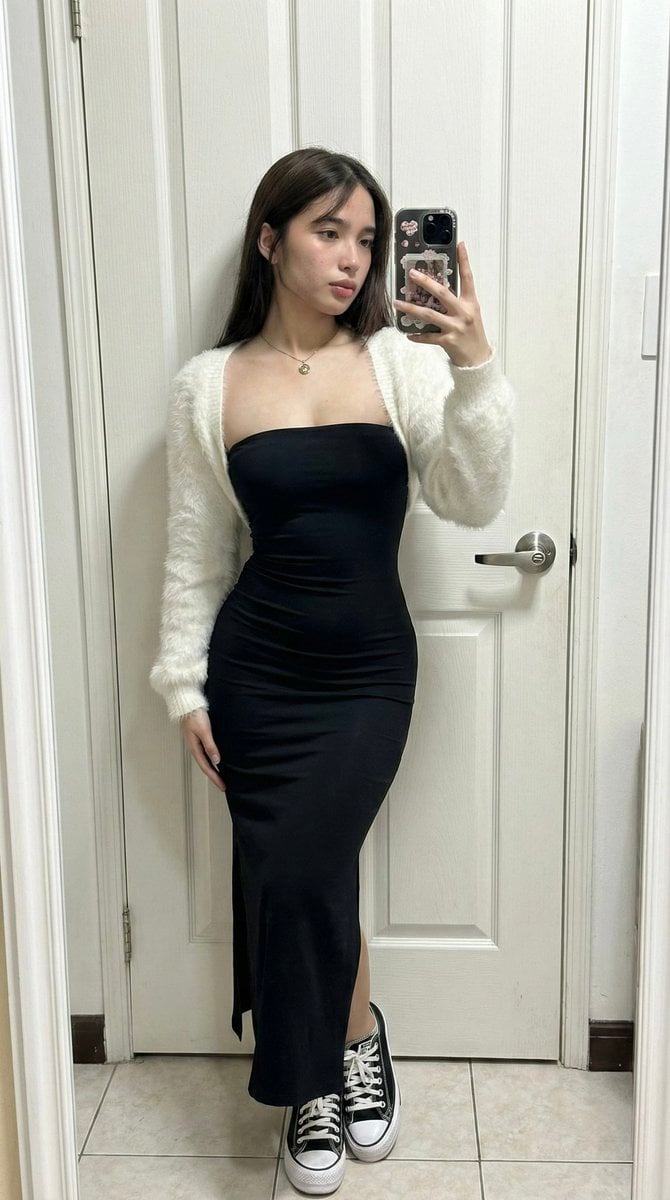
Ultra-Wide Candid Mirror Capture with Bio-Fidelity

Cinematic Genius Portrait
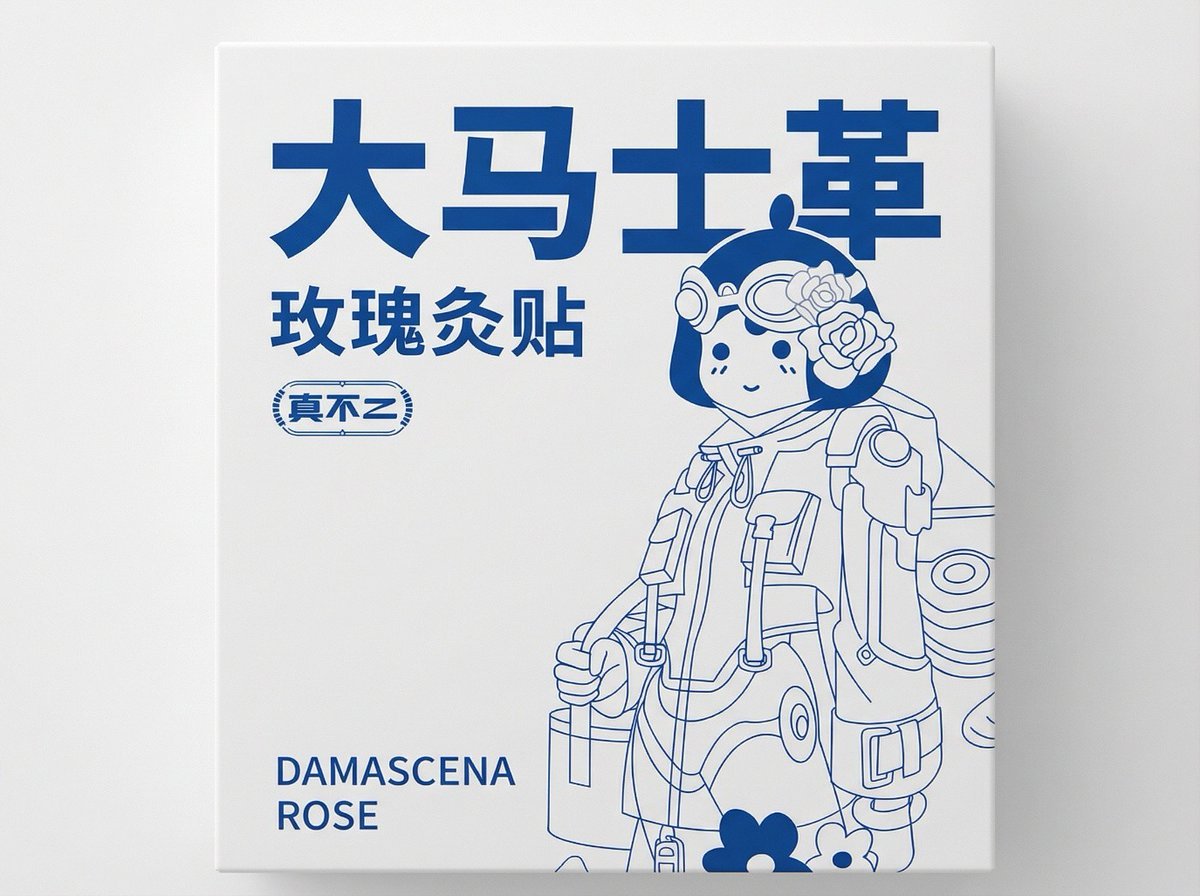
2D Flat Packaging Generation
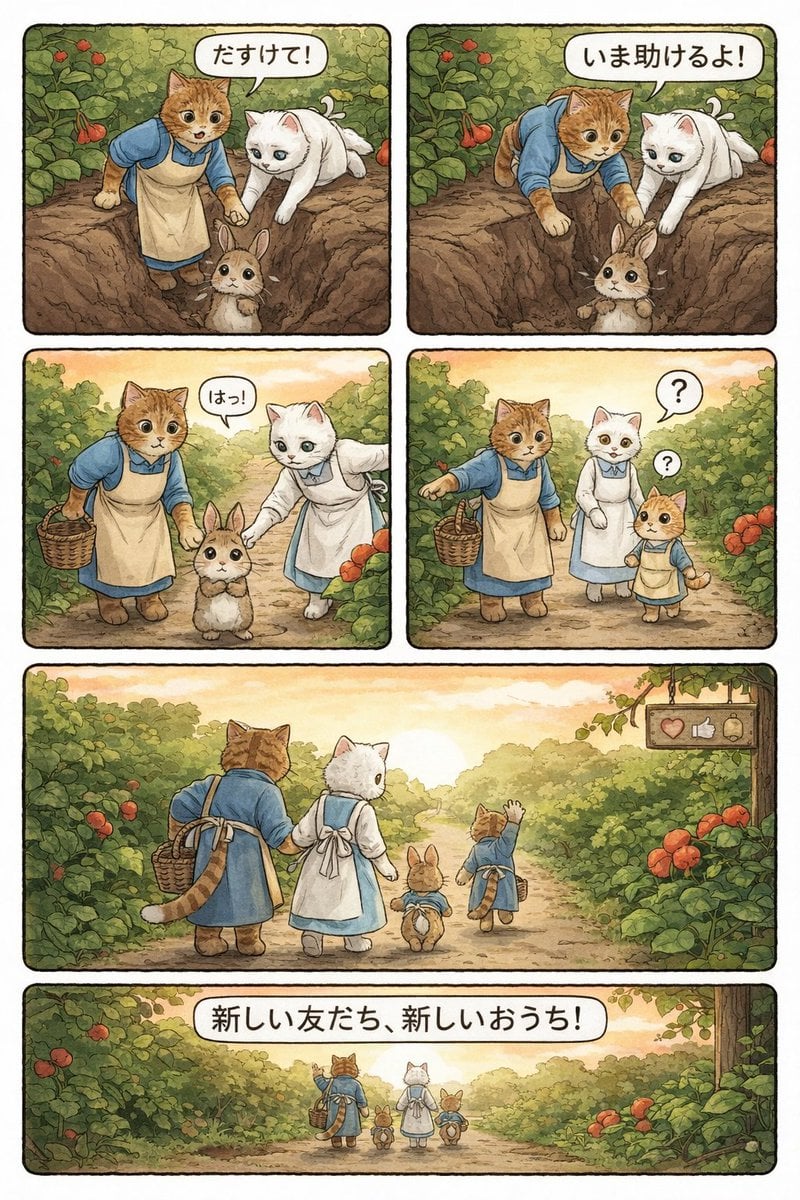
Converting Video to 4-Panel Manga

F1 VIP fan hyper-realistic selfie edit

Cross-Strait Dialogue Editorial Illustration
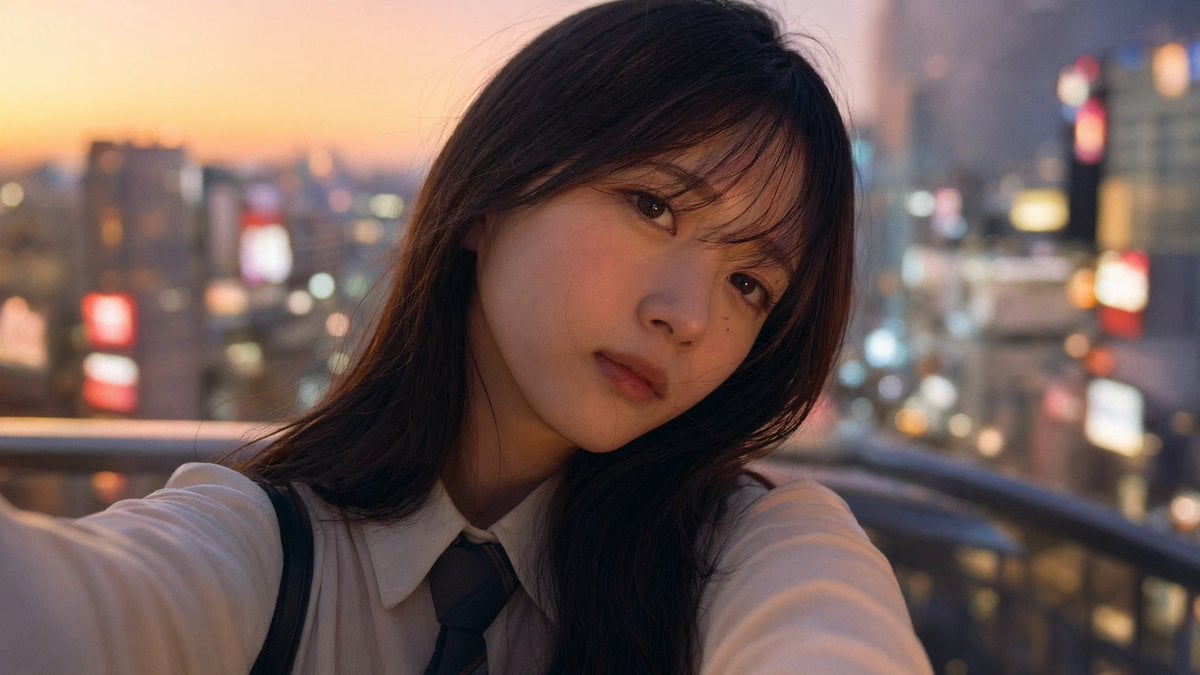
Emotional Japanese Student Selfie
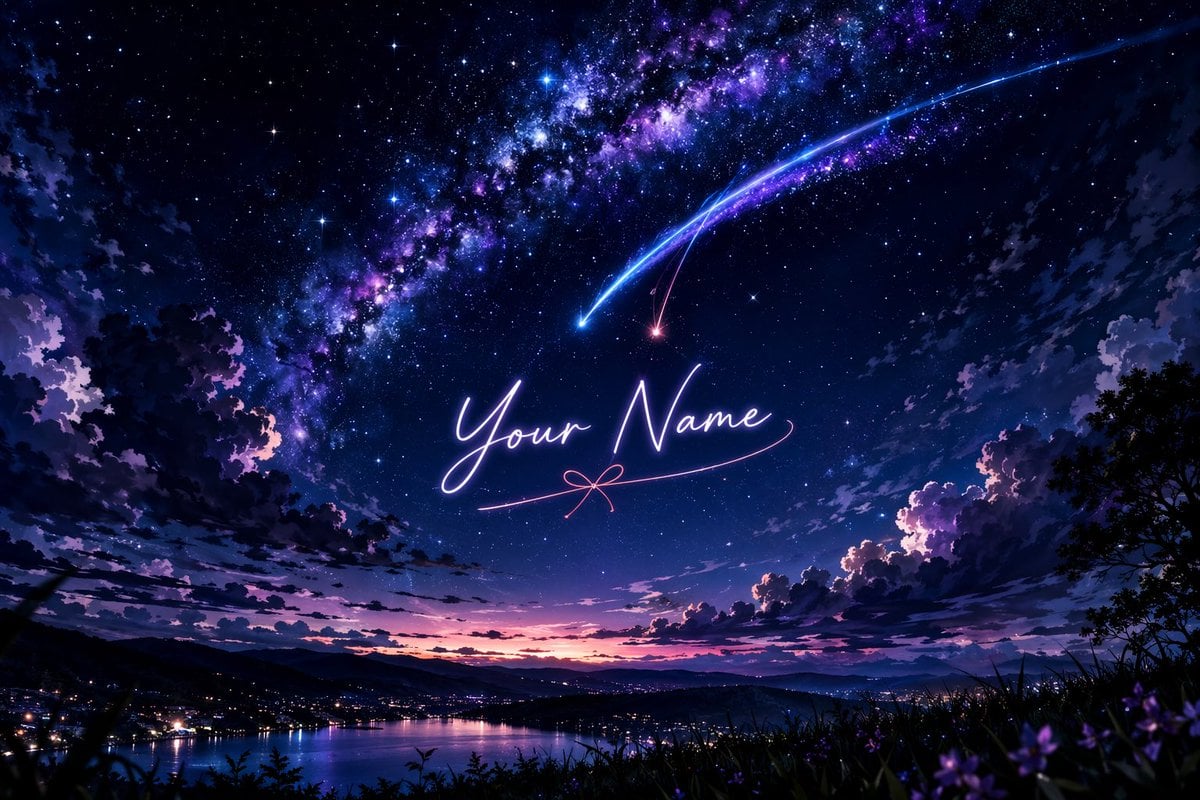
Anime Starry Night Sky with Custom Neon Text
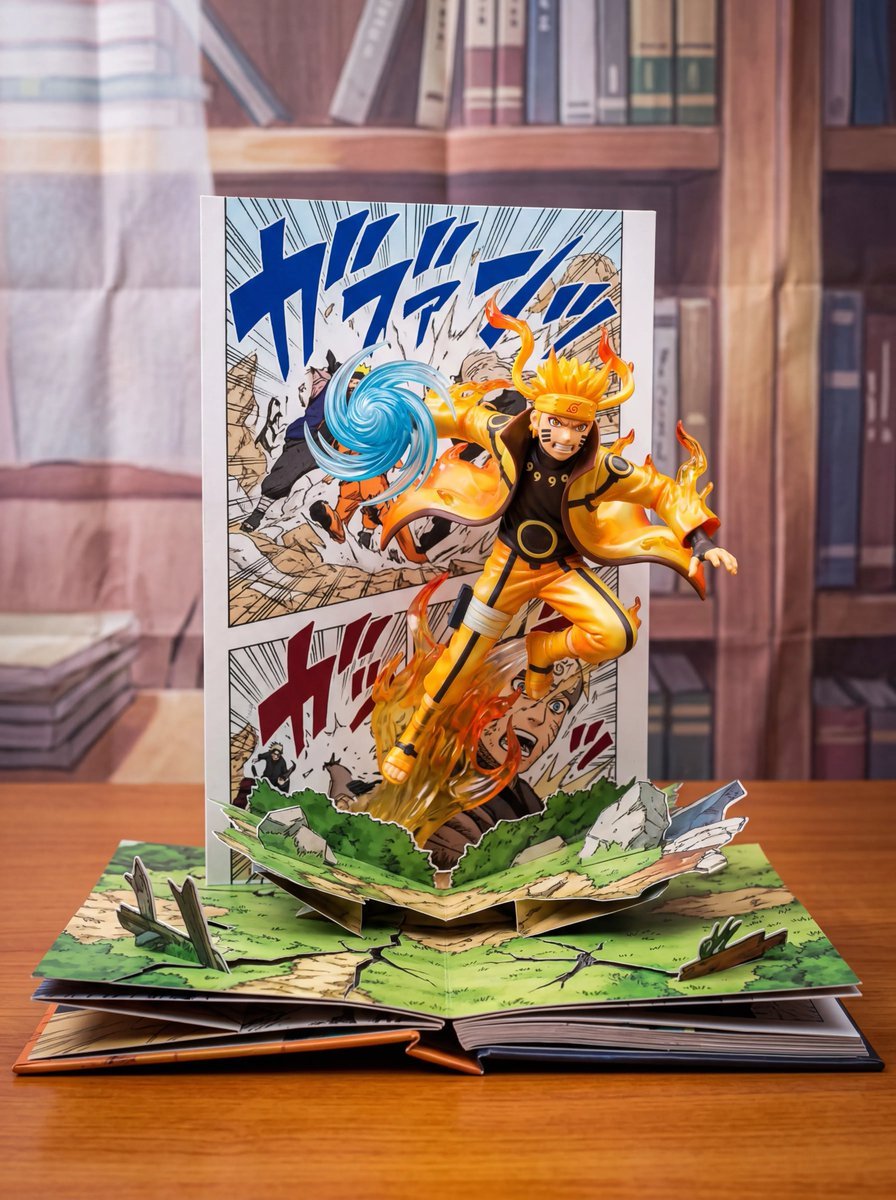
Uzumaki Naruto Pop-Up Book Prompt
Browse template categories
Candid cafe snapshot with a cat questions
How do I use the Candid cafe snapshot with a cat template?
Add your photo if the template asks for one, edit the prompt if you like — the template's model and format are already selected — and press Generate. Your version opens in PicX Studio.
Can I customize the Candid cafe snapshot with a cat template?
Yes. You can change the subject, setting, lighting, mood, format, and available model controls before creating your image.
Is the Candid cafe snapshot with a cat template free?
Opening and editing this template is free. Generating uses credits, shown on the Generate button when you are signed in.
Which AI model should I use?
Start with Nano Banana 2, which is the model associated with this template. You can compare another compatible model for a different finish.
Looking for something else? Browse all templates.

Your photo, any look
Thousands of ready templates for every top image and video model, from one credit balance.