
F1 VIP fan hyper-realistic selfie edit
An extensive prompt for transforming a user’s selfie into an 8K hyper-realistic photo of them as a stylish F1 fan at a premium automotive event, preserving their real face while changing outfit and setting.

- Prompt included
- Model and format preset
- Premium template
The prompt behind this image
Copy the exact prompt behind F1 VIP fan hyper-realistic selfie edit, or open it in the studio and make it yours.
Create a hyper-realistic image in 8K resolution, keeping exactly my real face, features, skin color, eyes, and hair as per the reference image. I am the {argument name="subject_gender_role" default="woman"} in the photo; preserve my confident, charming, and elegant expression, with a slight smile and relaxed posture. I am at an outdoor automotive event, in a grandstand or VIP box, with a wide view of the track and the crowd in the background. The weather is sunny, with an intense blue sky and natural sunlight, enhancing the colors and creating a vibrant racing atmosphere. The framing is a medium shot, capturing the upper body and the busy background with a slight depth-of-field blur. The look is sporty fashion with a sophisticated touch, composed of: * {argument name="cap_brand" default="Red Ferrari"} cap, with the yellow prancing horse (cavallino rampante) logo on the front and the number "{argument name="driver_number" default="16"}" in white on the brim; * Strapless top in structured denim, tight and with visible stitching, enhancing the décolletage and silhouette; * {argument name="sunglasses_brand" default="Miu Miu"} sunglasses with brown gradient lenses and a rectangular metallic frame, partially covering the eyes; * Double necklace – one with large golden links and another with delicate diamonds close to the neck; * Geometric gold earrings; * Silver bracelet on the right wrist; * Discreet red bag hanging on the shoulder, partially visible beside the arm. Hair: natural, loose. The makeup is impeccable and glamorous, with illuminated skin, defined eyes, pink lipstick, and warm blush. The nails are long and decorated with nail art in shades of pink and red with white details, visible while holding the glass. The pose conveys attitude and sophistication: * Right hand holding the brim of the cap, adjusting it slightly; * Left hand holding a glass of {argument name="drink_type" default="white wine"}, with the arm relaxed; * Body slightly leaned, face turned towards the camera. The lighting is natural and intense, with subtle solar reflections on the face and hair. The color palette is vibrant – shades of red, denim blue, gold, and caramel, contrasting with the sunny background. The general atmosphere is modern, luxurious, and relaxed – transmitting the style of someone who lives exclusive experiences, with elegance and a striking presence at a premium automotive event. Quality: 8K hyper-realistic photo, sharp focus on the face and outfit, background slightly blurred with a colorful crowd and the track in the sun. Important: * Keep my face, hair, and skin color original. * Preserve the authentic p
How to use F1 VIP fan hyper-realistic selfie edit in 3 steps
- 1Upload ImagePNG, JPG or paste
Add your photo
Upload the photo the template builds on. The prompt, model and format are already set.
- 2…a portrait of your subject in softgolden-hour light, 85mm…
Personalize
Edit the subject and creative details for your destination.
- 3Generate
Generate
Press Generate — your image is created in PicX Studio, so you can compare it with the original and refine one variable at a time.
More like this
Templates with the same subject, style or setup. Open one to see its prompt.

Rooftop Fisheye — Cat-Ear Balaclava at Golden Hour

Felt & Knit 3D Character — Photo-Exact Face, Pixar-Quality Plush Figurine

Eid al-Adha Cute Chaos — Fisheye Selfie with Farm Selfie, Mosque & Animals

Cat Photobomb Selfie — 0.5x Wide Angle Café Chaos

Gen Z Triple Selfie Collage — Y2K Flash Photography

Surreal Cat Astronaut — Humanoid Face Freefall
Fifa Stadium Fan Portrait Poster
Brazil Passion Power Shot Poster
Argentina Vamos Diagonal Fan Poster
Argentina 10 Celebration Fan Poster

Photoreal Village Lanterns Minecraft Scene

Photoreal Snow Biome Name Tag UI
Make it yours
F1 VIP fan hyper-realistic selfie edit works as-is. These are the safest ways to change it without losing the look.
Change one field
Copy a single group, rewrite it, and generate again so you can see what that field is doing.
Keep the frame, change the subject
Hold the composition and light of F1 VIP fan hyper-realistic selfie edit, then swap wardrobe, props or the person for a new take.
| If the result… | Why | Fix |
|---|---|---|
| The result drifts from the preview | Too many fields changed at once. | Reuse F1 VIP fan hyper-realistic selfie edit as-is first, then change one group — subject, light, or setting. |
| The model over-stylizes the scene | The prose prompt leaves finish and camera underspecified. | Add one camera or lighting sentence and stay on Nano Banana 2. |
More Nano Banana 2 templates
Other prompts made for Nano Banana 2.

Photorealistic Leaf Shaped Like a Dragon

K-Pop Idol Portrait Grid for Rapid Selection

Poetic Rain Forest Portrait During Golden Hour

Urban Street Portrait with Cartoon Inner Self Duo

Candid Nighttime Photo with Cat Prompt

High-Concept 3D Diorama Generation Prompt

Cinematic Futuristic Studio Portrait Template

Skincare Editorial Photography Collage Prompt

Hyper-Realistic Commercial Product Photography (Splash Effect)

Hyper-Realistic Nightclub Portrait Prompt
More image prompts
Fresh picks from across the catalog.
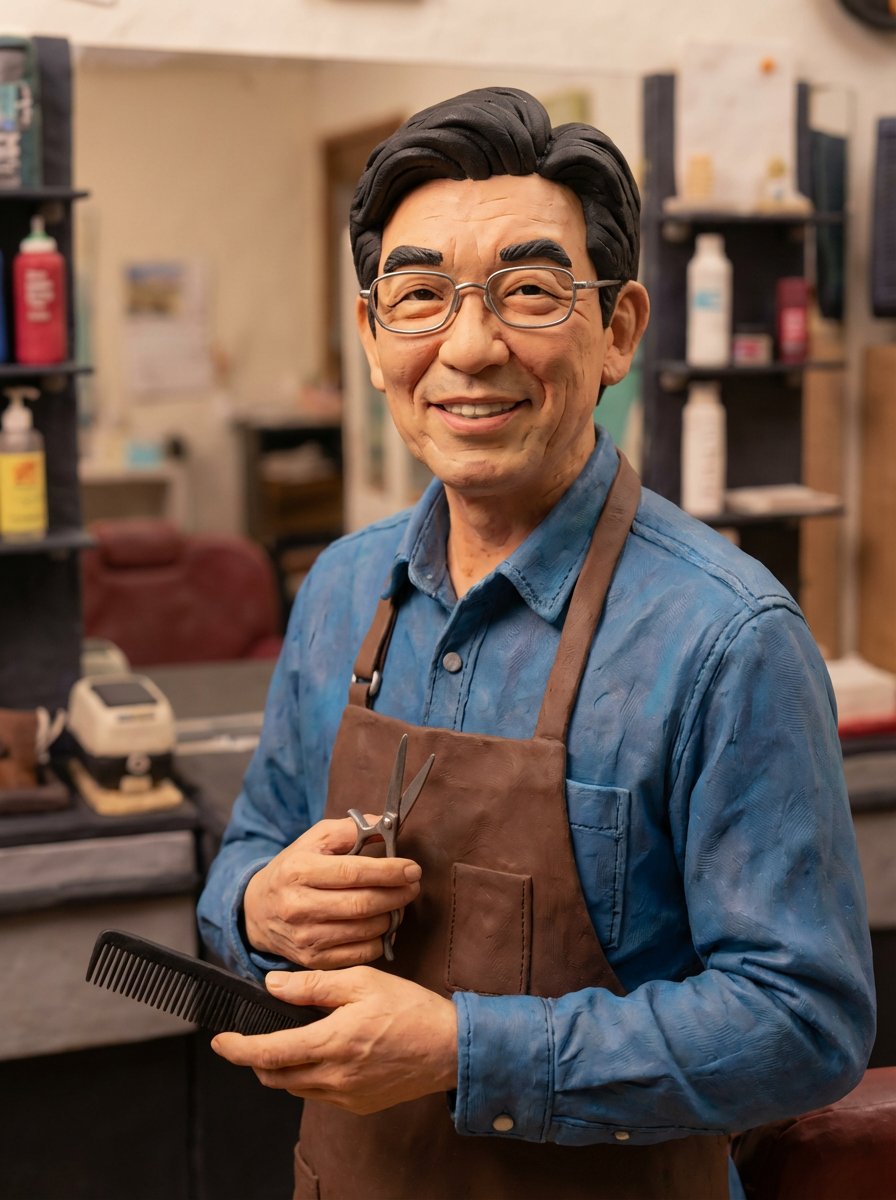
Selfie to Claymation Transformation
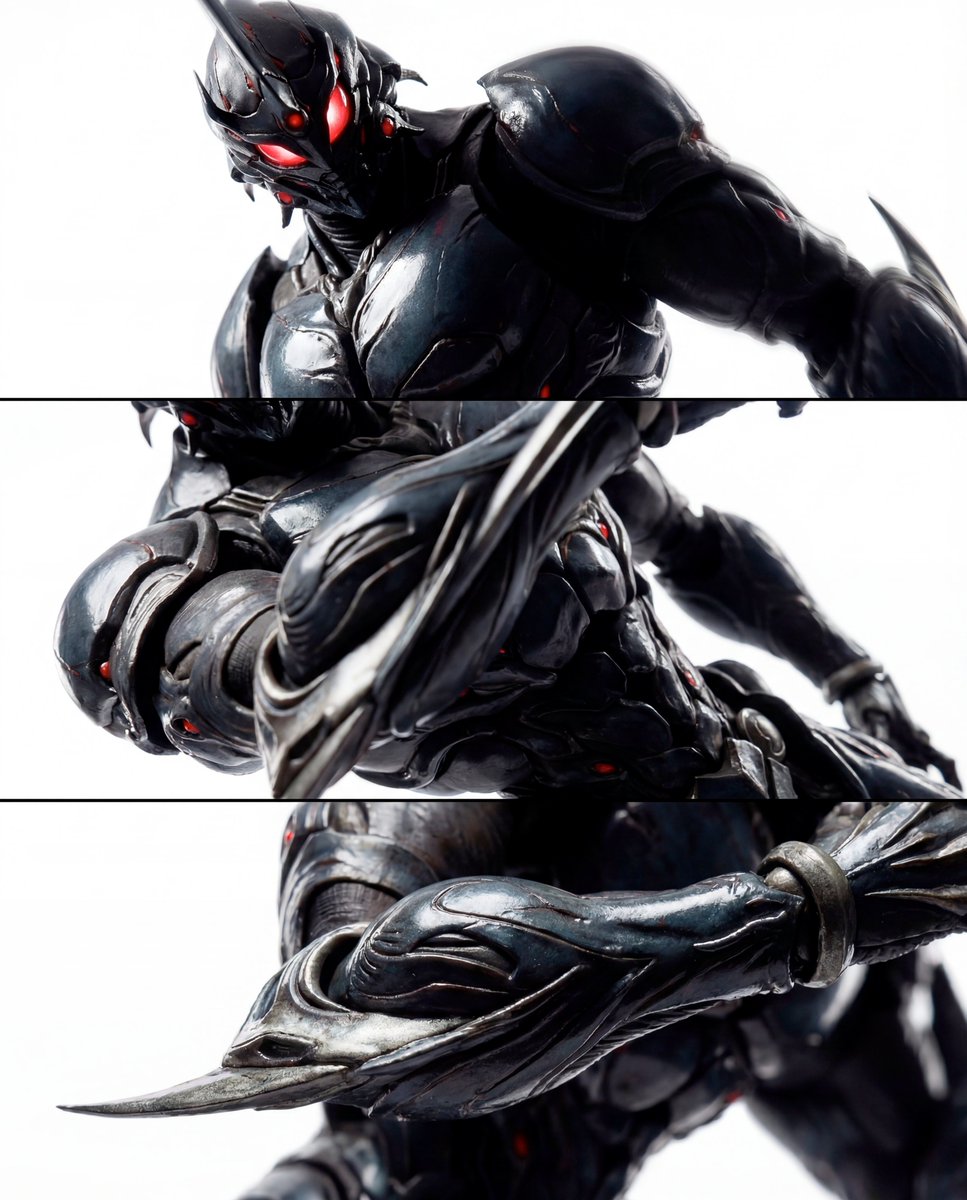
Triptych Composition Prompt for Abstract Fashion Editorial
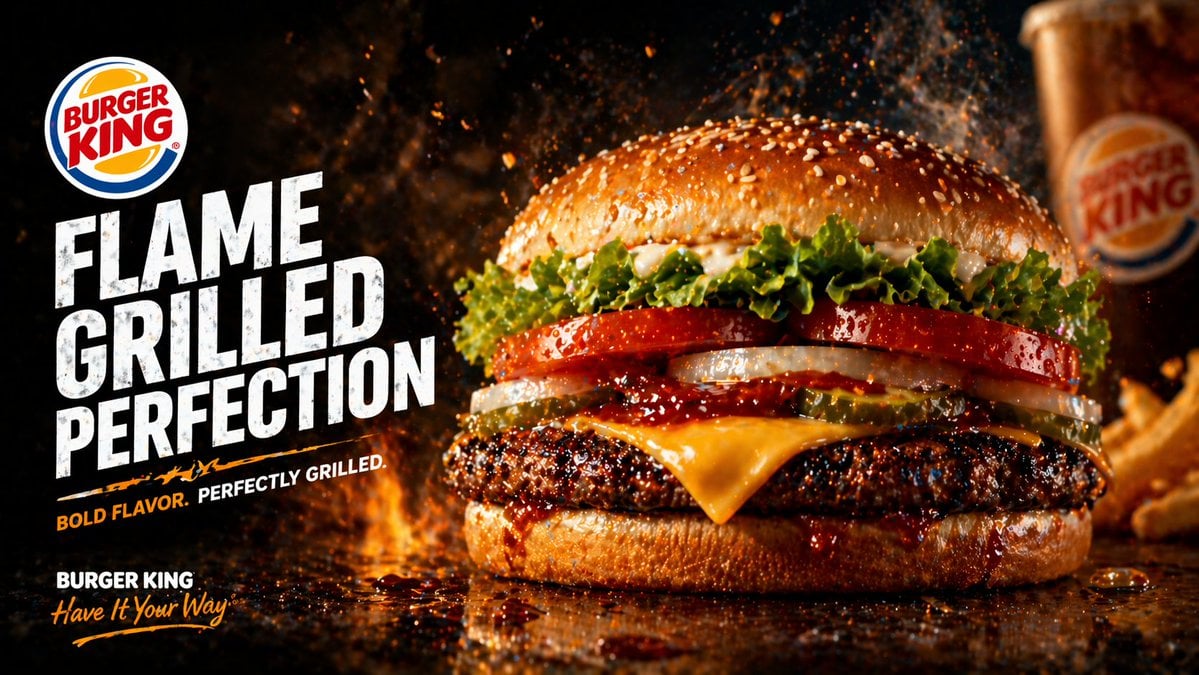
Flame-Grilled Burger Ad Poster
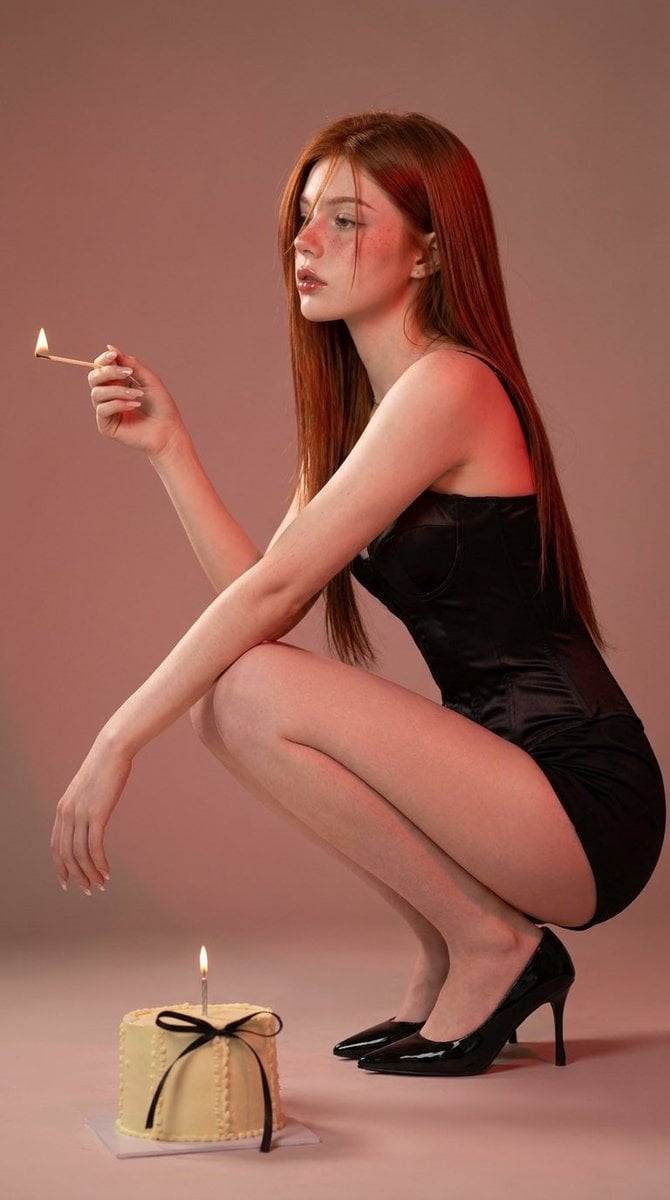
Editorial Fashion Photography
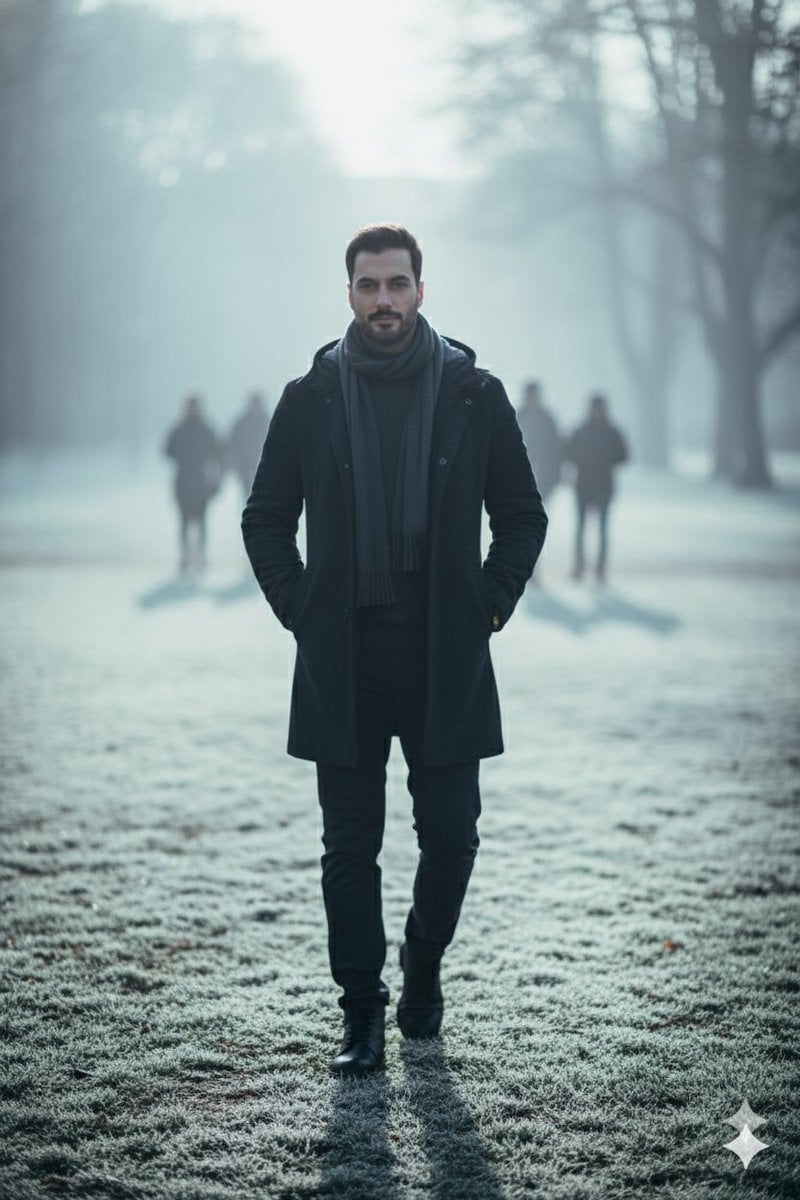
Hyperreal winter park walk portrait
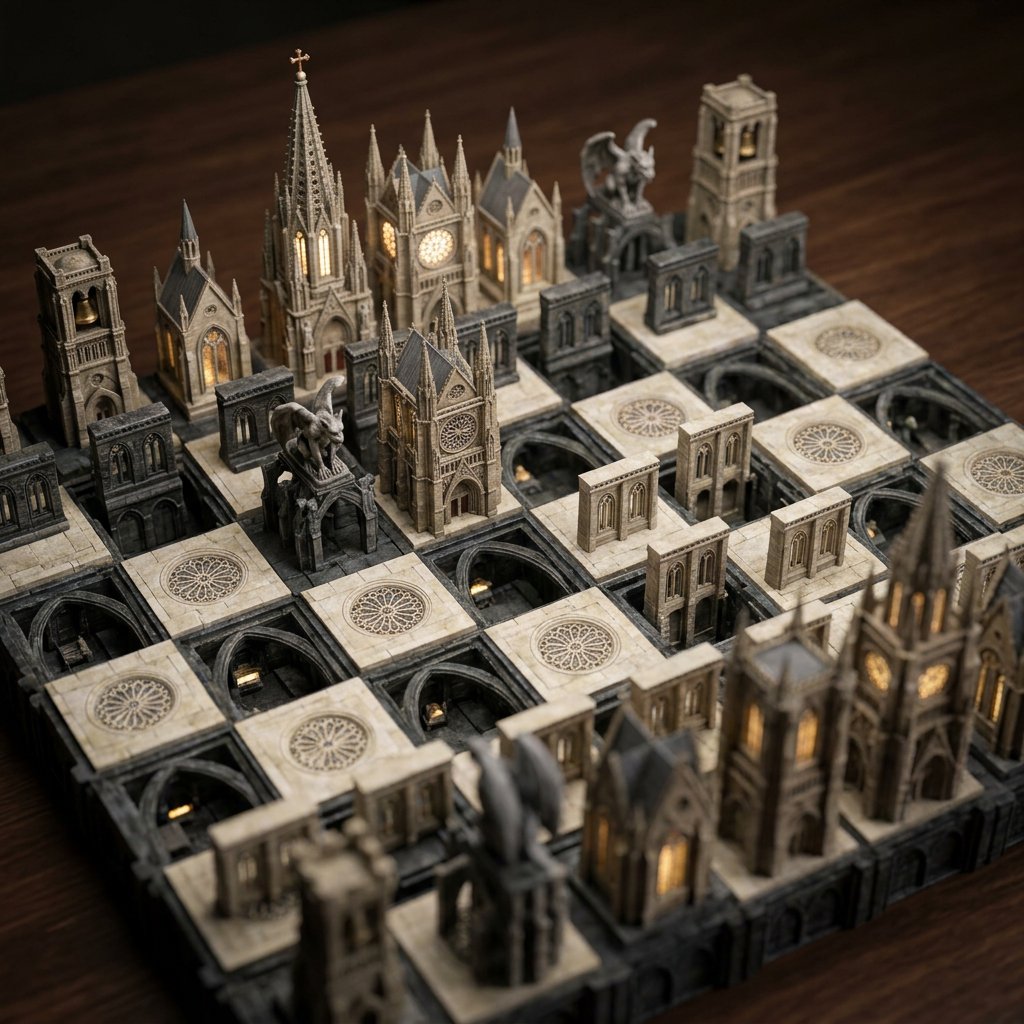
Custom Architectural Chessboard Diorama Prompt Template
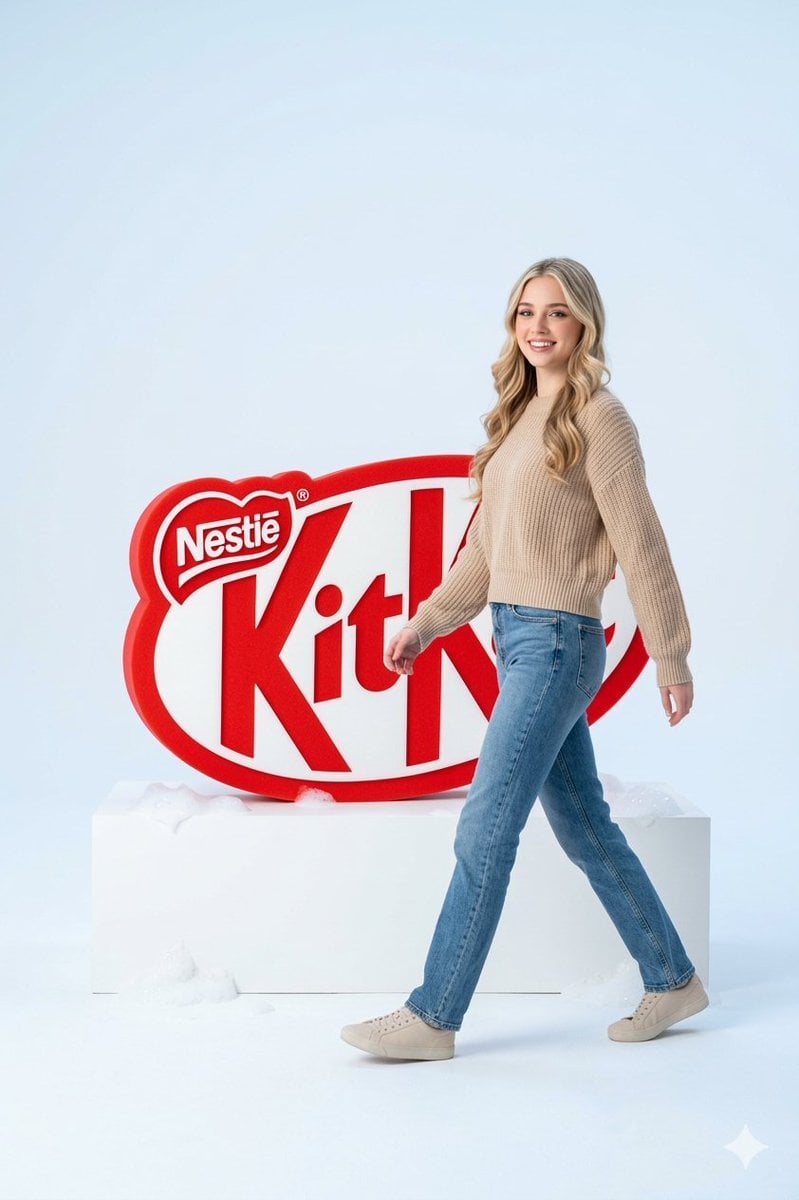
Premium Advertising Campaign Photograph
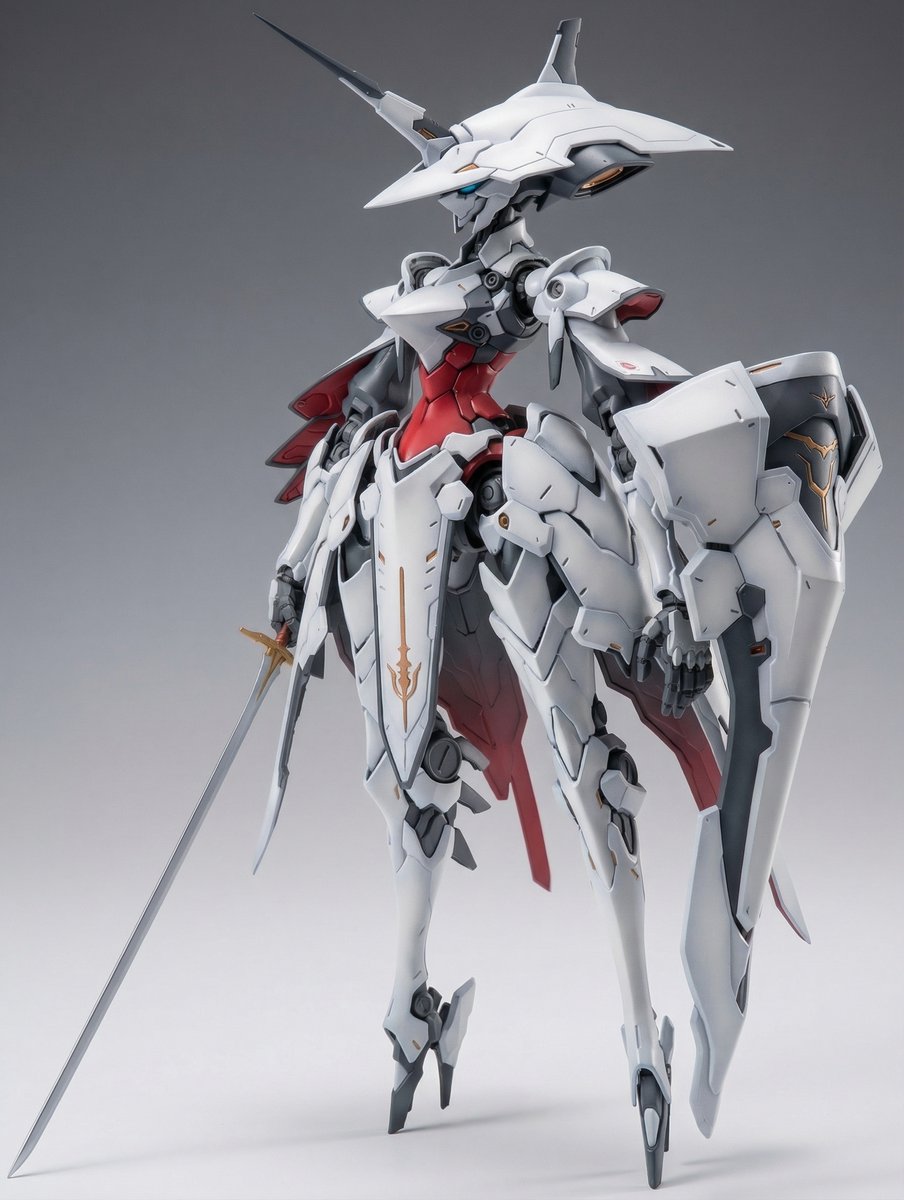
Full Armor Mecha Girl model kit concept prompt
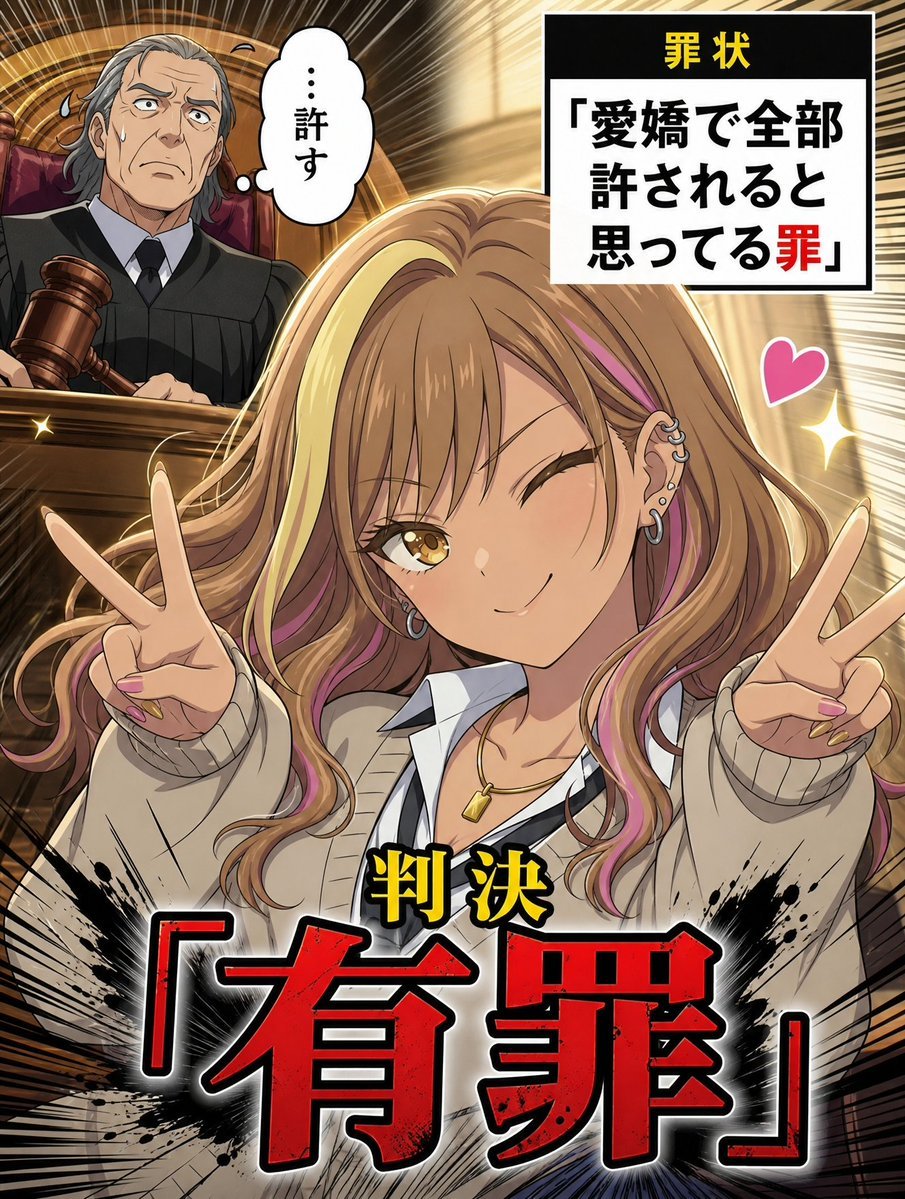
AI Character Courtroom Verdict Meme Generator
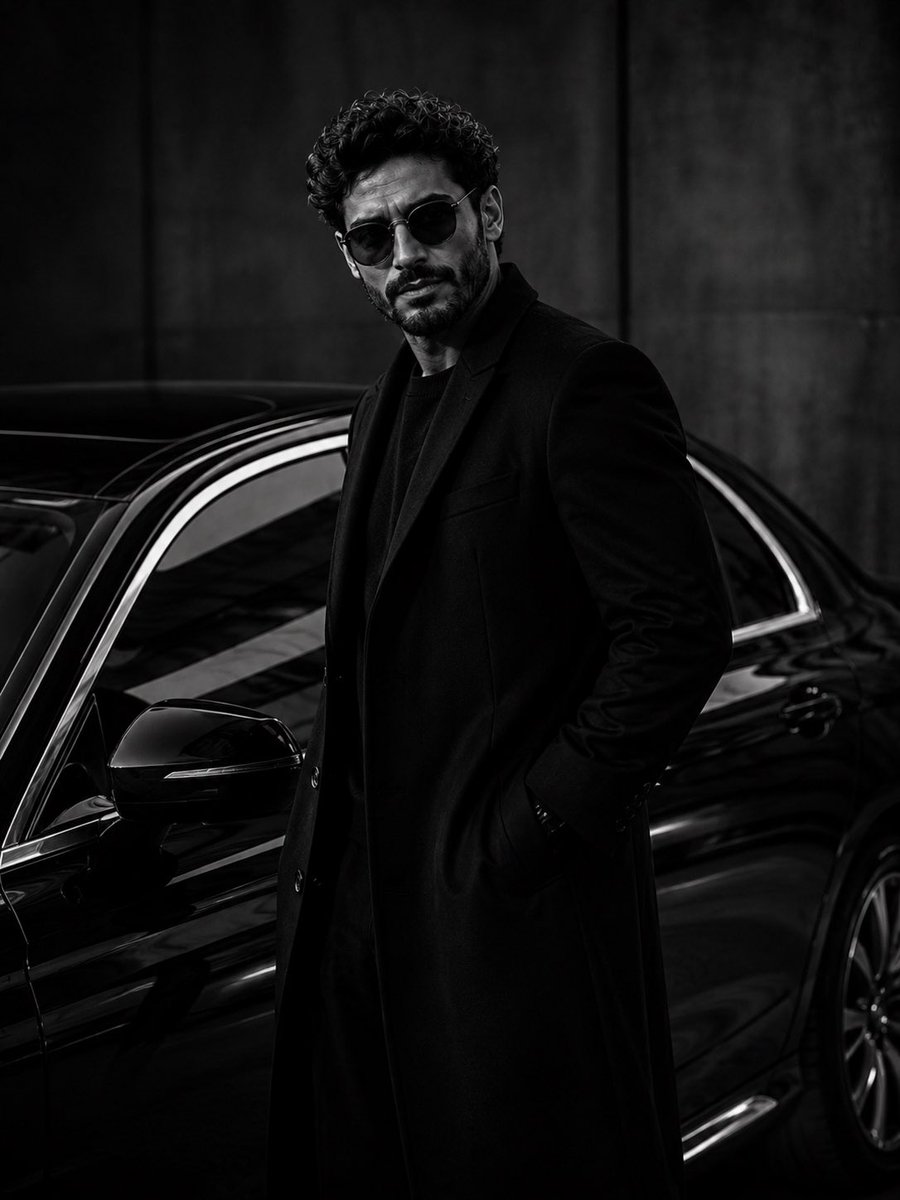
Ultra-Luxury Monochrome Fashion Editorial
Browse template categories
F1 VIP fan hyper-realistic selfie edit questions
How do I use the F1 VIP fan hyper-realistic selfie edit template?
Add your photo if the template asks for one, edit the prompt if you like — the template's model and format are already selected — and press Generate. Your version opens in PicX Studio.
Can I customize the F1 VIP fan hyper-realistic selfie edit template?
Yes. You can change the subject, setting, lighting, mood, format, and available model controls before creating your image.
Is the F1 VIP fan hyper-realistic selfie edit template free?
Opening and editing this template is free. Generating uses credits, shown on the Generate button when you are signed in.
Which AI model should I use?
Start with Nano Banana 2, which is the model associated with this template. You can compare another compatible model for a different finish.
Looking for something else? Browse all templates.

Your photo, any look
Thousands of ready templates for every top image and video model, from one credit balance.