
Cyberpunk Creative Cloud Poster
A tall neon cyberpunk promotional poster for Adobe Creative Cloud, ideal for recreating a futuristic software ad with stacked app showcase panels.
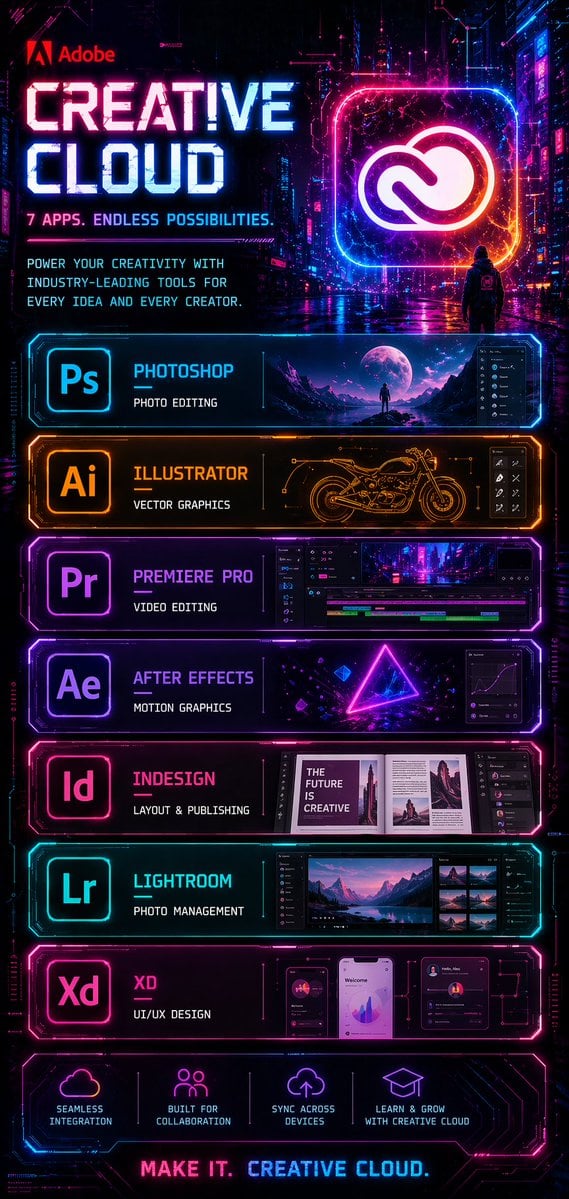
- Prompt included
- Model and format preset
- Free template
The prompt behind this image
Copy the exact prompt behind Cyberpunk Creative Cloud Poster, or open it in the studio and make it yours.
- Type
- cyberpunk software advertisement poster
- Brand
- Adobe
- Product
- Creative Cloud
- Style
- futuristic neon sci-fi marketing poster with a dark rainy cyberpunk city background, glossy reflections, magenta, cyan, violet, and electric orange lighting, high contrast, ultra-detailed UI-inspired frames, holographic glow, sleek tech panel design
- Format
- tall vertical poster
- Background › Scene
- nighttime neon city alley with towering buildings, digital signage, wet pavement reflecting pink and blue lights, cinematic atmosphere
- Background › Figure
- a single small hooded person seen from behind in the mid-background, standing on the street and facing a giant glowing Creative Cloud logo
- Header › Logo
- Adobe
- Header › Headline
- {argument name="headline text" default="CREATIVE CLOUD"}
- Header › Subheadline
- 7 APPS. ENDLESS POSSIBILITIES.
- Header › Body Text
- POWER YOUR CREATIVITY WITH INDUSTRY-LEADING TOOLS FOR EVERY IDEA AND EVERY CREATOR.
- Header › Hero Icon
- large glowing rounded-square frame containing the Creative Cloud logo in white, surrounded by pink, blue, and orange neon
- Layout › Sections › 0 › Title
- Photoshop
- Layout › Sections › 0 › Position
- top app panel
- Layout › Sections › 0 › Count
- 1
- Layout › Sections › 0 › Labels
- Ps
- Layout › Sections › 0 › Description
- cyan neon framed panel with app icon on the left, title Photoshop, subtitle PHOTO EDITING, and a wide preview image of a surreal moonlit landscape with a lone figure plus a dark editing interface sidebar on the right
- Layout › Sections › 1 › Title
- Illustrator
- Layout › Sections › 1 › Position
- second app panel
- Layout › Sections › 1 › Count
- 1
- Layout › Sections › 1 › Labels
- Ai
- Layout › Sections › 1 › Description
- orange neon framed panel with app icon on the left, title Illustrator, subtitle VECTOR GRAPHICS, and a central technical line-art motorcycle drawing with small vector-tool interface icons on the right
- Layout › Sections › 2 › Title
- Premiere Pro
- Layout › Sections › 2 › Position
- third app panel
Raw JSON
{"type":"cyberpunk software advertisement poster","brand":"Adobe","product":"Creative Cloud","style":"futuristic neon sci-fi marketing poster with a dark rainy cyberpunk city background, glossy reflections, magenta, cyan, violet, and electric orange lighting, high contrast, ultra-detailed UI-inspired frames, holographic glow, sleek tech panel design","format":"tall vertical poster","background":{"scene":"nighttime neon city alley with towering buildings, digital signage, wet pavement reflecting pink and blue lights, cinematic atmosphere","figure":"a single small hooded person seen from behind in the mid-background, standing on the street and facing a giant glowing Creative Cloud logo"},"header":{"logo":"Adobe","headline":"{argument name=\"headline text\" default=\"CREATIVE CLOUD\"}","subheadline":"7 APPS. ENDLESS POSSIBILITIES.","body_text":"POWER YOUR CREATIVITY WITH INDUSTRY-LEADING TOOLS FOR EVERY IDEA AND EVERY CREATOR.","hero_icon":"large glowing rounded-square frame containing the Creative Cloud logo in white, surrounded by pink, blue, and orange neon"},"layout":{"sections":[{"title":"Photoshop","position":"top app panel","count":1,"labels":["Ps"],"description":"cyan neon framed panel with app icon on the left, title Photoshop, subtitle PHOTO EDITING, and a wide preview image of a surreal moonlit landscape with a lone figure plus a dark editing interface sidebar on the right"},{"title":"Illustrator","position":"second app panel","count":1,"labels":["Ai"],"description":"orange neon framed panel with app icon on the left, title Illustrator, subtitle VECTOR GRAPHICS, and a central technical line-art motorcycle drawing with small vector-tool interface icons on the right"},{"title":"Premiere Pro","position":"third app panel","count":1,"labels":["Pr"],"description":"purple neon framed panel with app icon on the left, title Premiere Pro, subtitle VIDEO EDITING, and a timeline-based video editing interface showing a cyberpunk city clip"},{"title":"After Effects","position":"fourth app panel","count":1,"labels":["Ae"],"description":"violet neon framed panel with app icon on the left, title After Effects, subtitle MOTION GRAPHICS, and a glowing triangle composition with floating geometric elements plus a graph editor panel on the right"},{"title":"InDesign","position":"fifth app panel","count":1,"labels":["Id"],"description":"pink neon framed panel with app icon on the left, title InDesign, subtitle LAYOUT & PUBLISHING, and an editorial magazine spread preview with the visible cover text THE FUTURE IS CREATIVE and layout panels to the right"},{"title":"Lightroom","position":"sixth app panel","count":1,"labels":["Lr"],"description":"cyan neon framed panel with app icon on the left, title Lightroom, subtitle PHOTO MANAGEMENT, and a photo browser interface featuring a mountain lake landscape with thumbnail images on the right"},{"title":"XD","position":"seventh app panel","count":1,"labels":["Xd"],"description":"magenta neon framed panel with app icon on the left, title XD, subtitle UI/UX DESIGN, and three mobile app mockup screens with charts, profile cards, and dashboard widgets"},{"title":"feature icons","position":"bottom strip","count":4,"labels":["SEAMLESS INTEGRATION","BUILT FOR COLLABORATION","SYNC ACROSS DEVICES","LEARN & GROW WITH CREATIVE CLOUD"],"description":"four glowing line icons with short captions, evenly spaced across a dark neon panel"}],"footer":{"tagline":"MAKE IT. CREATIVE CLOUD."}},"color_palette":{"primary":["electric blue","hot pink","purple","deep black"],"accent":["orange","white"]},"rendering":"crisp graphic design poster, polished commercial key art, symmetrical stacked panel layout, intense glow effects, legible typography, premium tech-ad aesthetic"}How to use Cyberpunk Creative Cloud Poster in 3 steps
- 1Upload ImagePNG, JPG or paste
Add your photo
Upload the photo the template builds on. The prompt, model and format are already set.
- 2…a portrait of your subject in softgolden-hour light, 85mm…
Personalize
Edit the subject and creative details for your destination.
- 3Generate
Generate
Press Generate — your image is created in PicX Studio, so you can compare it with the original and refine one variable at a time.
More like this
Templates with the same subject, style or setup. Open one to see its prompt.

Neon Glitch Cyber Symbiote Music Poster
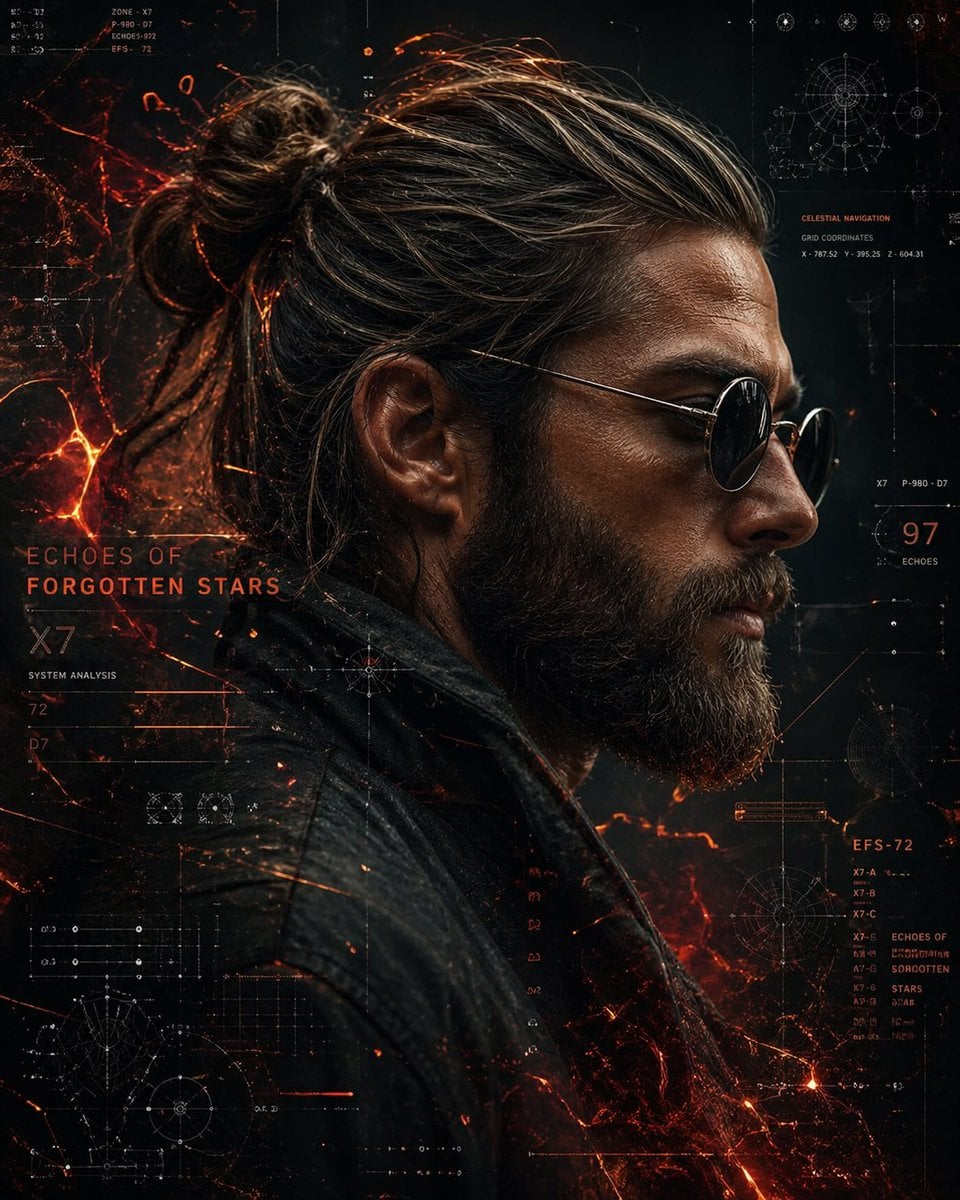
Cinematic Side Profile Cyberpunk Hero Poster

Black Liquid Cyberpunk Portrait Poster
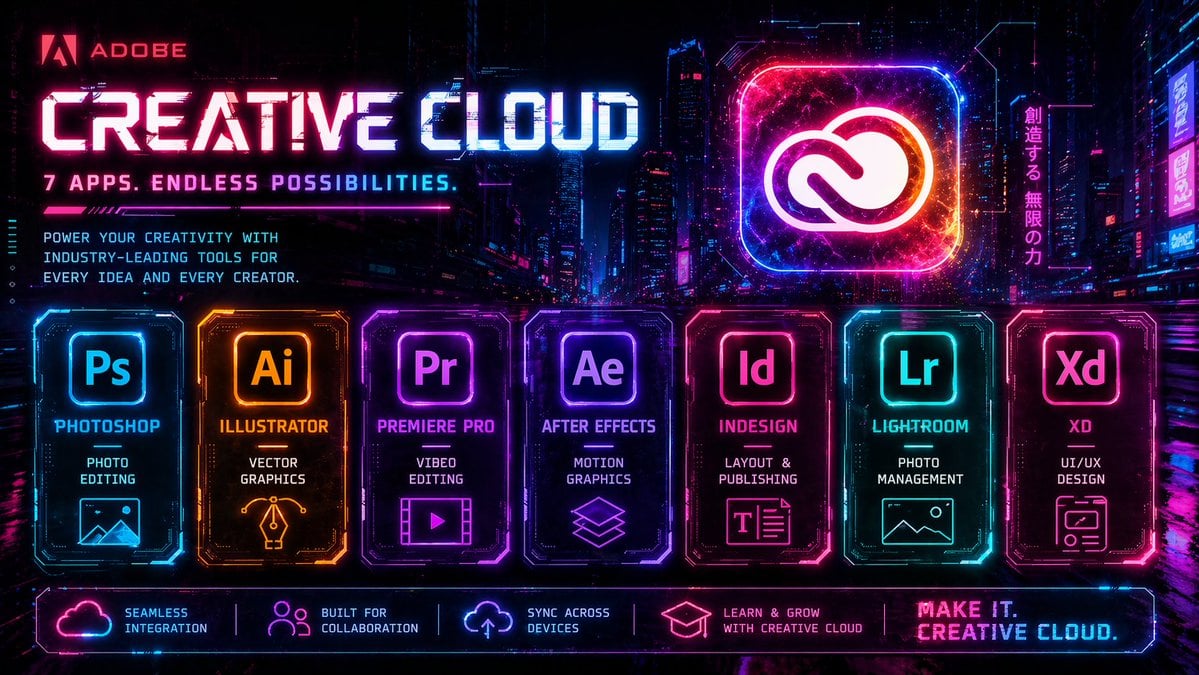
Cyberpunk Creative Cloud Ad Poster

Japan Travel Brochure Poster

Cartoon TV Show Poster Pack

Trendy Cafe Drink Promo Poster

Urban Fashion Editorial Collage Streetwear Poster

Premium Fashion Editorial Cover Layout System

Polo Ralph Lauren Luxury American Heritage Fashion Campaign

Monochrome Halftone Editorial Fashion Poster

Retro Mirror Luxury Fashion Campaign Poster
Make it yours
Cyberpunk Creative Cloud Poster works as-is. These are the safest ways to change it without losing the look.
Swap the setting
Keep the rest of the prompt and replace the location block. The current setting is “nighttime neon city alley with towering buildings, digital signage, wet pavement”.
Change one field
Copy a single group, rewrite it, and generate again so you can see what that field is doing.
Keep the frame, change the subject
Hold the composition and light of Cyberpunk Creative Cloud Poster, then swap wardrobe, props or the person for a new take.
| If the result… | Why | Fix |
|---|---|---|
| The result drifts from the preview | Too many fields changed at once. | Reuse Cyberpunk Creative Cloud Poster as-is first, then change one group — subject, light, or setting. |
| GPT Image 2 ignores part of the JSON | Some models flatten or skip nested keys. | Keep the same values and paste them as a short paragraph instead. |
More GPT Image 2 templates
Other prompts made for GPT Image 2.

Six VTuber Japanese Logo Sheet

Realistic Portrait of Woman and Deer

The Vista Modular Condo Poster

AI Model Routing Comparison Infographic

2.5D Anime Art Board

Isometric Productivity Desk Scene

New York Double Exposure Poster

Four-Panel AI Landscape Comparison

Japanese Tatami Lifestyle Magazine Cover

NESCAFÉ Coffee Map Poster
More image prompts
Fresh picks from across the catalog.

Cinematic Portrait of Kashmiri Woman with Baby Goat
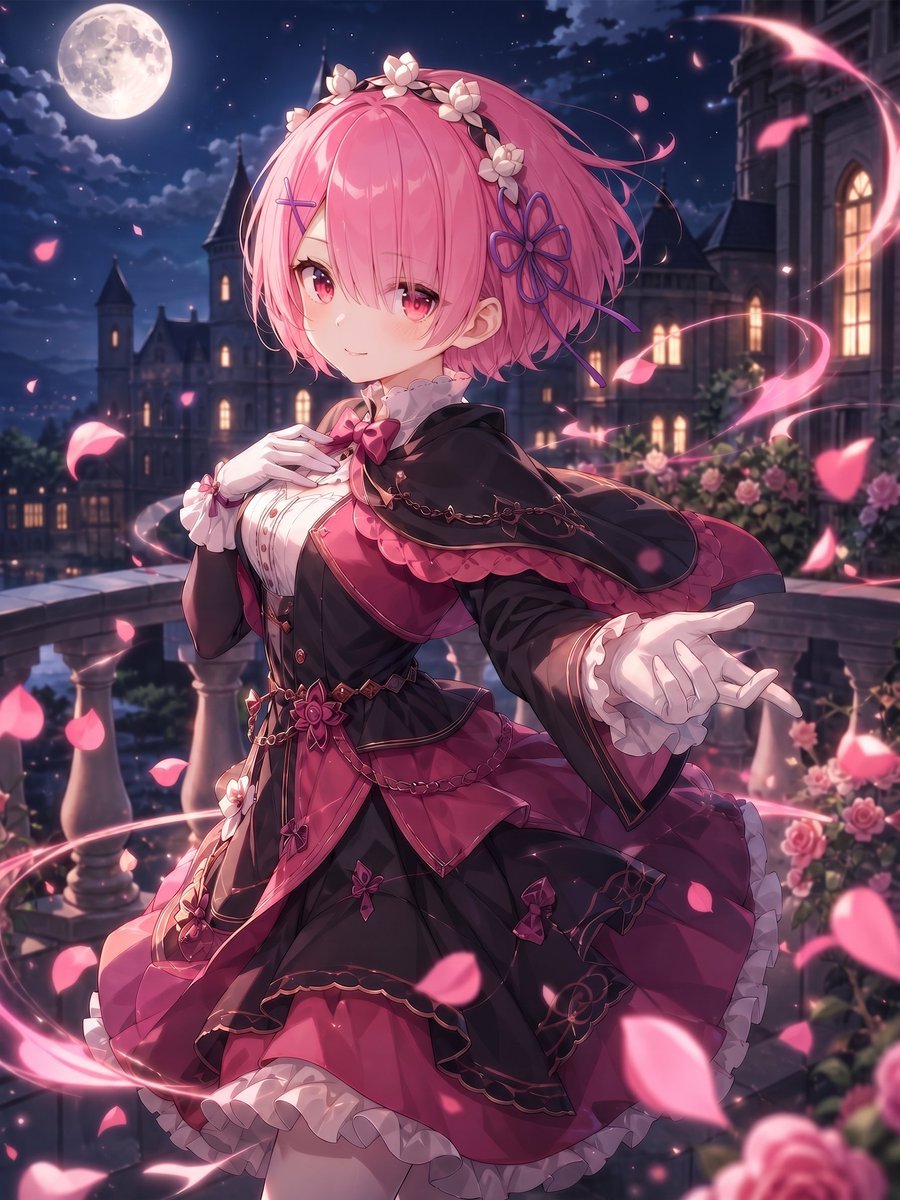
Moonlit Gothic Lolita Balcony
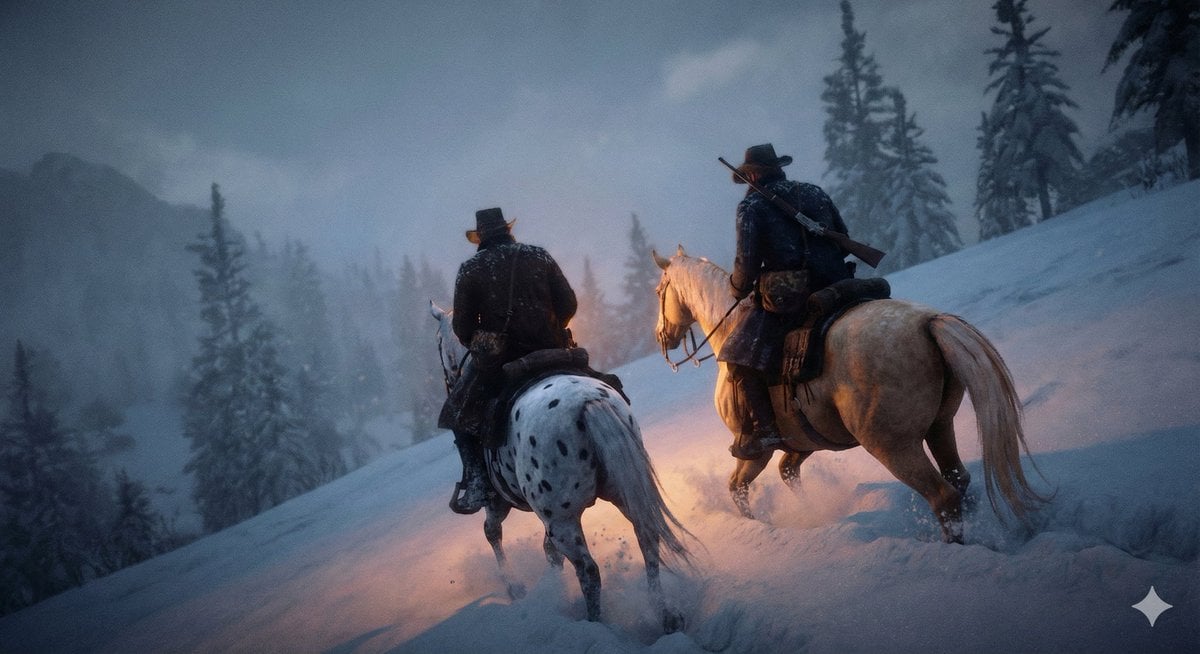
Cinematic Western Scene with Horseback Riders in Snow
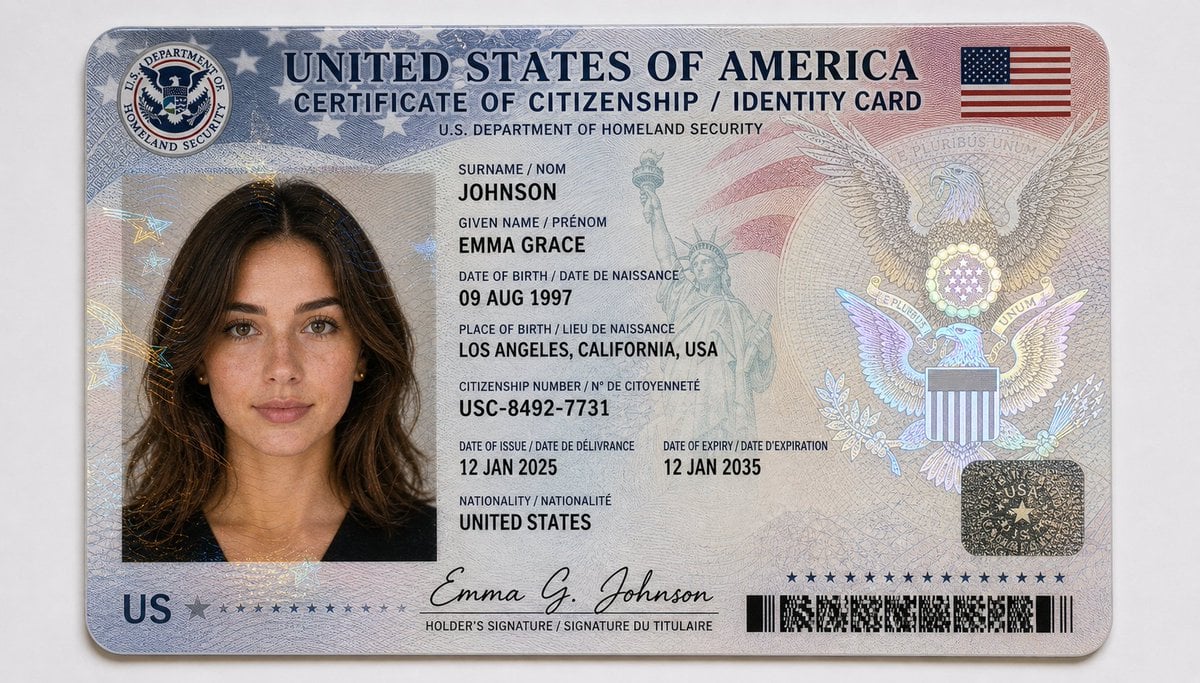
US Citizenship Identity Card Mockup

Cinematic Ultra-Realistic Portrait in a Vintage Car

Hyper-realistic Macro Photo of Pineapple in Juice
Massive Truck Launch and Landing Video Prompt
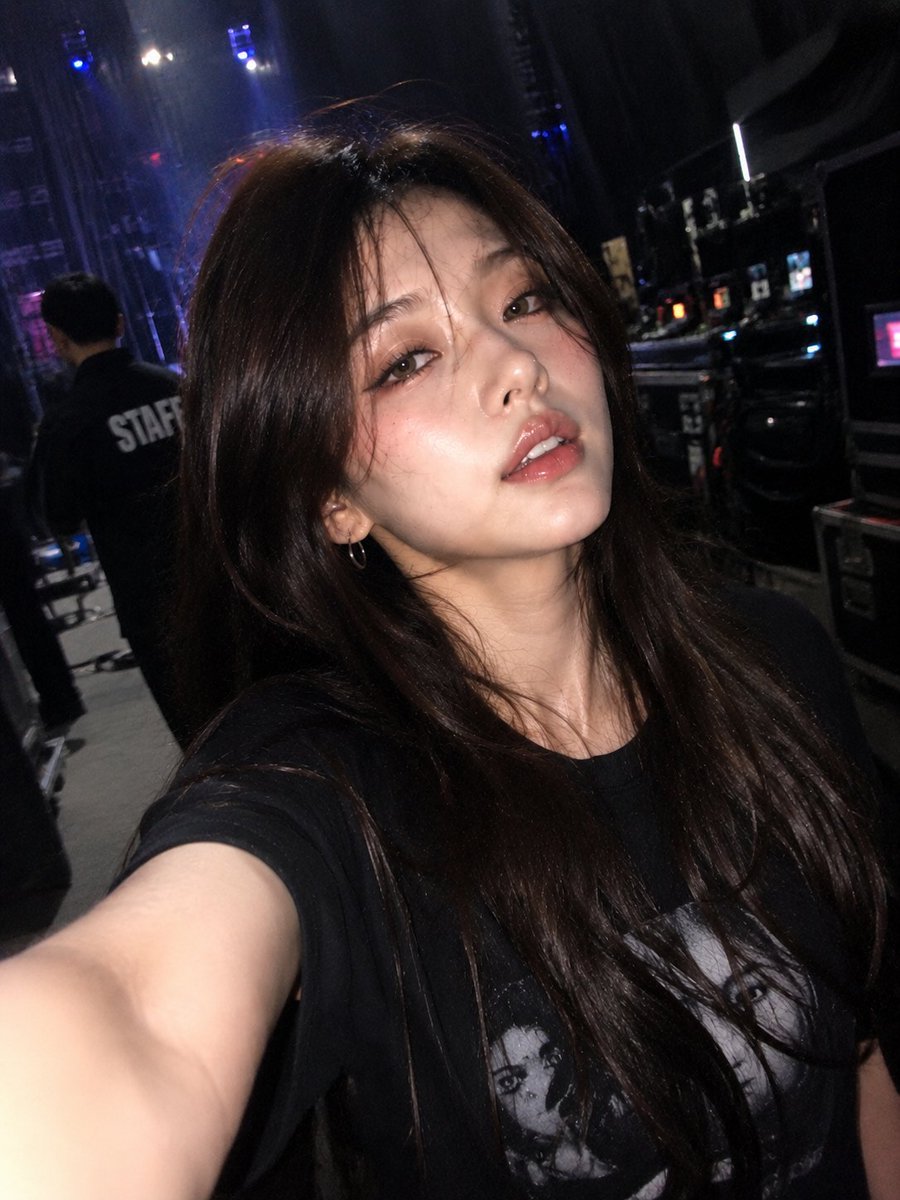
Accidental iPhone Front Camera Selfie
Dark Fantasy Tarot Club Lore Infographic
Avant-Garde Architectural Fashion Editorial
Browse template categories
Cyberpunk Creative Cloud Poster questions
How do I use the Cyberpunk Creative Cloud Poster template?
Add your photo if the template asks for one, edit the prompt if you like — the template's model and format are already selected — and press Generate. Your version opens in PicX Studio.
Can I customize the Cyberpunk Creative Cloud Poster template?
Yes. You can change the subject, setting, lighting, mood, format, and available model controls before creating your image.
Is the Cyberpunk Creative Cloud Poster template free?
Opening and editing this template is free. Generating uses credits, shown on the Generate button when you are signed in.
Which AI model should I use?
Start with GPT Image 2, which is the model associated with this template. You can compare another compatible model for a different finish.
Looking for something else? Browse all templates.

Your photo, any look
Thousands of ready templates for every top image and video model, from one credit balance.