
Milkis Strawberry Ad Shot Map
A 12-panel product commercial storyboard for a strawberry Milkis-style soda can with pink splashes, fruit, bubbles, and a tiny umbrella mascot.
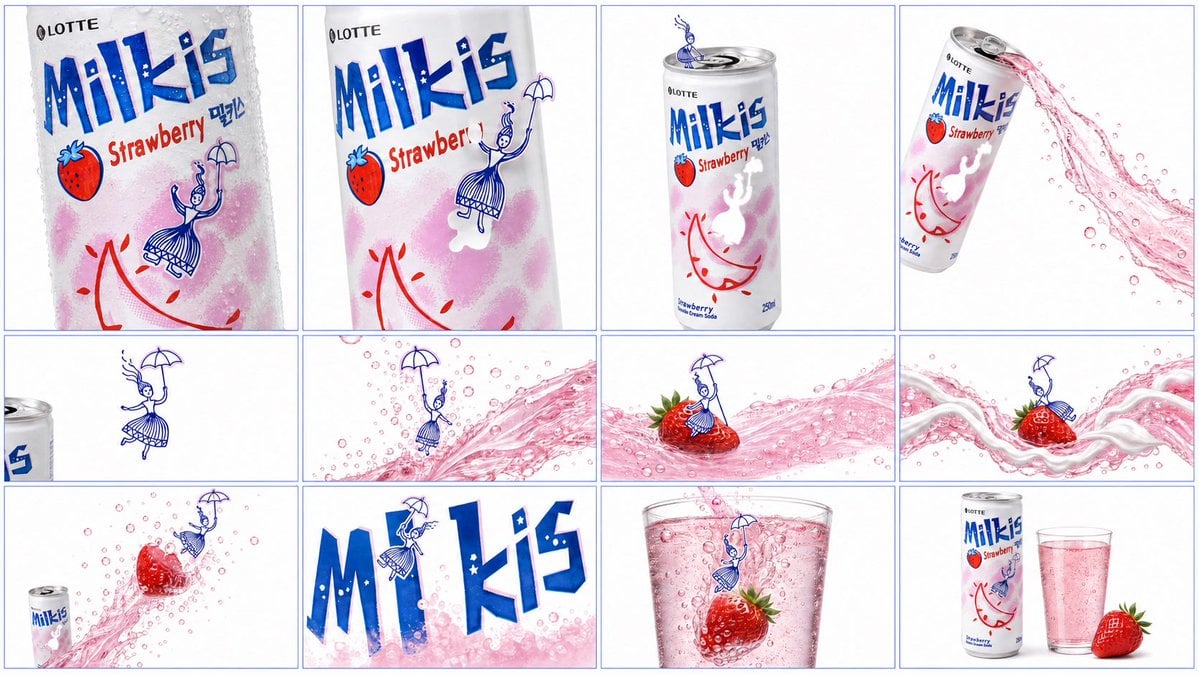
- Prompt included
- Model and format preset
- Free template
The prompt behind this image
Copy the exact prompt behind Milkis Strawberry Ad Shot Map, or open it in the studio and make it yours.
Goal: Create a clean 12-frame advertising shot map for a Korean strawberry milk soda can, designed like a polished product-commercial storyboard on a white background. Canvas: 16:9 horizontal canvas, 720p feel, divided into exactly 12 panels arranged in a 4 columns by 3 rows grid. Use very thin pale blue divider lines between panels and around the outer border. High-key studio lighting, crisp product photography, glossy liquid simulation, mostly white negative space, blue-red-pink brand palette. Product and branding: Feature a slim aluminum can of {argument name="product name" default="LOTTE Milkis Strawberry"}. The can is white and silver with condensation droplets, bold chunky blue “Milkis” lettering, small black “LOTTE” logo near the top, red “Strawberry” text, a small strawberry icon, pink powdery gradient patches, red crescent-like swoosh graphics, and a tiny blue line-art umbrella girl character printed on the label. Add small Korean text near the logo where appropriate. Keep the label legible but allow slight perspective distortion. Recurring character and liquid motif: Use one tiny blue line-art umbrella girl mascot, drawn like a simple ink illustration with a skirt and parasol, appearing in multiple panels as if she is surfing or floating through the ad. Use sparkling translucent pink strawberry soda liquid with many bubbles, occasional white creamy milk ribbons, fresh strawberries with green leaves, and a clear glass filled with pink fizzy drink. Layout: Include exactly 12 discrete storyboard panels, listed left to right, top to bottom: 1. Extreme close-up of the wet can label, cropped vertically, showing large blue “Milkis,” red “Strawberry,” strawberry icon, condensation beads, and the umbrella girl printed on the can. 2. Angled close-up of the can label, slightly cleaner and brighter, the umbrella girl appears larger near the red Strawberry text, with soft pink gradient on the can. 3. Full upright can centered in a white studio space, silver pull tab visible at top, label fully readable, tiny blue steam-like flourish above the can opening. 4. Diagonal can tilted upper left to lower right, open top visible, a dynamic arc of translucent pink soda splashing out to the right with suspended bubbles. 5. Wide minimalist panel with only the left edge of the can cropped into frame and the blue umbrella girl floating in open white space above. 6. Pink soda wave sweeps diagonally across the panel with many bubbles; the tiny umbrella girl rides above the wave holding her parasol. 7. Fresh red strawberry with green leaves riding on the pink soda wave; the umbrella girl stands on top of the strawberry like a surfer. 8. Creamy white milk ribbon twists through the pink soda splash; a strawberry sits in the flow and the umbrella girl balances on it. 9. Wide shot with the can small and cropped at bottom left, pink soda stream and bubbles flowing diagonally, a strawberry suspended mid-splash, umbrella girl drifting nearby. 10. Extreme graphic close-up of the large blue “Milkis” logo letters filling the frame, with pink bubbles at the bottom and the tiny umbrella girl climbing or floating over the letters. 11. Clear glass close-up filled with pink fizzy soda, bubbles rising; a strawberry floats inside and the umbrella girl overlays the glass as if parachuting in. 12. Final product packshot: full can standing beside a tall clear glass of pink soda and one fresh strawberry at the base, white background, clean commercial composition. Visual style: Premium beverage advertisement storyboard, photorealistic can, glass, fruit, bubbles, and splashes combined with a hand-drawn blue mascot illustration. Bright whites, glossy highlights, realistic refraction in liquid, crisp macro detail, airy Korean soft-drink commercial aesthetic. Constraints: Use exactly 12 panels in the 4x3 grid. Do not add hands, people, extra packaging, price tags, captions, watermarks, or additional products. Keep all panels visually connected by the same white background, pink strawberry soda, blue umbrella mascot, and consistent Milkis can design.
How to use Milkis Strawberry Ad Shot Map in 3 steps
- 1Upload ImagePNG, JPG or paste
Add your photo
Upload the photo the template builds on. The prompt, model and format are already set.
- 2…a portrait of your subject in softgolden-hour light, 85mm…
Personalize
Edit the subject and creative details for your destination.
- 3Generate
Generate
Press Generate — your image is created in PicX Studio, so you can compare it with the original and refine one variable at a time.
More like this
Templates with the same subject, style or setup. Open one to see its prompt.
Gpt2 Illustrated City Food Map

Strawberry Blonde Portrait in Sunhat
Appetizing Strawberry Waffle Photography
Summer Uniform Portrait with Strawberry
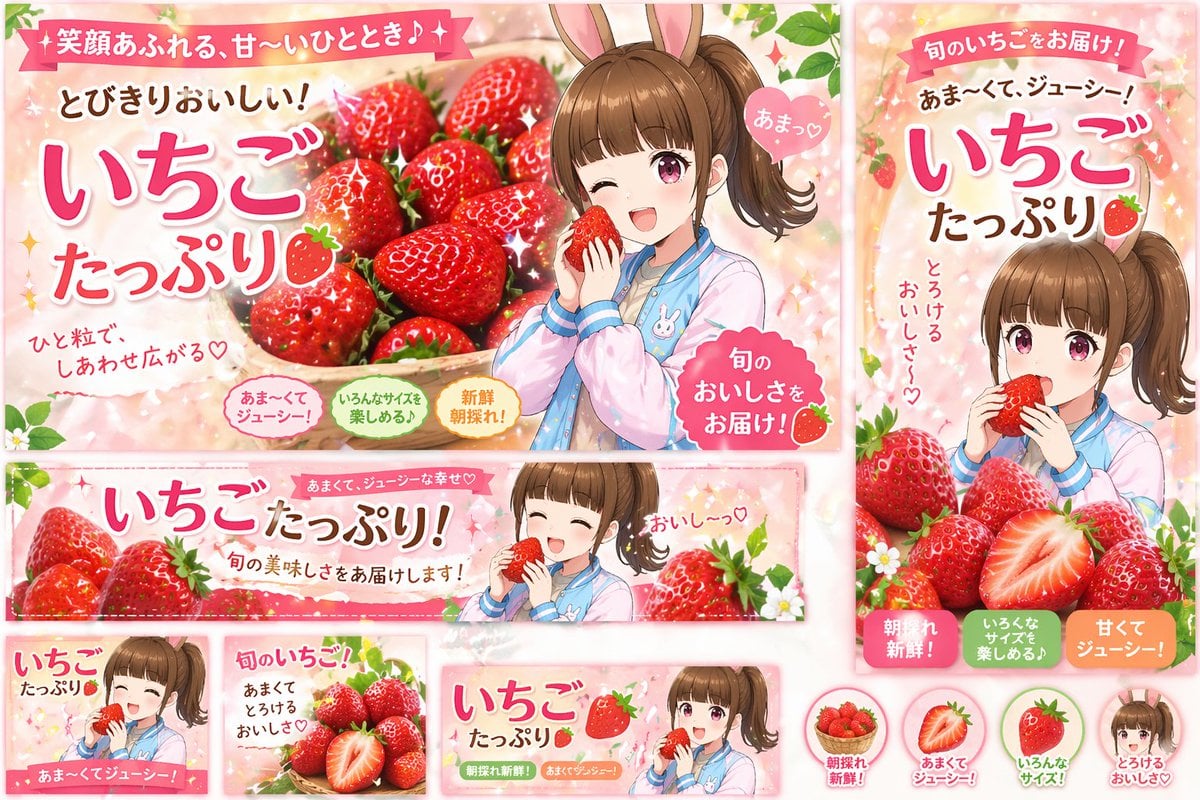
Anime Strawberry Promo Banner Set
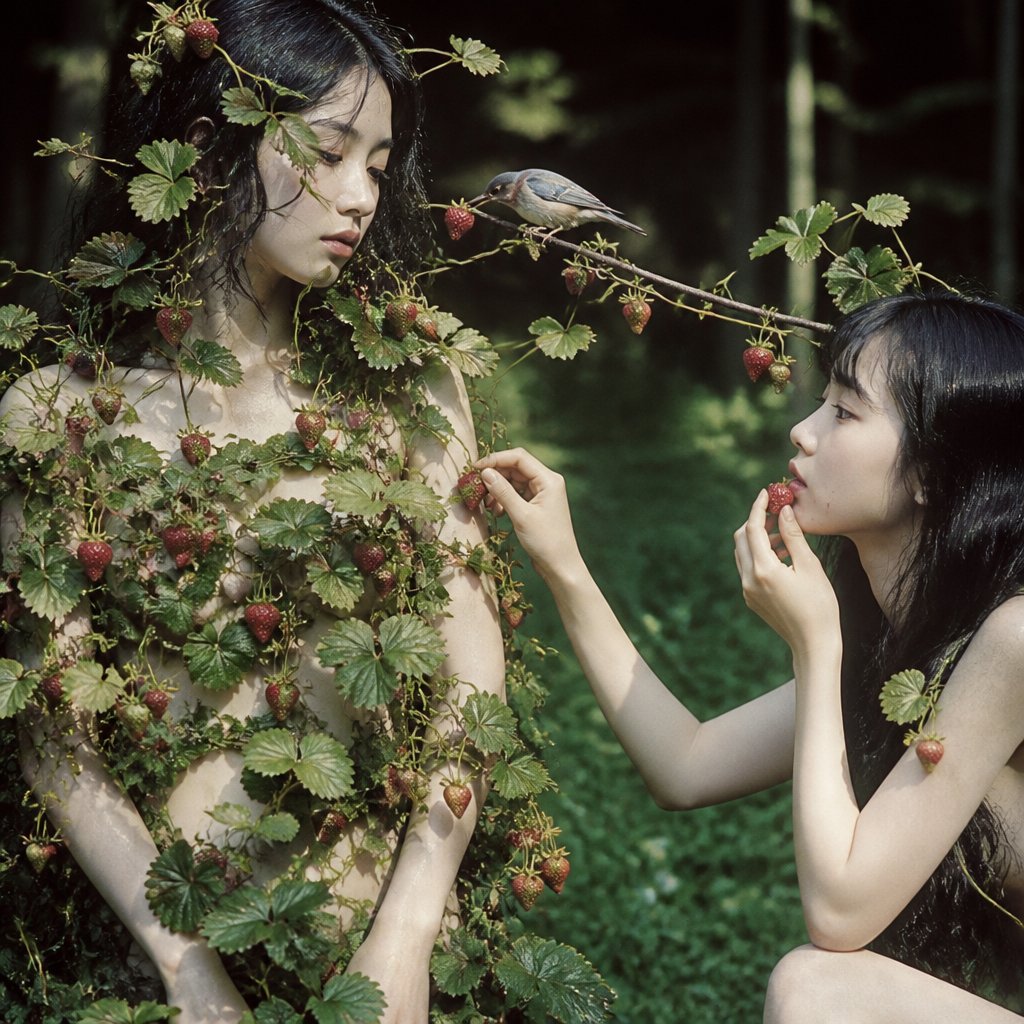
Surreal Strawberry Picking Forest
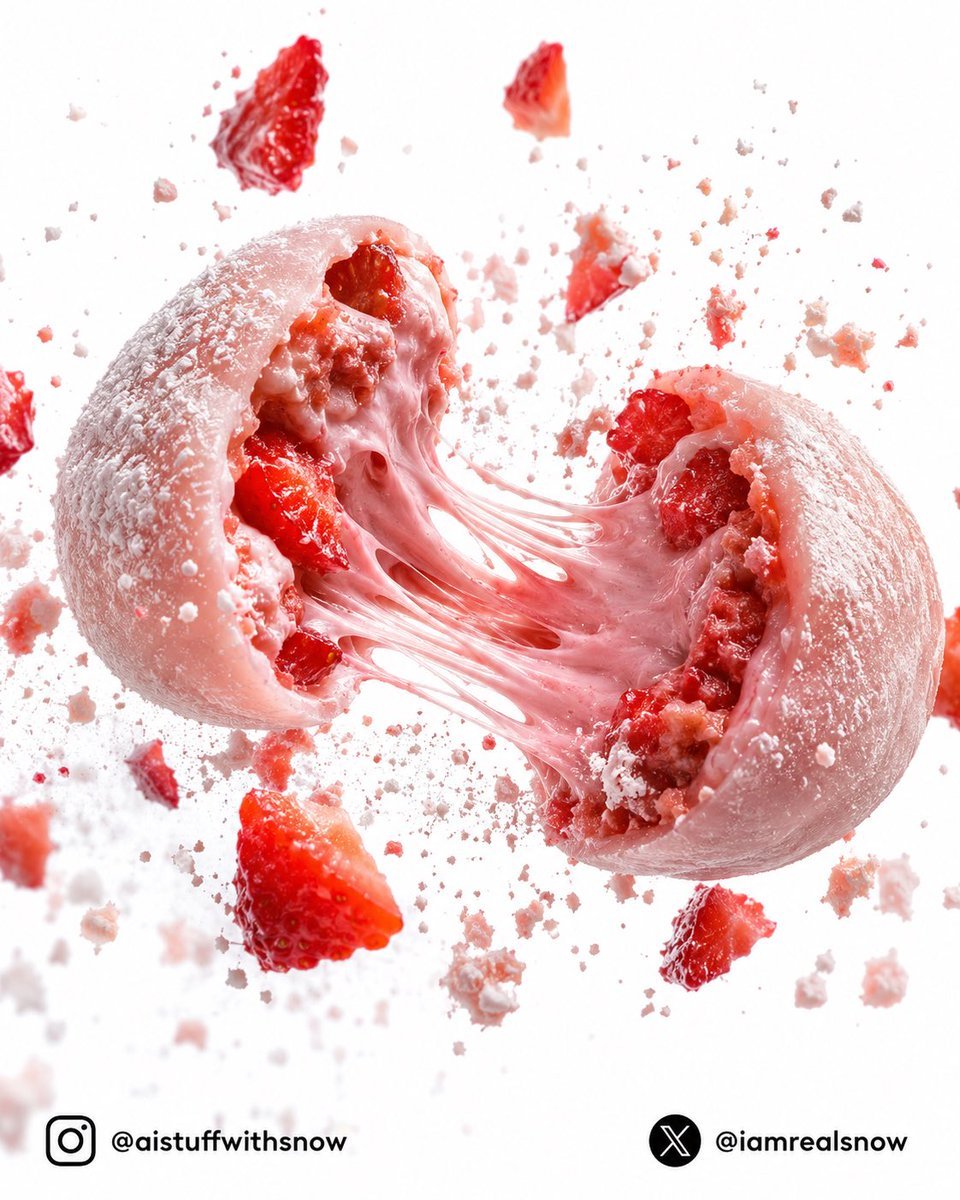
Strawberry Lava Mochi Explosion Photography
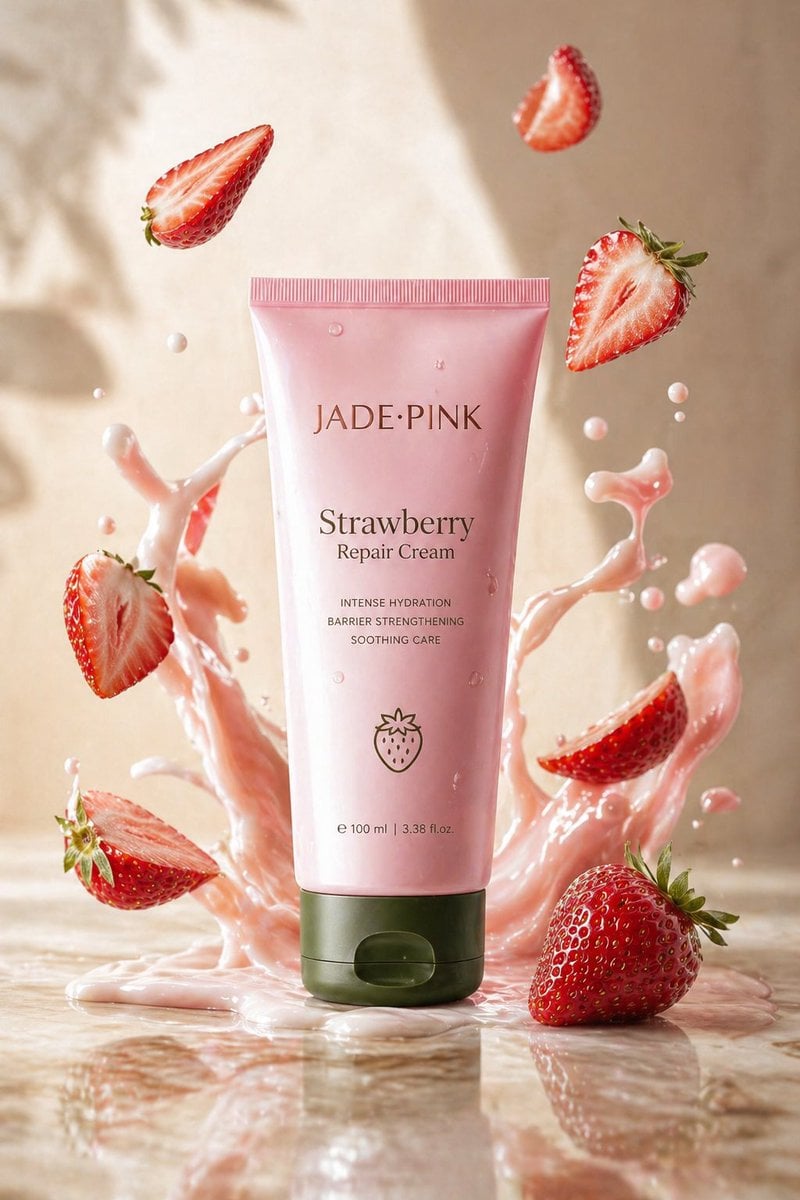
Strawberry Repair Cream Product Shot
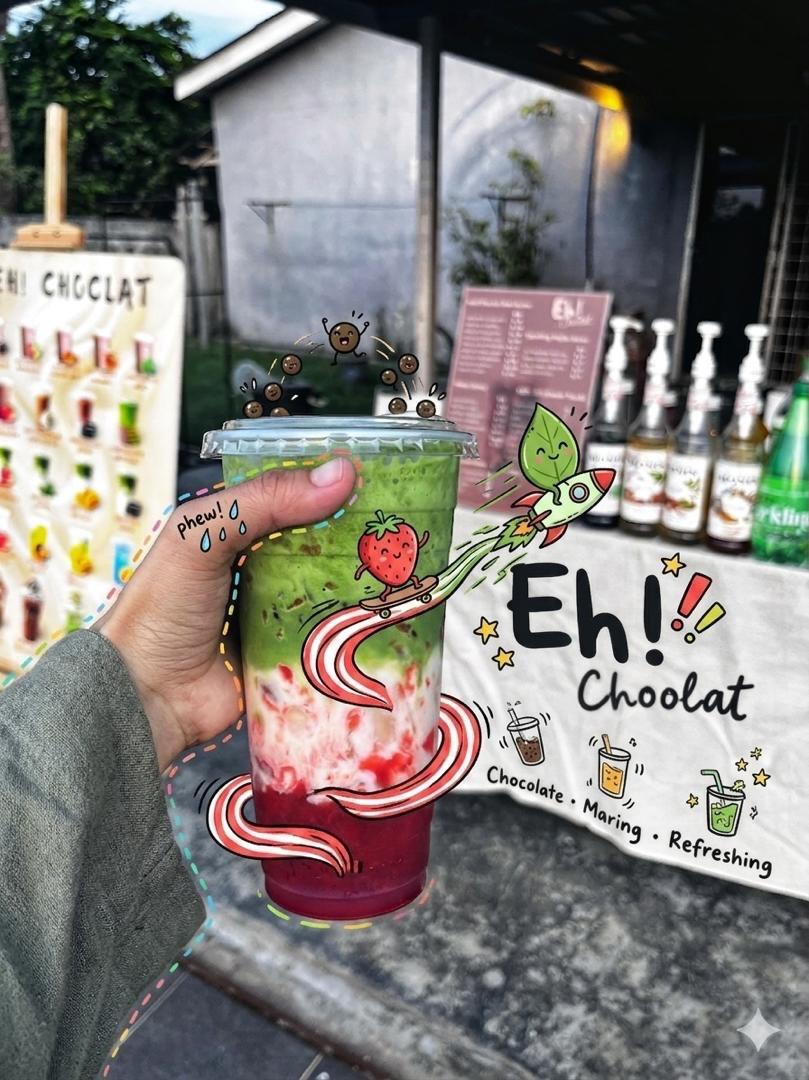
Doodled Strawberry Matcha Drink Photo
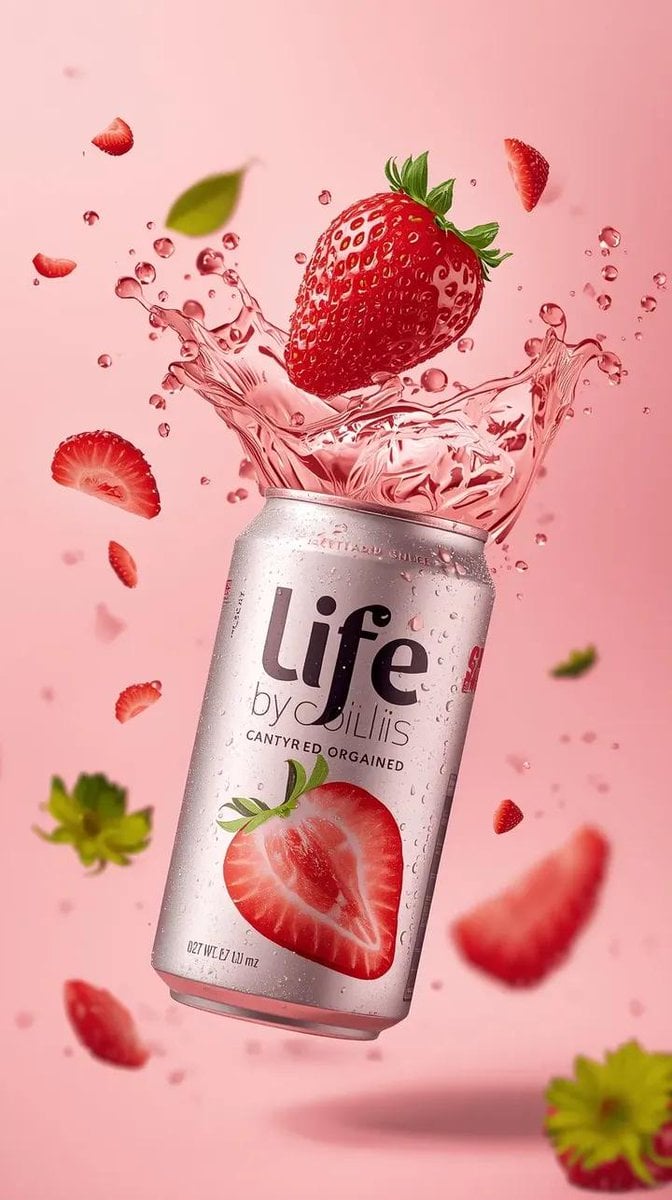
High-Speed Beverage Ad with Strawberry Splash
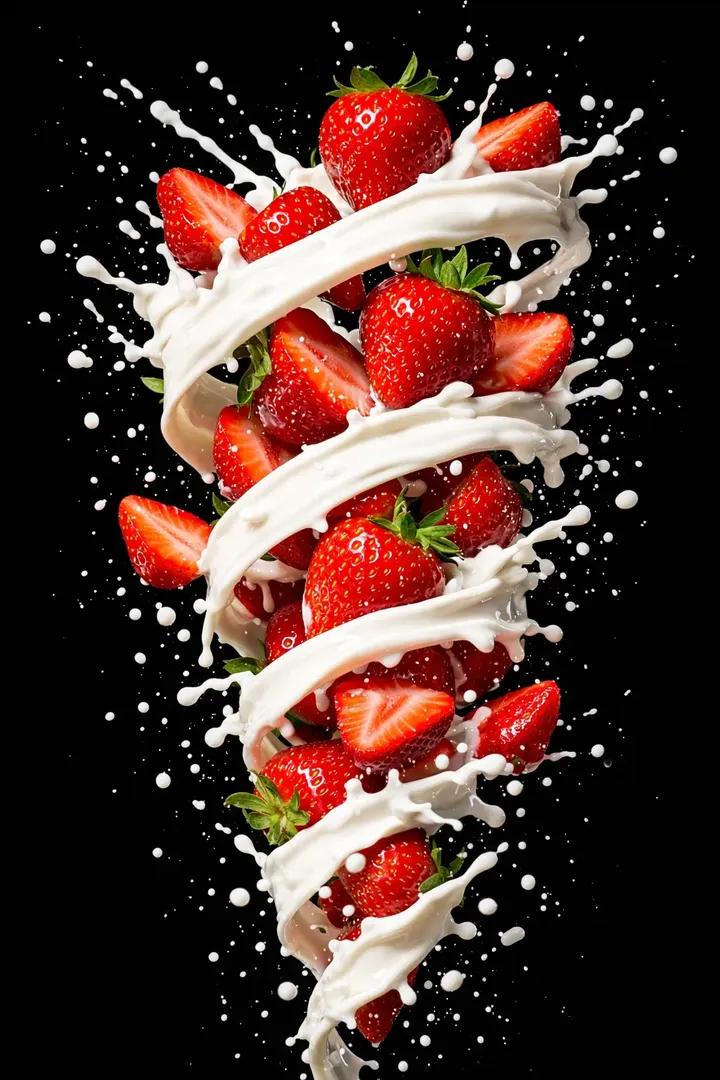
Hyper-realistic High-Speed Strawberry Milk Splash Photography
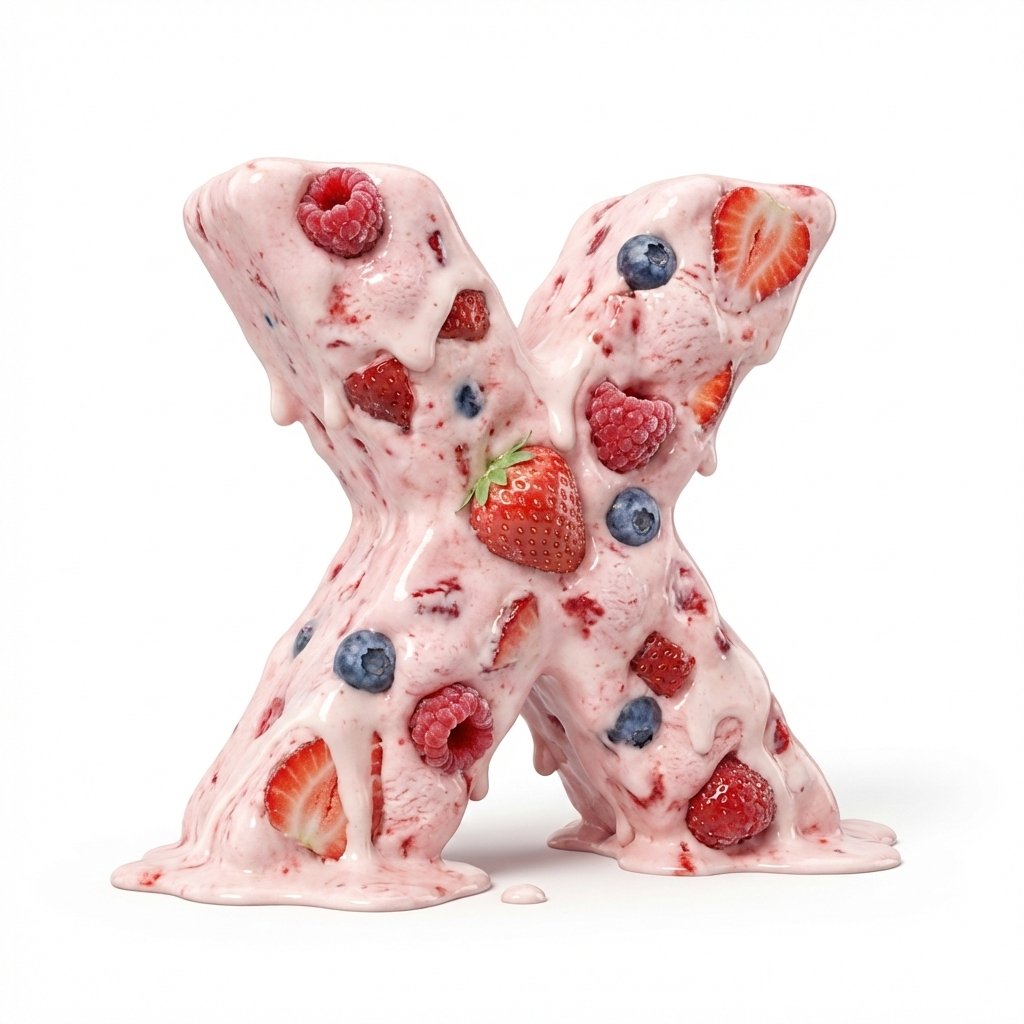
Strawberry Ice Cream 3D Letter 'X'
Make it yours
Milkis Strawberry Ad Shot Map works as-is. These are the safest ways to change it without losing the look.
Change one field
Copy a single group, rewrite it, and generate again so you can see what that field is doing.
Keep the frame, change the subject
Hold the composition and light of Milkis Strawberry Ad Shot Map, then swap wardrobe, props or the person for a new take.
| If the result… | Why | Fix |
|---|---|---|
| The result drifts from the preview | Too many fields changed at once. | Reuse Milkis Strawberry Ad Shot Map as-is first, then change one group — subject, light, or setting. |
| The model over-stylizes the scene | The prose prompt leaves finish and camera underspecified. | Add one camera or lighting sentence and stay on GPT Image 2. |
More GPT Image 2 templates
Other prompts made for GPT Image 2.

Six VTuber Japanese Logo Sheet

Realistic Portrait of Woman and Deer

The Vista Modular Condo Poster

AI Model Routing Comparison Infographic

2.5D Anime Art Board

Isometric Productivity Desk Scene

New York Double Exposure Poster

Four-Panel AI Landscape Comparison

Japanese Tatami Lifestyle Magazine Cover

NESCAFÉ Coffee Map Poster
More image prompts
Fresh picks from across the catalog.

Billboard Food Commercial Flat Lay

Informative Page Generation Prompt (Professor Hello Kitty)

Experimental Chinese Typography Design

Photorealistic Travel Portrait with Identity Lock

Retro Futuristic Family Fan Robot
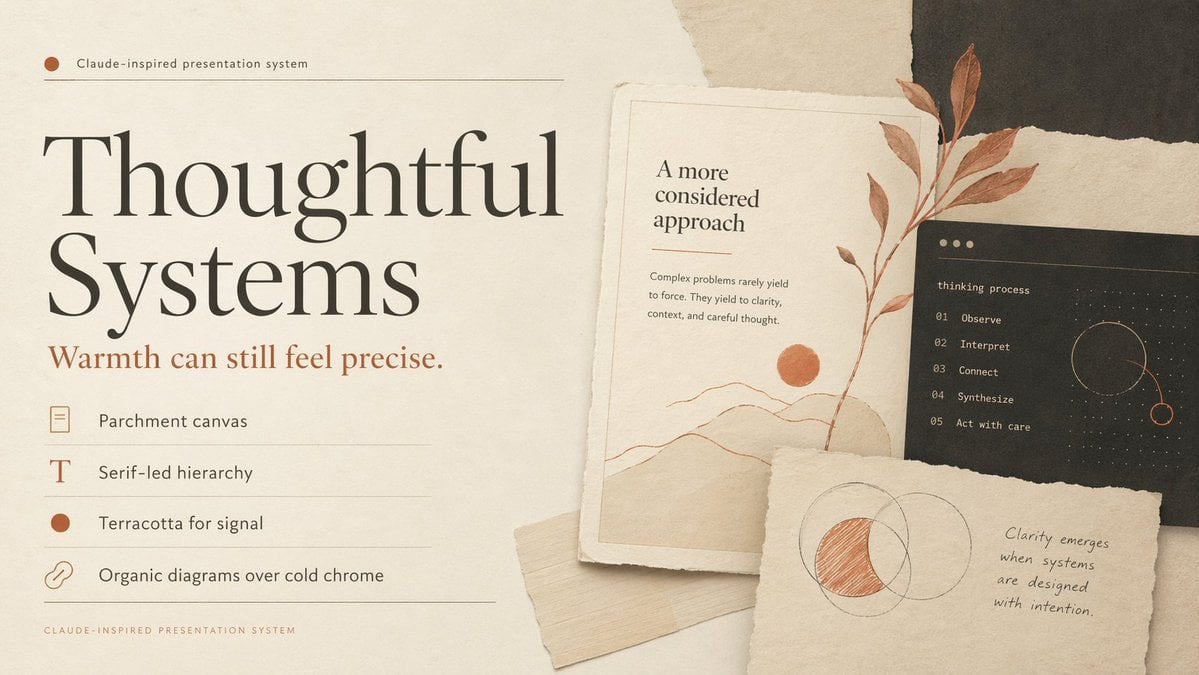
Thoughtful Systems Presentation Cover

Cinematic Double Exposure Portrait

Moonlit Snow Leopard Leap
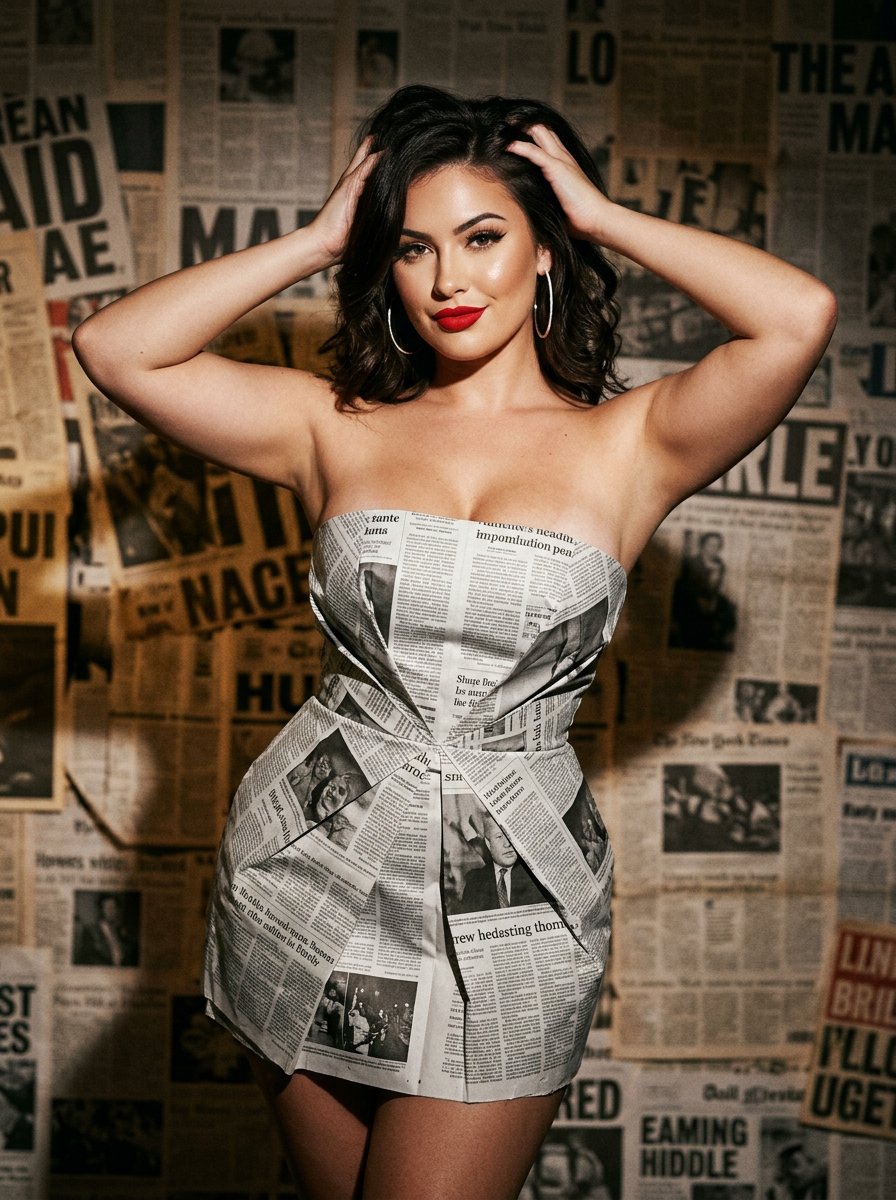
newspaper
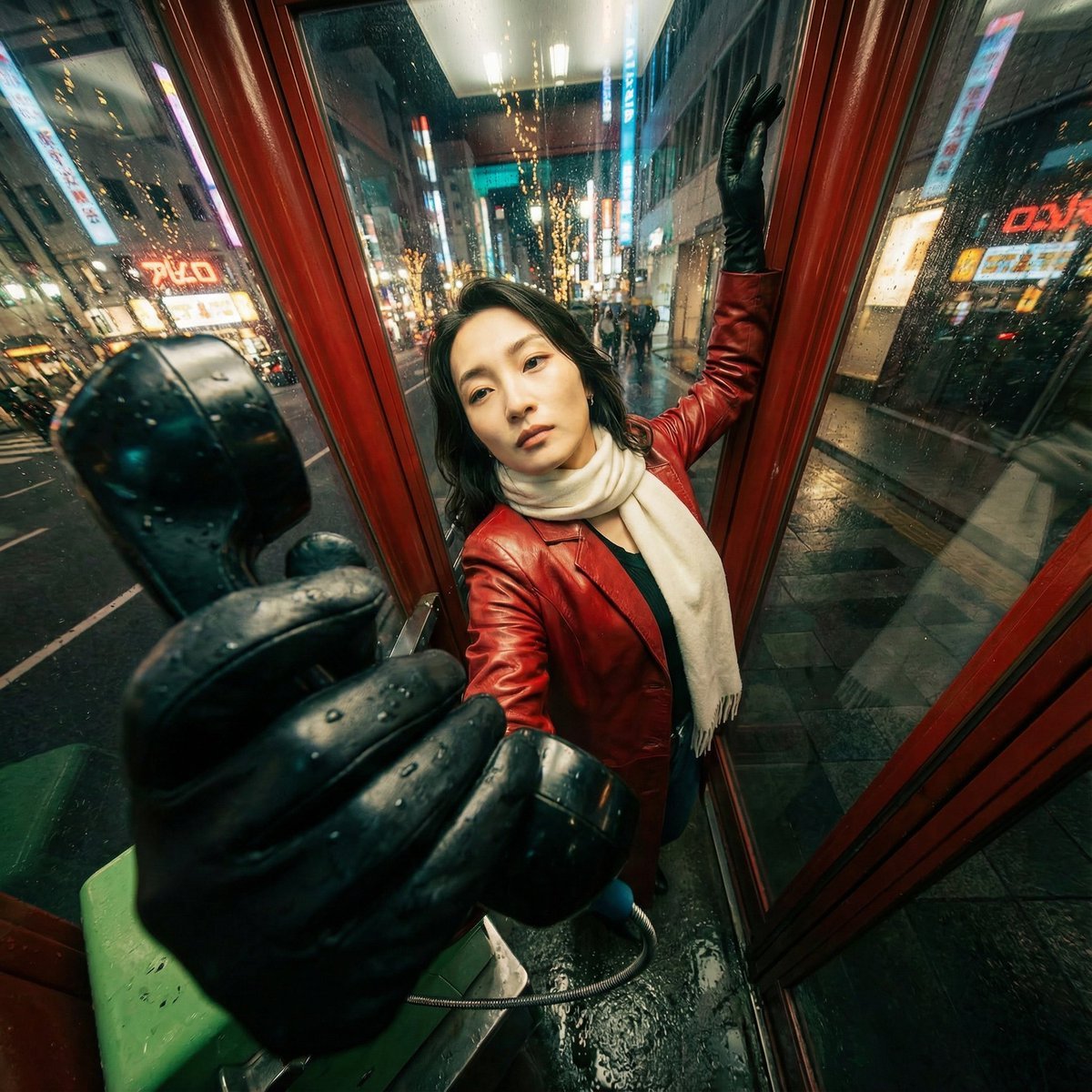
Extreme Wide-Angle Perspective Transformation
Browse template categories
Milkis Strawberry Ad Shot Map questions
How do I use the Milkis Strawberry Ad Shot Map template?
Add your photo if the template asks for one, edit the prompt if you like — the template's model and format are already selected — and press Generate. Your version opens in PicX Studio.
Can I customize the Milkis Strawberry Ad Shot Map template?
Yes. You can change the subject, setting, lighting, mood, format, and available model controls before creating your image.
Is the Milkis Strawberry Ad Shot Map template free?
Opening and editing this template is free. Generating uses credits, shown on the Generate button when you are signed in.
Which AI model should I use?
Start with GPT Image 2, which is the model associated with this template. You can compare another compatible model for a different finish.
Looking for something else? Browse all templates.

Your photo, any look
Thousands of ready templates for every top image and video model, from one credit balance.