
Retro Futuristic Family Fan Robot
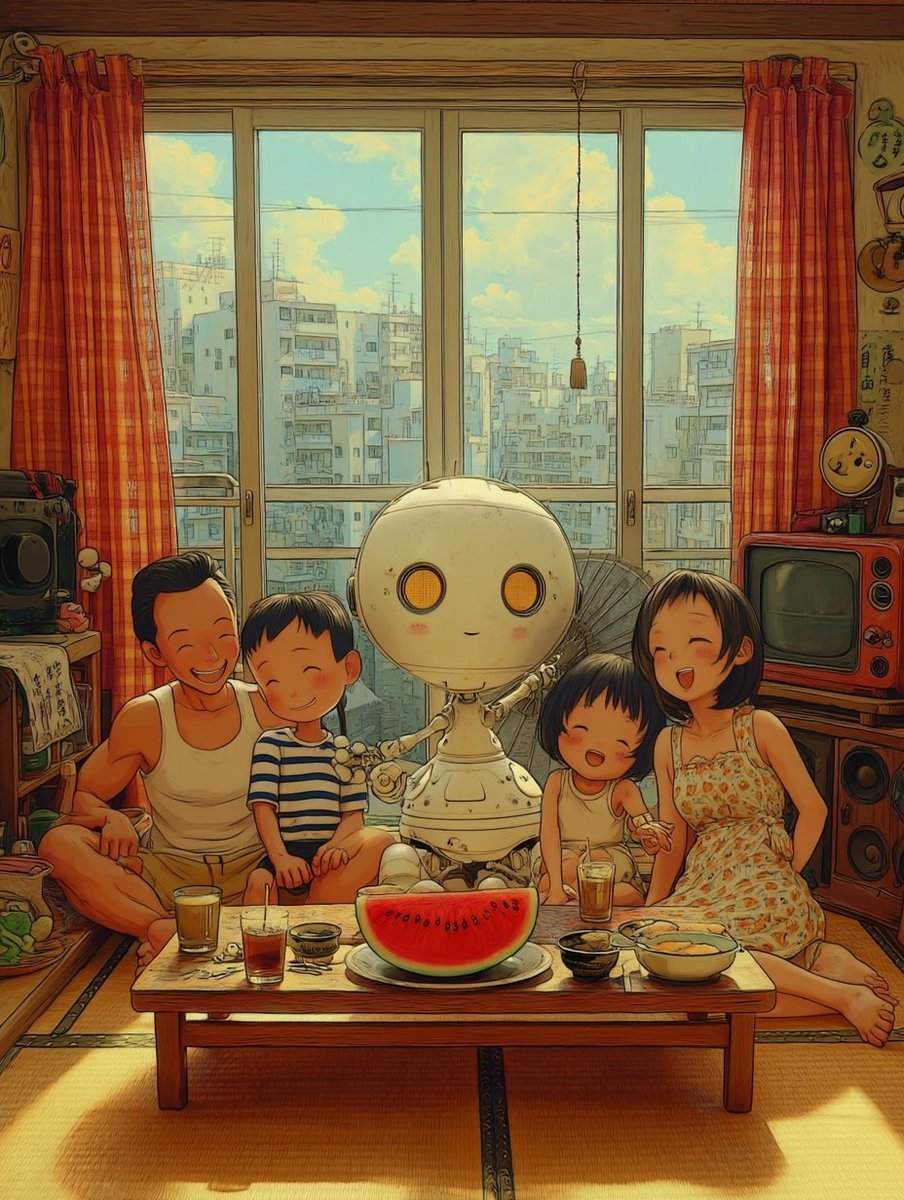
A nostalgic anime-style vaporwave illustration of a cute household fan robot relaxing with a family in a sunlit Japanese apartment.
- Prompt included
- Model and format preset
- Free template
The prompt behind this image
Copy the exact prompt behind Retro Futuristic Family Fan Robot, or open it in the studio and make it yours.
Create a warm retro-future vaporwave anime advertisement-style illustration of {argument name="robot name" default="My Robo Soyokun"}, a cute household fan robot sitting with a family in a nostalgic Japanese living room on a sunny summer afternoon. The canvas is vertical 4:5, detailed hand-drawn 1980s anime / Ghibli-inspired linework with soft watercolor shading, golden sunlight, slightly faded film colors, and cozy clutter. Center the scene on one small cream-colored robot with a large round head, two orange circular glowing eyes, a tiny smiling mouth, blush cheeks, thin articulated arms, a rounded pedestal body, and an open fan-like structure behind it, implying it sends a pleasant breeze. Surround it with exactly four family members seated on tatami around a low wooden table: one adult man at left in a white sleeveless undershirt, one young boy beside him in a blue-and-white striped shirt, one younger child to the right of the robot in a pale sleeveless outfit, and one adult woman at far right in a light floral summer dress. Cover each human face with a plain medium-brown square censor block, four blocks total, while leaving hair, bodies, clothing, and poses visible. In the foreground, show exactly eight distinct table items: one large half watermelon on a plate in the center, three glasses of iced tea, one small black bowl, one small patterned cup or bowl, one yellow bowl of food, and one small dish near the watermelon. The room should have tatami flooring, a low wooden table, red-orange plaid curtains on both sides, a wide sliding glass balcony door with exactly four tall window panels, a dangling pull cord in the center, and a bright city apartment skyline outside with pale blue sky and fluffy clouds. Add retro home electronics and decor: a black stereo or radio on the left shelf, an orange-red vintage CRT television on the right, stacked speakers below it, small toys, posters or charms with Japanese-style doodles on the walls, and summer clutter. Use {argument name="color palette" default="sunlit amber, faded teal sky, cream robot, red-orange curtains, warm wood tones"}; make the atmosphere nostalgic, wholesome, and slightly surreal, as if advertising a friendly robot appliance for every household. No modern devices, no photorealism, no readable English text, no logos, no watermark.
How to use Retro Futuristic Family Fan Robot in 3 steps
- 1Upload ImagePNG, JPG or paste
Add your photo
Upload the photo the template builds on. The prompt, model and format are already set.
- 2…a portrait of your subject in softgolden-hour light, 85mm…
Personalize
Edit the subject and creative details for your destination.
- 3Generate
Generate
Press Generate — your image is created in PicX Studio, so you can compare it with the original and refine one variable at a time.
More like this
Templates with the same subject, style or setup. Open one to see its prompt.












Make it yours
Retro Futuristic Family Fan Robot works as-is. These are the safest ways to change it without losing the look.
Change one field
Copy a single group, rewrite it, and generate again so you can see what that field is doing.
Keep the frame, change the subject
Hold the composition and light of Retro Futuristic Family Fan Robot, then swap wardrobe, props or the person for a new take.
| If the result… | Why | Fix |
|---|---|---|
| The result drifts from the preview | Too many fields changed at once. | Reuse Retro Futuristic Family Fan Robot as-is first, then change one group — subject, light, or setting. |
| The model over-stylizes the scene | The prose prompt leaves finish and camera underspecified. | Add one camera or lighting sentence and stay on GPT Image 2. |
More GPT Image 2 templates
Other prompts made for GPT Image 2.

Six VTuber Japanese Logo Sheet

Realistic Portrait of Woman and Deer

The Vista Modular Condo Poster

AI Model Routing Comparison Infographic

2.5D Anime Art Board

Isometric Productivity Desk Scene

New York Double Exposure Poster

Four-Panel AI Landscape Comparison

Japanese Tatami Lifestyle Magazine Cover

NESCAFÉ Coffee Map Poster
More image prompts
Fresh picks from across the catalog.
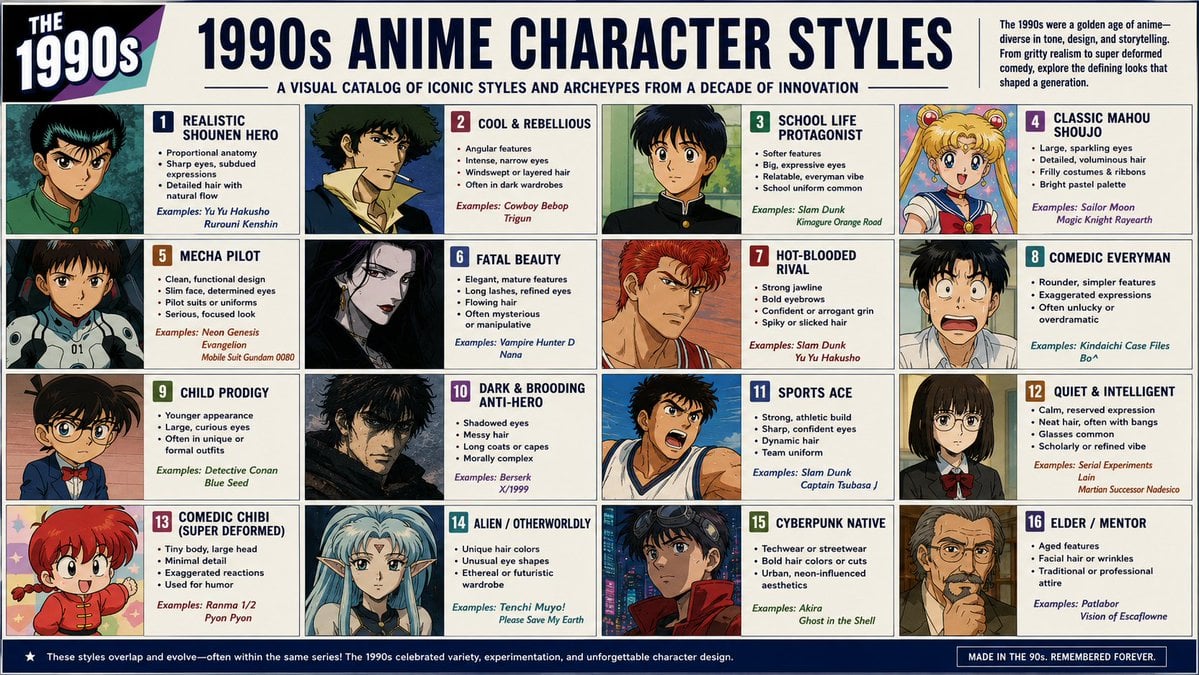
Anime Style Infographic Catalog
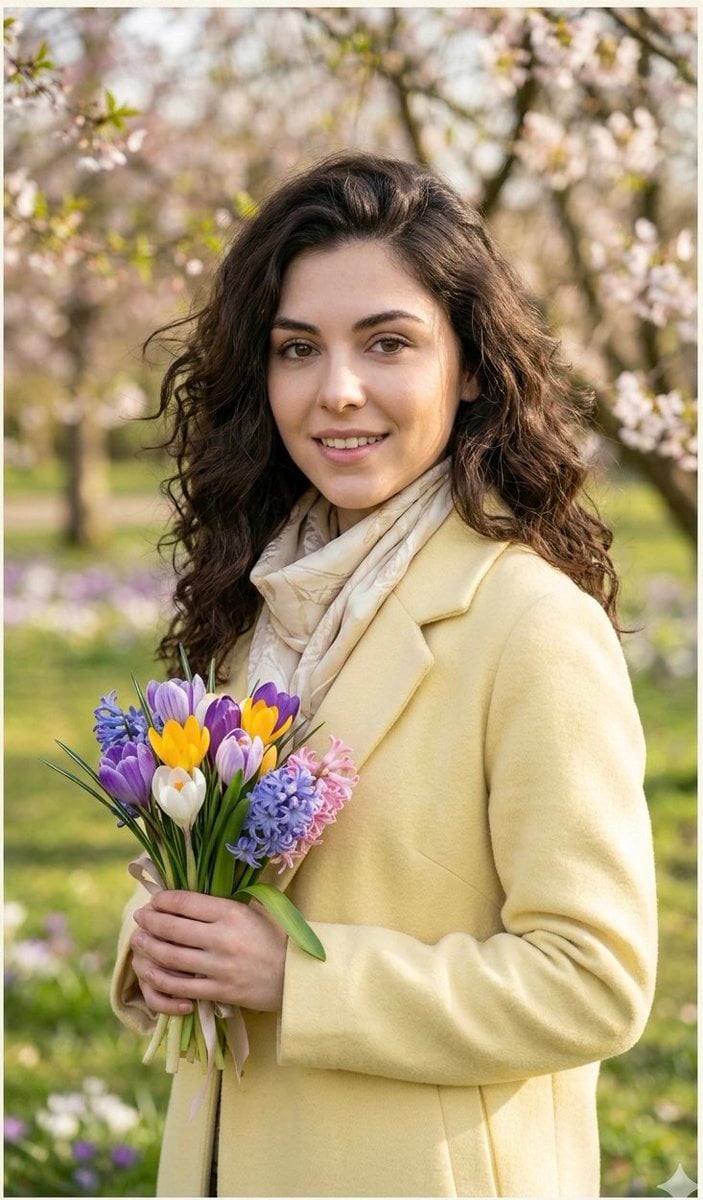
Realistic Spring Greeting Card Portrait
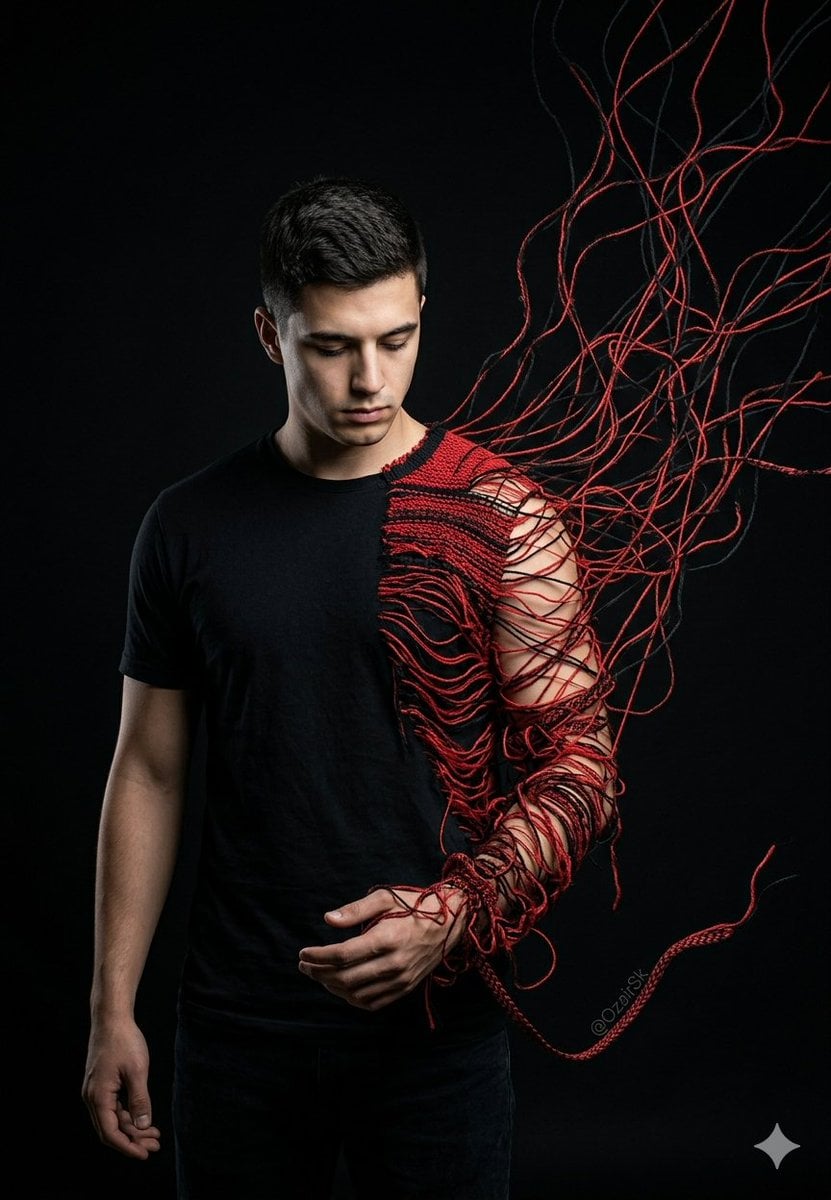
Unraveling Figure Effect Comparison

Formal Boardroom Portrait AI Prompt
Y2K flash night car couple portrait prompt
AI Nike-chan Drawing Song Manga

Whimsical Mono-Punk Floating Miniature Diorama Generator (Duplicate)
Candid iPhone Handwritten Notebook Photo

Floating Woman Above Cityscape with Notifications
Neon Red One Piece Bodysuit at Night Pool
Browse template categories
Retro Futuristic Family Fan Robot questions
How do I use the Retro Futuristic Family Fan Robot template?
Add your photo if the template asks for one, edit the prompt if you like — the template's model and format are already selected — and press Generate. Your version opens in PicX Studio.
Can I customize the Retro Futuristic Family Fan Robot template?
Yes. You can change the subject, setting, lighting, mood, format, and available model controls before creating your image.
Is the Retro Futuristic Family Fan Robot template free?
Opening and editing this template is free. Generating uses credits, shown on the Generate button when you are signed in.
Which AI model should I use?
Start with GPT Image 2, which is the model associated with this template. You can compare another compatible model for a different finish.
Looking for something else? Browse all templates.

Your photo, any look
Thousands of ready templates for every top image and video model, from one credit balance.