
Surreal Floating Library Walker
A cinematic hyper-realistic fantasy scene of a man walking through a moonlit floating library as books, lanterns, pages, and golden dust swirl around him.
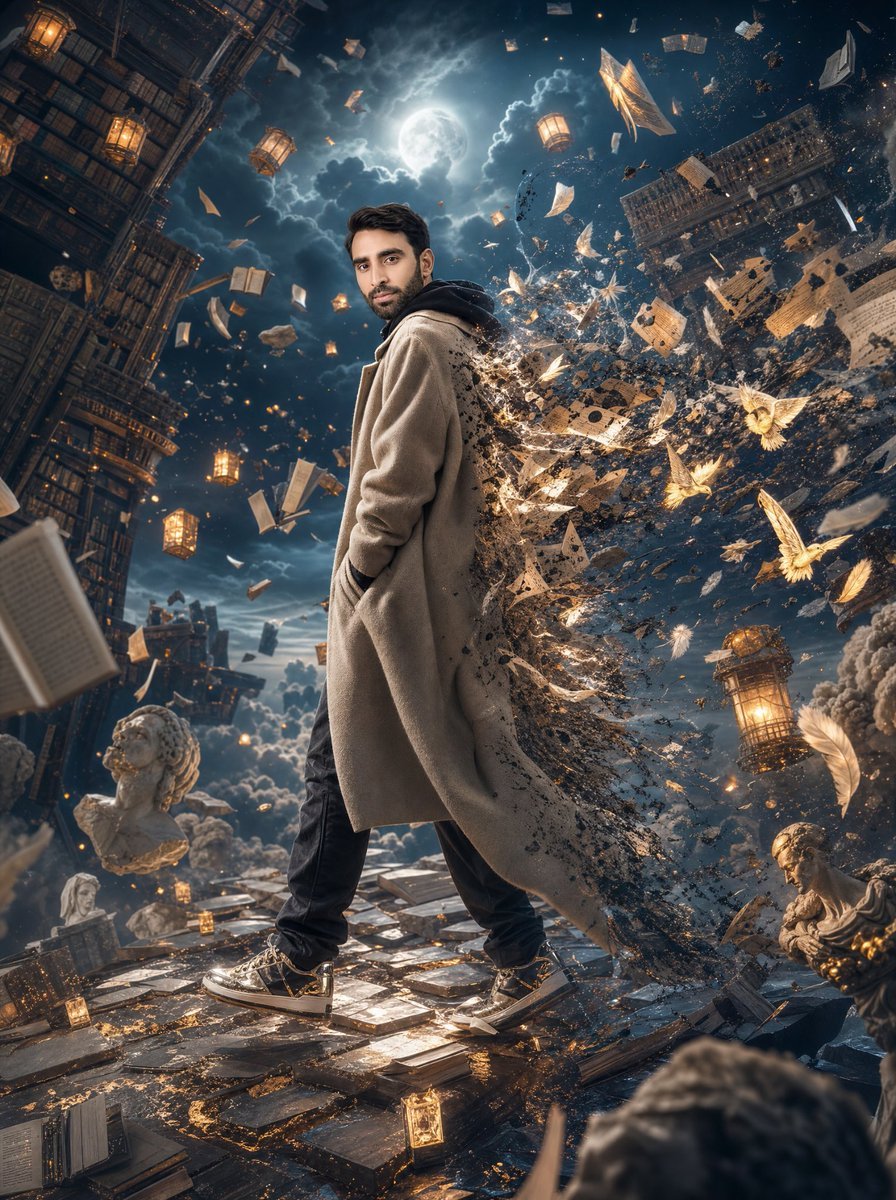
- Prompt included
- Model and format preset
- Free template
The prompt behind this image
Copy the exact prompt behind Surreal Floating Library Walker, or open it in the studio and make it yours.
Create a breathtaking hyper-realistic surreal cinematic artwork of {argument name="character name" default="a young adult man"} walking calmly through the center of a gigantic floating library drifting above the clouds at night. The man is full body, centered slightly left, standing in a confident side-facing pose with one hand in the pocket of a long beige wool overcoat layered over a dark hoodie, black pants, and black-and-white sneakers with subtle gold accents. His face should appear as a soft anonymized placeholder or blurred facial area, while the rest of the body and clothing are sharply detailed. The right side of his coat and body dissolves into a storm of sparkling black ash, glowing golden dust, torn book pages, geometric fragments, feathers, and magical light trails, as if he is transforming into knowledge and stardust. Surround him with an immense vertical fantasy library environment: towering bookshelves lean and curve upward on the left and right edges, with countless books and open pages floating in midair. Include exactly 5 prominent warm glowing lanterns: one near the upper left shelves, one near the upper center-left sky, one near the upper center-right sky, one large lantern at lower right, and one small lantern on the floor near the foreground. Add exactly 3 visible classical marble busts or statues: one large bust at lower left, one small seated or standing statue behind it near the lower left-middle, and one reclining statue at lower right. The ground is made of reflective stone tiles, scattered books, loose pages, small glowing artifacts, and gold filigree-like traces. In the sky, place a bright full moon behind dramatic storm clouds near the top center, casting cool blue rim light through the scene. Use a deep navy night palette with warm amber lantern glow and golden magical particles, high contrast, volumetric light, mist, floating dust, and an epic wide-angle perspective with slight Dutch tilt. Make the composition dense, dynamic, and awe-inspiring, with motion frozen in crisp detail; photorealistic textures, cinematic depth of field, ultra-detailed fantasy realism, no text, no watermark.
How to use Surreal Floating Library Walker in 3 steps
- 1Upload ImagePNG, JPG or paste
Add your photo
Upload the photo the template builds on. The prompt, model and format are already set.
- 2…a portrait of your subject in softgolden-hour light, 85mm…
Personalize
Edit the subject and creative details for your destination.
- 3Generate
Generate
Press Generate — your image is created in PicX Studio, so you can compare it with the original and refine one variable at a time.
More like this
Templates with the same subject, style or setup. Open one to see its prompt.

Surreal Cat Astronaut — Humanoid Face Freefall

Bold Red Contrast Fashion Editorial Newspaper Room

Stylized Fashion Portrait Bold Color Contrast Editorial
Surreal Floating Head Cinematic Portrait
Surreal Library Multi-Angle Portrait

Floating Woman Above Cityscape with Notifications
Surreal Library Armchair Generation
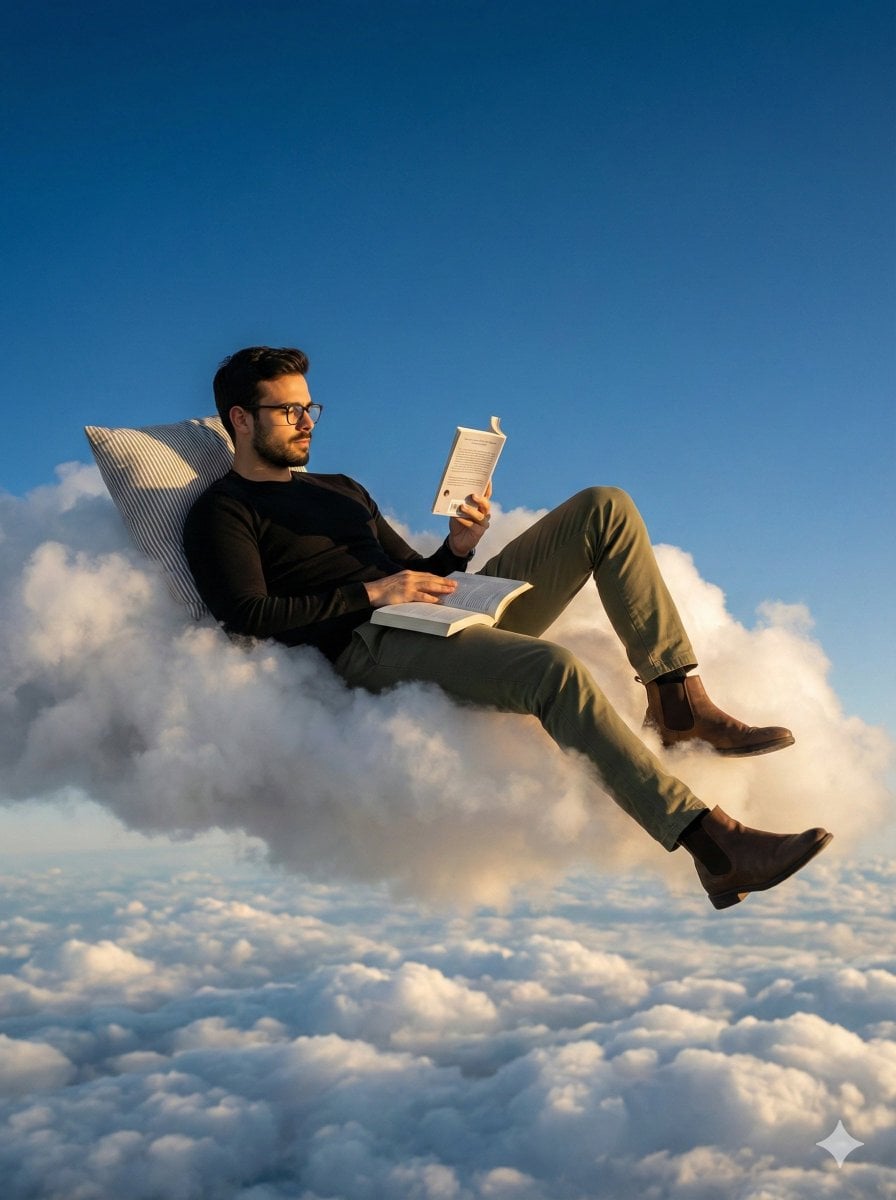
Photorealistic Surreal Scene of a Man Reclining on a Floating Cloud

Azed Double Exposure

Firefly Pixar Spill — Nano Banana Pro
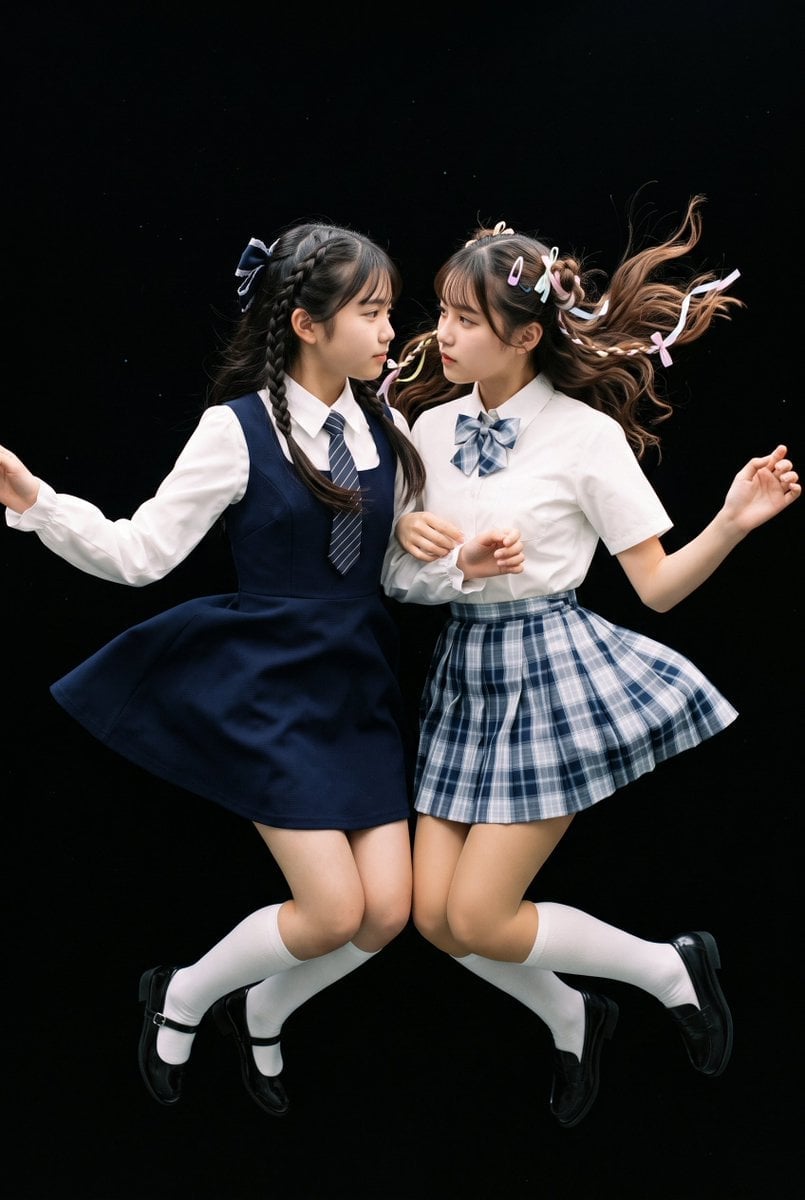
Floating Schoolgirl in Dark
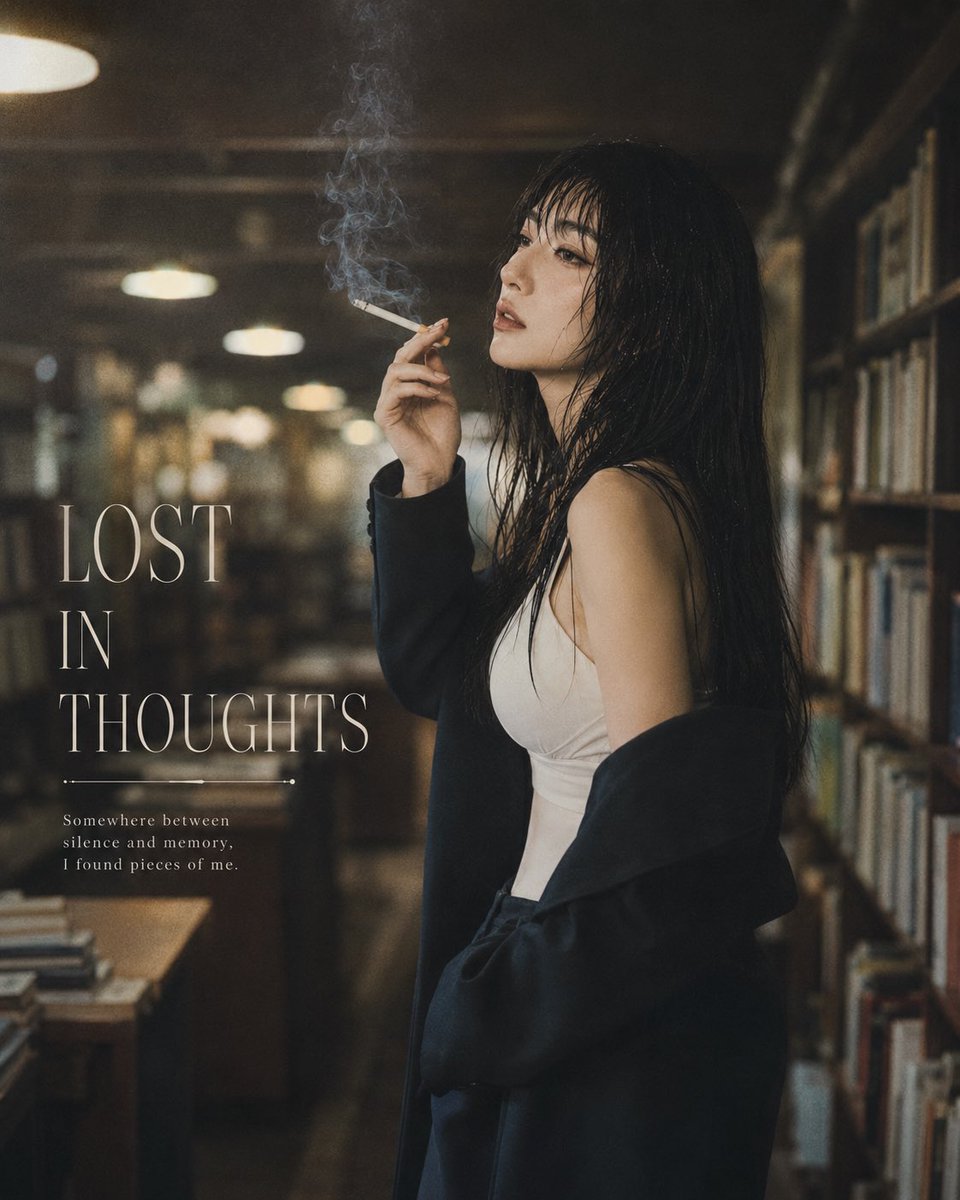
Moody Library Smoking Portrait
Make it yours
Surreal Floating Library Walker works as-is. These are the safest ways to change it without losing the look.
Change one field
Copy a single group, rewrite it, and generate again so you can see what that field is doing.
Keep the frame, change the subject
Hold the composition and light of Surreal Floating Library Walker, then swap wardrobe, props or the person for a new take.
| If the result… | Why | Fix |
|---|---|---|
| The result drifts from the preview | Too many fields changed at once. | Reuse Surreal Floating Library Walker as-is first, then change one group — subject, light, or setting. |
| The model over-stylizes the scene | The prose prompt leaves finish and camera underspecified. | Add one camera or lighting sentence and stay on GPT Image 2. |
More GPT Image 2 templates
Other prompts made for GPT Image 2.

Six VTuber Japanese Logo Sheet

Realistic Portrait of Woman and Deer

The Vista Modular Condo Poster

AI Model Routing Comparison Infographic

2.5D Anime Art Board

Isometric Productivity Desk Scene

New York Double Exposure Poster

Four-Panel AI Landscape Comparison

Japanese Tatami Lifestyle Magazine Cover

NESCAFÉ Coffee Map Poster
More image prompts
Fresh picks from across the catalog.
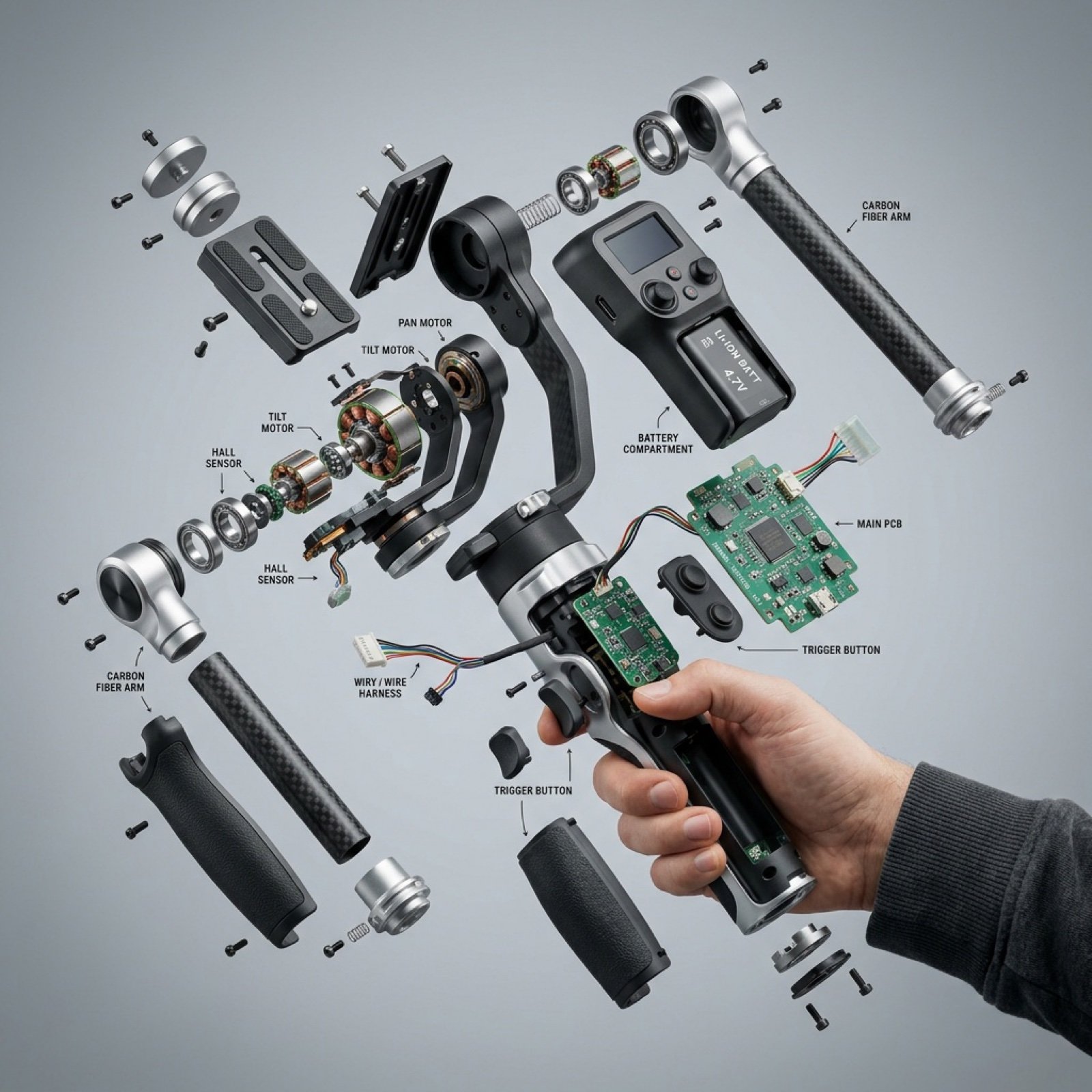
Exploded View Product Visualization Prompt
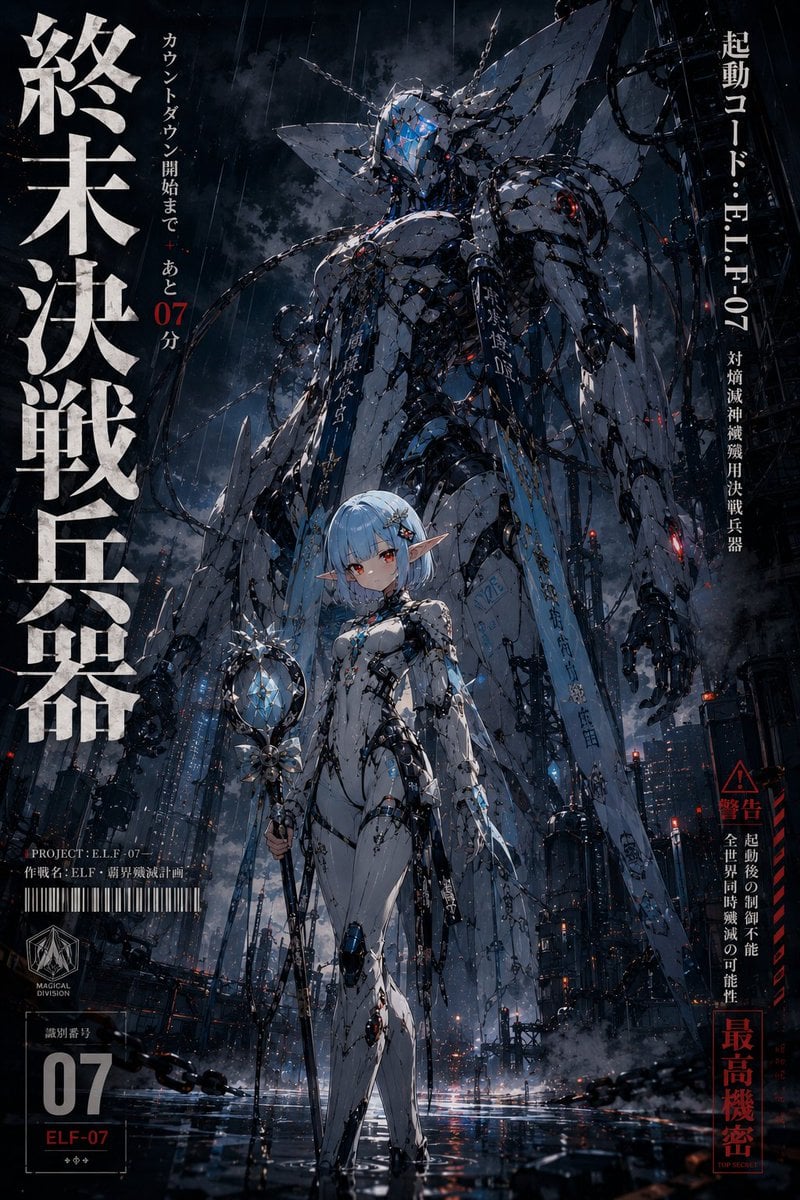
90s Mecha Anime Key Visual
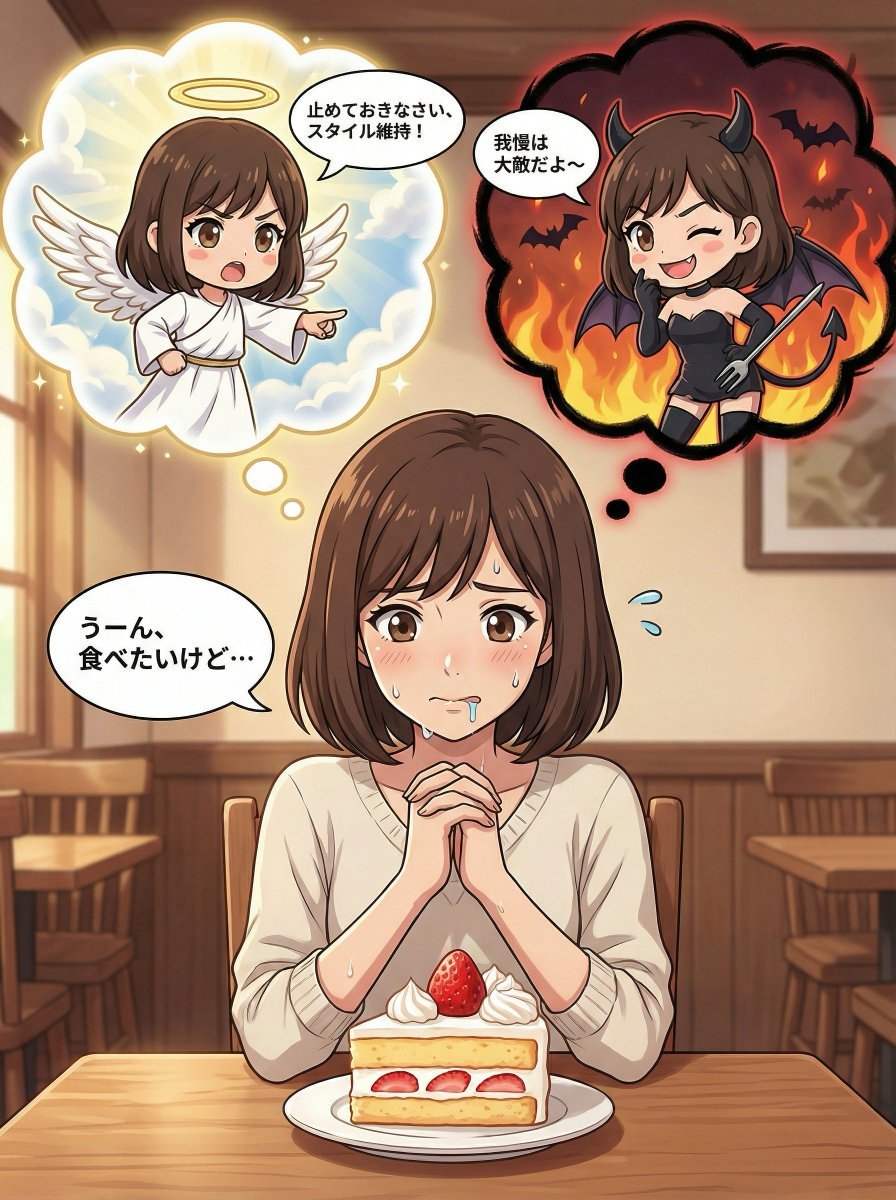
Complex Comic Panel Generation: Speech Bubbles and Identity Separation
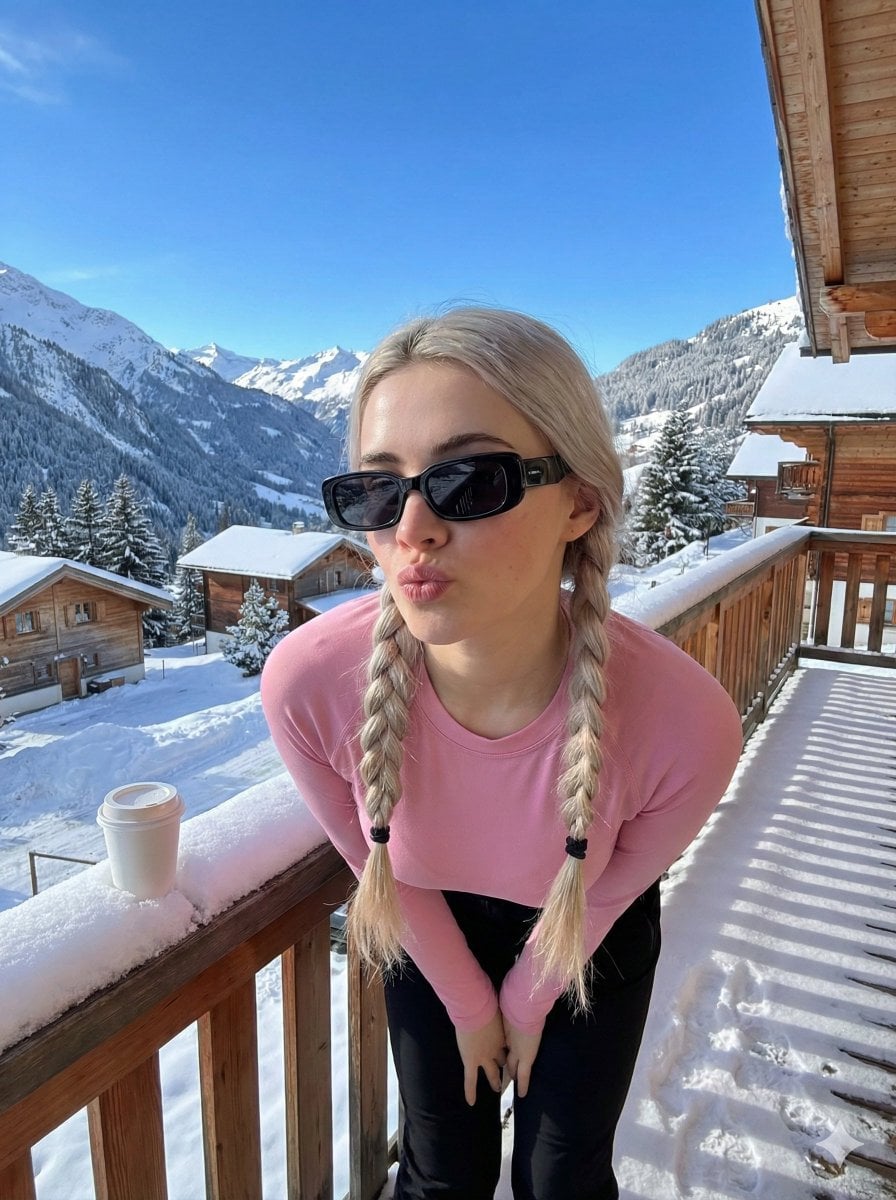
Image-to-Image Winter Alpine Portrait
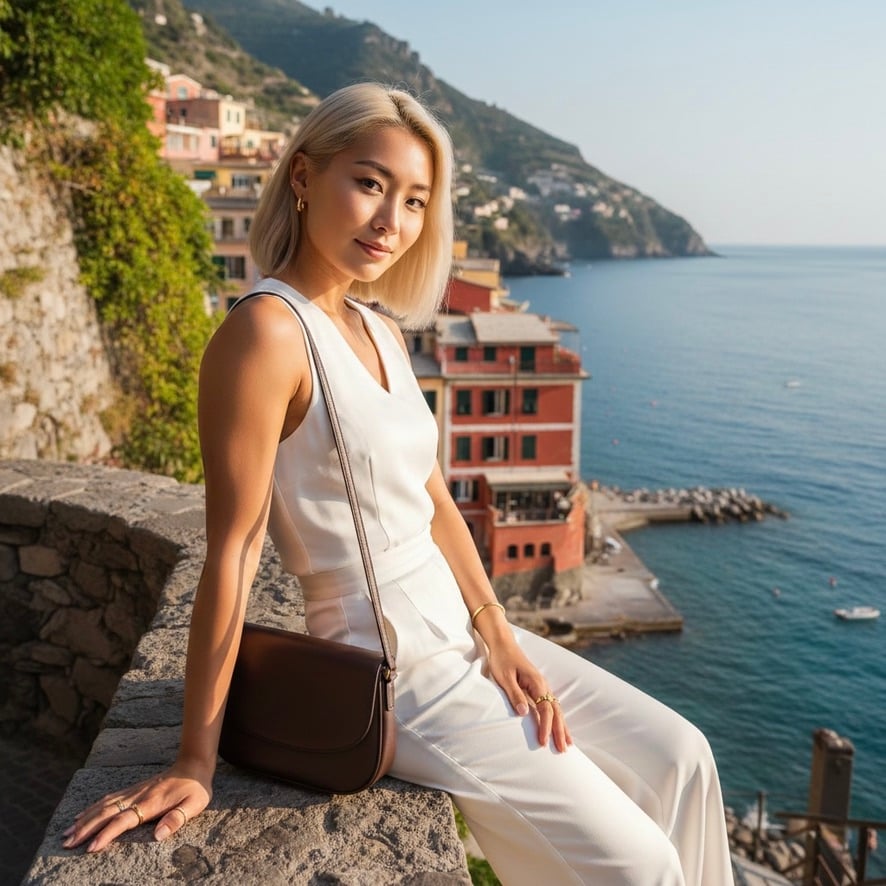
Quiet Luxury Mediterranean Vacation Portrait
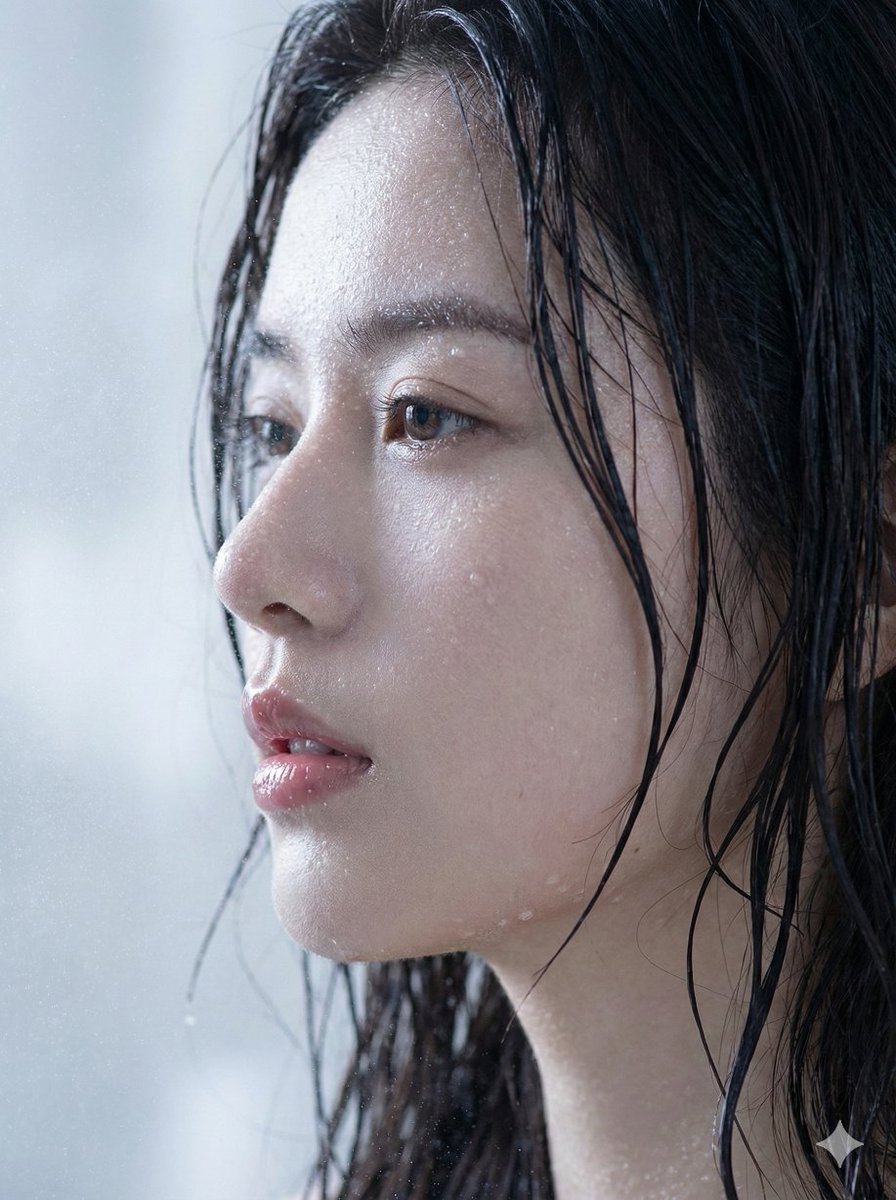
Hyper-Realistic Wet Skin Portrait (Macro Focus)
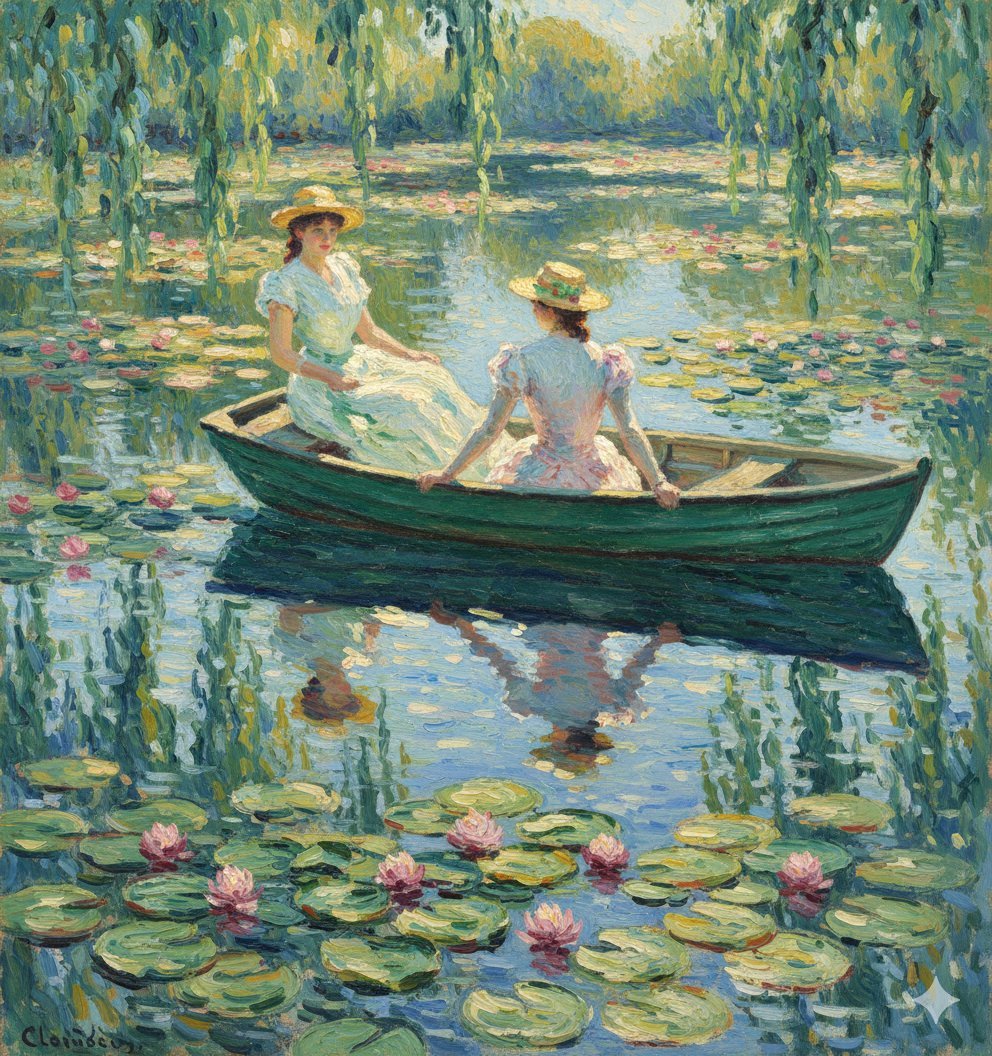
Monet Style Boat Ride Image Generation
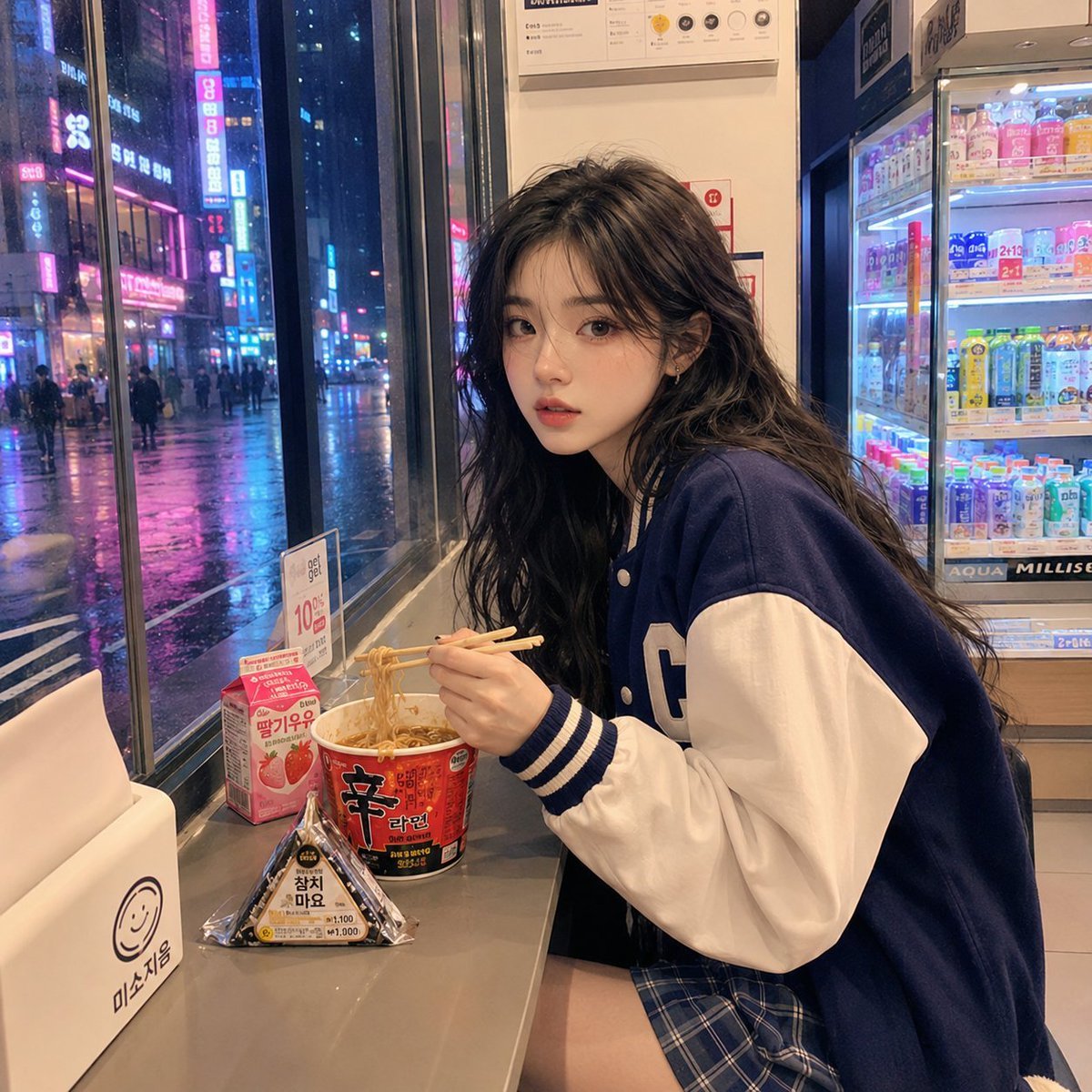
Korean Girl Convenience Store Photography

Emotional Mother's Day Comparison Prompt
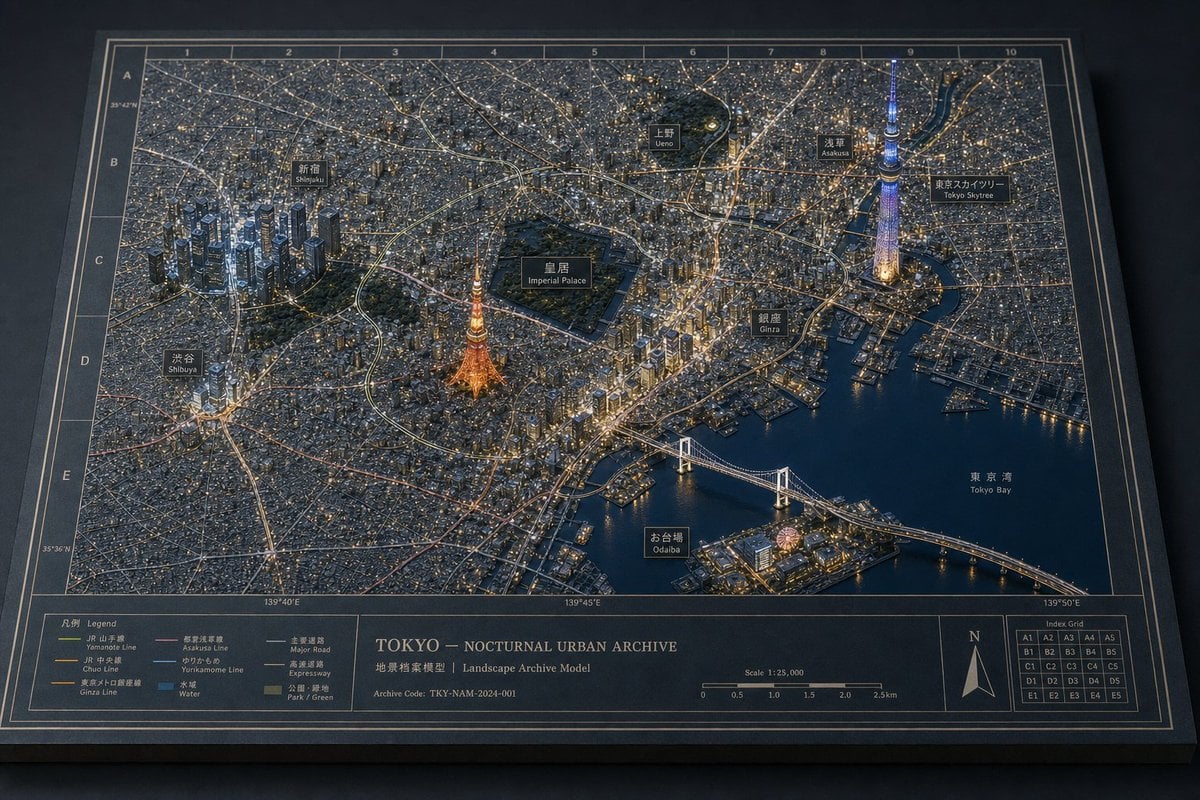
Tokyo Nocturnal Urban Archive
Browse template categories
Surreal Floating Library Walker questions
How do I use the Surreal Floating Library Walker template?
Add your photo if the template asks for one, edit the prompt if you like — the template's model and format are already selected — and press Generate. Your version opens in PicX Studio.
Can I customize the Surreal Floating Library Walker template?
Yes. You can change the subject, setting, lighting, mood, format, and available model controls before creating your image.
Is the Surreal Floating Library Walker template free?
Opening and editing this template is free. Generating uses credits, shown on the Generate button when you are signed in.
Which AI model should I use?
Start with GPT Image 2, which is the model associated with this template. You can compare another compatible model for a different finish.
Looking for something else? Browse all templates.

Your photo, any look
Thousands of ready templates for every top image and video model, from one credit balance.