
90s Mecha Anime Key Visual
A comprehensive Image-to-Image prompt for creating 90s-style mecha anime posters featuring pilot suits, giant biological weapons, and bold typography.
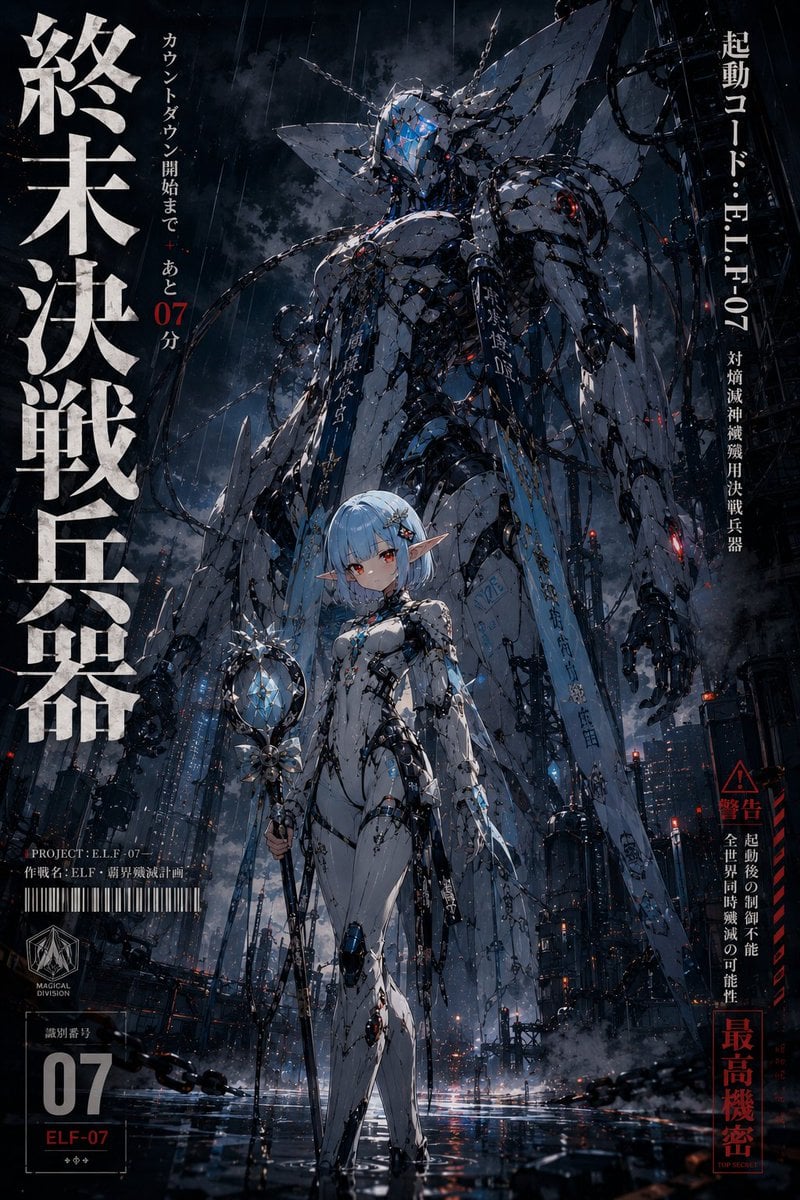
- Prompt included
- Model and format preset
- Free template
The prompt behind this image
Copy the exact prompt behind 90s Mecha Anime Key Visual, or open it in the studio and make it yours.
参照画像のキャラクターをベースとして、 「存在しない伝説的ロボットアニメ作品の劇場版キービジュアル」 のようなイラストを描く。 90年代〜2000年代日本アニメの、 終末戦争、 巨大決戦兵器、 生体兵器、 封印兵器、 劇場版アニメポスターのような空気感を持たせる。 巨大兵器とキャラクターの圧倒的スケール差、 極太明朝体タイポグラフィ、 終末感、 工業的背景、 “最終決戦直前” の空気感を重視する。 参照画像をキャラクターデザインのベースとして使用すること。 キャラクターの顔、 髪型、 髪色、 瞳、 輪郭、 シルエット、 頭身、 衣装デザイン、 全体の印象を高精度で維持すること。 キャラクターのアイデンティティを絶対に崩さない。 別キャラクターとして描き直さない。 キャラクターは、 身体にフィットした近未来の決戦兵器パイロット用スーツを着用している。 パイロット用スーツは、 参照画像のキャラクターデザインをベースに再構築すること。 髪色、 瞳色、 アクセサリー、 衣装モチーフ、 シルエット要素を、 スーツデザインへ自然に反映する。 単なる既存SFスーツにしない。 「このキャラクター専用の決戦装備」 と感じられるデザインにする。 キャラクターは、 真正面を向いた静止ポーズではなく、 劇場版アニメのキービジュアルらしい、 感情を感じる自然なポージングを取っている。 毎回異なる身体の向き、 重心、 視線、 腕の配置を持たせること。 以下のような、 「静止しているが絵として強い」 ポーズバリエーションを許容する: ・戦闘前の緊張感を感じる静かな姿勢 ・振り返り際にこちらを見る ・横向きで遠くの巨大兵器を見上げる ・片腕だけを組む ・両腕を軽く組む ・片手を首元や肩へ添える ・腰へ片手を添える ・疲労感のある気だるげな立ち方 ・重心を片脚へ逃がした自然な立ち姿 ポーズは、 ファッション撮影、 90年代アニメポスター、 映画ポスター、 キャラクター性を感じる立ち姿 のような空気感を持たせる。 「棒立ちの設定画」 にはしない。 身体の角度、 肩線、 骨盤の傾き、 視線方向に、 自然な非対称性を持たせること。 キャラクターは画面中央へ完全対称に配置しない。 キャラクターの立ち姿は、 ファッション誌の表紙のような、 シルエット重視の自然な身体演技を持たせる。 静止ポーズではなく、 動作の途中を切り取ったような、 一瞬性のあるポージングにする。 カメラ目線固定にしない。 遠方、 地面、 巨大兵器、 警告表示、 空などへ視線を逃がしてよい。 背景には、 キャラクター専用に設計された巨大な人型決戦兵器が存在する。 重要: 既存作品のロボットを直接模倣しないこと。 ただし、 90年代〜2000年代日本アニメの、 生体兵器、 拘束兵器、 終末兵器的な空気感は取り入れてよい。 機体デザインは、 参照画像のキャラクター要素を翻訳して構築する。 例えば: ・髪型の流れを頭部シルエットへ反映 ・瞳色を発光センサーへ反映 ・衣装デザインを装甲ラインへ反映 ・アクセサリーを拘束具や機械意匠へ反映 ・キャラクターの性格を機体シルエットへ反映 機体は、 細身で人型寄りの生体兵器シルエット。 長い四肢。 人間的プロポーション。 生体感と工業感の融合。 装甲は過剰にゴテゴテさせない。 スマートで不気味なシルエットを重視する。 拘束具、 ケーブル、 封印構造、 露出した内部機構、 警告灯、 生体装甲、 損傷表現などを含める。 巨大な神のような存在感。 封印兵器のような不穏さ。 「このキャラクター専用最終兵器」 の空気感。 既存ロボットアニメ特有の顔構造や頭部デザインを直接模倣しない。 構図は、 劇場版アニメのキービジュアルのような構図。 前景: キャラクター。 後景: 巨大決戦兵器。 強いスケール差を演出する。 ローアングル構図。 終末的な空気感。 工業都市背景。 巨大施設。 雨。 煙。 火花。 濡れた地面の反射。 警告灯。 「最終決戦直前」 の空気感。 画面には、 極太明朝体の日本語タイポグラフィを大胆に配置する。 縦書きタイトル。 警告文。 識別番号。 作戦コード。 劇場版アニメポスターのようなグラフィック構成。 文字はランダムな字幕ではなく、 画面デザインとして自然に統合する。 高品質アニメイラスト。 映画的演出。 高密度ディテール。 シャープなシルエット。 圧倒的スケール感。 “存在しない伝説的ロボットアニメ作品” としてSNSで話題になりそうな完成度を目指す。
How to use 90s Mecha Anime Key Visual in 3 steps
- 1Upload ImagePNG, JPG or paste
Add your photo
Upload the photo the template builds on. The prompt, model and format are already set.
- 2…a portrait of your subject in softgolden-hour light, 85mm…
Personalize
Edit the subject and creative details for your destination.
- 3Generate
Generate
Press Generate — your image is created in PicX Studio, so you can compare it with the original and refine one variable at a time.
More like this
Templates with the same subject, style or setup. Open one to see its prompt.

Anime Classroom Losing Heroines Key Visual

Anime Losing Heroines Classroom Key Visual

Anime School Rom-Com Key Visual
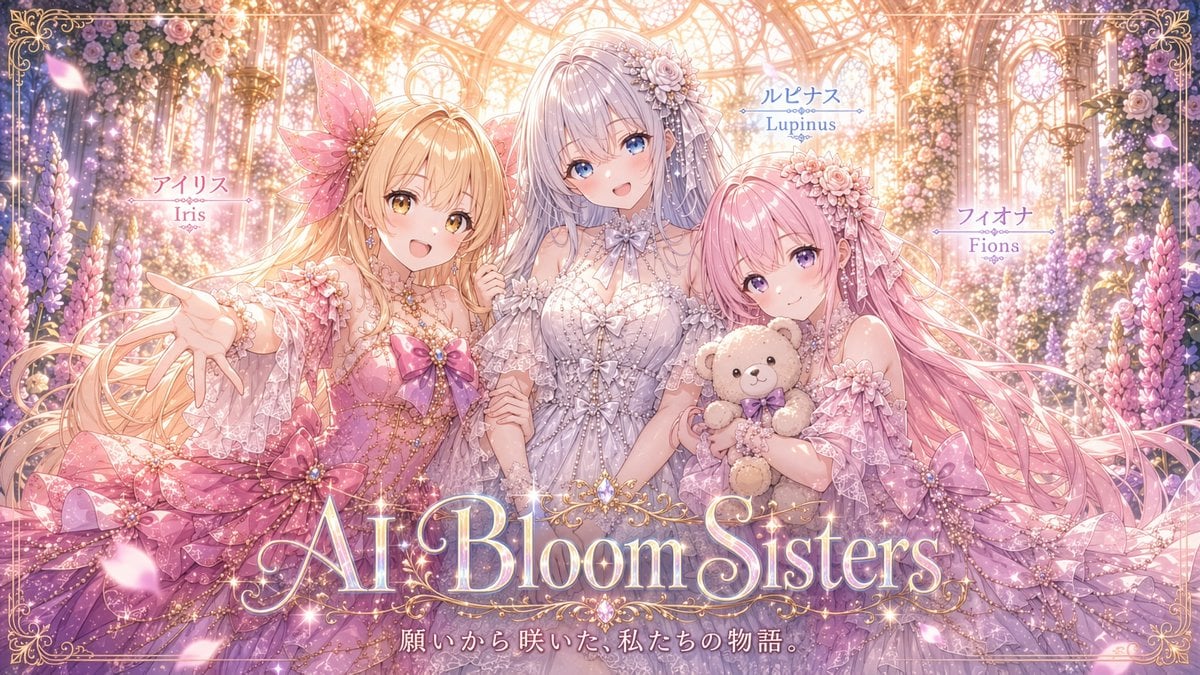
AI Bloom Sisters Anime Key Visual

Anime Hidden Mickey Hunt
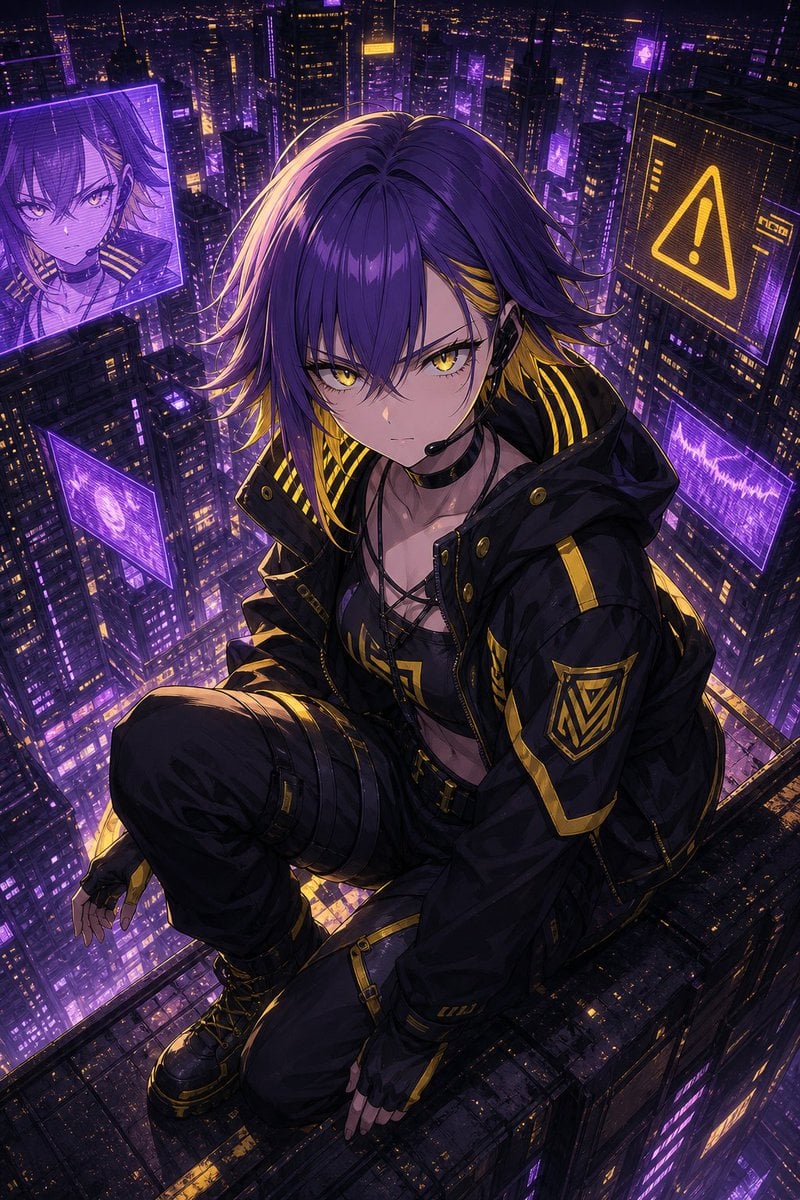
Cyberpunk Anime Rooftop Key Visual
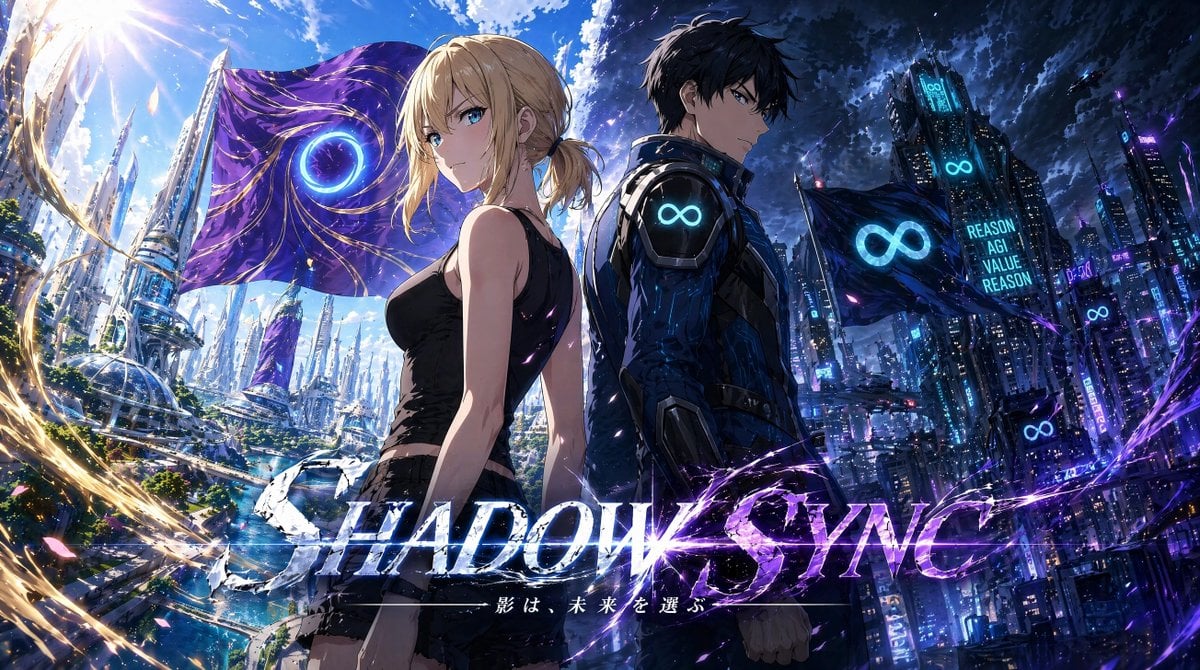
Shadow Sync Anime Key Visual
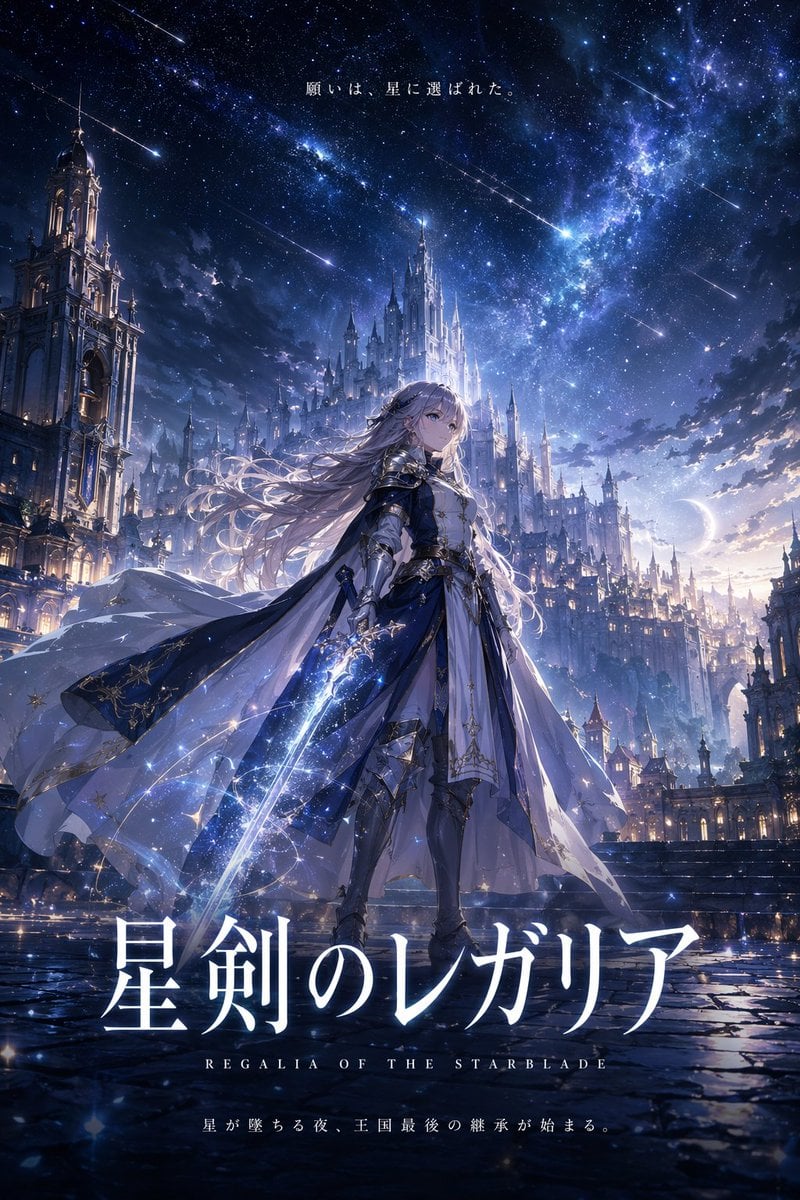
Fantasy Anime Key Visual Prompt
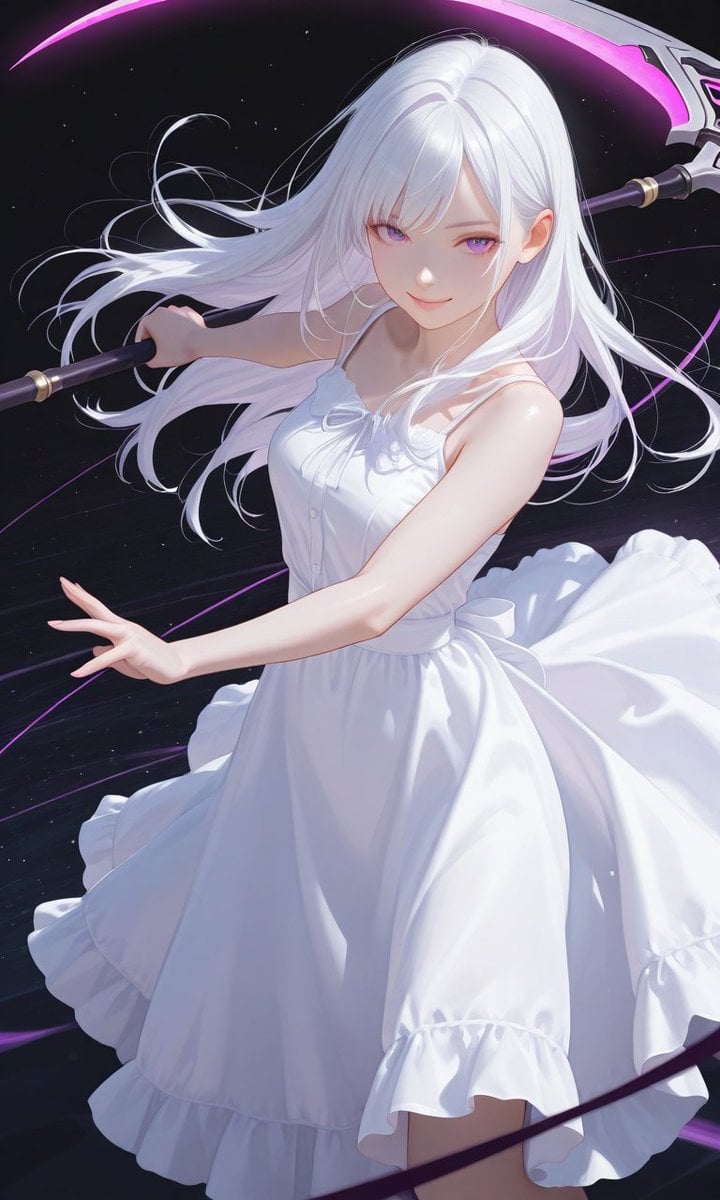
Boxed Figure to Anime Key Visual
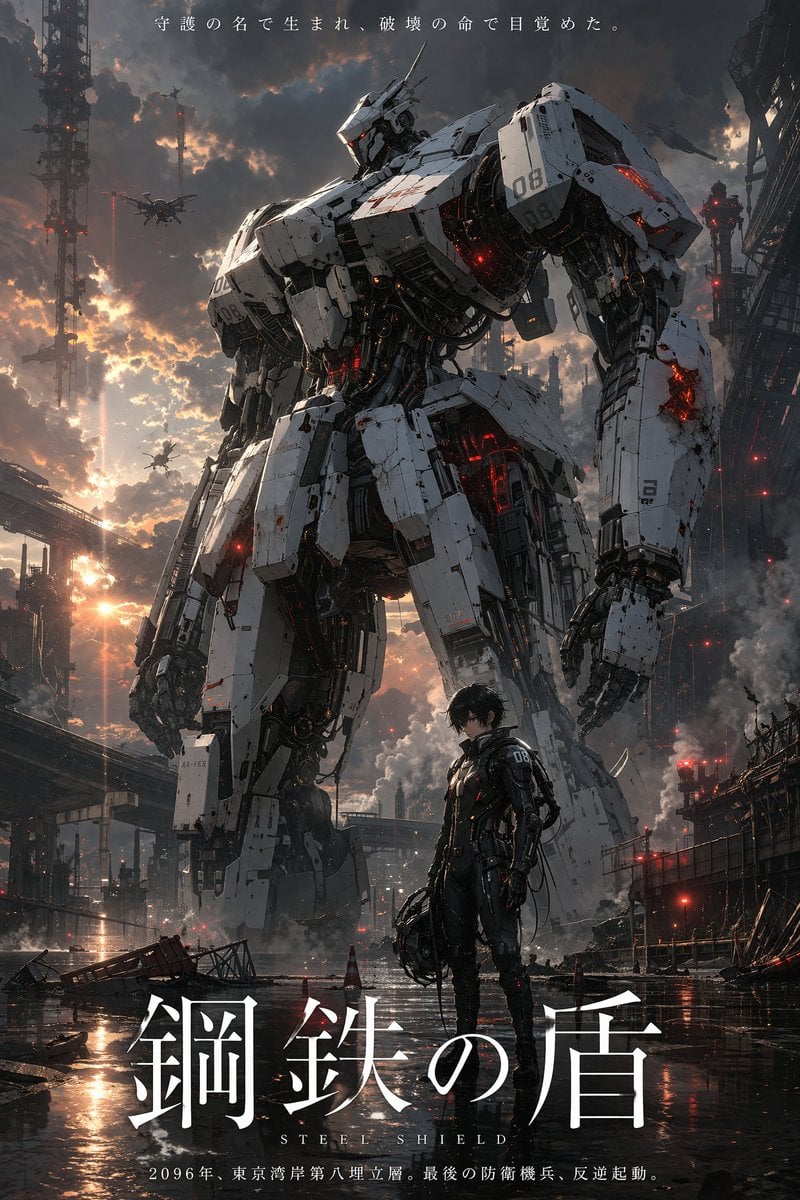
Robot Mecha Movie Key Visual Prompt
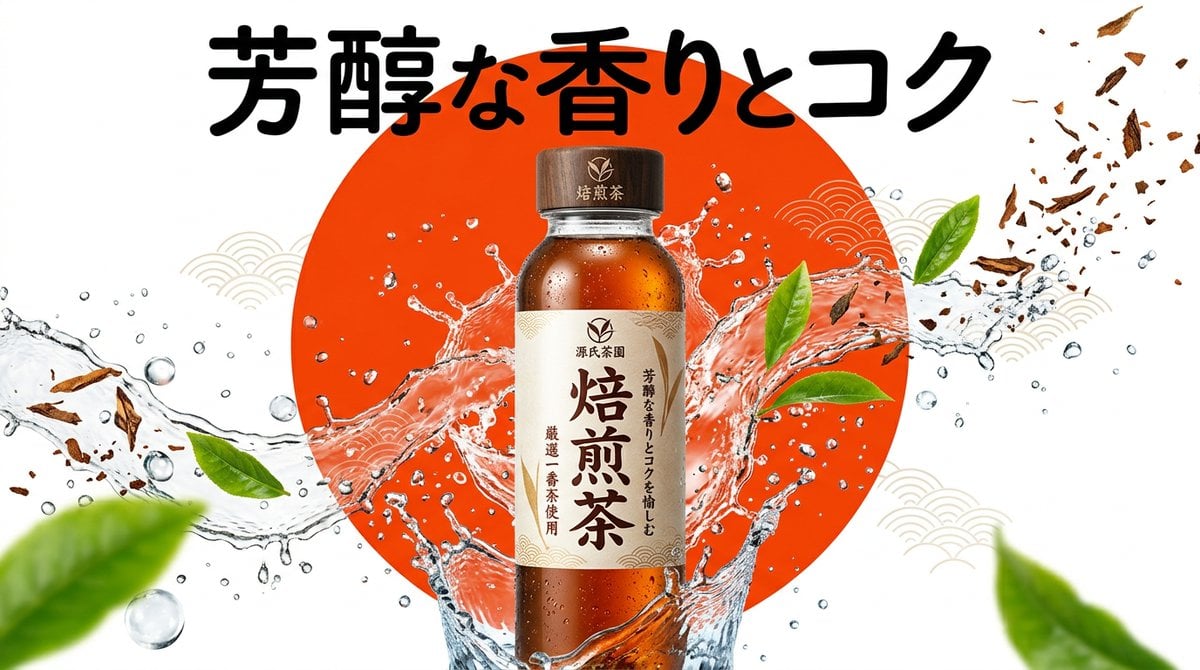
Beverage Campaign Key Visual
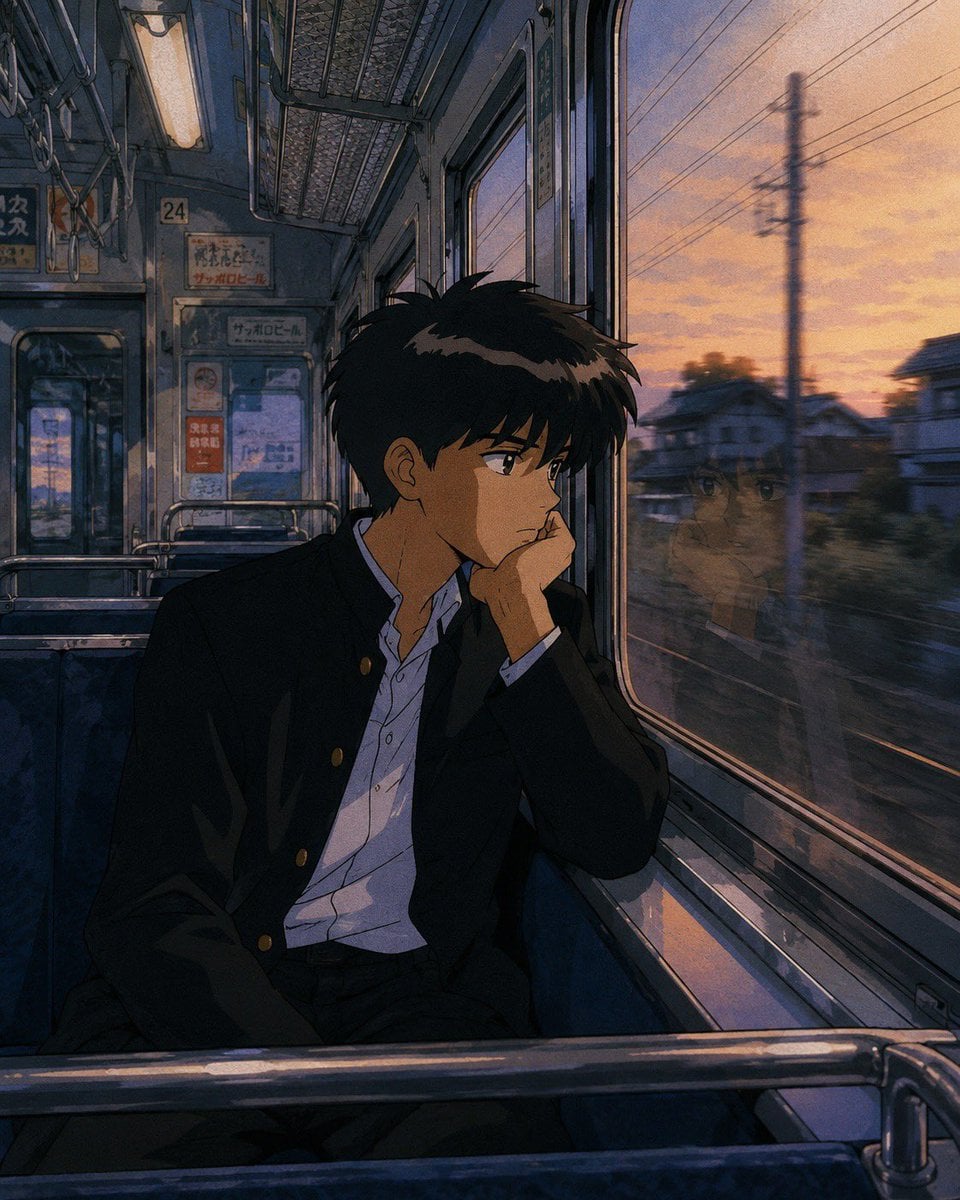
Retro 90s Japanese Anime Scenes
Make it yours
90s Mecha Anime Key Visual works as-is. These are the safest ways to change it without losing the look.
Change one field
Copy a single group, rewrite it, and generate again so you can see what that field is doing.
Keep the frame, change the subject
Hold the composition and light of 90s Mecha Anime Key Visual, then swap wardrobe, props or the person for a new take.
| If the result… | Why | Fix |
|---|---|---|
| The result drifts from the preview | Too many fields changed at once. | Reuse 90s Mecha Anime Key Visual as-is first, then change one group — subject, light, or setting. |
| The model over-stylizes the scene | The prose prompt leaves finish and camera underspecified. | Add one camera or lighting sentence and stay on GPT Image 2. |
More GPT Image 2 templates
Other prompts made for GPT Image 2.

Six VTuber Japanese Logo Sheet

Realistic Portrait of Woman and Deer

The Vista Modular Condo Poster

AI Model Routing Comparison Infographic

2.5D Anime Art Board

Isometric Productivity Desk Scene

New York Double Exposure Poster

Four-Panel AI Landscape Comparison

Japanese Tatami Lifestyle Magazine Cover

NESCAFÉ Coffee Map Poster
More image prompts
Fresh picks from across the catalog.

Single-slide about advantages of investing in Vietnam
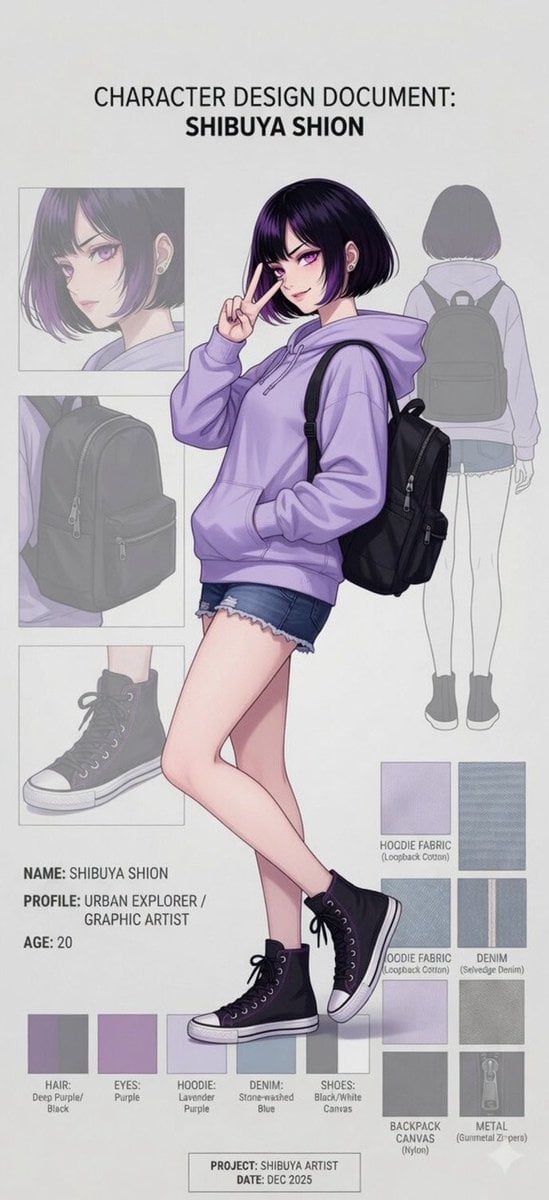
Anime Character Design Document
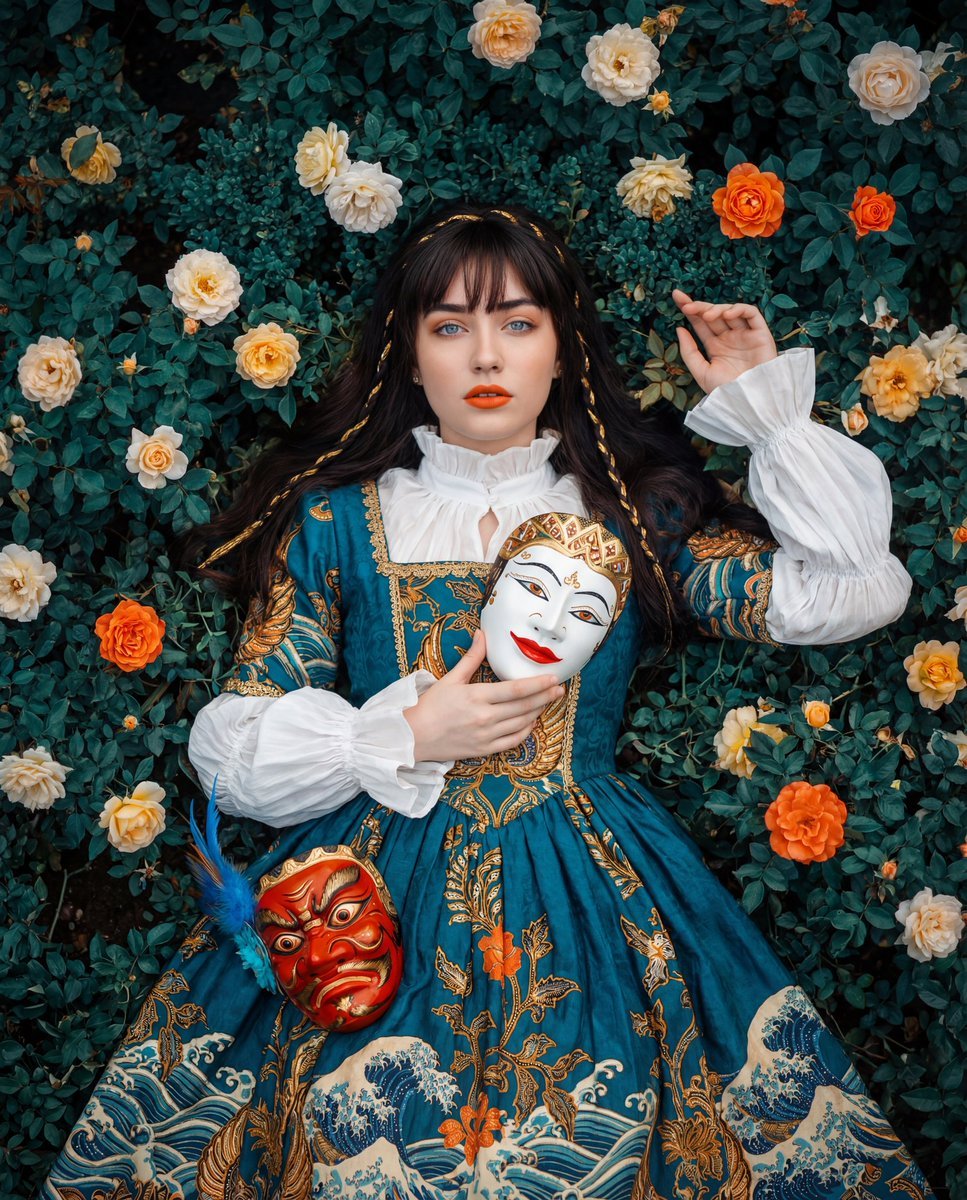
Opulent Historical-Inspired Portrait Prompt
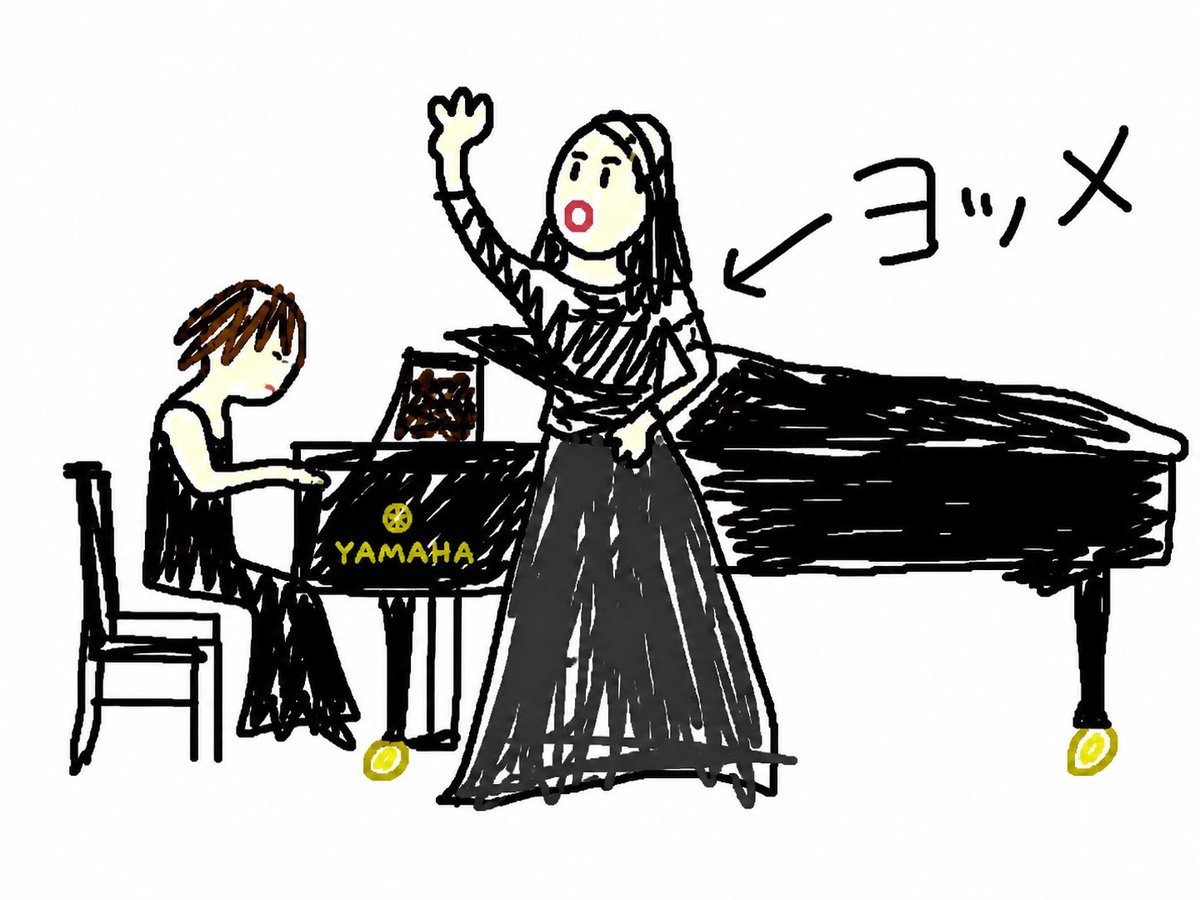
Anonymous Concert Doodle
Cyberpunk Assassin With Neon Glass Dagger
Unfiltered Smartphone Photo of Man in Shopping Cart in Liquor Store
Gpt2 Social Media Post Cloud Shape Doodle Generation
Cinema Lobby School-Inspired Fashion Photo
Minimalist Oriental Ink Signature Design
Gpt2 Youtube Thumbnail Cinematic City Explosion Chase
Browse template categories
90s Mecha Anime Key Visual questions
How do I use the 90s Mecha Anime Key Visual template?
Add your photo if the template asks for one, edit the prompt if you like — the template's model and format are already selected — and press Generate. Your version opens in PicX Studio.
Can I customize the 90s Mecha Anime Key Visual template?
Yes. You can change the subject, setting, lighting, mood, format, and available model controls before creating your image.
Is the 90s Mecha Anime Key Visual template free?
Opening and editing this template is free. Generating uses credits, shown on the Generate button when you are signed in.
Which AI model should I use?
Start with GPT Image 2, which is the model associated with this template. You can compare another compatible model for a different finish.
Looking for something else? Browse all templates.

Your photo, any look
Thousands of ready templates for every top image and video model, from one credit balance.