How do I use the Opulent Historical-Inspired Portrait Prompt template?
Choose the primary action to open PicX Studio with the available template settings. Review the model and format, personalize the creative direction, and generate when ready.
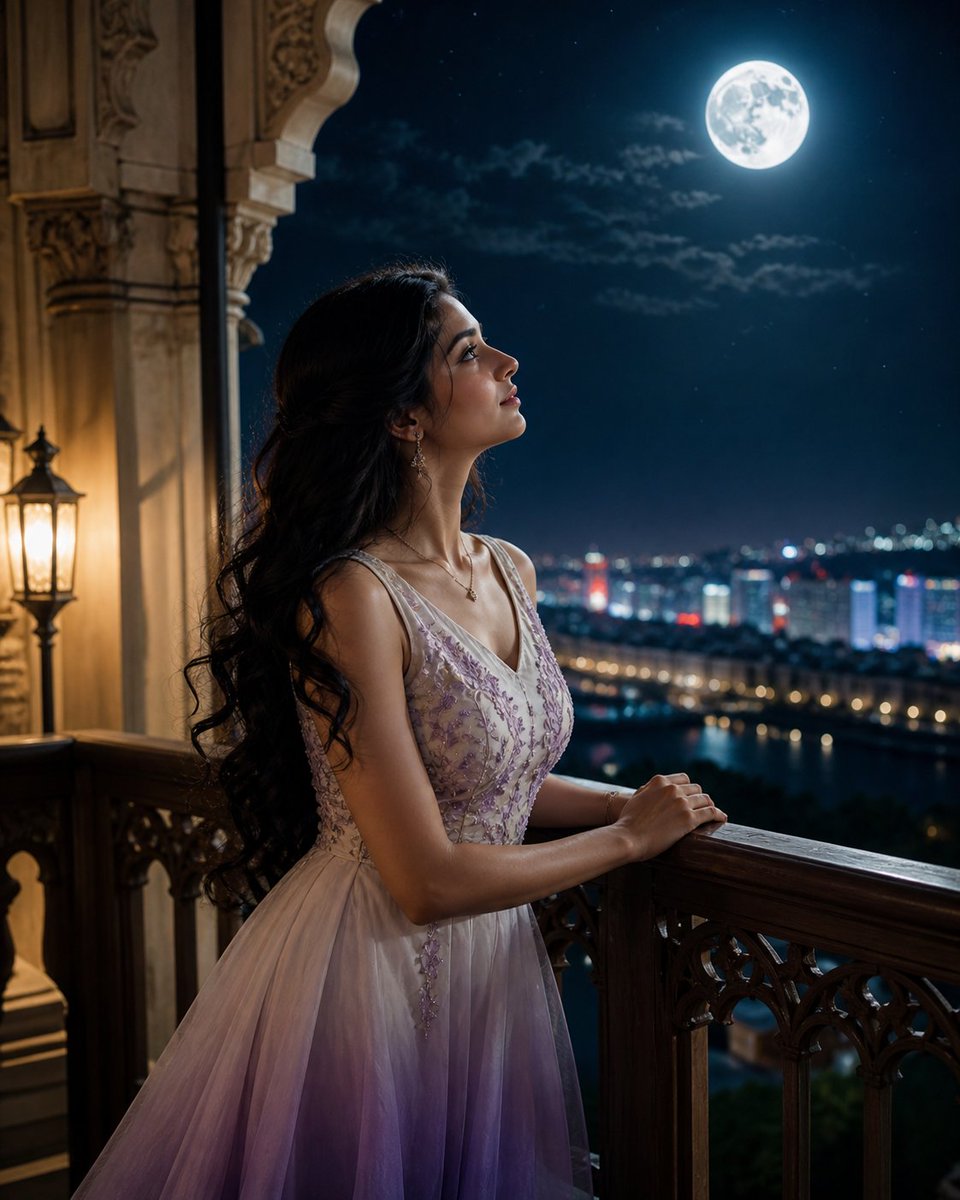
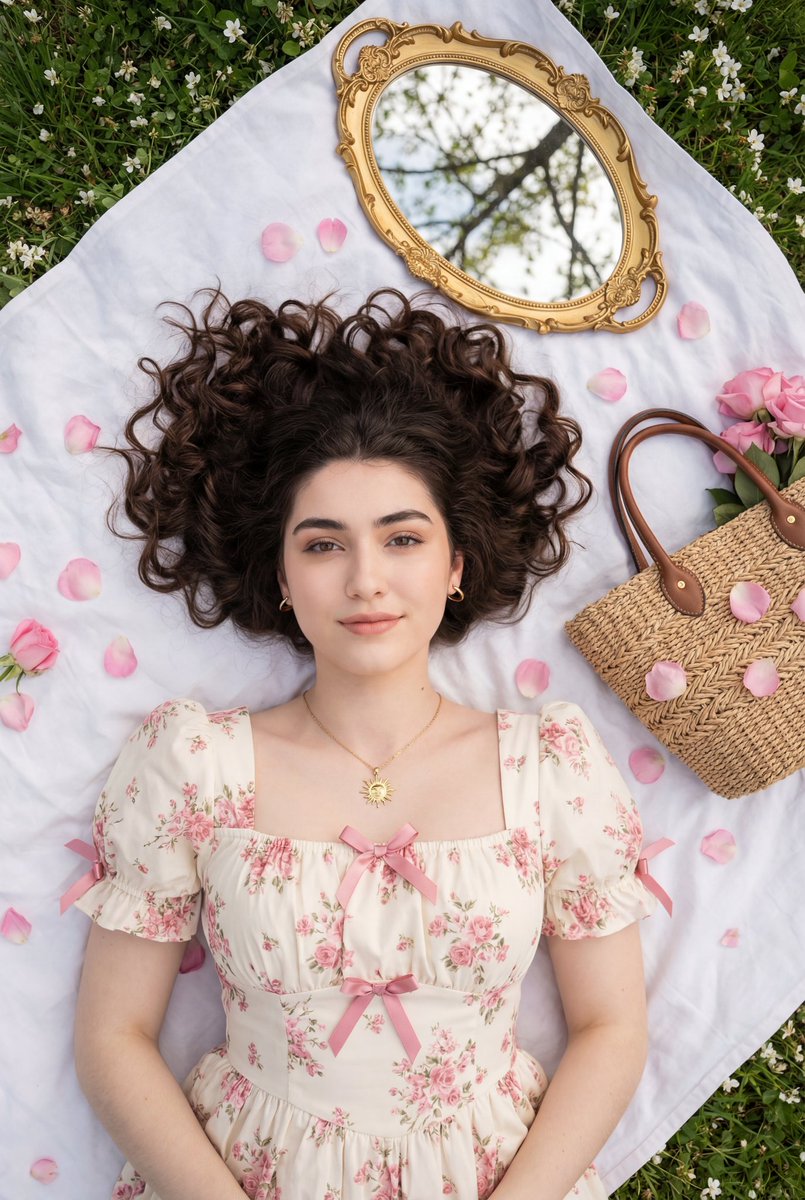
An extremely detailed, JSON-formatted prompt for generating a luxurious, high-detail portrait of a woman in an opulent, historical-inspired gown featuring Indon

{ "subject": { "hair": { "length": "long", "color": "dark", "style": "flowing, face-framing", "bangs": true, "accents": { "type": "braided", "color": "gold" } }, "eyes": { "color": "light blue", "expression": "serene", "gaze": "direct" }, "lips": { "color": "vibrant orange" } }, "attire": { "gown": { "style": "opulent historical-inspired", "main_color": "{argument name="gown color" default="rich teal-blue"}", "collar": "high ruffled white", "sleeves": "voluminous white with gathered cuffs", "fabric": { "pattern": "Indonesian batik + Ukiyo-e wave motifs", "pattern_colors": ["gold", "subtle orange"], "detail": "intricate" } } }, "props": { "right_hand_mask": { "origin": "Indonesian Javanese wayang-inspired", "base_color": "white", "lips": "red", "expression": "happy", "decoration": "gold patterns" }, "left_arm_mask": { "origin": "Indonesian traditional", "base_color": "red", "expression": "angry", "decoration": "gold patterns", "feather_accent": "blue" } }, "pose": { "composition": "contrapposto", "orientation": "slightly facing left", "posture": "lying languidly", "framing": "centered" }, "shot": { "type": "top-down overhead medium shot", "focus": "centered on the woman" }, "background": { "foliage": { "color": "dark teal-green", "density": "dense" }, "flowers": [ { "type": "rose", "color": "cream" }, { "type": "rose", "color": "pale yellow" }, { "type": "rose", "color": "vibrant orange" } ] }, "lighting": { "type": "soft diffused", "highlights": "gentle", "shadows": "soft" }, "palette": ["teal", "orange", "cream", "white", "gold"], "style": { "mood": "rich and luxurious", "detail_level": "high", "textures": "ornate and rich", "cultural_respect": true }, "camera": { "angle": "overhead", "shot_size": "medium", "depth_of_field": "shallow", "crop": "centered" }, "output": { "format": "image-edit-prompt" } }
Choose the primary action to open PicX Studio with the available template settings. Review the model and format, personalize the creative direction, and generate when ready.
Yes. You can change the subject, setting, lighting, mood, format, and available model controls before creating your image.
This template is free to open and customize. Generation usage is shown in PicX Studio before you create.
Start with Nano Banana 2, which is the model associated with this template. You can compare another compatible model for a different finish.
© 2026 PicX Studio. All rights reserved.

Follow a topic to a crawlable collection of related PicX Studio templates.