
Emotional Mother's Day Comparison Prompt
A prompt for Mother's Day designed to create an emotional side-by-side image of a warm old photo and a newly generated AI scene capturing shared time.
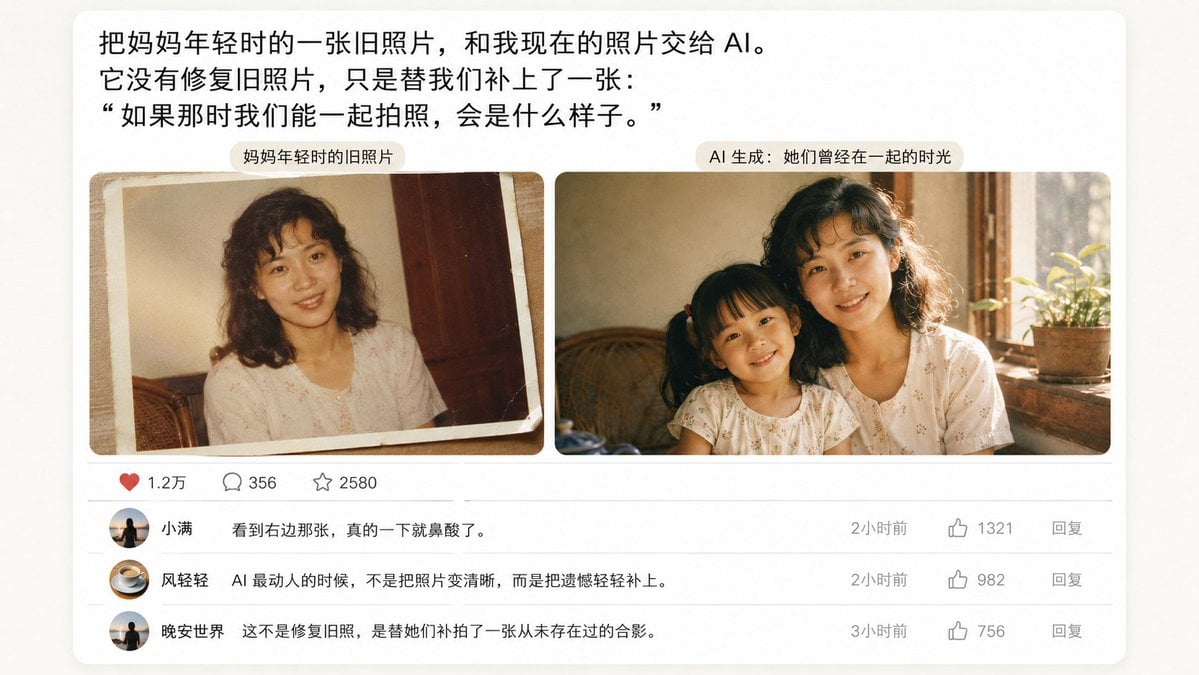
- Prompt included
- Model and format preset
- Free template
The prompt behind this image
Copy the exact prompt behind Emotional Mother's Day Comparison Prompt, or open it in the studio and make it yours.
请根据下面的设想,生成一幅 {argument name="比例" default="16:9"} 的图 「一张带有情感表达的用户截图或评论区反应图(文字为主),或配上一张暖光下的旧照片与AI图像并排的对比图,不要做老照片修复,是两张独立的真实照片({argument name="主体" default="母女或母子"}),AI 生成的他们曾经在一起的时光,传达真实感与情绪共鸣」
How to use Emotional Mother's Day Comparison Prompt in 3 steps
- 1
Open
The prompt is already in the box next to the preview, with the template's model and format selected.
- 2…a portrait of your subject in softgolden-hour light, 85mm…
Personalize
Edit the subject and creative details for your destination.
- 3Generate
Generate
Press Generate — your image is created in PicX Studio, so you can compare it with the original and refine one variable at a time.
More like this
Templates with the same subject, style or setup. Open one to see its prompt.

Mother's Day Flower Gift Promotional Banner
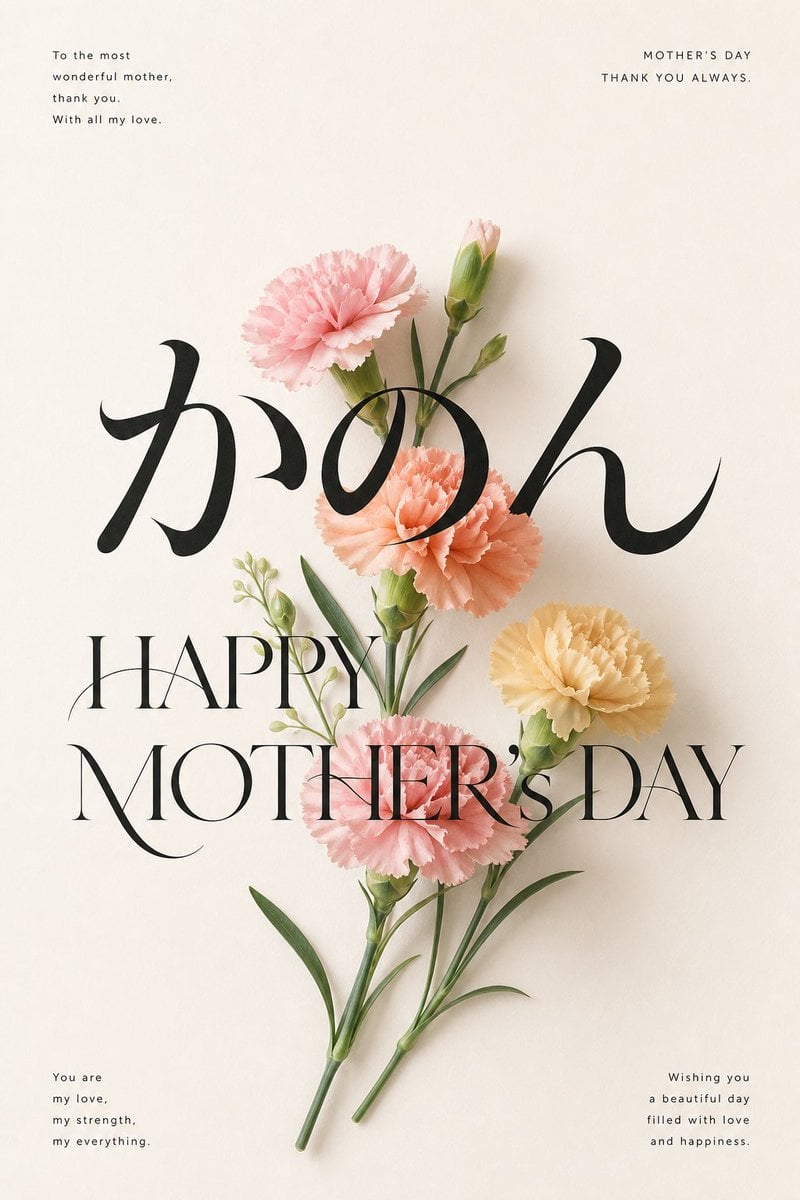
Elegant Carnation Mother's Day Wallpaper
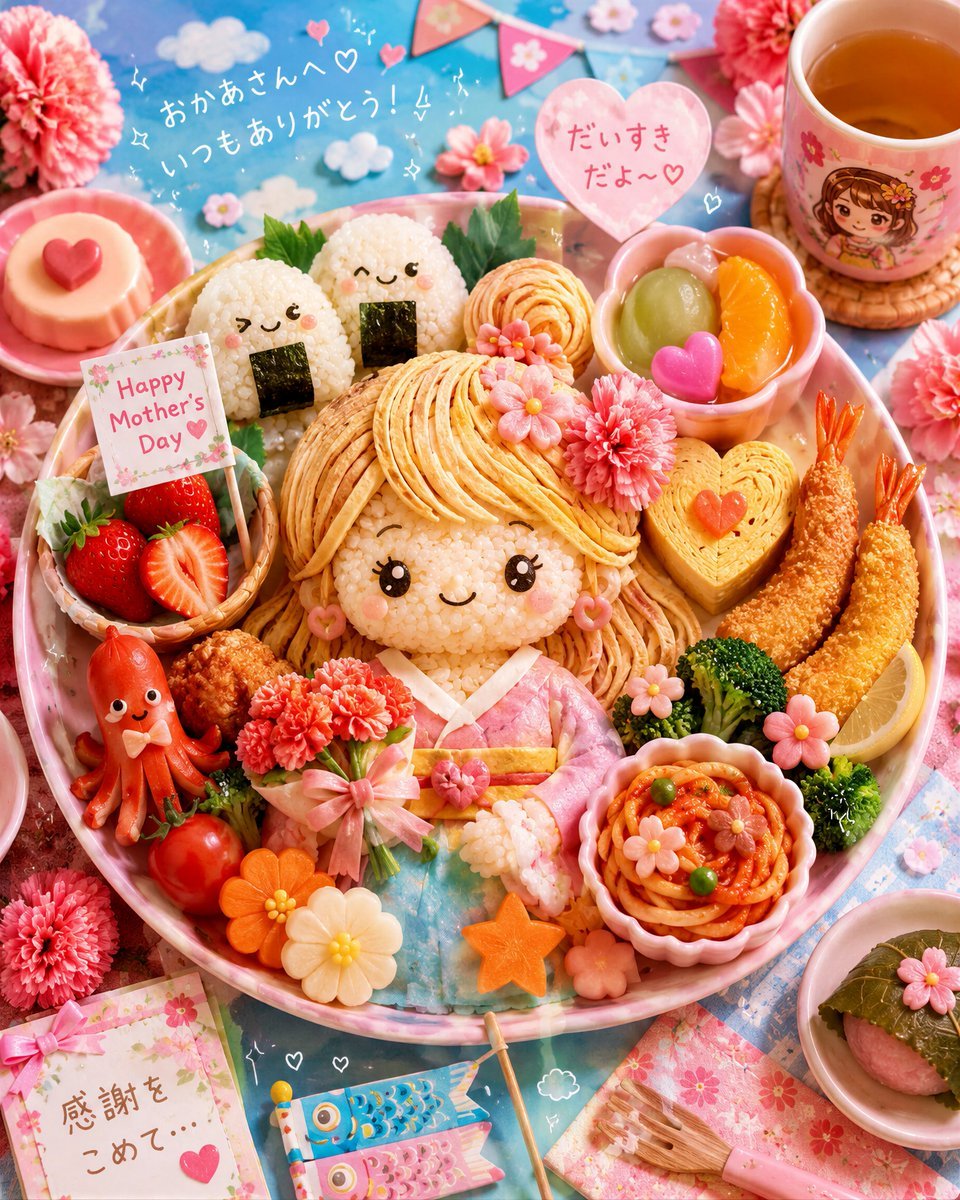
Kawaii Mother's Day Bento Food Art

4x4 Grid - Candid Nostalgic Vacation Selfies

Skin Comparison Portrait — Nano Banana Pro

Miniature Sick Day Diorama
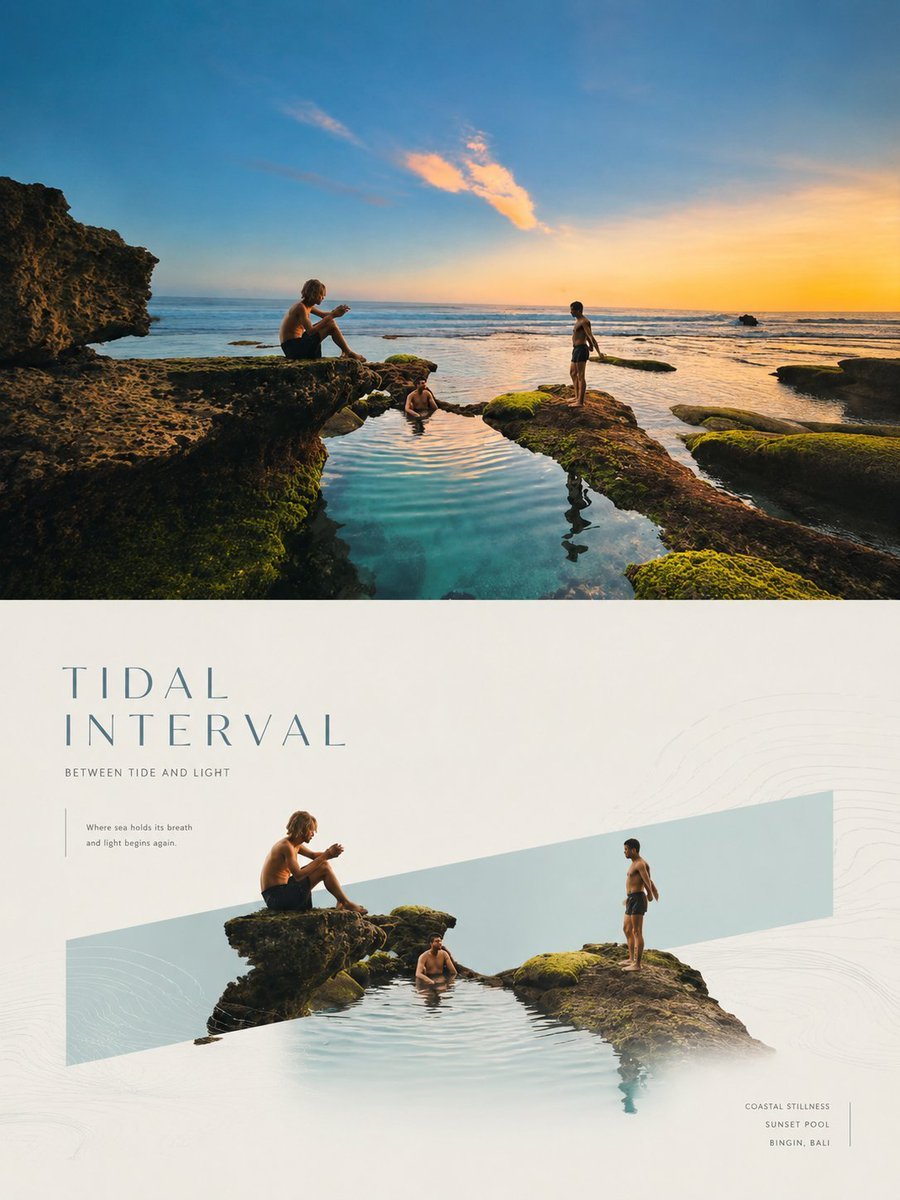
Geometric Emotional Window Poster
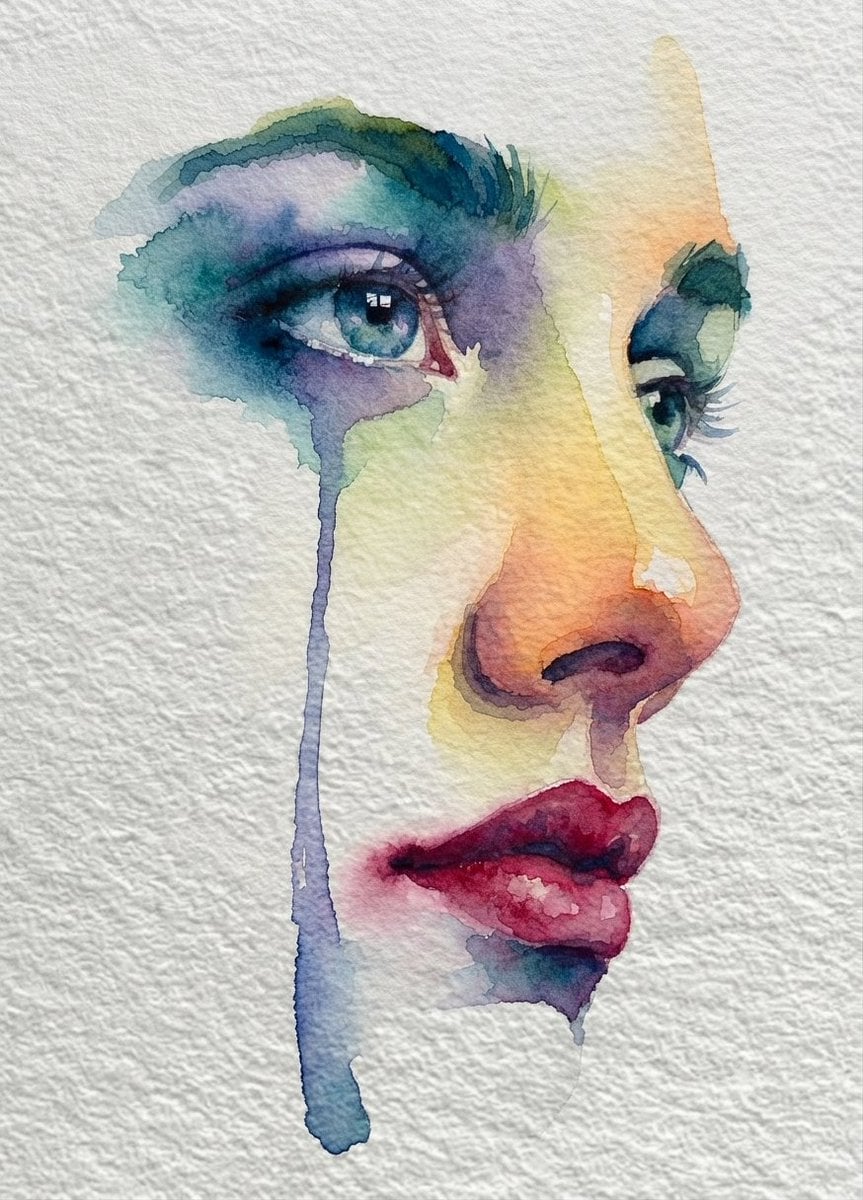
Emotional Watercolor Grief Art
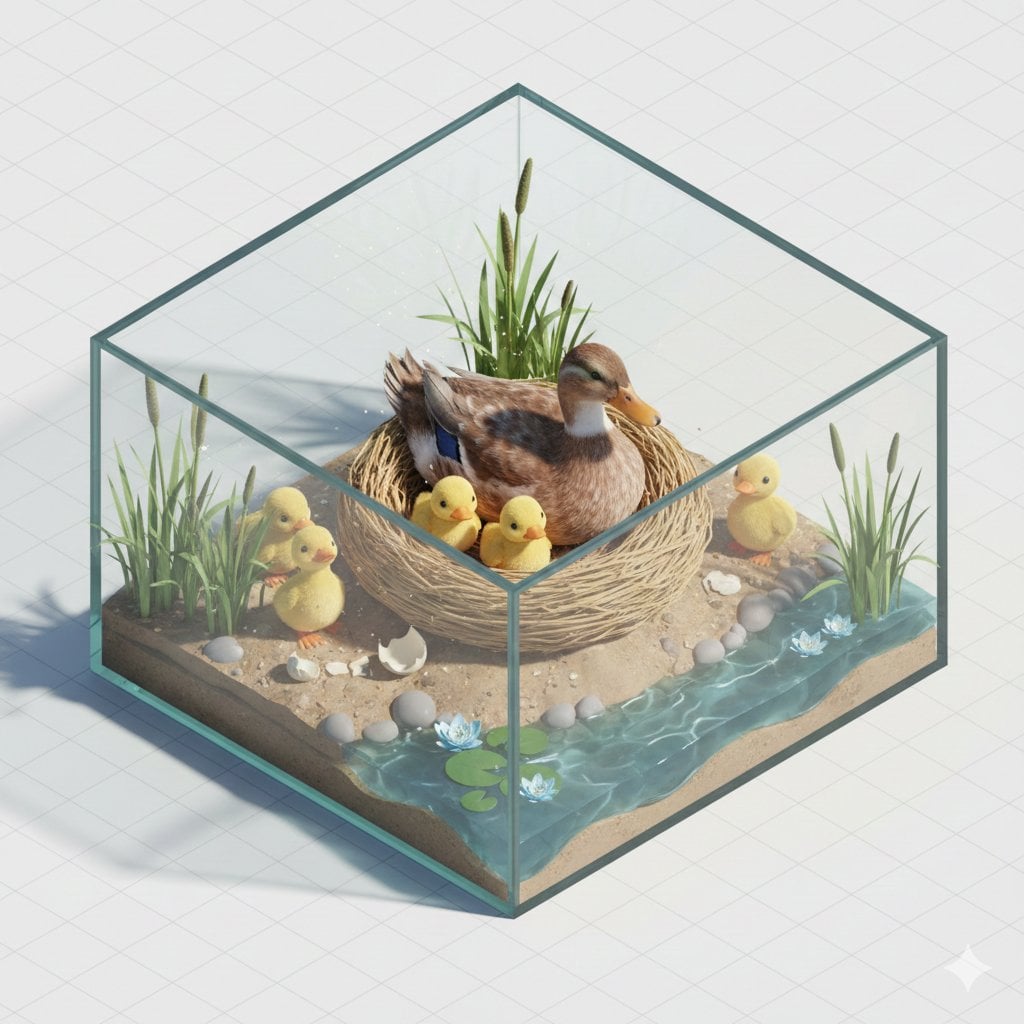
Isometric miniature nature diorama showing a mother feeding newborn
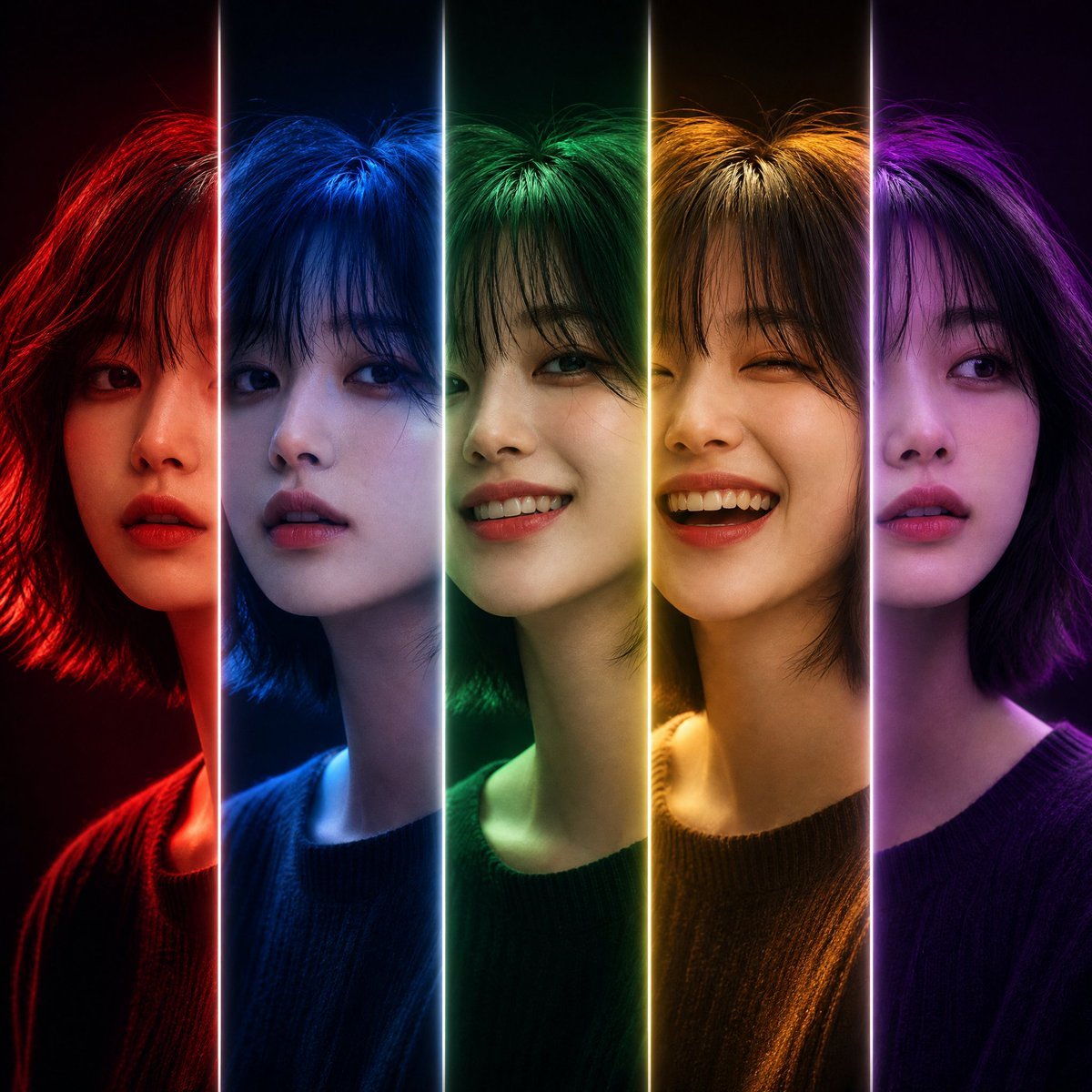
Five-Slice Emotional Fashion Portrait
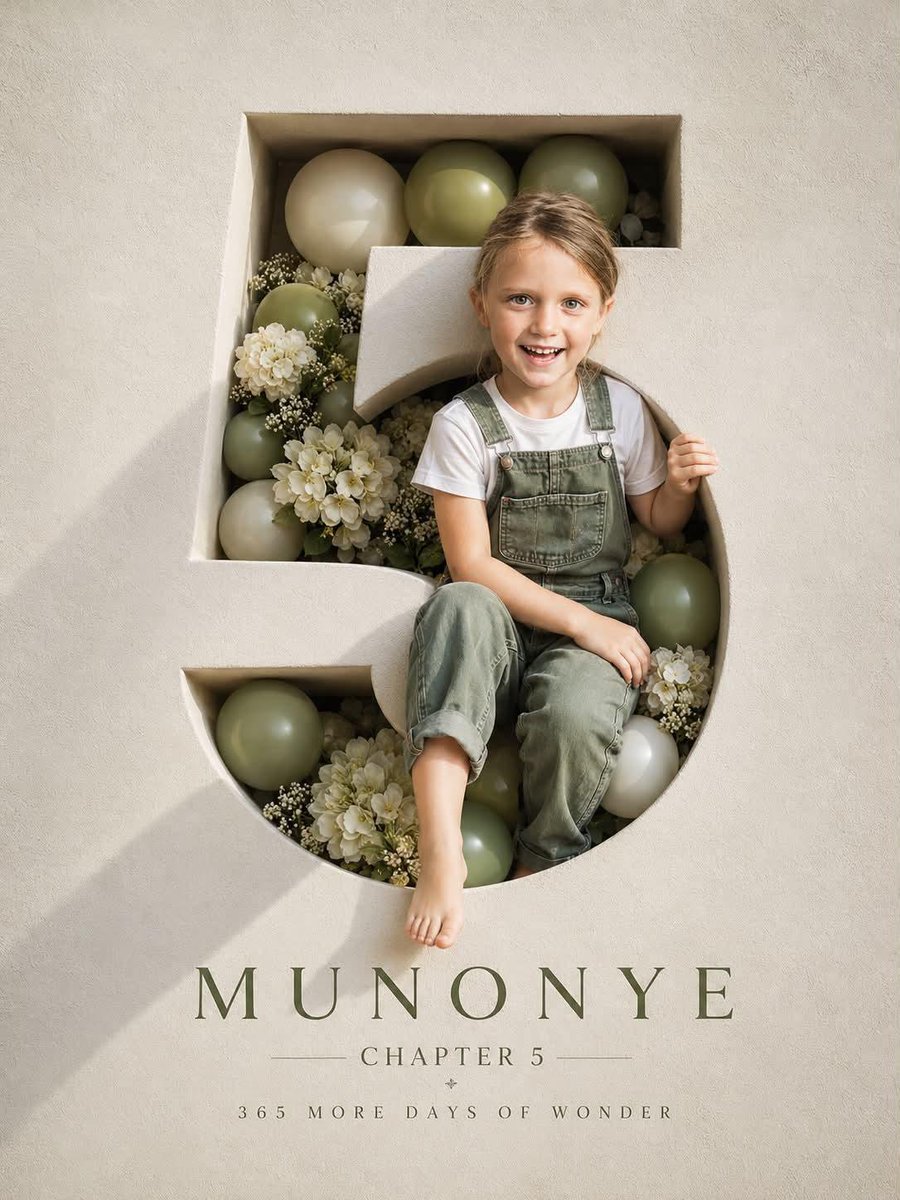
Luxury 3D Engraved Birthday Poster
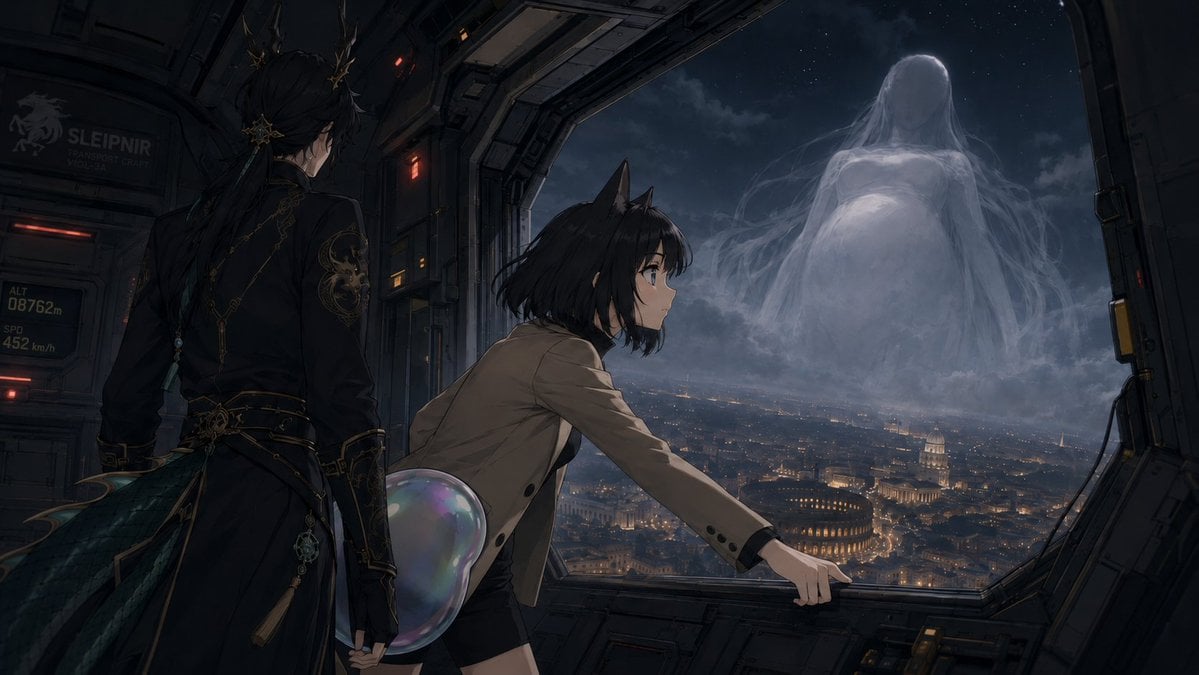
Anime Airship and Ghostly Holy Mother
Make it yours
Emotional Mother's Day Comparison Prompt works as-is. These are the safest ways to change it without losing the look.
Change one field
Copy a single group, rewrite it, and generate again so you can see what that field is doing.
Keep the frame, change the subject
Hold the composition and light of Emotional Mother's Day Comparison Prompt, then swap wardrobe, props or the person for a new take.
| If the result… | Why | Fix |
|---|---|---|
| The result drifts from the preview | Too many fields changed at once. | Reuse Emotional Mother's Day Comparison Prompt as-is first, then change one group — subject, light, or setting. |
| The model over-stylizes the scene | The prose prompt leaves finish and camera underspecified. | Add one camera or lighting sentence and stay on GPT Image 2. |
More GPT Image 2 templates
Other prompts made for GPT Image 2.

Six VTuber Japanese Logo Sheet

Realistic Portrait of Woman and Deer

The Vista Modular Condo Poster

2.5D Anime Art Board

Isometric Productivity Desk Scene

New York Double Exposure Poster

Japanese Tatami Lifestyle Magazine Cover

NESCAFÉ Coffee Map Poster

Brutalist Cogito Chinese Typography Poster

Cinematic Luxury Terrace Portrait
More image prompts
Fresh picks from across the catalog.
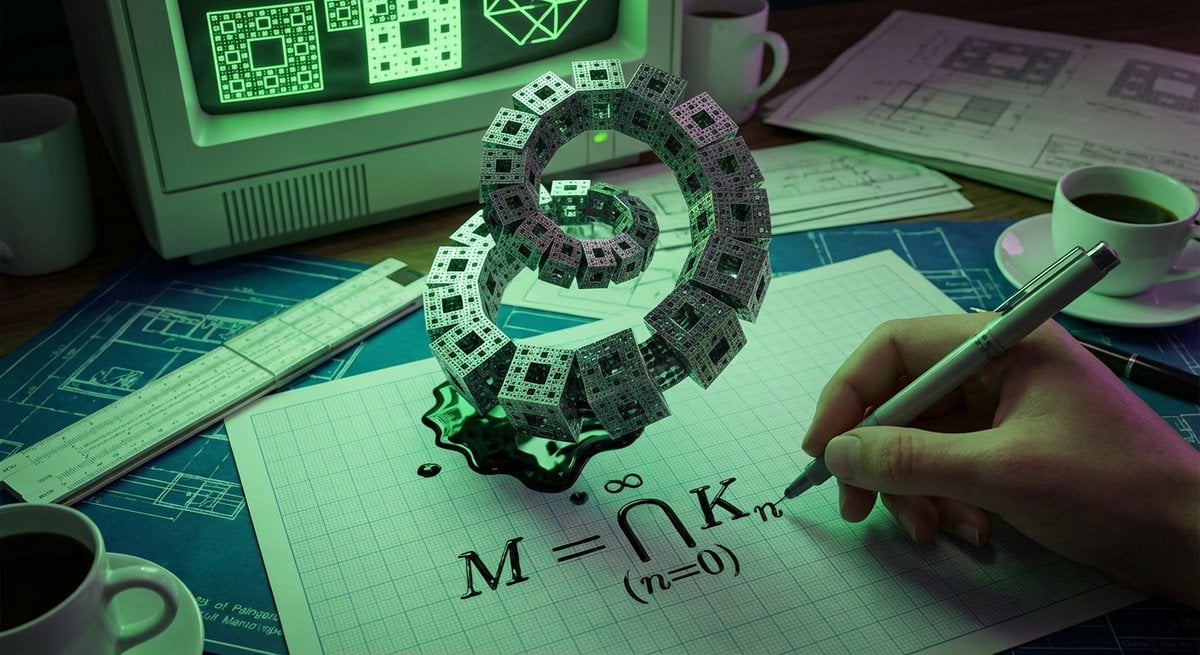
Psychedelic Mathematics Fractal Prompt for Menger Sponge
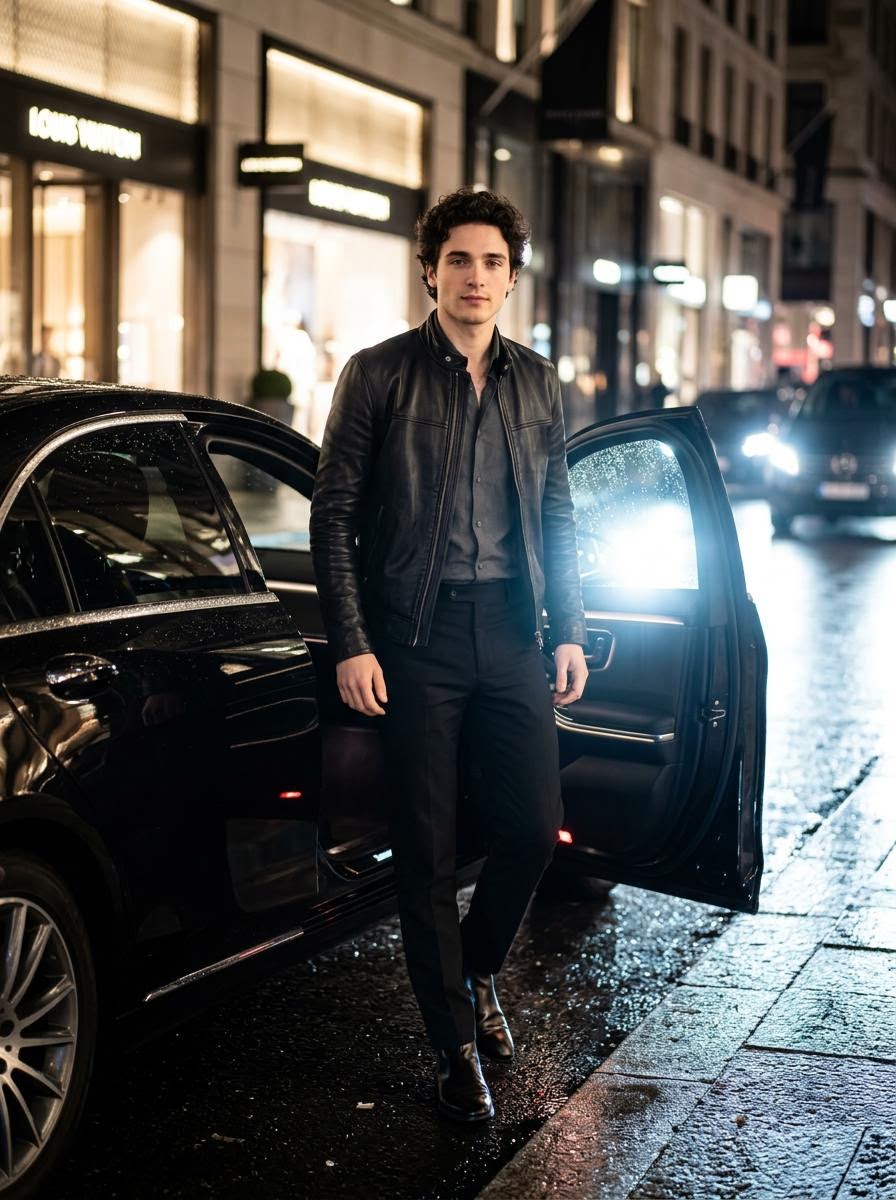
Cinematic Photo Stepping Out of a Luxury Car at Night
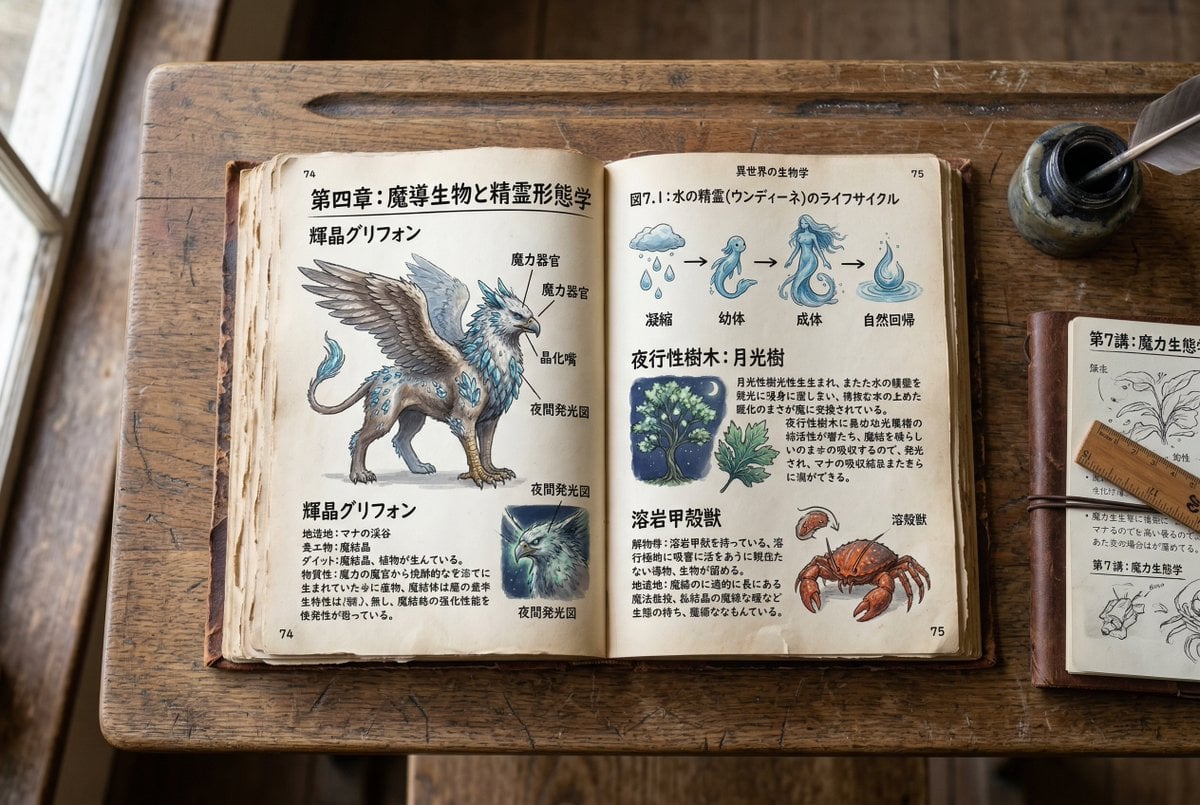
Template for generating a fictional textbook page

Overlapping Anime Knight Motion Trail

Retro Fake Anime Movie Poster
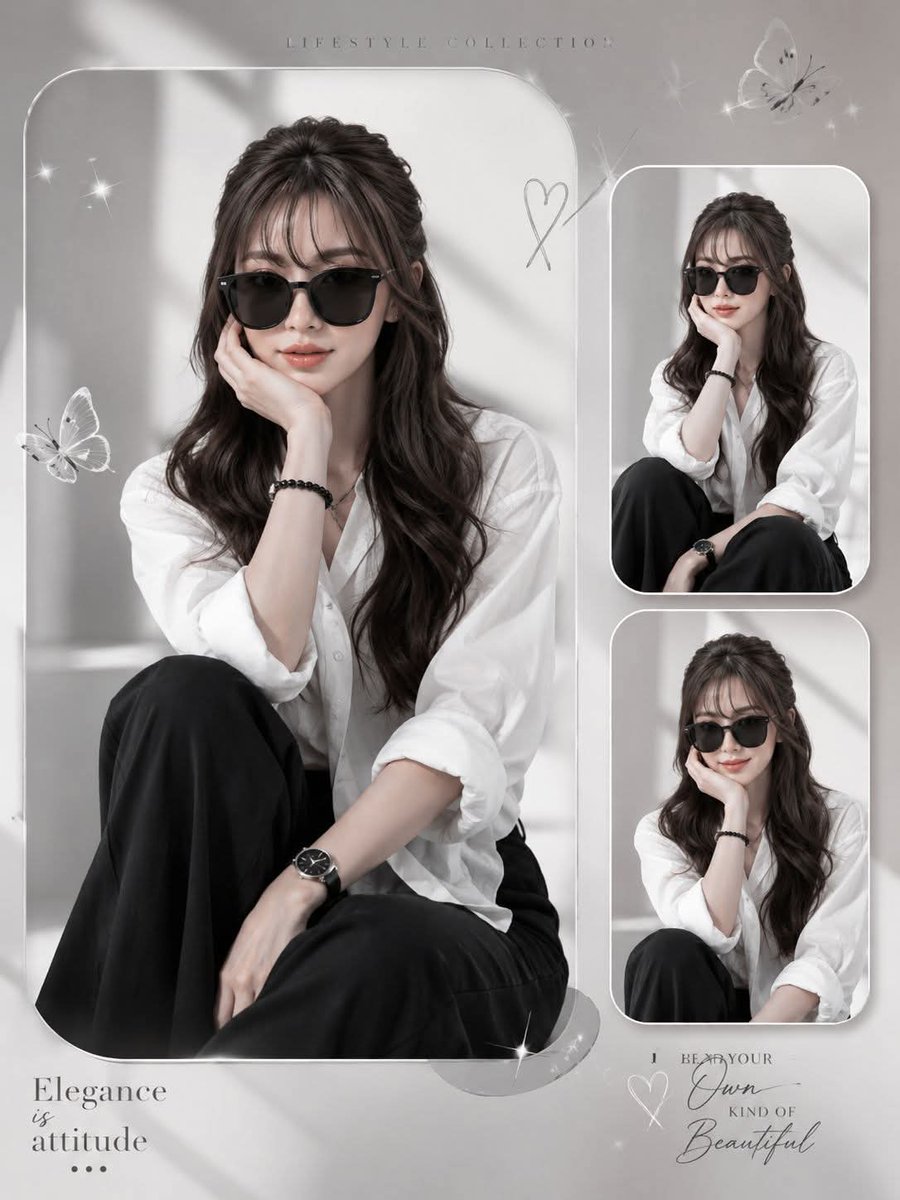
Elegant Anonymous Lifestyle Collage
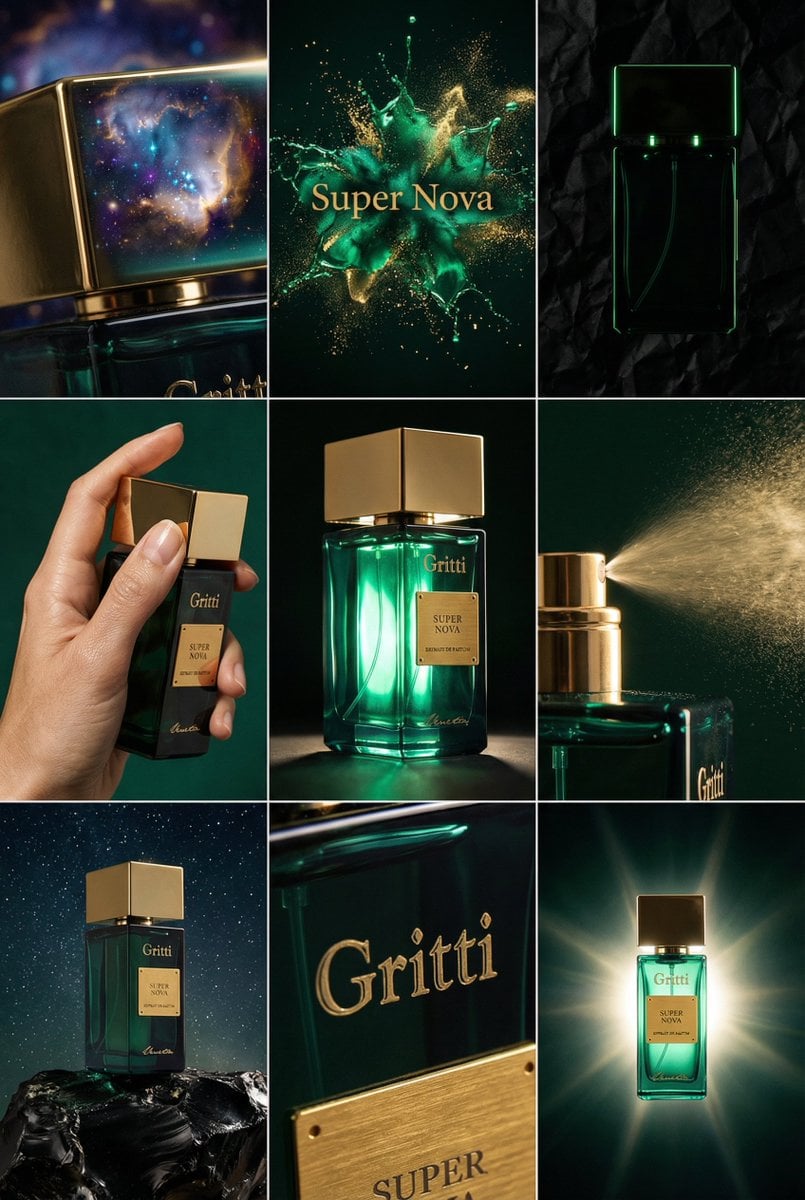
JSON Prompt for Cinematic Perfume Editorial Grid
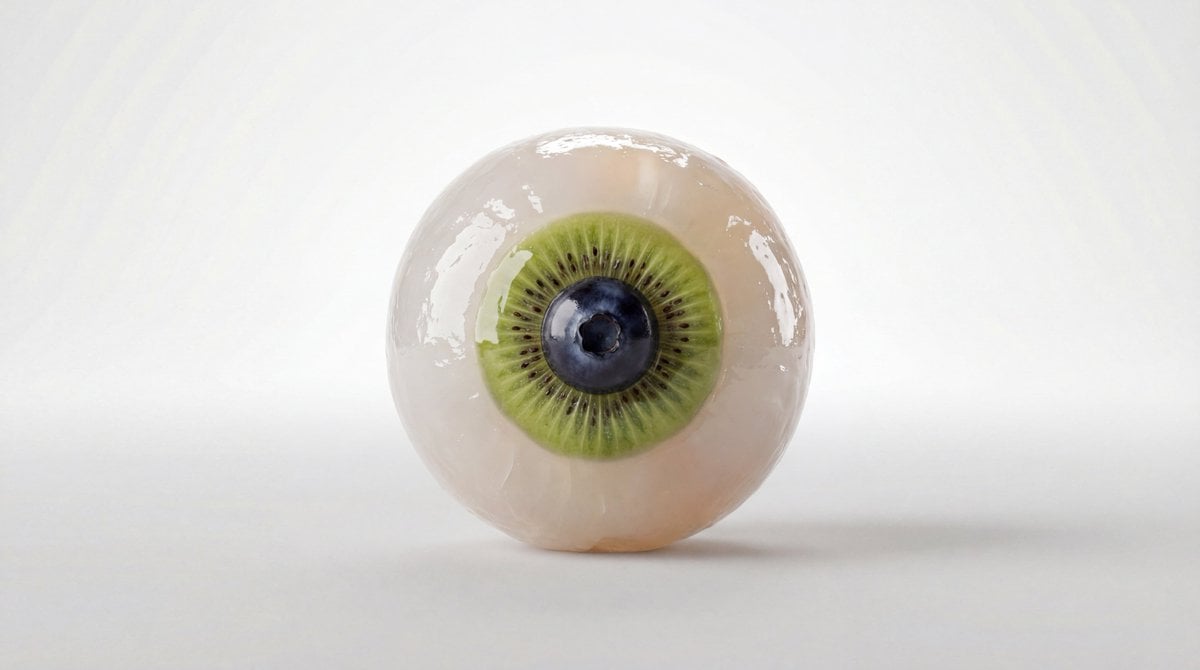
Fruit and Vegetable Food Sculpture Prompt Template
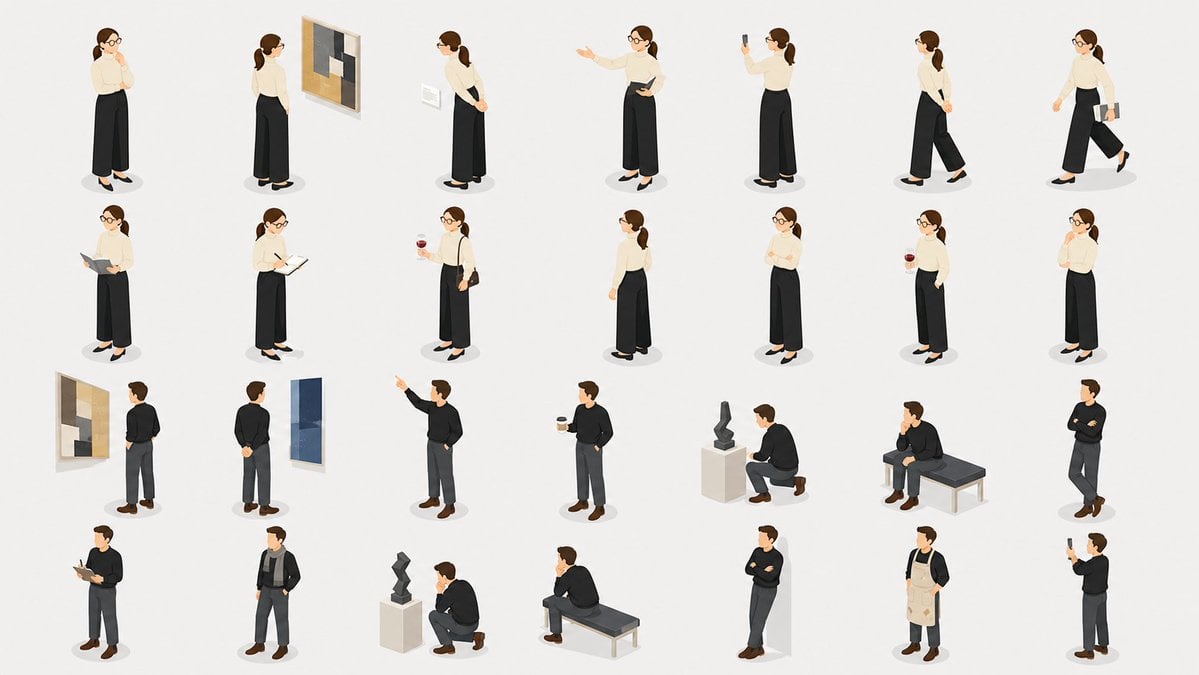
Isometric Gallery People Set

Dynamic Motorcycle Rider Portrait on Yellow Background
Browse template categories
Emotional Mother's Day Comparison Prompt questions
How do I use the Emotional Mother's Day Comparison Prompt template?
Add your photo if the template asks for one, edit the prompt if you like — the template's model and format are already selected — and press Generate. Your version opens in PicX Studio.
Can I customize the Emotional Mother's Day Comparison Prompt template?
Yes. You can change the subject, setting, lighting, mood, format, and available model controls before creating your image.
Is the Emotional Mother's Day Comparison Prompt template free?
Opening and editing this template is free. Generating uses credits, shown on the Generate button when you are signed in.
Which AI model should I use?
Start with GPT Image 2, which is the model associated with this template. You can compare another compatible model for a different finish.
Looking for something else? Browse all templates.

Your photo, any look
Thousands of ready templates for every top image and video model, from one credit balance.