
Anime Airship and Ghostly Holy Mother
A cinematic anime prompt for creating a dark sci-fi airship scene overlooking a lit ancient city and a colossal maternal spirit in the clouds.
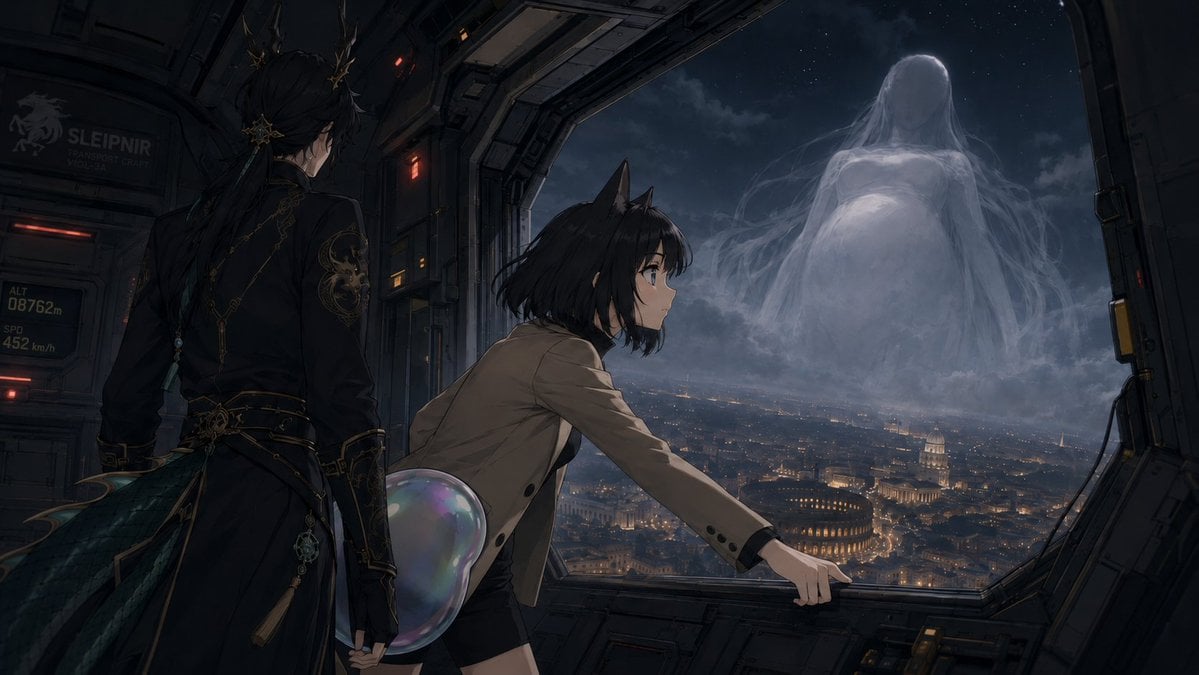
- Prompt included
- Model and format preset
- Free template
The prompt behind this image
Copy the exact prompt behind Anime Airship and Ghostly Holy Mother, or open it in the studio and make it yours.
Create a dark cinematic anime science-fantasy scene inside the open side bay of a futuristic aircraft or spacecraft at night. The composition shows exactly three main figures: 1) a tall elegant young man seen from behind on the left, with long black hair tied back, ornate gold hair ornaments, a black military-style coat with intricate gold embroidery, belts, dangling charms, and dark teal feather-like coat tails; 2) a teenage cat-eared girl in the center foreground, leaning forward toward the window with one hand gripping the metal sill, short messy {argument name="hair color" default="black"} hair, large anime eyes, a tan blazer, black shorts, and a translucent iridescent bubble-like tail or orb behind her hip; 3) a colossal ghostly maternal apparition outside in the sky, faceless and pale, with long flowing veil-like hair and robes, a rounded pregnant-looking form, made of mist and moonlit cloud. The aircraft interior is industrial and angular, with dark metal panels, red warning lights, cables, rivets, and a large open trapezoid window framing the view; include small readable sci-fi markings on the left wall such as “SLEIPNIR”, “TRANSPORT CRAFT”, “ALT 08762m”, and “SPD 452 km/h”. Beyond the window is a vast nighttime cityscape resembling {argument name="city inspiration" default="Rome or Vatican City"}, with warm golden lights, domes, ancient amphitheater-like architecture, and dense streets under clouds and stars. The mood is ominous, reverent, and mysterious, as if {argument name="character name" default="Ryangfan"} is being summoned by the gigantic “Holy Mother” in the clouds. Use ultra-detailed painterly anime rendering, dramatic moonlight, soft volumetric fog, deep blue-gray palette with warm city lights, cinematic wide aspect ratio, high detail, no subtitles, no watermark.
How to use Anime Airship and Ghostly Holy Mother in 3 steps
- 1Upload ImagePNG, JPG or paste
Add your photo
Upload the photo the template builds on. The prompt, model and format are already set.
- 2…a portrait of your subject in softgolden-hour light, 85mm…
Personalize
Edit the subject and creative details for your destination.
- 3Generate
Generate
Press Generate — your image is created in PicX Studio, so you can compare it with the original and refine one variable at a time.
More like this
Templates with the same subject, style or setup. Open one to see its prompt.












Make it yours
Anime Airship and Ghostly Holy Mother works as-is. These are the safest ways to change it without losing the look.
Change one field
Copy a single group, rewrite it, and generate again so you can see what that field is doing.
Keep the frame, change the subject
Hold the composition and light of Anime Airship and Ghostly Holy Mother, then swap wardrobe, props or the person for a new take.
| If the result… | Why | Fix |
|---|---|---|
| The result drifts from the preview | Too many fields changed at once. | Reuse Anime Airship and Ghostly Holy Mother as-is first, then change one group — subject, light, or setting. |
| The model over-stylizes the scene | The prose prompt leaves finish and camera underspecified. | Add one camera or lighting sentence and stay on GPT Image 2. |
More GPT Image 2 templates
Other prompts made for GPT Image 2.

Six VTuber Japanese Logo Sheet

Realistic Portrait of Woman and Deer

The Vista Modular Condo Poster

AI Model Routing Comparison Infographic

2.5D Anime Art Board

Isometric Productivity Desk Scene

New York Double Exposure Poster

Four-Panel AI Landscape Comparison

Japanese Tatami Lifestyle Magazine Cover

NESCAFÉ Coffee Map Poster
More image prompts
Fresh picks from across the catalog.
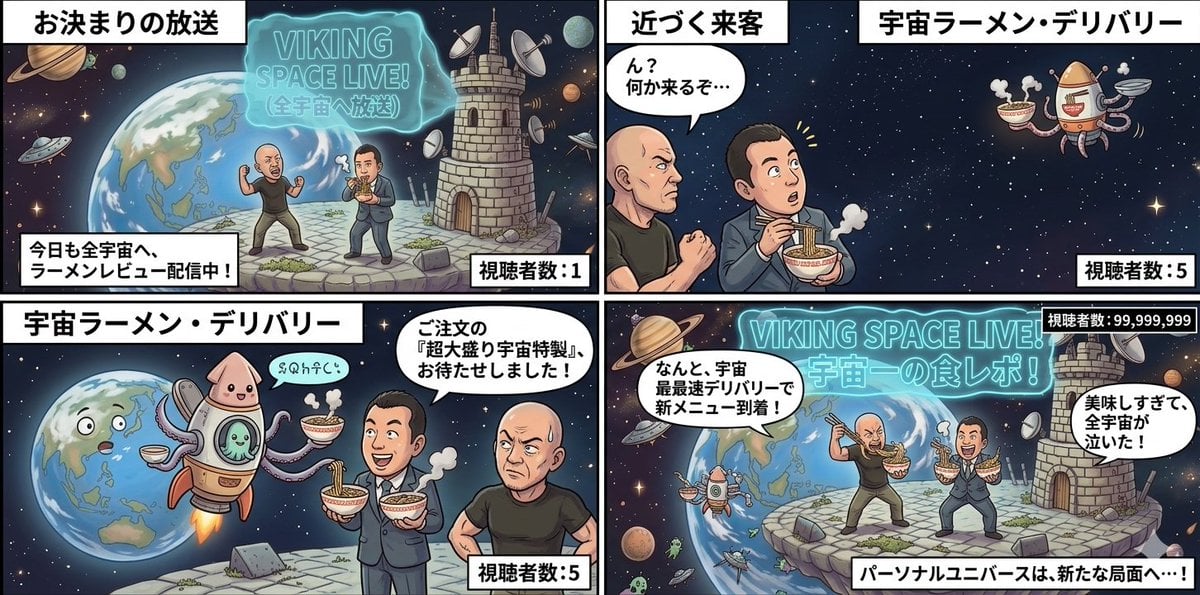
Four-Panel Manga: Personal Universe
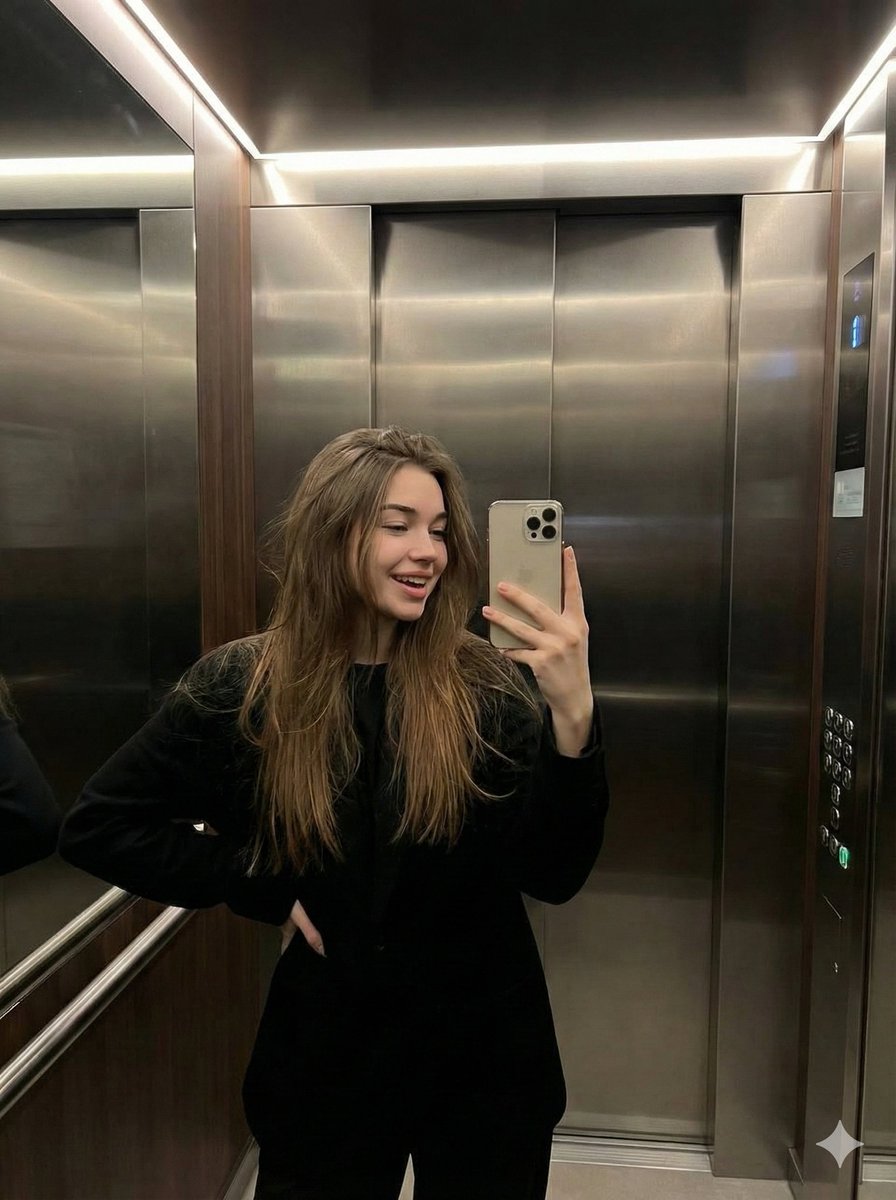
Candid Elevator Mirror Selfie

Realistic Photo with Face Swap and Cinematic Lighting
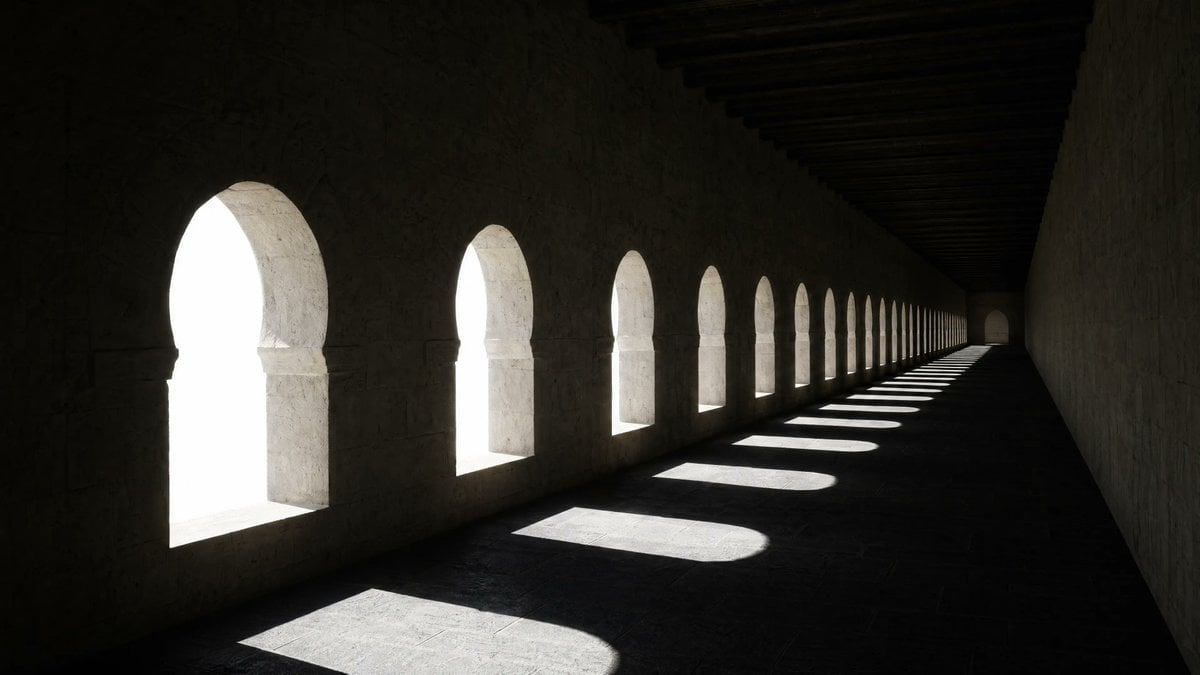
Dramatic Stone Corridor With Arched Windows
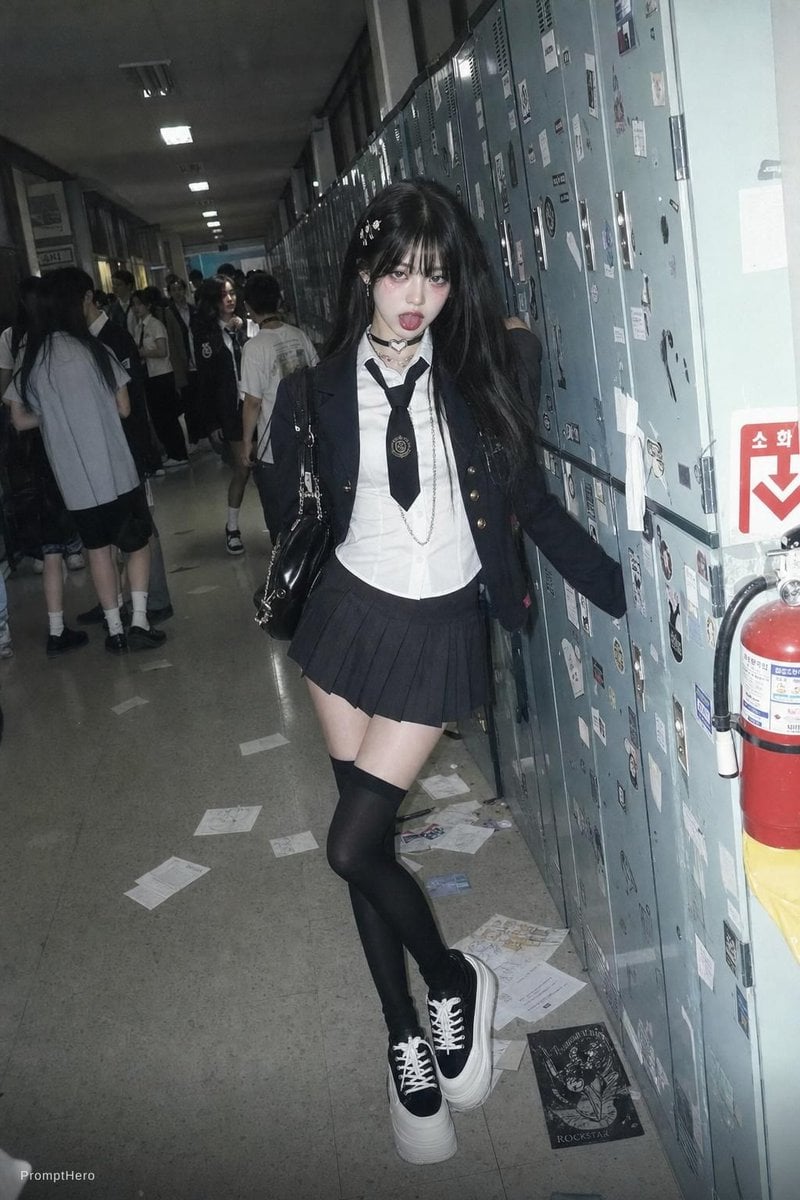
Flash Photo School Hallway Uniform
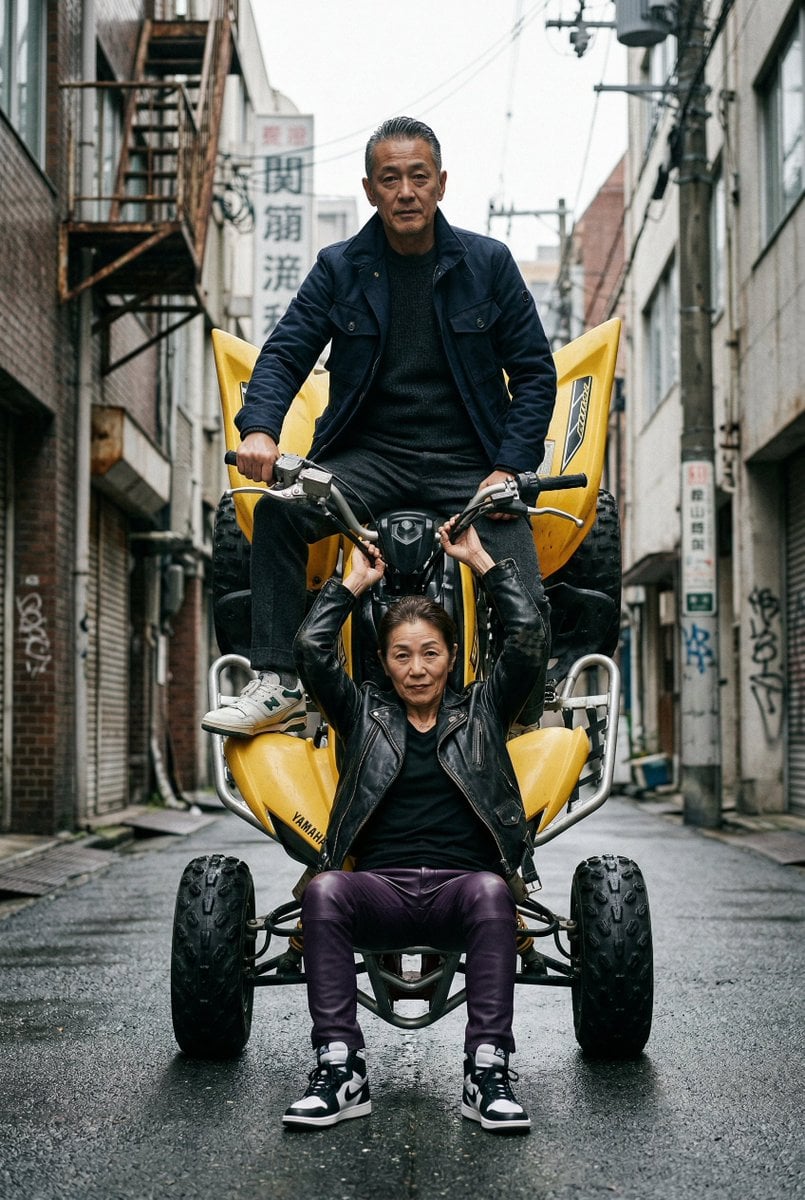
Cinematic Urban Street Scene with Quad Bike and Older Couple
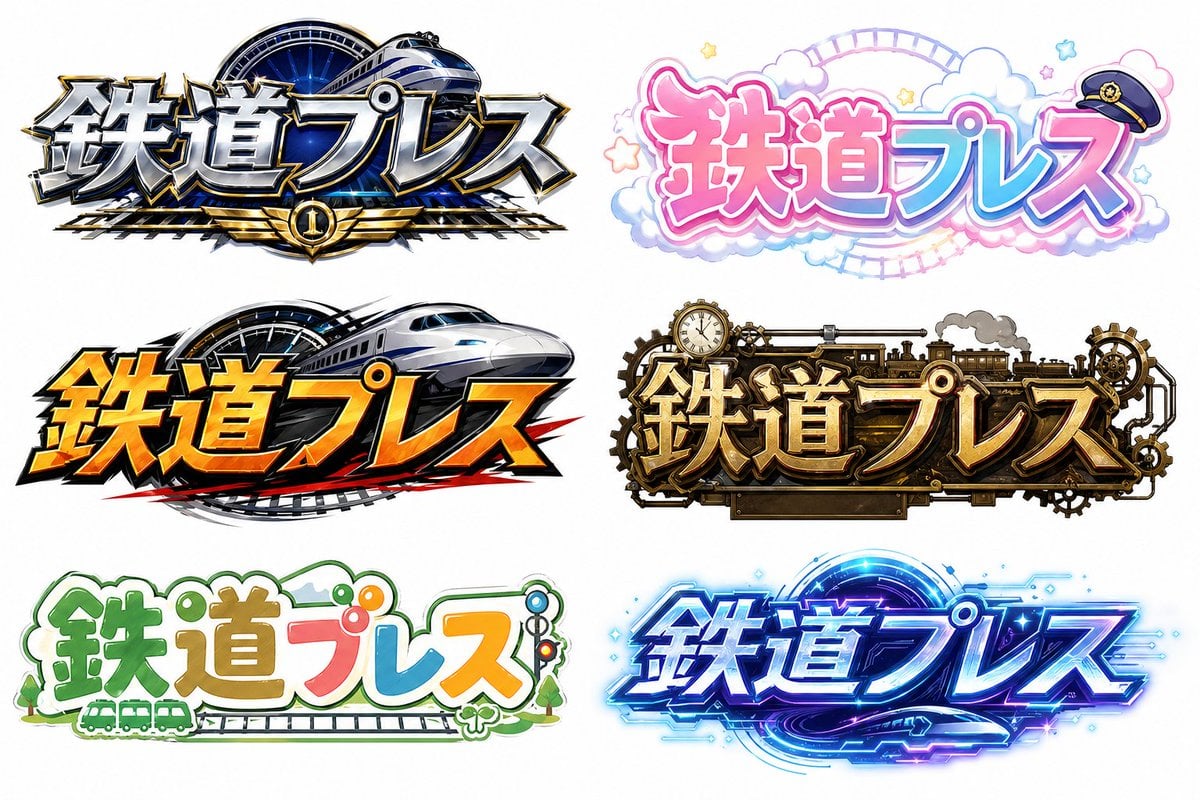
Six Japanese Train Logo Variations
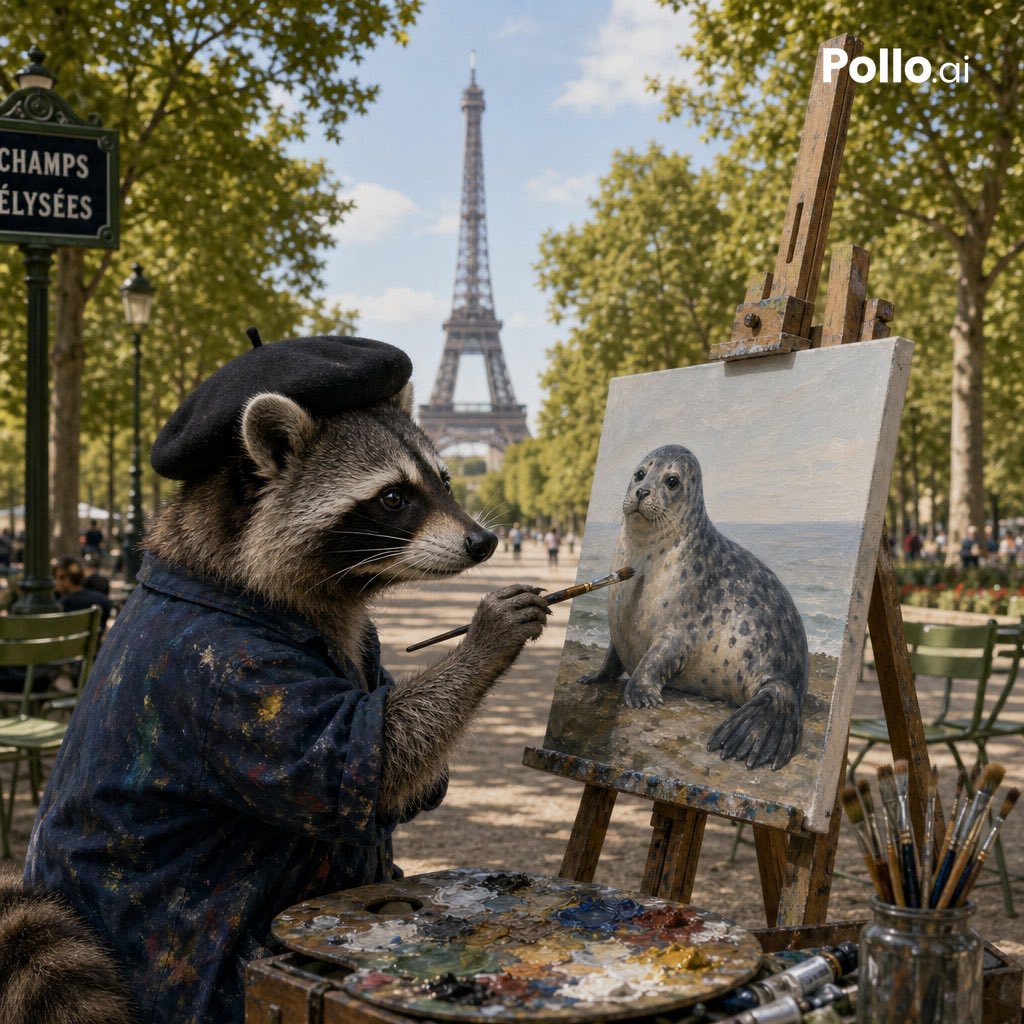
Photorealistic Raccoon Painter in Paris
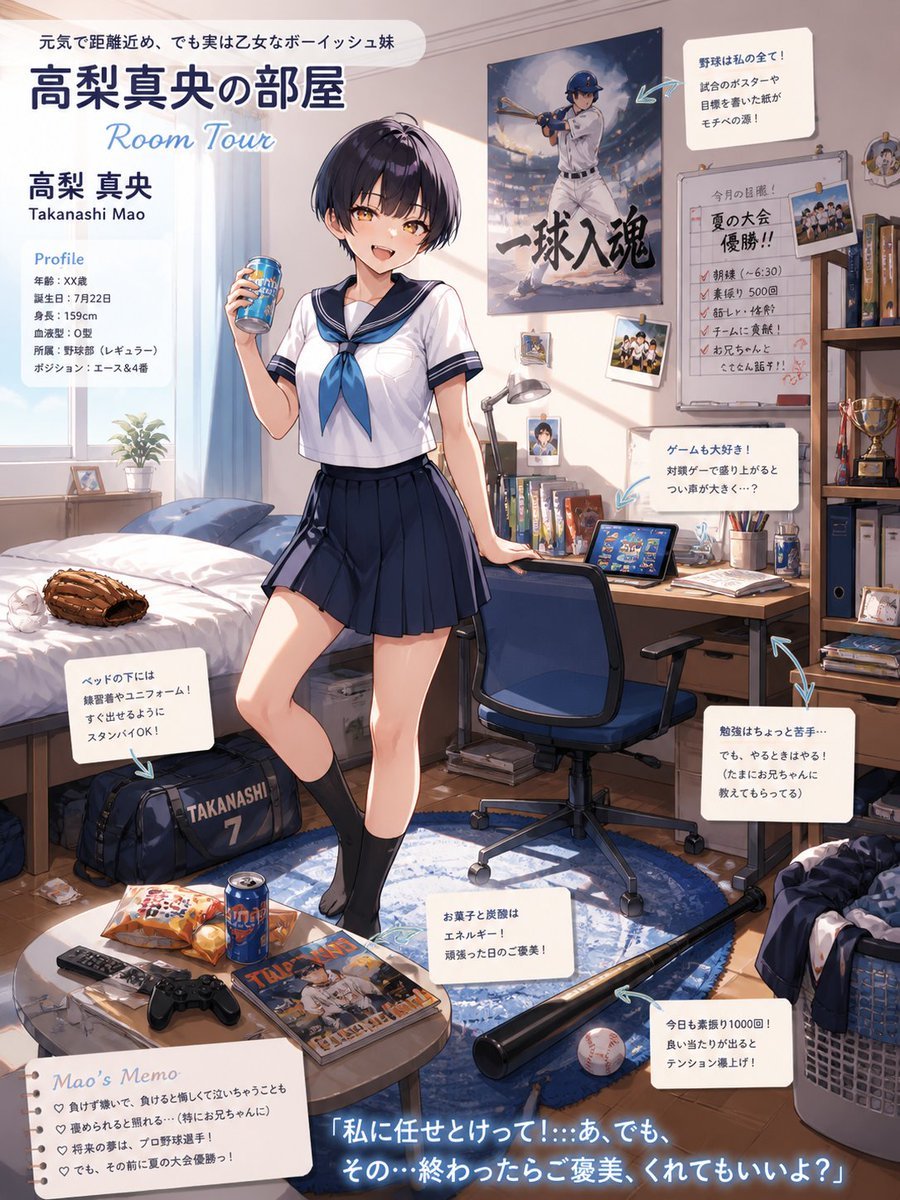
Anime Baseball Sister Room Tour

British Vogue Cover Style High-End Gentleman Portrait Prompt
Browse template categories
Anime Airship and Ghostly Holy Mother questions
How do I use the Anime Airship and Ghostly Holy Mother template?
Add your photo if the template asks for one, edit the prompt if you like — the template's model and format are already selected — and press Generate. Your version opens in PicX Studio.
Can I customize the Anime Airship and Ghostly Holy Mother template?
Yes. You can change the subject, setting, lighting, mood, format, and available model controls before creating your image.
Is the Anime Airship and Ghostly Holy Mother template free?
Opening and editing this template is free. Generating uses credits, shown on the Generate button when you are signed in.
Which AI model should I use?
Start with GPT Image 2, which is the model associated with this template. You can compare another compatible model for a different finish.
Looking for something else? Browse all templates.

Your photo, any look
Thousands of ready templates for every top image and video model, from one credit balance.