
Flash Photo School Hallway Uniform
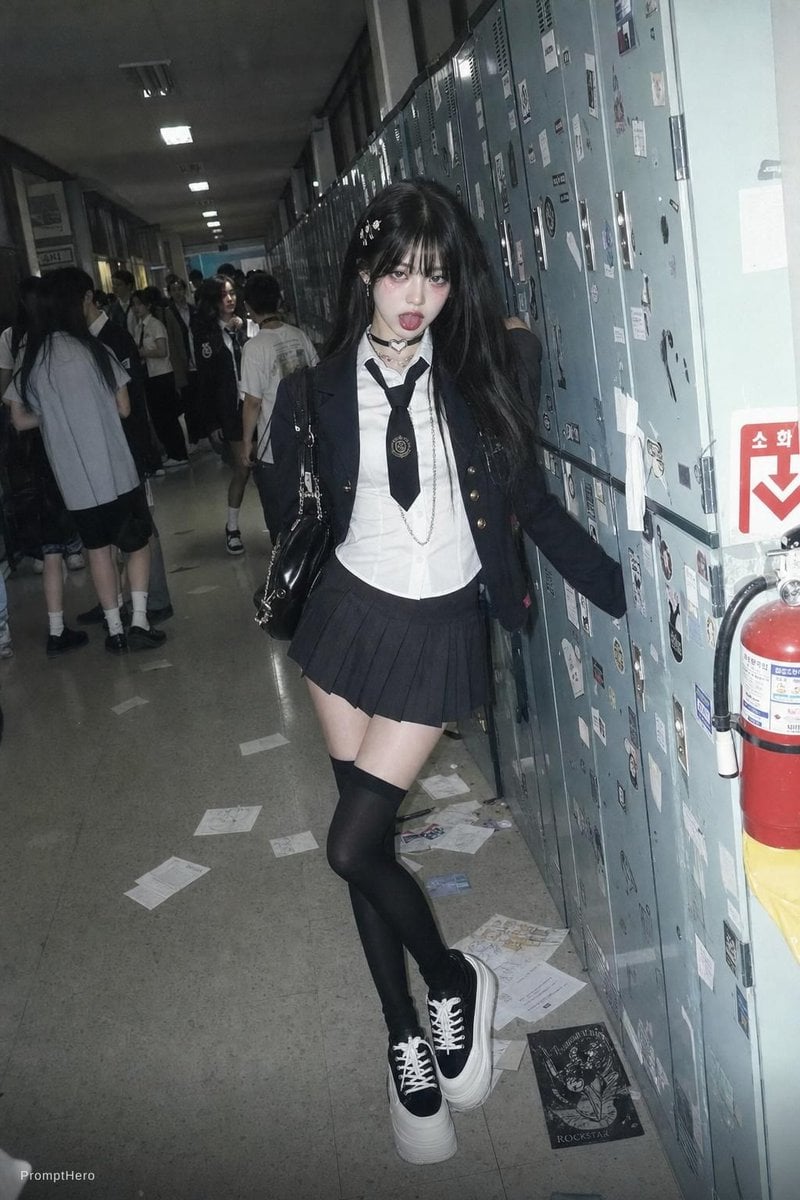
Generates a raw candid flash-photo scene of an anonymized student in a dark school uniform posing beside sticker-covered lockers in a crowded hallway.
- Prompt included
- Model and format preset
- Free template
The prompt behind this image
Copy the exact prompt behind Flash Photo School Hallway Uniform, or open it in the studio and make it yours.
Create a gritty flash-photography candid photo in a dim high school hallway, vertical 2:3 aspect ratio, with a teenage student in a dark Korean/Japanese-inspired school uniform posing full-body beside a long wall of pale blue-gray metal lockers covered with stickers, labels, tape marks, doodles, and scratches. The main subject is centered slightly right, leaning one hand against the lockers with one leg crossed in front, wearing {argument name="school uniform style" default="black blazer with gold buttons, white button-up shirt, loose black necktie with a crest, dark pleated mini skirt"}, black thigh-high socks, chunky black-and-white platform sneakers, and carrying a glossy black shoulder bag with silver chain straps. She has {argument name="hair color and style" default="long messy black hair with small white hair clips"}; her face is intentionally anonymized by a square gray blur. The corridor recedes deeply into the background with fluorescent ceiling lights, reflective gray floor tiles, scattered papers on the floor, and groups of other students in uniforms standing and talking on the left side, their faces also soft or blurred. On the right edge include a red fire extinguisher and a Korean emergency sign with a downward arrow. Use a raw 2000s digital-camera look: harsh direct flash, cool desaturated colors, strong shadows, slight grain, imperfect composition, realistic school clutter, no glamour retouching, documentary snapshot mood. Add a small subtle watermark-like text reading {argument name="watermark text" default="PromptHero"} in the bottom-left corner.
How to use Flash Photo School Hallway Uniform in 3 steps
- 1Upload ImagePNG, JPG or paste
Add your photo
Upload the photo the template builds on. The prompt, model and format are already set.
- 2…a portrait of your subject in softgolden-hour light, 85mm…
Personalize
Edit the subject and creative details for your destination.
- 3Generate
Generate
Press Generate — your image is created in PicX Studio, so you can compare it with the original and refine one variable at a time.
More like this
Templates with the same subject, style or setup. Open one to see its prompt.
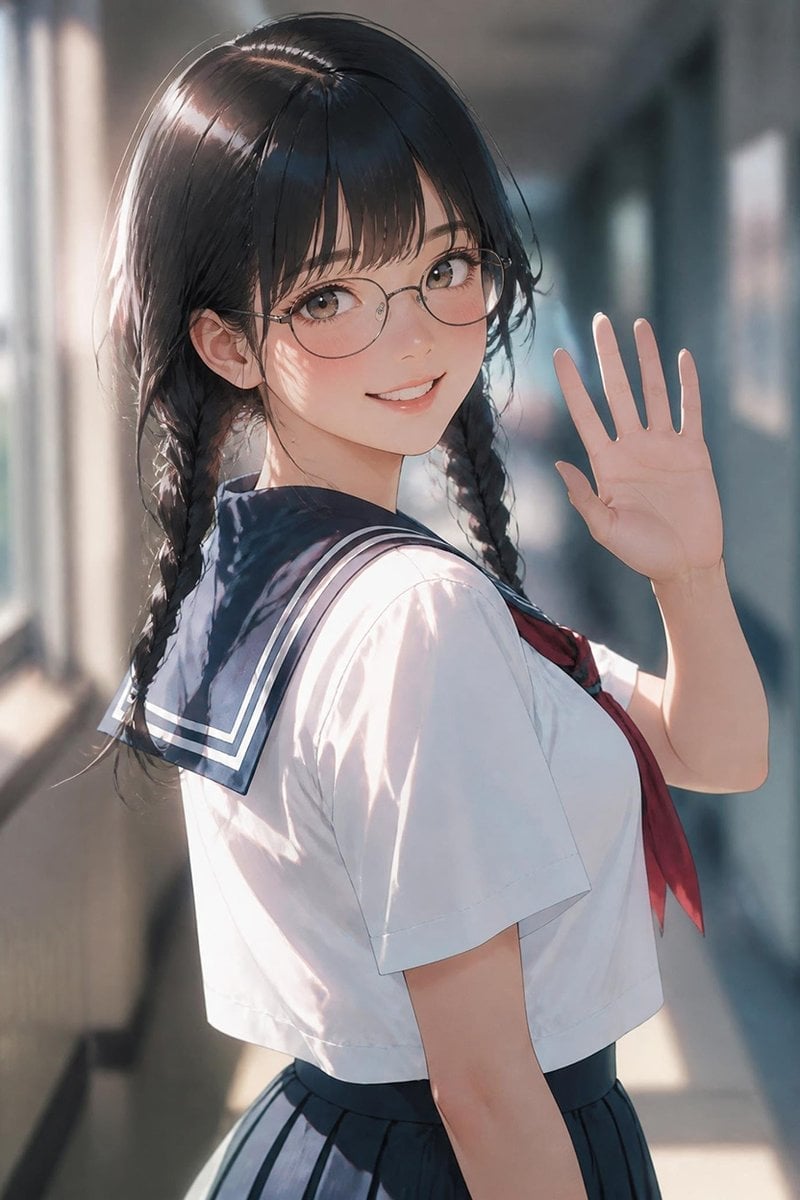
Waving Schoolgirl in Sunlit Hallway
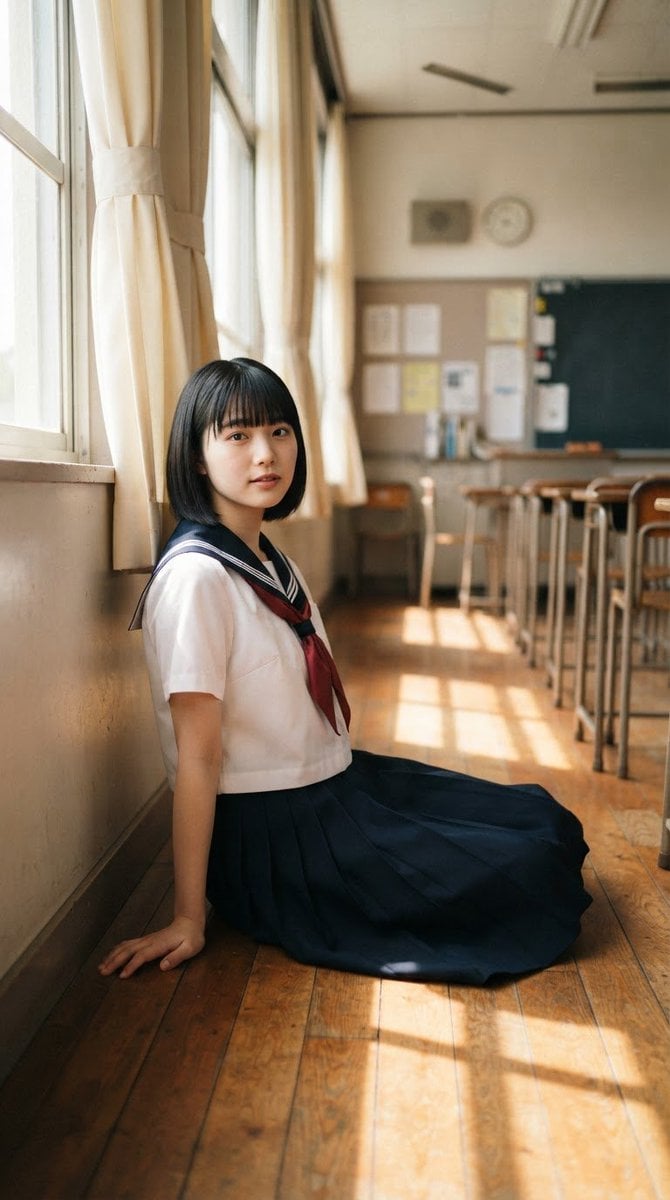
Japanese School Uniform Classroom Portrait
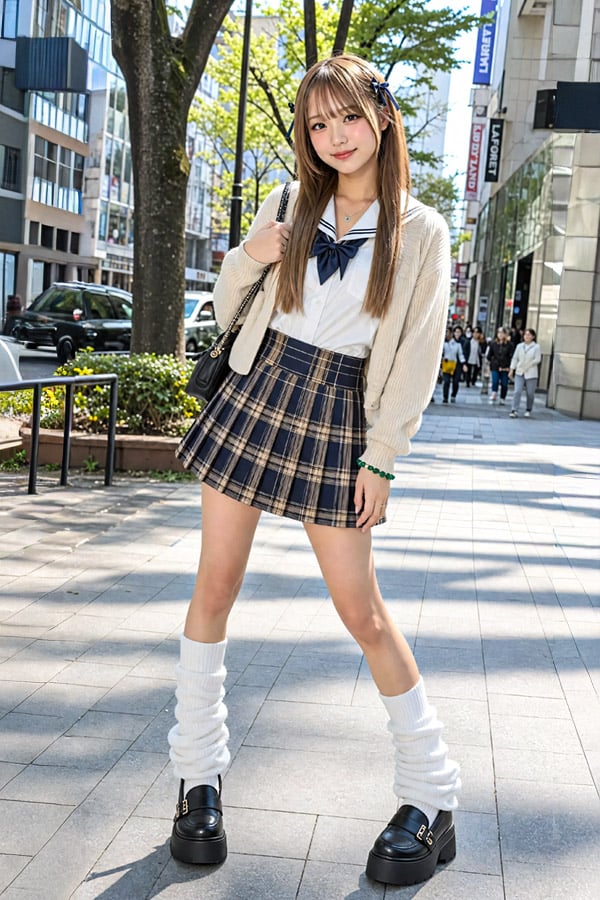
Japanese Street Fashion School Uniform
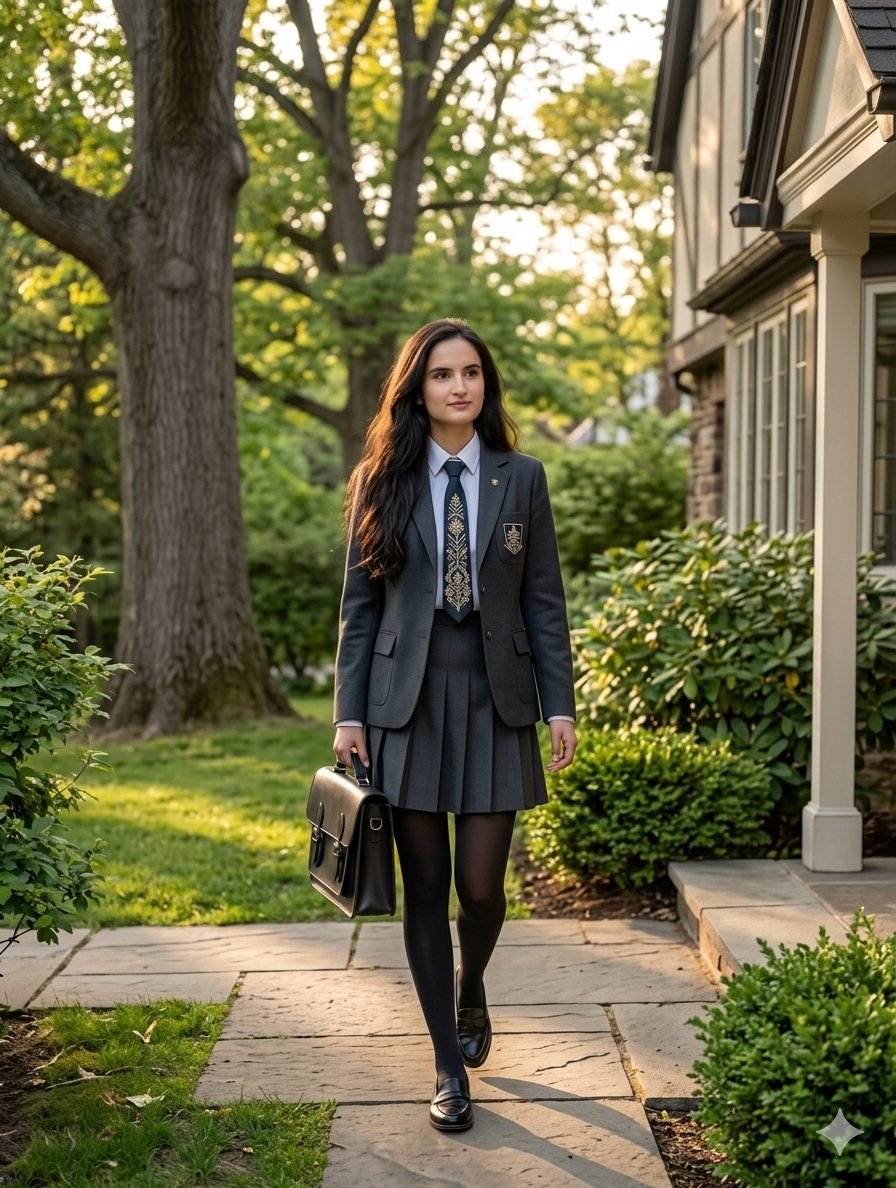
Private School Uniform Portrait

Nostalgic Digicam Café Afternoon Portrait
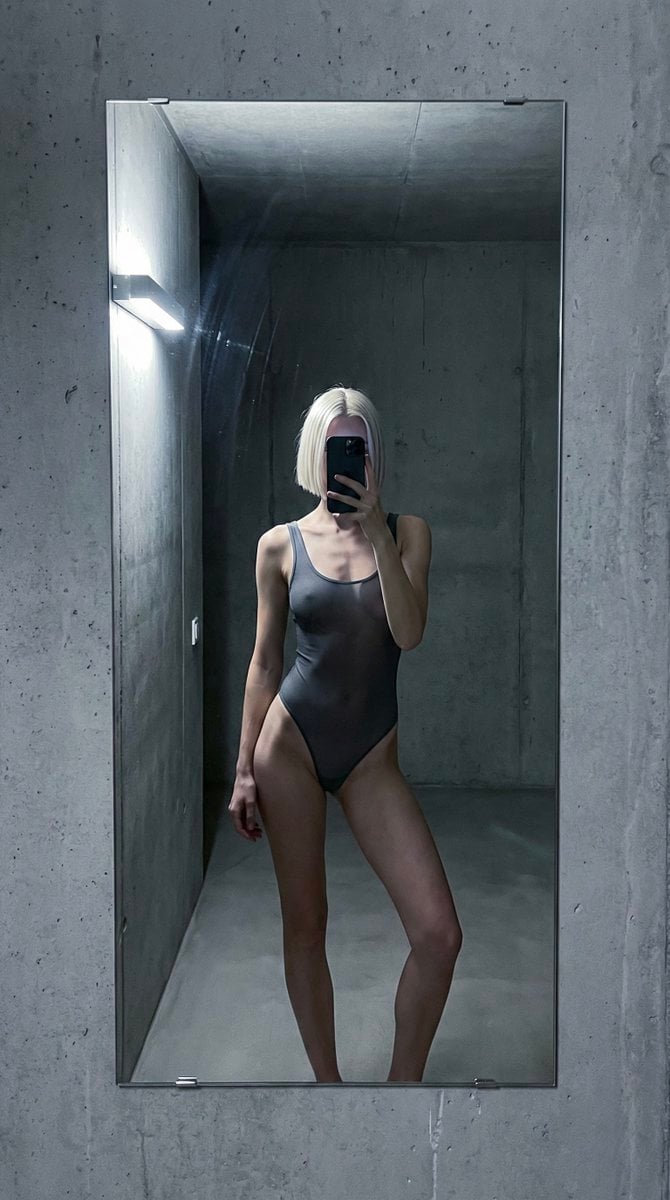
Concrete Hallway Editorial Mirror Selfie
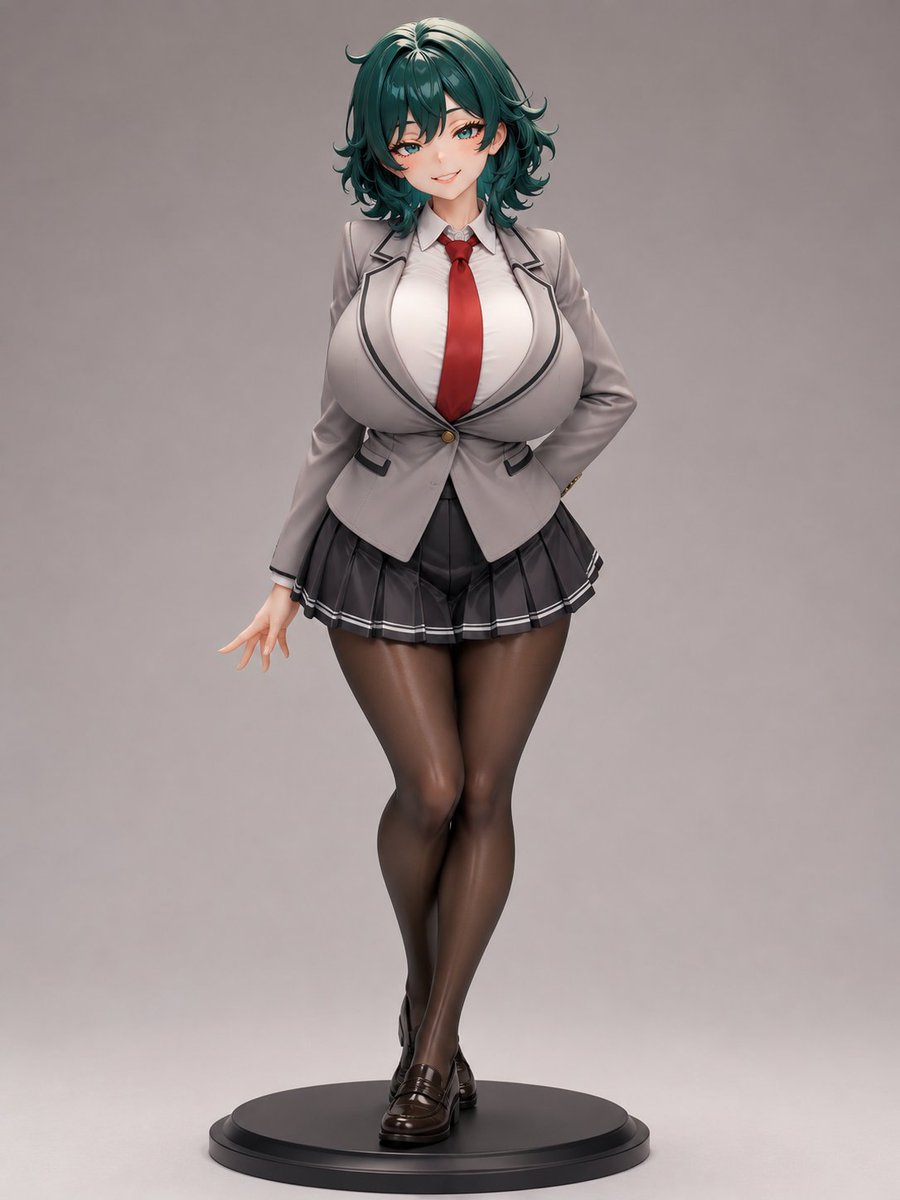
Anime School Uniform Figurine
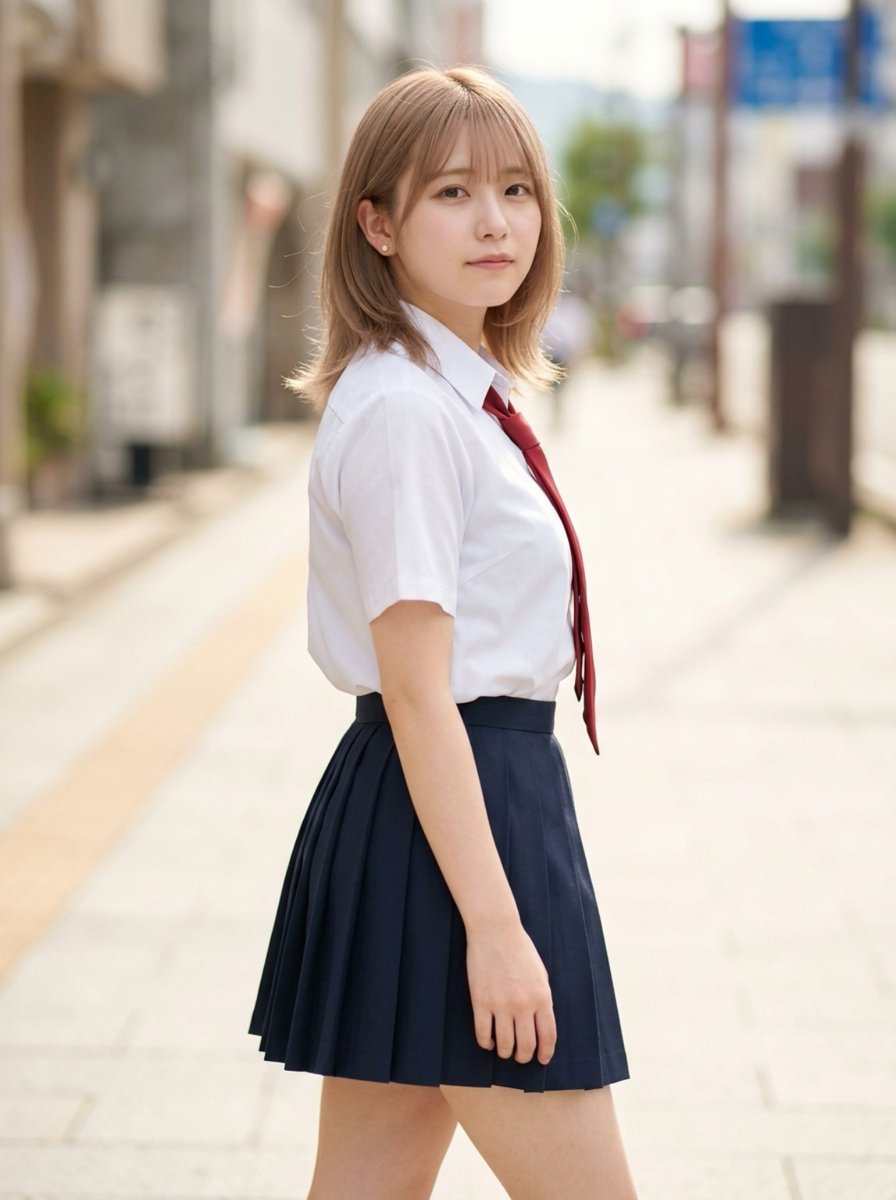
Censored School Uniform Street Portrait
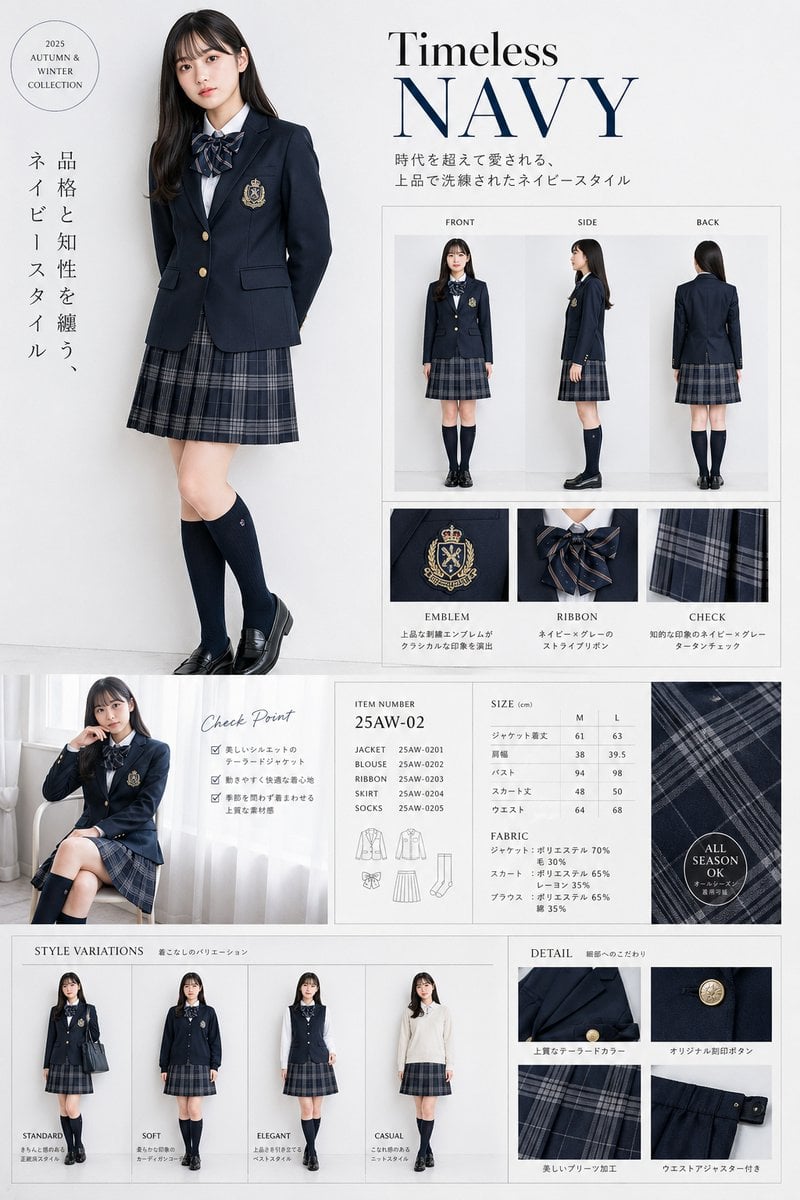
Luxury Navy School Uniform Catalog
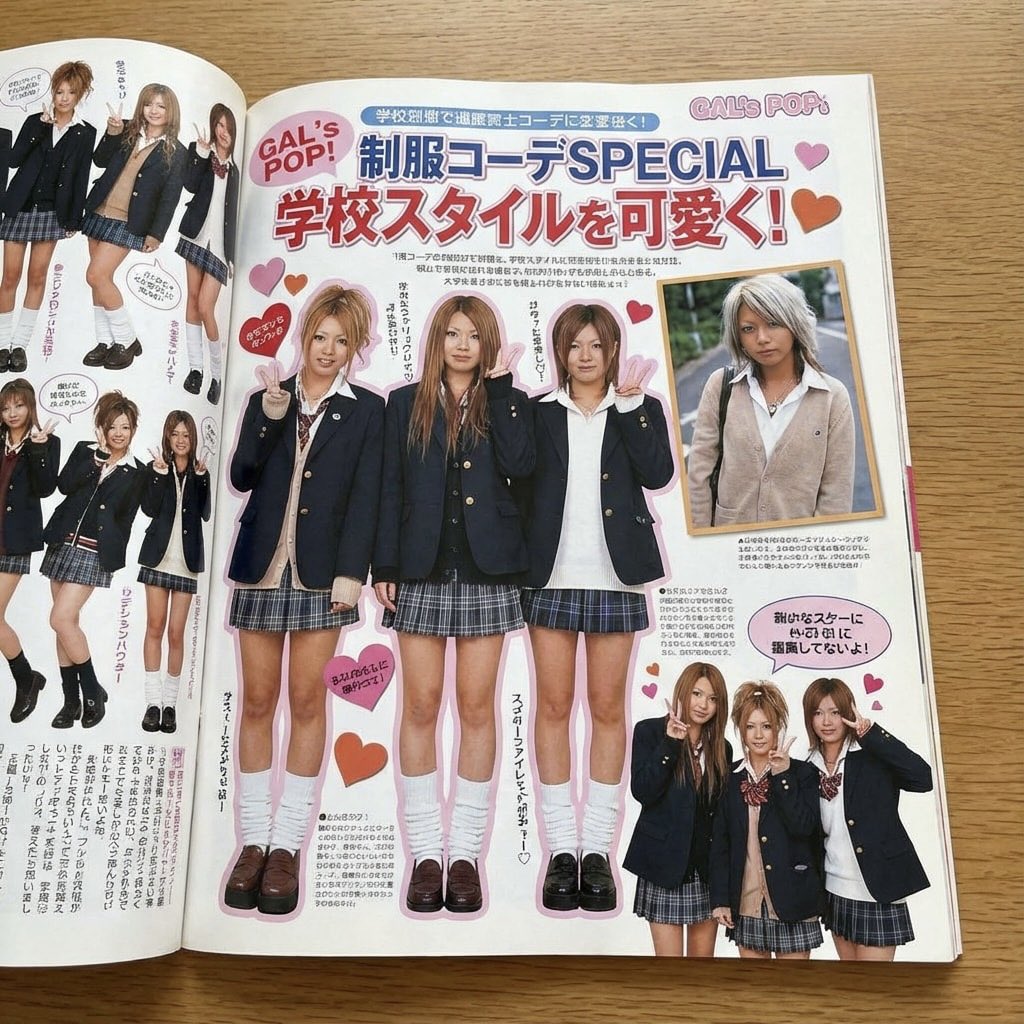
Japanese gyaru magazine spread on school uniforms
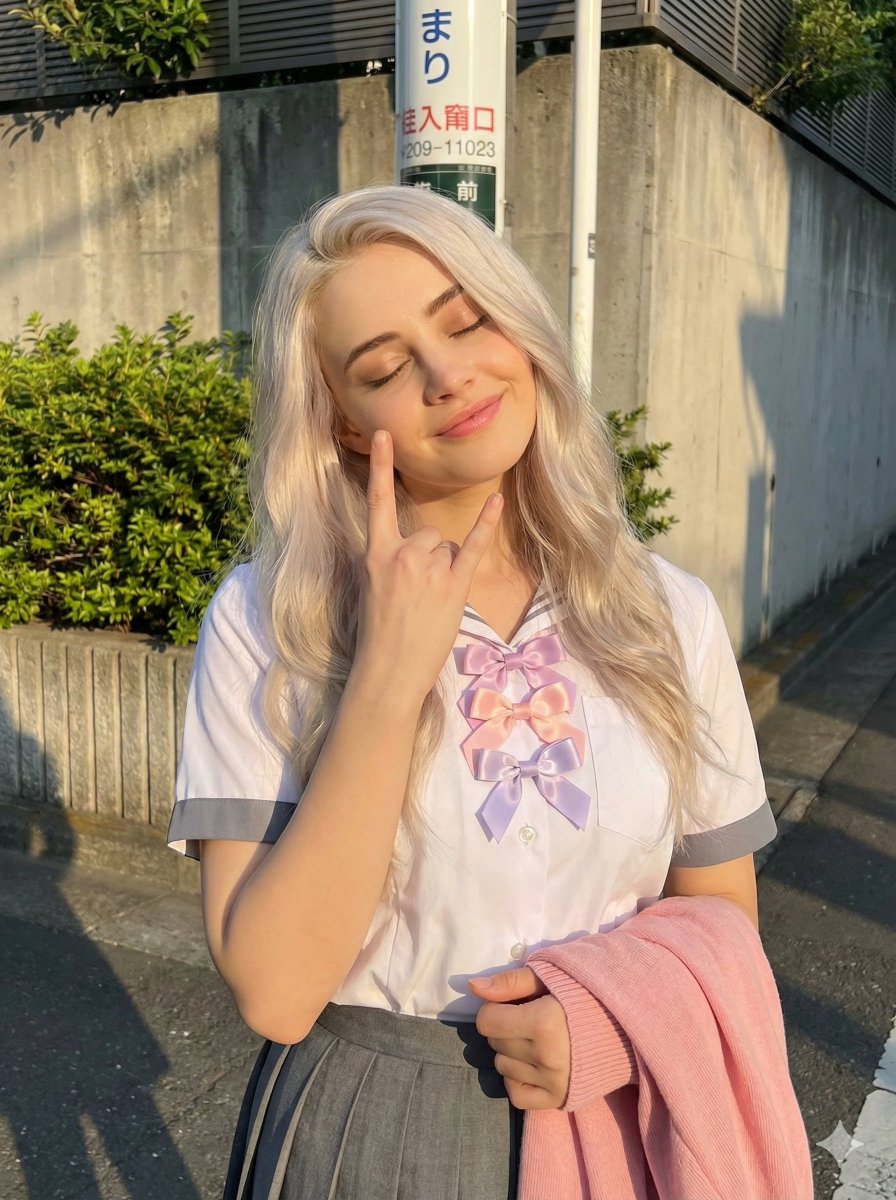
Golden Hour School Uniform 'Rock On' Portrait
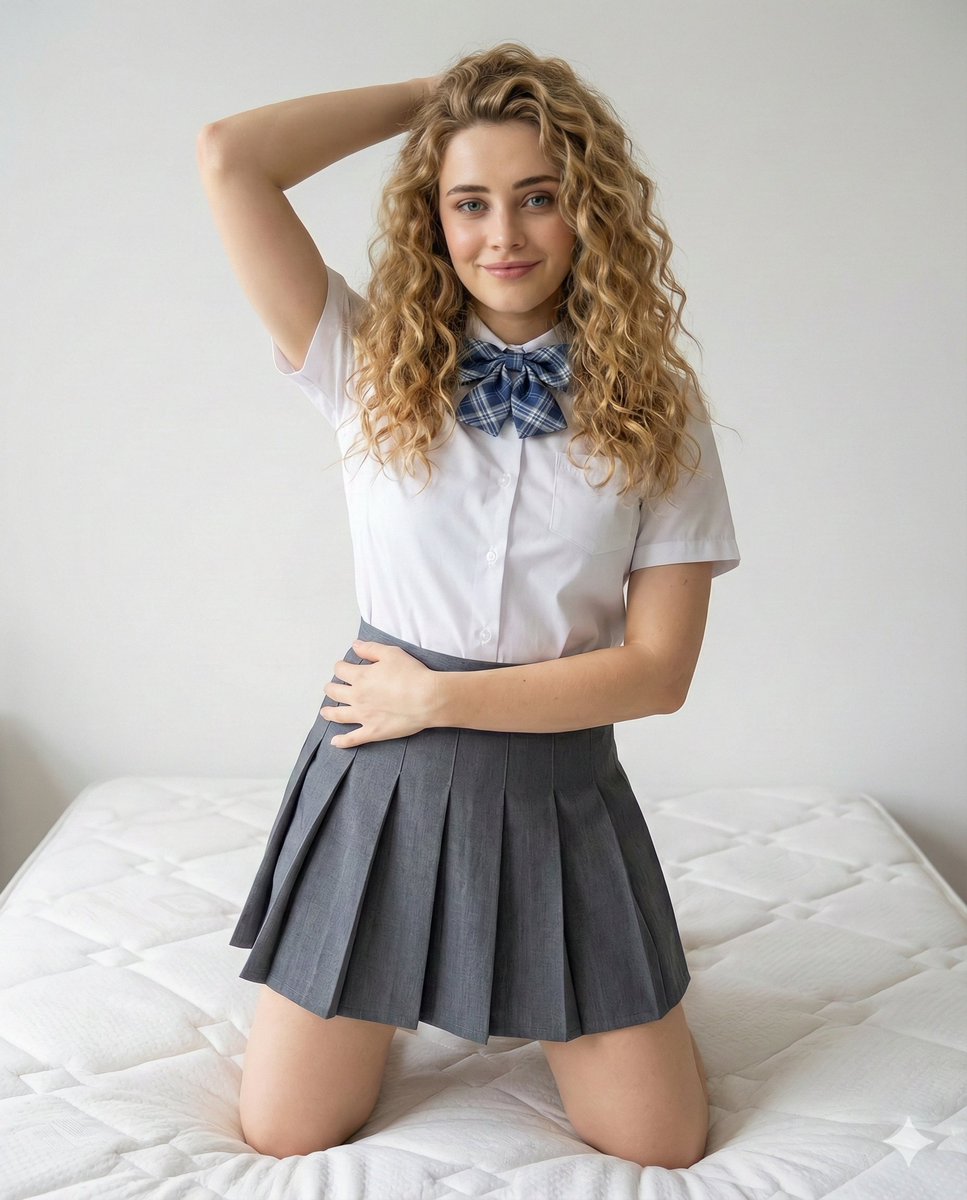
School Uniform Portrait on White Mattress
Make it yours
Flash Photo School Hallway Uniform works as-is. These are the safest ways to change it without losing the look.
Change one field
Copy a single group, rewrite it, and generate again so you can see what that field is doing.
Keep the frame, change the subject
Hold the composition and light of Flash Photo School Hallway Uniform, then swap wardrobe, props or the person for a new take.
| If the result… | Why | Fix |
|---|---|---|
| The result drifts from the preview | Too many fields changed at once. | Reuse Flash Photo School Hallway Uniform as-is first, then change one group — subject, light, or setting. |
| The model over-stylizes the scene | The prose prompt leaves finish and camera underspecified. | Add one camera or lighting sentence and stay on GPT Image 2. |
More GPT Image 2 templates
Other prompts made for GPT Image 2.

Six VTuber Japanese Logo Sheet

Realistic Portrait of Woman and Deer

The Vista Modular Condo Poster

AI Model Routing Comparison Infographic

2.5D Anime Art Board

Isometric Productivity Desk Scene

New York Double Exposure Poster

Four-Panel AI Landscape Comparison

Japanese Tatami Lifestyle Magazine Cover

NESCAFÉ Coffee Map Poster
More image prompts
Fresh picks from across the catalog.

Codex Product Update Poster
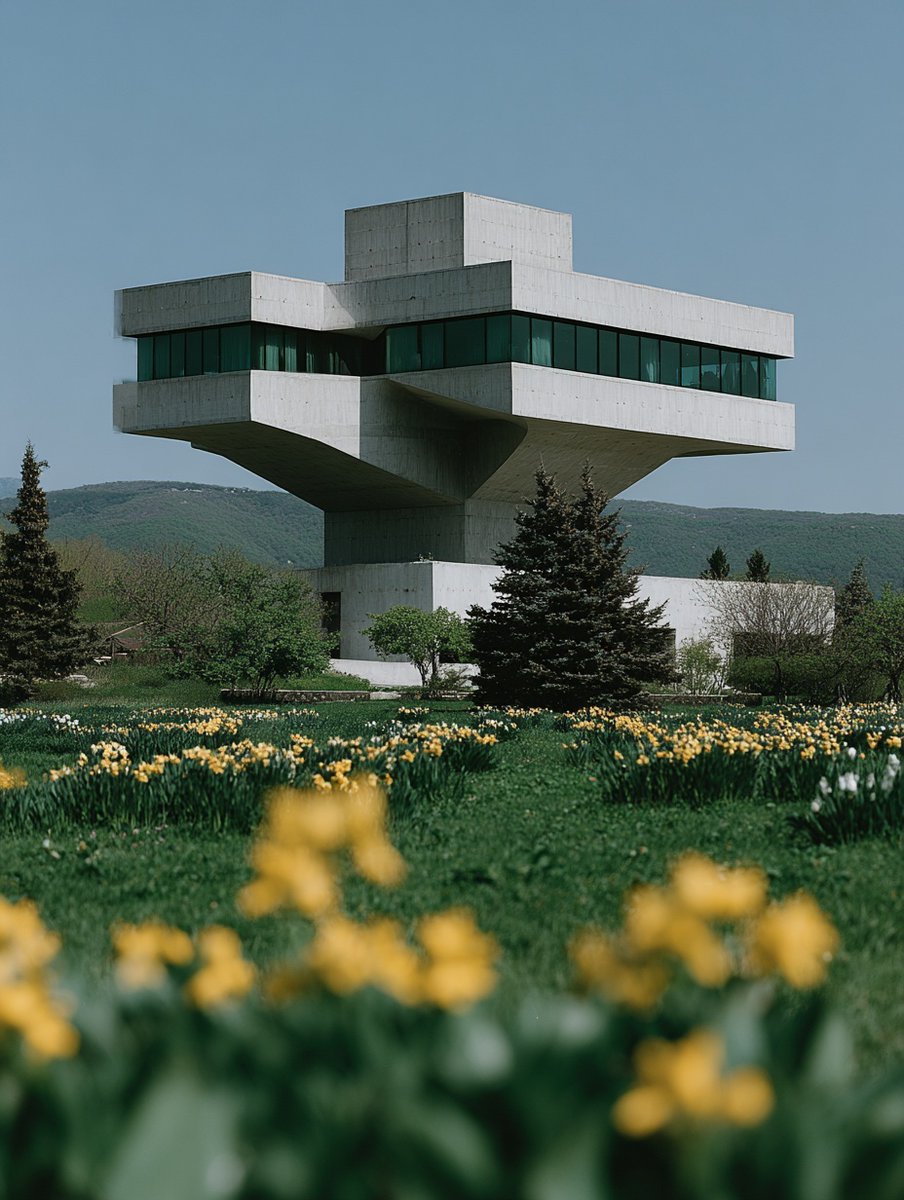
Building Construction Visualization
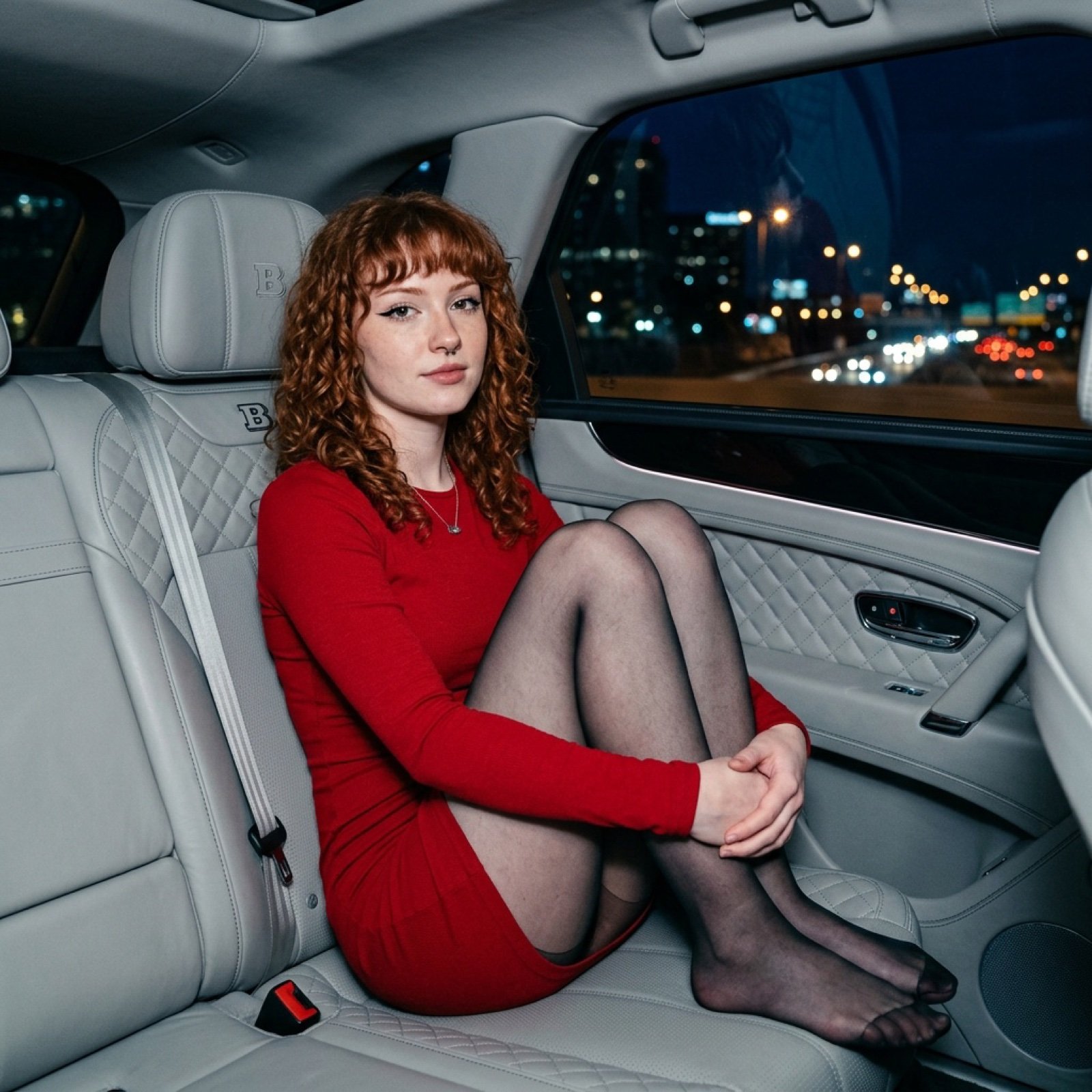
Luxury Car Night Portrait with Direct Flash Photography

Godzilla in Tokyo Skytree District, 70s Style
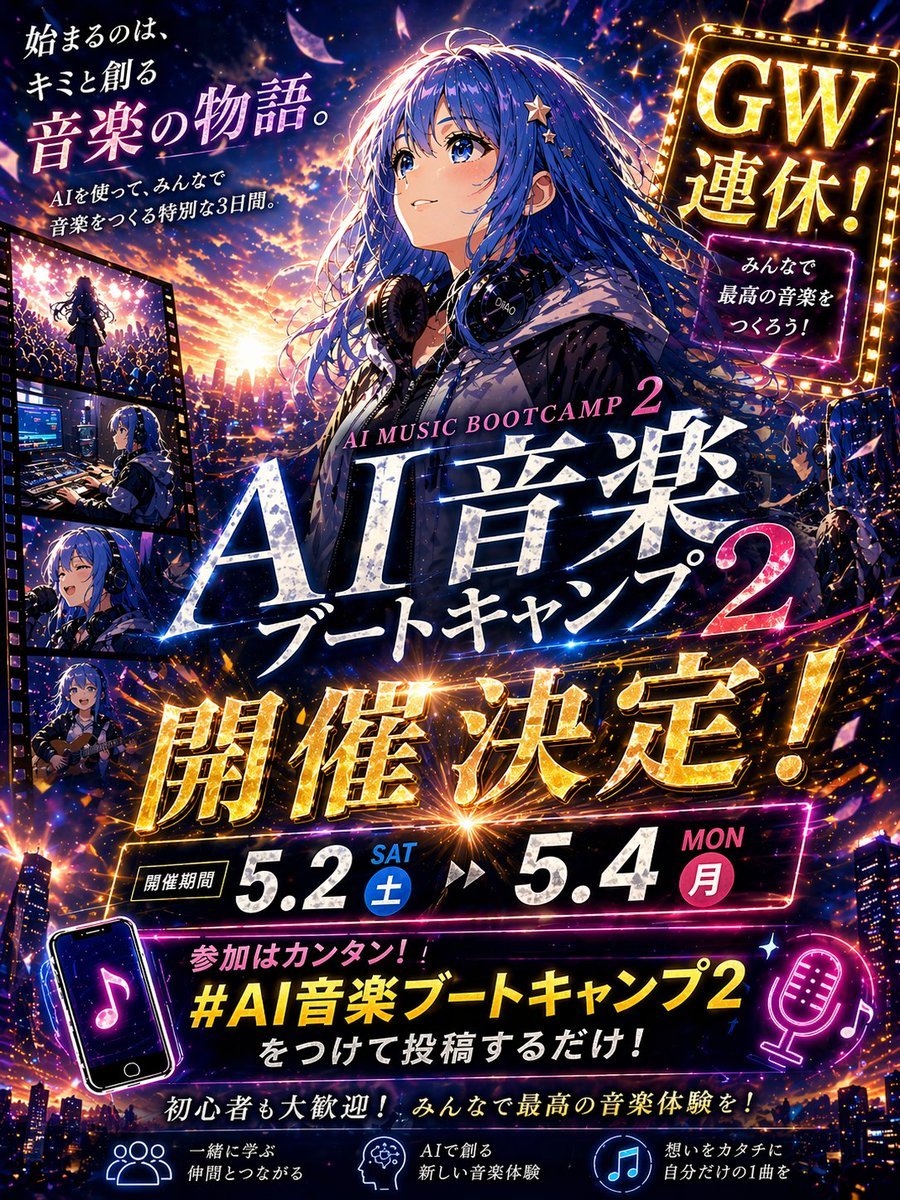
Anime Music Bootcamp Promo Poster

Cinematic Broken Clock Scene Portrait for Nano Banana 2
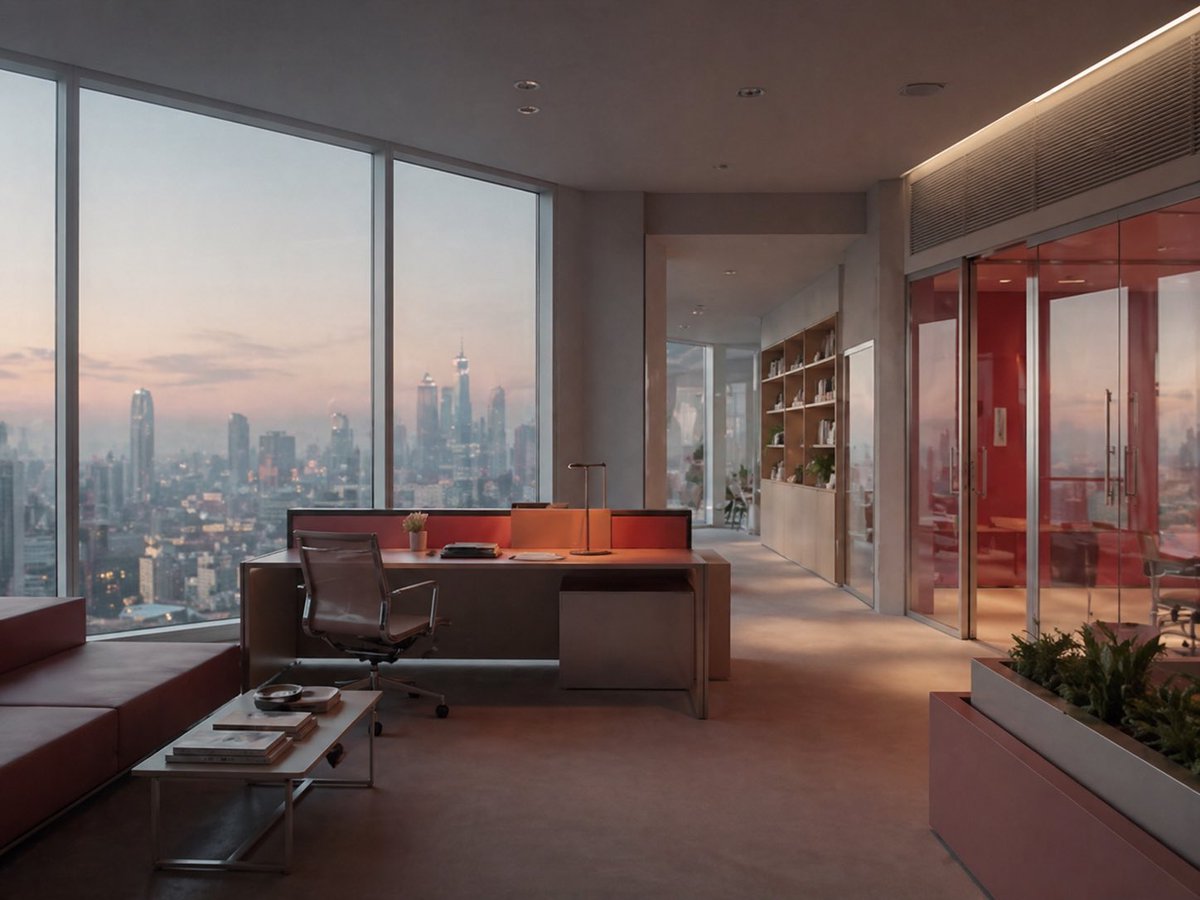
Luxury Office at Dusk Skyline View
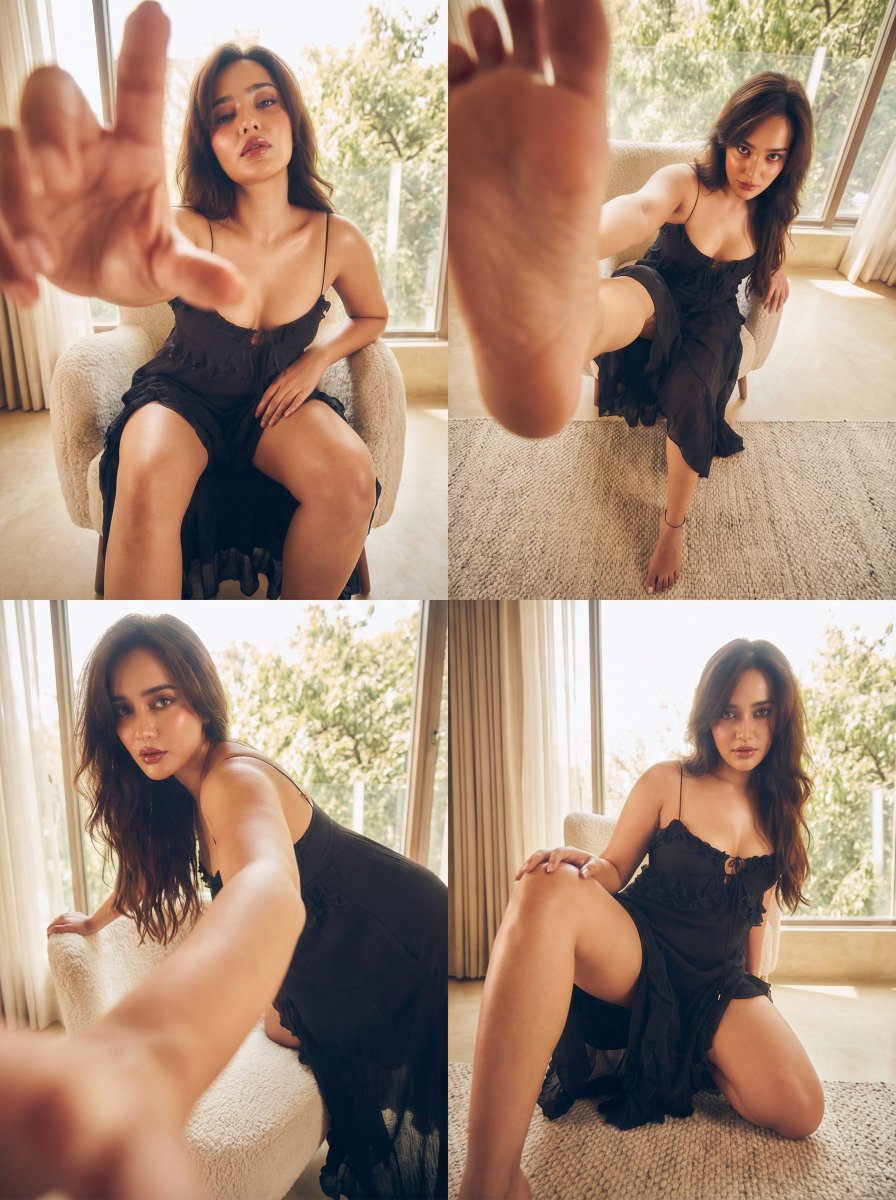
Dramatic Character Transformation Prompt
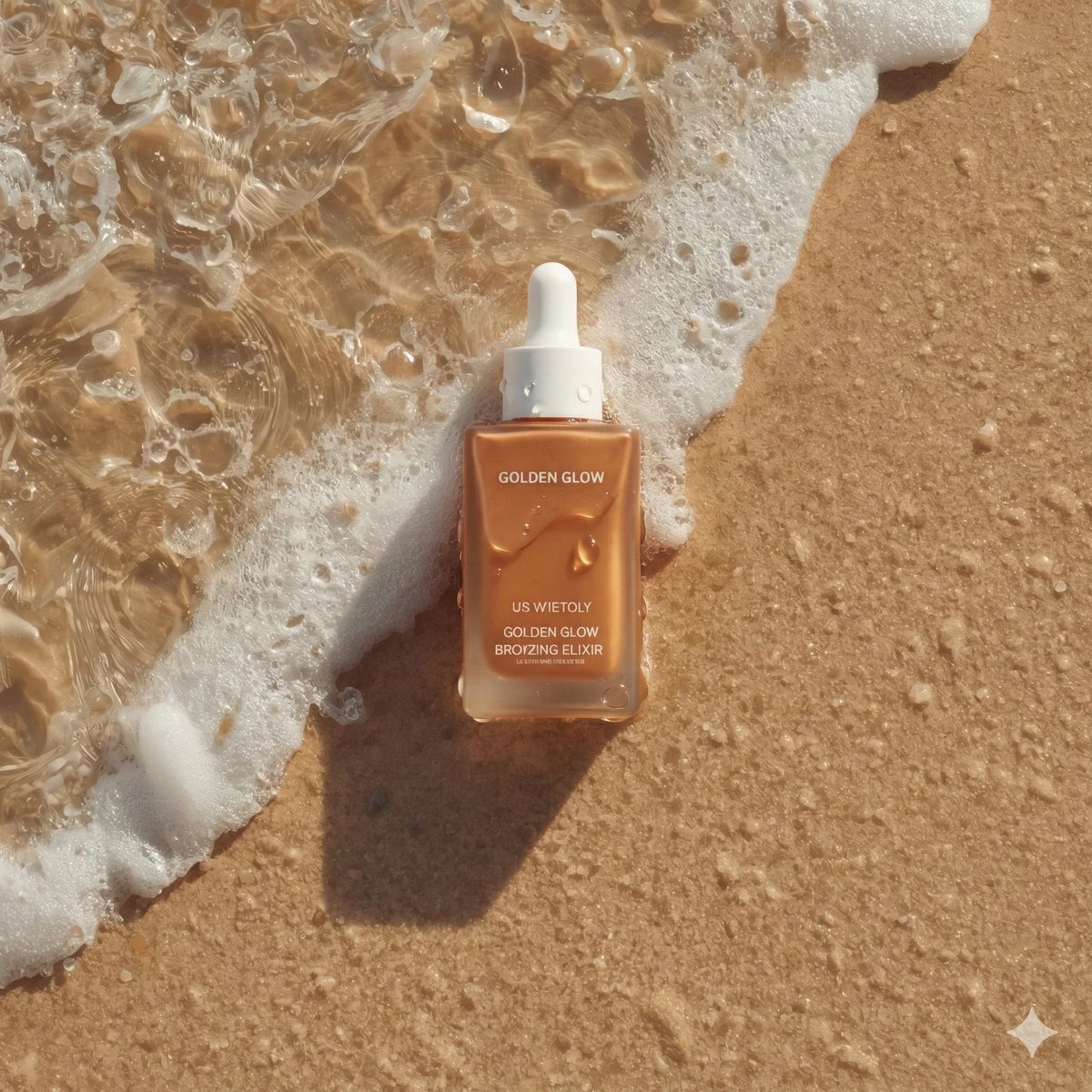
Ultra-Realistic Skincare Product Photography on Wet Beach Sand
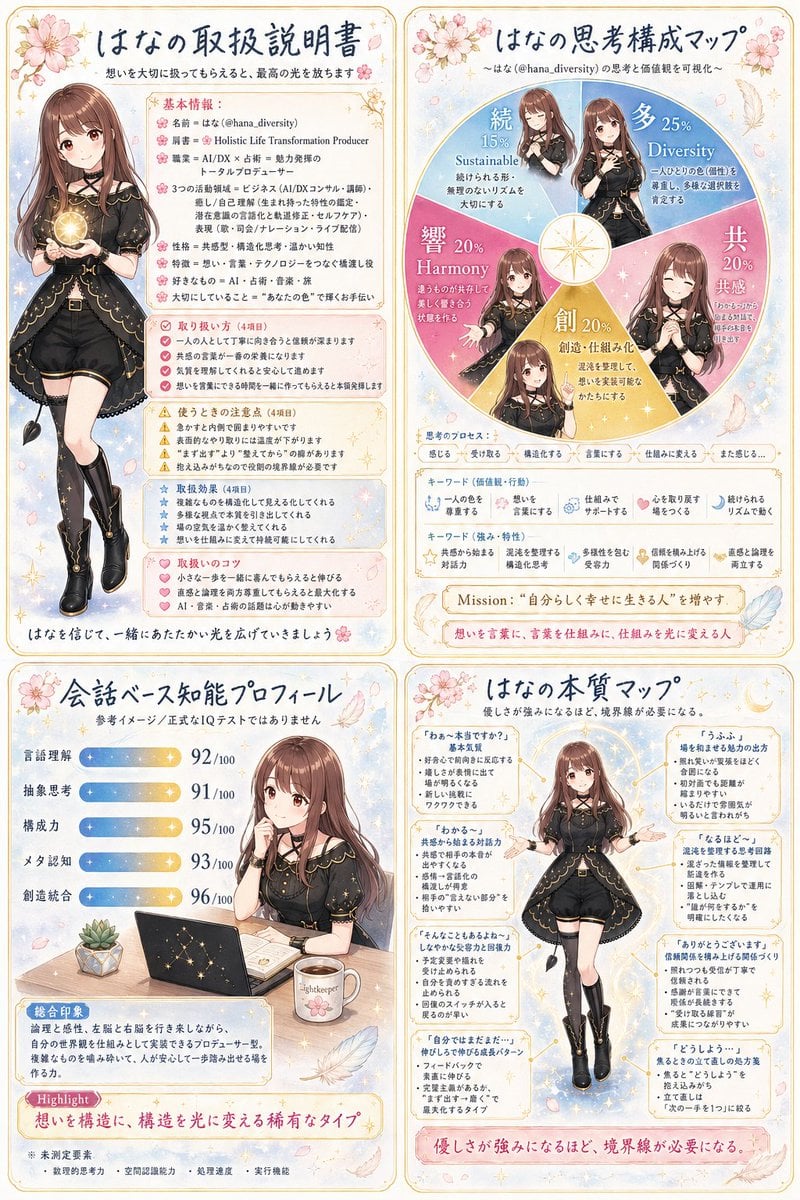
Anime Personality Infographic Poster
Browse template categories
Flash Photo School Hallway Uniform questions
How do I use the Flash Photo School Hallway Uniform template?
Add your photo if the template asks for one, edit the prompt if you like — the template's model and format are already selected — and press Generate. Your version opens in PicX Studio.
Can I customize the Flash Photo School Hallway Uniform template?
Yes. You can change the subject, setting, lighting, mood, format, and available model controls before creating your image.
Is the Flash Photo School Hallway Uniform template free?
Opening and editing this template is free. Generating uses credits, shown on the Generate button when you are signed in.
Which AI model should I use?
Start with GPT Image 2, which is the model associated with this template. You can compare another compatible model for a different finish.
Looking for something else? Browse all templates.

Your photo, any look
Thousands of ready templates for every top image and video model, from one credit balance.