
Anime Impact Battle Scene
Generates a cinematic anime illustration of a masked twin-braided fighter slamming a pink-haired magical girl into shattered ground for dramatic action scenes.
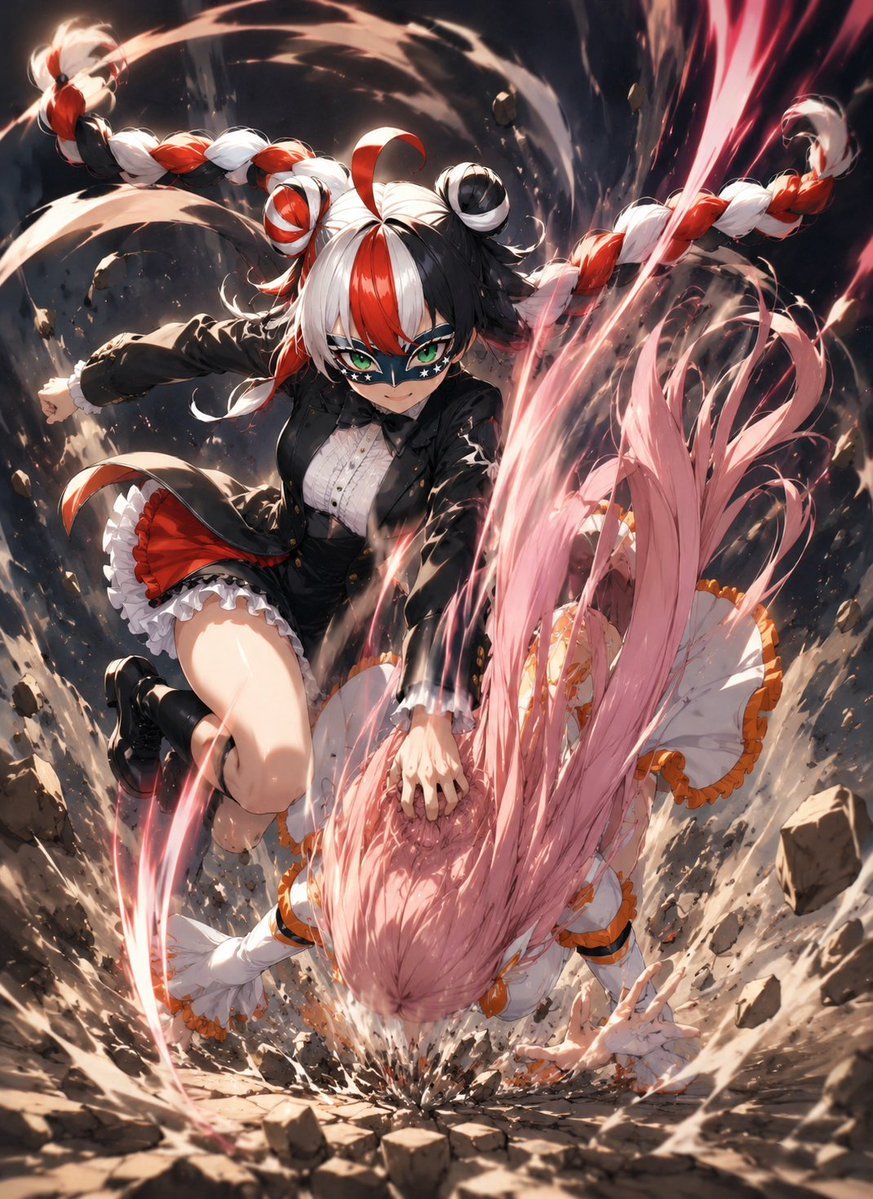
- Prompt included
- Model and format preset
- Free template
The prompt behind this image
Copy the exact prompt behind Anime Impact Battle Scene, or open it in the studio and make it yours.
Create a dynamic high-detail anime battle illustration showing {argument name="attacker name" default="Origin-sama"} violently slamming {argument name="victim name" default="a pink-haired magical girl"} headfirst into a cracked stone floor. The attacker is a fierce young woman with split black-and-white hair accented by vivid red streaks, long thick twin braids whipping outward like ropes, small round hair buns, sharp teal eyes, and a black star-pattern mask across her eyes. She wears a black tailored jacket over a white ruffled blouse, a short black skirt with red lining and white frills, black shoes, and a dramatic combat pose with one knee raised while her hand grips the victim’s head. The victim has very long flowing pastel pink hair, a frilly white magical-girl dress with orange trim and ribbons, white gloves, and is shown upside down at the moment of impact, one hand braced on the rubble. Emphasize the hit-reaction scene rather than a clean attack pose: the victim’s hair explodes across the foreground, the ground shatters into a crater, rocks and dust fly in all directions, and bright pink-red energy ribbons spiral around both characters. Use an intense low-angle vertical composition, cinematic foreshortening, motion blur, debris arcs, dramatic lighting, dark smoky background, glowing highlights, and polished modern anime rendering with extremely detailed fabric, hair strands, impact particles, and swirling shockwave effects. No text, no speech bubbles, no watermark.
How to use Anime Impact Battle Scene in 3 steps
- 1Upload ImagePNG, JPG or paste
Add your photo
Upload the photo the template builds on. The prompt, model and format are already set.
- 2…a portrait of your subject in softgolden-hour light, 85mm…
Personalize
Edit the subject and creative details for your destination.
- 3Generate
Generate
Press Generate — your image is created in PicX Studio, so you can compare it with the original and refine one variable at a time.
More like this
Templates with the same subject, style or setup. Open one to see its prompt.












Make it yours
Anime Impact Battle Scene works as-is. These are the safest ways to change it without losing the look.
Change one field
Copy a single group, rewrite it, and generate again so you can see what that field is doing.
Keep the frame, change the subject
Hold the composition and light of Anime Impact Battle Scene, then swap wardrobe, props or the person for a new take.
| If the result… | Why | Fix |
|---|---|---|
| The result drifts from the preview | Too many fields changed at once. | Reuse Anime Impact Battle Scene as-is first, then change one group — subject, light, or setting. |
| The model over-stylizes the scene | The prose prompt leaves finish and camera underspecified. | Add one camera or lighting sentence and stay on GPT Image 2. |
More GPT Image 2 templates
Other prompts made for GPT Image 2.

Six VTuber Japanese Logo Sheet

Realistic Portrait of Woman and Deer

The Vista Modular Condo Poster

AI Model Routing Comparison Infographic

2.5D Anime Art Board

Isometric Productivity Desk Scene

New York Double Exposure Poster

Four-Panel AI Landscape Comparison

Japanese Tatami Lifestyle Magazine Cover

NESCAFÉ Coffee Map Poster
More image prompts
Fresh picks from across the catalog.
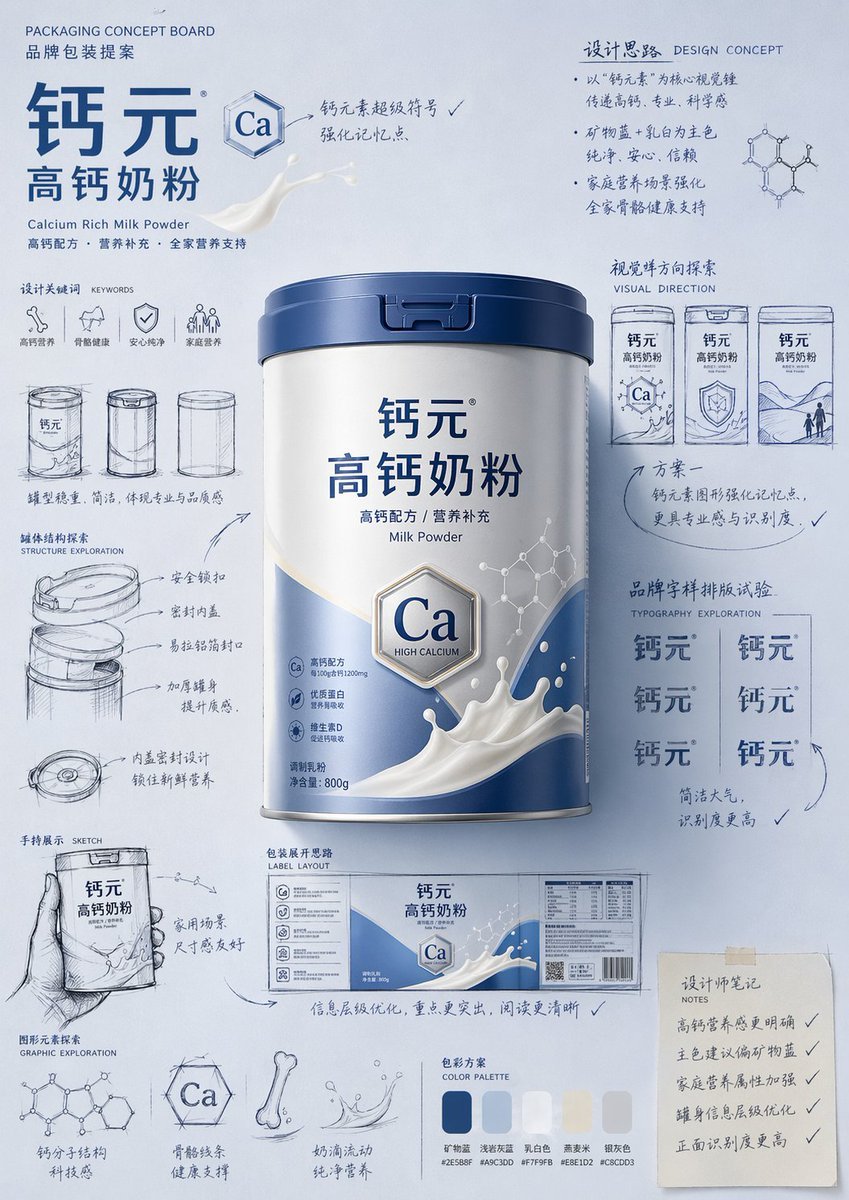
Packaging Design Proposal Board Prompt
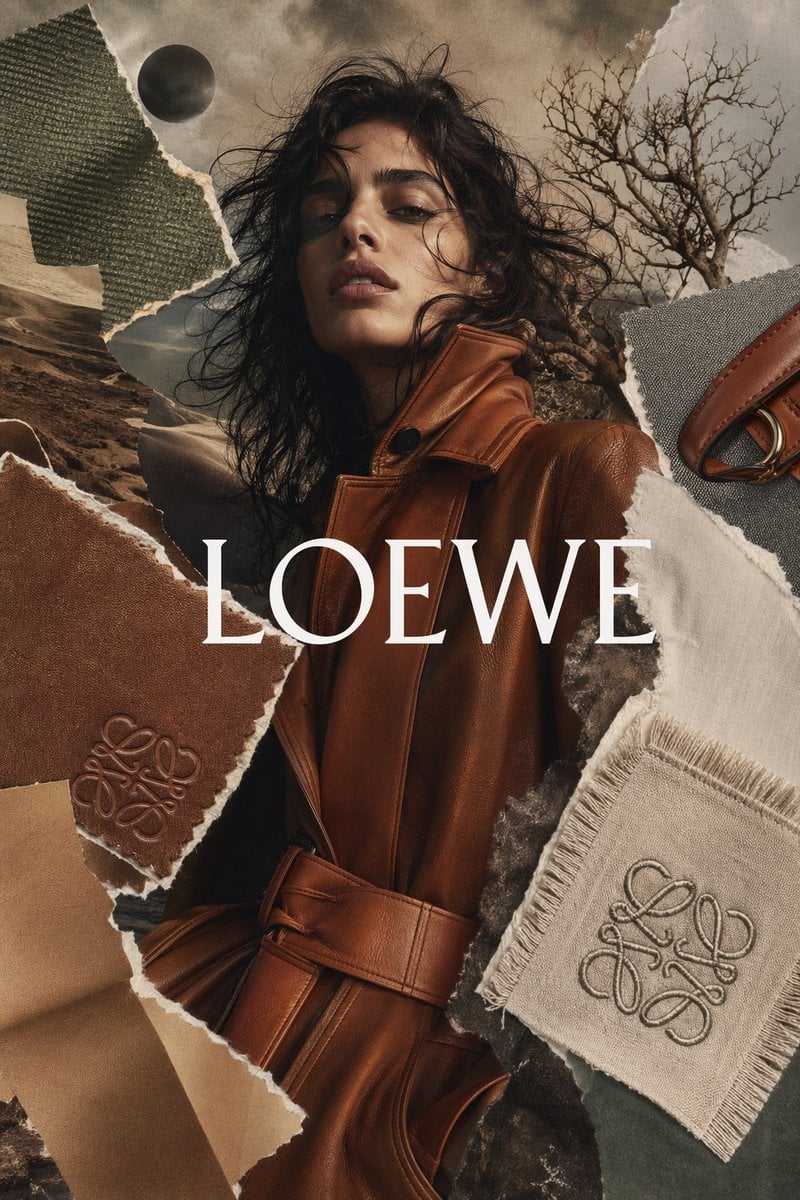
Luxury Fashion Torn-Paper Ad Collage
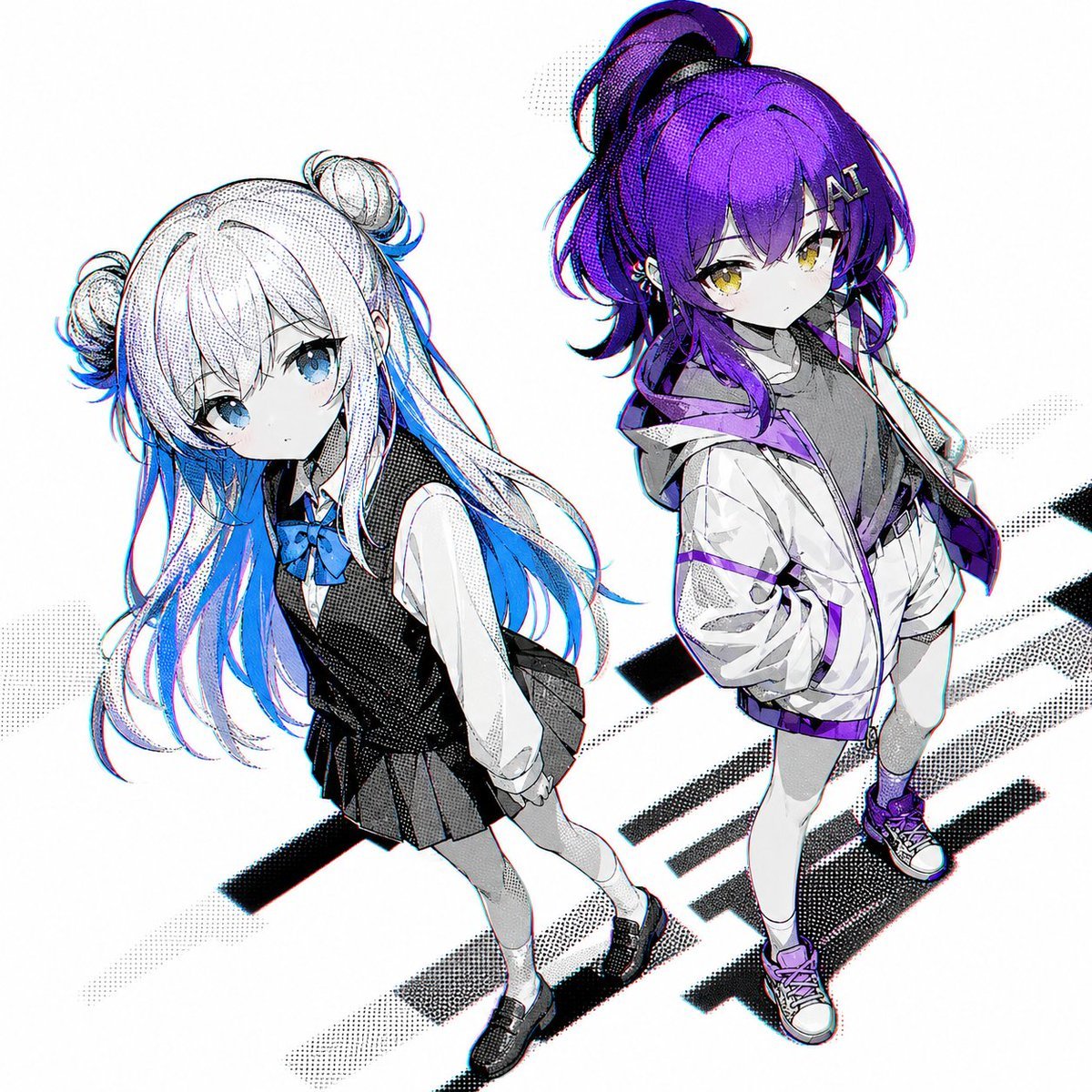
Two Anime Girls with Flashy Hair
Neon Number App Icon
Dreamy Van Rooftop Flower Field Portrait
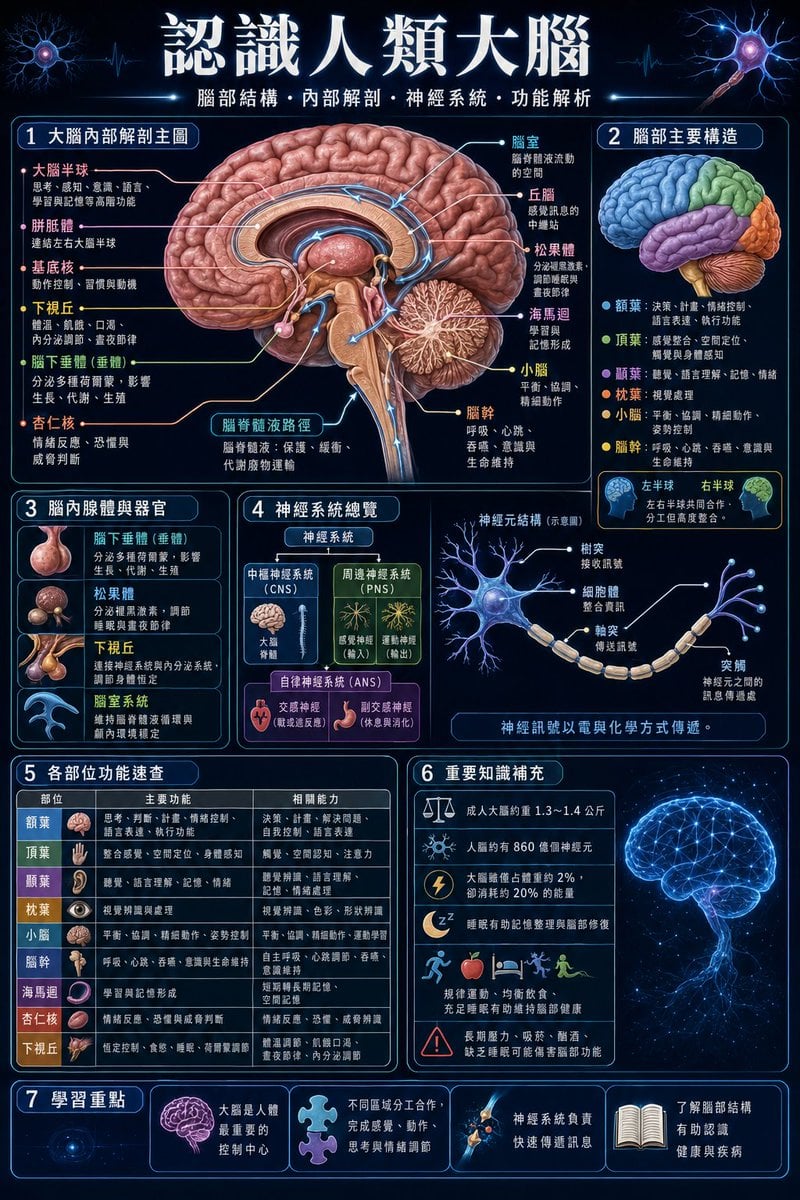
Traditional Chinese Human Brain Infographic
Hyper-realistic Portrait with Cinematic Lighting
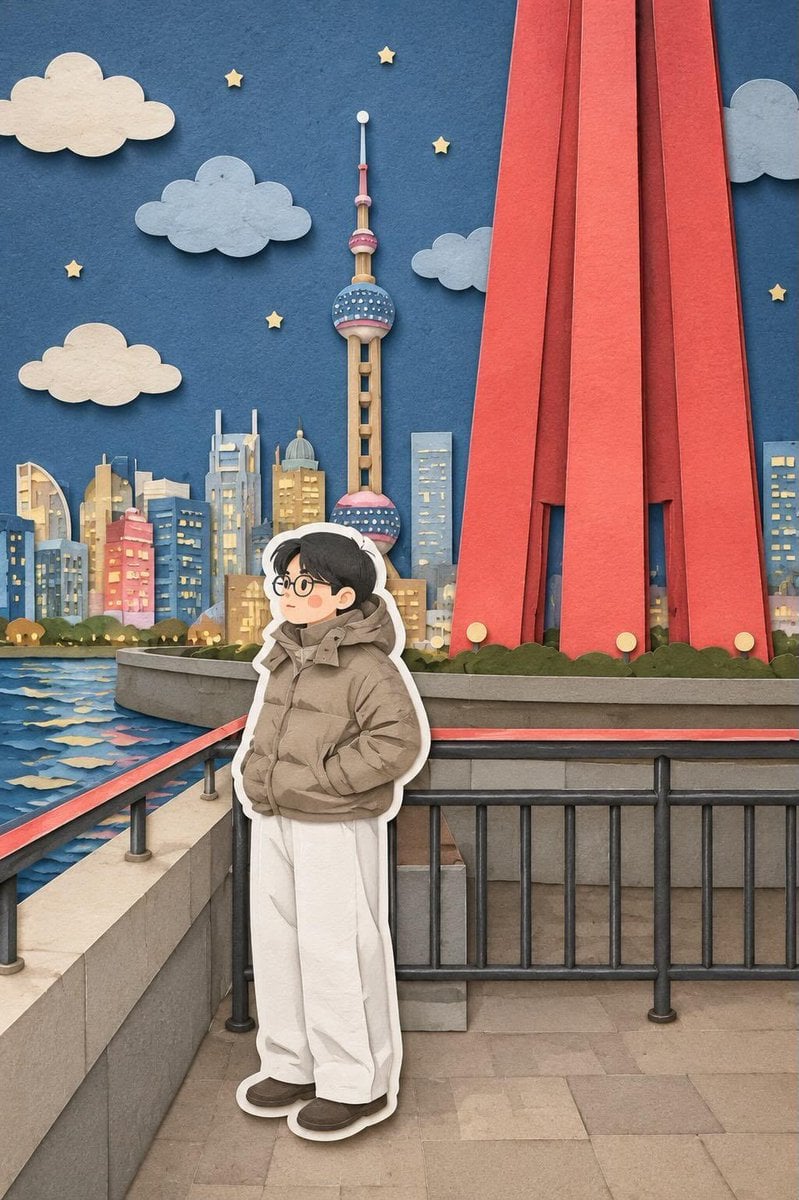
Paper-Cut Layered Illustration Style
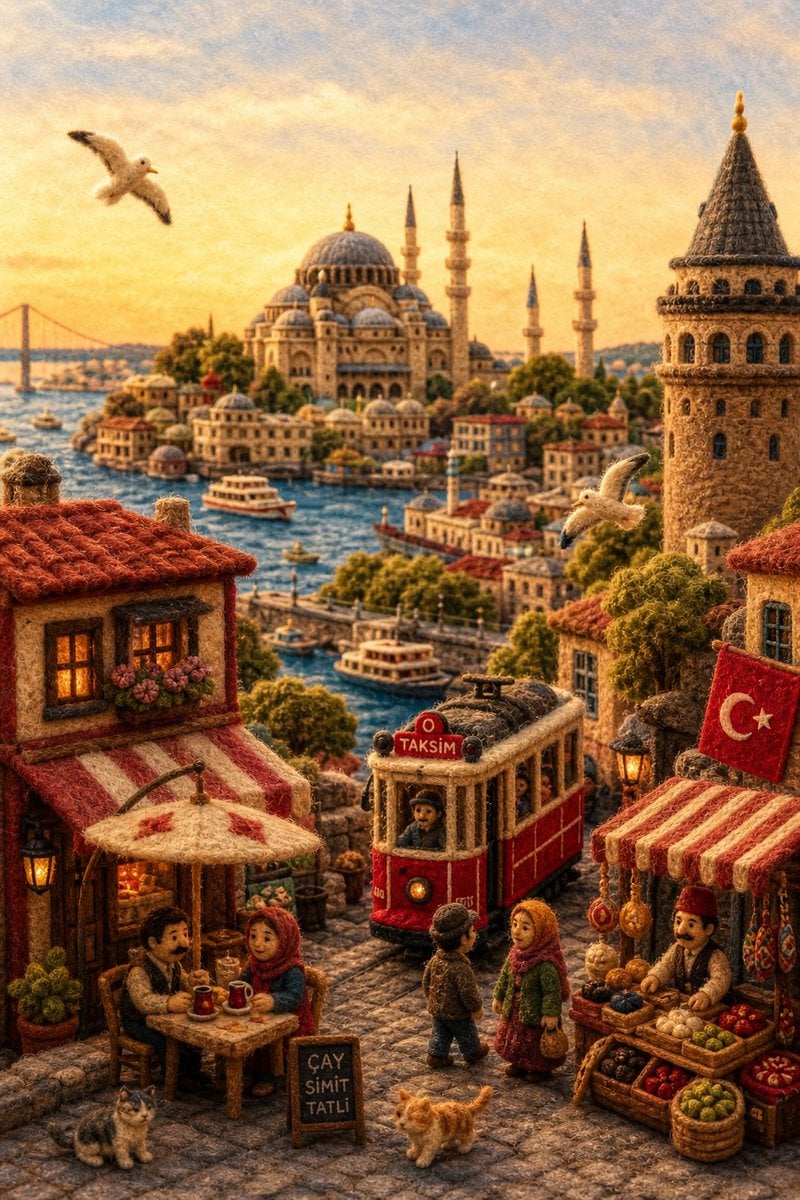
Needle-Felt Country Diorama
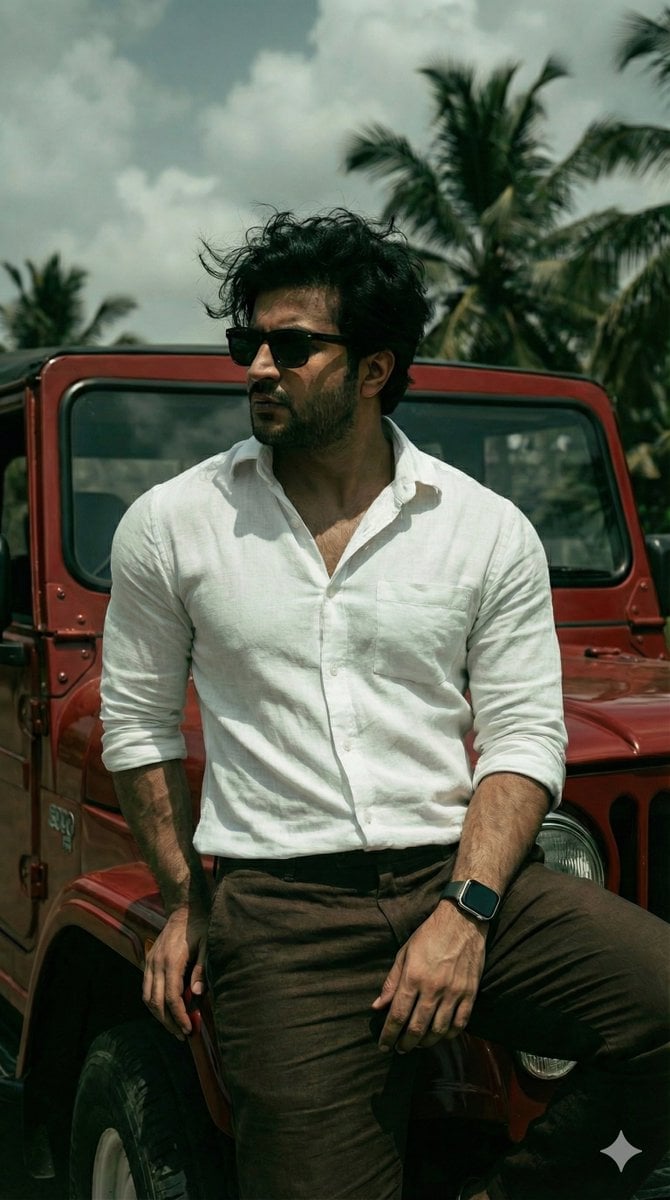
Hyper-Realistic Dark Green Cinematic Portrait (JSON)
Browse template categories
Anime Impact Battle Scene questions
How do I use the Anime Impact Battle Scene template?
Add your photo if the template asks for one, edit the prompt if you like — the template's model and format are already selected — and press Generate. Your version opens in PicX Studio.
Can I customize the Anime Impact Battle Scene template?
Yes. You can change the subject, setting, lighting, mood, format, and available model controls before creating your image.
Is the Anime Impact Battle Scene template free?
Opening and editing this template is free. Generating uses credits, shown on the Generate button when you are signed in.
Which AI model should I use?
Start with GPT Image 2, which is the model associated with this template. You can compare another compatible model for a different finish.
Looking for something else? Browse all templates.

Your photo, any look
Thousands of ready templates for every top image and video model, from one credit balance.