How do I use the Morning Hair Drying Bathroom Scene template?
Choose the primary action to open PicX Studio with the available template settings. Review the model and format, personalize the creative direction, and generate when ready.
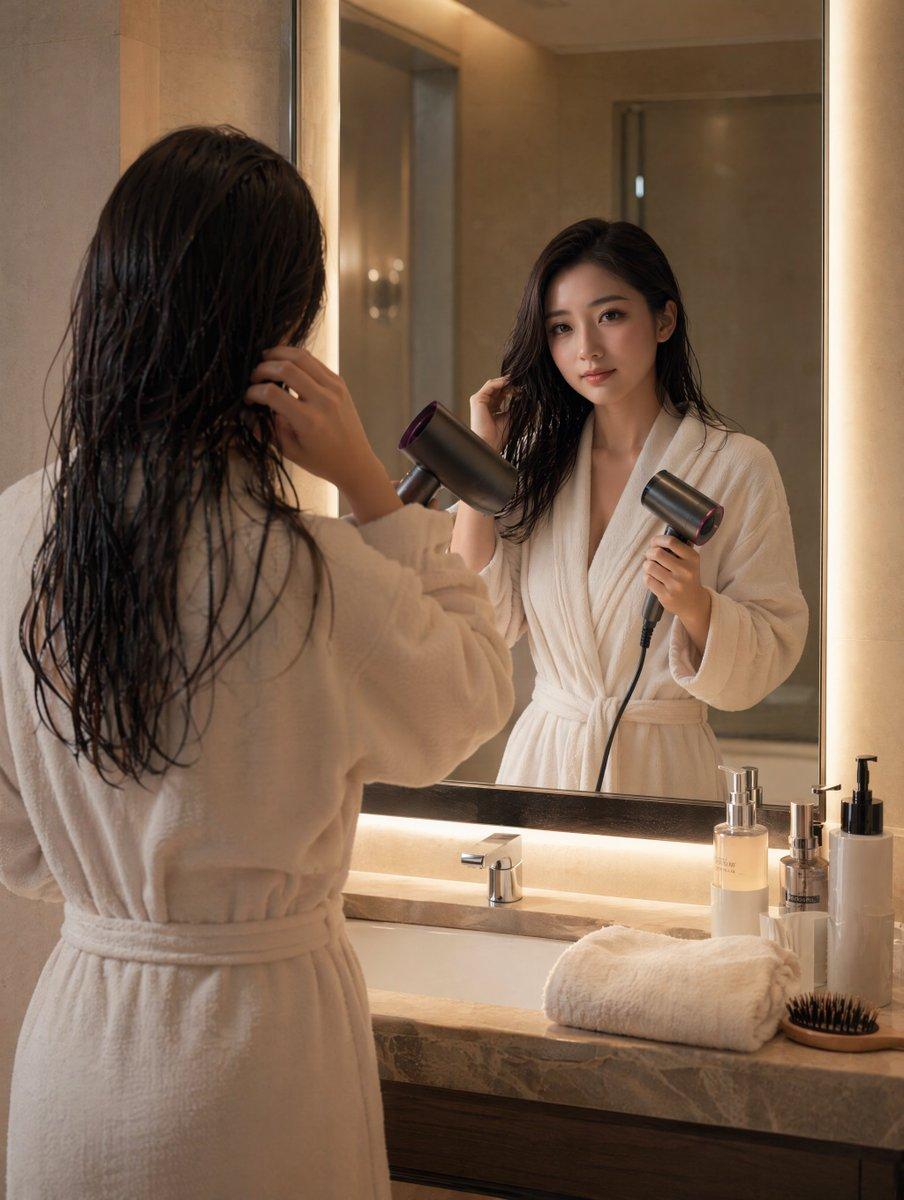
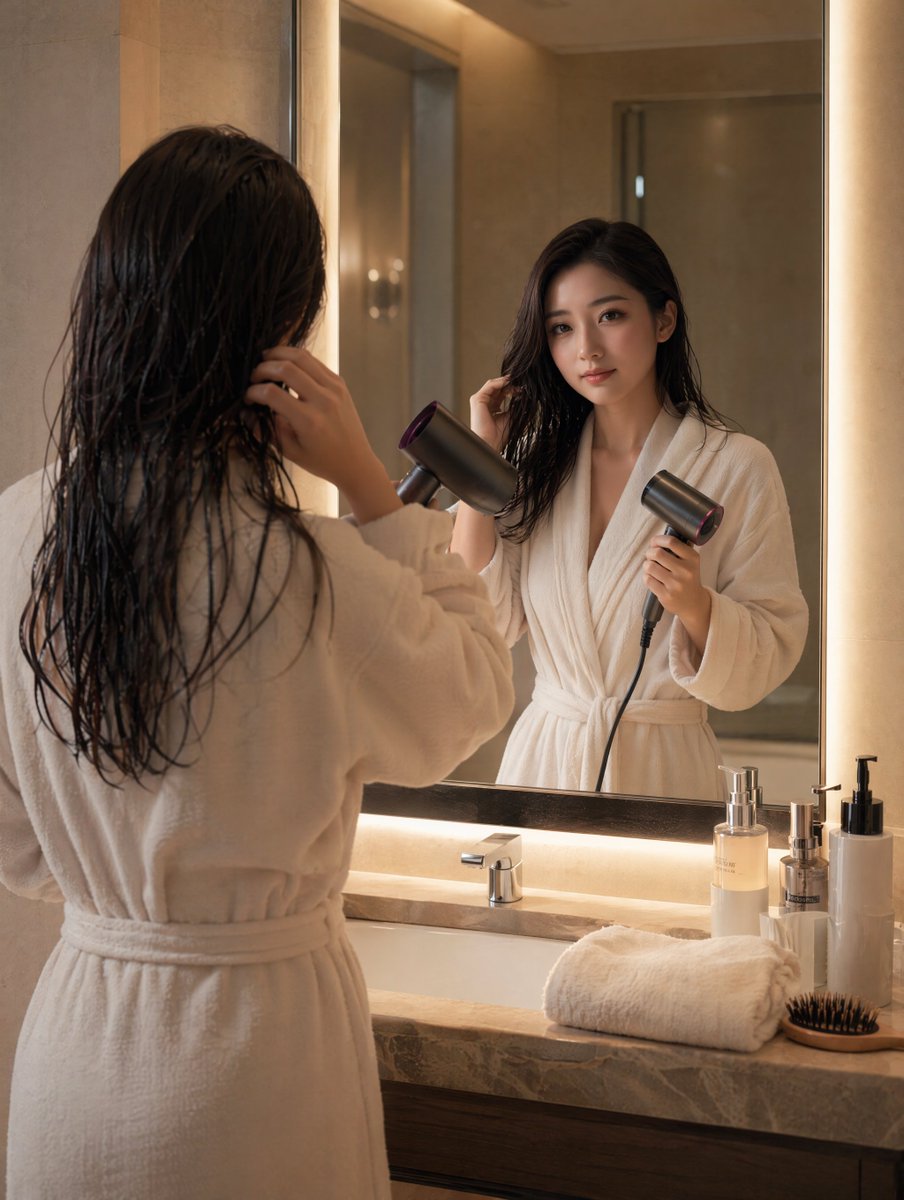
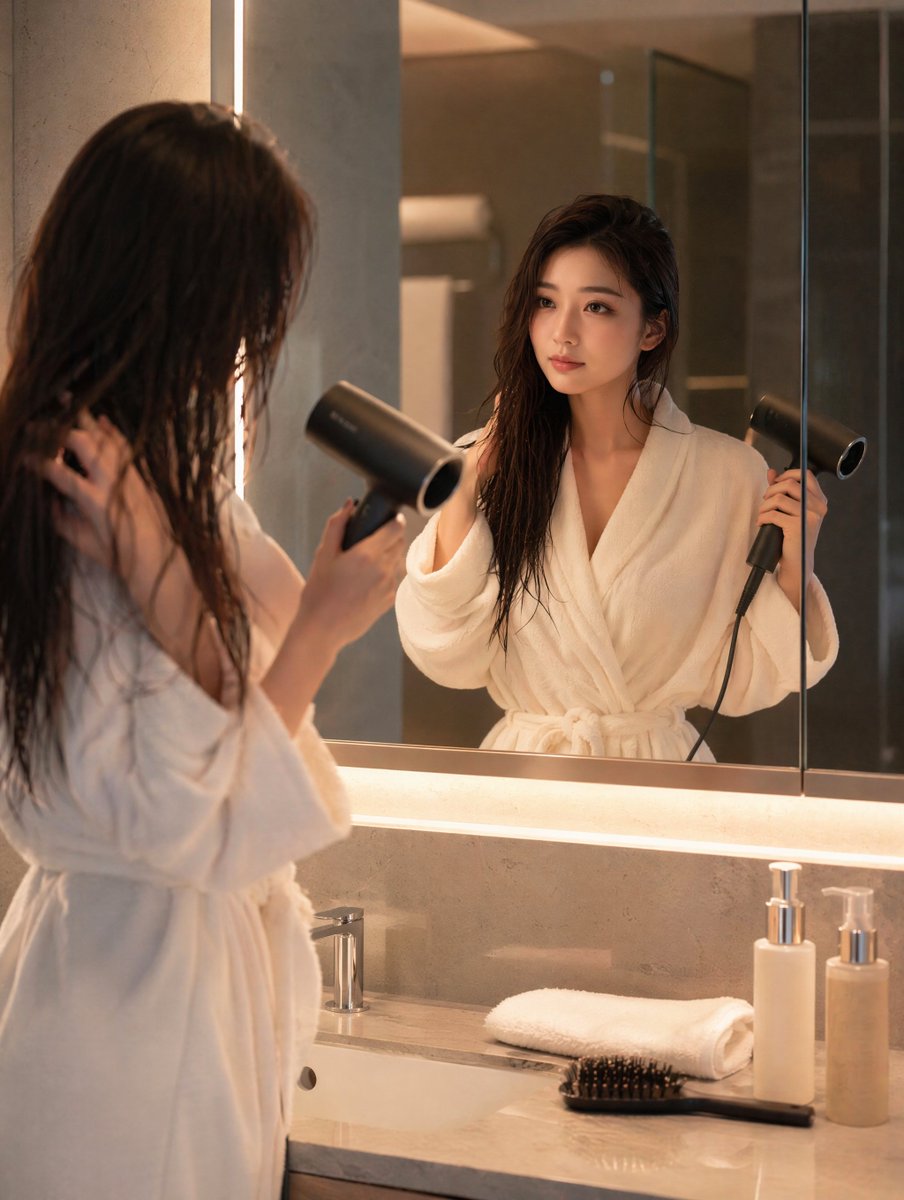
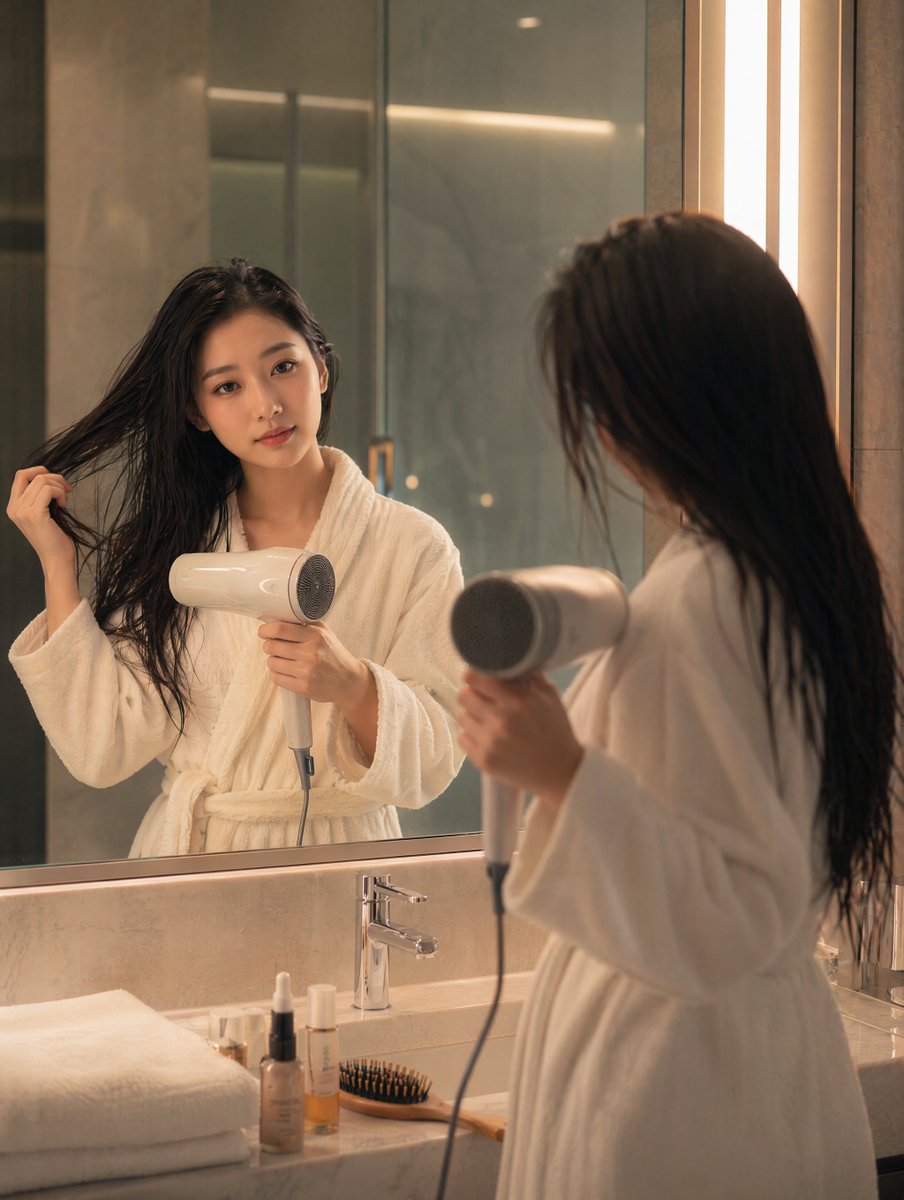
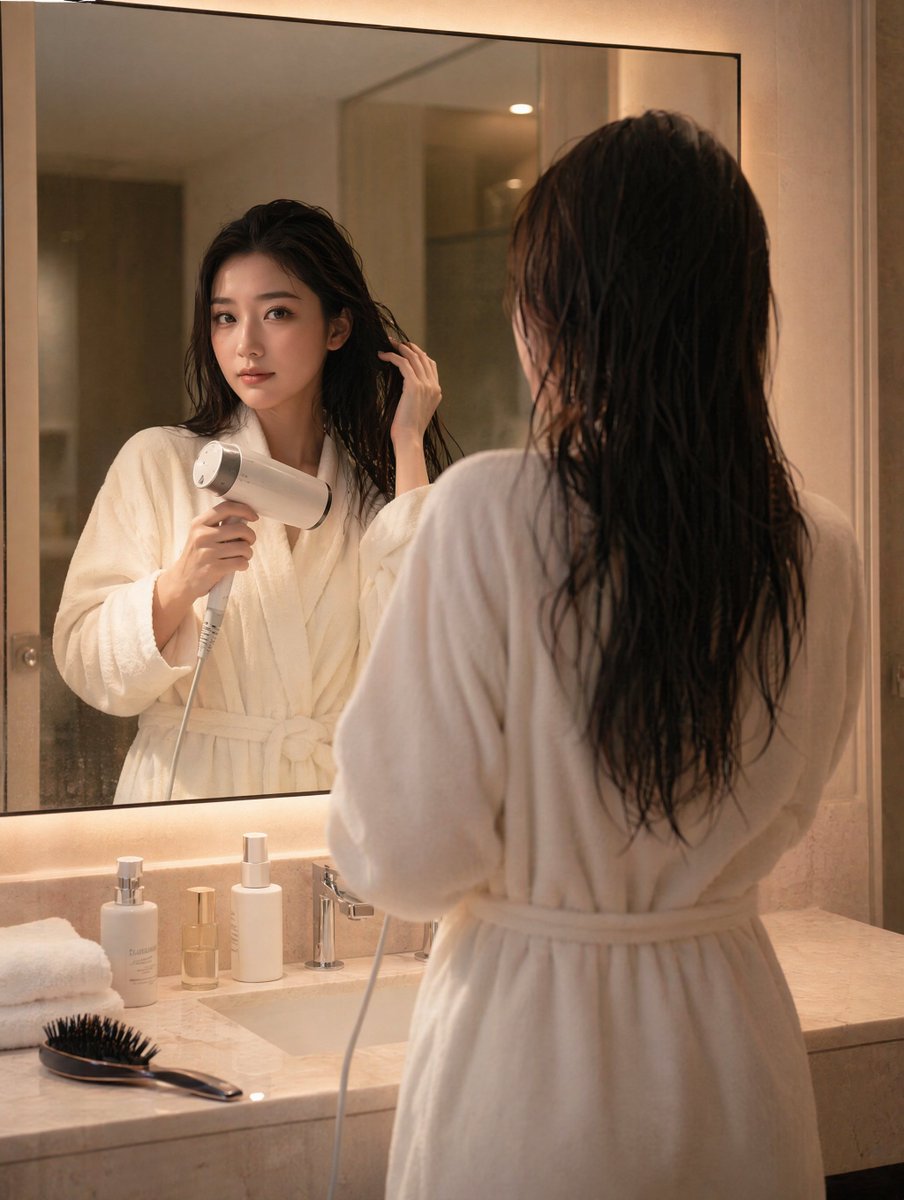
A photorealistic lifestyle image of a woman in a bathrobe drying wet hair in a warmly lit bathroom mirror scene. (free to use) — Free AI image template on PicX Studio.
Create a realistic, SFW lifestyle photograph of a woman during her morning routine in a warm luxury hotel-style bathroom. She is standing with her back mostly to the viewer, wearing a plush {argument name="robe color" default="white"} bathrobe tied at the waist, drying her long wet {argument name="hair color" default="dark brown"} hair with a modern black hair dryer while looking into a large illuminated mirror. Her reflection is visible in the mirror from the front, with a soft sleepy morning expression and one hand lifting a section of wet hair; keep the face natural and unobstructed, not posed glamour-style. The scene includes exactly 6 visible countertop items: 1 folded white towel, 1 round hairbrush with dark bristles, 1 clear pump bottle with pale liquid, 1 small clear cosmetic pump bottle, 1 tall white pump bottle, and 1 chrome sink faucet. Use beige stone walls, a marble vanity countertop, warm vertical mirror lights on both sides, soft ambient lighting, shallow realistic depth of field, and a calm intimate mood. Composition should be vertical portrait orientation, waist-up/back-view foreground figure on the left, mirror reflection centered-right, countertop items along the lower right, natural proportions, photorealistic texture in the wet hair and terry robe, no text, no watermark, no nudity.
Use Morning Hair Drying Bathroom Scene to plan an AI image around gpt-image-2 generation, themes such as en and gpt-image-2. Match the preview's composition first, then personalize the subject, setting, and mood for your own project.
Use the primary action to load the template settings in PicX Studio.
Adjust the subject and creative details for your destination.
Create the image, compare the result with the preview, and refine one variable at a time.
A continuous mix — similar concepts first, woven with same-model prompts and fresh picks from the catalog.
Choose the primary action to open PicX Studio with the available template settings. Review the model and format, personalize the creative direction, and generate when ready.
Yes. You can change the subject, setting, lighting, mood, format, and available model controls before creating your image.
This template is free to open and customize. Generation usage is shown in PicX Studio before you create.
Start with gpt-image-2, which is the model associated with this template. You can compare another compatible model for a different finish.
Follow a topic to a crawlable collection of related PicX Studio templates.
39,155 public templates available. Verified via the PicX Studio public templates API; refreshed hourly.
A continuous mix — similar concepts first, woven with same-model prompts and fresh picks from the catalog.