How do I use the Dramatic Black and White Shower Portrait template?
Choose the primary action to open PicX Studio with the available template settings. Review the model and format, personalize the creative direction, and generate when ready.
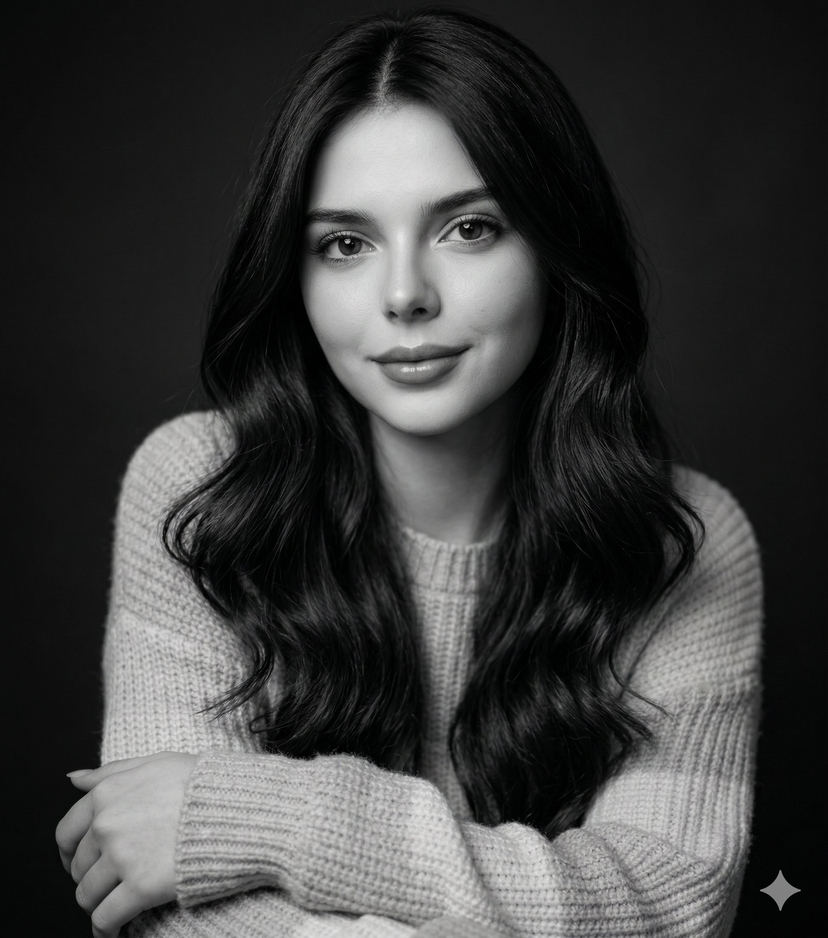
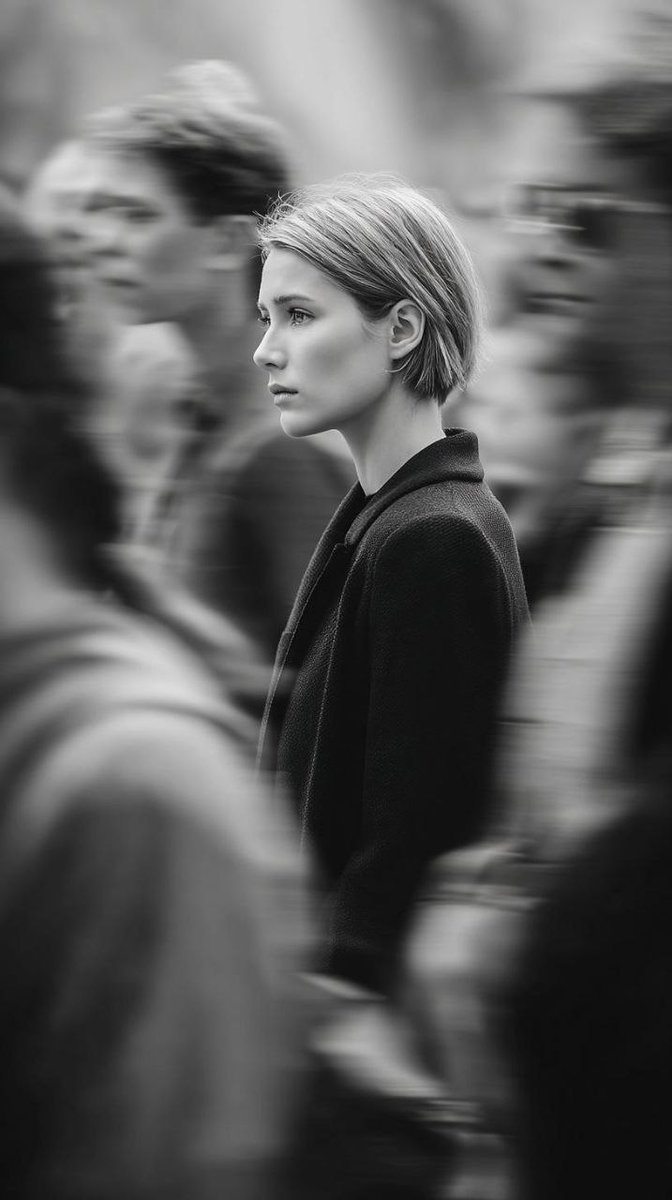
A highly explicit prompt for Nano Banana Pro describing a dramatic, high-contrast black and white photorealistic image of a voluptuous woman standing nude in a modern black-tiled shower under a rainfall showerhead, emphasizing wet skin texture, cinematic lighting, and a side profile view. (free to use) — Free AI image template on PicX Studio.
{ "prompt": "A stunningly beautiful young woman with long wet dark brown hair slicked back, seductive dark eyes with wet lashes, full glossy lips slightly parted, perfect symmetrical face, flawless pale skin glistening with water, extremely voluptuous figure with large natural breasts, tiny waist, wide hips, standing nude in a modern black-tiled shower under a rainfall showerhead, water cascading down her body in streams, droplets on skin, one hand on hip, other hand resting on thigh, body slightly turned to side profile view emphasizing curves, large window behind her with foggy glass and blurred city view, dramatic black and white high-contrast photography style, moody cinematic lighting with strong shadows and highlights from window light, steam and water reflections, highly detailed realistic wet skin texture, photorealistic, ultra high resolution, artistic erotic nude portrait" }
Use Dramatic Black and White Shower Portrait to plan an AI image around nano-banana-2 generation. Match the preview's composition first, then personalize the subject, setting, and mood for your own project.
Use the primary action to load the template settings in PicX Studio.
Adjust the subject and creative details for your destination.
Create the image, compare the result with the preview, and refine one variable at a time.
A continuous mix — similar concepts first, woven with same-model prompts and fresh picks from the catalog.
Choose the primary action to open PicX Studio with the available template settings. Review the model and format, personalize the creative direction, and generate when ready.
Yes. You can change the subject, setting, lighting, mood, format, and available model controls before creating your image.
This template is free to open and customize. Generation usage is shown in PicX Studio before you create.
Start with nano-banana-2, which is the model associated with this template. You can compare another compatible model for a different finish.
Follow a topic to a crawlable collection of related PicX Studio templates.
39,155 public templates available. Verified via the PicX Studio public templates API; refreshed hourly.
A continuous mix — similar concepts first, woven with same-model prompts and fresh picks from the catalog.