How do I use the Turquoise Lake Portrait — Nano Banana Pro template?
Choose the primary action to open PicX Studio with the available template settings. Review the model and format, personalize the creative direction, and generate when ready.
8K DSLR portrait: woman at turquoise lake, flamboyant flowers, denim skirt, Nano Banana Pro Change the subject, setting, or lighting one variable at a time.

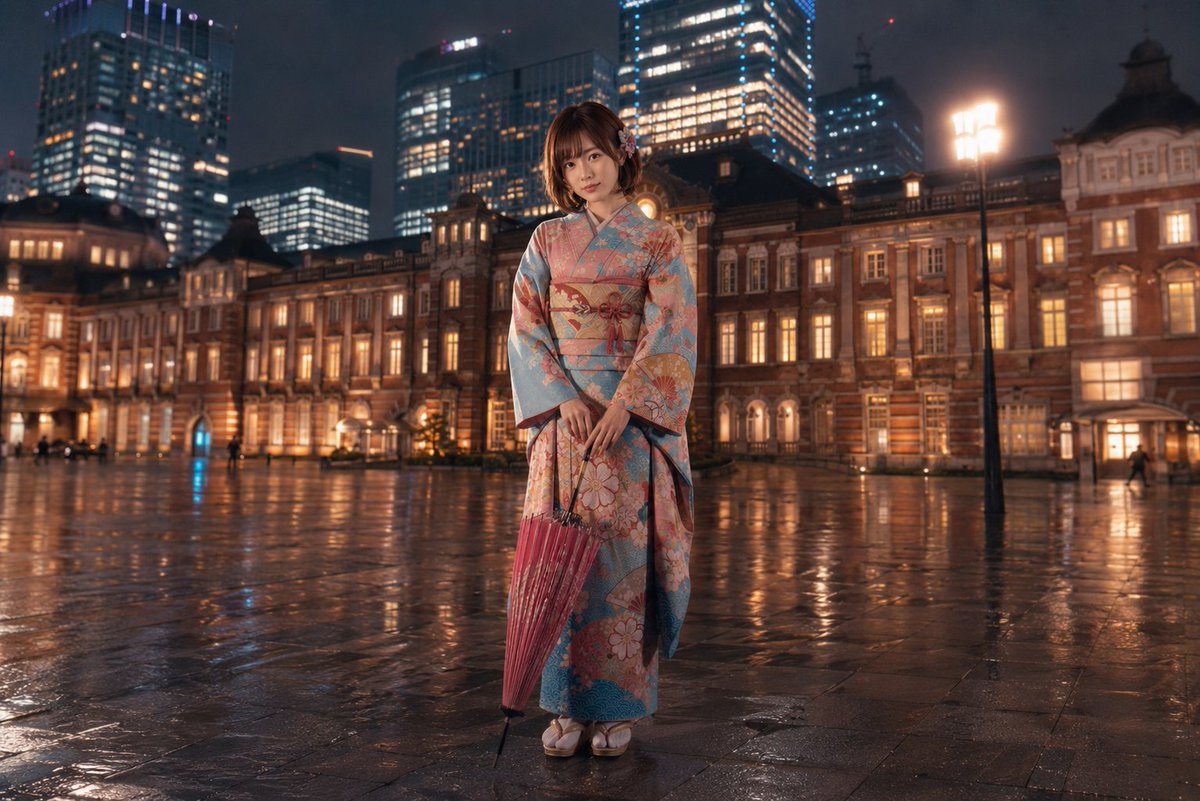
Create a hyper-realistic 8K DSLR-style portrait of a woman standing beside a crystal-clear turquoise lake, with lush green mountains rising in the background and vibrant orange-red flamboyant flowers framing the scene from above. Maintain the exact same facial structure, features, and expression as the uploaded image. She is dressed in a white printed sleeveless crop top paired with low-rise denim skirt, complemented by cream-colored sneakers and a sleek black crossbody bag. She casually leans against a black metal railing with her legs gently crossed, giving a relaxed and natural pose. She wears a beach hat on head. The lighting is soft natural daylight, highlighting authentic skin texture without over-smoothing. Ensure sharp subject focus with a subtle background depth blur. Colors should appear vivid yet true-to-life, with no distortion and no artificial enhancements.
Choose the primary action to open PicX Studio with the available template settings. Review the model and format, personalize the creative direction, and generate when ready.
Yes. You can change the subject, setting, lighting, mood, format, and available model controls before creating your image.
This template is free to open and customize. Generation usage is shown in PicX Studio before you create.
Start with GPT Image 2, which is the model associated with this template. You can compare another compatible model for a different finish.
© 2026 PicX Studio. All rights reserved.

Follow a topic to a crawlable collection of related PicX Studio templates.
43,474 public templates available. Verified via the PicX Studio public templates API; refreshed hourly.










![118-google-nano-banana-pro-skincare-product- — A professional skincare shot of a [product container] with [cap/lid], labeled [brand, product, descriptor, volume](/_next/image?url=https%3A%2F%2Fcdn.picxstudio.com%2Fuploads%2Fpost118_img0_332898b8-29ea-42a9-87ab-9ed746a3f944.jpg&w=828&q=100)









![Minimalist Flat Vector Travel Poster — Premium minimalist flat-vector travel poster for {argument name="city name" default="[CITY_NAME]"}, 3:4 vertical format.](https://cms-assets.youmind.com/media/1787917359711_3ug846_HQX205cbMAA6F6S-300x400.jpg)


























![AI Vision Augmented Reality Overlay Concept — {
"concept_name": "AI Vision & Data Overlay (Augmented Reality)",
"instructions": "Replace [SUBJECT] with any](https://pbs.twimg.com/media/G-I9ennXQAAh96J.jpg)