
Alpine Lake Travel Editorial Poster
A comprehensive prompt for creating a luxury travel magazine poster, including specific layout, lighting, and typography instructions.
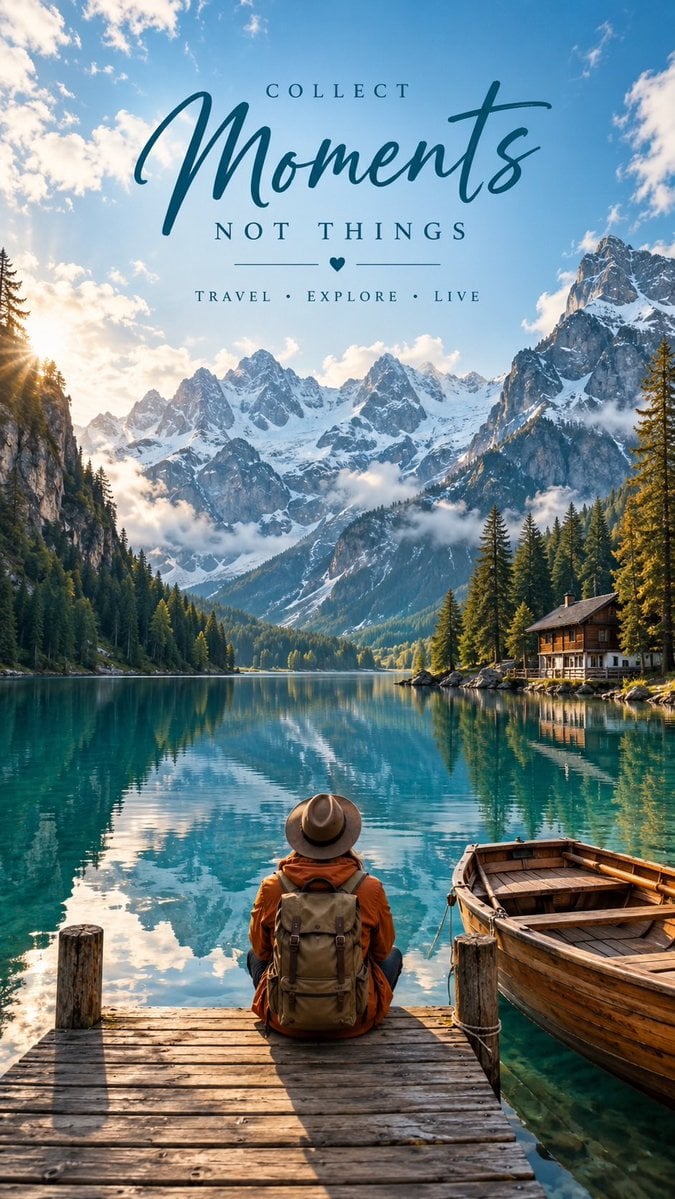
- Prompt included
- Model and format preset
- Free template
The prompt behind this image
Copy the exact prompt behind Alpine Lake Travel Editorial Poster, or open it in the studio and make it yours.
Create a premium, hyper-realistic cinematic travel editorial poster in 9:16 vertical format. Scene: A breathtaking alpine mountain lake with crystal-clear turquoise water, surrounded by dramatic snow-capped mountains, dense evergreen pine forests, and steep rocky cliffs. The lake perfectly reflects the mountains and sky. A small rustic wooden cabin sits near the right shoreline, while a traditional wooden rowboat is tied beside a wooden dock in the foreground. In the center foreground, show a solo traveler sitting on the wooden dock with their back facing the camera, looking peacefully toward the mountains. The traveler wears a {argument name="traveler outfit" default="brown wide-brimmed hat, burnt-orange outdoor jacket, beige/brown hiking backpack, and neutral outdoor clothing"}. Natural, realistic proportions and subtle clothing texture. Composition: Cinematic wide-angle photography, traveler positioned in the lower center, boat on the lower right, expansive lake and mountains dominating the background. Strong depth, natural perspective, layered landscape, peaceful adventurous atmosphere. Lighting: Soft golden morning light, bright blue sky with scattered fluffy clouds, subtle atmospheric haze around the mountains, realistic sunlight and natural shadows. Rich but authentic colors, turquoise water, earthy brown foreground, lush green forest, cool blue mountains. Typography: Add elegant travel-poster typography over the upper portion of the image: Small uppercase text: “COLLECT” Large stylish handwritten/script text: “{argument name="script text" default="Moments"}” Medium uppercase text below: “{argument name="tagline" default="NOT THINGS"}” Minimal decorative horizontal lines with a small heart symbol Small uppercase tagline: “TRAVEL • EXPLORE • LIVE” Use sophisticated dark teal typography, clean spacing, premium editorial design, balanced hierarchy, highly legible text, and tasteful minimal decoration. Style: Luxury travel magazine, cinematic photography, ultra-detailed, photorealistic, professional DSLR photography, HDR, realistic water reflections, natural skin/clothing textures, subtle filmic color grading, atmospheric depth, premium Pinterest travel aesthetic, inspirational and peaceful mood. Avoid: distorted people, extra limbs, unrealistic architecture, excessive saturation, blurry details, cartoon appearance, fake-looking water, cluttered typography, logos, watermarks.
How to use Alpine Lake Travel Editorial Poster in 3 steps
- 1
Open
The prompt is already in the box next to the preview, with the template's model and format selected.
- 2…a portrait of your subject in softgolden-hour light, 85mm…
Personalize
Edit the subject and creative details for your destination.
- 3Generate
Generate
Press Generate — your image is created in PicX Studio, so you can compare it with the original and refine one variable at a time.
More like this
Templates with the same subject, style or setup. Open one to see its prompt.

Japan Travel Brochure Poster

Teen Girl Alpine Lake Mountain View
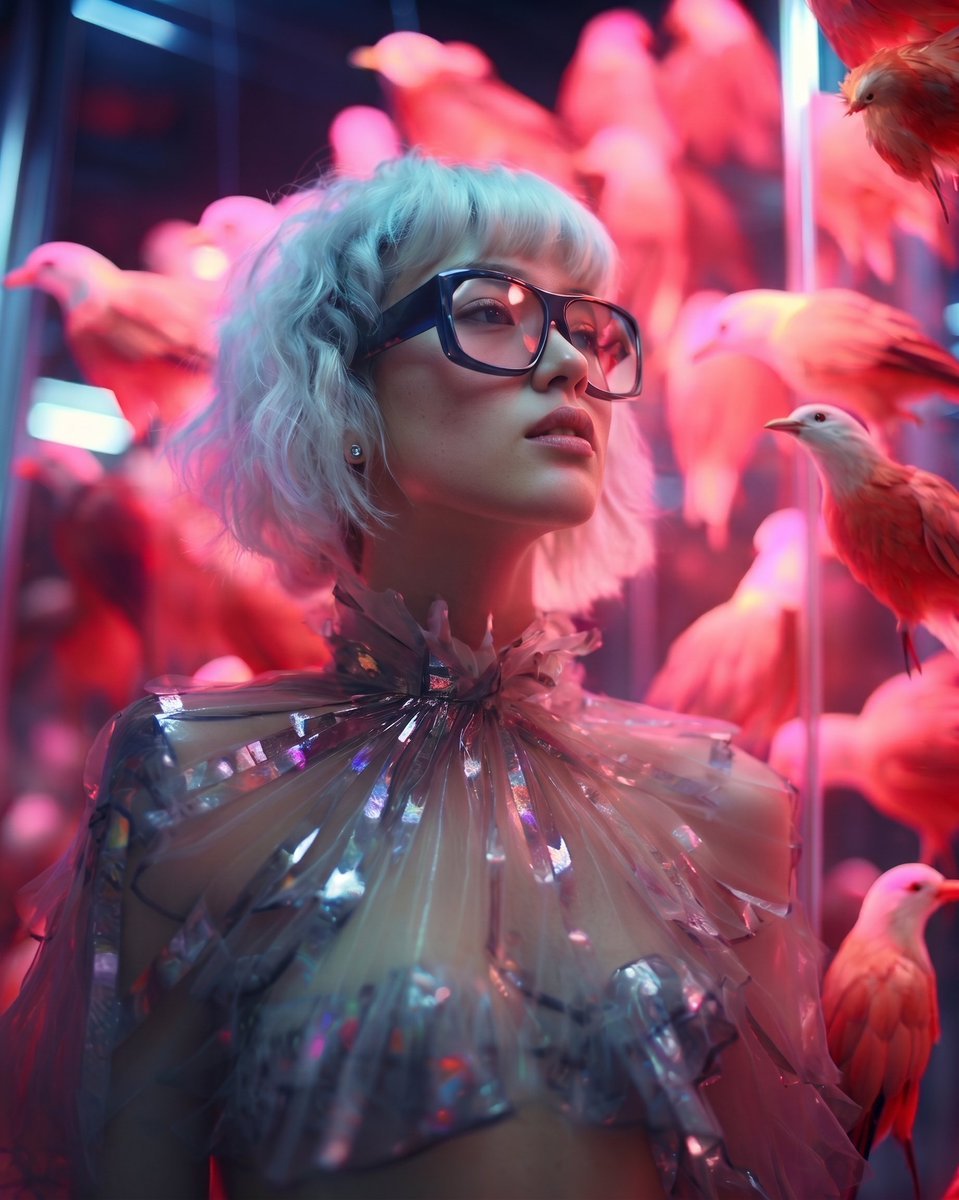
High Fashion Editorial Portrait
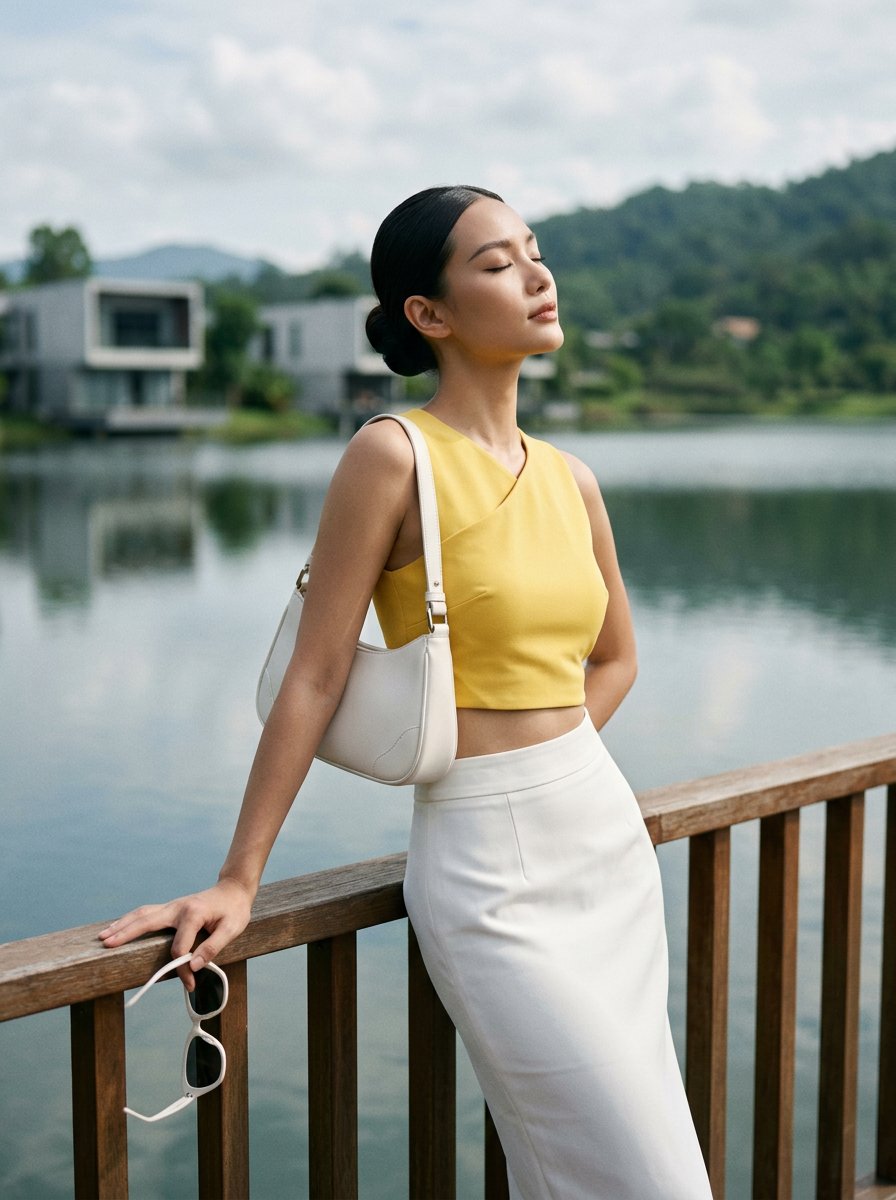
Modern Luxury Lakeside Fashion

Desert Travel Lifestyle Portrait
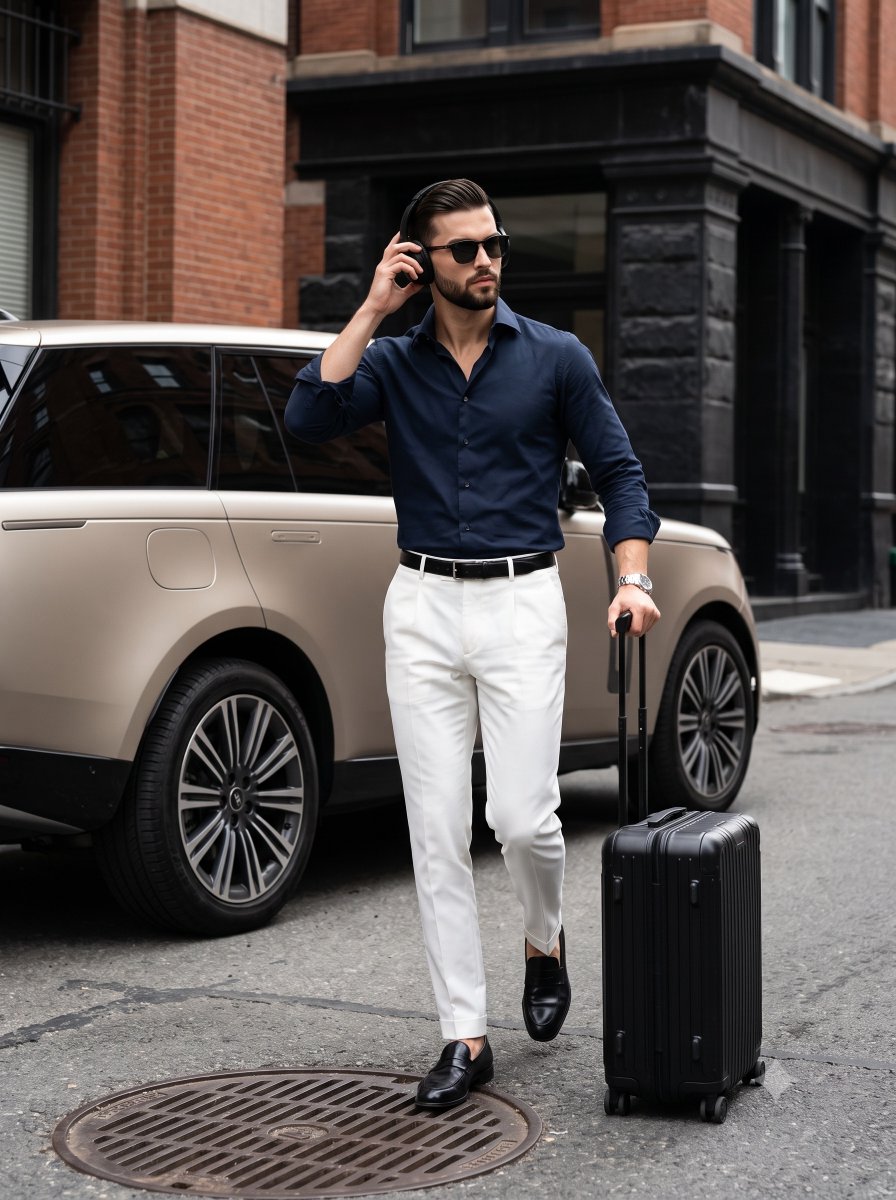
Urban Menswear Lifestyle Editorial
Cinematic Amateur Fashion Editorial
Alpine Watercolor Travel Poster
Luxury Alpine Lake Travel Portrait
Luxury Boat Alpine Lake Editorial Photo Prompt

19 Luxury Helicopter Travel — California Series
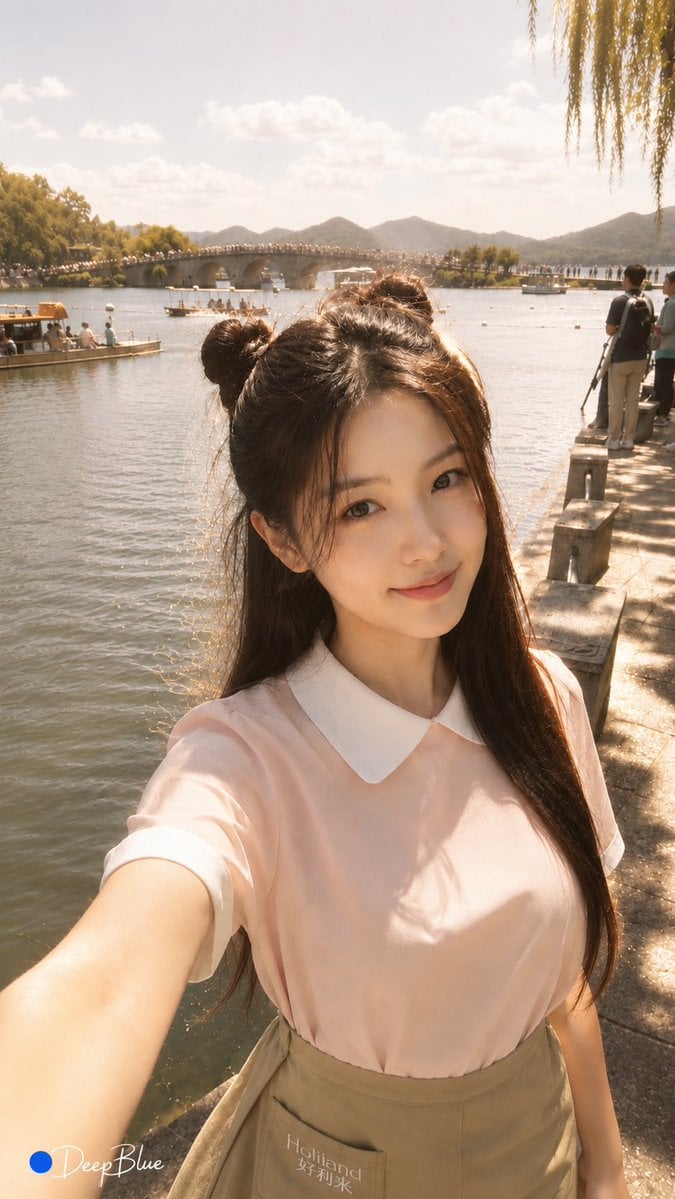
Warm Lakeside Travel Selfie
Make it yours
Alpine Lake Travel Editorial Poster works as-is. These are the safest ways to change it without losing the look.
Change one field
Copy a single group, rewrite it, and generate again so you can see what that field is doing.
Keep the frame, change the subject
Hold the composition and light of Alpine Lake Travel Editorial Poster, then swap wardrobe, props or the person for a new take.
| If the result… | Why | Fix |
|---|---|---|
| The result drifts from the preview | Too many fields changed at once. | Reuse Alpine Lake Travel Editorial Poster as-is first, then change one group — subject, light, or setting. |
| The model over-stylizes the scene | The prose prompt leaves finish and camera underspecified. | Add one camera or lighting sentence and stay on Gemini 3 Pro Image Preview. |
More Gemini 3 Pro Image Preview templates
Other prompts made for Gemini 3 Pro Image Preview.

Cinematic Urban Night Billboard Portrait

Ultra-Realistic iPhone Selfie with Motion Blur

Cinematic Mirror Reflection Portrait

Elegant Men's Twilight Editorial

Coastal Freedom Sunset Portrait

Ergonomic Office Chair E-commerce Mobile Detail Page

Macro Guitar Fret Dressing

Cinematic Black and White Studio Portrait

1980s Retro Salon Portrait

Felt Frog Diorama Beach
More image prompts
Fresh picks from across the catalog.
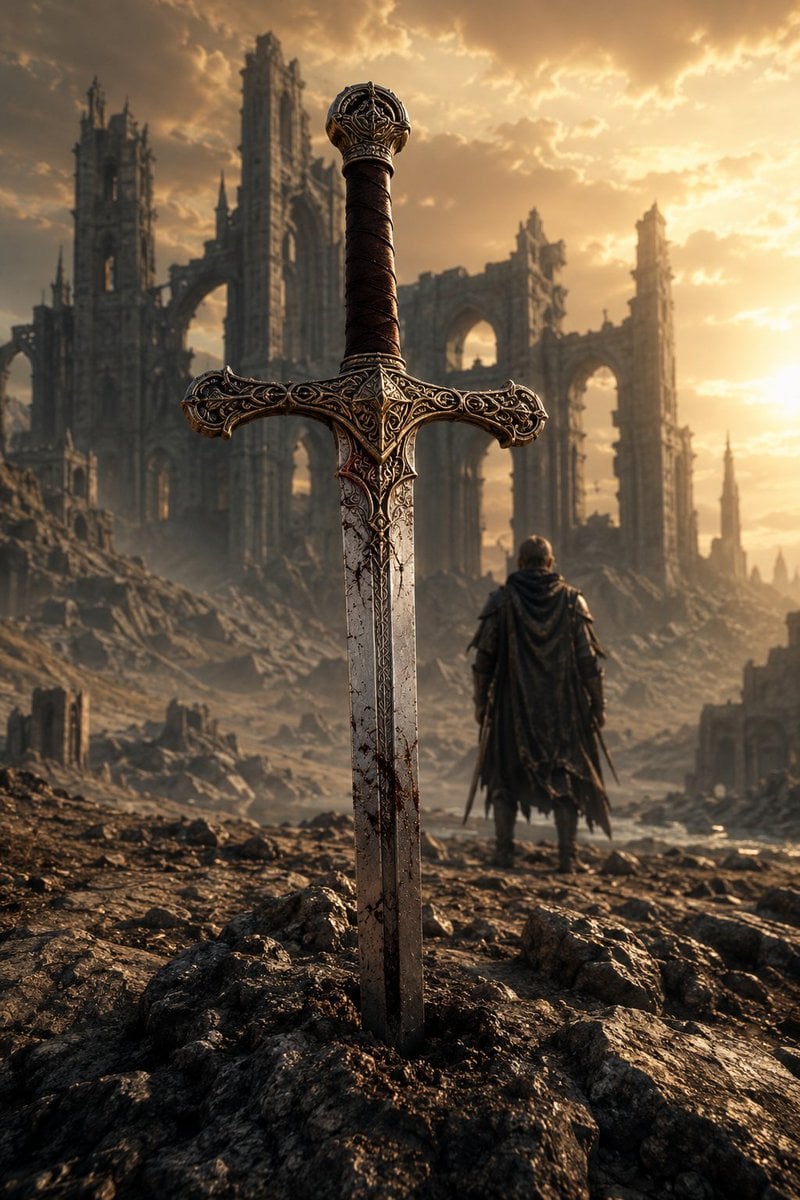
Medieval Fantasy Sword in Apocalyptic Landscape
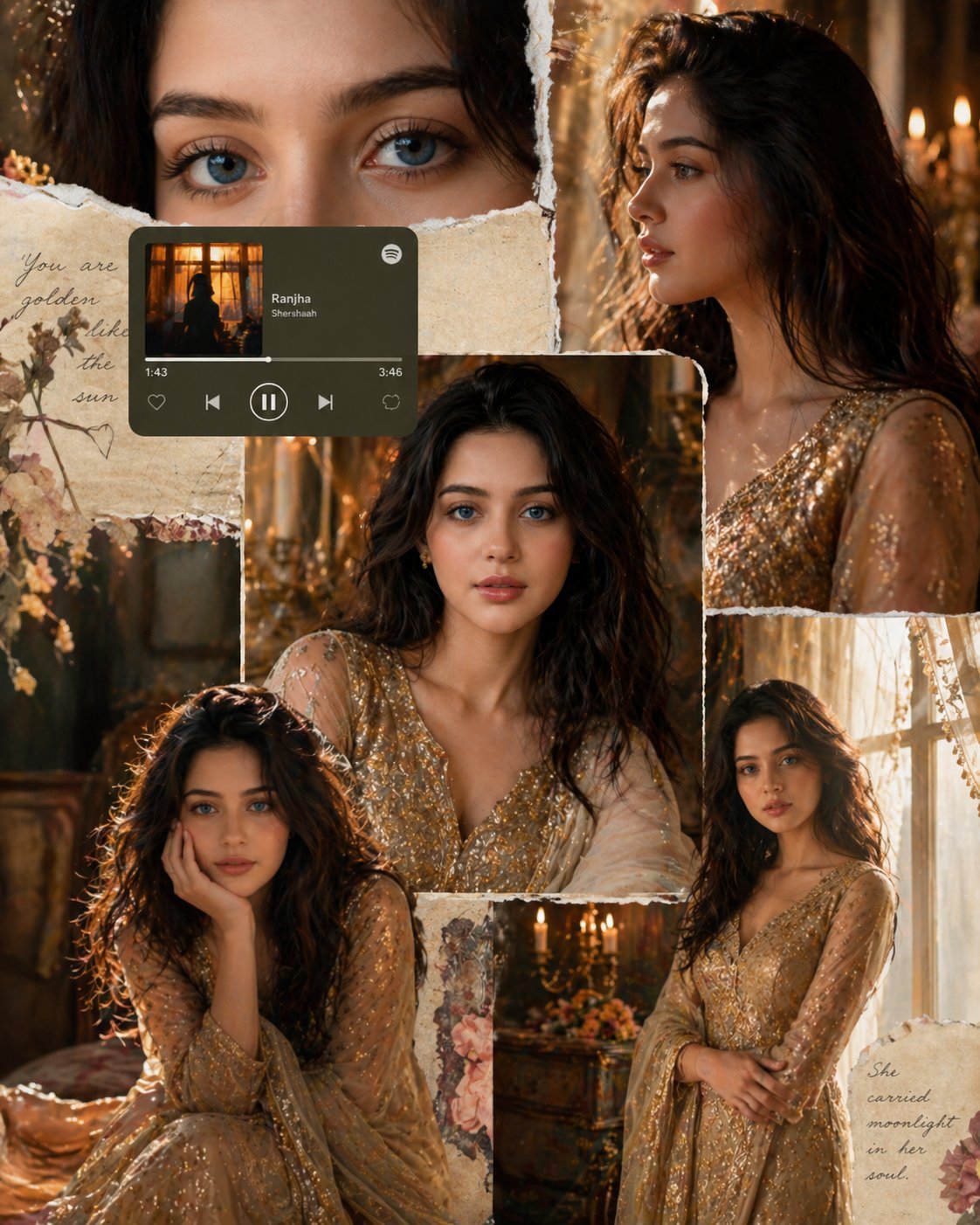
X Imgopaltiwari Golden Memories in Soft Light Chatgptapp

Zodiac Themed Yumi's Cells Poster

Dark Comedy Insect Spray Ad
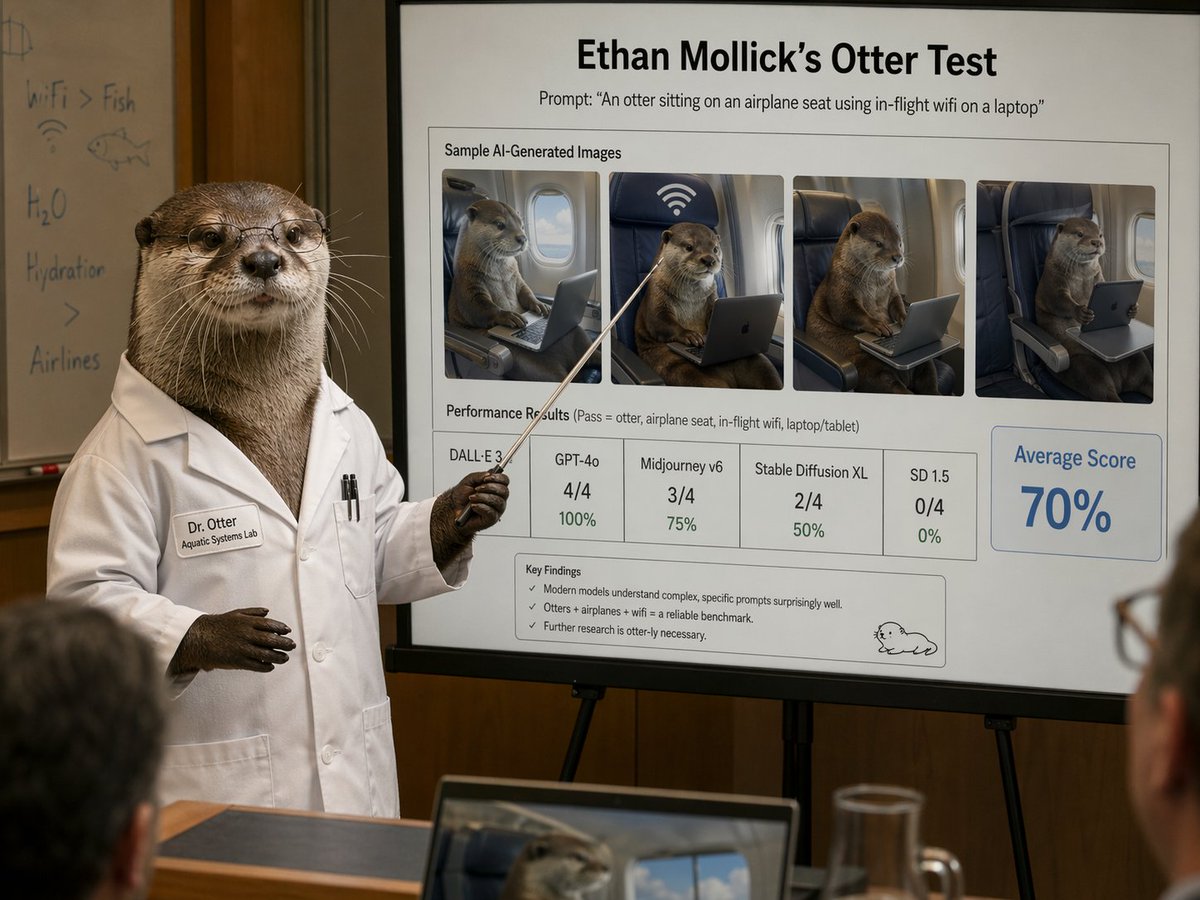
Otter Scientist Presentation Slide

Structured Knowledge Architecture Infographic
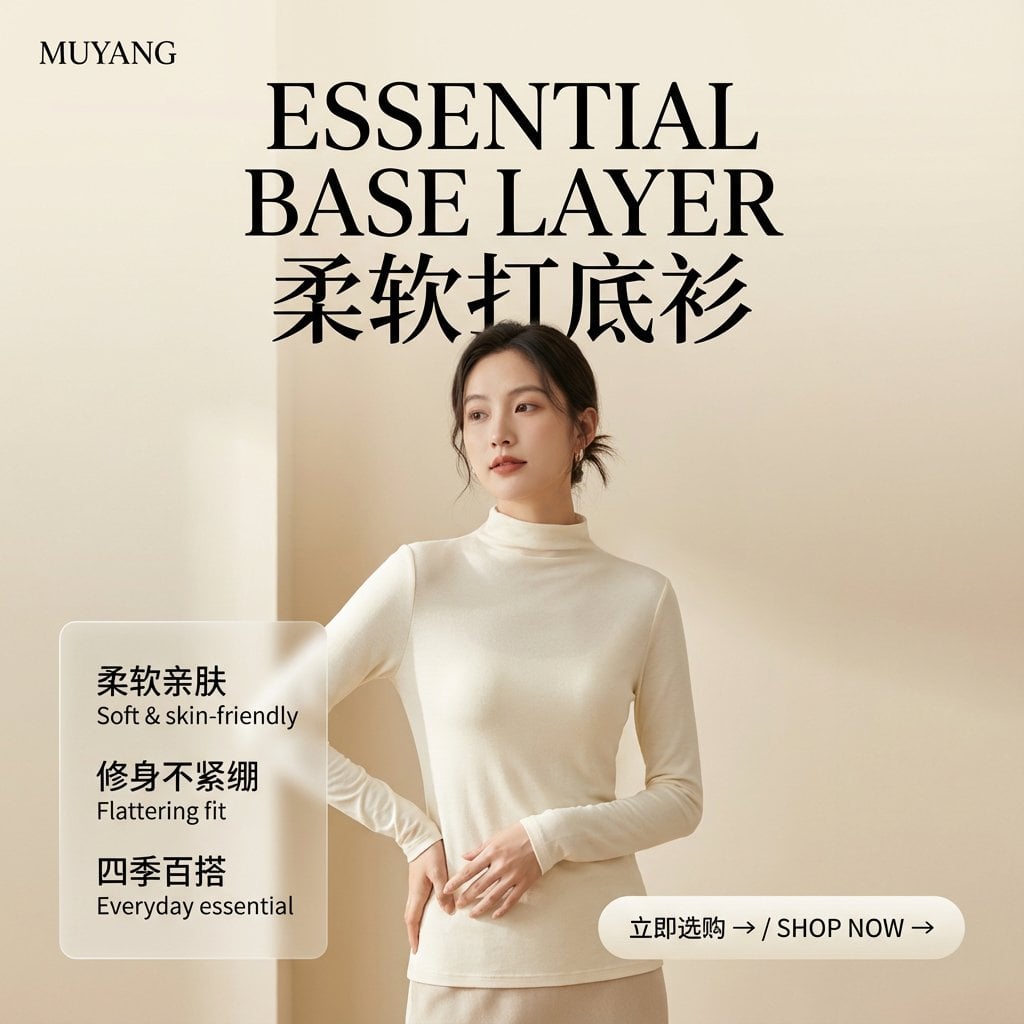
E-commerce Image Generation Prompt Template Structure
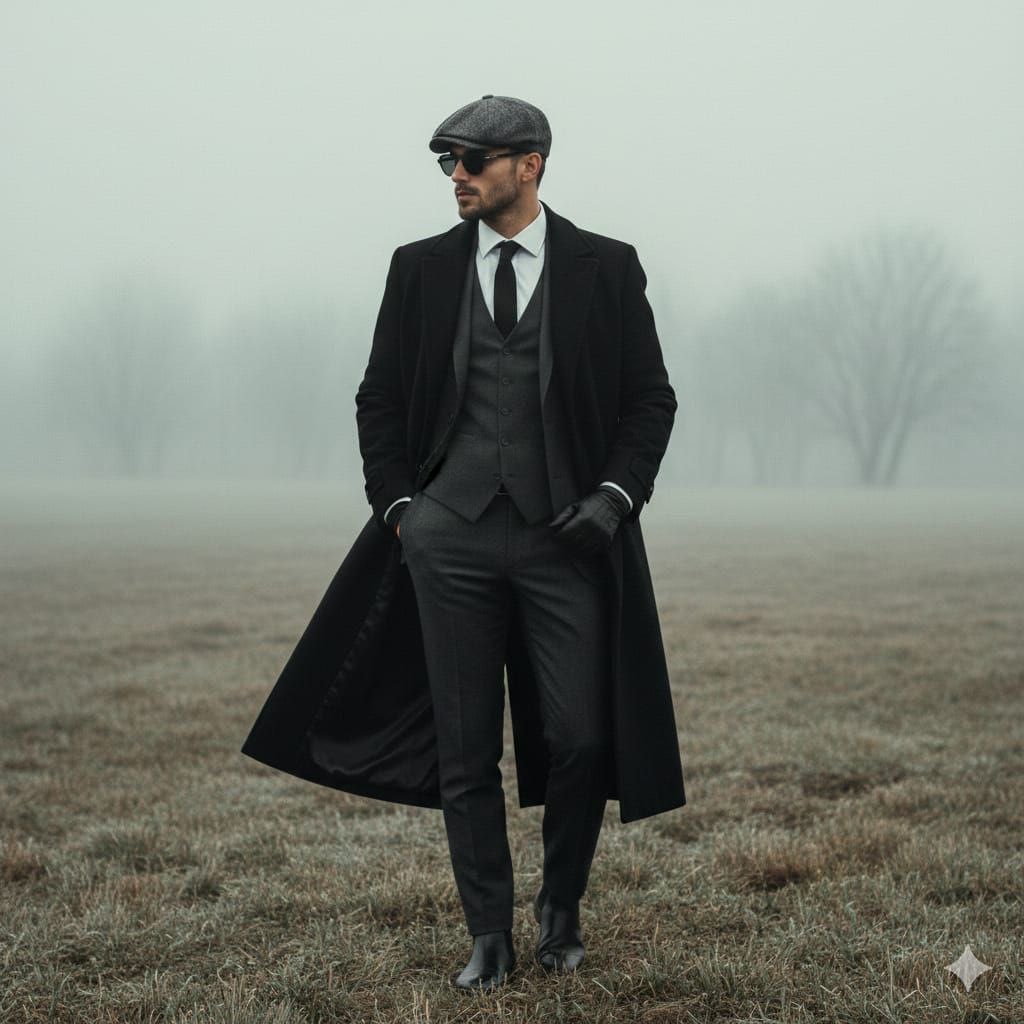
Cinematic Fashion Portrait in Fog Prompt
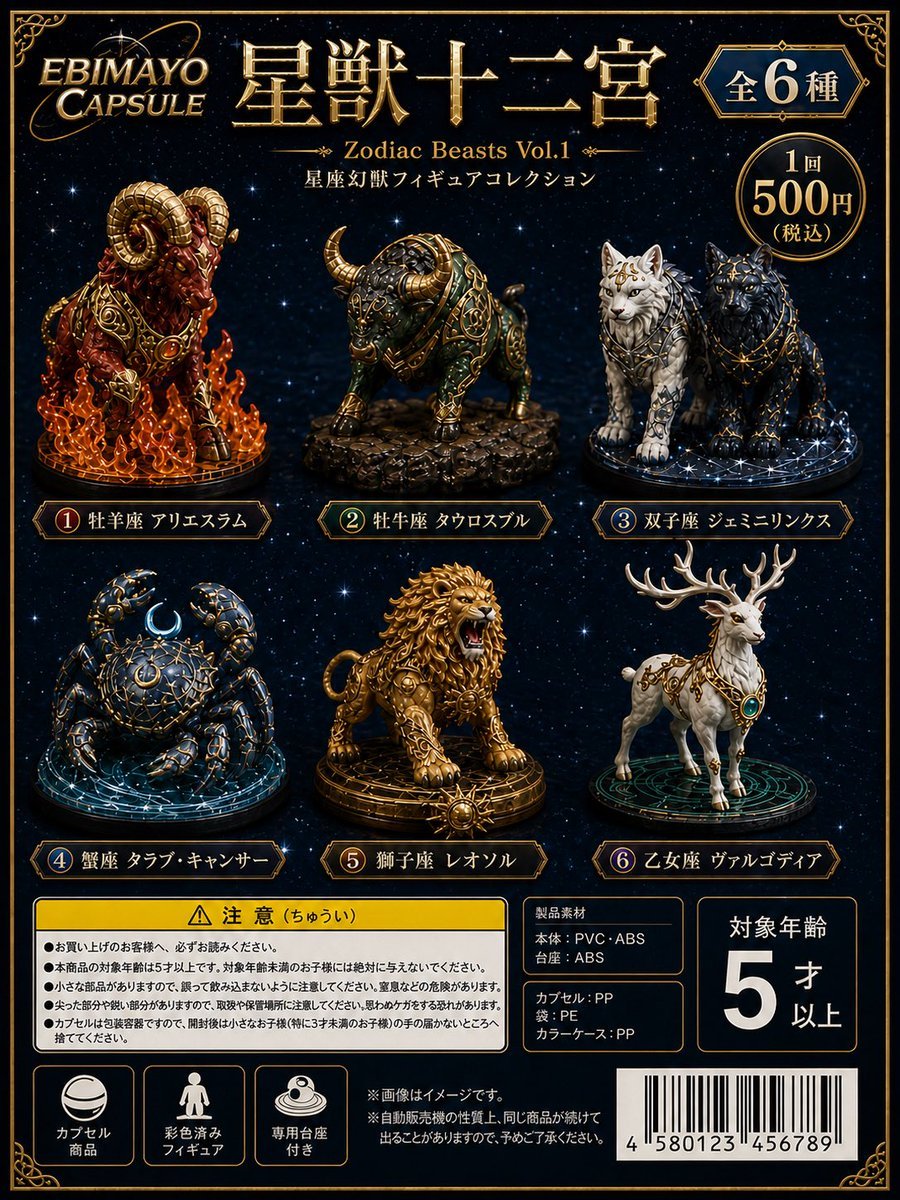
Zodiac Beasts Capsule Toy Package
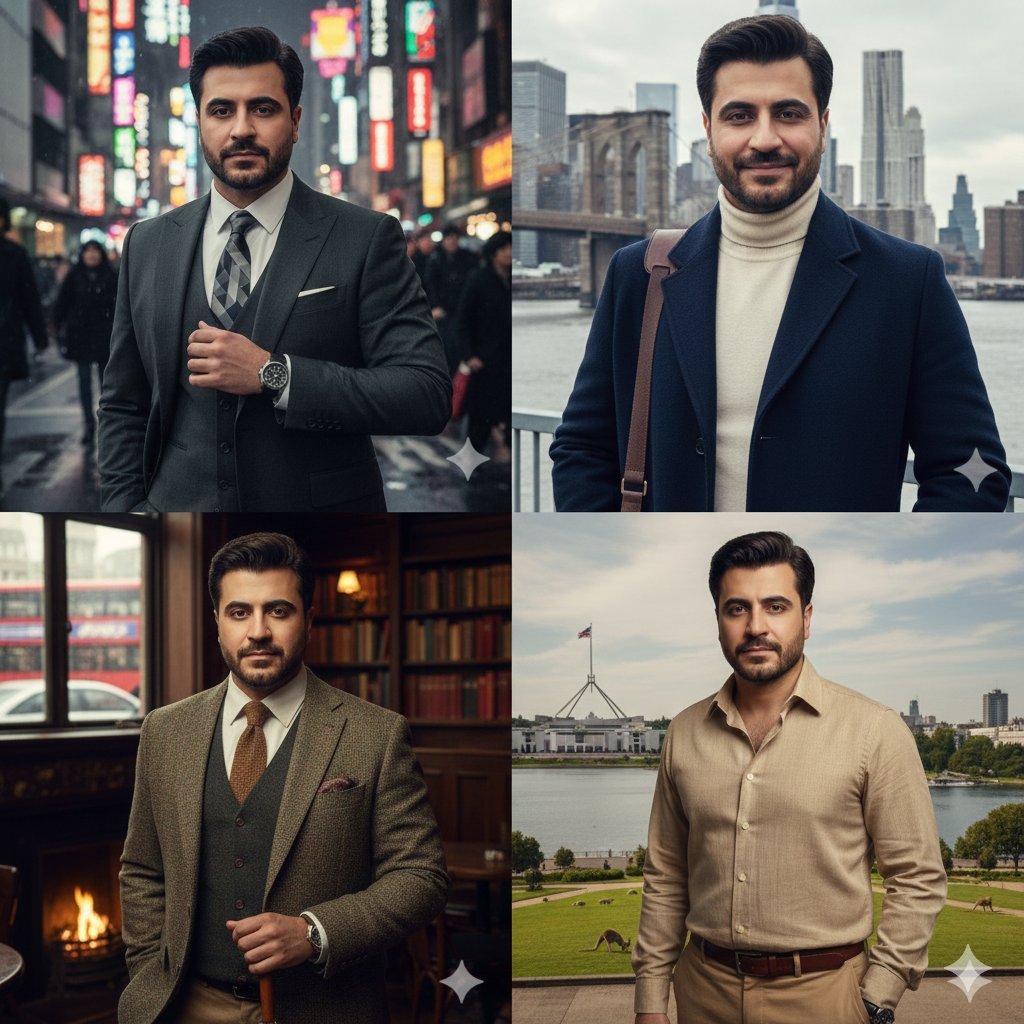
Four-Panel City Collage with Face Consistency
Browse template categories
Alpine Lake Travel Editorial Poster questions
How do I use the Alpine Lake Travel Editorial Poster template?
Add your photo if the template asks for one, edit the prompt if you like — the template's model and format are already selected — and press Generate. Your version opens in PicX Studio.
Can I customize the Alpine Lake Travel Editorial Poster template?
Yes. You can change the subject, setting, lighting, mood, format, and available model controls before creating your image.
Is the Alpine Lake Travel Editorial Poster template free?
Opening and editing this template is free. Generating uses credits, shown on the Generate button when you are signed in.
Which AI model should I use?
Start with Gemini 3 Pro Image Preview, which is the model associated with this template. You can compare another compatible model for a different finish.
Looking for something else? Browse all templates.

Your photo, any look
Thousands of ready templates for every top image and video model, from one credit balance.