
Zodiac Themed Yumi's Cells Poster
Generates a slice-of-life aesthetic poster inspired by Yumi's Cells, featuring a subject surrounded by 3D chibi characters representing zodiac traits.

- Prompt included
- Model and format preset
- Free template
The prompt behind this image
Copy the exact prompt behind Zodiac Themed Yumi's Cells Poster, or open it in the studio and make it yours.
I am “{argument name="zodiac sign" default="Your Zodiac Sign"}” Create a poster inspired by Yumi’s Cells with the same soft, aesthetic, slice-of-life vibe and background style, the zodiac theme is fully reflected in the design. The subject’s face must remain completely unchanged and untouched. In hair, put some minimal highlights in color cyan. Surround the subject with multiple small, raw yet realistic cute chibi-style mini 3D versions of the subject, designed like expressive “cells” with oversized heads.....glossy high-detail finishes, and playful emotions. Each mini character represents traits associated with the zodiac sign and is engaged in different actions: one clinging onto the subject’s arm one cheering with arms raised one reading a book one drinking coffee one lying down using a phone one making a wacky exaggerated face one looking tired or stressed one shouting energetically one sketching face one clinging into subject's head one with messy or chaotic hair energyEach chibi “cell” should visually reflect personality traits of the zodiac sign through their expressions, posture, and behavior. Add one more chibi that has relevance to my face, and copying the pose of the subject. That chibi must be at the center below. Also, change the background into black and grey atmosphere with navy blue.Ratio 4:5
How to use Zodiac Themed Yumi's Cells Poster in 3 steps
- 1Upload ImagePNG, JPG or paste
Add your photo
Upload the photo the template builds on. The prompt, model and format are already set.
- 2…a portrait of your subject in softgolden-hour light, 85mm…
Personalize
Edit the subject and creative details for your destination.
- 3Generate
Generate
Press Generate — your image is created in PicX Studio, so you can compare it with the original and refine one variable at a time.
More like this
Templates with the same subject, style or setup. Open one to see its prompt.

Gpt2 Infographic Edu Visual Earth Signs Zodiac Character Poster

Gpt2 Infographic Edu Visual Water Signs Zodiac Character Poster

Japan Travel Brochure Poster

Cartoon TV Show Poster Pack

Trendy Cafe Drink Promo Poster

Urban Fashion Editorial Collage Streetwear Poster

Premium Fashion Editorial Cover Layout System

Polo Ralph Lauren Luxury American Heritage Fashion Campaign

Monochrome Halftone Editorial Fashion Poster

Retro Mirror Luxury Fashion Campaign Poster

Luxury Fashion Campaign Typography Poster System

Premium Fashion Editorial Campaign Poster System
Make it yours
Zodiac Themed Yumi's Cells Poster works as-is. These are the safest ways to change it without losing the look.
Change one field
Copy a single group, rewrite it, and generate again so you can see what that field is doing.
Keep the frame, change the subject
Hold the composition and light of Zodiac Themed Yumi's Cells Poster, then swap wardrobe, props or the person for a new take.
| If the result… | Why | Fix |
|---|---|---|
| The result drifts from the preview | Too many fields changed at once. | Reuse Zodiac Themed Yumi's Cells Poster as-is first, then change one group — subject, light, or setting. |
| The model over-stylizes the scene | The prose prompt leaves finish and camera underspecified. | Add one camera or lighting sentence and stay on GPT Image 2. |
More GPT Image 2 templates
Other prompts made for GPT Image 2.

Six VTuber Japanese Logo Sheet

Realistic Portrait of Woman and Deer

The Vista Modular Condo Poster

AI Model Routing Comparison Infographic

2.5D Anime Art Board

Isometric Productivity Desk Scene

New York Double Exposure Poster

Four-Panel AI Landscape Comparison

Japanese Tatami Lifestyle Magazine Cover

NESCAFÉ Coffee Map Poster
More image prompts
Fresh picks from across the catalog.

World Cup Trophy Reveal Perspective
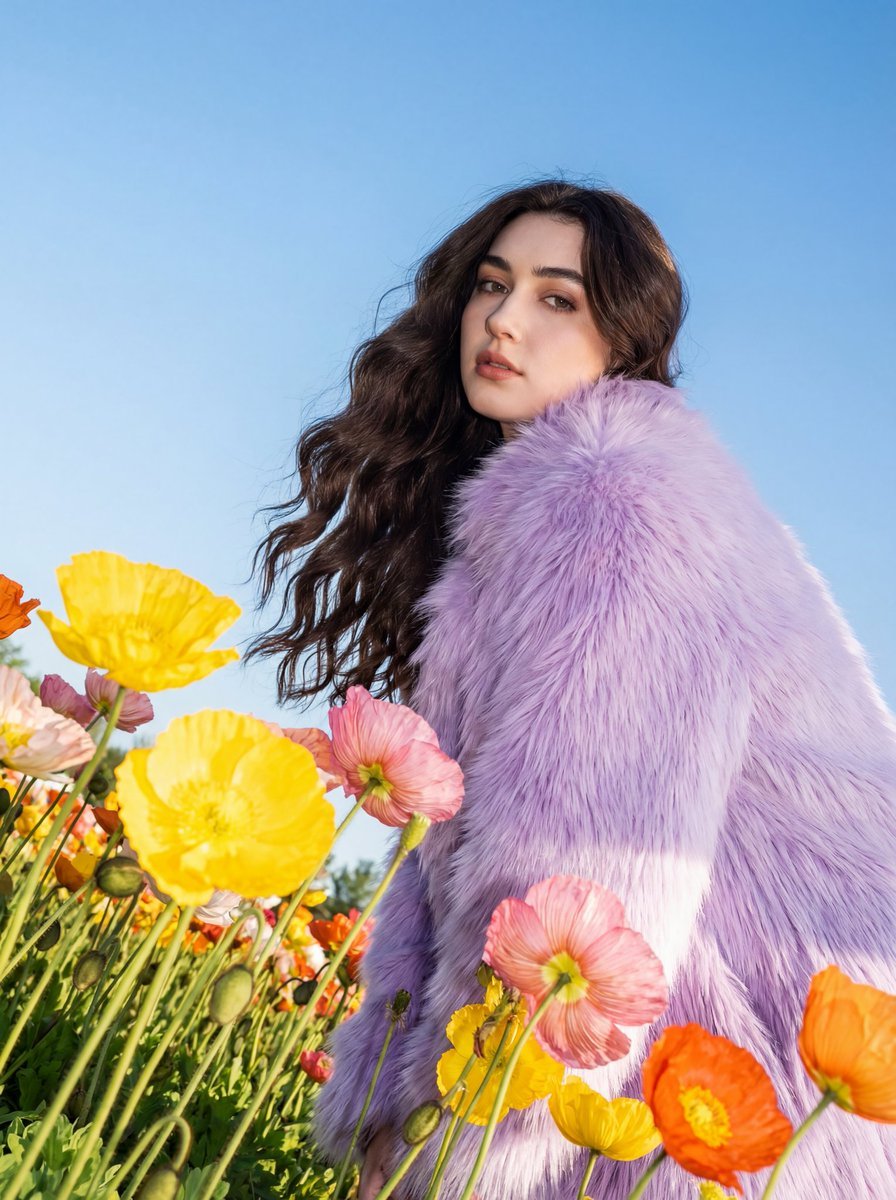
Harsh Flash Fashion Portrait in Flower Field Prompt
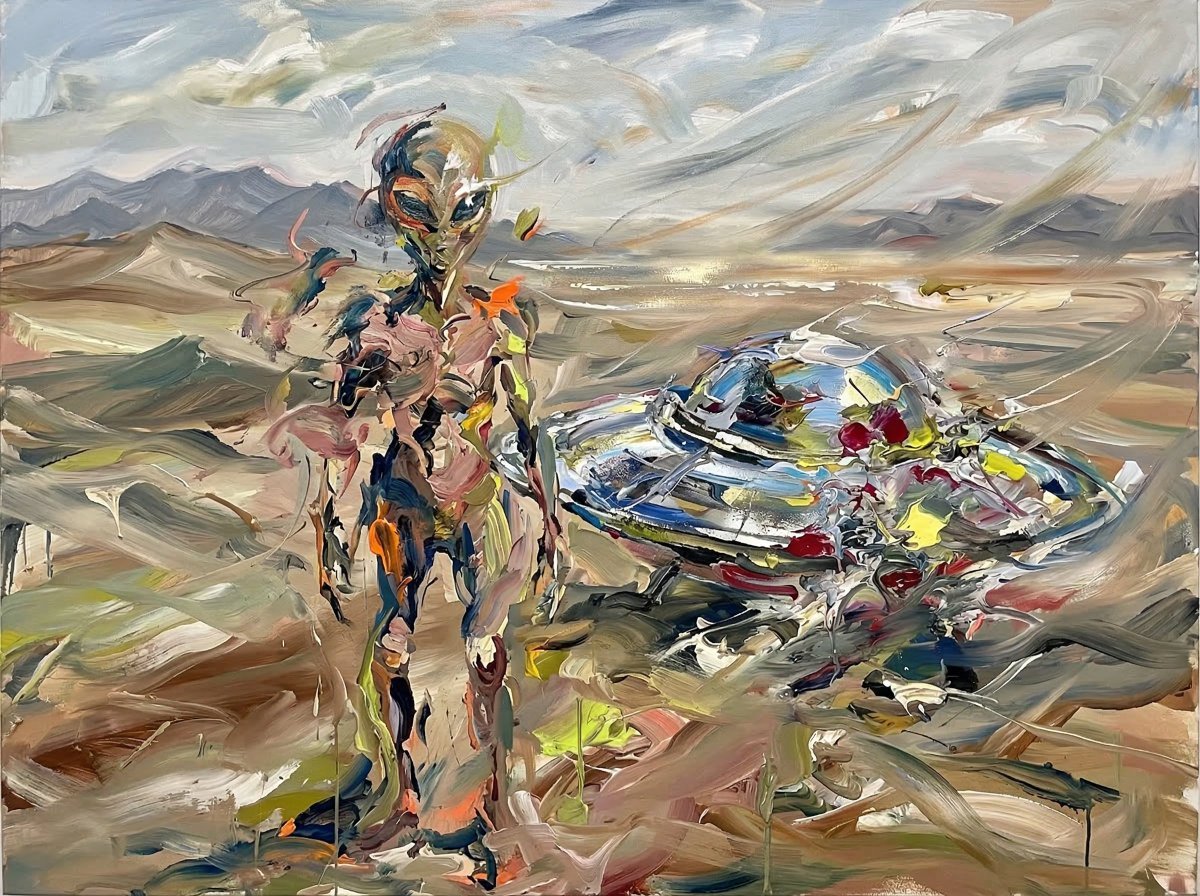
Surreal Alien Figure in Cecily Brown Style
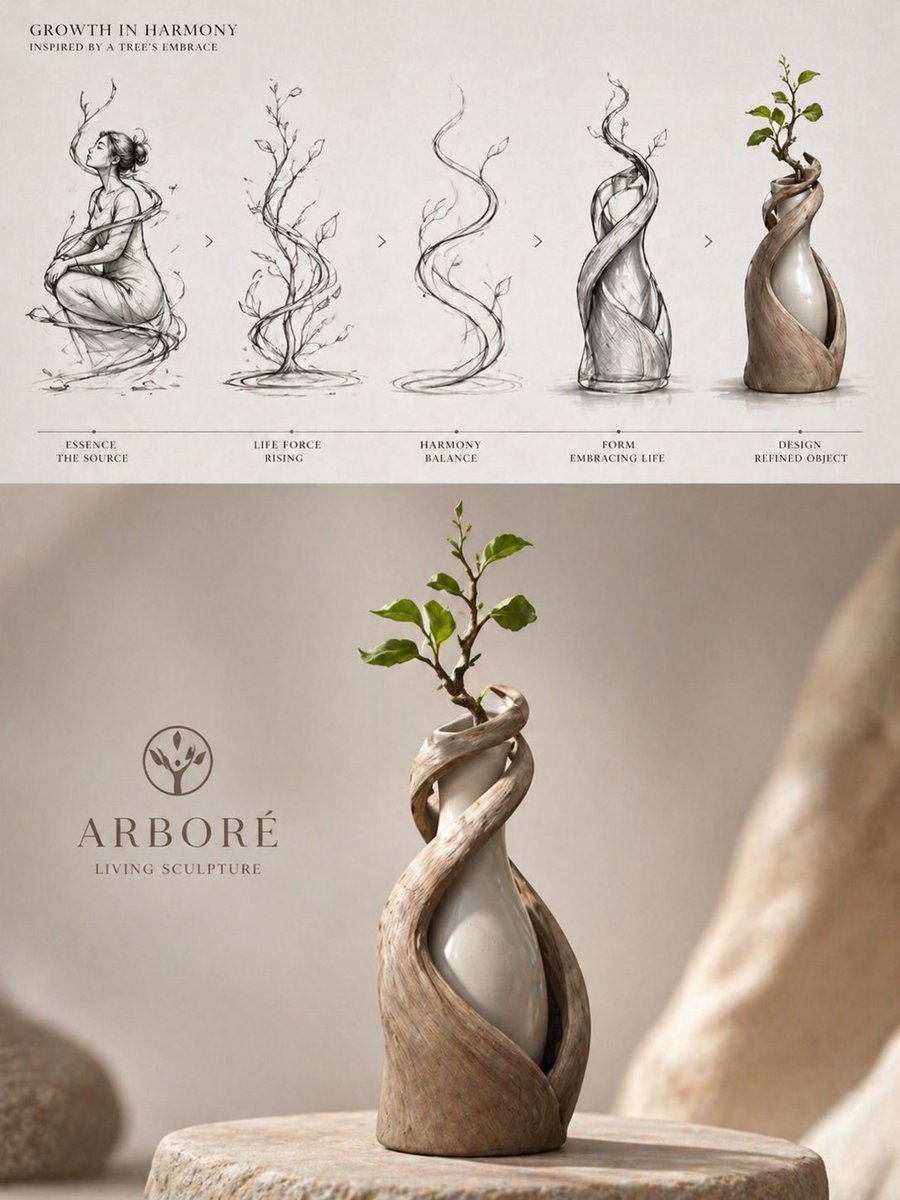
Luxury Biophilic Vase Concept Poster

Bruno Fernandes Gold Record Poster

Photorealistic Convenience Store Cashier
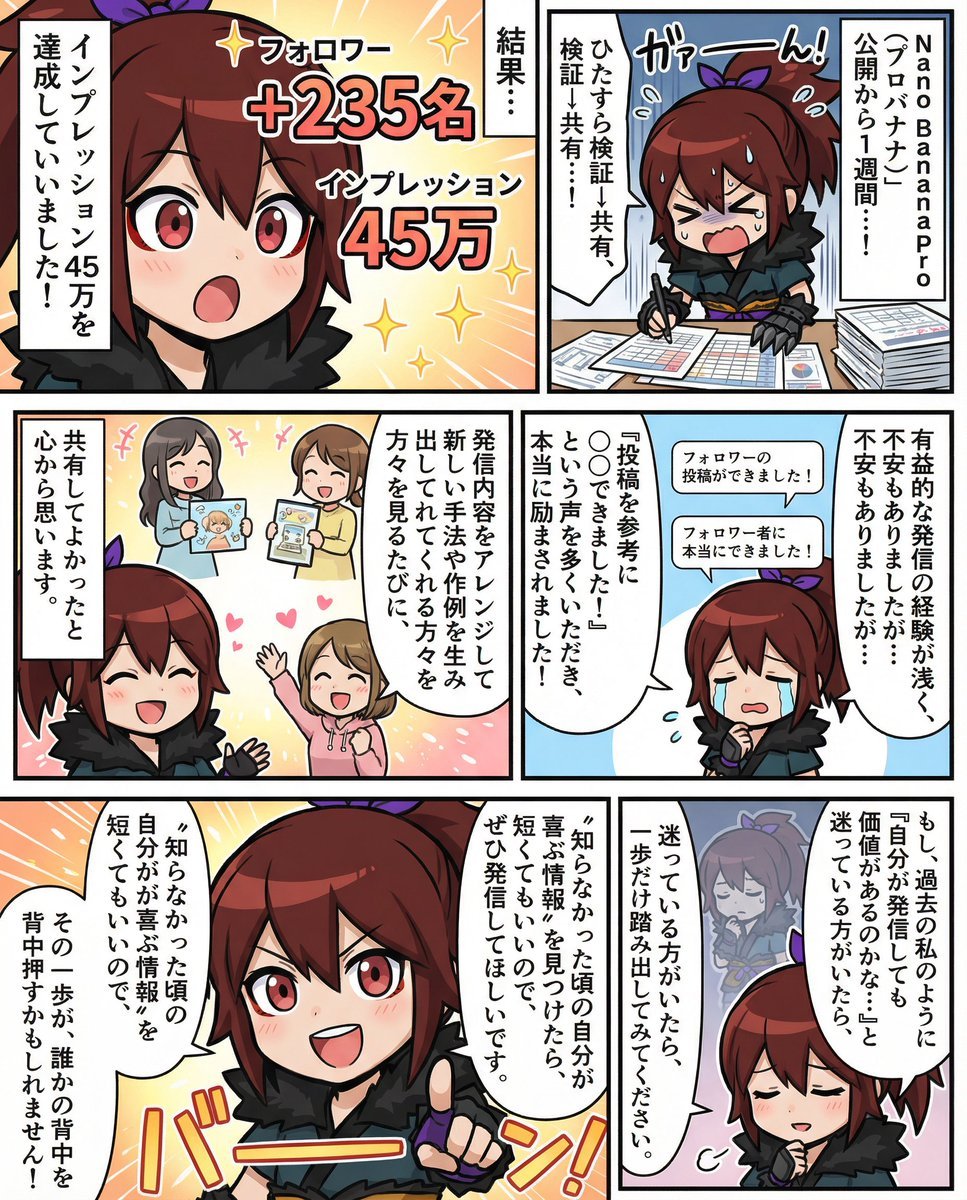
Moe-style full-color manga from given character and story

Minimalist Cave Painting Style Avatar
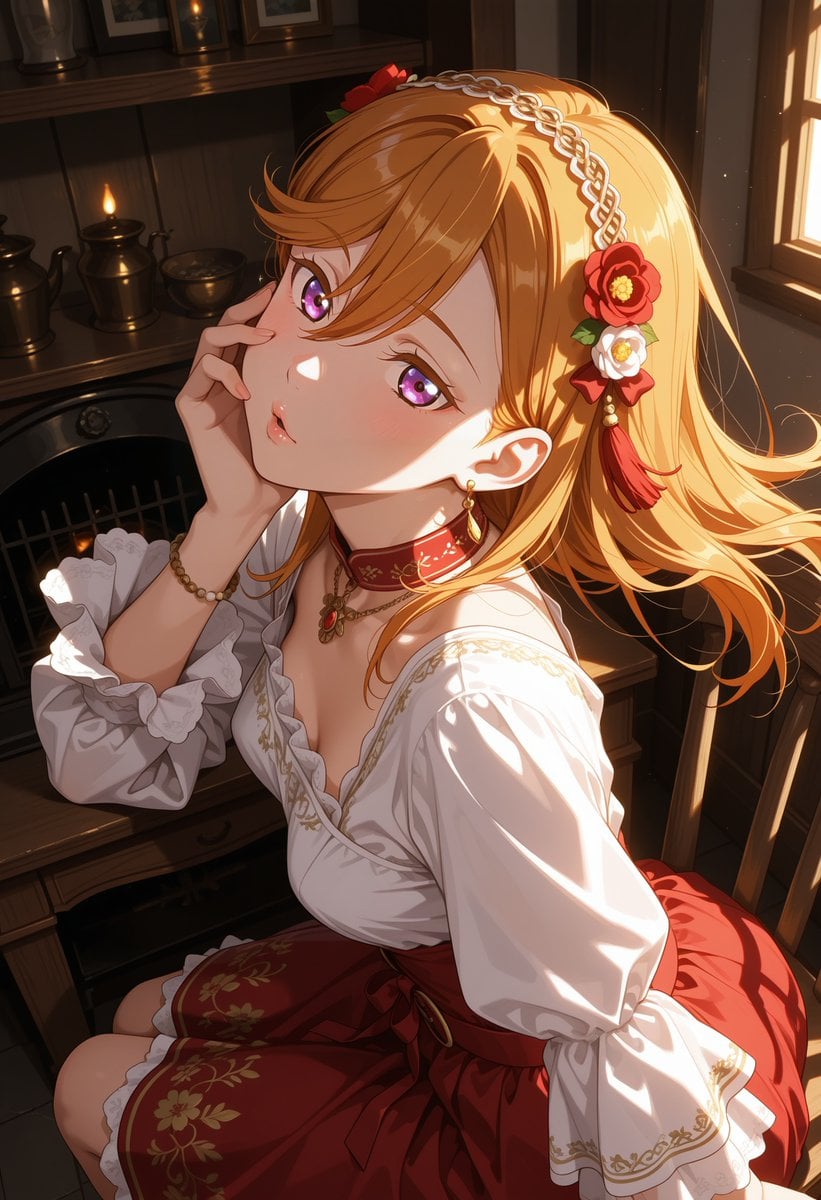
Victorian Maid Anime Portrait
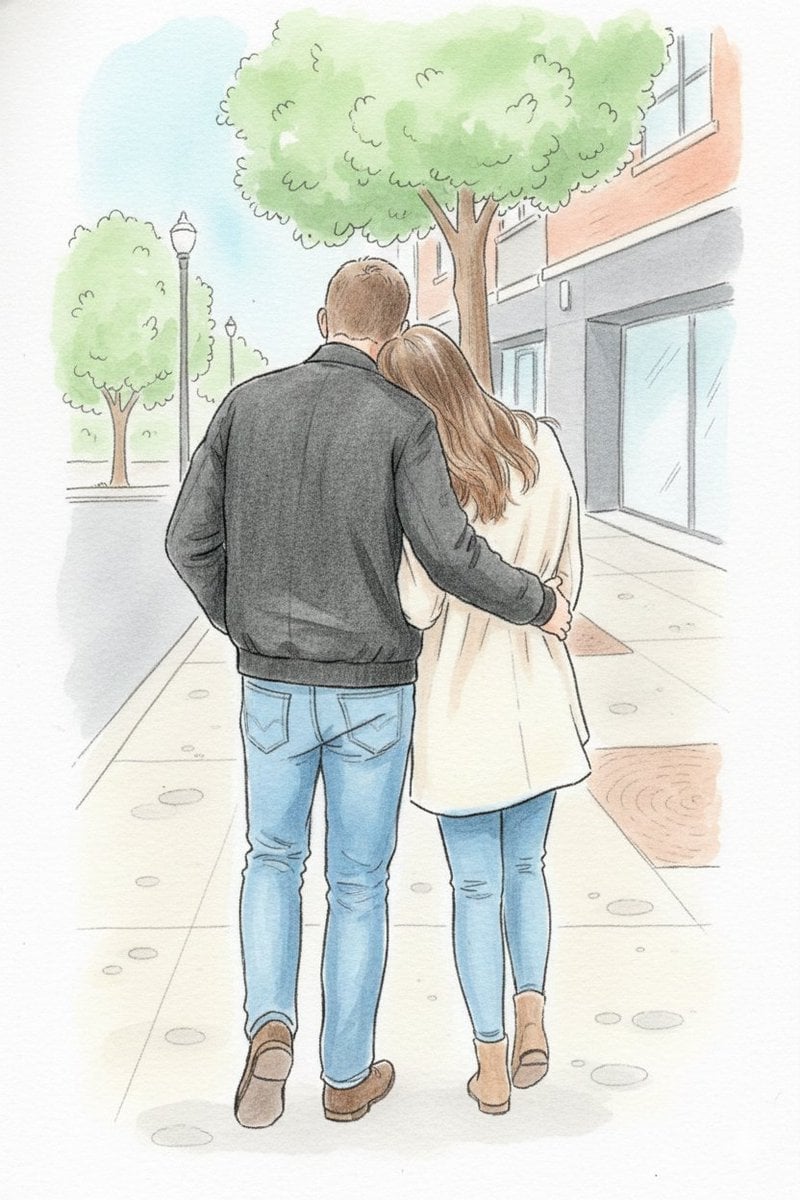
Identity-Preserving Storybook Illustration
Browse template categories
Zodiac Themed Yumi's Cells Poster questions
How do I use the Zodiac Themed Yumi's Cells Poster template?
Add your photo if the template asks for one, edit the prompt if you like — the template's model and format are already selected — and press Generate. Your version opens in PicX Studio.
Can I customize the Zodiac Themed Yumi's Cells Poster template?
Yes. You can change the subject, setting, lighting, mood, format, and available model controls before creating your image.
Is the Zodiac Themed Yumi's Cells Poster template free?
Opening and editing this template is free. Generating uses credits, shown on the Generate button when you are signed in.
Which AI model should I use?
Start with GPT Image 2, which is the model associated with this template. You can compare another compatible model for a different finish.
Looking for something else? Browse all templates.

Your photo, any look
Thousands of ready templates for every top image and video model, from one credit balance.