
Dark Fantasy Combining Mecha Lineup
A wide concept-art lineup of six gothic biomechanical robot forms, ideal for generating a sinister combining mecha design sheet or key visual.
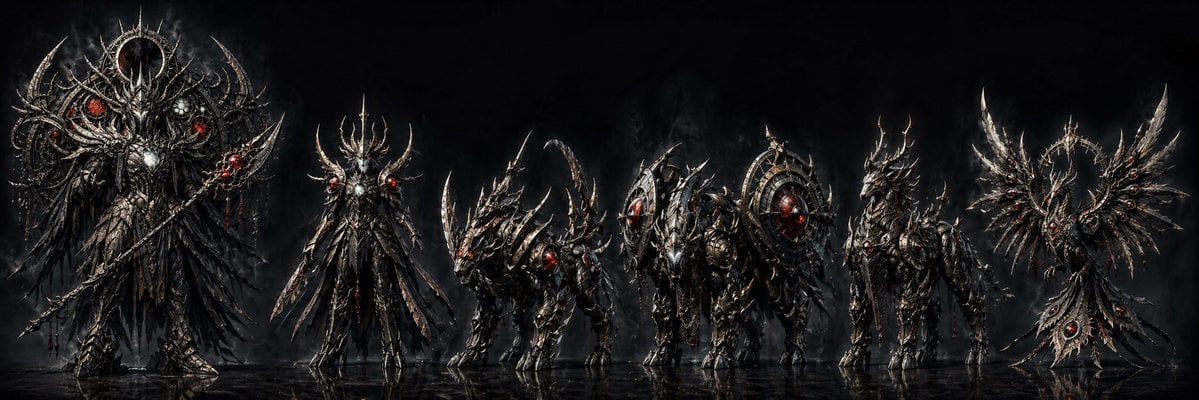
- Prompt included
- Model and format preset
- Free template
The prompt behind this image
Copy the exact prompt behind Dark Fantasy Combining Mecha Lineup, or open it in the studio and make it yours.
A dramatic dark fantasy mecha lineup on a black smoky studio-like background, rendered as ultra-detailed concept art with a wide cinematic composition. Show exactly 6 sinister biomechanical figures standing side by side on a glossy reflective floor, all designed as parts or forms of a combining robot set. The overall design language is gothic, infernal, and baroque: blackened steel, tarnished silver armor, serrated edges, thorn-like protrusions, skeletal filigree, red glowing cores and eyes, with subtle white-metal highlights and traces of crimson energy. The mood is ominous, majestic, and apocalyptic. From left to right: first, a towering humanoid overlord mech, the largest figure in the lineup, with a crown-like halo ring behind the head, huge layered black feathered or blade-like wings draping downward, ornate chest armor with a bright central core, multiple red glowing orbs embedded asymmetrically, and a long staff or spear held diagonally. Second, a tall slender angelic-demonic humanoid mech with an elongated body, spiked antler-like crest, narrow waist, blade-like hanging armor panels, and red glowing shoulder nodes, posed upright and regal. Third, a beast unit on four legs, low and aggressive like a demonic wolf or draconic hound, covered in curved blade armor and long swept-back horns, with glowing red eyes and an arched tail or spine silhouette. Fourth, a heavy quadruped siege unit, bulkier and more armored, with a forward head assembly and two large circular shield-like wheel structures mounted on its sides, full of radial spikes and a glowing red core at the center of one wheel. Fifth, a centaur-like or upright beast warrior mech with long legs, layered armor, horned head, and a sharp avian-draconic profile, slimmer than the heavy unit but still imposing, with red lights in the chest and head. Sixth, a symmetrical winged emblem-like unit resembling a mechanical phoenix crest rather than a humanoid body, with two broad metallic wings spread outward around a central halo ring and a tapered hanging tail piece set with 3 visible red gem-like cores. Keep the palette nearly monochrome except for the glowing reds. Emphasize razor-sharp silhouettes, intricate engravings, layered armor plates, cables and skeletal mechanical details, smoke drifting behind the figures, and faint reflections beneath their feet. The image should feel like a premium concept sheet for a {argument name="theme" default="dark combining robot"} in the style of hyper-detailed dark fantasy sci-fi illustration. Use a panoramic aspect ratio, front-facing lineup presentation, and high contrast lighting that picks out metallic edges against the deep black background.
How to use Dark Fantasy Combining Mecha Lineup in 3 steps
- 1Upload ImagePNG, JPG or paste
Add your photo
Upload the photo the template builds on. The prompt, model and format are already set.
- 2…a portrait of your subject in softgolden-hour light, 85mm…
Personalize
Edit the subject and creative details for your destination.
- 3Generate
Generate
Press Generate — your image is created in PicX Studio, so you can compare it with the original and refine one variable at a time.
More like this
Templates with the same subject, style or setup. Open one to see its prompt.
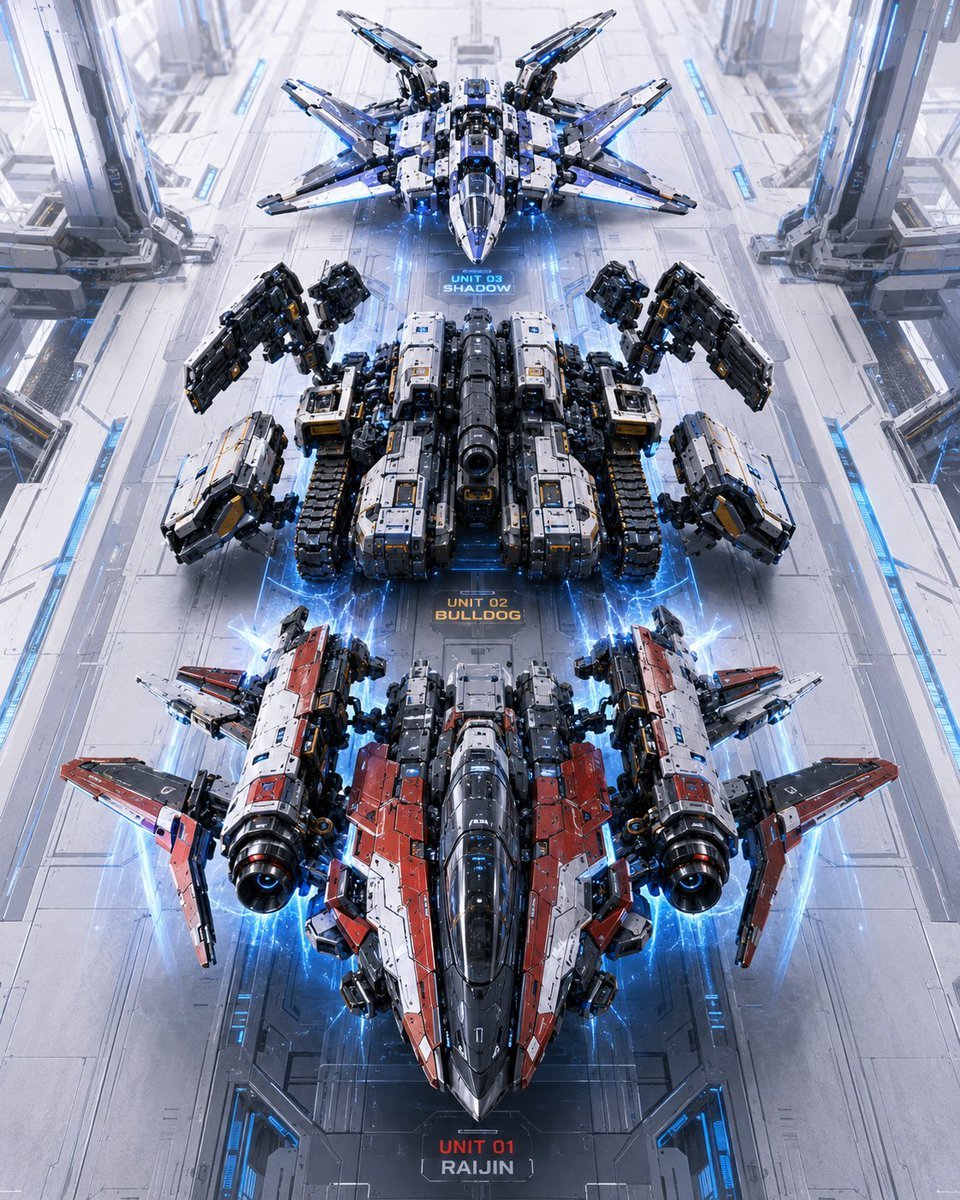
Three Mecha Combination Lineup

Dark Fantasy Sorceress Storyboard
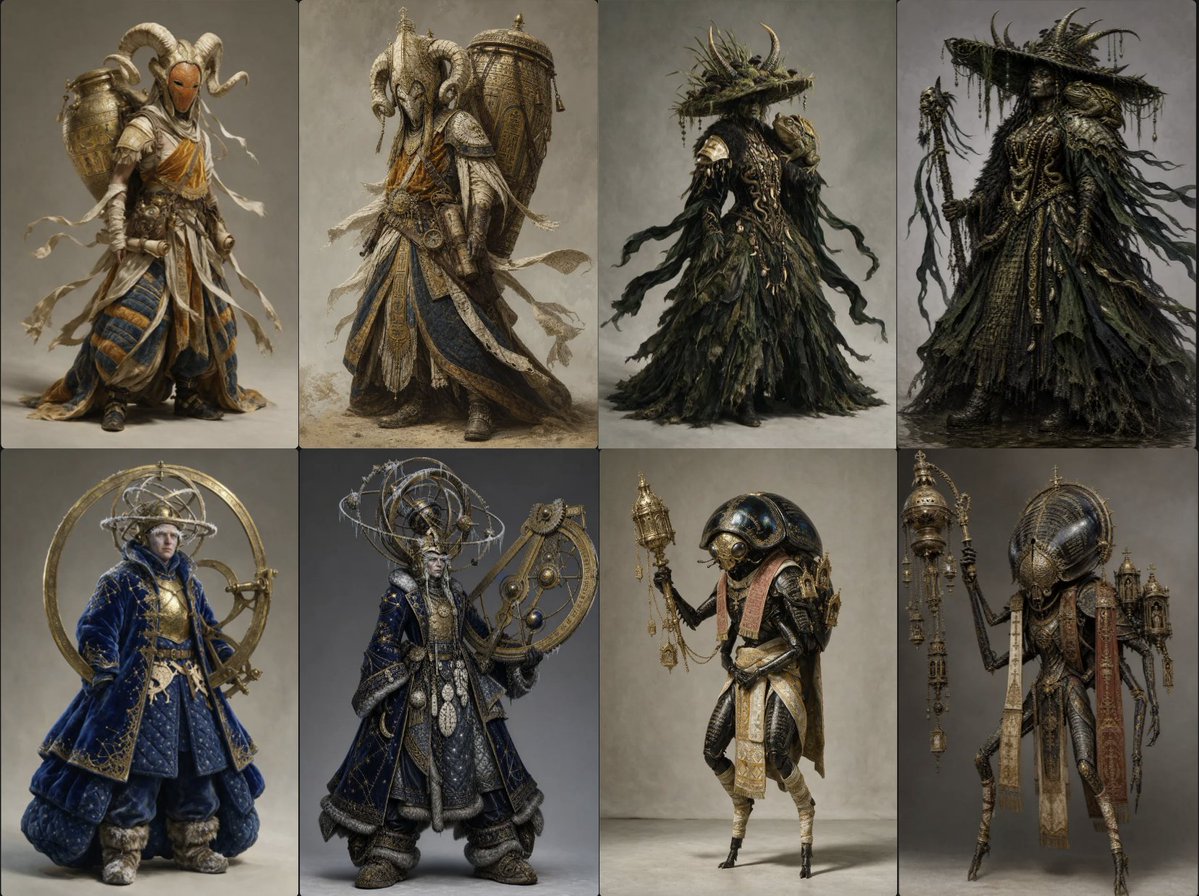
Ornate Fantasy Character Lineup

Dark Fantasy Smoke Monster Transformation

Anime Fantasy Celestial Movie Poster
Anime Fantasy Celestial Movie Poster

Selective Color Monochrome Football Poster

Minecraft Fantasy Kingdom Voxel Landscape

Unfinished Sketch Comes Alive Portrait

Open Travel Journal Overhead Still Life

Tiny Woman Miniature Fantasy Macro Scene
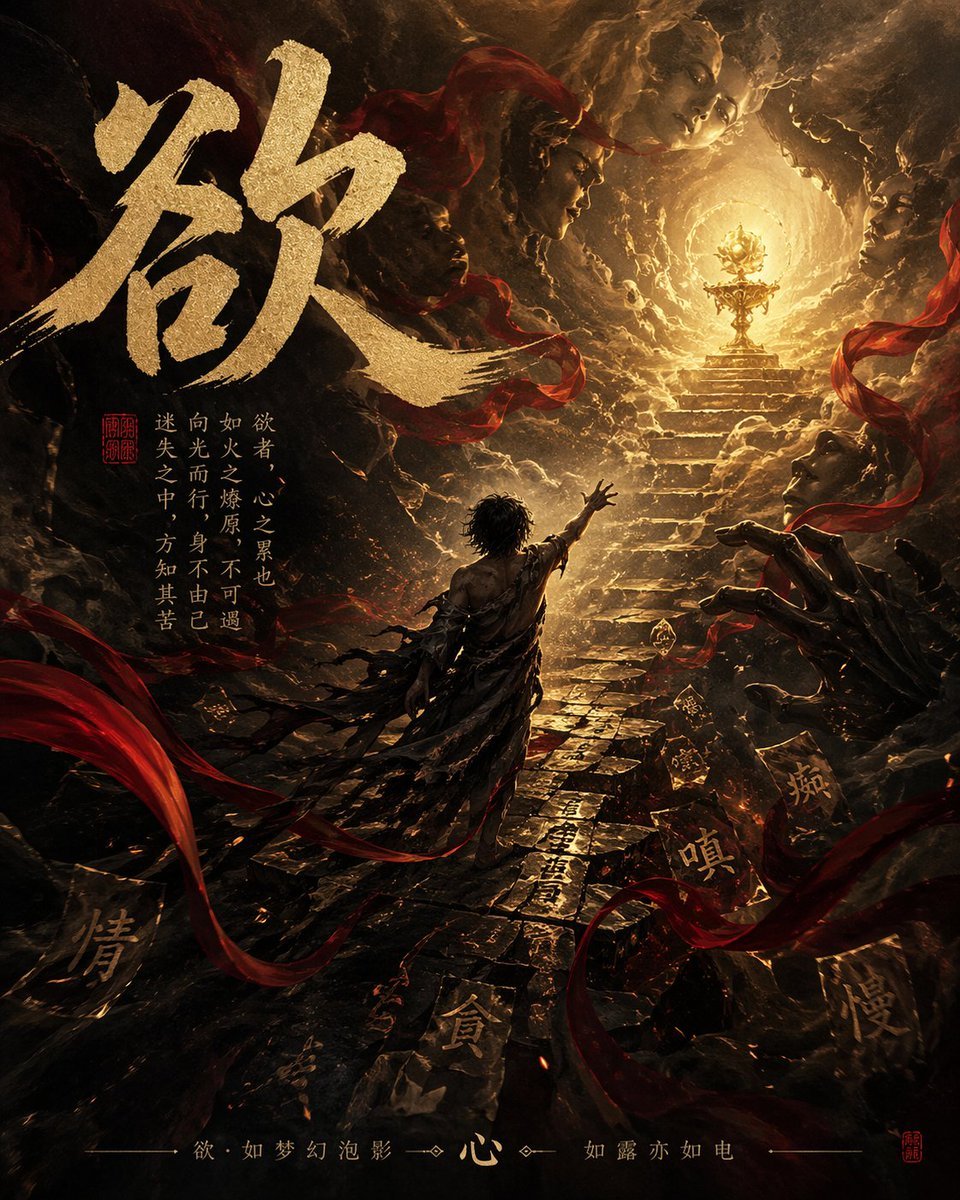
Dark Chinese Fantasy Desire Poster
Make it yours
Dark Fantasy Combining Mecha Lineup works as-is. These are the safest ways to change it without losing the look.
Change one field
Copy a single group, rewrite it, and generate again so you can see what that field is doing.
Keep the frame, change the subject
Hold the composition and light of Dark Fantasy Combining Mecha Lineup, then swap wardrobe, props or the person for a new take.
| If the result… | Why | Fix |
|---|---|---|
| The result drifts from the preview | Too many fields changed at once. | Reuse Dark Fantasy Combining Mecha Lineup as-is first, then change one group — subject, light, or setting. |
| The model over-stylizes the scene | The prose prompt leaves finish and camera underspecified. | Add one camera or lighting sentence and stay on GPT Image 2. |
More GPT Image 2 templates
Other prompts made for GPT Image 2.

Six VTuber Japanese Logo Sheet

Realistic Portrait of Woman and Deer

The Vista Modular Condo Poster

AI Model Routing Comparison Infographic

2.5D Anime Art Board

Isometric Productivity Desk Scene

New York Double Exposure Poster

Four-Panel AI Landscape Comparison

Japanese Tatami Lifestyle Magazine Cover

NESCAFÉ Coffee Map Poster
More image prompts
Fresh picks from across the catalog.
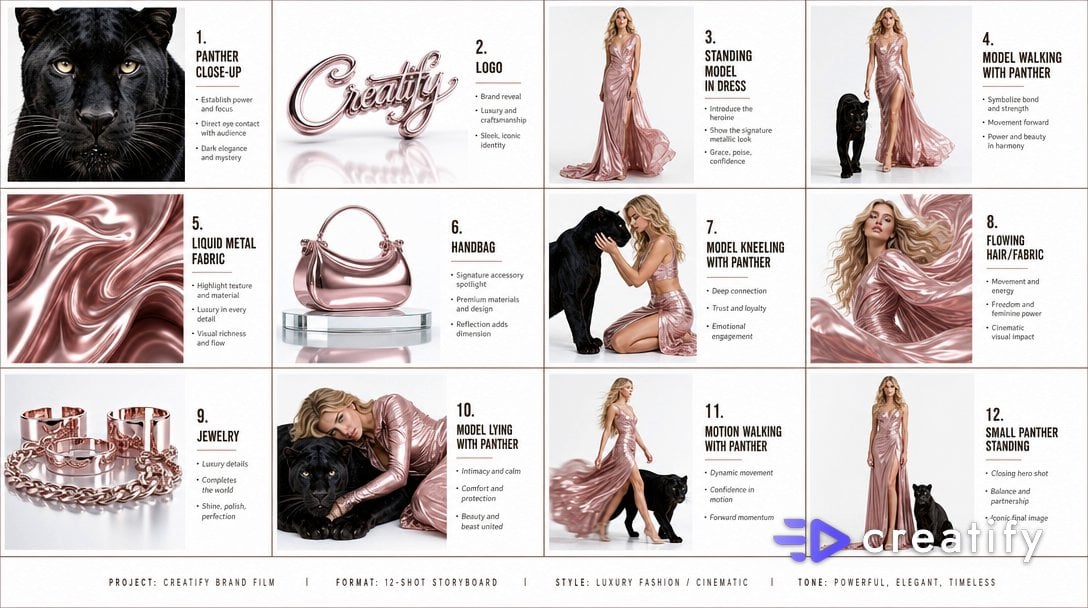
Cinematic Storyboard Infographic

Retro Pop-Art Comic Strip
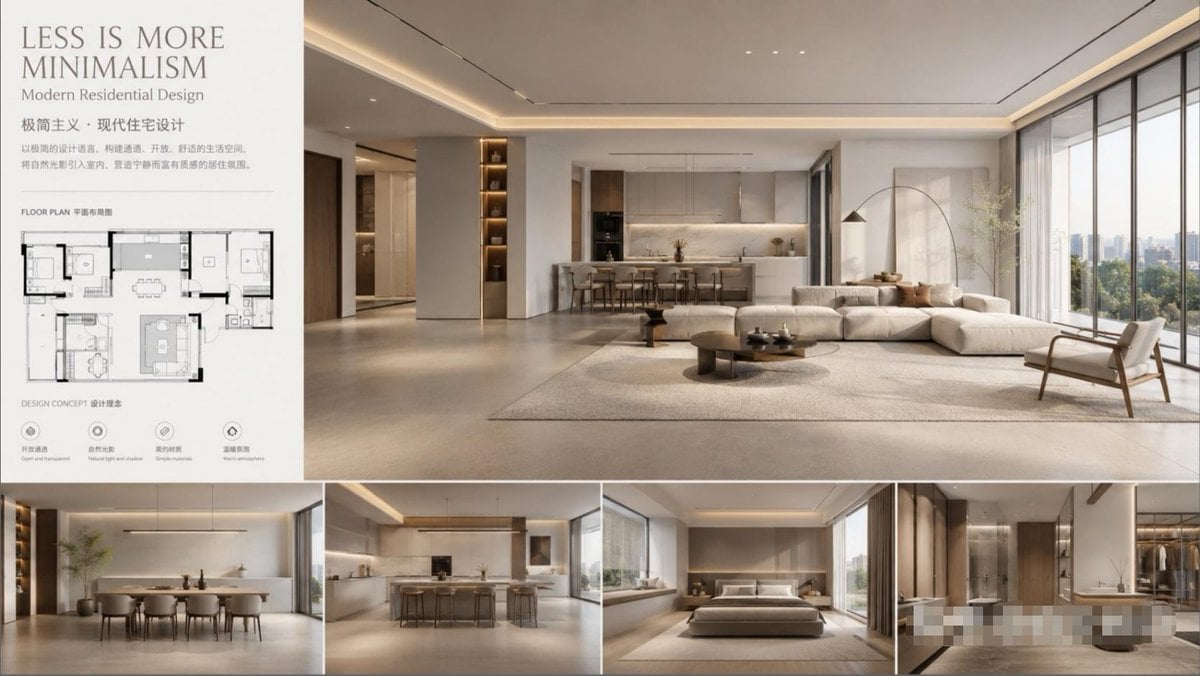
Modern Minimalist Interior Design Showcase

Luxury Influencer Branding Poster
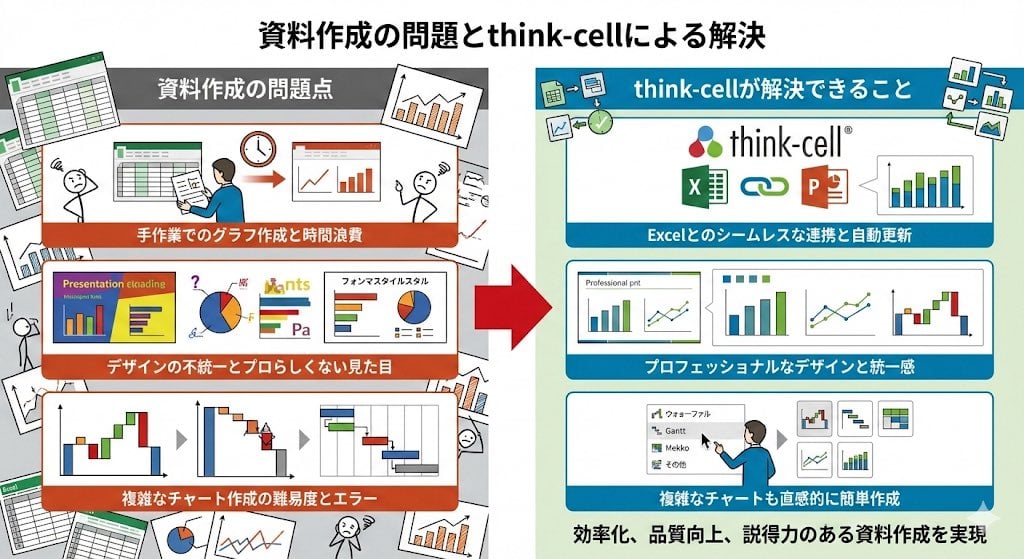
Visual explanation of Think-cell solving document issues
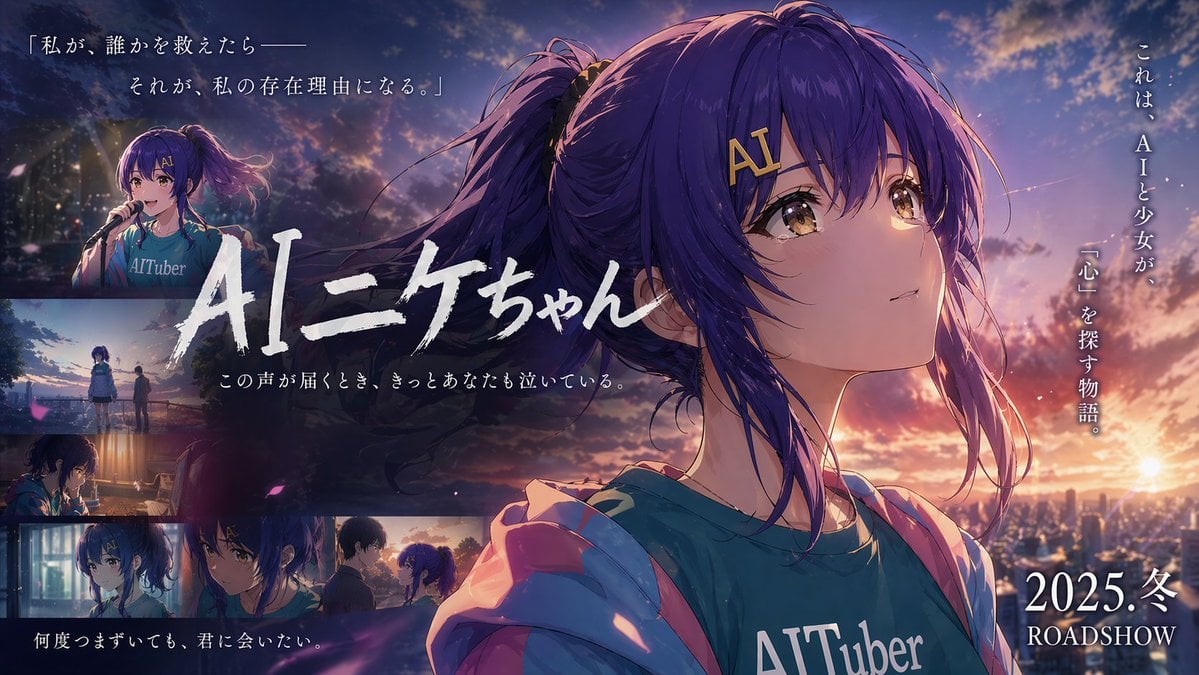
Emotional Anime Movie Banner

Ibaraki Travel Guide Cover
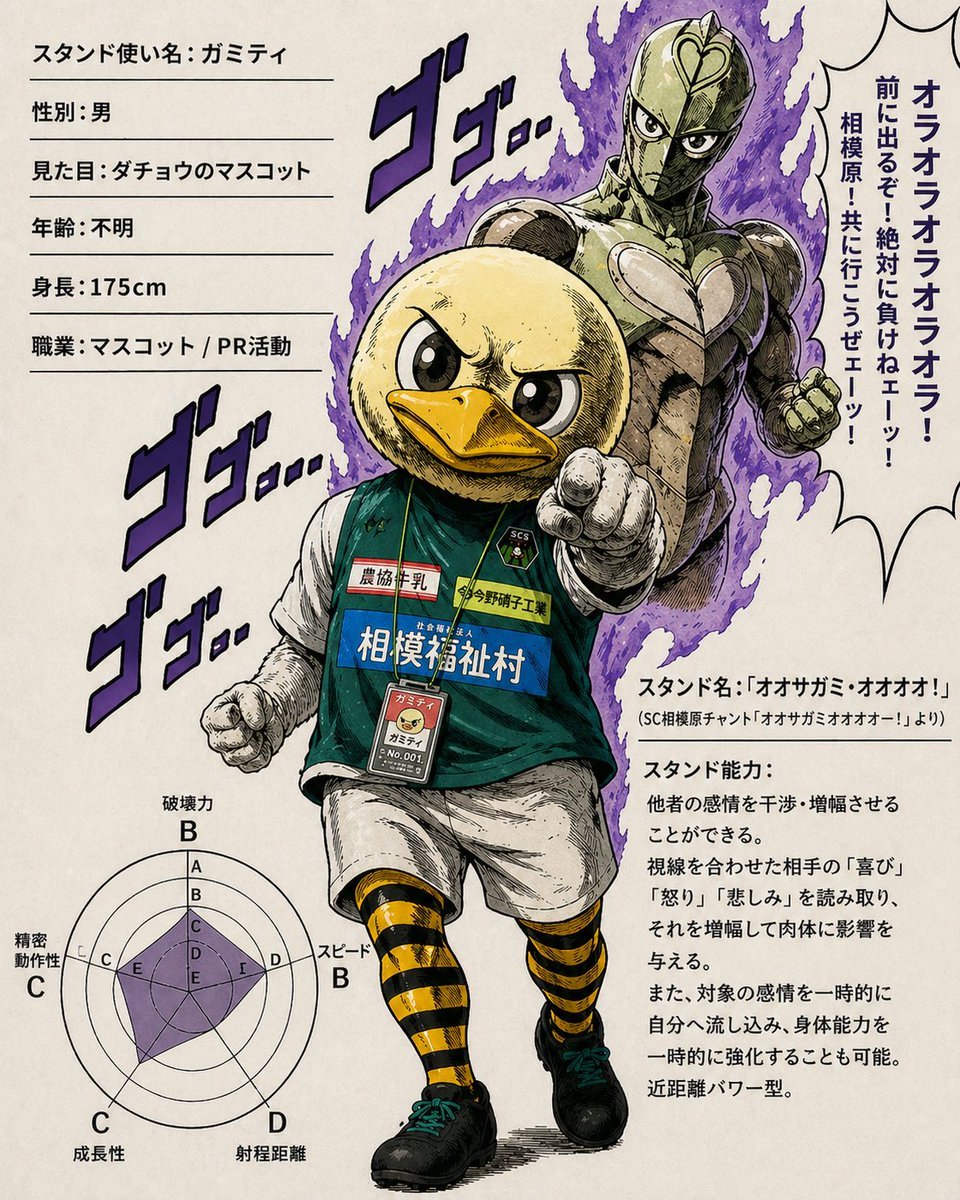
JoJo-Style Duck Mascot Stand Profile
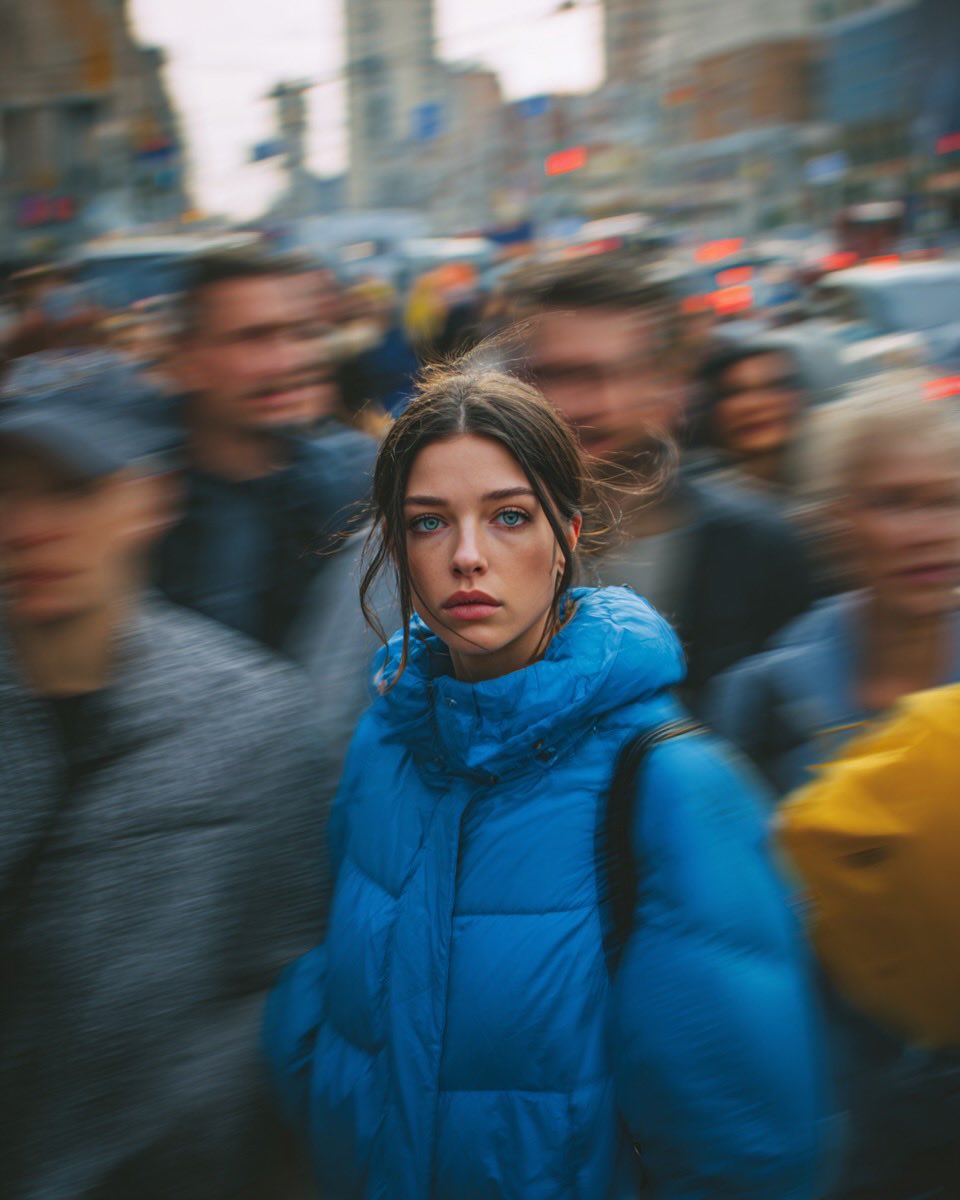
Cinematic Street Portrait of Woman in Puffer Jacket (3 Variations)

Luxury Coffee Branding Product Photography
Browse template categories
Dark Fantasy Combining Mecha Lineup questions
How do I use the Dark Fantasy Combining Mecha Lineup template?
Add your photo if the template asks for one, edit the prompt if you like — the template's model and format are already selected — and press Generate. Your version opens in PicX Studio.
Can I customize the Dark Fantasy Combining Mecha Lineup template?
Yes. You can change the subject, setting, lighting, mood, format, and available model controls before creating your image.
Is the Dark Fantasy Combining Mecha Lineup template free?
Opening and editing this template is free. Generating uses credits, shown on the Generate button when you are signed in.
Which AI model should I use?
Start with GPT Image 2, which is the model associated with this template. You can compare another compatible model for a different finish.
Looking for something else? Browse all templates.

Your photo, any look
Thousands of ready templates for every top image and video model, from one credit balance.