
Emotional Anime Movie Banner
A cinematic anime-style Japanese film teaser banner featuring a purple-haired girl, dramatic sunset lighting, and six inset story scenes, ideal for movie poster or promotional key visual generation.
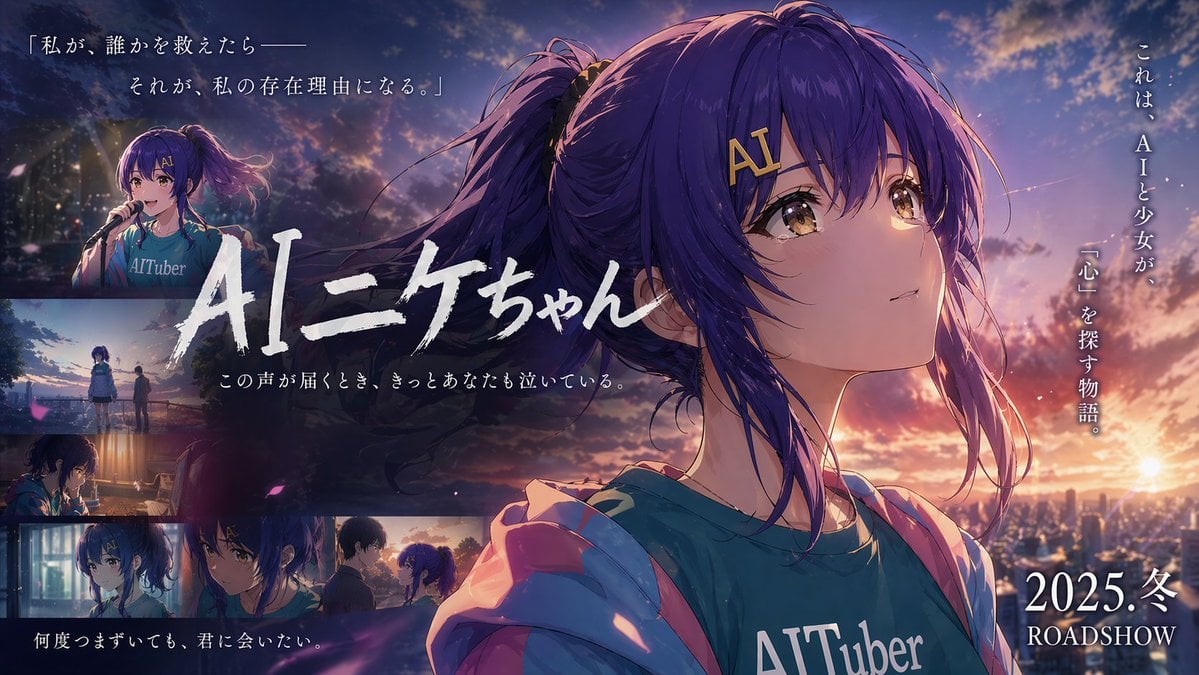
- Prompt included
- Model and format preset
- Free template
The prompt behind this image
Copy the exact prompt behind Emotional Anime Movie Banner, or open it in the studio and make it yours.
Create an emotional Japanese movie teaser banner in anime key visual style, widescreen 16:9, at sunset over a city. The main focus is a close-up portrait of {argument name="character name" default="AIニケちゃん"}, a teenage anime girl with long indigo-purple hair in a high ponytail, loose strands blowing in the wind, golden-brown eyes full of quiet emotion, and a gold hair clip reading "AI" near her bangs. She is turned slightly to the left but looking upward to the right with a wistful, hopeful expression. She wears a teal T-shirt with large white text reading {argument name="shirt text" default="AITuber"} and a soft pink hoodie falling off her shoulders. Use cinematic rim light from a dramatic orange-pink-purple dusk sky with glowing clouds, lens bloom, atmospheric haze, and small drifting flower petals. Place her large on the right half of the composition, with a sparkling city skyline and low sun in the far-right background. Design it like a Japanese film poster with layered typography and inset scenes. Across the center-left, place the large hand-brushed Japanese title {argument name="title text" default="AIニケちゃん"} in bold white calligraphy, partially overlapping the character. Beneath it, add a smaller white Japanese tagline: {argument name="subtitle text" default="この声が届くとき、きっとあなたも泣いている。"}. At the top left, add a 2-line Japanese quote in elegant white Mincho-style serif text: 「私が、誰かを救えたら—— それが、私の存在理由になる。」 Along the far right side, add vertical white Japanese copy: これは、AIと少女が、 「心」を探す物語。 At the bottom right, add large white release text: {argument name="release text" default="2025.冬 ROADSHOW"}. Include exactly 6 inset cinematic scenes arranged mainly along the left and bottom edges with soft borders and moody color grading: 1) top-left small panel of the same girl singing into a microphone on stage at night, wearing the same shirt; 2) left-middle panel showing the girl and another person standing apart outdoors at dusk near a riverside or overlook; 3) left-lower panel of the girl indoors at a desk or table in dim warm light, seen in profile; 4) bottom-left small close-up portrait of the girl looking serious in cool indoor lighting; 5) bottom-center small close-up of the girl facing another version or another girl with matching blue-purple hair, both in tense emotional conversation; 6) bottom-right small panel of two figures facing each other at sunset, suggesting a farewell or reunion. Overall mood: bittersweet, sentimental, cinematic, luminous anime film advertisement, highly detailed illustration, polished poster layout, emotional Japanese coming-of-age sci-fi drama aesthetic.
How to use Emotional Anime Movie Banner in 3 steps
- 1Upload ImagePNG, JPG or paste
Add your photo
Upload the photo the template builds on. The prompt, model and format are already set.
- 2…a portrait of your subject in softgolden-hour light, 85mm…
Personalize
Edit the subject and creative details for your destination.
- 3Generate
Generate
Press Generate — your image is created in PicX Studio, so you can compare it with the original and refine one variable at a time.
More like this
Templates with the same subject, style or setup. Open one to see its prompt.












Make it yours
Emotional Anime Movie Banner works as-is. These are the safest ways to change it without losing the look.
Change one field
Copy a single group, rewrite it, and generate again so you can see what that field is doing.
Keep the frame, change the subject
Hold the composition and light of Emotional Anime Movie Banner, then swap wardrobe, props or the person for a new take.
| If the result… | Why | Fix |
|---|---|---|
| The result drifts from the preview | Too many fields changed at once. | Reuse Emotional Anime Movie Banner as-is first, then change one group — subject, light, or setting. |
| The model over-stylizes the scene | The prose prompt leaves finish and camera underspecified. | Add one camera or lighting sentence and stay on GPT Image 2. |
More GPT Image 2 templates
Other prompts made for GPT Image 2.

Six VTuber Japanese Logo Sheet

Realistic Portrait of Woman and Deer

The Vista Modular Condo Poster

AI Model Routing Comparison Infographic

2.5D Anime Art Board

Isometric Productivity Desk Scene

New York Double Exposure Poster

Four-Panel AI Landscape Comparison

Japanese Tatami Lifestyle Magazine Cover

NESCAFÉ Coffee Map Poster
More image prompts
Fresh picks from across the catalog.
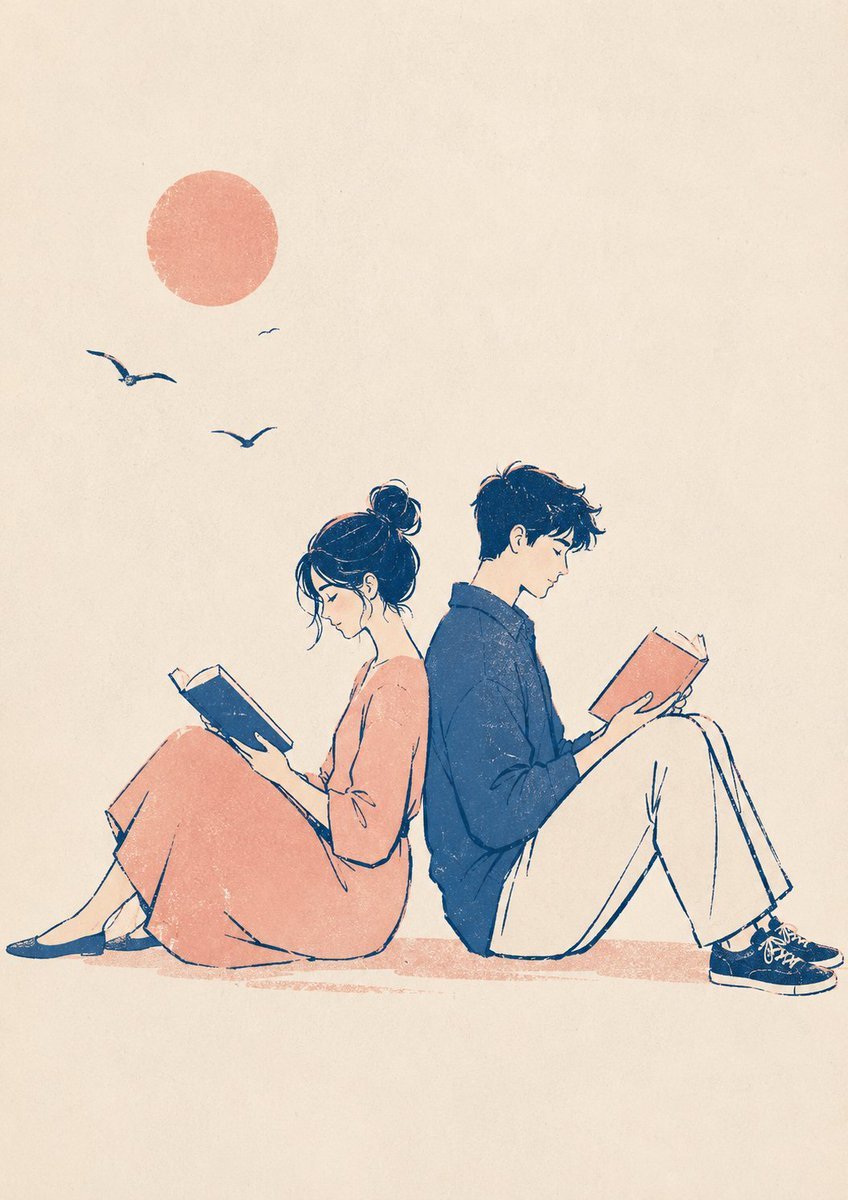
Printmaking Style Couple Illustration
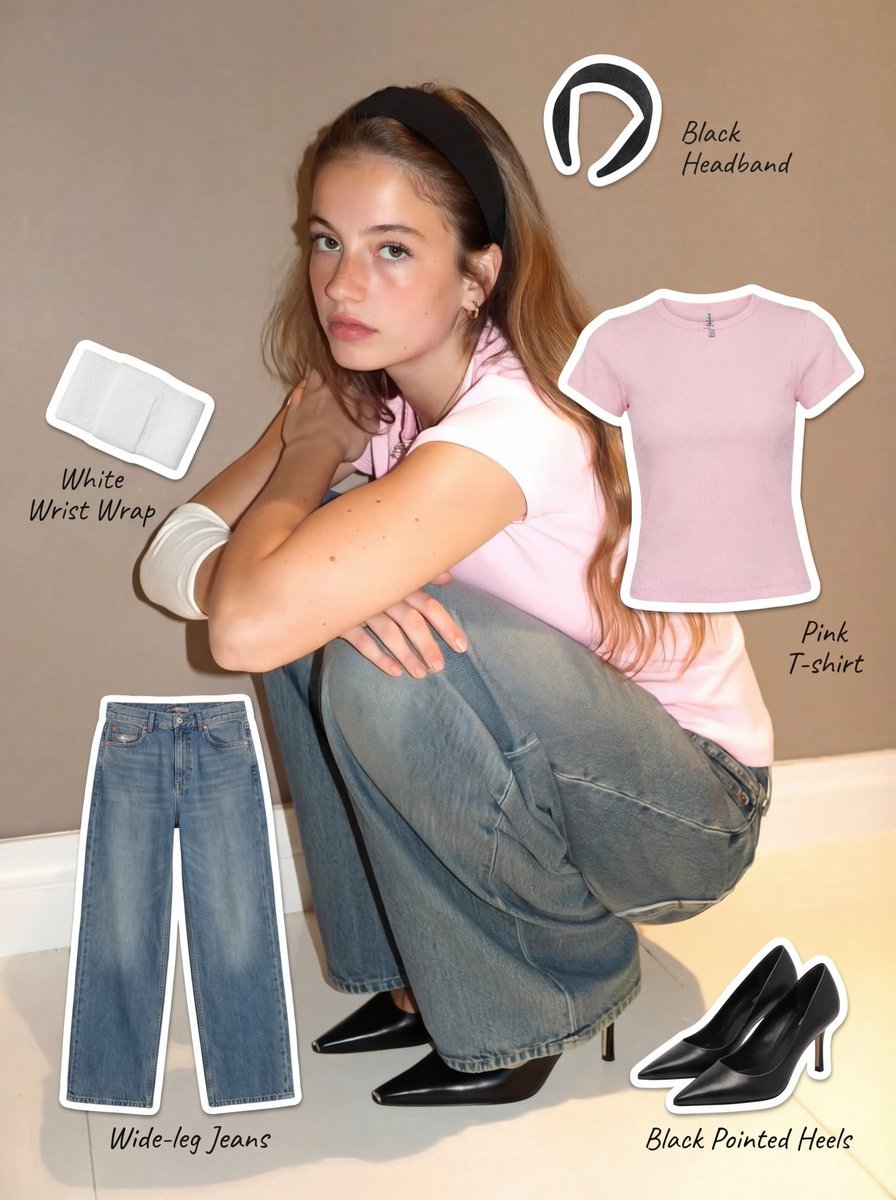
Clothing Item Cut-Out Sticker Prompt
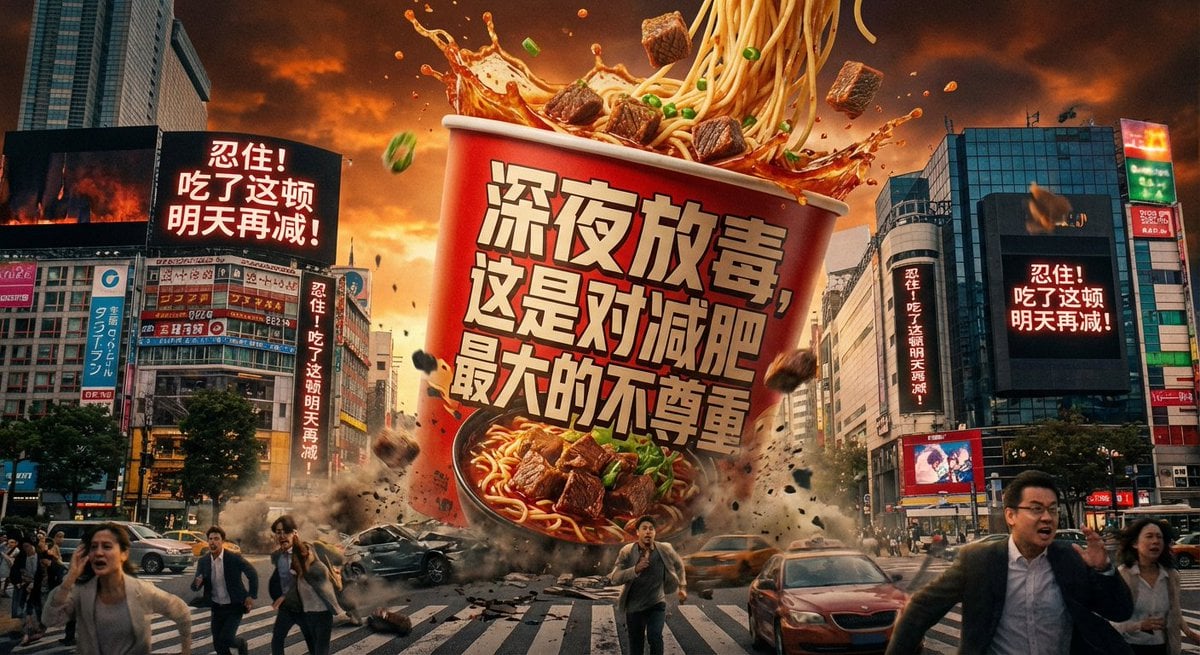
Classical Chinese poem illustration with text

Dragon Ball Art Style Transformation
Romantic Sunset Couple Portrait
Dior Floating Garden 3D Billboard

Cinematic Portrait of Man in Leather Jacket and Sunglasses
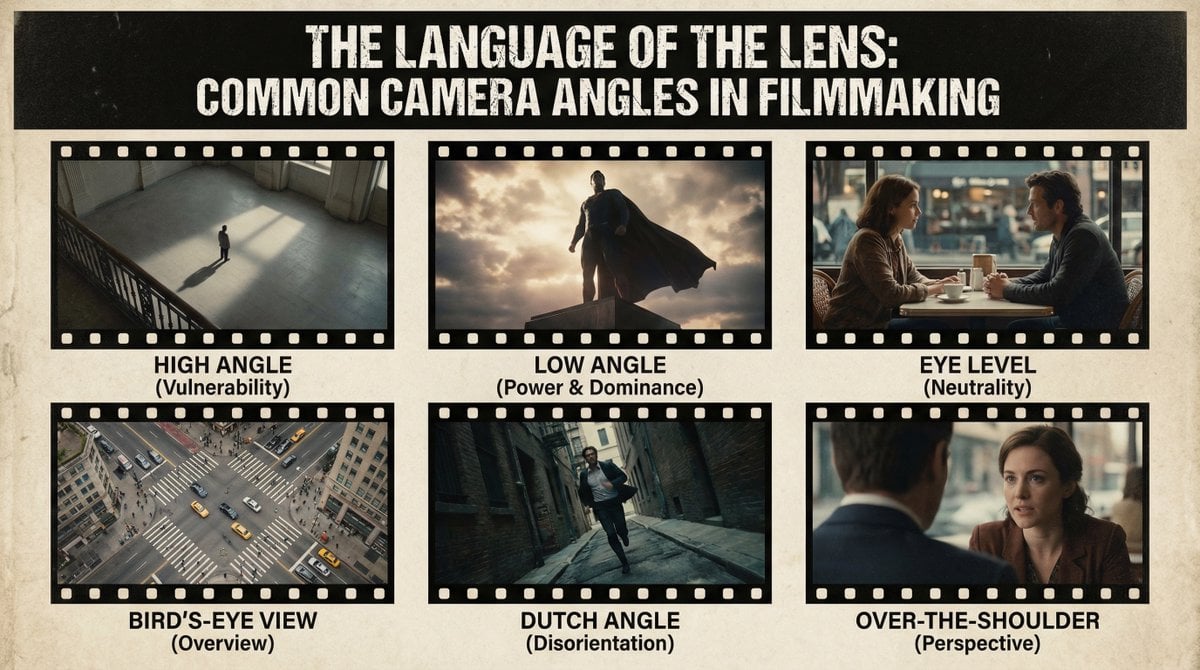
Camera angles poster
Savanna Portrait with Lions

Cinematic Firelit Portrait Transformation
Browse template categories
Emotional Anime Movie Banner questions
How do I use the Emotional Anime Movie Banner template?
Add your photo if the template asks for one, edit the prompt if you like — the template's model and format are already selected — and press Generate. Your version opens in PicX Studio.
Can I customize the Emotional Anime Movie Banner template?
Yes. You can change the subject, setting, lighting, mood, format, and available model controls before creating your image.
Is the Emotional Anime Movie Banner template free?
Opening and editing this template is free. Generating uses credits, shown on the Generate button when you are signed in.
Which AI model should I use?
Start with GPT Image 2, which is the model associated with this template. You can compare another compatible model for a different finish.
Looking for something else? Browse all templates.

Your photo, any look
Thousands of ready templates for every top image and video model, from one credit balance.